
January 2027 Calendar (Free Printable)
The January 2027 calendar below is free to print. January 2027 starts on a Friday, has 31 days and includes 21 weekdays (Monday to Friday). Choose a Sunday or Monday start, turn US holidays on or off, pick one of four colour themes, then press Print or Download PDF.
| Sun | Mon | Tue | Wed | Thu | Fri | Sat |
|---|---|---|---|---|---|---|
| 1New Year's Day | 2 | |||||
| 3 | 4 | 5 | 6 | 7 | 8 | 9 |
| 10 | 11 | 12 | 13 | 14 | 15 | 16 |
| 17 | 18Martin Luther King Jr. Day | 19 | 20 | 21 | 22 | 23 |
| 24 | 25 | 26 | 27 | 28 | 29 | 30 |
| 31 |
| Mon | Tue | Wed | Thu | Fri | Sat | Sun |
|---|---|---|---|---|---|---|
| 1New Year's Day | 2 | 3 | ||||
| 4 | 5 | 6 | 7 | 8 | 9 | 10 |
| 11 | 12 | 13 | 14 | 15 | 16 | 17 |
| 18Martin Luther King Jr. Day | 19 | 20 | 21 | 22 | 23 | 24 |
| 25 | 26 | 27 | 28 | 29 | 30 | 31 |
Notes
Free for personal, classroom and office use. Prints on US Letter and fits A4.
If you are searching for the month of January 2027 as a quick reference, here it is in short. The month runs from Friday, January 1 to Sunday, January 31. The rest of this page covers how the month is laid out, which dates matter and how to get more from a single printed page.
January 2027 at a glance

January 1 lands on a Friday, so the first week of the year is short. Only two days (Friday and Saturday) sit in the first row of a Sunday-start grid. The month then runs in clean weeks and finishes on Sunday, January 31.
Here are the numbers worth knowing:
- 31 days in total
- 21 weekdays and 10 weekend days
- Five Fridays, five Saturdays and five Sundays
- Four Mondays, Tuesdays, Wednesdays and Thursdays
Because the month ends on a Sunday, the next one starts on a Monday. That makes February 2027 a tidy four-week month with no loose days.
Sunday start or Monday start
Your choice changes how the month looks on paper. With a Sunday start, January 2027 needs six rows, because the first week holds only two dates and the last row holds only January 31. The six-row grid is fine, but each box is a bit shorter.
With a Monday start, the month fits into five rows. The first row holds Friday, Saturday and Sunday (the 1st, 2nd and 3rd), and the last row ends neatly on the 31st. Boxes are taller, which helps if you write a lot in each day. A Monday start also keeps the weekend together on the right, which many people prefer for work or school planning. If Monday is your default all year, the Monday start calendar page has more on that layout.
Try this: Print both layouts once. Write your usual week in each and keep whichever one leaves you more room. Use that setting for the rest of 2027.
Holidays and dates to know
Turn the US holidays switch on and the calendar prints the federal holidays for the month. There are two in January. New Year’s Day is Friday, January 1, and Martin Luther King Jr. Day is the third Monday, which is January 18, 2027. Both create a long weekend, and that is useful to know before you plan travel or ask for time off.
Switch holidays off if you want a clean grid. That is the better choice for a school term calendar, a project plan or a family schedule where you will add your own dates. Banks, schools and many offices close for these two days, so mark them even if your own calendar is mostly blank.
Other January dates are not official holidays but still shape the month. Many people note the return to school or work after winter break, the first sales of the year and sports playoff weekends. If you celebrate Orthodox Christmas in early January, our Orthodox Christmas 2027 page covers the date and how it relates to the Julian calendar.
What to put on your January calendar
A fresh month is the best moment to set up a planning habit, and a single page is enough to hold most of it. Start with fixed items: appointments, work deadlines, school dates, bill due dates and birthdays. Then add anything that repeats, such as weekly classes, bin day or a standing call.
After the fixed items, place the flexible ones. These are the things you want to do but that have no deadline, such as a gym session, a clear-out of one room or a catch-up with a friend. Put them in squares that are still empty. If a date box is full, the task probably does not fit that day.
A few categories work well for January in particular:
- Resets: taxes and paperwork gathering, insurance renewals, a declutter after the holidays
- Goals: one or two targets you can check weekly, not a long list
- Money: subscriptions to cancel, a first budget review, savings transfers
- People: birthdays and family dates you want to remember all year
Try this: Take a highlighter and mark the three days in January 2027 that are already full. Do not schedule anything new on those days. You will finish the month less rushed.
Using the calendar for new-year goals

January is when most people write goals, and a calendar turns them into something you can actually do. Pick a start date for each goal and add a check-in on a fixed day, for example every Sunday. Five Sundays in the month means five natural check-ins, and the last one falls on January 31, which makes it a clean review day.
If a goal needs daily tracking, pair the monthly page with a separate sheet. The habit tracker printable gives you one box per day for each habit, and the goal tracker helps when a target needs steps. Keep the calendar for dates and the tracker for repeated actions, so neither page gets crowded.
Printing tips and PDF download
The Print button opens your browser’s print window with the calendar already sized for the page. Landscape usually gives the roomiest date boxes. If anything is cut off, set scale to fit or default and make sure margins are not set to none.
Download PDF is the better option if you want a file you can save, email or send to a print shop. It also keeps the layout the same on every device, which matters when you share it with family or colleagues. For crisp lines and colour, use standard office paper at a normal weight. If you plan to write with a marker or gel pen, heavier paper (around 28 to 32 lb) stops ink bleeding through.
Colour themes help in practice, not only for looks. Use one theme for work and another for home, and you can tell the pages apart at a glance when they sit on the same fridge or desk.
Fillable and editable options
Many people search for a fillable or editable January 2027 calendar. The calendar on this page is built for printing and writing by hand, which is quick and works well for a wall or desk. If you would rather type in your events first and print the finished page, use the editable calendar 2027 page.
You can also combine both approaches. Type in the repeating items, such as bills and classes, and print the page. Then pencil in changes as the month goes on. Pencil is better than pen for the middle of January, when plans often shift.
More ways to plan beyond January
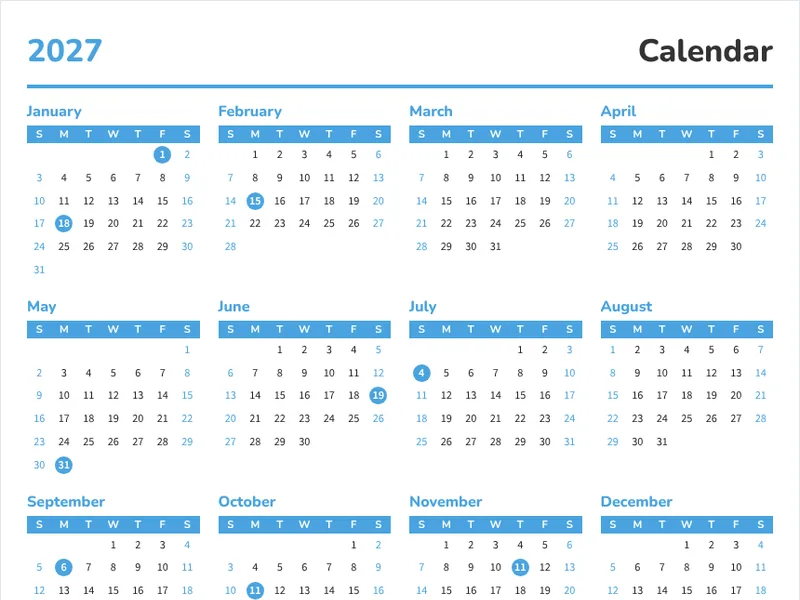
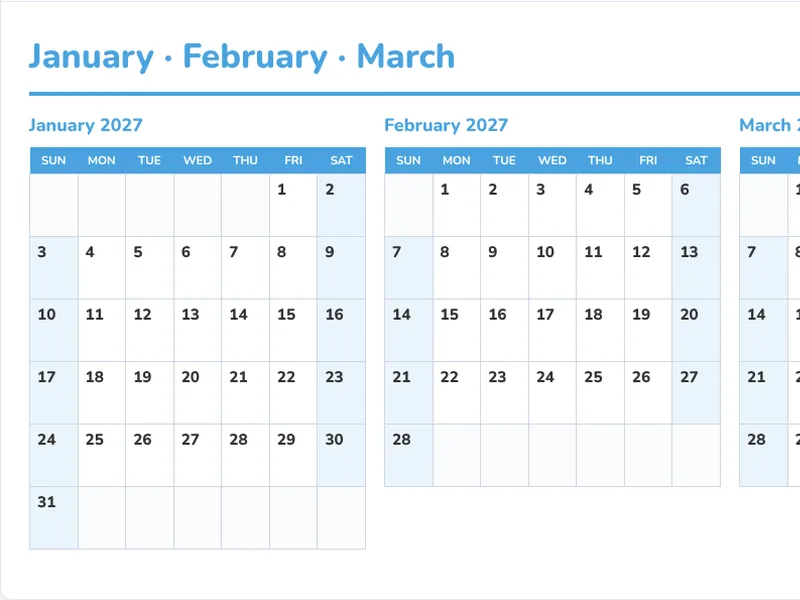
One month is a good start, but a year is easier to manage when you can see ahead. The 2027 calendar shows all twelve months on one page and is handy for spotting busy periods and planning time off. If you like seeing two months together, the January and February 2027 calendar lets you track a deadline that crosses the month boundary.
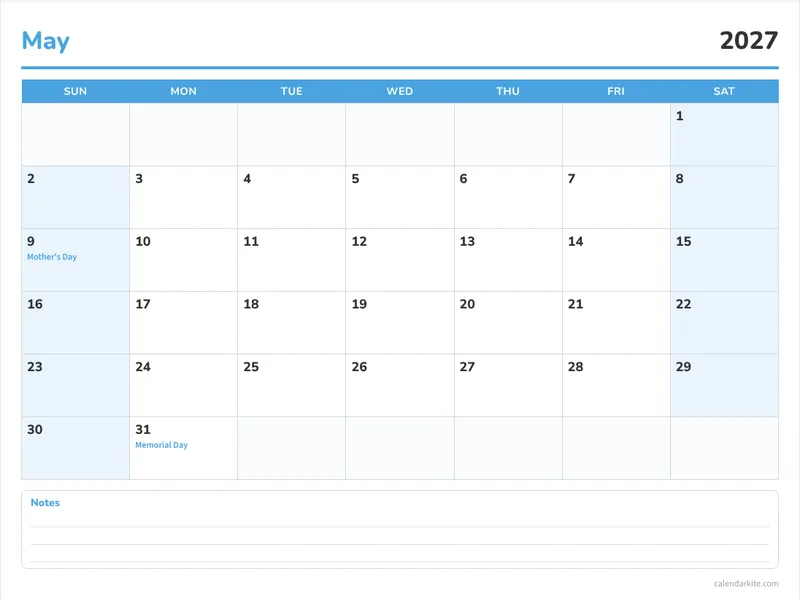
For more detail, a monthly planner adds space for notes, priorities and to-dos next to the grid. And if you need January pages for more than one year, the January calendar printable page covers both 2027 and 2028.
Come back at the end of the month and print February. Doing it on the last Sunday, January 31, keeps your planning habit going from one month to the next.
Common questions
What day does January 2027 start on?
January 2027 starts on a Friday and ends on a Sunday. New Year's Day falls on Friday, January 1, so the month opens with a three-day weekend.
How many days are in January 2027?
January 2027 has 31 days. Of those, 21 are weekdays (Monday to Friday) and 10 fall on a weekend.
When is Martin Luther King Jr. Day in 2027?
It falls on the third Monday of January, which is January 18, 2027. Turn US holidays on in the calendar tool above and it prints on the right square.
Can I get an editable or fillable January 2027 calendar?
The calendar above is made to print and write on by hand. If you want to type your entries in before printing, use the editable 2027 calendar page.
Should I choose a Sunday or Monday start?
Sunday start is the usual US layout. Monday start suits work weeks, and it fits January 2027 into five rows instead of six, which leaves each date box a little taller.
Can I print the January 2027 calendar on A4 paper?
Yes. Use the Print button and choose A4 or Letter in your printer settings, or download the PDF and set the page size there. Pick the fit-to-page option if edges get cut off.
 Printable Calendar 2027 (Free, Print or Download PDF)
 May Calendar Printable (2027 & 2028)
 Weekly Calendar Printable
 Three Month Calendar (Free Printable)