
December and January Calendar: Free Printable and Editable

This free December and January calendar puts the last month of one year and the first month of the next side by side. You can type appointments straight into the day boxes and notes, then print it or download it as a PDF or PNG with your entries included.
| Sun | Mon | Tue | Wed | Thu | Fri | Sat |
|---|---|---|---|---|---|---|
| 1 | 2 | 3 | 4 | |||
| 5 | 6 | 7 | 8 | 9 | 10 | 11 |
| 12 | 13 | 14 | 15 | 16 | 17 | 18 |
| 19 | 20 | 21 | 22 | 23 | 24Christmas Eve | 25Christmas Day |
| 26 | 27 | 28 | 29 | 30 | 31New Year's Eve |
| Mon | Tue | Wed | Thu | Fri | Sat | Sun |
|---|---|---|---|---|---|---|
| 1 | 2 | 3 | 4 | 5 | ||
| 6 | 7 | 8 | 9 | 10 | 11 | 12 |
| 13 | 14 | 15 | 16 | 17 | 18 | 19 |
| 20 | 21 | 22 | 23 | 24Christmas Eve | 25Christmas Day | 26 |
| 27 | 28 | 29 | 30 | 31New Year's Eve |
| Sun | Mon | Tue | Wed | Thu | Fri | Sat |
|---|---|---|---|---|---|---|
| 1New Year's Day | ||||||
| 2 | 3 | 4 | 5 | 6 | 7 | 8 |
| 9 | 10 | 11 | 12 | 13 | 14 | 15 |
| 16 | 17Martin Luther King Jr. Day | 18 | 19 | 20 | 21 | 22 |
| 23 | 24 | 25 | 26 | 27 | 28 | 29 |
| 30 | 31 |
| Mon | Tue | Wed | Thu | Fri | Sat | Sun |
|---|---|---|---|---|---|---|
| 1New Year's Day | 2 | |||||
| 3 | 4 | 5 | 6 | 7 | 8 | 9 |
| 10 | 11 | 12 | 13 | 14 | 15 | 16 |
| 17Martin Luther King Jr. Day | 18 | 19 | 20 | 21 | 22 | 23 |
| 24 | 25 | 26 | 27 | 28 | 29 | 30 |
| 31 |
Free for personal, classroom and office use. Your entries are included in the print, PDF and PNG. Prints on US Letter and fits A4.
Black and White December and January Calendar
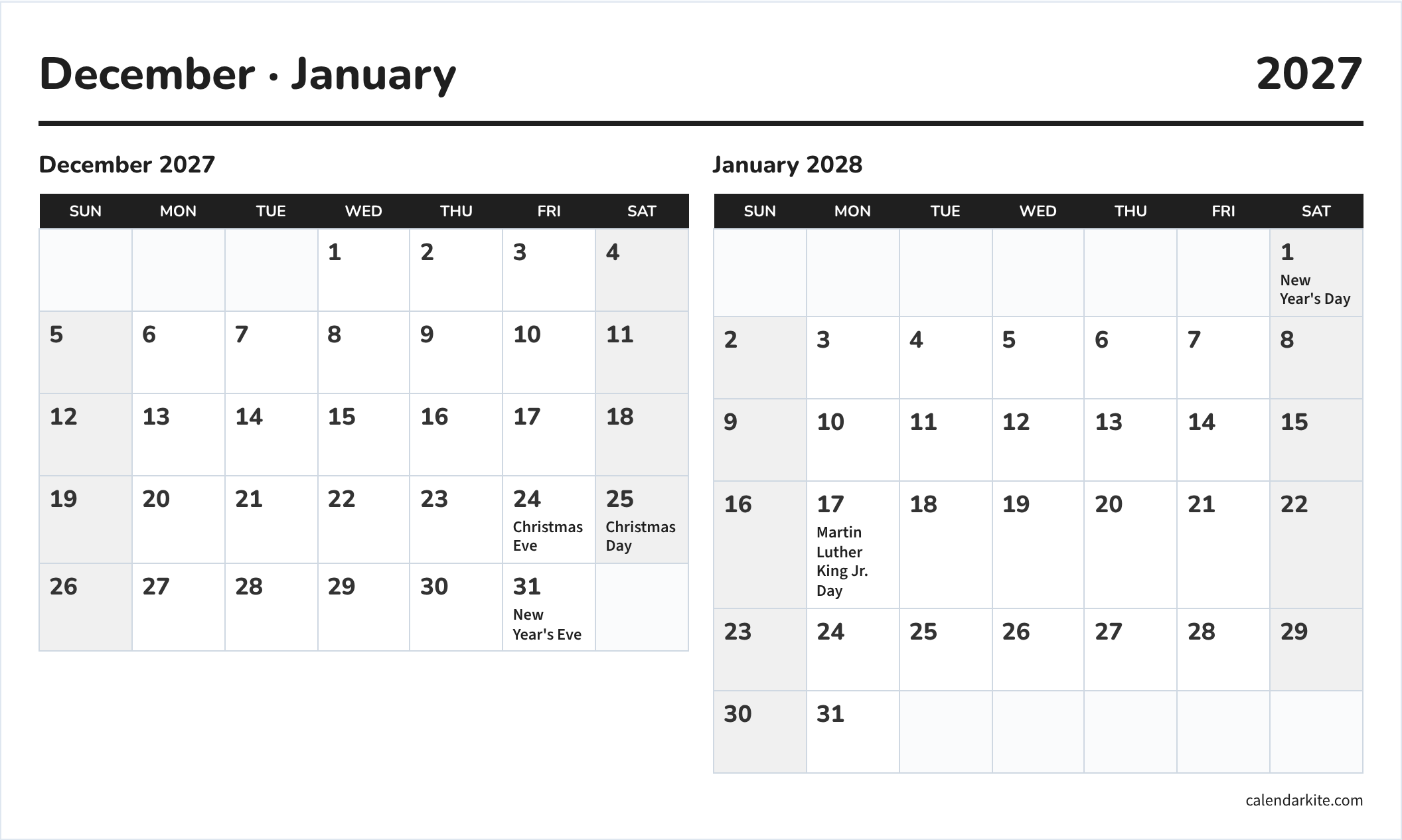
This is the one I print most, because plain black lines keep the ink bill low during the busy holiday stretch. It suits school break planning and shift schedules, and I test-print it on my home inkjet so the grid boxes stay readable.
Pink December and January Calendar
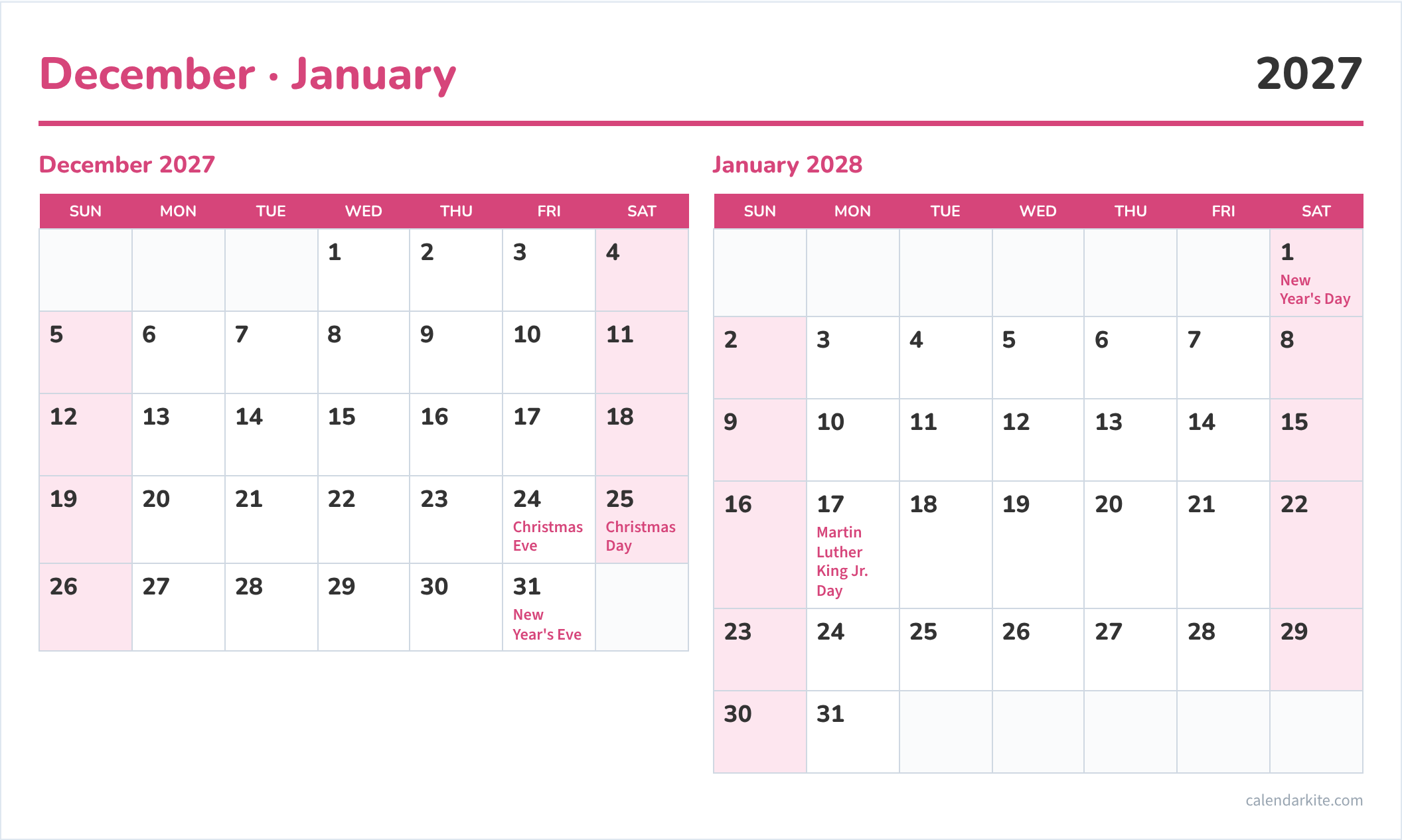
I recommend this soft pink version for gift lists, party dates and family visits that need a gentle but clear layout. It prints lightly, so it also suits a shared household planner that shouldn't feel busy.
Sage Green December and January Calendar
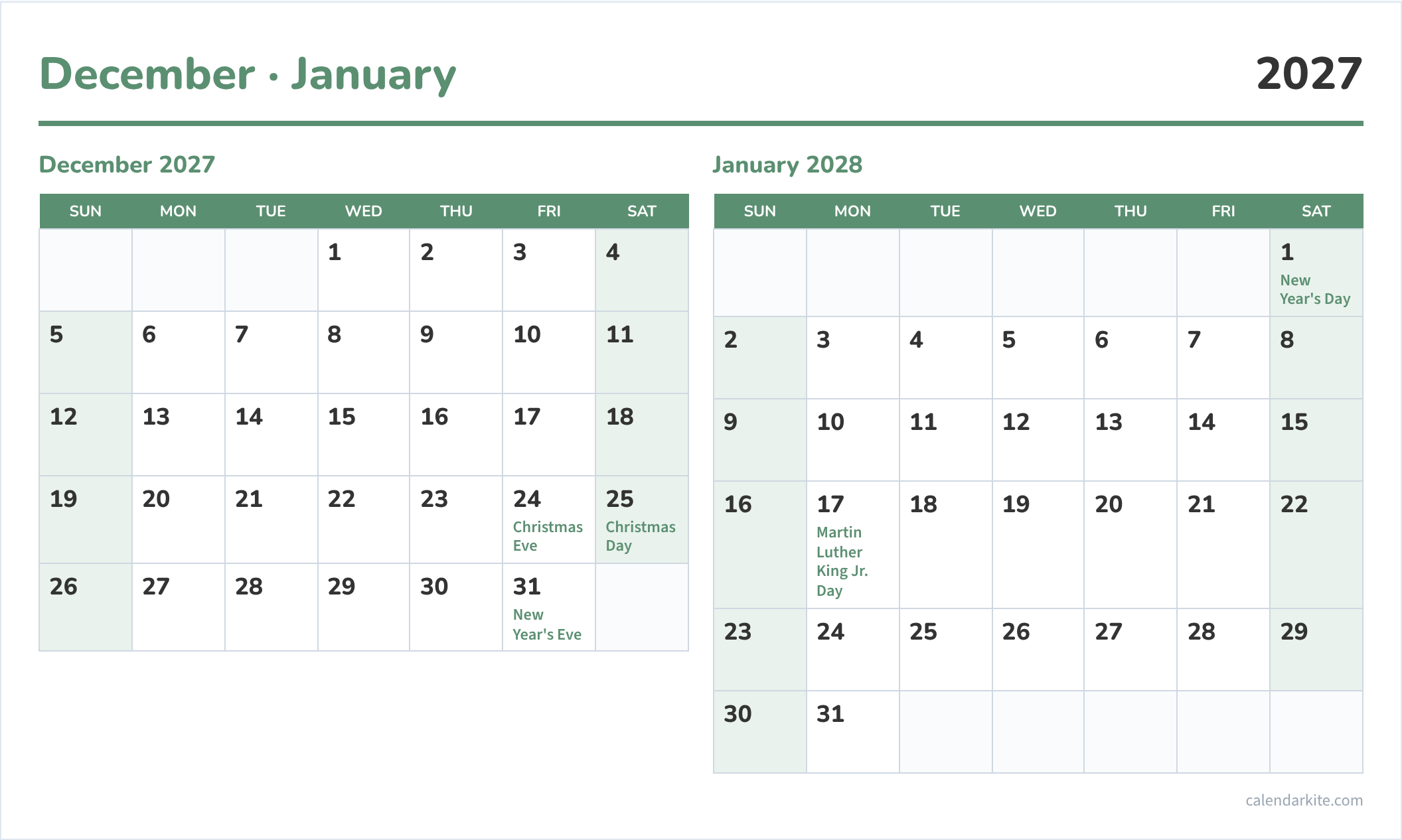
Sage green is calm and works well as a wall or desk planner that carries you from December into the new year. I keep my planner on the kitchen counter and use a spread like this to map out school breaks.
Cute December and January Calendar
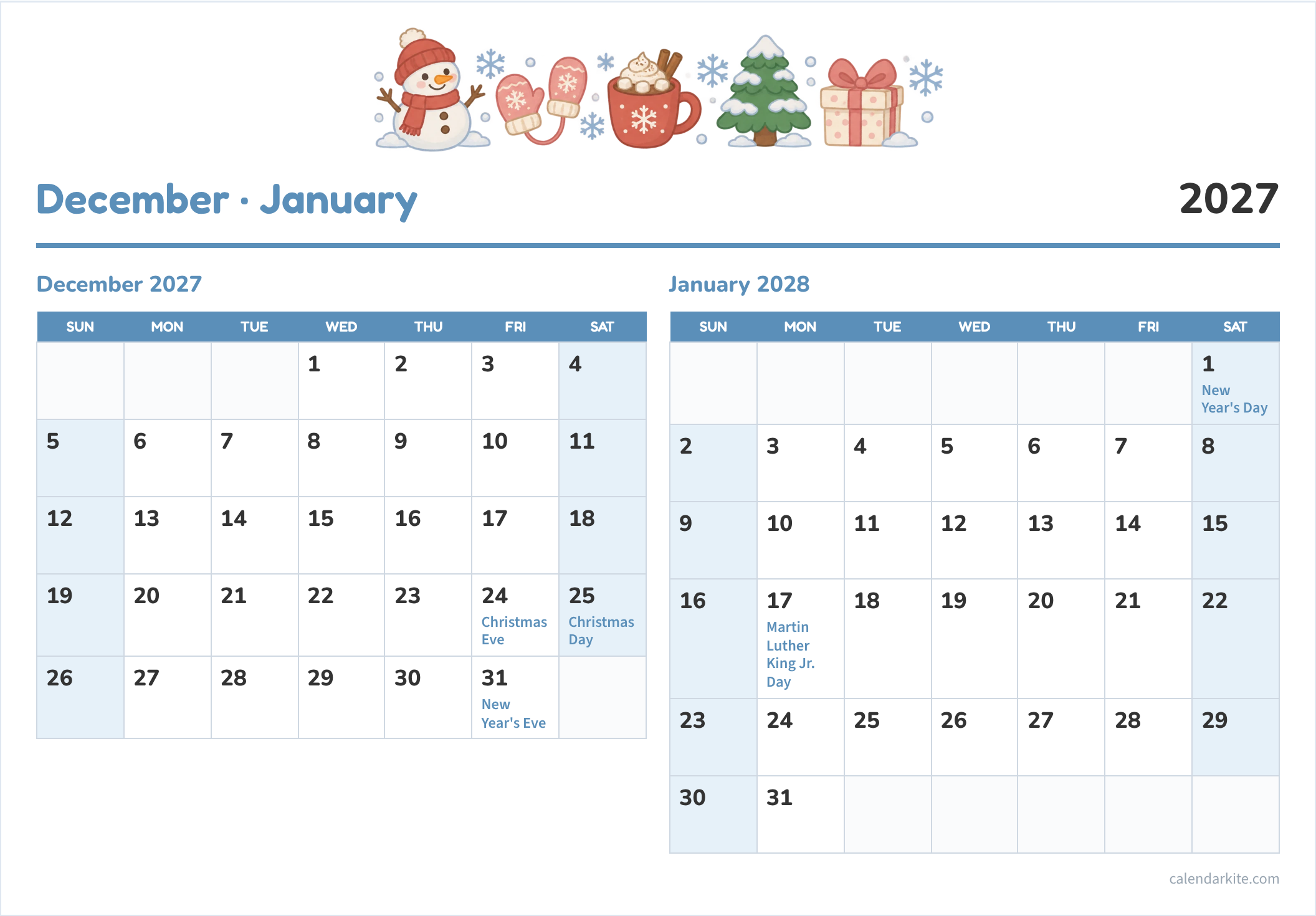
The pastel blue and hand-drawn style illustrations at the top make this a friendly pick for a kid's room or a family countdown to the holidays. Print it and let children cross off each day until winter break ends.
Floral December and January Calendar
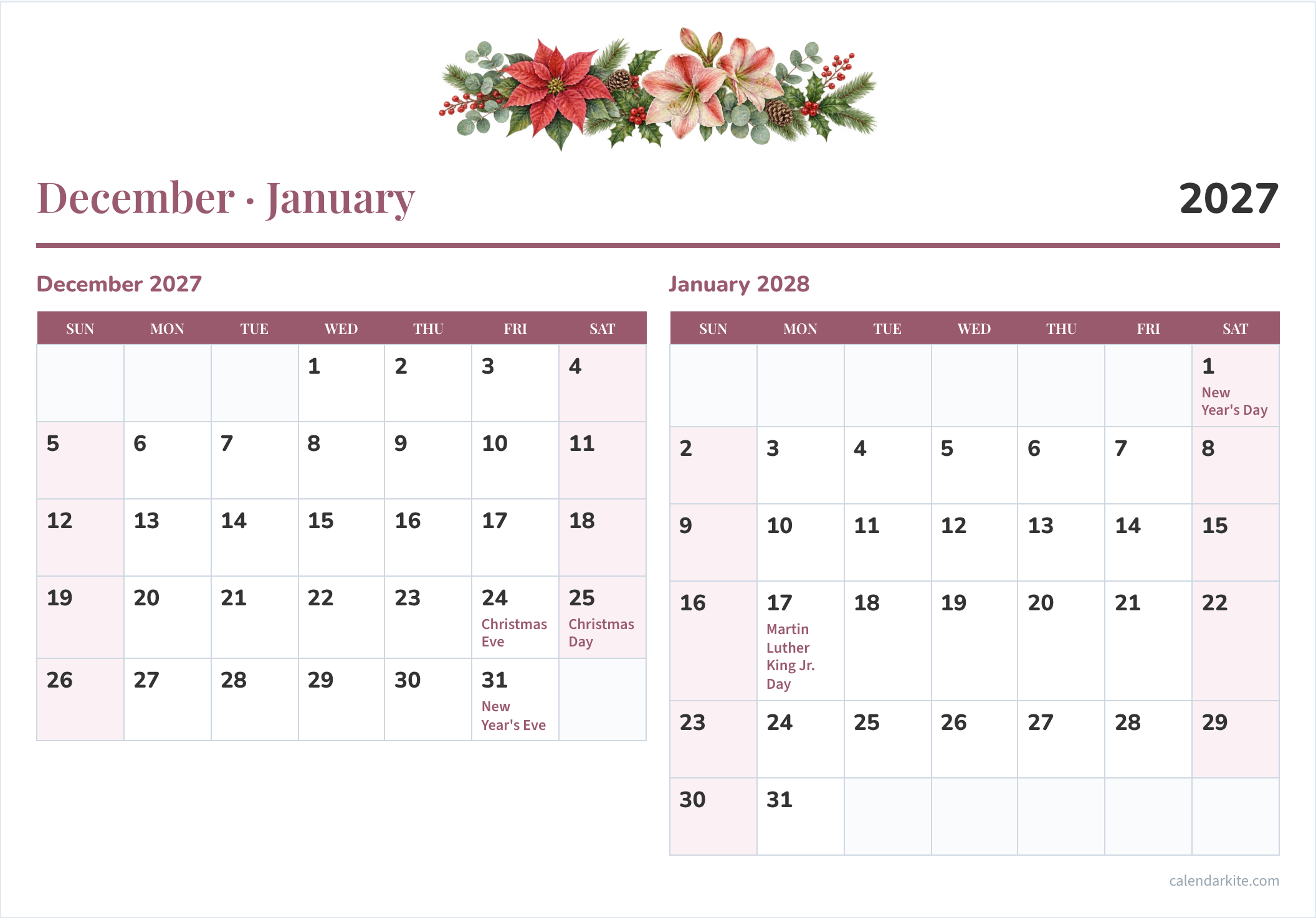
The watercolor flowers and mauve serif headings suit a gift-worthy planner for holiday hosting, thank-you note deadlines or a winter wedding. It's an elegant choice when you want the December and January pages to feel special.
Colorful December and January Calendar
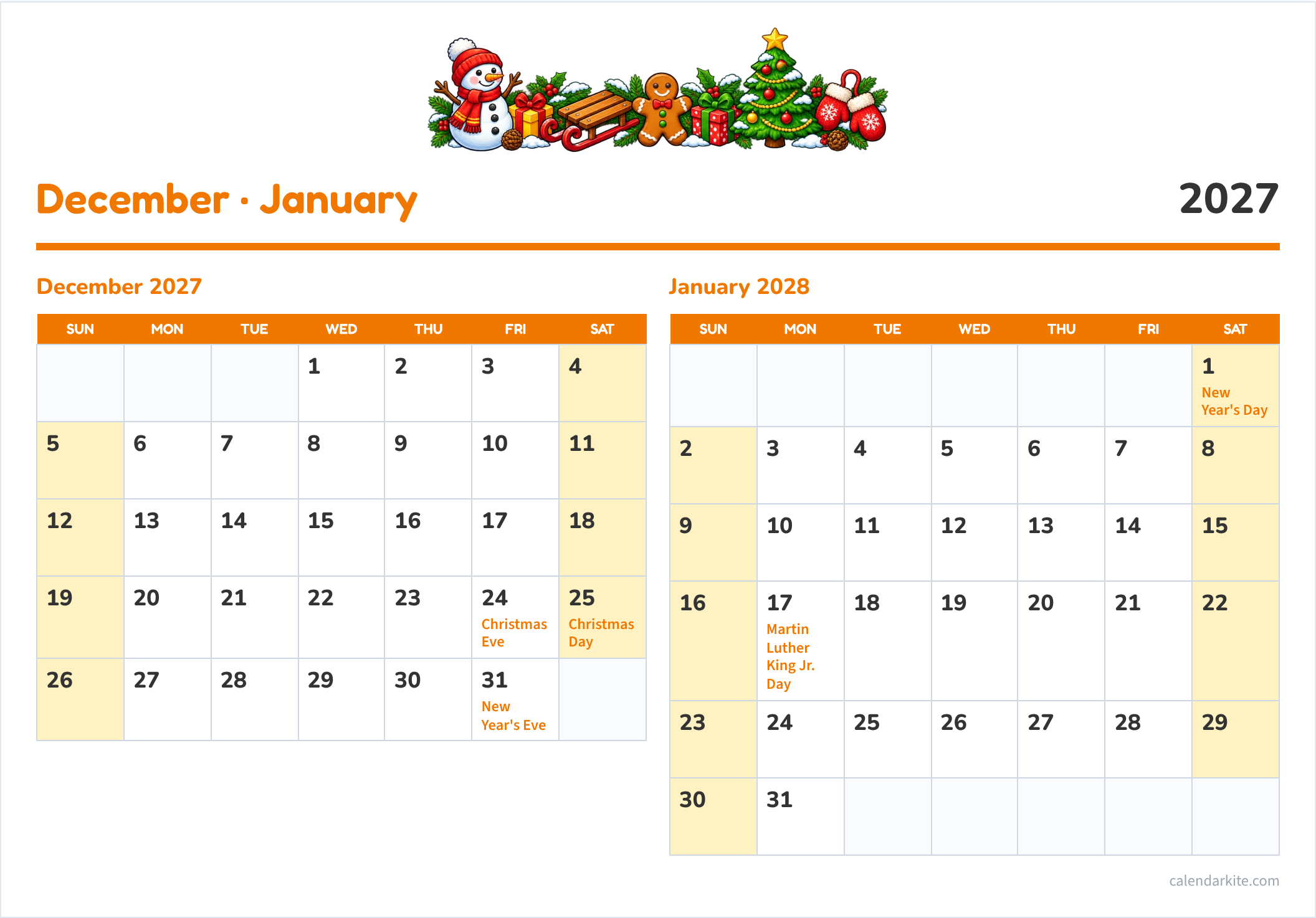
Bold orange and yellow cartoons make this a playful choice for children counting down to winter break. I put a version like this on our fridge so my two kids can spot the days off and write in their own plans.
Simple Minimalist December and January Calendar
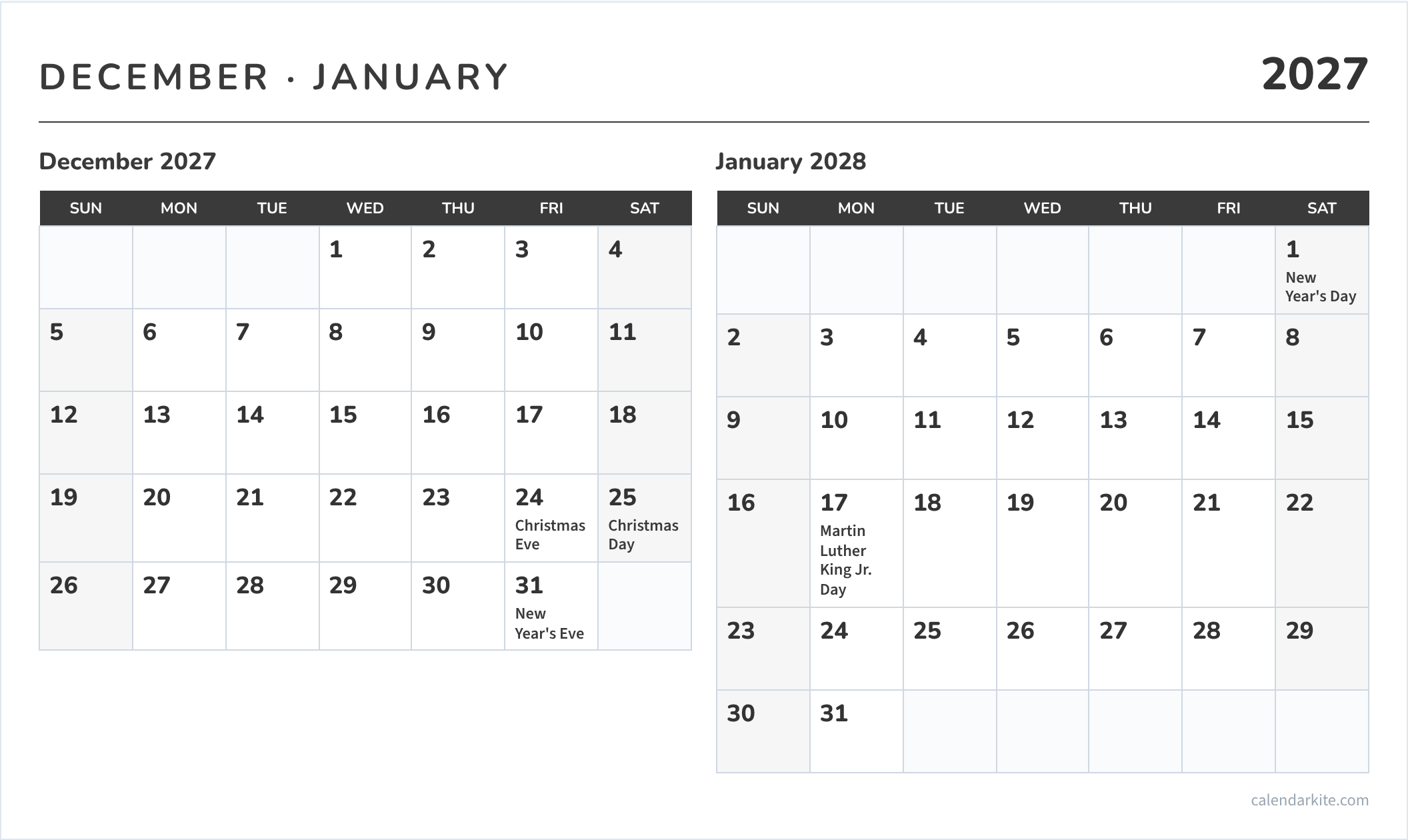
Thin gray lines and a light uppercase heading suit anyone who wants a clean two-month overview without decoration. One thing I changed in the layout was keeping the boxes roomy, because tiny cells make writing appointments frustrating.
Aesthetic December and January Calendar
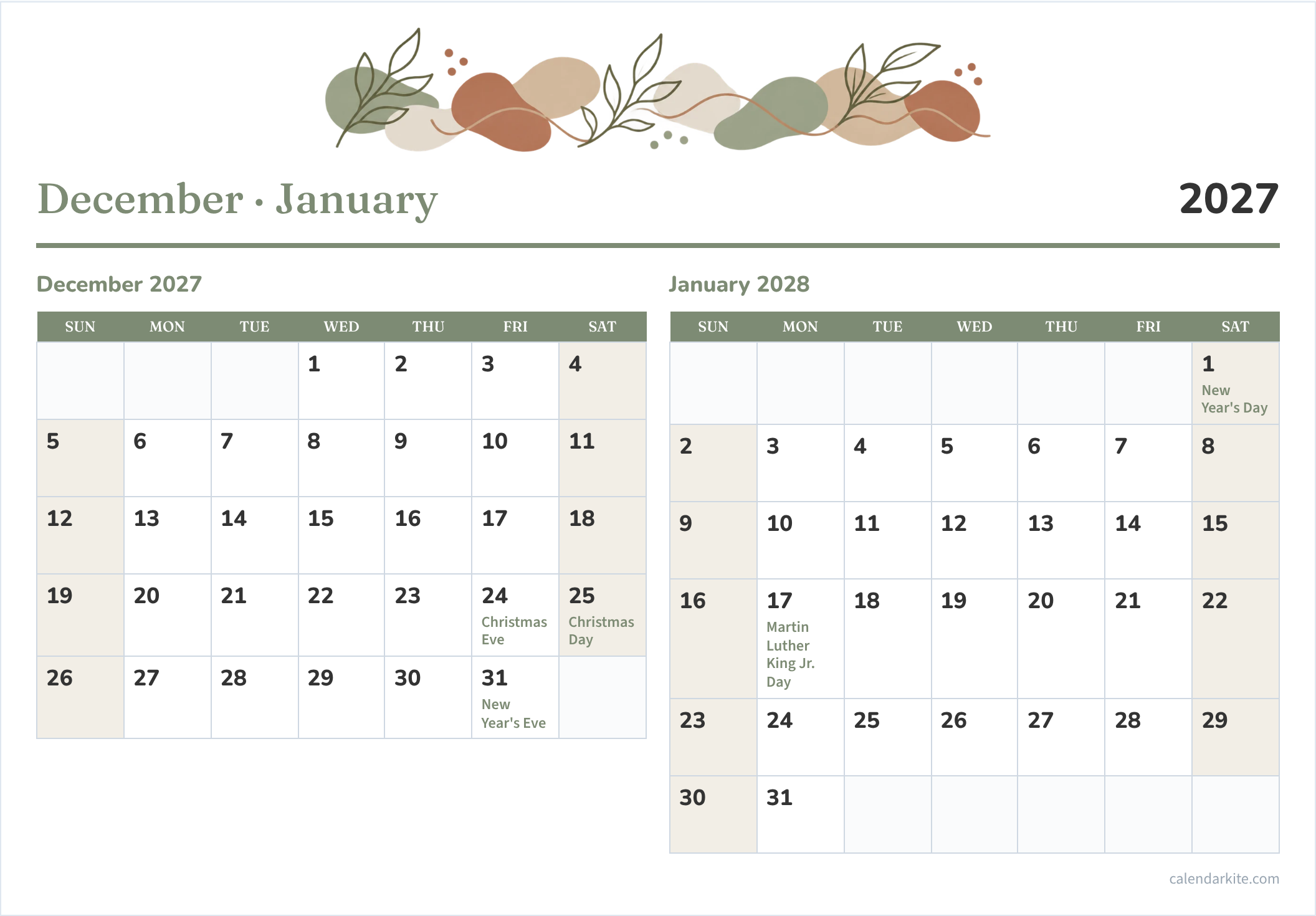
Muted sage, sand and terracotta with soft line-art leaves give this a calm, styled look for a bullet journal or a home office wall. It works well for tracking December deadlines and January goals side by side.
Vintage December and January Calendar
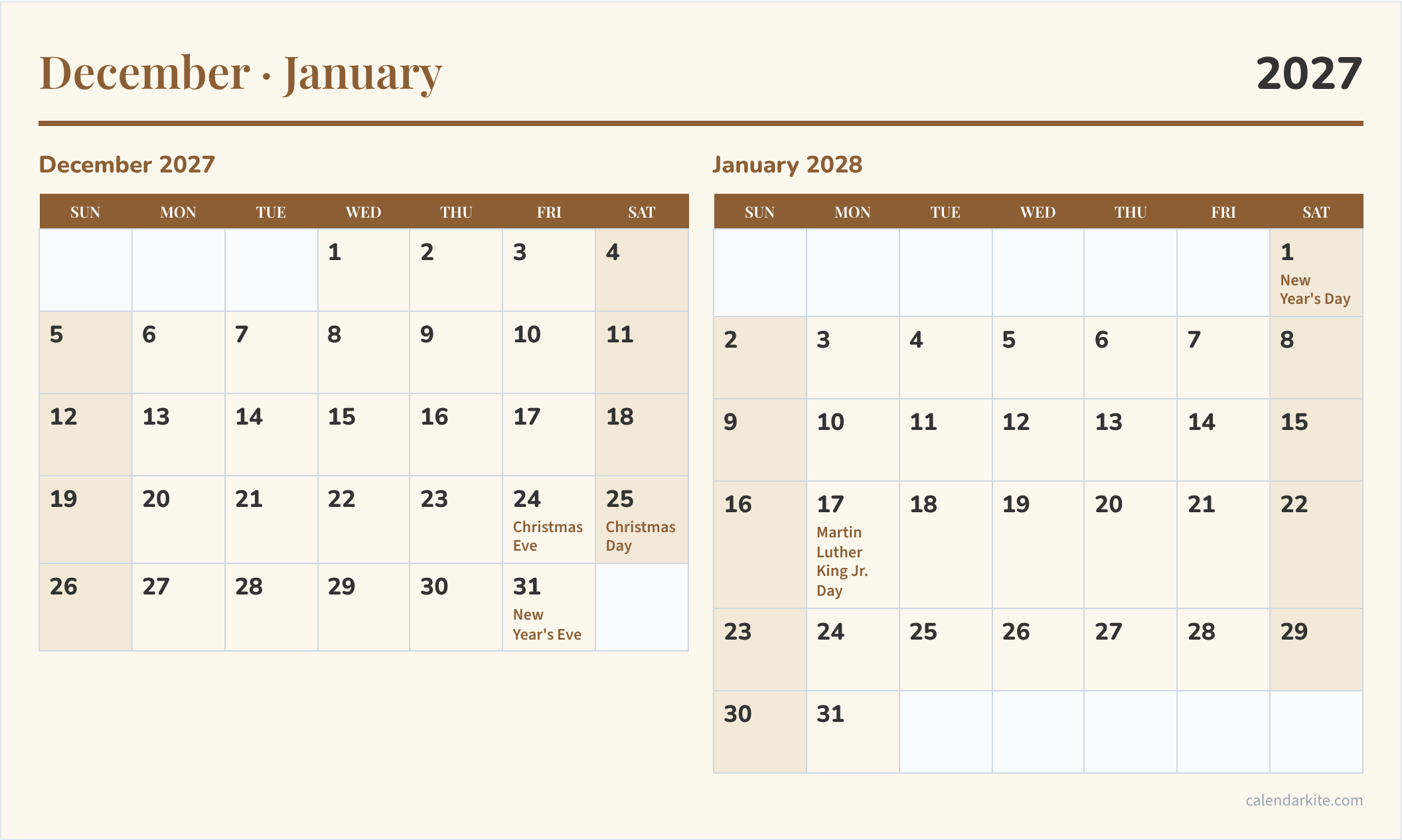
Cream paper and brown serif headings give this a cozy, old-fashioned feel that suits holiday recipe planning and family event notes. A mistake I see often is printing on bright white stock that fights the style, so try cream or ivory paper.
Modern Bold December and January Calendar
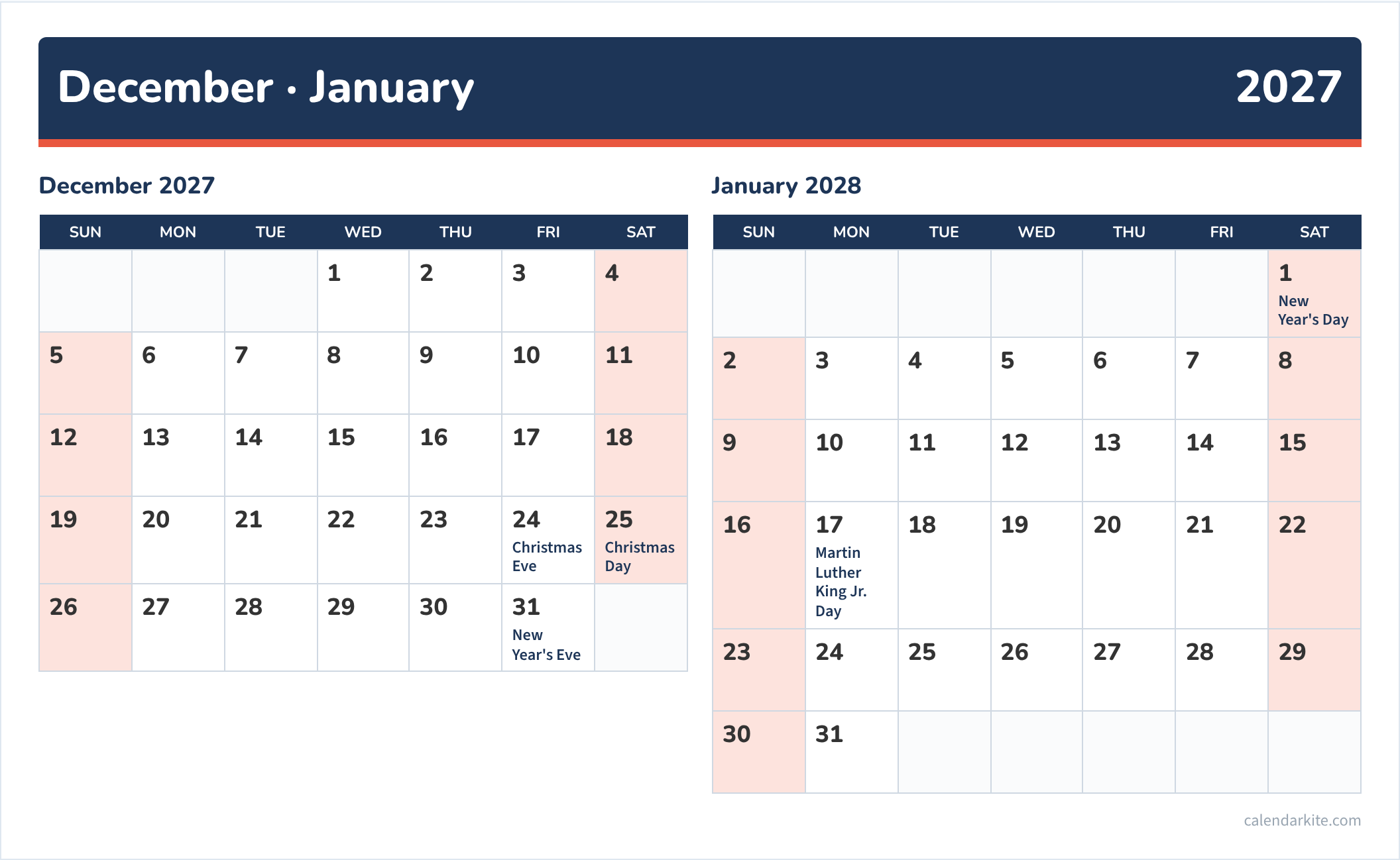
The navy header band and coral accent give this a crisp, modern look for work planning across the year end. The strong header makes the two month names easy to spot, which helps when you track deadlines and time off.
I made it because these two months behave like one long season. School breaks, travel, gift deadlines, year-end bills and fresh-start plans all overlap, and a page that splits them at the year line makes you flip back and forth. Seeing both together is calmer.
How to use the December and January calendar
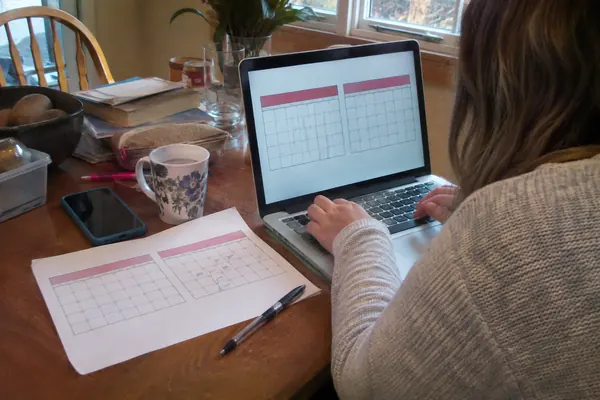
Start by typing, not printing. Click a day box and add what is happening: a concert, a dentist visit, a package cutoff, a day someone is arriving. Use the notes area for things that do not belong to one day, such as “order stamps” or “call about flights.”
Once the page looks right, print it or save it. The PDF is best for paper, and the PNG is handy if you want to text it to a family member or set it as a phone wallpaper. Either file keeps what you typed.
Try this: Before you type anything else, enter only the fixed dates: travel days, school closures and work deadlines. Look at the gaps that remain. Those are your real planning days.
Why put December and January on one page
In my ten years in office administration, the schedules that caused the most trouble were the ones that crossed a boundary. A rota that ended on the last day of the month and restarted on a new page was where people missed shifts. The year change is the biggest boundary of all, and December and January are where it shows up.
A two-month page lets you see a trip that starts in late December and ends in early January without drawing arrows between sheets. It also shows how much time is really left before a deadline that falls just after the holidays. If you often plan this stretch on separate monthly pages, try one combined view for a season and see whether you miss fewer things.
What to put on it
Think in layers, so the page does not turn into a wall of ink. The first layer is dates that cannot move. The second is things you have to do by a certain day. The third is optional, like a cookie swap or a movie night.
Here are the categories I find worth writing down for these two months:
- Travel days, pickups and drop-offs
- School breaks, early dismissals and first day back
- Gift and card deadlines, including mailing cutoffs
- Bills and subscriptions that renew at the year end
- Visitors, parties and who is bringing what
At home I keep the big paper calendar on the fridge and a planner on the kitchen counter. For December and January I write only the family dates on the fridge, and the details (what to bring, what time to leave) go on the counter planner. That keeps the fridge page readable from across the kitchen.
Typing in your entries and saving them
The day boxes are sized for short entries, so aim for a few words each. “Dentist 3:30” works better than a full sentence, and it leaves room for a second item. If a day is busy, put a short note in the box and the details in the notes area.
Download after you finish typing, not before. The file you save carries your entries, so a quick download is also a simple backup. I keep a copy of the last page I printed, because it is easy to forget what you wrote on a sheet that has since been replaced.
Try this: Type one entry in your longest day box, then check that it still fits on a printed page. Adjust your wording before you fill in the rest.
Printing tips for Letter and A4
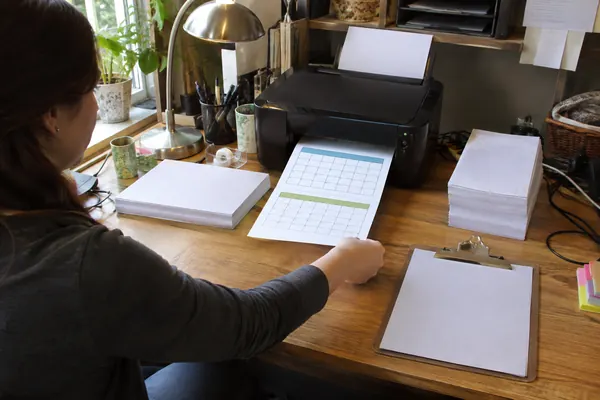
I test-print every calendar on my home inkjet, on both US Letter and A4, because a page that looks fine on screen can lose its edges on paper. Pick the paper size in the print dialog that matches what is in your tray, and choose “actual size” or 100 percent instead of “fit to page” if your printer adds shrinking by default.
Use plain paper for the version you will write on, and slightly heavier paper if you want it to hang up for two months. Black and white is fine. If you need to save ink, set your printer to draft or grayscale and keep the calendar readable.
Print a spare copy while you are at it. In December a calendar gets written on, spilled on and crossed out. A clean second sheet lets you rewrite it in the middle of the month without starting from memory.
Holidays and the change of year
Federal holidays are printed on the calendar itself, so you will see them without having to add them. That matters in these two months, because bank closures, mail delays and office schedules shift around them. Check each holiday against your appointments, especially anything that needs a business to be open.
The calendar also crosses the year line, which is easy to overlook when you are filling in dates. When I write a date in the notes, I include the month name for anything in the new year (“Jan 12”), so there is no doubt about which side of the break it belongs to. For a longer list of what is coming, the December calendar and January calendar pages give you a full page for each month.
Setting up the new year
The back half of this page is a good place to plan the start of the new year. Write down the first day back at school or work, the first bills due, and any appointments you want booked early. These are easy to forget when the holidays are still going.
If you set goals, give each one a first small step with a date on the calendar. A goal with no date tends to wait forever. A 2027 goals template can help you sort them before you place the first steps on the page.
Other layouts if you need more room
Two months on a page means smaller boxes. If your schedule is crowded, you may prefer one month per page, and the full-size monthly pages give each day much more space. For a layout with more months at once, the two month calendar page has other pairings.
A few other pages pair well with this one:
- The Christmas list checklist for gifts, cards and who has been bought for
- The birthday calendar for dates you want to see all year
I often use the checklist for the gift detail and this calendar only for the deadlines, such as “last day to ship.” That keeps each page doing one job.
Common questions
Can I type on the December and January calendar before printing?
Yes. Click into any day box or the notes area and type your appointments. When you print or download, your entries are included in the PDF or PNG.
Does the calendar show holidays?
Federal holidays are printed on the calendar itself, so you do not need to look them up or add them. Anything personal, like school breaks or family visits, you can type in yourself.
Is the December and January calendar free?
Yes, it is free to use, print and download for personal use at home, school or work.
Should I print it on US Letter or A4?
Use whichever your printer holds. I test-print each calendar on both US Letter and A4, and choosing the matching paper size in your print dialog keeps the edges from being trimmed.
Can I save my entries and print again later?
Download the PDF or PNG after typing and your entries stay in that file. Keep the file in a folder and you can reprint a fresh copy whenever the first one gets crowded.
What if I only need one month at a time?
Use the single-month pages for more room per day. The December and January pages are listed in the links below.
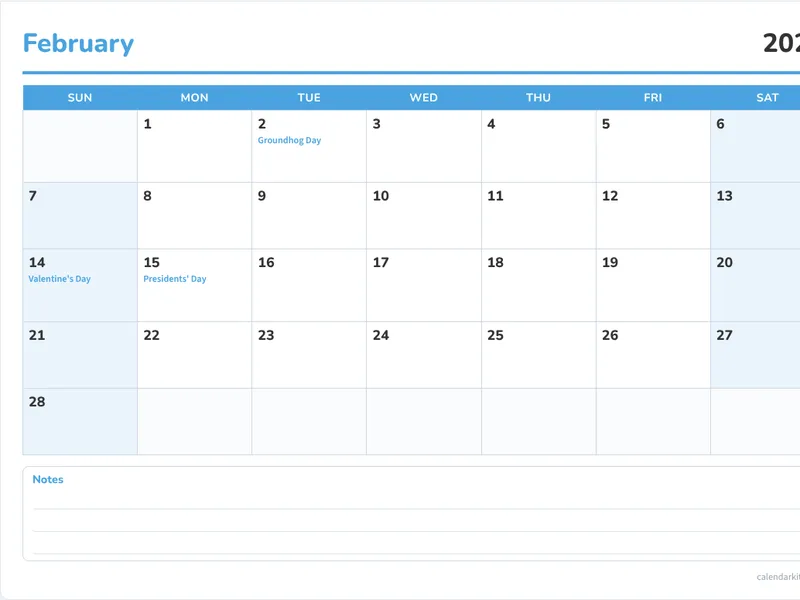 February 2027 Calendar (Free Printable)
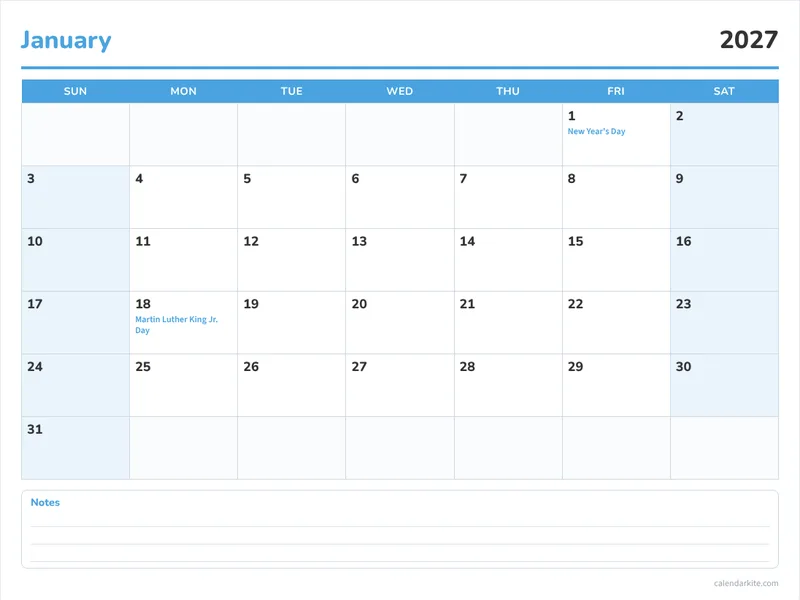 January 2027 Calendar (Free Printable)
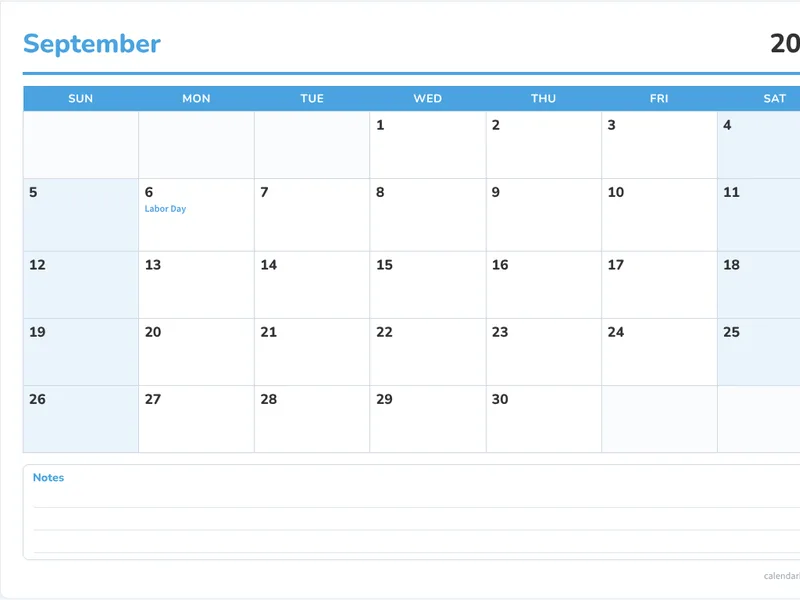 September 2027 Calendar (Free Printable)
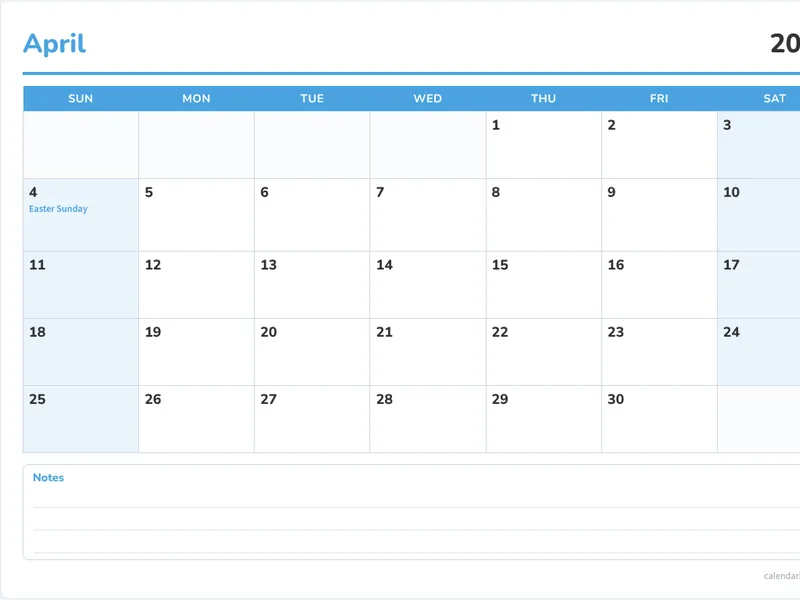 April 2027 Calendar (Free Printable)
 June 2027 Calendar (Free Printable)
 August 2027 Calendar (Free Printable)