
2027 Goals Template (Free Printable, Fill In on Screen)

A 2027 goals template is a single page where you choose a few goals for the year, say how you will know each one is finished, and split the work into four quarters. The one on this page does exactly that. Type into it on screen, tick the boxes as you go, then print it on US Letter. It saves in your browser, and there is a blank PDF if you would rather write by hand.
My word for 2027
My goals for 2027 (pick 3 to 5)
Finish line: how I will know each one is done
Q1 Jan to Mar (review March 28)
Q2 Apr to Jun (review June 27)
Q3 Jul to Sep (review Sept 26)
Q4 Oct to Dec (review Dec 26)
First step before Jan 1, and what might get in the way
Pick 3 to 5 goals. Check in on the last Sunday of every month and tick off milestones as you go.
Free for personal, classroom and office use. Your entries are included in the print, PDF and PNG. Prints on US Letter and fits A4.
Black and White 2027 Goals Template
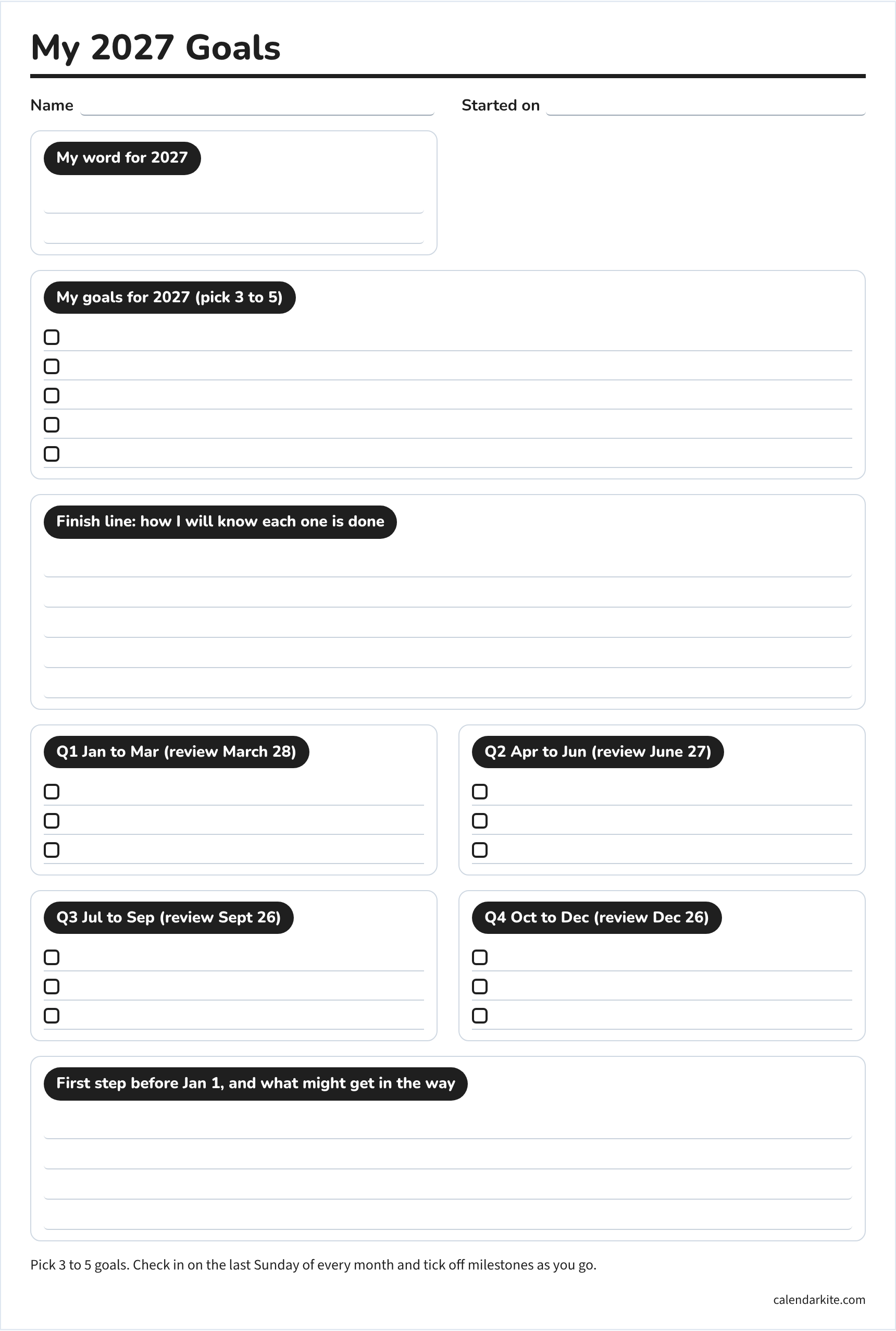
I made this one for anyone who prints a lot, since plain black lines go easy on the inkjet. It suits a binder for quarterly goal reviews, and the plain layout stays readable even in draft mode.
Pink 2027 Goals Template
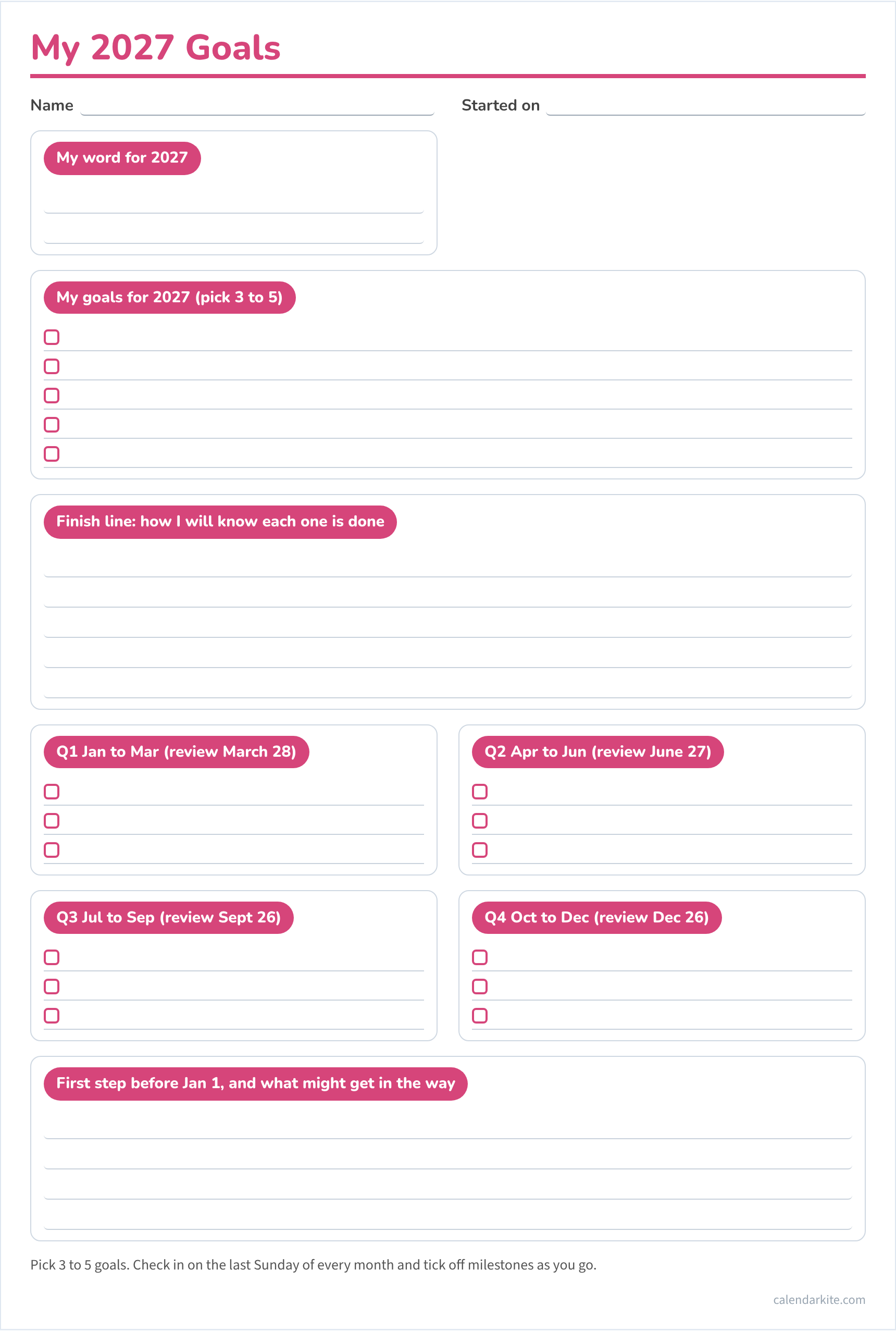
This soft pink version suits you if you want a gentle, encouraging look for personal goals like fitness or self-care. Pin it beside your mirror or desk and tick off one small step each week.
Sage Green 2027 Goals Template
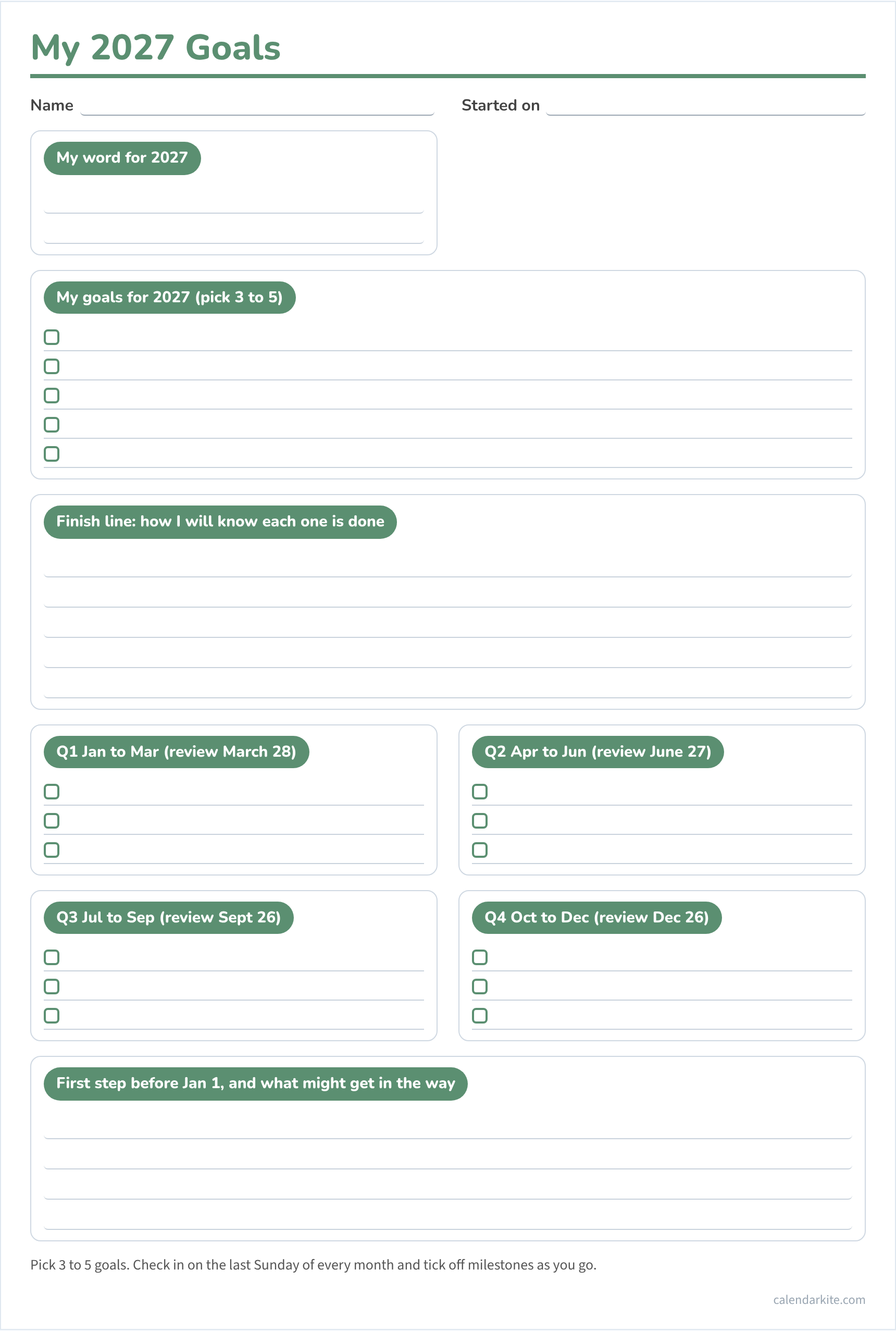
I like the calm sage green for money and home goals, because it feels steady rather than loud. In my office years I learned that a short list gets looked at more than a long one, so keep yours to a handful.
Lavender 2027 Goals Template
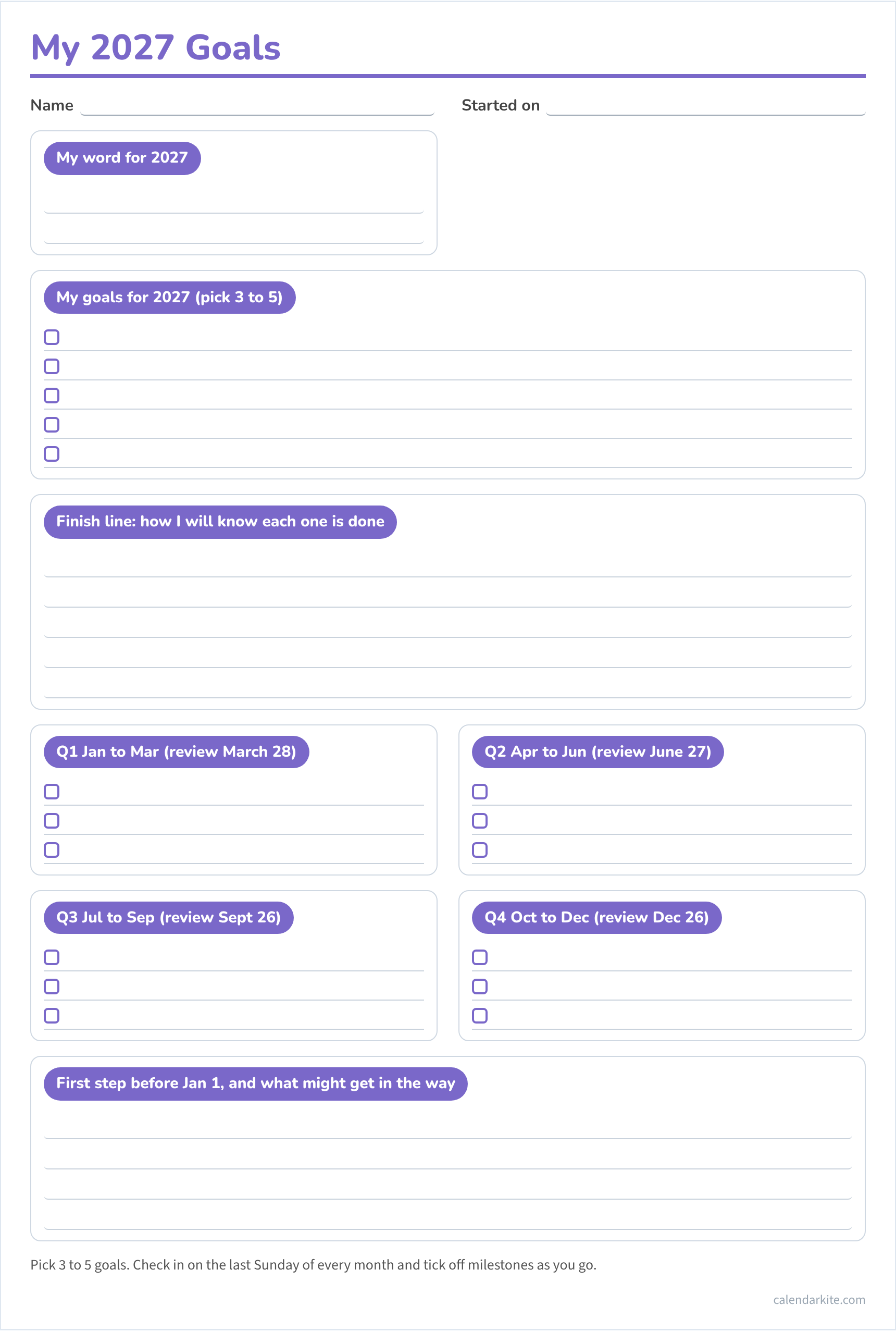
Lavender suits readers who plan around learning, creative projects or reading goals and want a quiet, focused feel. I clip a printed copy into the planner on my kitchen counter so the goals sit next to my weekly schedule.
Cute 2027 Goals Template
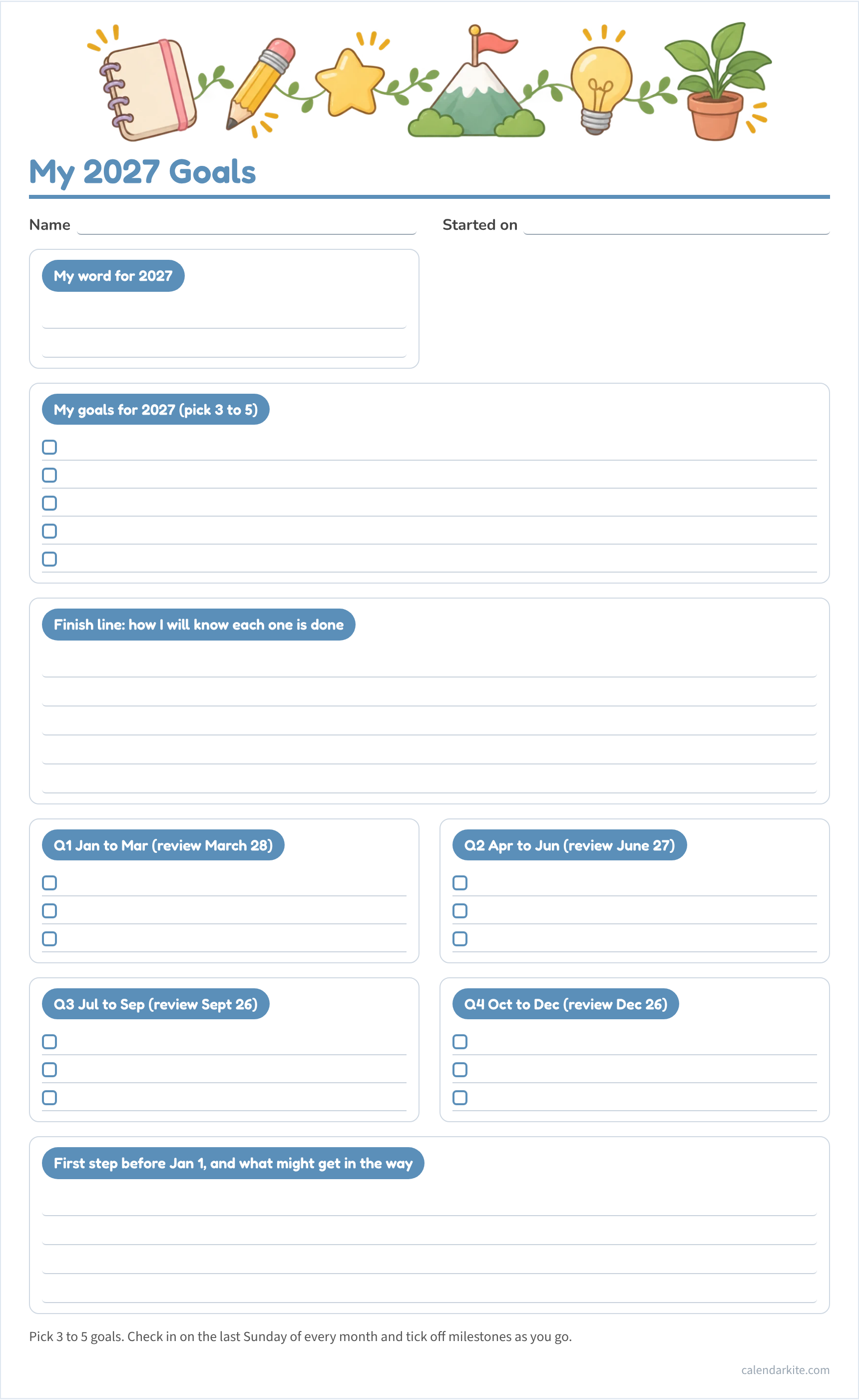
The pastel blue design with little hand-drawn illustrations works for a friendly, low-pressure start to the year, such as a family goals night. My kids like picking one goal each, and I use pencil so goals can change midyear.
Floral 2027 Goals Template
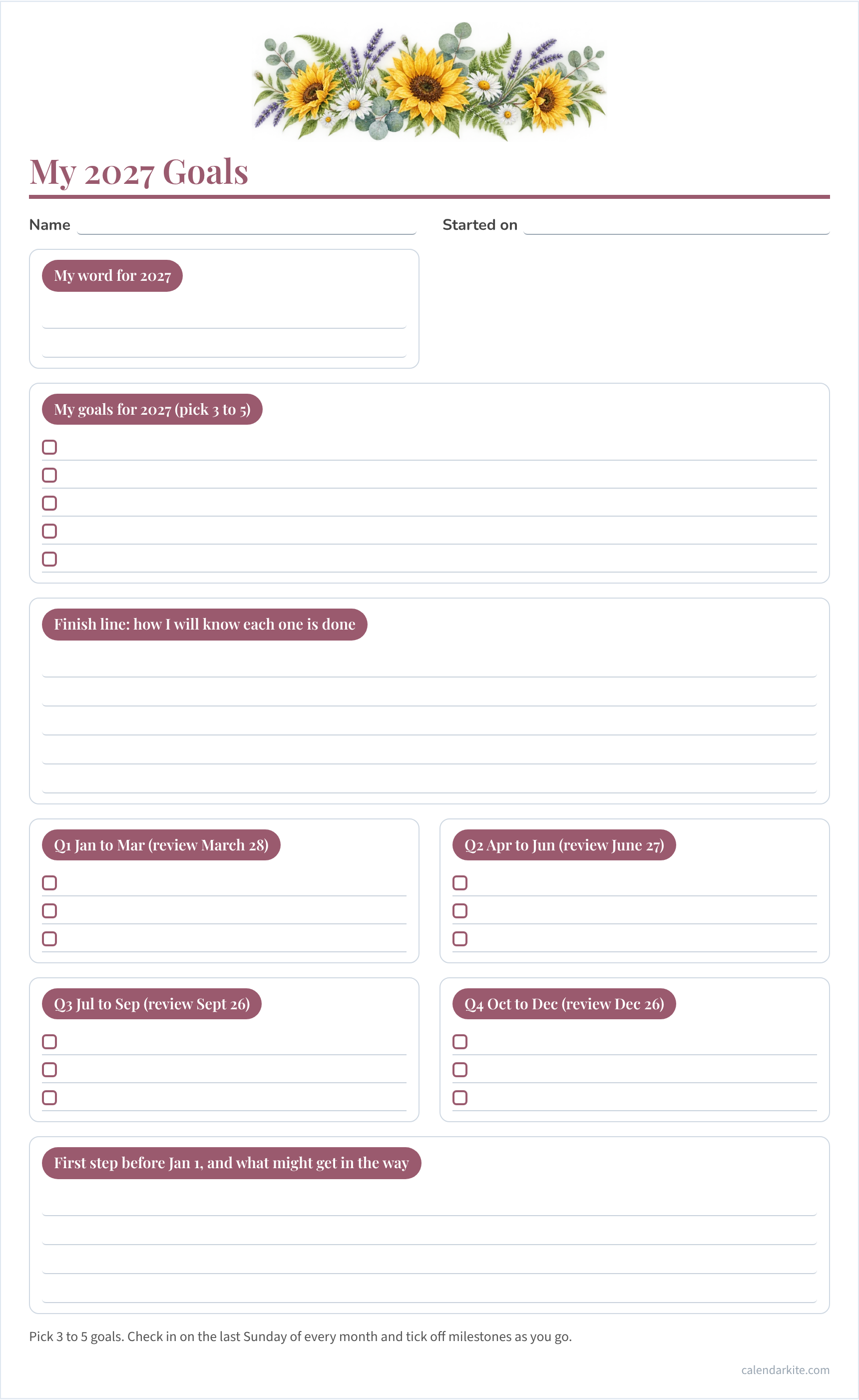
Watercolor flowers and an elegant serif heading make this one right for a thoughtful yearly reflection or a gift-worthy planner insert. I found that wider writing lines beat tiny boxes, so I spaced the layout for real handwriting.
Colorful 2027 Goals Template
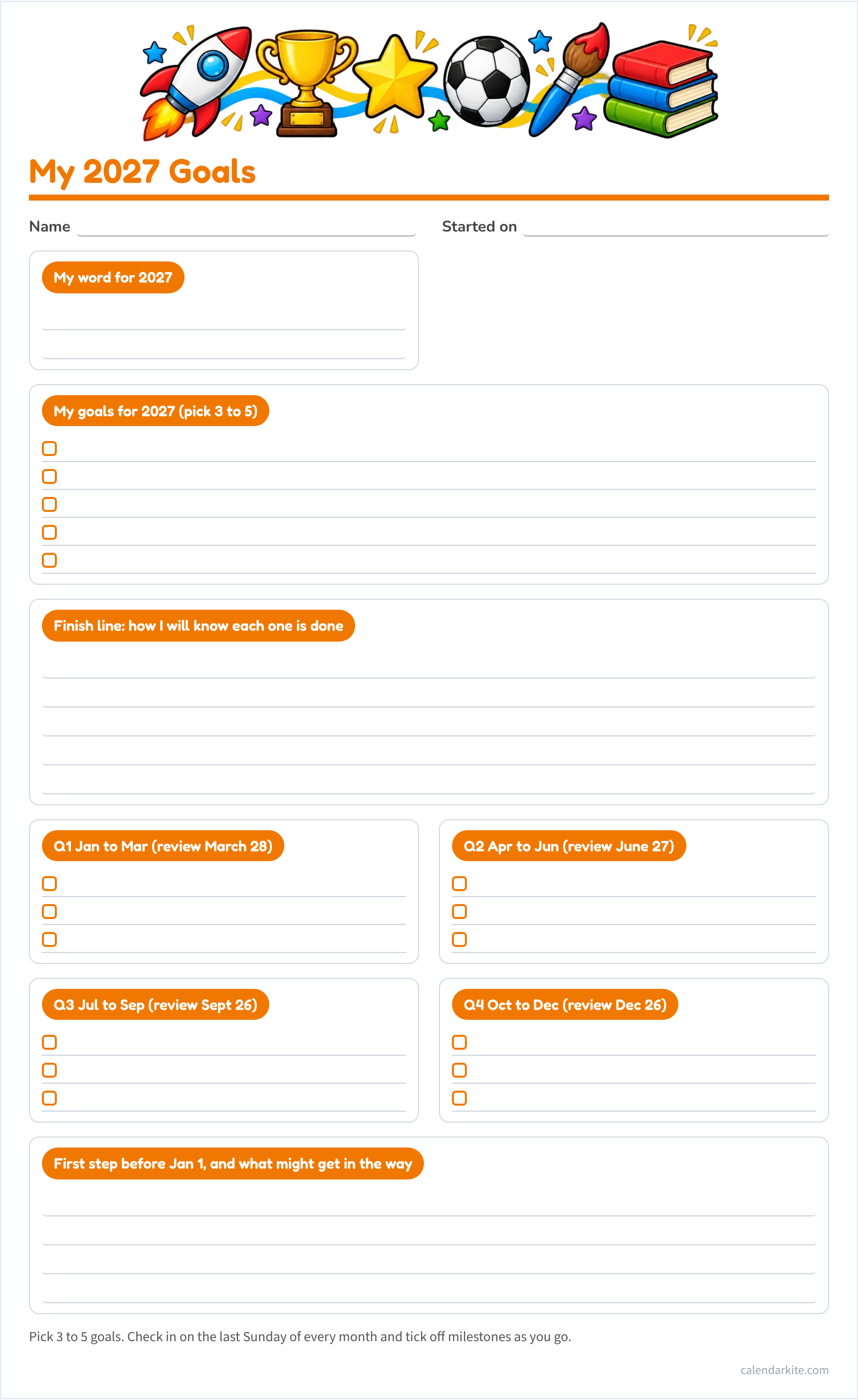
Bright orange and yellow with bold cartoon art makes goal setting feel like play, so it suits families, students or anyone who wants something fun. Try one goal per category, like school, sports and chores.
Minimalist 2027 Goals Template
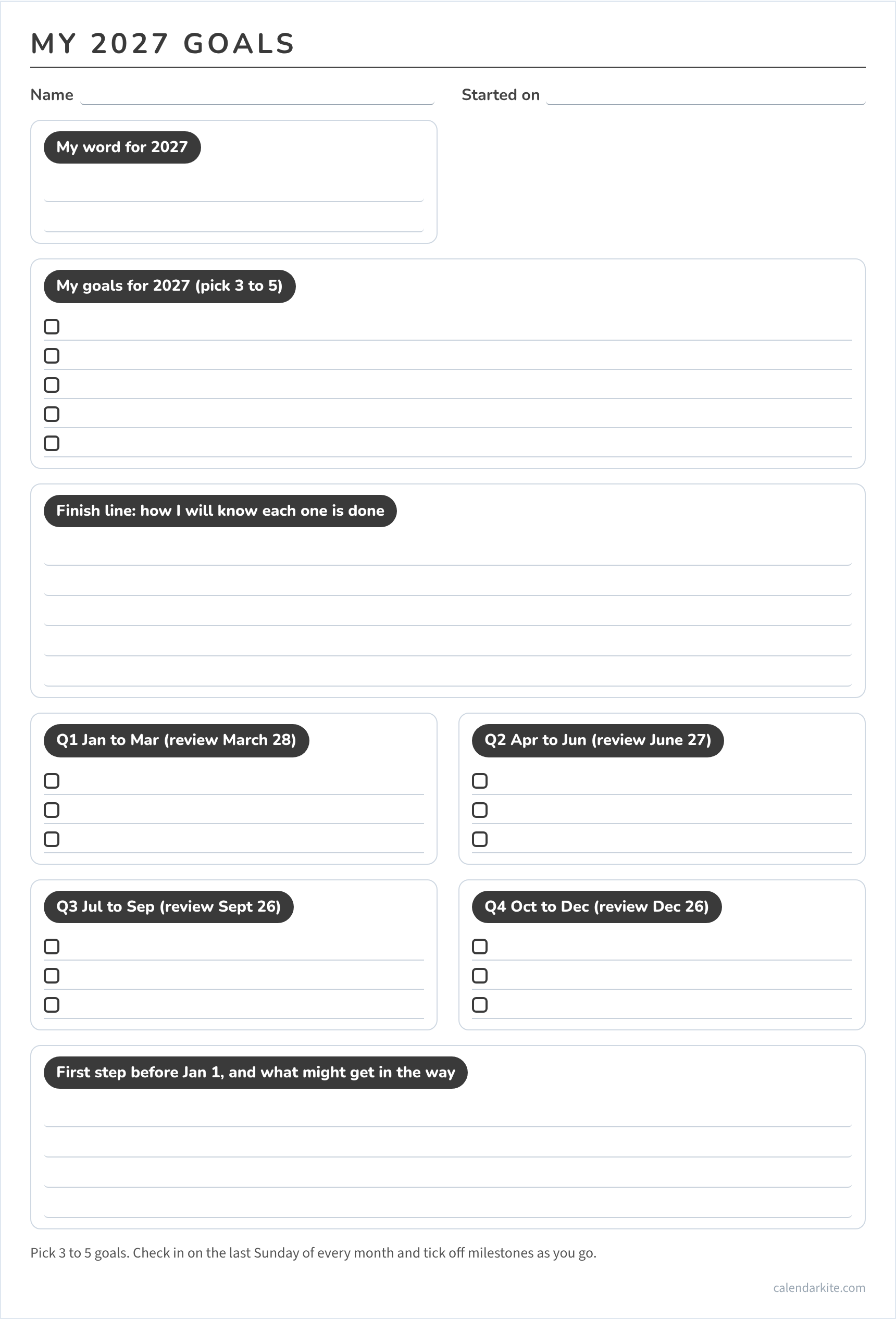
Thin gray lines and a light uppercase heading keep this version quiet, ideal when you want room to write without decoration. A common mistake I see is cramming in too many goals, so I left generous white space.
Aesthetic 2027 Goals Template
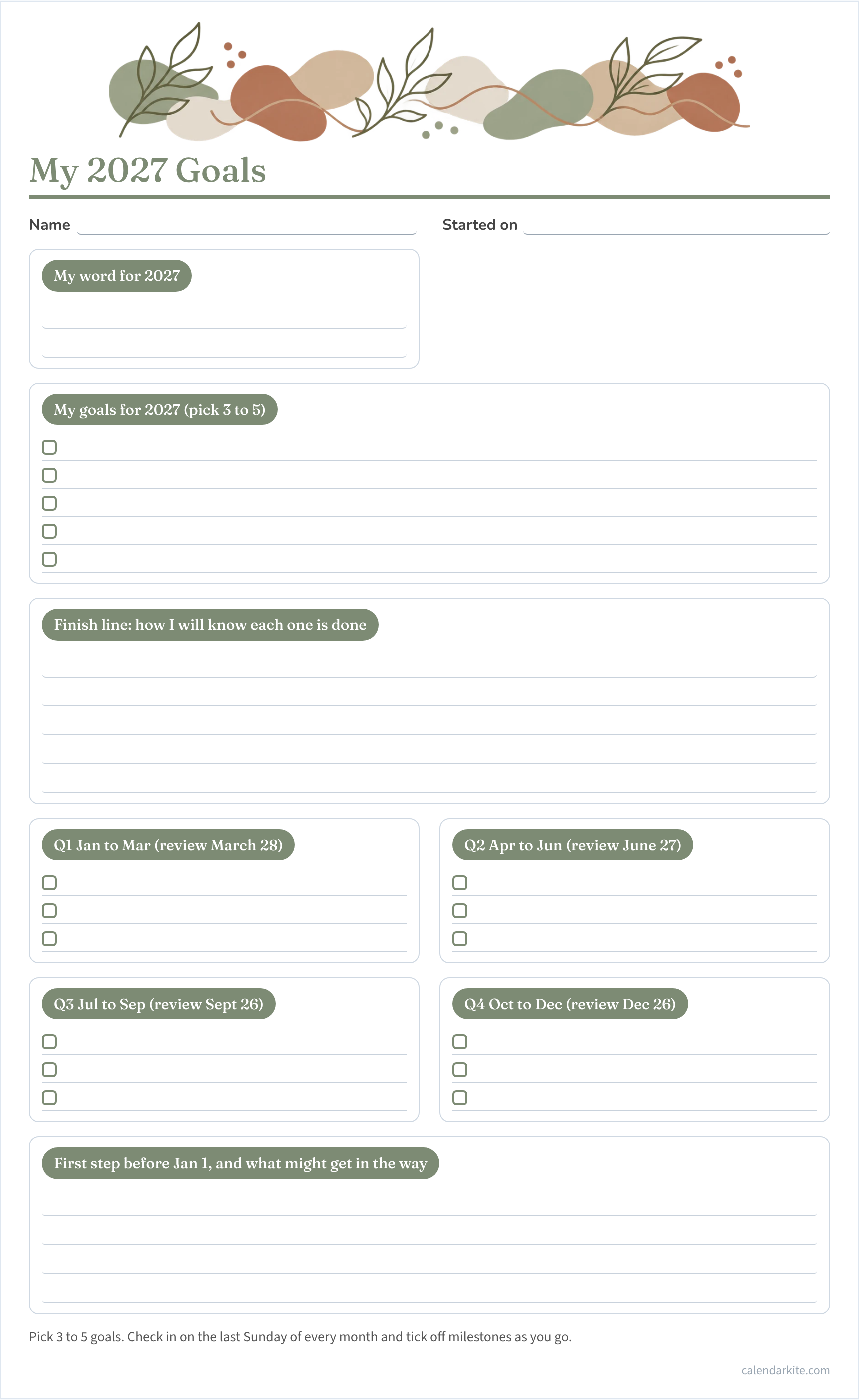
Muted sage, sand and terracotta with soft line-art leaves suit anyone building a calm, vision-board style plan for 2027. I'd pin it above your desk or tape it inside a notebook cover for daily glances.
Modern 2027 Goals Template
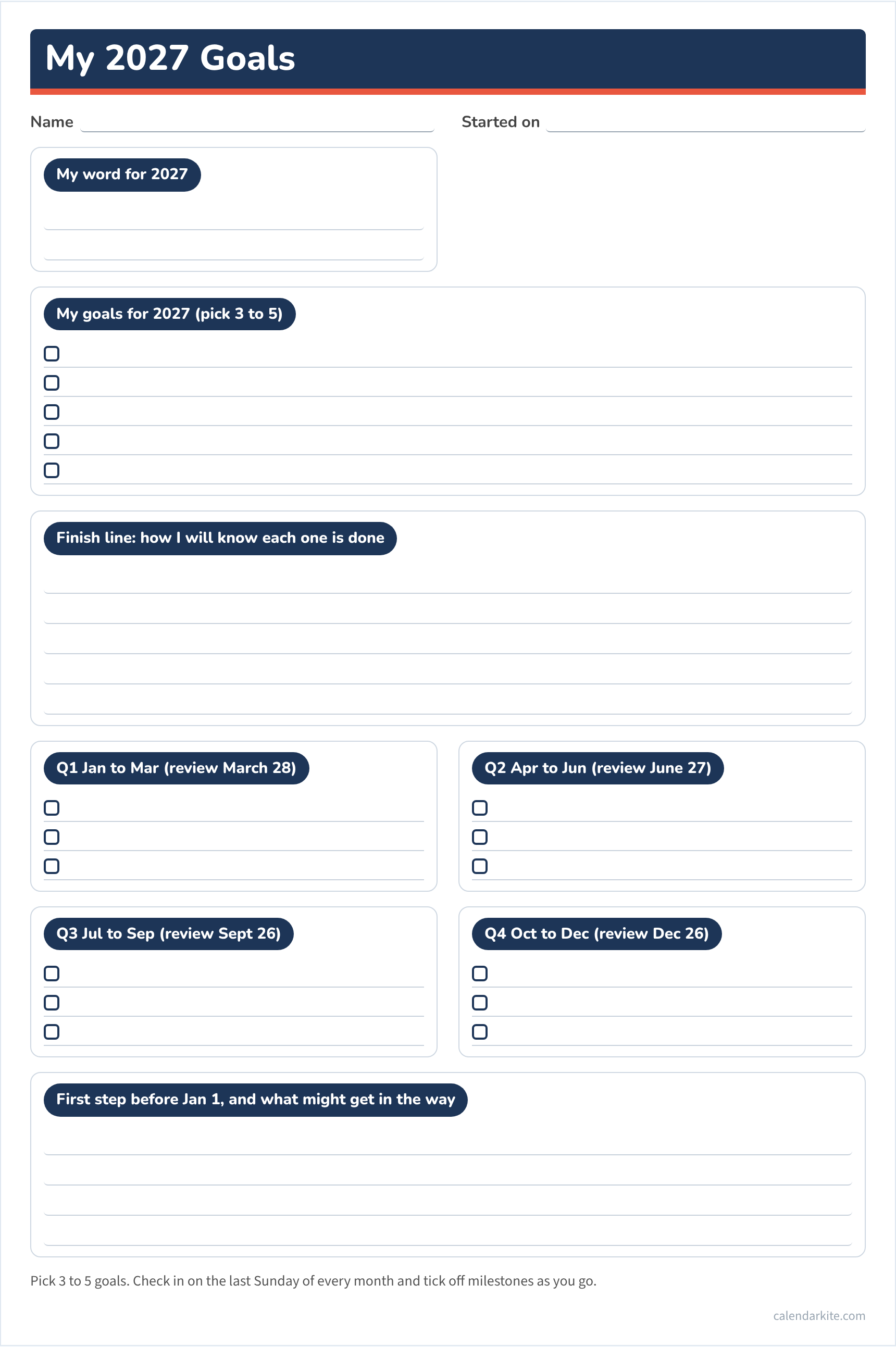
The navy header band with a coral accent suits work and career goals, where you want something that looks organized in a meeting. I used my office habit of pairing each goal with a deadline, so leave space for dates.
I built the layout around the things that tend to go wrong with yearly goals: too many of them, no finish line, and no date to look at them again. Everything on the sheet is there to fix one of those three problems. The rest of this page explains how to fill it in and gives some examples and variations.
What a good 2027 goals template includes
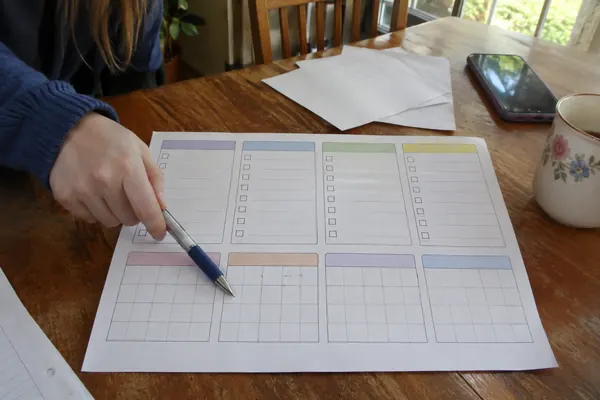
Most goal pages are a list of blank lines with a title across the top. That is fine for brainstorming, but a list does not tell you when to look at it again. A useful yearly template has a few more parts: a small number of goals, a way to measure each one, milestones by quarter, and dates for reviewing progress.
This sheet has eight boxes. You get a word for the year, a goals box with tick boxes, and a finish-line box. Then come four quarter boxes with review dates already printed, and a last box for your first step and the obstacles you expect. It all fits on one page, so it can sit on a fridge, a desk or inside a planner cover without being folded.
The review dates are specific to 2027. The last Sundays of each quarter are March 28, June 27, September 26 and December 26. I check dates like these against the real calendar before anything goes on this site, because a template that prints the wrong weekday loses your trust quickly.
How to fill in the sheet, step by step
Work through it in this order. It is not the same as the order the boxes appear on the page, and the order matters.
- Write your goals first, in the goals box. Aim for three to five, and write them as plain sentences.
- Next to each goal, write the finish line in the second box: the number, date or visible result that proves it is done.
- Go to the four quarter boxes and give each goal a milestone for each quarter, or at least for the quarters where it needs to move.
- Fill in the last box with one step you can do before January 1 and one thing most likely to get in your way.
- Come back to the word for 2027 last. It is easier to choose once you can see what the year actually holds.
Give yourself about 30 minutes for the first pass. If a box takes more than a few minutes, you probably have too many goals or a goal that is still too vague.
Try this: Set a timer for 10 minutes and brainstorm every goal you can think of on scrap paper. Then cross out everything except the three that would make you proudest on December 31, and copy only those onto the sheet.
Start with a word for 2027
The word box at the top is small on purpose. A word is a quick way to describe the feel of the year, not a goal. Words like steady, finish, lighter, local or brave all work, and they help when a decision comes up that your goals do not cover.
You do not have to use it. Some people find a word gimmicky, and that is fine. If it does not appeal to you, leave it blank or use it for a short phrase instead, such as “less rushing”.
I fill mine in last. When I write it first, I choose something that sounds good. When I write it after the goals, it describes what I am actually going to do. Try both and see which gives you a more honest answer.
Pick three to five goals, not fifteen
The goals box has five lines, and that is the cap. Five is the most I would put on a yearly page. Three is better if one of them is large, such as a job change, a move, a wedding or a new baby.
Every goal costs attention. In my office years I kept rotas for staff, and the busiest weeks were never the ones with one big task. They were the ones with a dozen small commitments, each reasonable, that together left no room. Personal goals work the same way. A list of fifteen looks ambitious in January and feels like a pile of guilt by April.
If you have more ideas than lines, keep a separate someday list. A printable to-do list works well for that, because it is a different kind of list: tasks to do eventually, not commitments for the year. Moving an idea there is not giving up on it. It just stops it from competing with the goals you have chosen.
Write a finish line you can check
The second box is the one most goal sheets leave out, and it does the most work. For each goal, write down what will be true when it is done. “Get healthier” cannot be checked. “Walk 8,000 steps on five days a week by June” can.
A finish line is usually one of three things: a number (save $3,000), a date (submit the application by March 15) or a visible result (the garage is empty and the car fits inside). If you cannot write any of those, the goal is probably still an intention. That is not a problem, just a sign you need to think a little longer before you commit it to the page.
The tick boxes beside each goal are for the final result. You will tick them once, ideally in December. The quarter boxes below are for the smaller steps you will tick along the way.
Try this: Read each finish line out loud and ask whether a stranger could tell if it was achieved. If the answer is no, add a number or a date.
Break each goal into four quarters
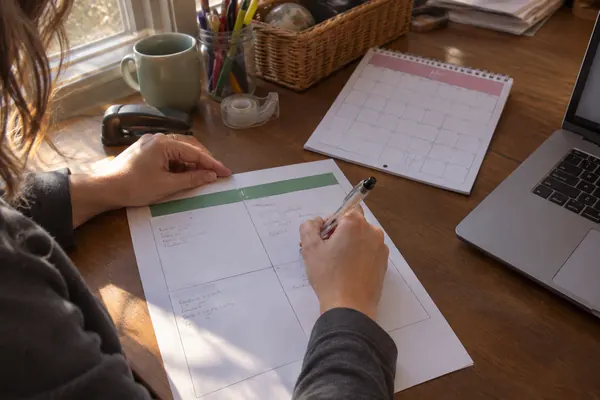
Quarters are a good size for planning. A month is short enough for a bad week to wreck it, and a whole year is too far off to feel real. Three months is long enough to make visible progress and short enough that you can remember what you meant.
The quarters of 2027 are not equal. January to March has 90 days, April to June has 91, and July to September and October to December have 92 each. It is a small difference, but it explains why the first quarter often feels shorter than you expect, particularly with a late start in January.
Each quarter box has three lines with tick boxes. You do not need a milestone for every goal in every quarter. A goal such as “read 24 books” might need only a rough target per quarter, while a goal like “launch the website” might have nothing in Q1 and everything in Q3. Write what is honest. If you want to see the actual dates, keep the 2027 calendar beside the sheet while you fill the boxes in.
Plan the first step before January 1
The last box on the sheet asks for a first step before January 1. It exists because the first week of January is the weakest point of most goals. People wait for the new year to begin and then find they are starting from a blank slate in the middle of a busy week.
The first step should be small and take under an hour. Book the appointment, order the book, open the savings account, clear the shelf, text the friend. None of these will move the goal very far, but they turn it from something you plan to do into something you have already started.
If you are reading this in December 2026, you have a few weeks to make that first step. If you are reading it later in the year, use the same box for what you will do this week. It works at any time.
Plan for what might get in the way
The same box has space for obstacles. Think about what usually derails you and write one or two items down. Typical examples are a busy season at work, a school holiday, winter weather, a family event or a slow month for money.
Then add a short “if this, then that” plan. If the kids are on break in July, I will do my 20 minutes before they wake up. If a bill throws off the budget, I will pause extra savings for one month, not stop altogether. A plan like this takes a minute to write and saves you from deciding from scratch when you are tired.
At home I keep a paper calendar on the fridge, and I write the known obstacles on it in pencil: the trips, the school weeks off, the busy weeks. Seeing them at the time I set the goals changes what I choose to attempt in each quarter.
Monthly check-ins on the last Sunday
A goals sheet only works if you look at it. The simplest way is to pick a fixed day each month. The last Sunday suits most people because it is close to the month’s end and often quieter than a weekday. These are the dates for 2027:
- January 31, February 28, March 28 (quarter review)
- April 25, May 30, June 27 (quarter review)
- July 25, August 29, September 26 (quarter review)
- October 31, November 28, December 26 (year review)
Put the 12 dates in your phone or on your wall calendar when you finish the sheet. The monthly check-in takes ten minutes: read the quarter box, tick what is done, move what is not, and decide the one thing you will do first next week.
On the quarter-end Sundays, take a little longer. Look at whether the finish lines still make sense and whether anything on the page should change. The January 2027 calendar is a handy place to mark the first check-in before the month even starts.
Who this template suits
This sheet is a good fit for adults who want one clear page for the year. That includes people with a regular job, people who work for themselves, parents juggling family schedules, students planning a year of study, and anyone starting a big change such as a new job, a move or a health plan.
It is less suited to detailed project management. If a goal is itself a large project with many steps, give it a separate page and use this sheet only for the headline and the quarter targets. The goal setting planner is a better home for one goal in depth.
It also works for people who dislike planning. Because it asks for only a few things, and none of them are long, there is less room to over-engineer it. I have seen many people build elaborate planning systems in January and drop them by February. A one-page sheet is more likely to survive.
Goals, resolutions and habits
These three words are often mixed up, and the difference shapes how you use the page. A resolution is a general intention: eat better, be more present. A goal is a specific result with a finish line. A habit is something you do repeatedly, with no end date.
Most good yearly plans use all three. The goal says where you are going, and the habit is how you get there. If your goal is to run a 10K in September, the habit might be three runs a week. The sheet holds the goal and the milestones. For the daily or weekly part, use a separate tracker such as the habit tracker printable, where you can mark each day without cluttering your goals page.
Keep the goals page for the big picture and let the tracker deal with day-to-day detail. When I mixed the two on one page in my own planning, I ended up with a page that was both too busy to read and too general to act on.
Examples of 2027 goals
If you are stuck for ideas, here are some goals written with finish lines. Copy the structure and change the content to match your life.
- Money: save $2,400 by December 26, which is $200 a month into a separate account.
- Health: complete a 10K on a date in September, with a long run each Saturday from June.
- Reading: finish 24 books, two a month, logged as you go.
- Home: clear the basement so the car or workbench fits by the end of Q2.
- Work: finish a certification exam by October 31.
- Family: take one weekend trip each season, booked in the quarter before.
- Skills: play three songs through without stopping by the end of Q3.
Notice that none of these uses vague words like “more” or “better”. Each can be checked on a given date. For money goals, pair the sheet with a budget planner for 2027, so the monthly amounts have a home.
Try this: Choose one goal from your list and write it as a sentence with a number and a date. Then work out what you would need to do each month to reach it. If the monthly amount feels unrealistic, change the goal now, not in October.
Variations to suit your year
You can use the same page in several ways without changing the layout. The easiest is a couple’s version. Each person fills in their own sheet, then you swap and read them together over a meal. You will quickly see where goals overlap, such as a trip or a savings target, and where one person needs support.
For a family, use one sheet for the household. Put the shared goals on the lines, such as a vacation, a home project or a weekly dinner at the table, and let the kids write one of their own as a fifth line. It is a good way to talk about the year without a lecture.
For work, treat it as a personal planning page, not a performance review. Three career goals with quarterly milestones are easier to discuss with a manager than a vague hope to grow. Students can swap the quarters for terms and use the finish-line box for grades, projects or applications. If you want a shorter timescale, a weekly planner for 2027 turns each milestone into tasks for the week.
Printing and where to keep it
Print the sheet on plain US Letter paper at 100 percent, with scaling turned off. Black and white works fine, and so does colour. I test-print every printable on my home inkjet, on both US Letter and A4, and I check that the boxes are large enough to hold real handwriting. The quarter boxes on this sheet came from that testing: I made them deeper after a first print left me squeezing milestones into the margins.
If you have filled it in on screen, check the preview before printing, since long entries may wrap. Use a heavier paper, around 24 lb or 28 lb, if you plan to tape it to a wall or fridge, as thin paper curls. If you prefer to write by hand, the blank PDF prints the same layout.
Where you keep it matters as much as how you fill it in. A sheet in a drawer is forgotten by February. Put it where you will see it at least weekly: on the fridge, inside a planner cover or next to your desk. I keep my planner on the kitchen counter, so the goals page lives there.
Mistakes I see most often
The first is writing goals that are really wishes. “Be happier” is a nice thing to want, but there is no way to check it. If a goal matters to you, give it a measurable version, even a rough one.
The second is setting every goal at the same difficulty. A year of only stretch goals is exhausting. Mix one ambitious goal with one or two that you are fairly sure you can reach. Reaching those builds confidence for the harder one.
The third is skipping the review. From my years in an office, I learned that a plan nobody looks at is just a document. The check-in dates on this sheet are the part I would protect most. A ten-minute check-in once a month is worth more than a perfect plan written in January.
The fourth is treating the page as a test you can fail. If a goal turns out to be wrong, change it and note why. That is a good use of the sheet, not a mistake in using it.
When to change or drop a goal
Goals can go out of date. A job changes, a baby arrives, money gets tight, or you discover that you do not care about something as much as you thought. The quarter reviews are the right time to look at this honestly.
Ask three questions. Is the finish line still realistic? Do I still want this? Is something else more important right now? If the answer to the first is no, move the date or shrink the target. If the second is no, drop the goal and write one line about why, so you do not feel guilty later.
Then use the freed-up space well. Either let it breathe, or replace the goal with something that fits where you are. Pair the sheet with a goal tracker if you want a visual way to see progress between reviews.
Common questions
How many goals should I put on a 2027 goals template?
Three to five is a good range. Each goal needs a finish line, quarterly milestones and regular attention, and most people can only keep that up for a handful of goals at once. If you have more ideas, park them in a separate someday list.
Can I fill in the 2027 goals template on screen before printing?
Yes. Type into every line and field on the page, tick boxes and edit items, and your entries save in your browser so you can come back and keep editing. When you are happy with it, print it on US Letter, or download the blank PDF to write by hand.
When should I start my 2027 goals?
Start in December 2026 if you can. Write the goals, then do the first step before January 1 so the year begins with momentum. If you are reading this later, start today, because the quarterly layout works from any month.
What is the difference between a goal and a resolution?
A resolution is usually a general intention, such as getting fit. A goal has a finish line you can check, such as completing a 10K on a set date. This sheet asks for the finish line on purpose, because a vague goal is hard to review.
How often should I review my yearly goals?
Once a month is enough for a quick check, with a longer look every quarter. The sheet prints the last Sunday of each quarter so you have fixed review dates. Put the monthly ones on your calendar too, or they tend to get skipped.
What should I do if I fall behind on a goal?
Look at the milestone first, not yourself. Shrink it, move it to the next quarter, or drop the goal and write down why. Changing a plan on purpose is a normal part of the process and is different from quitting.
More free planners
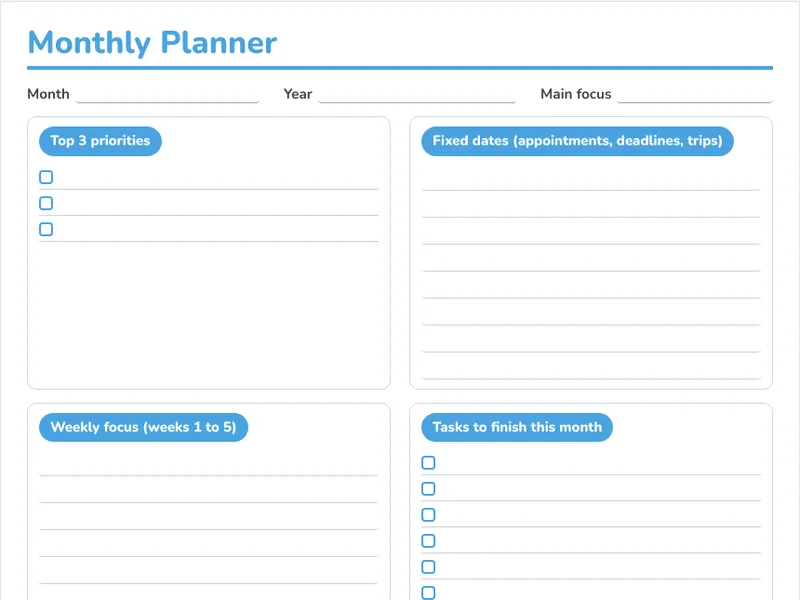 Monthly Planner: Free Printable One-Page Sheet
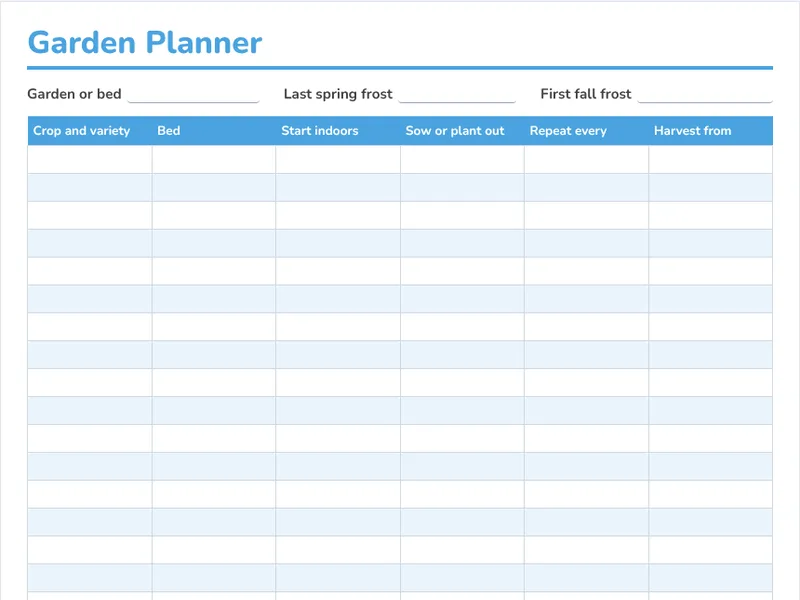 Garden Planner: Free Printable Planting Sheet
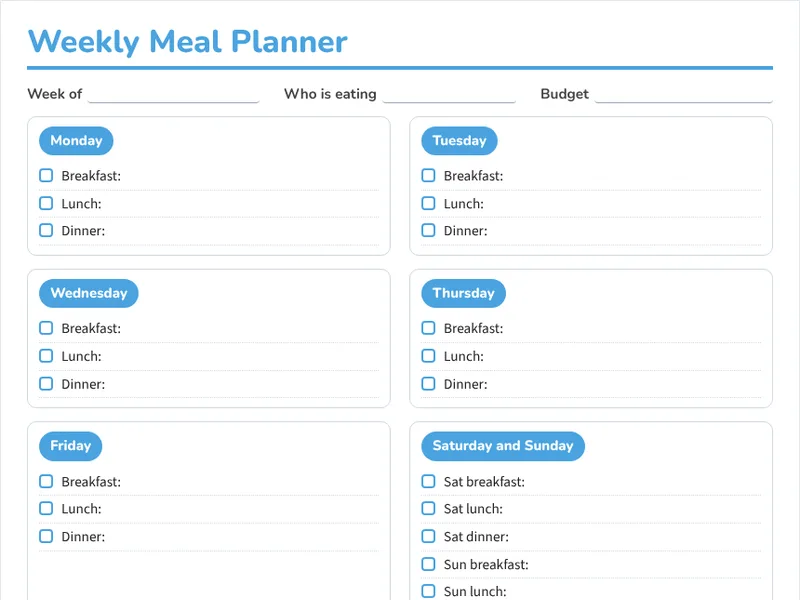 Printable Weekly Meal Planner
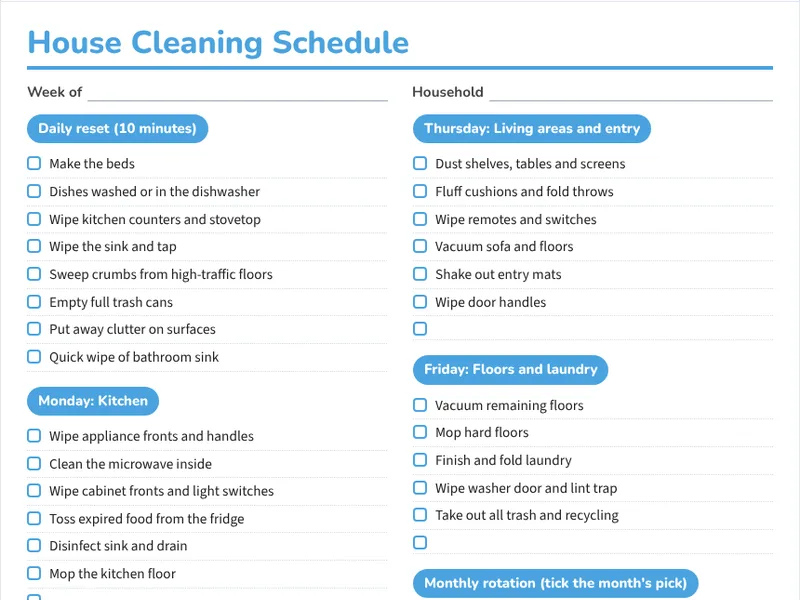 House Cleaning Schedule: Free Printable for Daily, Weekly and Monthly Jobs
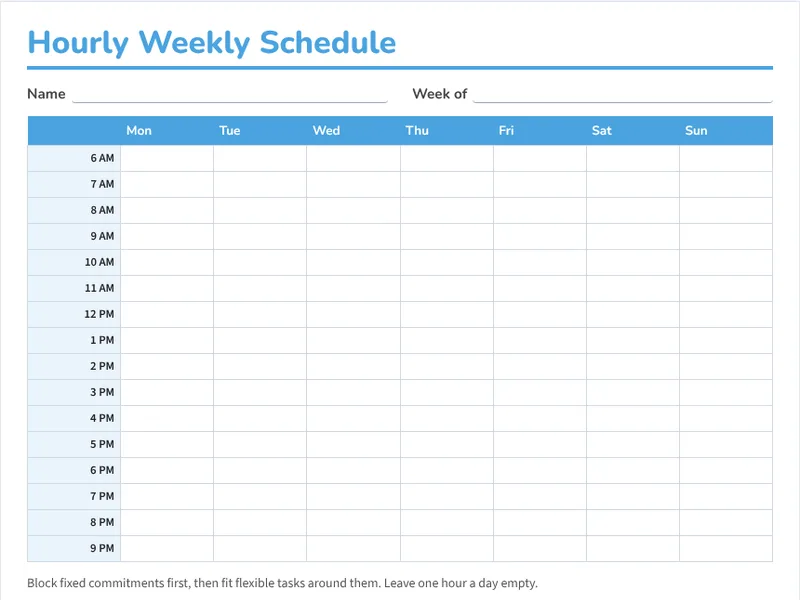 Hourly Schedule Template: Free Printable Weekly Planner
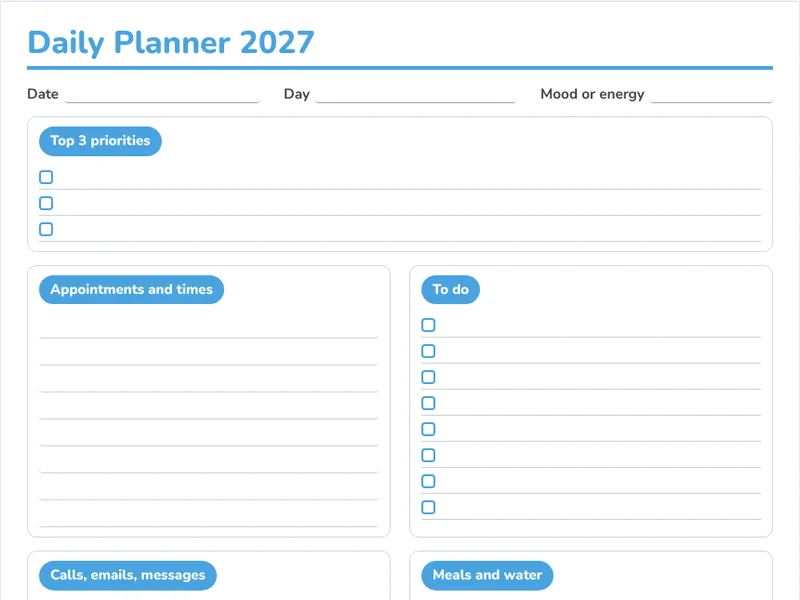 Daily Planner 2027: Free Printable Page for Every Day