
Goal Setting Planner (Free Printable, Fill In Online)

A goal setting planner is a page (or a few pages) that turns a wish into a plan: one clear goal, the reason behind it, a finish line you can measure, a deadline, a few milestones and a first step. The free printable on this page puts all of that on a single US Letter sheet. You can type into it on screen, tick the boxes, then print it, or download the blank PDF and use a pen.
My goal (one clear sentence)
Why this matters to me
Finish line: how I will know I did it
Milestones with dates
First small step this week
What could get in the way, and my if-then plan
Help and resources I need
Weekly review: what worked, what I will change
Review this page once a week. One goal per sheet. Make the next step small enough to start today.
Free for personal, classroom and office use. Your entries are included in the print, PDF and PNG. Prints on US Letter and fits A4.
Black and White Goal Setting Planner Printable
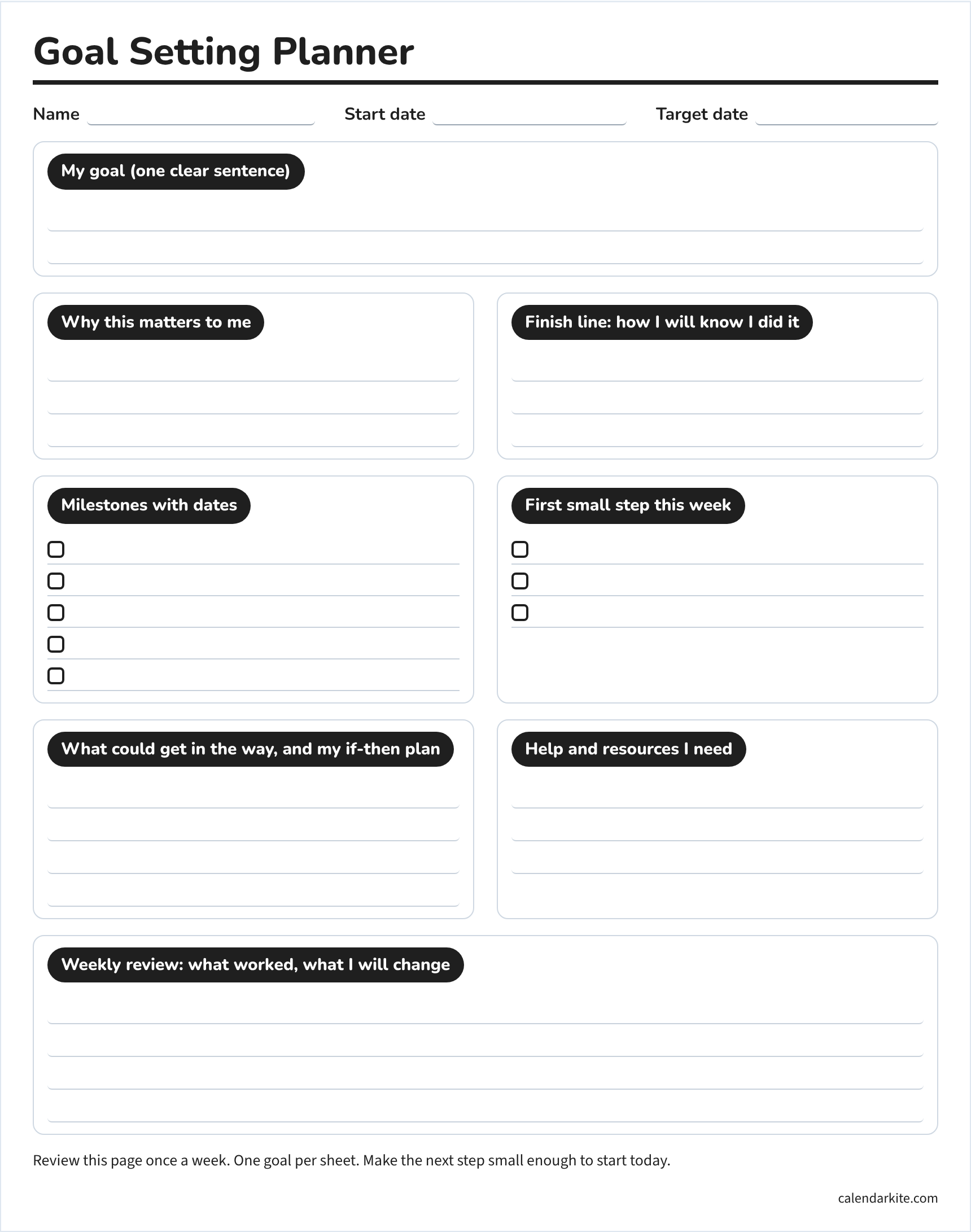
This ink-saving version suits anyone who wants a no-fuss page for yearly or monthly goals. I test-print every page on my home inkjet, and the plain black lines stay crisp even on draft mode.
Pink Goal Setting Planner
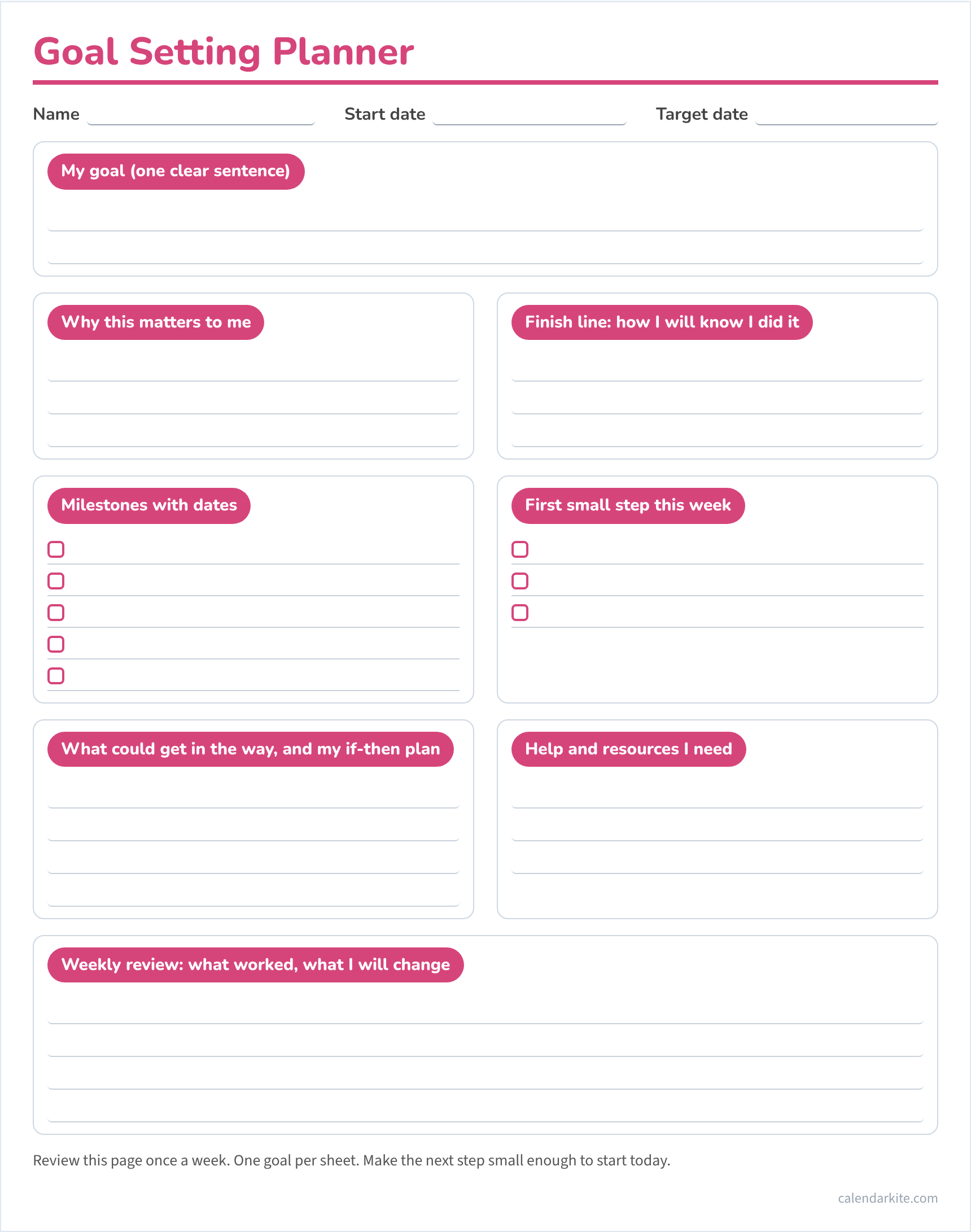
Pick this soft pink page if you like a gentle look for personal goals like fitness, savings or reading. I keep mine on the kitchen counter next to my planner, so it gets a glance every morning.
Sage Green Goal Setting Planner
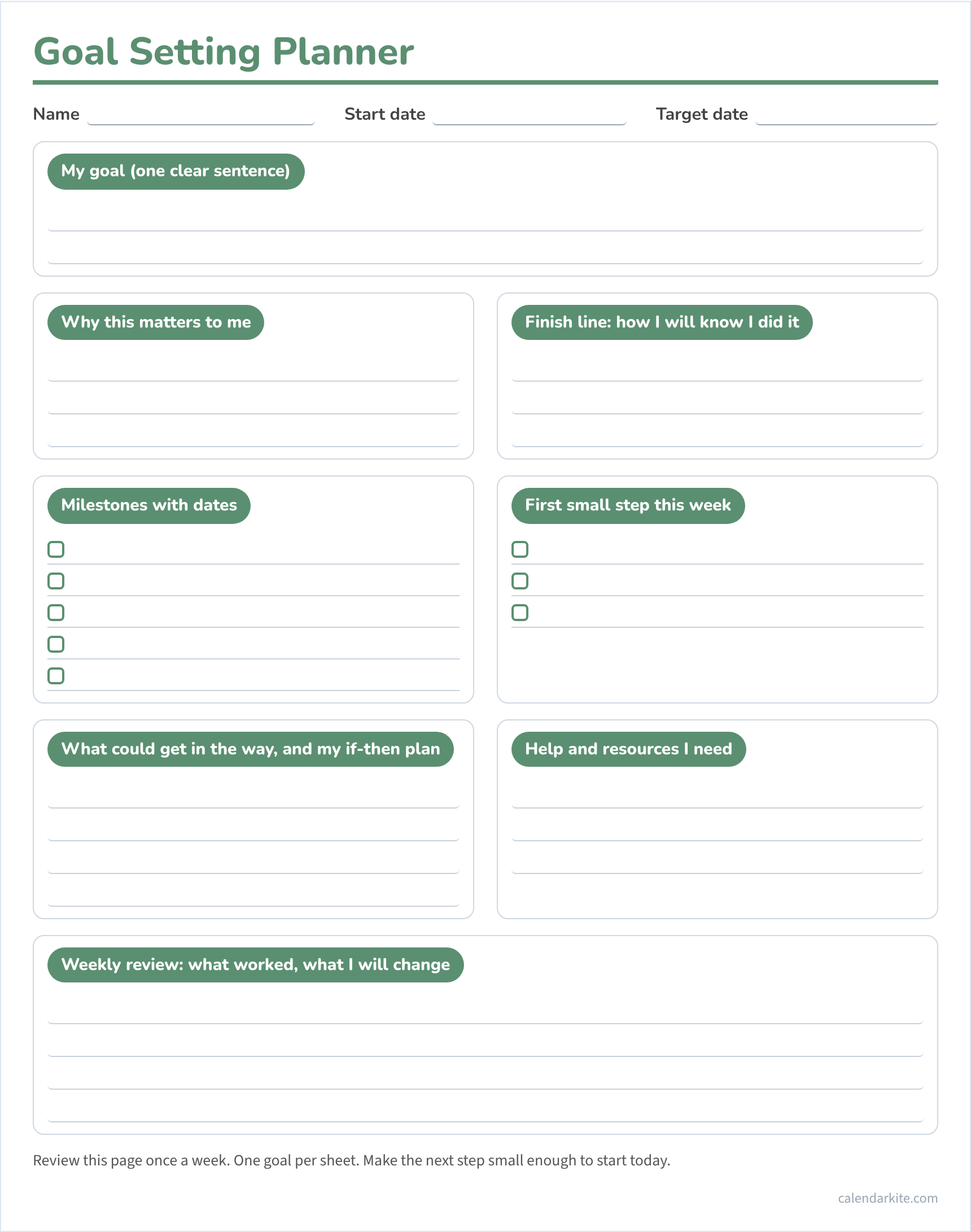
The calm green tones suit people who find bright colors distracting when they plan, such as students or home-office workers. In my office years I learned that a quieter page gets used longer, so I'd choose this for quarterly goals.
Lavender Goal Setting Planner Printable
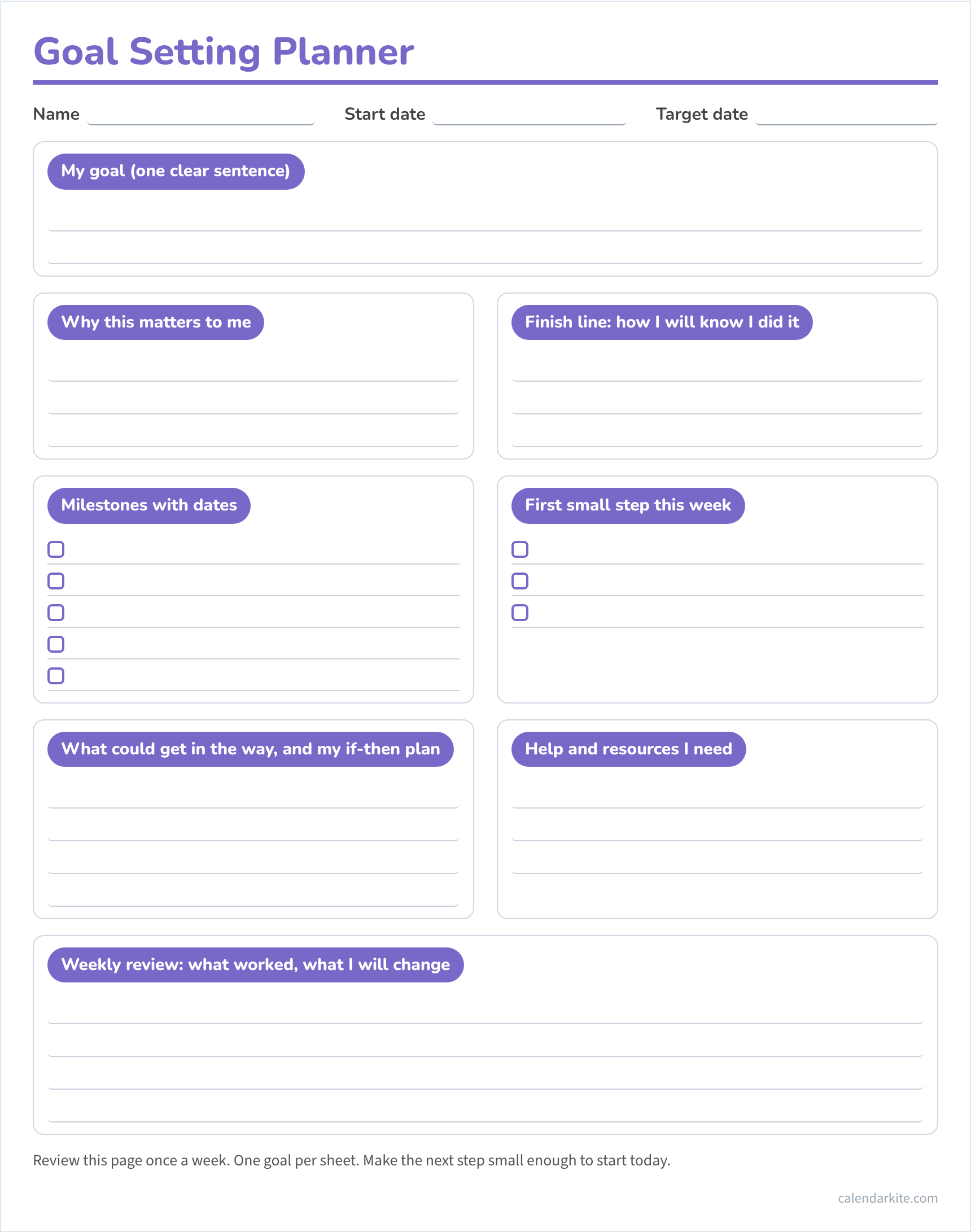
This lavender page suits a reflective, journal-style approach to goals, like a monthly review on Sunday evening. The wide writing lines leave plenty of room for everyday handwriting, and the soft purple works well for evening planning.
Cute Goal Setting Planner
Choose this pastel blue page with little hand-drawn illustrations if you want goal setting to feel lighter, for example for a teen's study goals or a fun New Year list. It also makes a friendly gift for a friend starting a new year.
Floral Goal Setting Planner
The watercolor flowers and mauve serif headings suit anyone who wants an elegant page for a vision-board style year of goals. It works nicely for a yearly vision list or a gift, with the flowers kept to the top so the writing area stays roomy.
Colorful Goal Setting Planner
Bright orange and yellow with bold cartoon illustrations make this a fun pick for families, teens or anyone who needs some energy. My two kids like setting small weekly goals on it, such as reading minutes or practicing piano.
Minimalist Goal Setting Planner
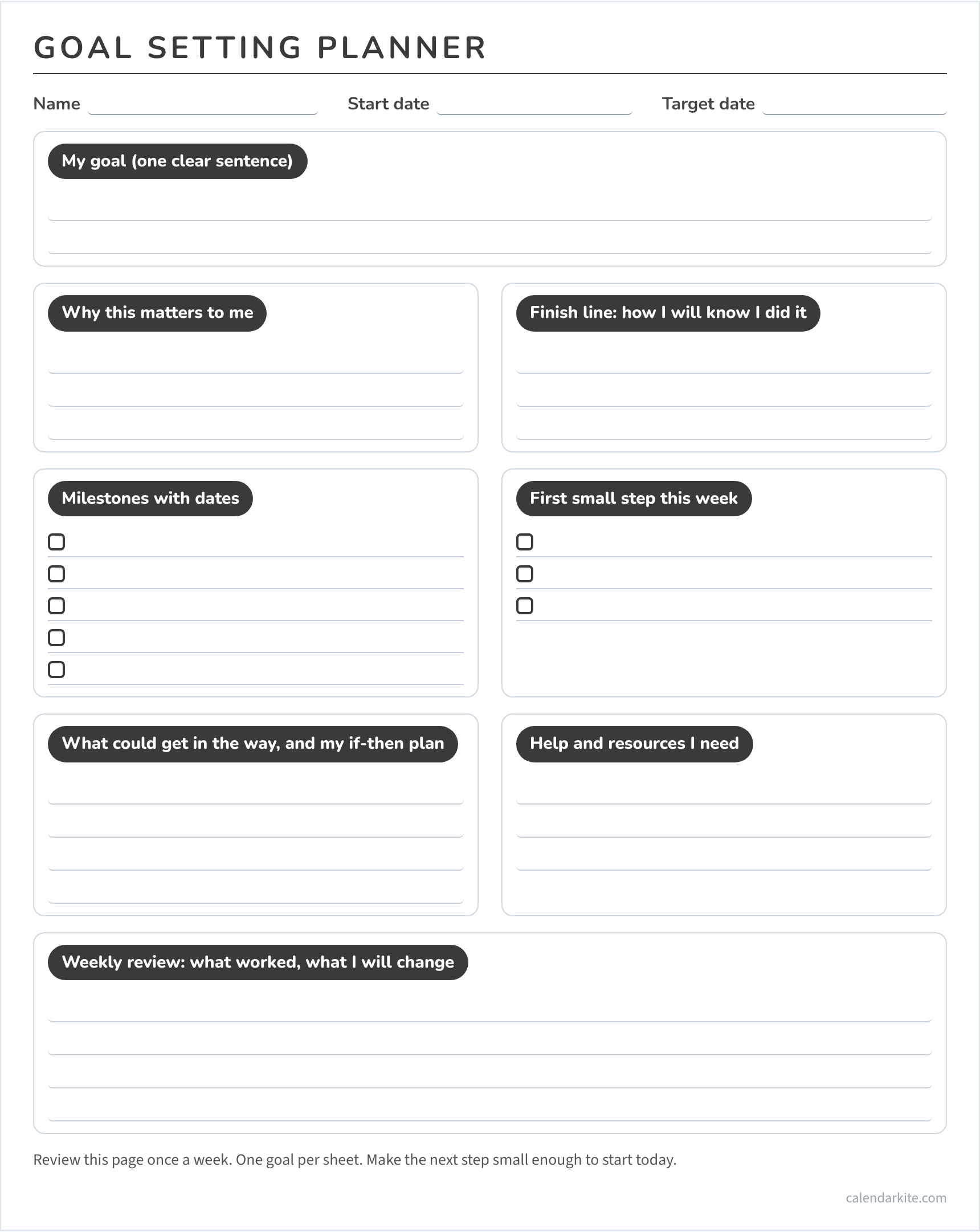
Thin gray lines and a light uppercase heading suit people who want a simple, uncluttered page for three to five priorities. A common mistake I see is listing too many goals, so this layout keeps the focus tight.
Aesthetic Goal Setting Planner
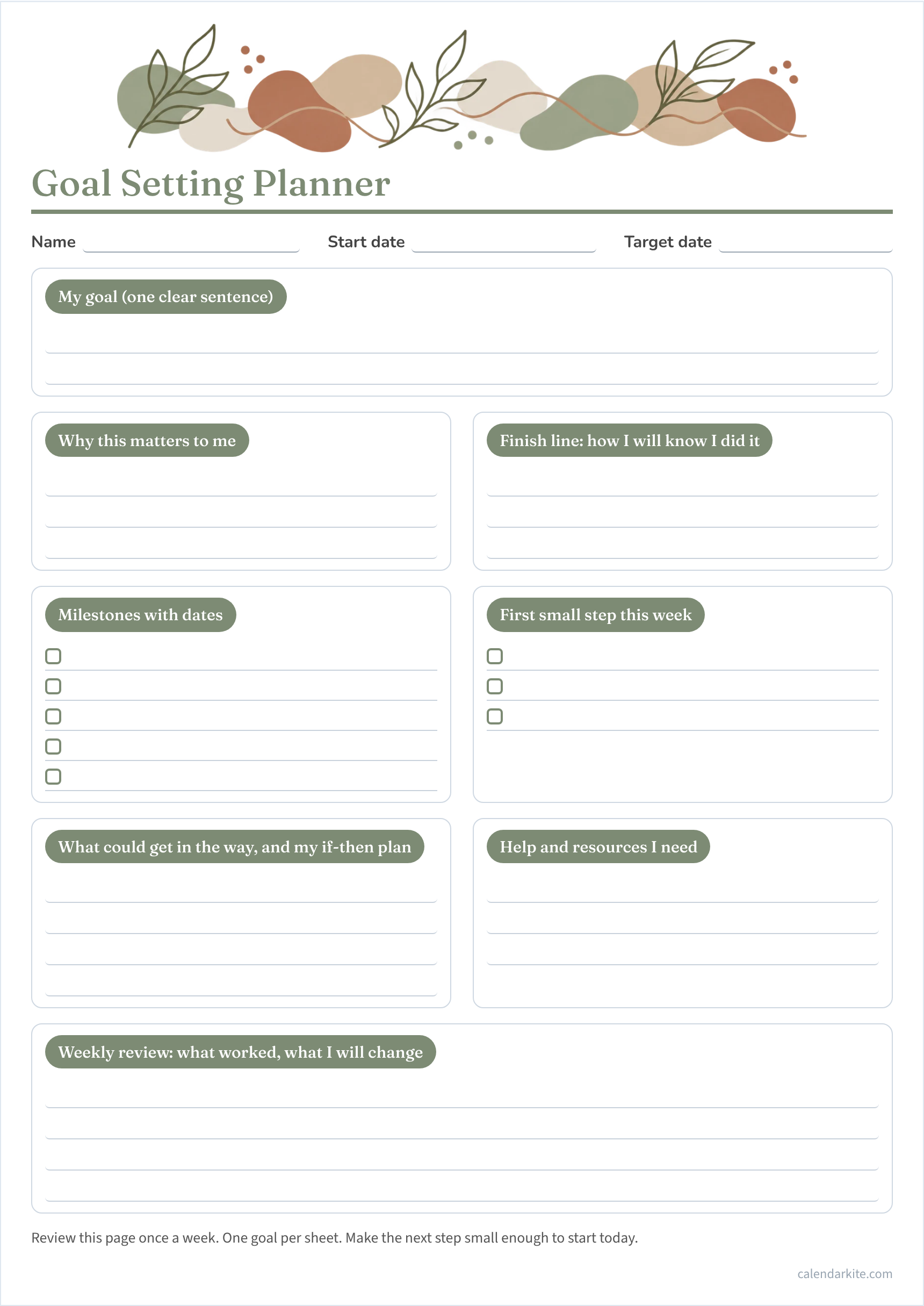
The muted sage, sand and terracotta palette with soft line-art leaves suits anyone who plans in a journal-like style. It's a good fit for a desk, binder or bullet-journal setup, with soft leaves that stay out of the way of your writing.
Modern Goal Setting Planner for Work
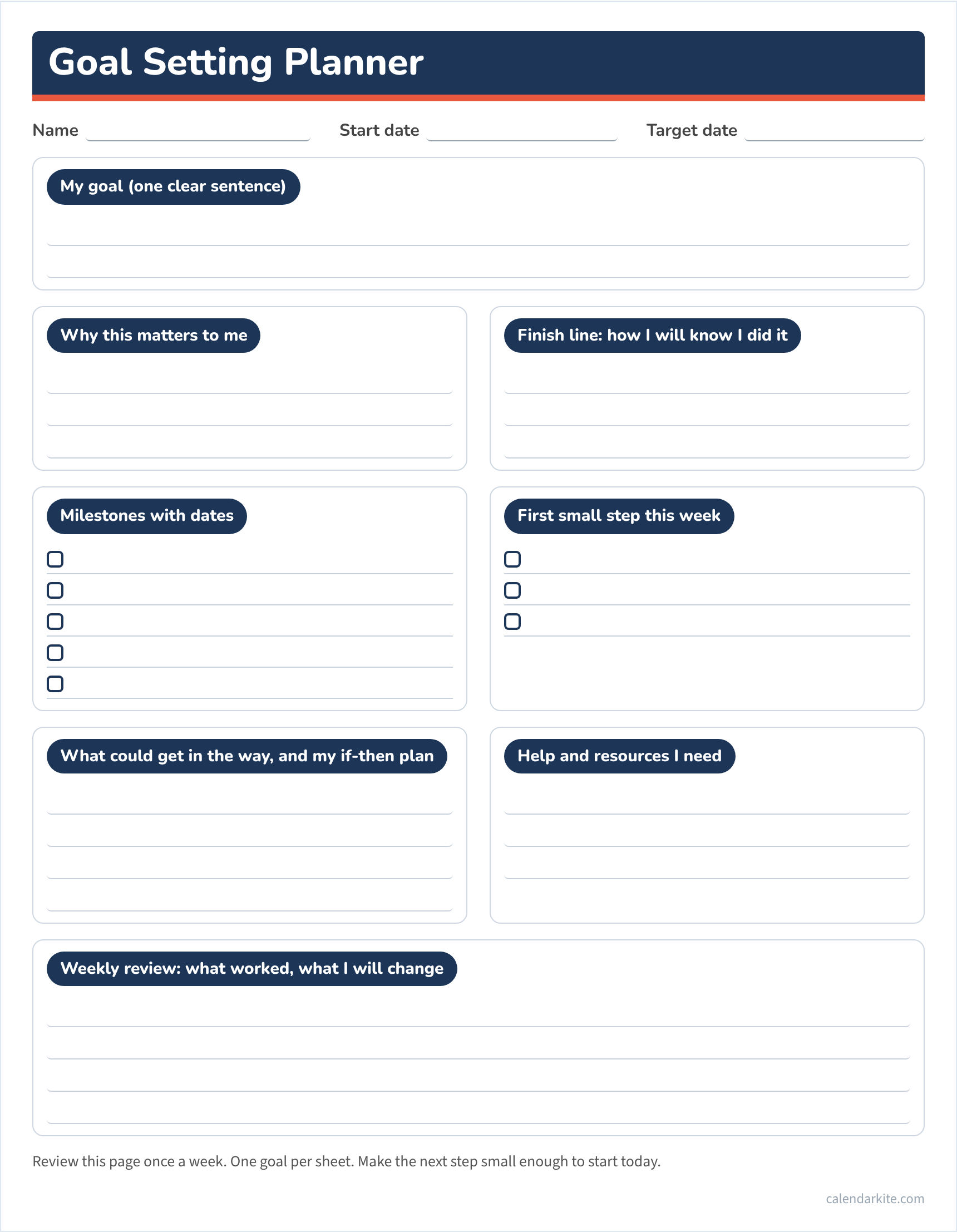
Professionals and business owners will like the navy header band and coral accent for quarterly goals kept in a binder or on a clipboard. In my office years, I learned a clear header makes a page easy to find in a pile.
I built it around the questions I used to ask when I kept schedules and rotas in an office: what exactly is this, by when, who needs to do what first, and what might get in the way? Goals fall apart for the same reasons as work projects do, mostly because nobody wrote down the next small step. This sheet makes you write it down.
What this goal setting planner includes
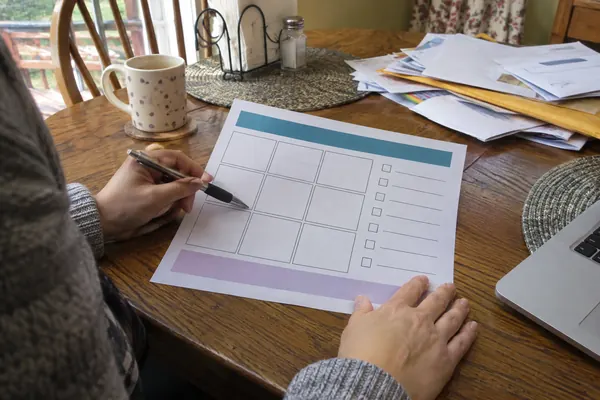
The sheet has eight boxes. At the top is a single sentence for your goal, then a box for why it matters, a box for the finish line, and a milestones list with tick boxes. Below those you will find a first small step for this week, a box for obstacles and your if-then plan, a box for help and resources, and a weekly review strip across the bottom. Three fields at the very top hold your name, a start date and a target date.
I kept it to one page on purpose. Many goal planners run to dozens of pages, and I have watched people (myself included) fill in the first four pages with enthusiasm and never open the rest. One page per goal is easy to print, easy to pin up and easy to review in ten minutes.
The layout is plain black and white with generous writing lines. I test-print every sheet on my home inkjet, on both US Letter and A4, and I made the lines tall enough for normal handwriting without squinting.
How to fill it in, step by step
You can do the whole sheet in about twenty minutes. Work top to bottom the first time, then leave the review box blank until the first week has passed.
- Fill in your name, start date and target date at the top.
- Write your goal as one sentence in the top box.
- Add why it matters, in your own words.
- Write the finish line: the number, date or result that tells you it is done.
- List three to five milestones with dates and tick them off as you go.
- Choose one first step you can finish this week.
- Name the likely obstacles and write an if-then reply to each.
- Note who or what can help you.
- Print it, put it somewhere you pass daily, and use the review box every week.
If you are typing on the page, your entries are saved in your browser, so you can draft over a few days. Clear your browser data and the entries go, so print or save a PDF of anything you want to keep.
Writing the goal sentence
The top box is the hardest one, and it deserves ten minutes. A good goal sentence names one thing, uses a verb, and could be checked by a stranger. “Get healthier” cannot be checked. “Walk 30 minutes, five days a week” can.
Start rough. Write the goal as vaguely as it sits in your head, then sharpen it by asking who, what, where and how much. If the sentence has an “and” in it, you probably have two goals. Split them onto two sheets. I see this mistake all the time: “save money and pay off the card and start a side business” is a whole year’s worth of plans squeezed into one line.
Keep the sentence in the first person and the present tense of intention: “I will…” reads as a commitment, while “I would like to…” reads as a hope. It sounds like a small thing, but I find the wording changes how seriously I treat the page when I look at it on a Tuesday night.
Try this: Write your goal in the top box, then cross out every word that a friend would not need in order to check your progress. What is left is usually your real goal.
Why this matters, and the finish line
The “why” box is short but it earns its place. Goals that matter to you survive bad weeks; goals that came from a guilty feeling do not. Write one or two honest sentences, and if the reason sounds like someone else’s voice, say so and reconsider the goal.
The finish line is the measurable part. Choose a number, a date or a yes-or-no result: 10 kilometres run without stopping, $1,500 saved, a portfolio of six pieces sent to three clients. If you cannot say what “done” looks like, you will be tempted to keep moving the goalposts. I put the finish line right beside the why box on the sheet because the two pull against each other usefully: the why keeps you going, the finish line tells you when you can stop.
Deadlines and checkpoints
A goal without a date is a preference. Put the end date in the target date field at the top, then work backwards. If you have twelve weeks, a checkpoint at week four and week eight splits the road into three manageable stretches.
Be honest about the time you have. The common mistake is to set a deadline based on a perfect month where nothing goes wrong. Look at your actual calendar first. I keep a paper calendar on the fridge, and before I commit to a date I check it for school events, travel and holidays. If you want the whole year in view, the 2027 calendar is a good place to mark your start date, checkpoints and finish date before you copy them onto the planner.
Dates matter more than you might think because they turn a vague “someday” into a series of small appointments with yourself.
Milestones you can tick off
The milestones box has check boxes because ticking something is a small reward, and small rewards keep a long goal alive. Aim for three to five milestones. Fewer than three and the steps are too big; more than five and the list becomes its own chore.
A milestone is a result, not an activity. “Research running shoes” is an activity. “Complete a 5 km run without walking” is a milestone. Give each one a date, and make the first one close enough that you can reach it within a few weeks, since early progress is what builds the habit of coming back to the page.
You can edit the items on the online version as your plans shift. Goals change, and a plan that cannot change gets abandoned. If a milestone no longer fits, rewrite it rather than leaving it as a reminder of failure.
The first small step
Most people stall between planning and starting. The “first small step this week” box is there to close that gap. Write one action you can finish in under an hour: book the class, move $50 into a separate account, put the running shoes by the door.
The step should be so small it feels almost silly. In my office years, the tasks that never got done were the ones written as a big vague block (“sort out the supply cupboard”). The ones that did get done were written as a single action with a day attached (“count the toner cartridges on Thursday”). Treat your goal the same way.
Try this: Set a ten-minute timer and do the first small step right now, before you finish reading this page. Then tick the box.
Obstacles and if-then plans
The obstacles box is the part most printable planners leave out, and I think it is the most useful part. Think about the two or three things most likely to knock you off course: a late work night, a rainy morning, a tight week before payday. Write them down.
Next to each, write an if-then reply. “If it rains on my walking day, then I do twenty minutes of stretching at home.” “If I miss two days in a row, then I do the shortest version on day three and do not try to catch up.” Having the reply ready means you decide once, calmly, instead of negotiating with yourself when you are tired.
Be specific about the plan and kind about the failure. Missing a day is expected. The plan is there so that one missed day stays one missed day.
Help and resources
The resources box asks what you need that you do not yet have: money, equipment, time, knowledge or another person. It sounds basic, yet it often reveals that the true first goal is getting the resource, not the outcome.
Name people, not just things. A friend who will ask how it is going on Fridays is a resource. So is a partner who agrees to take the school run twice a week while you study. In my house, goals that touch family time only work if the family knows about them, so the page on the counter gets talked through at dinner.
Weekly review
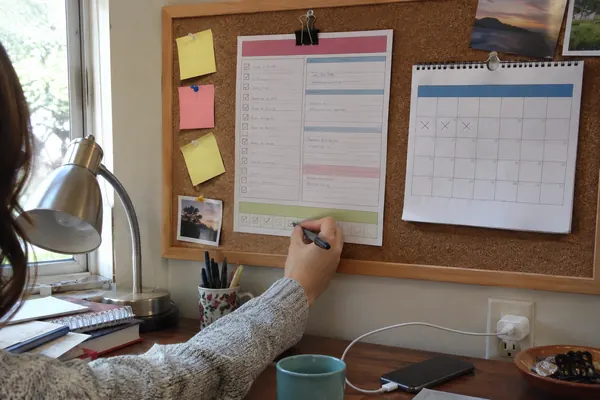
The weekly review strip is small deliberately. Ten minutes, once a week, is enough. Ask three things: what moved forward, what got in the way, and what is the single next step? Write one or two lines in the box and change next week’s step if you need to.
Choose a fixed time and attach it to something you already do, like Sunday coffee. A review that depends on remembering will quietly stop. If you plan your weeks on paper already, you can copy the next step into a weekly planner so the goal shows up alongside appointments and chores.
Once a month, look up from the weekly notes and check the milestones. Are you on pace? If not, shorten the next step, move a date or reduce the scope. Adjusting the plan is part of the process, not a sign you failed it.
Examples of filled-in goals
Seeing the sheet filled in helps, so here are a few goals written the way they would sit in the top box, with a finish line in brackets.
- I will run a 5 km race by 15 May, training three mornings a week (finish line: cross the line without walking).
- I will save $1,200 for a holiday by 1 August by moving $100 every payday (finish line: balance reaches $1,200).
- I will send 30 job applications by 31 March, five a week (finish line: 30 logged applications).
- I will read 24 books this year, two a month (finish line: 24 titles listed).
Notice what they share: a verb, a number, a date and a rhythm. Each could be checked by someone else. Notice also that none of them tries to do too much at once.
For the job example, the obstacle might be “tired after work”, with an if-then reply of “if I am too tired in the evening, I apply for one role during lunch”. For the saving goal, it might be a surprise bill, with the reply to pause the transfer for one pay period and extend the date, not abandon the goal.
How many goals at once
One goal per sheet, and not many sheets. I would say one to three active goals is plenty for most people, and one is better if life is busy. Each goal needs weekly attention, and attention is the scarce thing.
If you have a long list of wishes, sort them first. Which one would make the others easier? Which has a real deadline? Start with that one and park the rest on a “later” list. I do this with the kids’ activities, my own plans and the house: if everything is a priority, nothing gets a Sunday review.
When you do run several goals, print one sheet for each and pin them together, so the weekly review becomes a quick round of three small check-ins instead of one large muddle.
Who this planner suits
This planner suits anyone who wants to make a plan that fits on a page and survives real life. It works for a personal target, a work objective or a family aim.
- Adults setting new year, birthday or fresh-start goals
- Students planning a grade, an application or a study routine (a college assignment tracker pairs well for the daily detail)
- Job seekers who want a clear weekly target
- Freelancers and small business owners with a revenue or project goal
- Couples and families agreeing on a shared target such as savings or a move
It is less suited to a very long project with many moving parts, such as a wedding or a house move. For those, a checklist is the better main tool, and the goal sheet can sit on top as the overall aim.
Variations for different kinds of goals
The same sheet bends to many uses. For a yearly goal, set the target date for December and use quarterly milestones. For a 90-day goal, use monthly milestones and a weekly review. For a short sprint, such as a 30-day challenge, make the milestones weekly and use the obstacles box heavily.
Different areas of life can share a layout. Write a fitness goal on one sheet, a money goal on another and a relationship or learning goal on a third, and you will quickly see whether one part of life is being ignored. If you want a wider yearly overview first, the 2027 goals template is a good starting page before you pick one goal for this planner.
For couples or families, print one sheet and fill it in together, with each person adding their own milestones. With teenagers, I would keep the why box in their words and let them choose their own first step. Children under about eight do better with a simple sticker or chart than a full planner.
Tracking progress alongside the planner
The planner holds the plan. Many goals also need a daily or weekly record, and that is a different job. If your goal depends on repeating an action, add a habit tracker beside it and tick each day. If the goal is a total, such as a savings target, a thermometer goal tracker shows the progress filling up at a glance.
For goals with several measures, a goal tracker page keeps the numbers while the planner keeps the reasons and the steps. I keep them separate on purpose: the planner stays calm and readable, and the tracker can get messy with ticks and numbers.
Month by month, a monthly planner can hold your milestone dates in the same place as everything else on your schedule, which stops goals living in a separate world from real life.
Printing and saving tips
Print at 100 percent on US Letter, or choose fit to page for A4. Use standard copy paper for the first draft and a heavier 24 lb or 28 lb paper if you plan to pin it up for months. The sheet is black and white, so draft mode saves ink without hurting readability.
A few habits make the printout last:
- Fill in pencil for milestones and dates you expect to shift
- Use a pen for the goal sentence and finish line, to remind yourself they are firm
- Slip the sheet into a clear sleeve or a plain folder pocket
- Put it where you will see it daily: fridge, desk, bathroom mirror
- Print a spare blank copy so you can restart without losing the original
If you type on the page first, your entries save in your browser on that device. Use the same browser each time, and print the finished version so you are not depending on a saved tab. The blank PDF is there if you want to skip the typing and write by hand.
When you fall behind
You will fall behind at some point. Most goals have a flat patch around the middle, where the excitement has gone and the finish line is still far off. That is normal, and the review box is the place to deal with it.
Do not try to catch up on everything at once. Look at the next milestone and ask whether the date was realistic. If it was not, move it and write why. If the goal itself no longer matters, which also happens, cross it out and write what replaced it. Changing your mind for a good reason is not quitting.
Try this: Next Sunday, spend ten minutes with your sheet and write one honest line in the review box about what got in the way. Then change one thing about the plan, however small.
Keep the page visible and keep the steps small. A plan that sits on the fridge, gets a quick weekly look and bends a little when life does will carry you further than a perfect plan in a drawer.
Common questions
What should a goal setting planner include?
At minimum it needs the goal in one sentence, the reason it matters, a measurable finish line, a deadline, a few milestones and a first step. The best ones also leave room for obstacles and a weekly review, because those two parts decide whether the plan survives a busy month.
How many goals should I put on one planner?
One goal per sheet. If you have three goals, print three sheets and pin them side by side. Most people do better with one to three active goals than with a long list, because each goal needs weekly attention.
Can I type into the planner before printing?
Yes. Every line and field on the page can be typed into, and the boxes can be ticked. Your entries save in your browser, so you can come back and edit, then print when you are happy. There is also a blank PDF if you prefer pen from the start.
How often should I review my goal planner?
Once a week for about ten minutes is the sweet spot. Pick a fixed time, such as Sunday evening, and use the review box to note what worked and what you will change. A monthly look at the milestones keeps the bigger picture in view.
Is it better to fill in a goal planner by hand or on screen?
Either works. Typing is handy for drafting and rewording a goal until it is clear. Many people then print the sheet and update the milestones and review box by hand, since a page on the fridge or desk is harder to ignore than a browser tab.
What size does the printable come out at?
It fits one US Letter page, and it prints cleanly on A4 if you choose fit to page in your print settings. It is plain black and white, so it uses very little ink.
More free planners
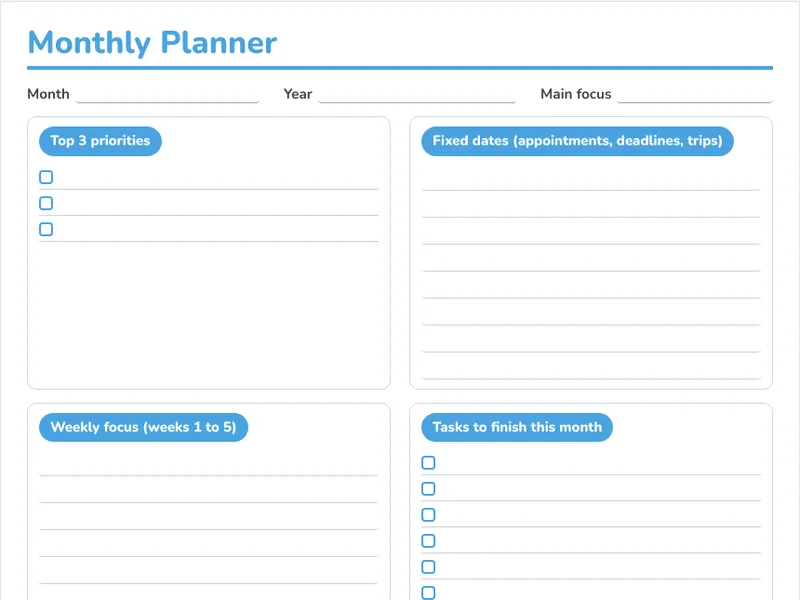 Monthly Planner: Free Printable One-Page Sheet
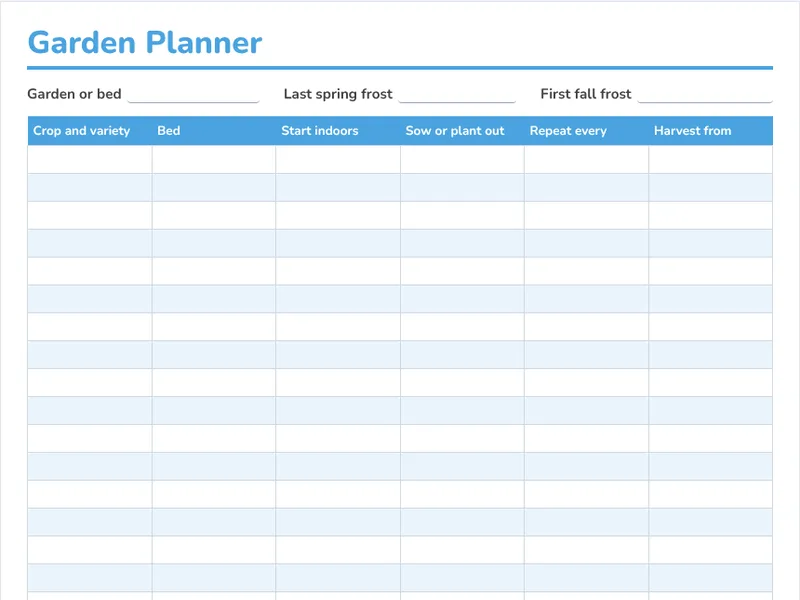 Garden Planner: Free Printable Planting Sheet
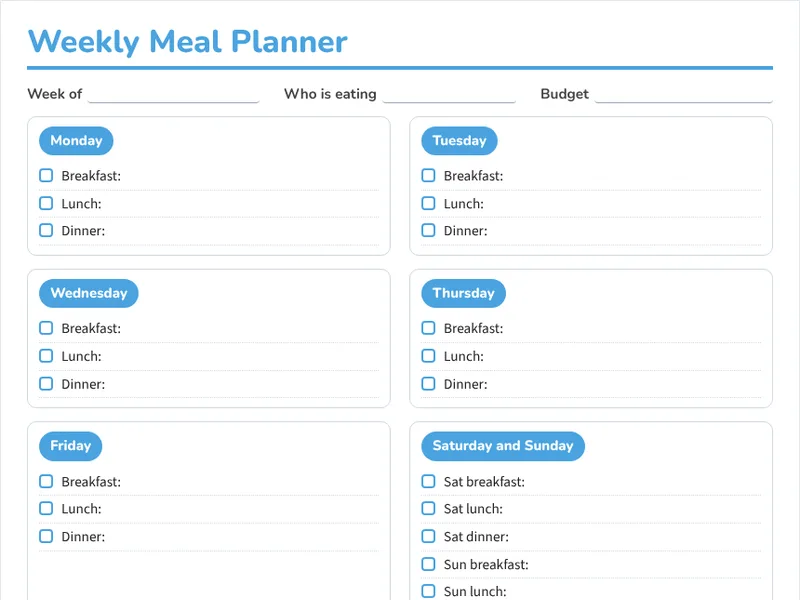 Printable Weekly Meal Planner
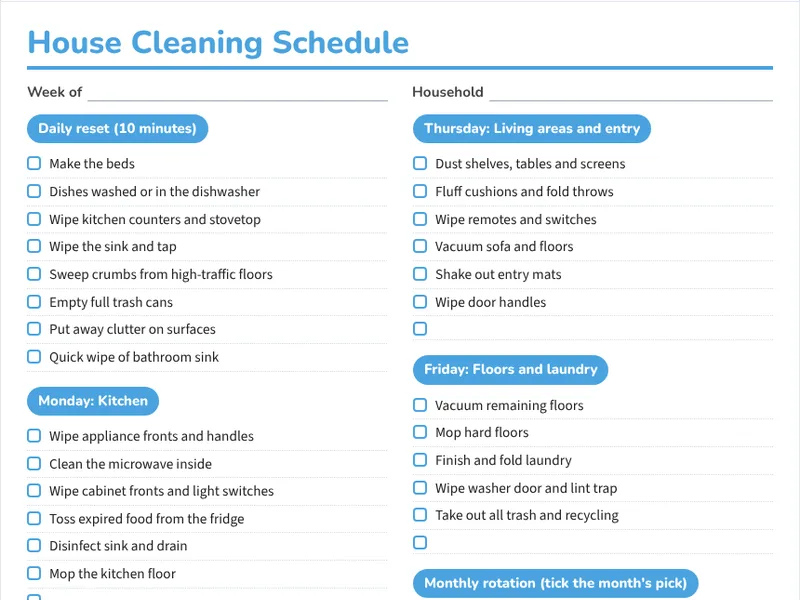 House Cleaning Schedule: Free Printable for Daily, Weekly and Monthly Jobs
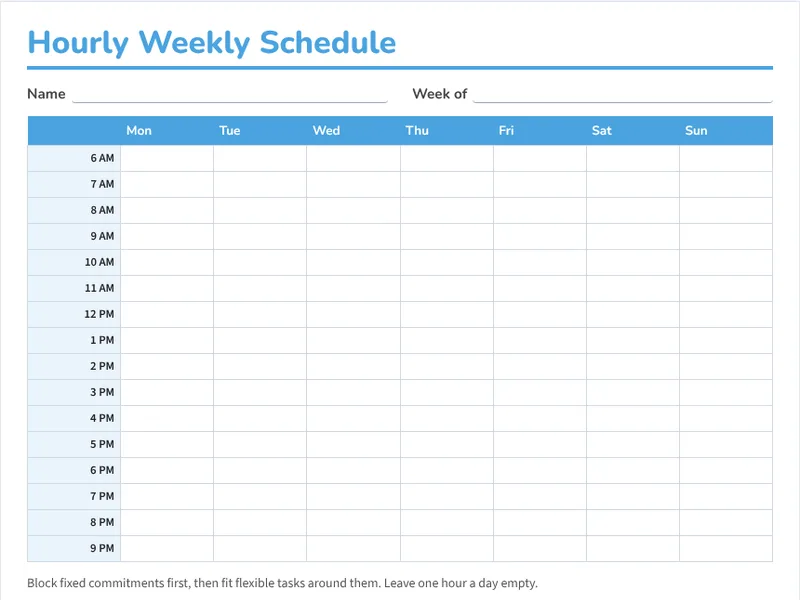 Hourly Schedule Template: Free Printable Weekly Planner
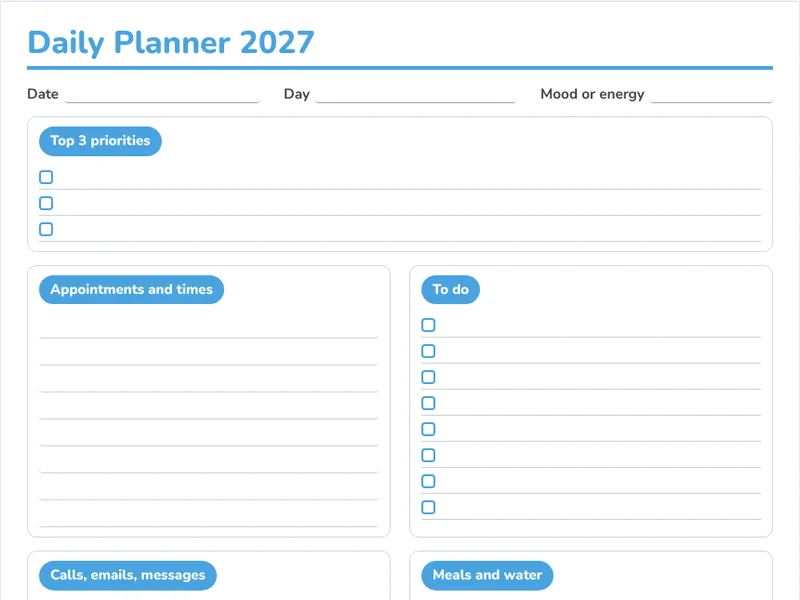 Daily Planner 2027: Free Printable Page for Every Day