
Budget Planner 2027 (Free Printable Monthly Sheet)

A budget planner for 2027 works best as one page per month: income at the top, bills and spending in the middle, and two columns that compare what you planned with what actually happened. That is exactly what the sheet on this page does. Fill it in on screen, print it, and repeat it twelve times through the year.
| Category | Due | Planned $ | Actual $ | Difference $ |
|---|---|---|---|---|
| Paycheck 1 | ||||
| Paycheck 2 | ||||
| Other income | ||||
| Emergency fund | ||||
| Retirement or investing | ||||
| Sinking fund (annual bills) | ||||
| Rent or mortgage | ||||
| Electric, gas, water | ||||
| Phone and internet | ||||
| Insurance | ||||
| Car payment | ||||
| Fuel or transit | ||||
| Groceries | ||||
| Household and pharmacy | ||||
| Kids and school | ||||
| Medical costs | ||||
| Subscriptions | ||||
| Eating out | ||||
| Fun and hobbies | ||||
| Gifts and giving | ||||
| Credit card payment | ||||
| Loan payment | ||||
| Other | ||||
| Totals |
Fill Planned before the month starts and Actual at the end. Spending rows: Planned minus Actual. Income rows: Actual minus Planned.
Free for personal, classroom and office use. Your entries are included in the print, PDF and PNG. Prints on US Letter and fits A4.
Black and White Budget Planner 2027 Printable
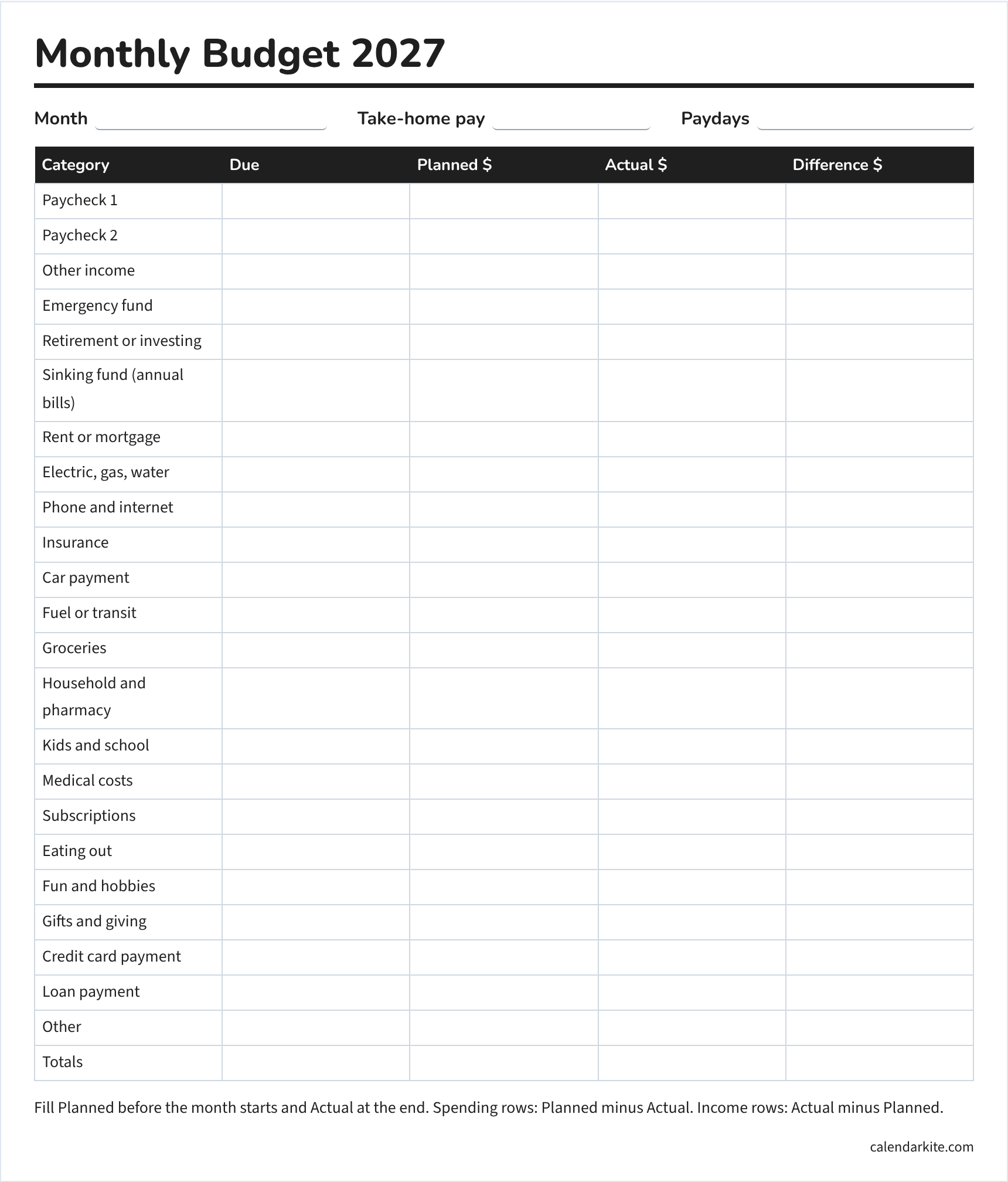
I suggest this one if you print at home often and want to save color ink. I test-print every page on my home inkjet, and the plain black lines keep the income and bill columns crisp on both US Letter and A4.
Pink Budget Planner 2027
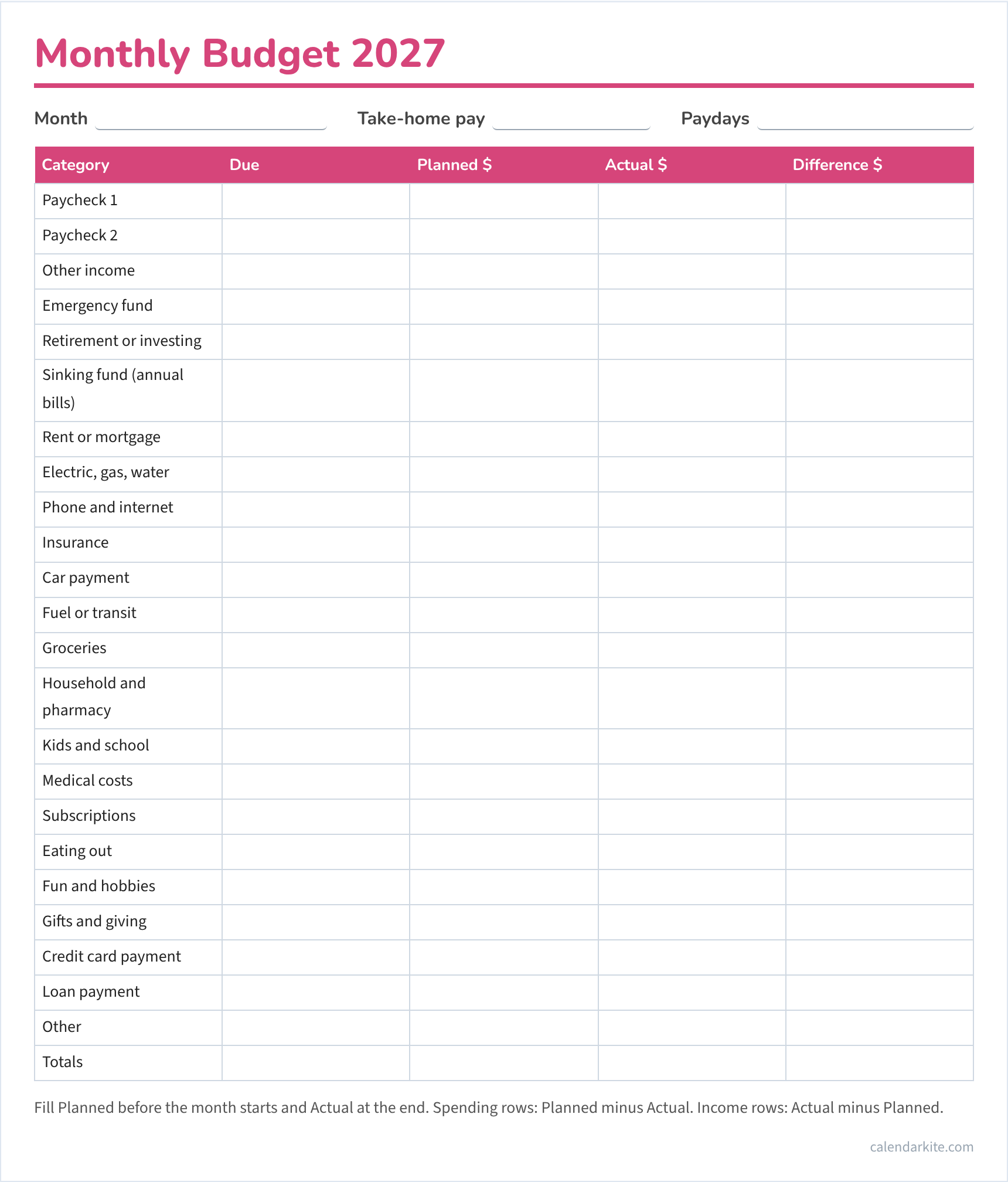
This soft pink design suits you if you want a budget planner that feels friendly rather than intimidating. Use it to track monthly bills and savings goals, then keep it somewhere you will actually see it.
Sage Green Budget Planner 2027
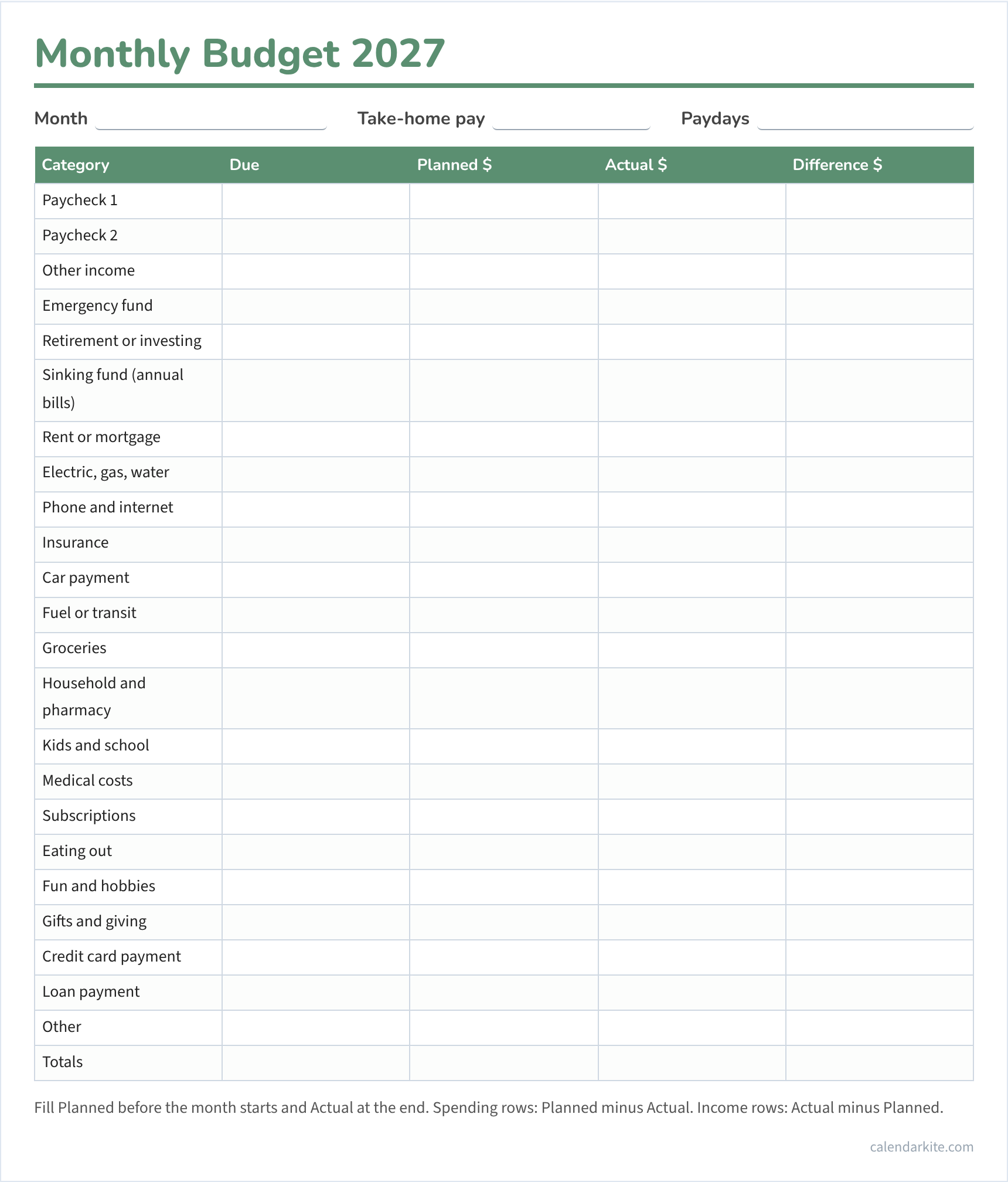
Sage green is calm and works well for shared household budgets. In my office years I learned that a calm layout gets used more, so I'd pick this for a couple's monthly spending check-in at the kitchen table.
Lavender Budget Planner 2027
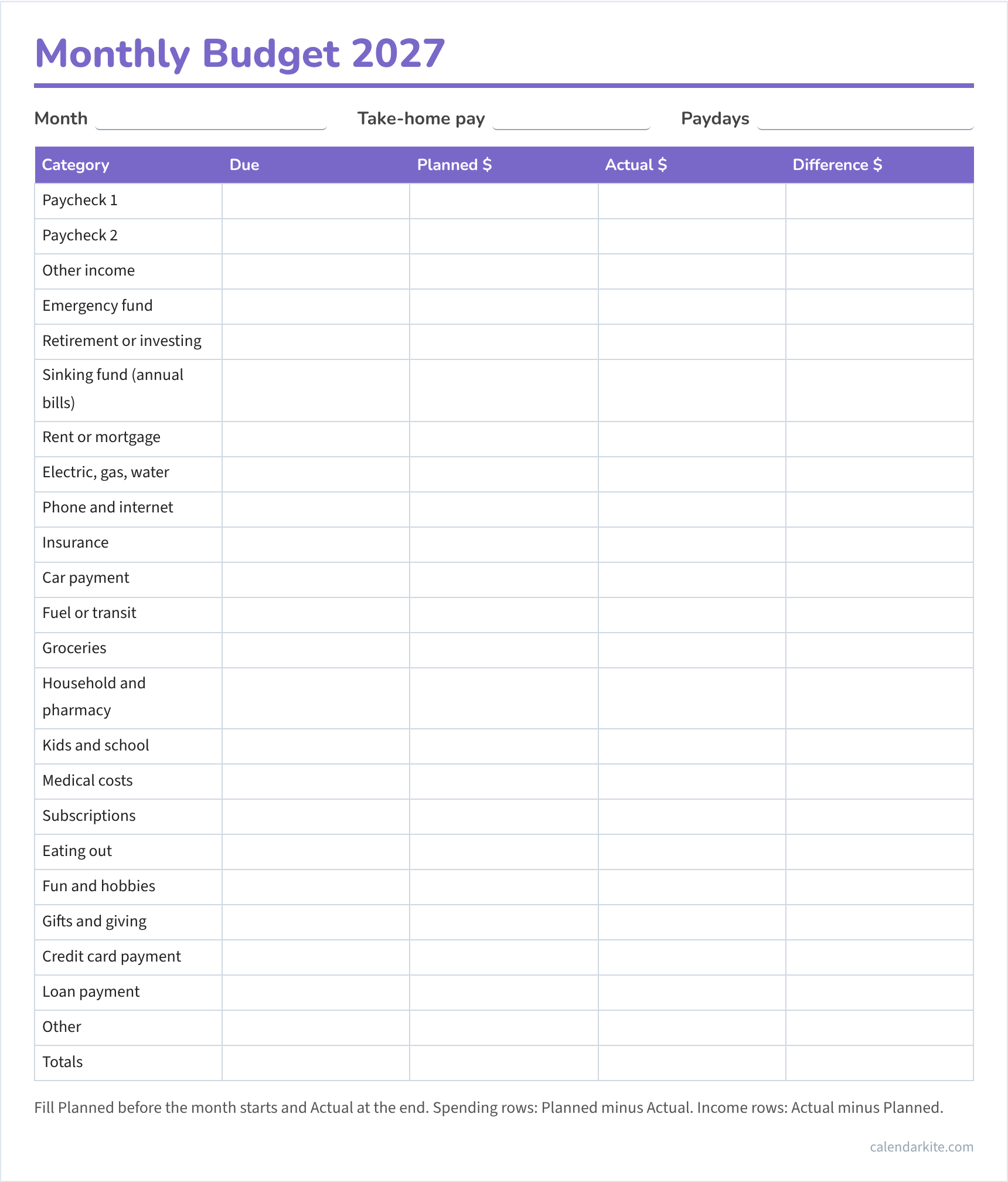
Lavender suits you if you like a planner with some color but nothing loud. It works nicely for tracking a debt payoff or a sinking fund across the twelve months of 2027.
Cute Budget Planner 2027
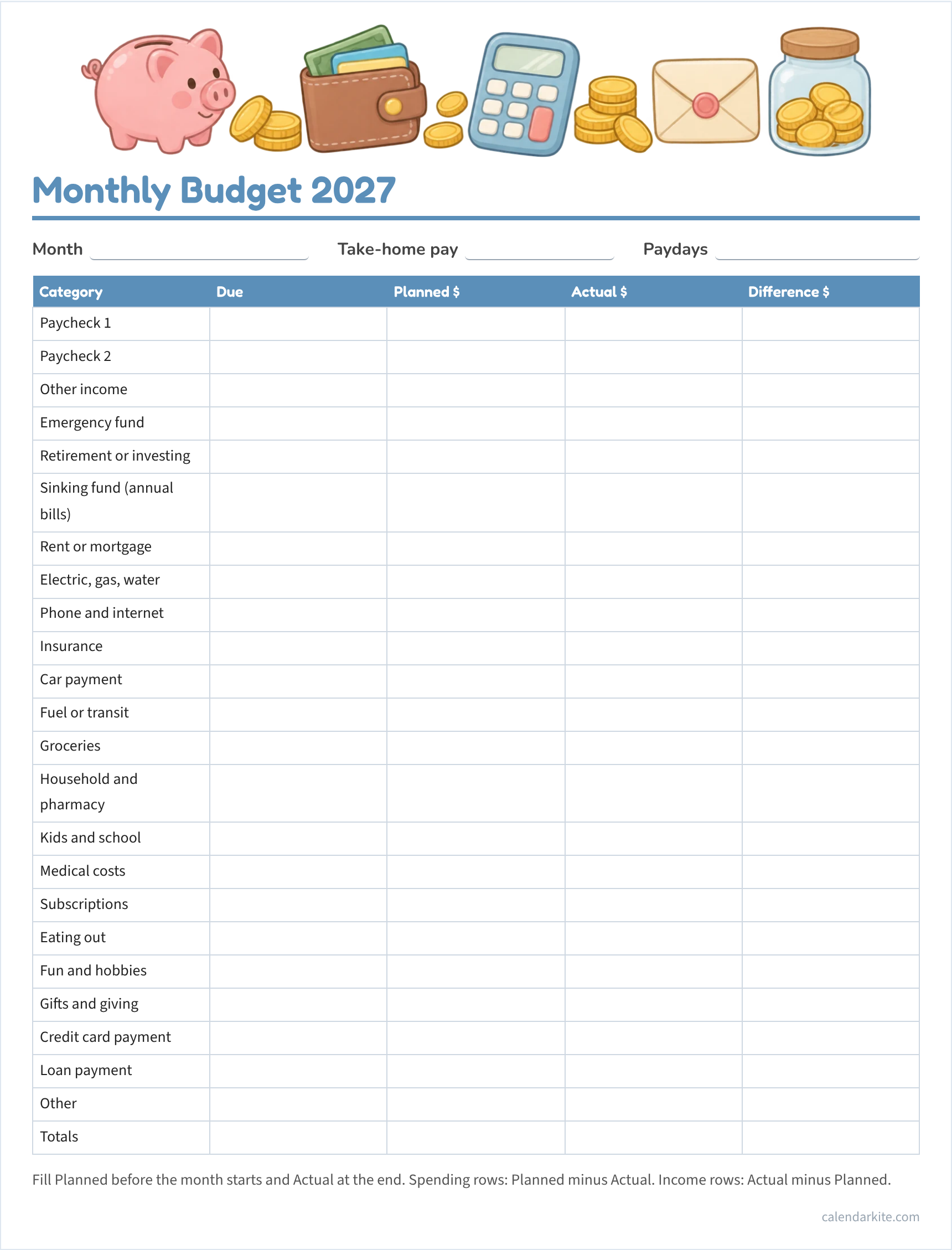
I picked this pastel blue design for anyone who finds budgeting a chore and wants a little charm on the page. It's great for a small goal like a holiday fund, with the illustrations sitting above the writing area.
Floral Budget Planner 2027
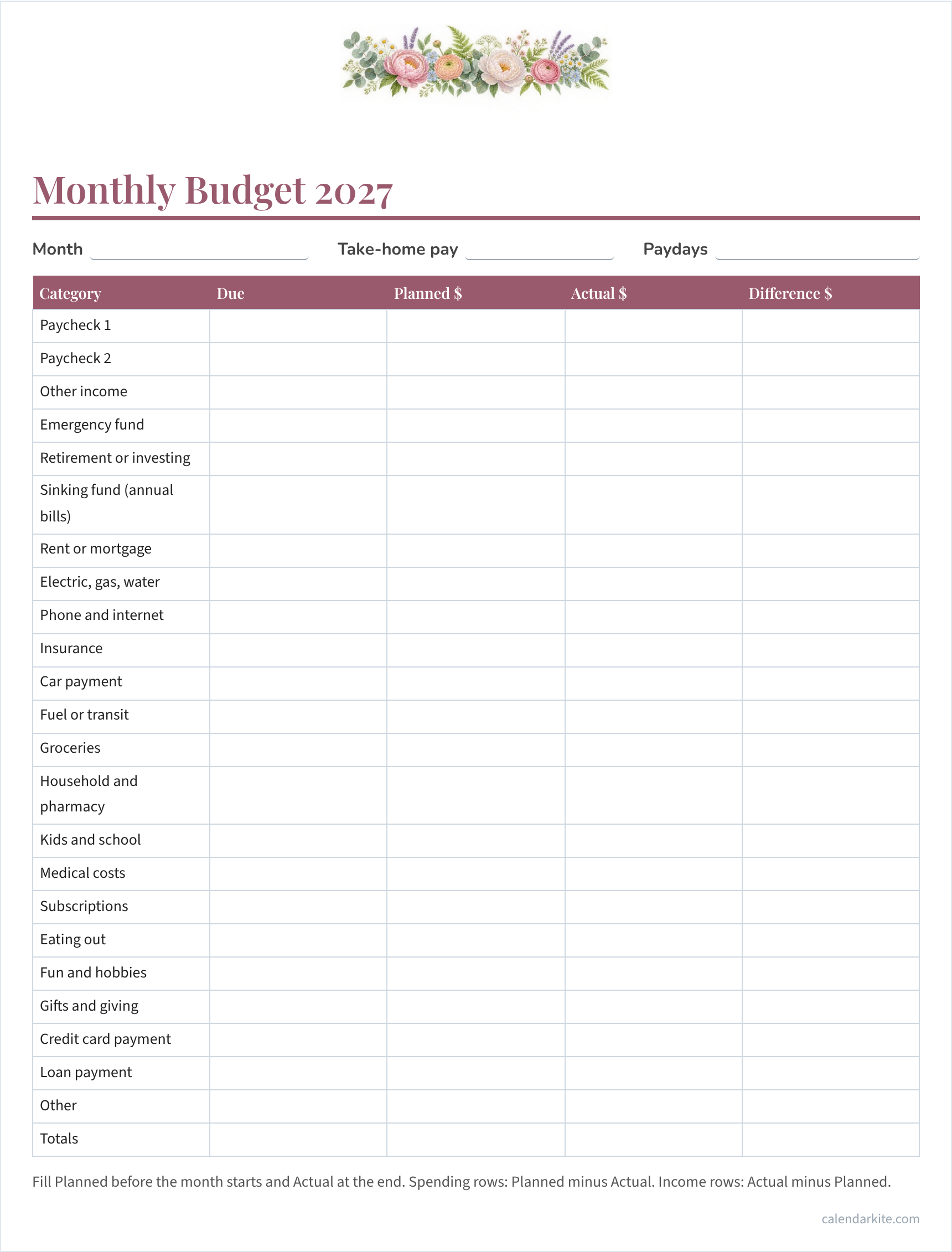
The watercolor flowers and mauve serif headings suit you if you keep a planner on a desk or want a gift-worthy page. I'd use it for a monthly bills overview, since the elegant header leaves the writing space untouched.
Colorful Budget Planner 2027
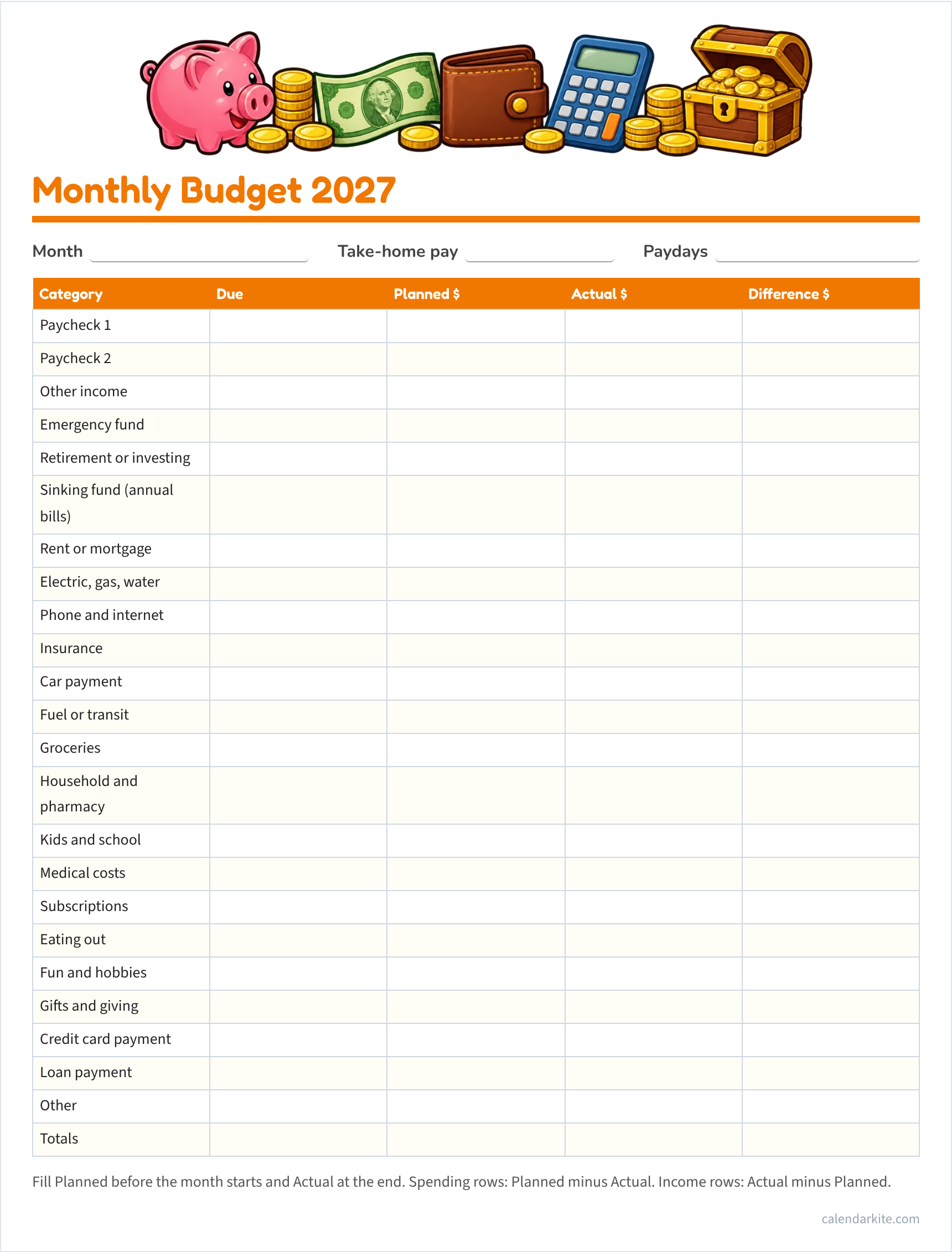
I call this the colorful one, with bold orange and yellow and playful illustrations that make money tasks feel lighter. It suits a family budget on the fridge, which is where my own paper calendar lives, so everyone sees the numbers.
Simple Minimalist Budget Planner 2027
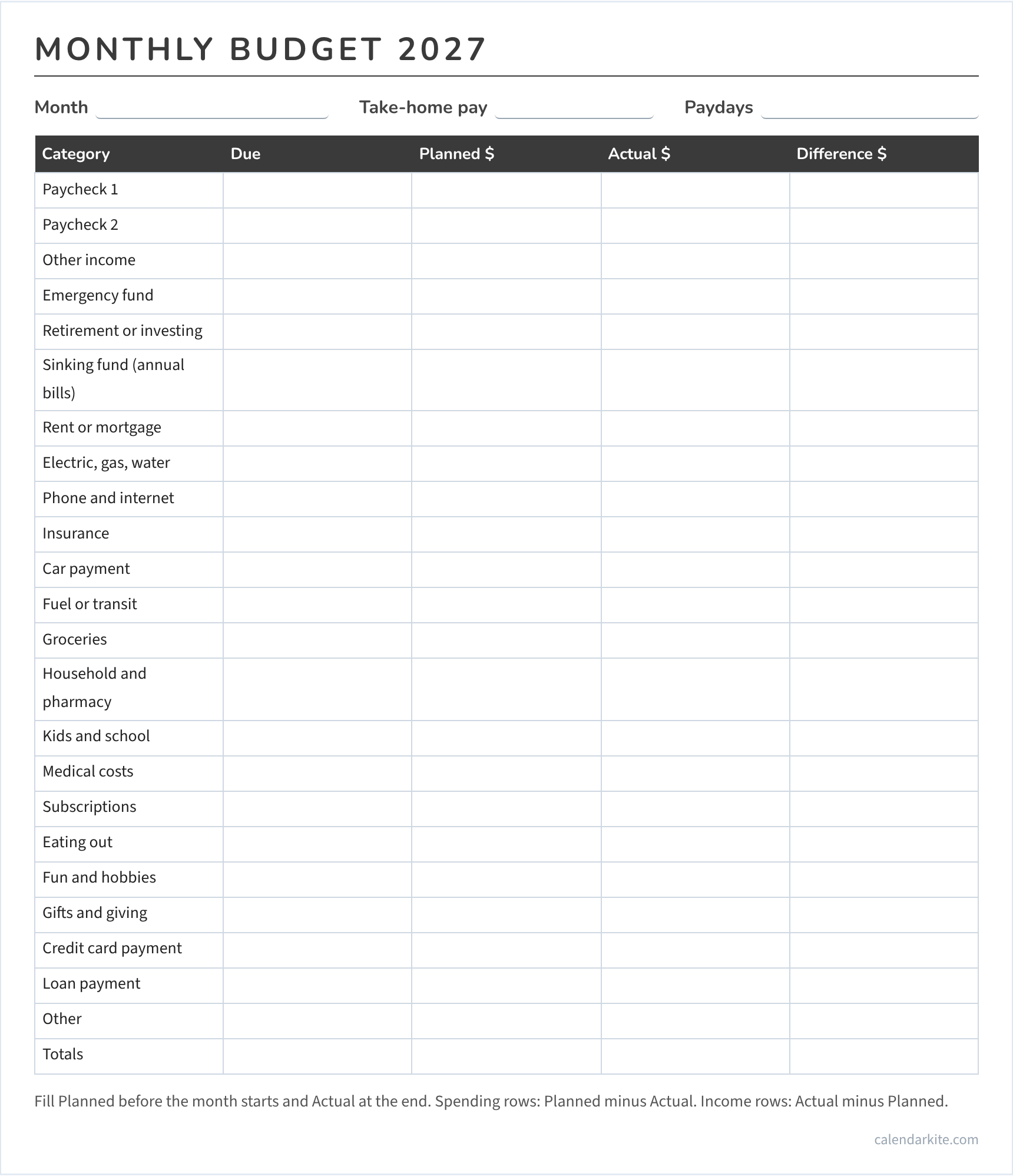
Thin gray lines and no color make this my pick for people who like clean, uncluttered pages. I kept the visual weight low so the numbers stand out, which works well for tracking expenses in a binder.
Aesthetic Budget Planner 2027
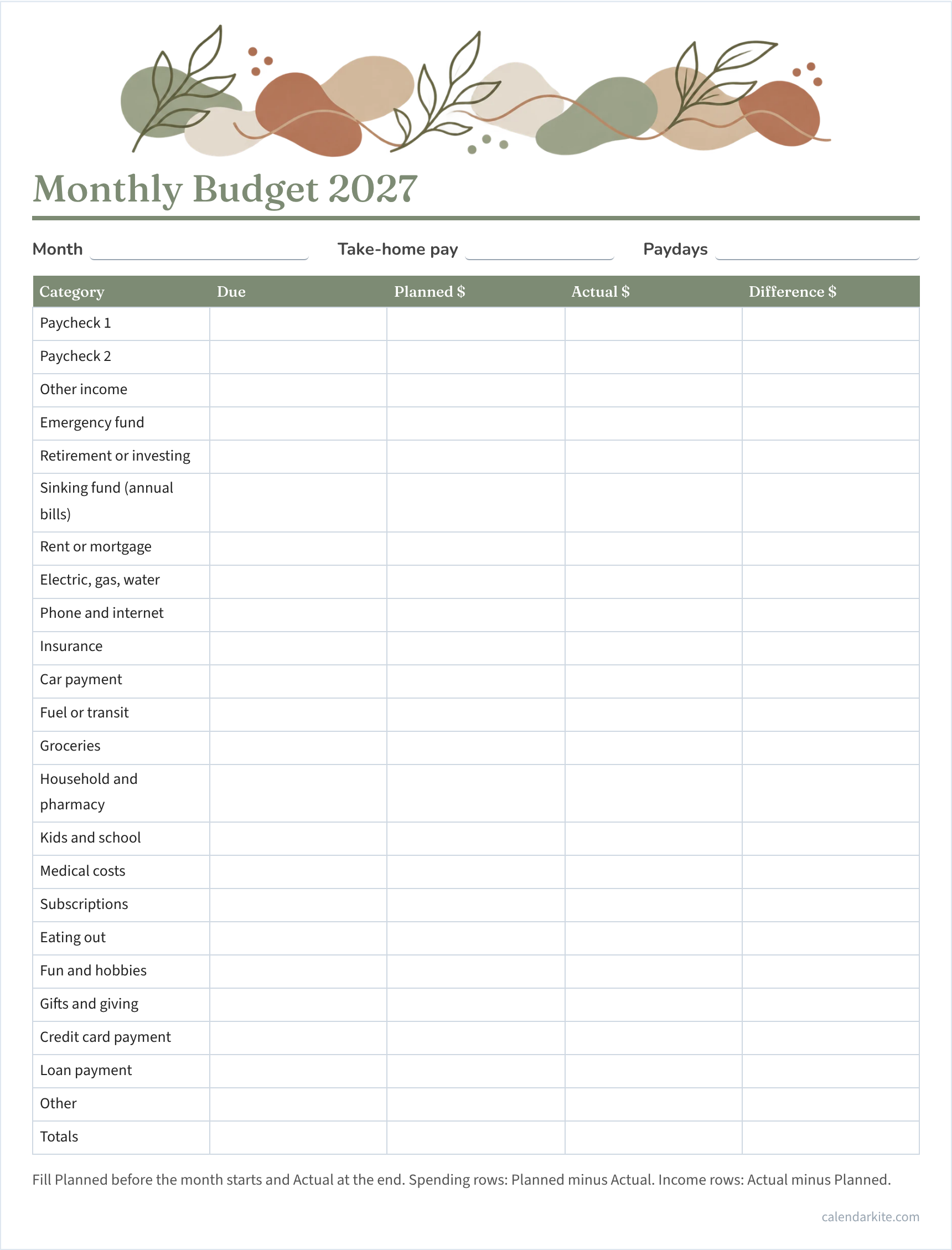
Muted sage, sand and terracotta with soft leaf line-art suit you if your planner doubles as part of your desk setup. It's a good fit for a monthly budget and savings tracker you actually enjoy opening.
Bold Modern Budget Planner 2027
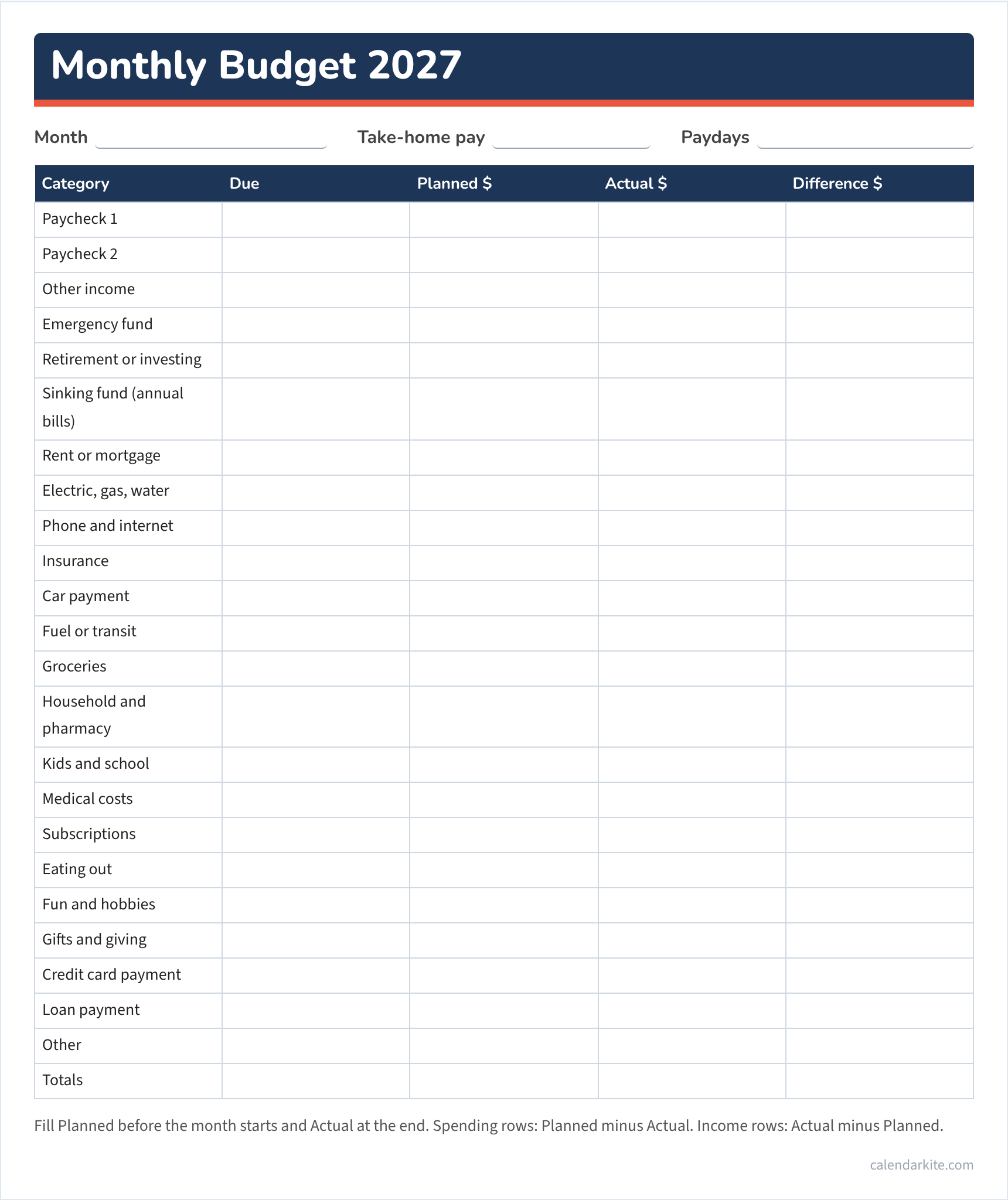
The navy header band and coral accent give a modern, office-ready look. A mistake I often see is people skipping the totals row, so this strong header helps you spot it when you tally monthly income against spending.
I kept it to a single page on purpose. In my office years I learned that a form people can see all at once gets used, and a form that spreads over four pages gets abandoned by February. Everything below explains how to fill it in, how to choose a method, and how to adapt it for your own pay schedule and household.
What this 2027 budget planner includes
The sheet is a table with 24 rows and five columns: Category, Due, Planned, Actual and Difference. At the top are three fill-in fields for the month, your take-home pay and your paydays. The first three rows are for income, the next three are for money you pay to your future self (emergency fund, retirement or investing, and a sinking fund), and the rest are the usual household costs.
The row labels are pre-filled, but every one of them is editable on the page. If you do not have a car payment, rename that row to something you do have, like pet costs or childcare. The last row is for totals, so you can see the month at a glance without a calculator hunt.
The Due column is the part I added after test-printing early versions. Most budget sheets list what you owe but not when, and a budget that ignores dates is how a perfectly funded month still ends with an overdraft on the 3rd. Writing the due date next to each bill lets you spot a crowded week before it arrives.
How to fill it in, step by step
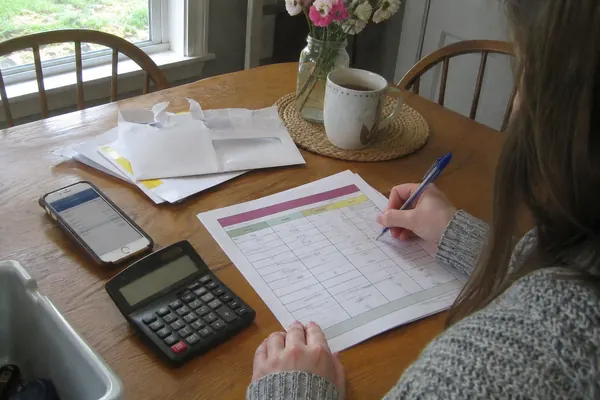
Do this once at the start of each month, ideally the weekend before. It takes about fifteen minutes when you have your last statement beside you.
- Type the month, your expected take-home pay (after tax and payroll deductions) and your paydays into the three header fields.
- Enter each paycheck in the income rows under Planned. If something extra is coming, such as a refund or side income, put it in Other income.
- Fill in the savings rows next, before anything else. Decide the amount, then treat it like a bill.
- Go through the bills and write the due date and planned amount for each. Use real figures from your last statement, not guesses.
- Set planned amounts for flexible spending (groceries, eating out, fun) using what you actually spent last month.
- Add up the Planned column. Total spending, savings and debt payments should not be more than income.
At the end of the month, fill in Actual from your bank or card statement, then work out Difference. For spending rows, subtract Actual from Planned, so a positive number means you came in under. For income rows, subtract Planned from Actual, so a positive number means you earned more than expected.
Try this: Before you fill in any Planned figures, write last month’s Actual spending for groceries and eating out in the margin. Then set this month’s plan within 10 percent of those numbers. Realistic beats ambitious.
Setting up before January
The best time to start a 2027 budget is in December, not on January 1st. Spend one evening collecting the facts: your last two or three statements, your pay stubs, and any letters showing yearly insurance or subscription renewals. You are looking for what repeats, and when.
Then print a single copy and fill it in as a practice run for January. The first month is always the messiest because you will discover bills you forgot. I would rather you find those on a practice sheet than discover them in the middle of the month.
It also helps to have the year in front of you. A one-page 2027 calendar pinned next to your planner lets you mark paydays, renewal dates and tax deadlines so nothing arrives as a surprise. In our house the paper calendar lives on the fridge and the planner sits on the kitchen counter, and the two together catch most of what my head would otherwise drop.
Choosing a budgeting method
The sheet works with any method, because the Planned column is yours to set. Three approaches suit most people, and you can switch between them without changing the page.
Zero-based budgeting means every dollar of income gets a job, so Planned spending, savings and debt payments add up to exactly your income. Nothing is left floating. This is the method I would pick if money regularly seems to vanish without explanation.
The 50/30/20 rule splits take-home pay into roughly 50 percent needs, 30 percent wants and 20 percent savings and debt payoff. It is a starting guideline rather than a law, and in high-rent areas the needs share often runs well past half. Use it to sense-check your plan, not to feel guilty about it.
Pay yourself first is the simplest of the three: set the savings rows before anything else, and live on what remains. If a full budget feels like too much, begin here.
Which categories to track
Fewer categories are better than more. If you split groceries into six sub-categories, you will stop recording by March. The 24 rows on this sheet cover most households, and I would only add a row if you spend on something regularly that does not fit.
Rows that are worth adding or renaming for your situation:
- Childcare or school fees, if they are large
- Pet costs, including food, vet visits and insurance
- Student loans, if you want them separate from other debt
- Business or work expenses you are reimbursed for later
- Car registration or property tax, if they come as a lump sum
Keep a catch-all row called Other, but watch it. If Other grows larger than your smallest named category, something deserves its own row.
Reading the Difference column
The Difference column is the whole point of the sheet. A single month of results tells you little. Three months tell you which categories you consistently underestimate, and those are the ones to fix in your next plan.
If groceries come in over plan every month, the plan is wrong, not you. Raise the number and take it from somewhere else. A budget that you break every month is not teaching you anything.
Small, steady overages in a flexible category are normal. What to watch for is a large overage in a fixed one, such as insurance or utilities, since that means a bill changed and you missed it. When that happens, write a note in the margin and update the next month’s sheet straight away.
Try this: At the end of this month, circle the one row where Difference is furthest from zero. Next month, change only that row’s Planned figure. One adjustment at a time is easier to keep up than a total reset.
Paid weekly or every two weeks in 2027
Your pay schedule changes how you should use the sheet. Monthly pay is simple: one paycheck, one page. If you are paid more often, the paydays field and the two paycheck rows matter more.
2027 has a quirk worth knowing. It starts on a Friday and is not a leap year, so Friday falls 53 times. If you are paid weekly on Fridays, five months have five paydays: January, April, July, October and December. If you are paid every two weeks, you will receive 26 paychecks, and two months will contain three of them. Which two depends on your first payday, so check a calendar in December.
Do not treat those third paychecks as spending money. Either assign them to savings, a sinking fund or debt, or use them to build a one-month buffer. You can list all three on the sheet by renaming Other income to Paycheck 3. The monthly calendar pages, such as January 2027, make it easy to circle each payday and see which month gets the extra one.
For a week-by-week view, my weekly budget planner pairs well with this monthly sheet: this one sets the plan, and the weekly page tracks spending as it happens.
When your income is irregular
If you freelance, work seasonal shifts or earn commission, a normal budget can feel impossible, because you do not know the income figure at the top. The fix is to budget on your lowest realistic month, not your average.
Put that lowest figure in Planned income. Fill in bills and essentials first, then savings. If the month brings in more, write the extra in Actual and assign it after the fact: top up the emergency fund, pay down debt, or move it into the sinking fund for next quarter’s lean stretch.
A running record of what you actually earn makes this easier over the year. An income tracker beside the budget sheet gives you a real lowest-month figure by spring, so you are no longer guessing.
Sinking funds for yearly bills
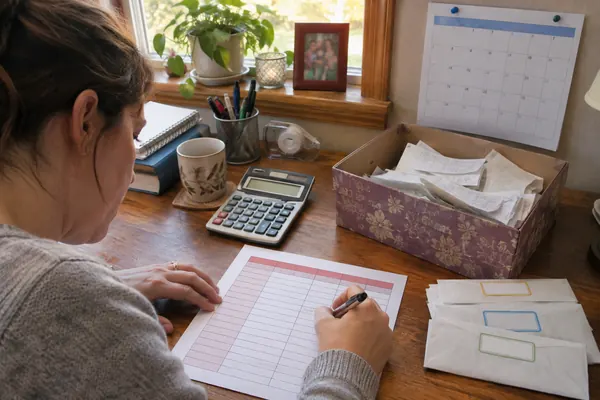
Most budgets break not on groceries but on the bills that come once or twice a year: car insurance, registration, holiday gifts, vet visits, annual subscriptions, back-to-school costs. A sinking fund solves this by setting aside a small amount each month, so the bill is already paid for when it arrives.
The sheet has a row for it. To size it, list your yearly irregular costs, add them up, and divide by twelve. If you expect about $1,200 of irregular costs, that is $100 per month in the sinking fund row. Move that money into a separate savings account if your bank allows it, so you do not spend it by accident.
I learned the value of this the hard way in office administration: the supplies budget always looked healthy until the annual contracts renewed. Households work the same way. Writing the renewal month next to the fund in the margin of the sheet saves you from asking where all the money went in the month a big bill lands. A simple savings tracker is useful if you want to see the fund grow.
Who this planner suits
It suits anyone who wants a clear plan without a full financial system: a single person on a first apartment budget, a couple merging finances, a family with a one-income household, or a student who just started managing their own money.
It is also a good fit if you have tried apps and found that you stop opening them. A paper sheet in a visible place is harder to ignore, and writing figures by hand tends to make them feel more real. For a general-purpose version without the 2027 framing, the budget planner printable covers similar ground.
It is not meant to replace professional advice if your situation is complicated, for example business income, a mortgage dispute or serious debt. For those, use it as the place to record the numbers while you talk to a qualified adviser.
Variations for couples, families and students
For couples, fill in two paycheck rows, one for each person, and add a row called Personal money with an equal amount for each of you. It stops the small arguments about who bought what. Agree on a threshold above which purchases are discussed first.
For families, add rows for kids and school, and have older children help to plan a category of their own, like a clothing allowance. For students, shrink the sheet to what matters: income from work or aid, rent, food, transport and a small fun line.
If debt is the main focus, keep this sheet for the monthly plan and use a separate debt payoff tracker to follow balances going down. If you are trying a tight month, a no-spend calendar can sit alongside the budget and make the plan feel like a game rather than a punishment.
Printing tips
The sheet is set up for US Letter and prints cleanly on A4 when you choose fit to page. I test-print every printable on my home inkjet on both sizes, and I check that the numbers columns are wide enough for handwriting, because tiny boxes were the first thing I changed in my own drafts.
Black and white is fine, and uses far less ink. Print on slightly heavier paper if you plan to write in pen, since cheap paper can show through when you flip it. Three-hole punch the pages and keep all twelve months in a binder, with a pocket at the back for receipts.
If you fill the sheet in on the page first, the text saves in your browser, so you can come back and edit without retyping. Print only once you are happy with it, and keep one blank copy for the next month.
Common budgeting mistakes
The mistake I see most is making the plan too tight. A budget with zero slack for the unexpected will break in week two, and people then decide budgeting does not work for them. Leave a small buffer in Other, and you will be able to carry on after the first surprise.
Another is planning with income you have not received. Use take-home pay that is already in your account, not the gross figure on a job offer. And do not forget to count the small recurring charges: streaming, app subscriptions, cloud storage. I suggest scanning one statement line by line, once, and cancelling anything that you have not used this season.
The last mistake is giving up after a bad month. One overspent month is a data point, not a failure. Fill in the Actual column honestly, note what happened, and carry on.
Making it a monthly habit
A budget only works if you return to it. Pick a regular time, such as the first Sunday of the month for planning and the last day for the Actual column, and attach it to something you already do, like a coffee or the weekly shop.
For a quick mid-month check, glance at the sheet around the 15th and compare spending so far with the plan. Two minutes there can save you from a bad surprise on the 28th. Keep the sheet somewhere you see it daily: on the fridge, clipped to the planner, or on the desk.
Try this: Put a recurring 15-minute reminder on your phone for the last day of each month: “Fill in Actual.” Do the first one in January 2027 and see how the habit holds.
Pairing it with other sheets
You do not need every tracker, but a few pair well. A bill tracker records payments as they go out, which is helpful if you pay bills in several instalments. Pair this planner with a savings tracker for goals, and with a grocery list or meal plan if food is where your budget leaks.
Once your budget is steady, you can zoom out to a full-year view. Mark big-ticket dates, like vacations, birthdays and holidays, on the calendar, and make sure the sinking fund has caught up with each one. Planning the year, one month at a time, keeps each page small and each decision manageable.
Common questions
Is this budget planner 2027 really free?
Yes. You can type into the sheet on the page, print it as many times as you like, or download the blank PDF. It is free for personal use, and you do not need an account.
How many copies do I need for 2027?
Print one sheet per month, so twelve in total. Many people print three months at a time and clip them together, which makes it easy to compare this month with the last.
What is the difference between planned and actual?
Planned is what you decide to spend before the month starts. Actual is what really left your account by the end of it. The gap between the two is where you learn what to change next month.
Should I include savings in my budget?
Yes, and list it near the top so it gets paid before the flexible spending. The sheet has rows for an emergency fund, retirement and a sinking fund for that reason.
Can I use this if my income changes every month?
Yes. Budget from the lowest income you can count on, fill in Planned for the bills first, and treat anything extra as a bonus to assign at the end of the month.
Does it print on A4 as well as US Letter?
It is laid out for US Letter, and it prints cleanly on A4 if you choose fit to page in the print dialog. I test-print on both sizes at home.
More free planners
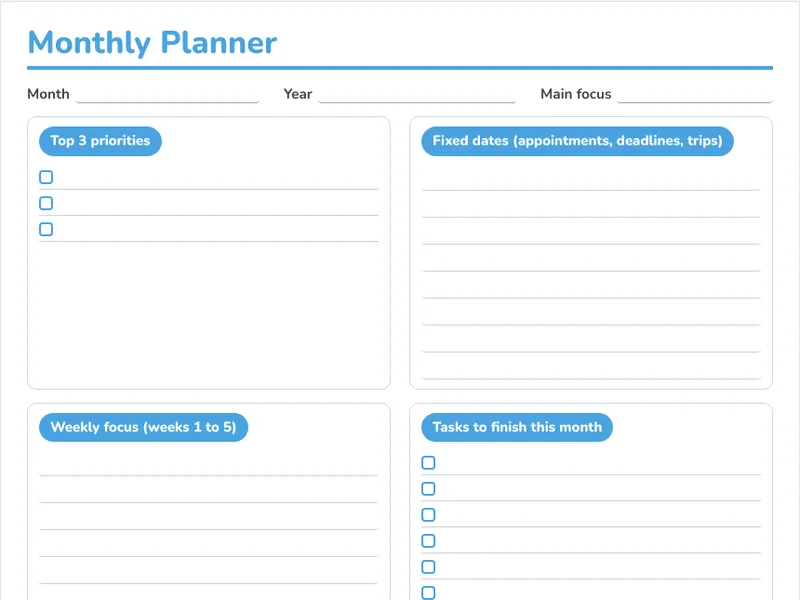 Monthly Planner: Free Printable One-Page Sheet
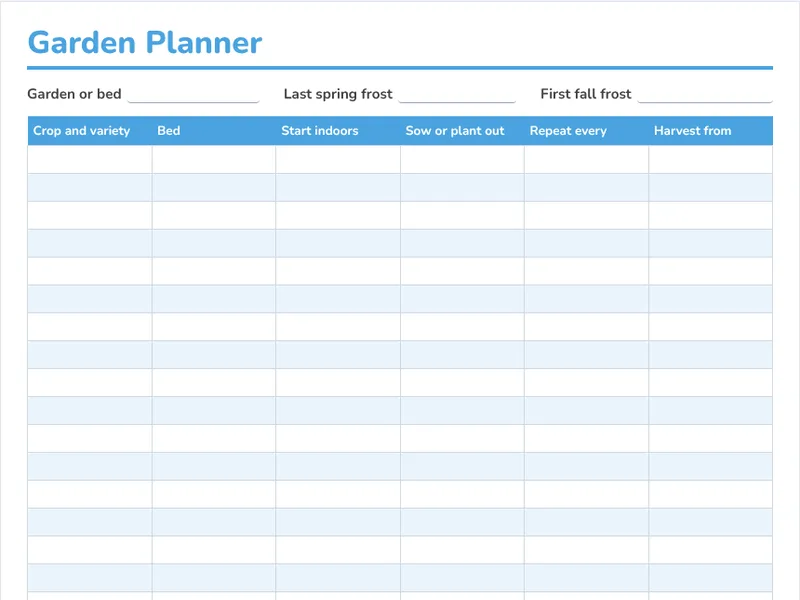 Garden Planner: Free Printable Planting Sheet
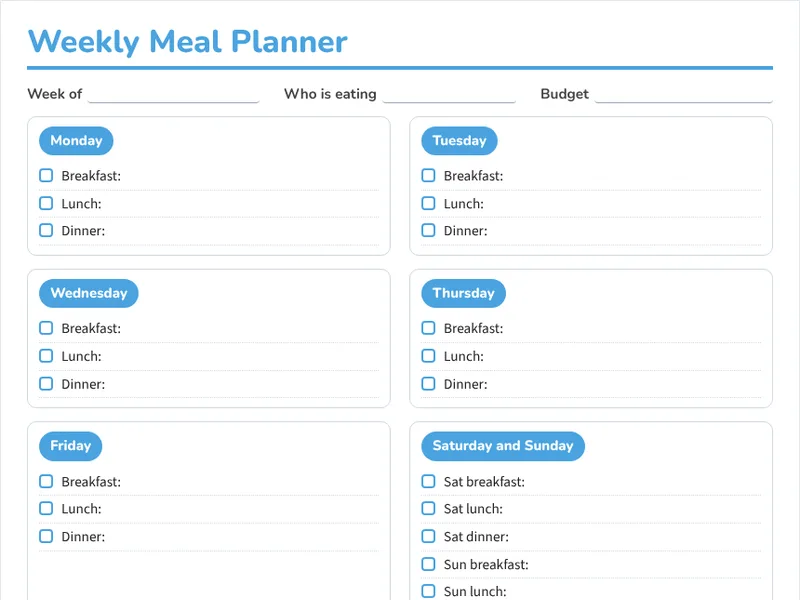 Printable Weekly Meal Planner
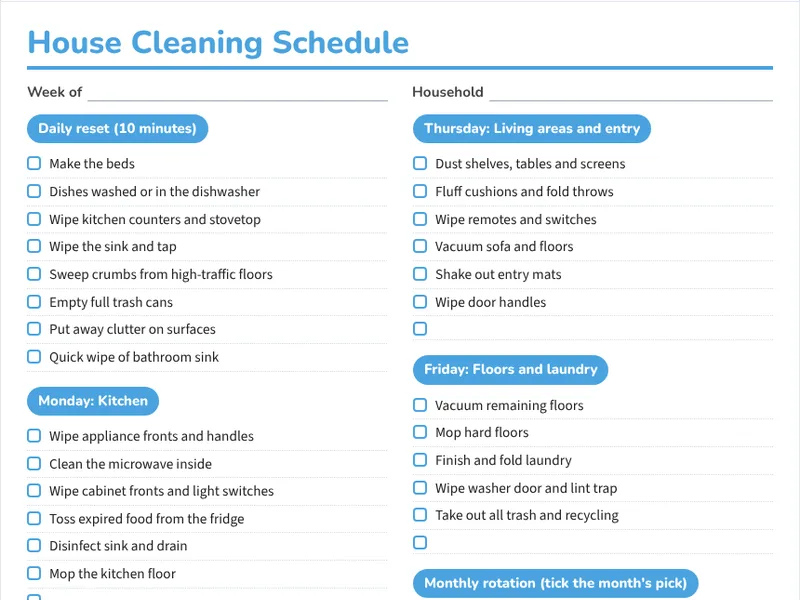 House Cleaning Schedule: Free Printable for Daily, Weekly and Monthly Jobs
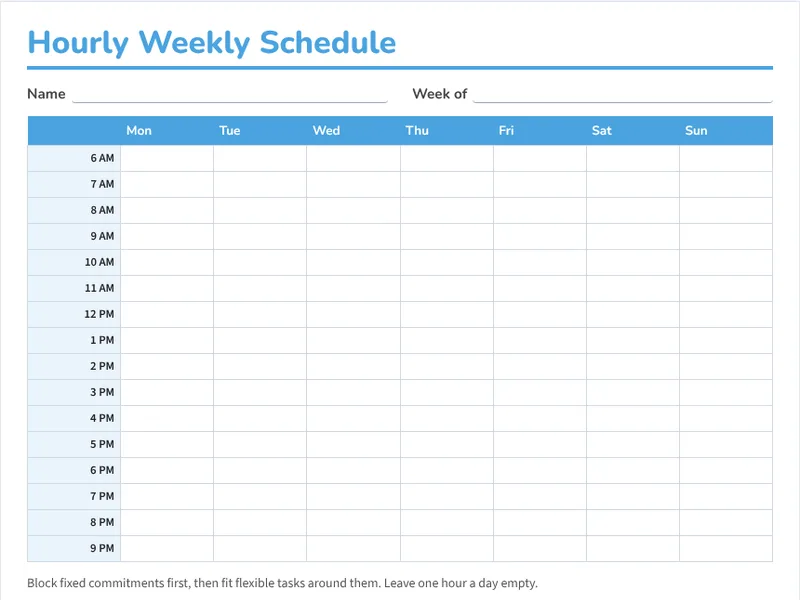 Hourly Schedule Template: Free Printable Weekly Planner
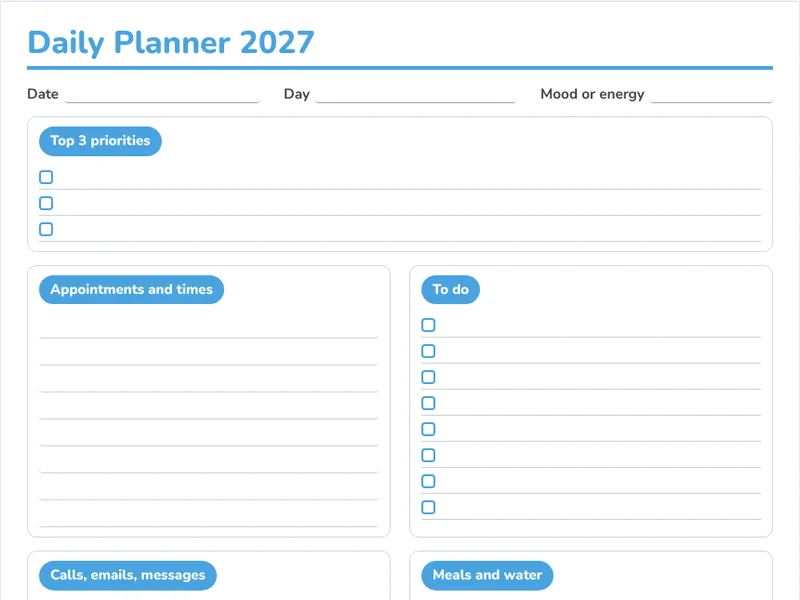 Daily Planner 2027: Free Printable Page for Every Day