
Daily Planner 2027: Free Printable Page for Every Day

A daily planner for 2027 is a single page you fill in each day with your top priorities, timed appointments, a to-do list and a few notes, so the whole day is visible at a glance. The free sheet on this page does exactly that on one US Letter page. You can type into it right here, tick the boxes, edit the prefilled items, and then print it, or download the blank PDF and fill it in by hand.
Top 3 priorities
Appointments and times
To do
Calls, emails, messages
Meals and water
- Breakfast
- Lunch
- Dinner
- Water, 8 glasses
Habits
- Move for 20 minutes
- Outside for 10 minutes
- Screens off by 10 PM
Money spent today
Notes and tomorrow
Pick three things, protect them first, and move anything unfinished to tomorrow's page.
Free for personal, classroom and office use. Your entries are included in the print, PDF and PNG. Prints on US Letter and fits A4.
Black and White Daily Planner 2027 Printable
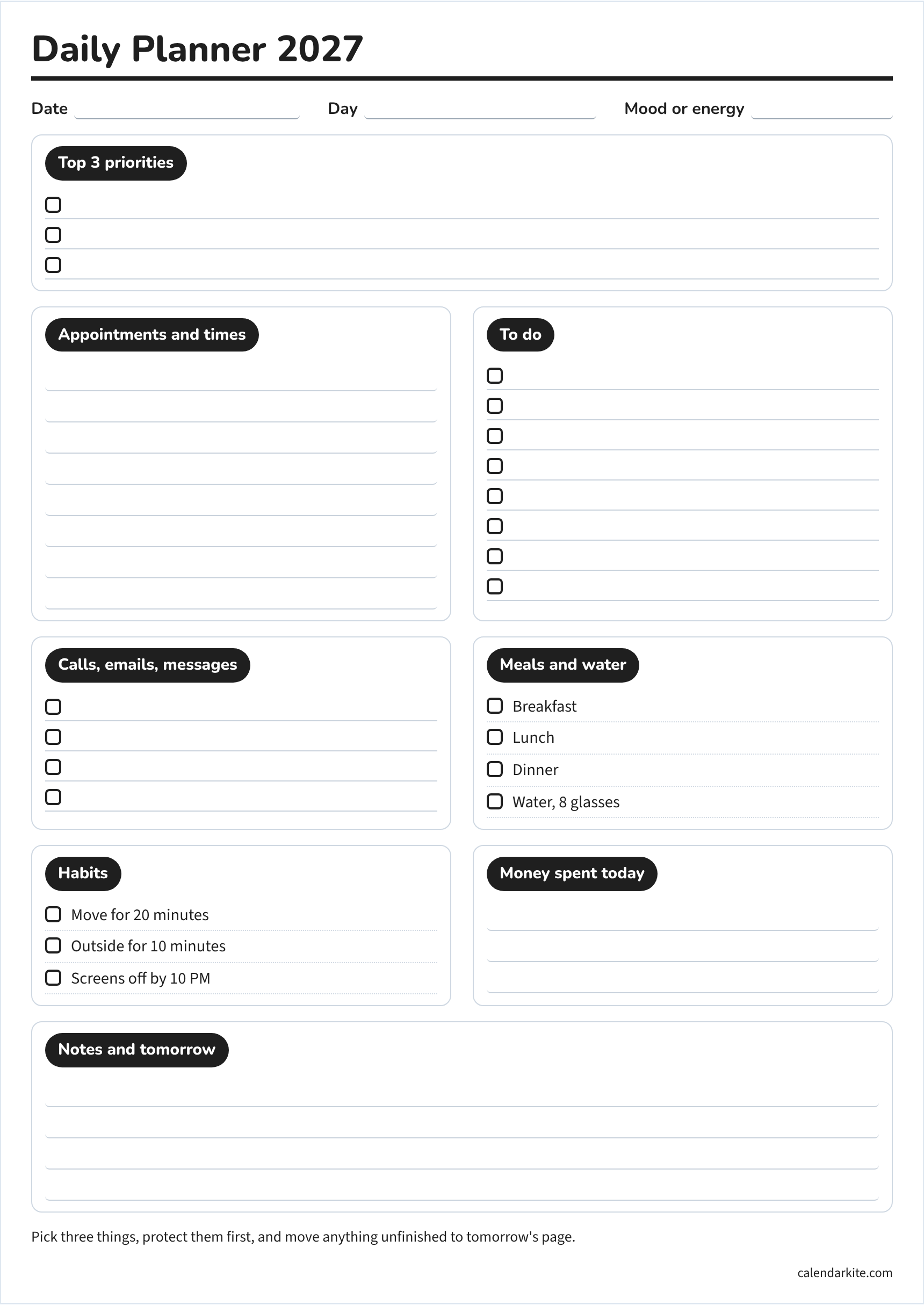
This is the one I'd pick if you print a page every morning, because plain black lines go easy on your ink. I test-print every page on my home inkjet, in both US Letter and A4, and the lines stay crisp.
Pink Daily Planner 2027
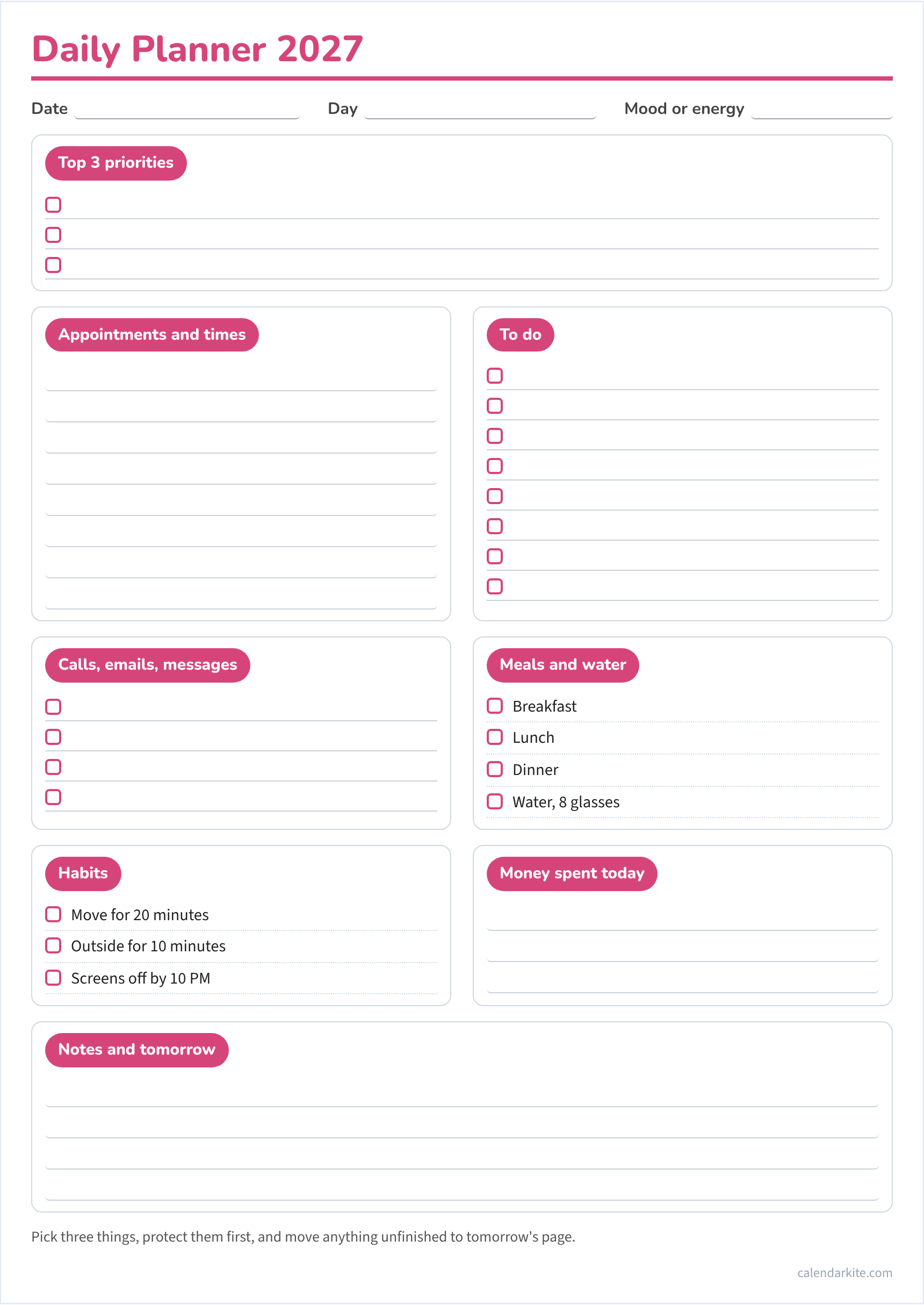
Soft pink suits a morning-routine planner or a gentle to-do list you actually want to open. It also works nicely as a daily self-care checklist, with room for water, meals and a few small wins.
Sage Green Daily Planner 2027
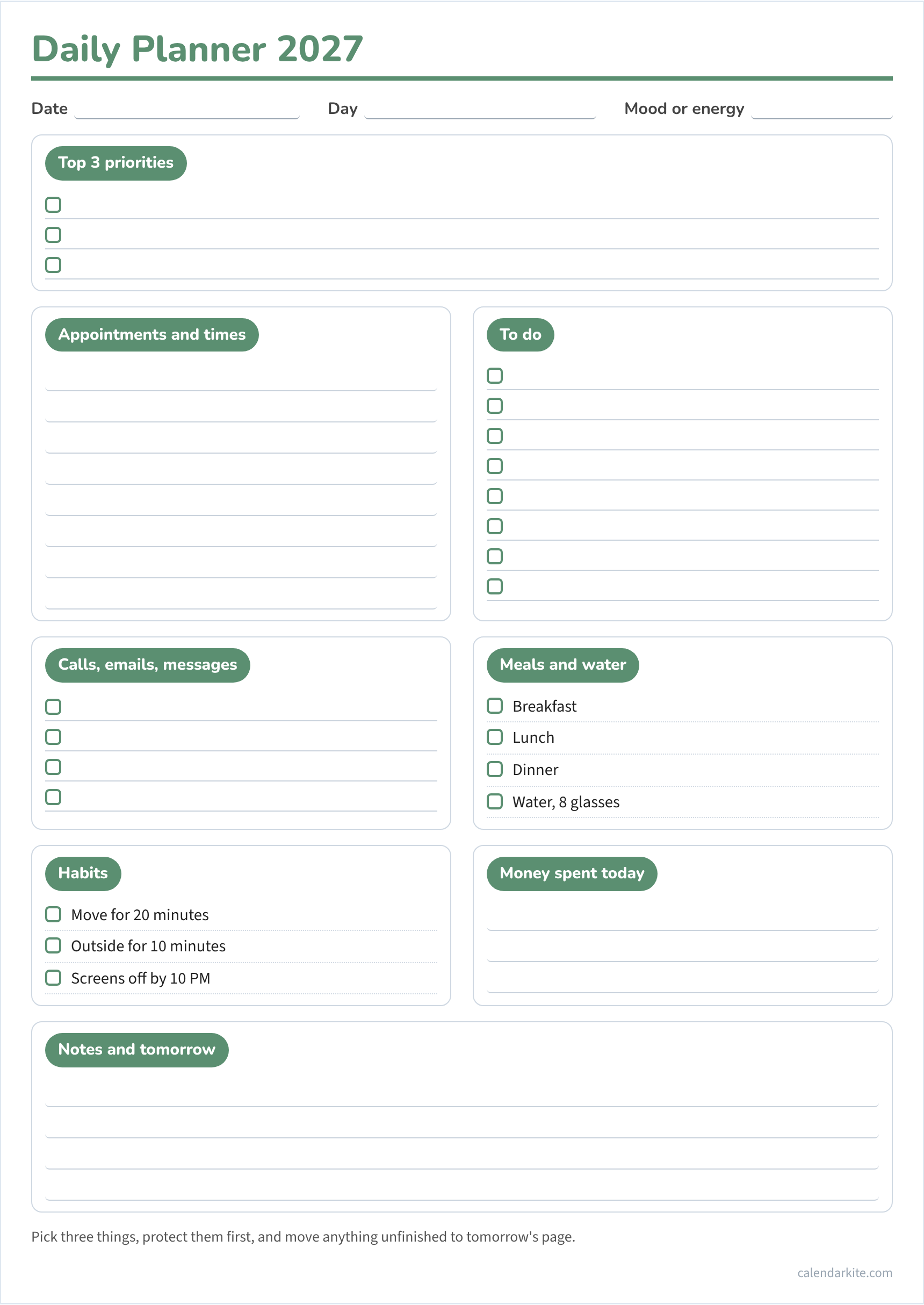
Sage green is calming, so it works well for a work-from-home day with hourly time blocks and a short priority list. I keep a planner on my kitchen counter, and muted colors like this don't clash with the clutter around it.
Lavender Daily Planner 2027
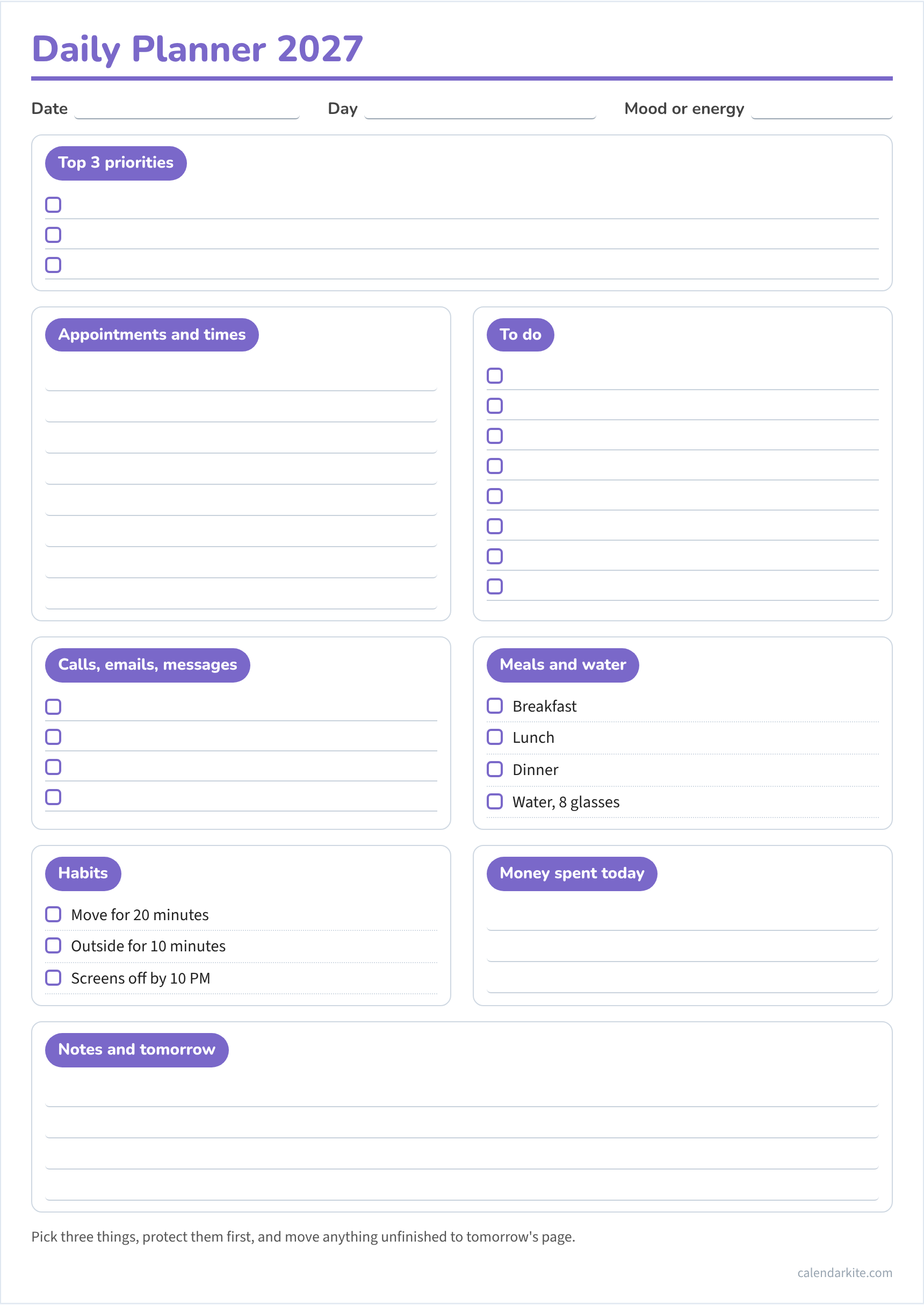
Lavender suits students or anyone planning study sessions, appointments and evening wind-down tasks on one page. Print a week of pages at once and clip them together so tomorrow's sheet is always ready.
Cute Daily Planner 2027
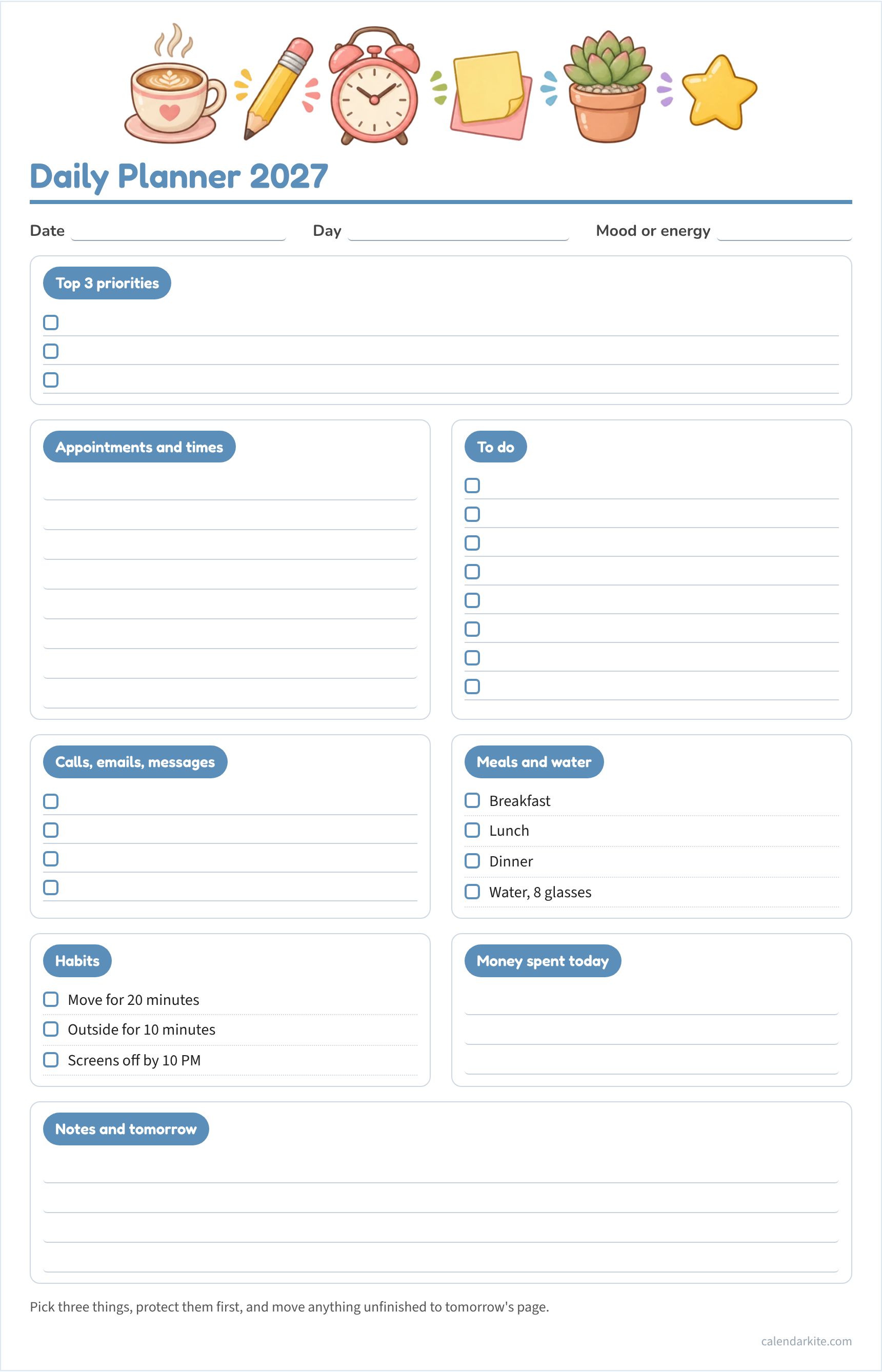
This pastel blue page with little illustrations is a friendly pick for a busy parent's day or a first-time planner user. Use it for school-run reminders, dinner plans and a short list of errands.
Floral Daily Planner 2027
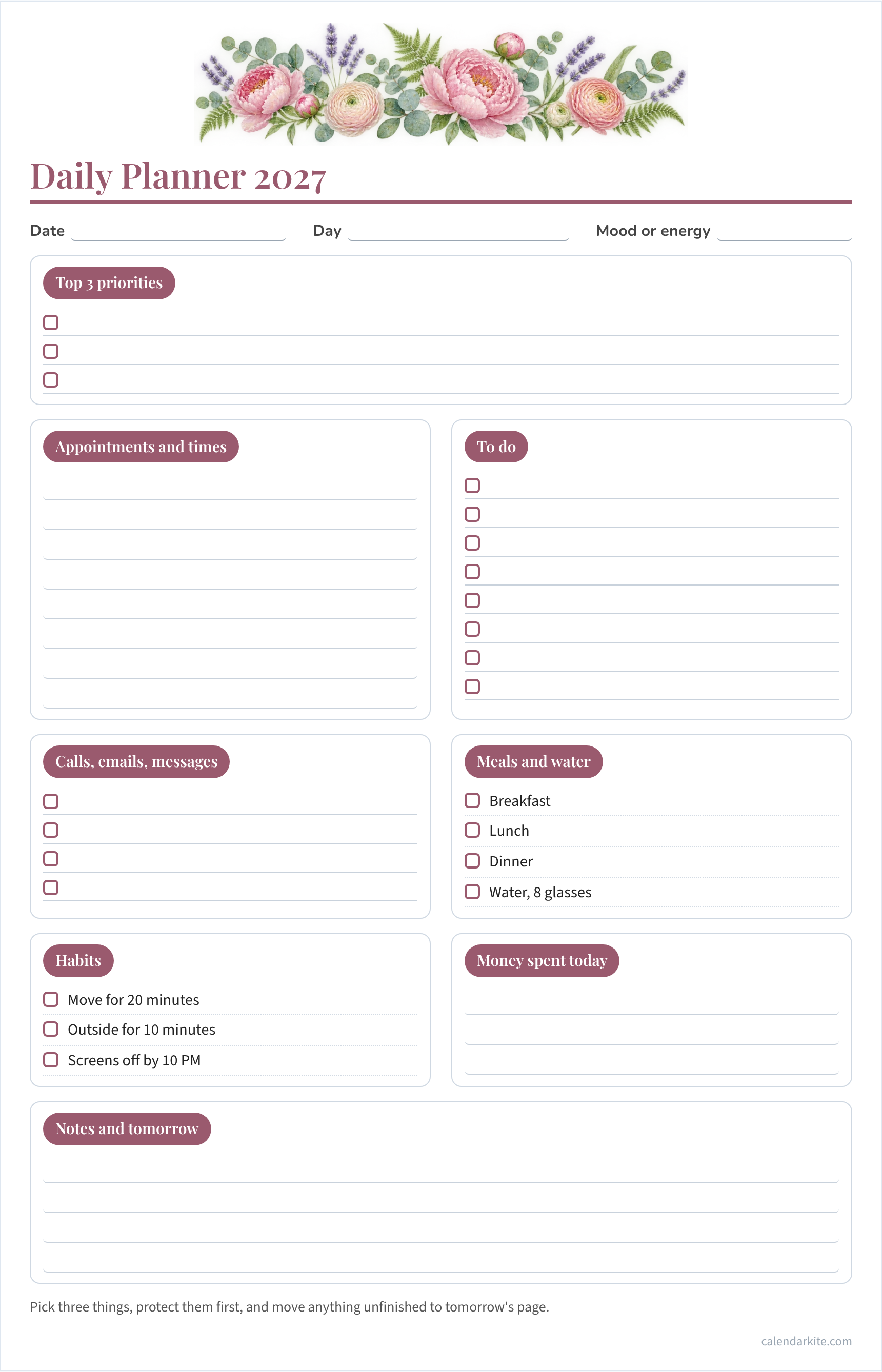
The watercolor flowers and elegant serif headings suit a gift planner, a wedding-prep day or a quiet morning journaling routine. I adjusted the top margin so the artwork never crowds your first line of writing.
Fun and Colorful Daily Planner 2027
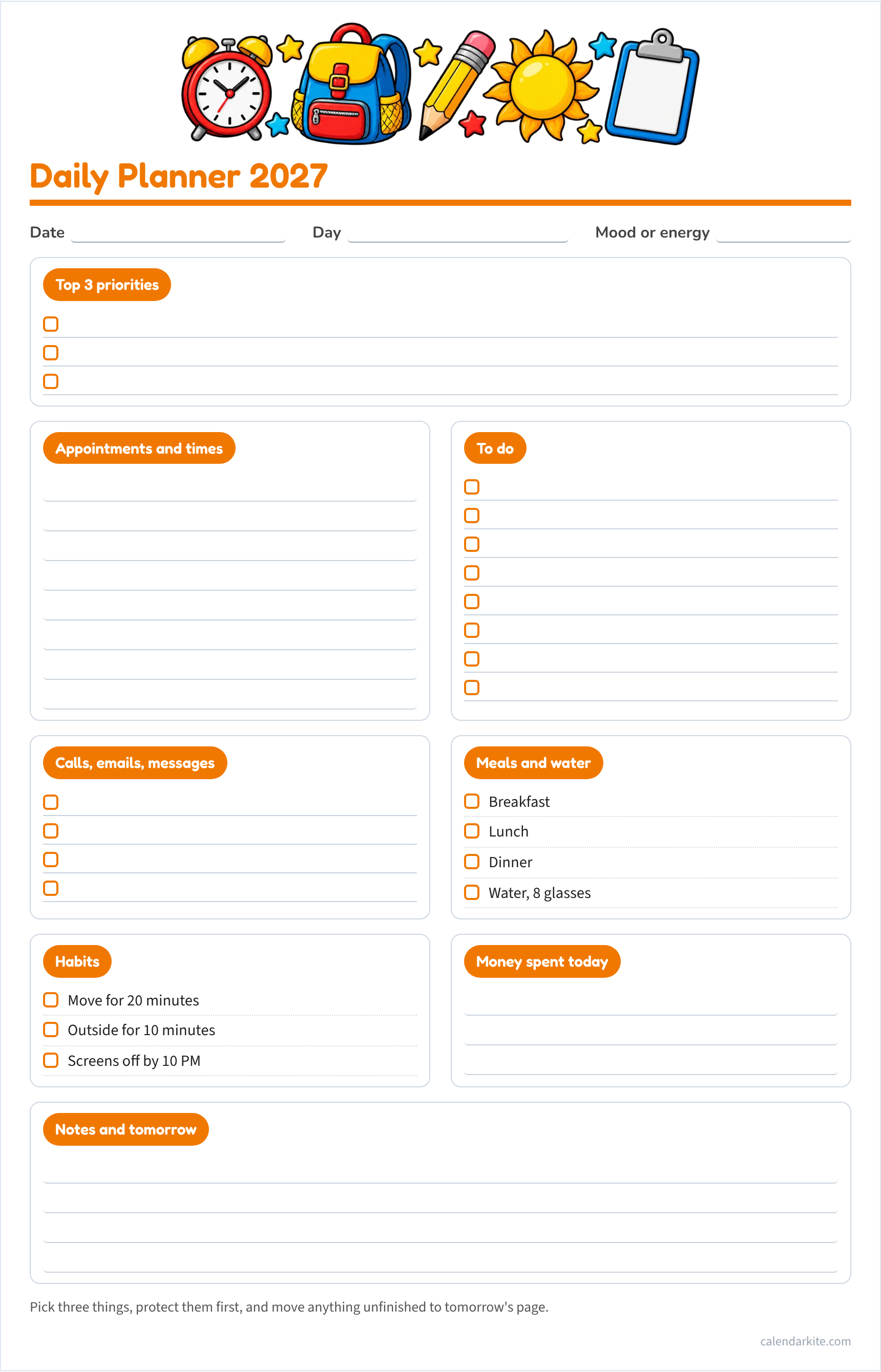
Bright orange and yellow with bold cartoons makes this a playful pick for family days, school-holiday schedules or anyone who wants a cheerful page. With two kids at home, a colorful daily sheet on the fridge gets noticed faster than a plain one.
Minimalist Daily Planner 2027
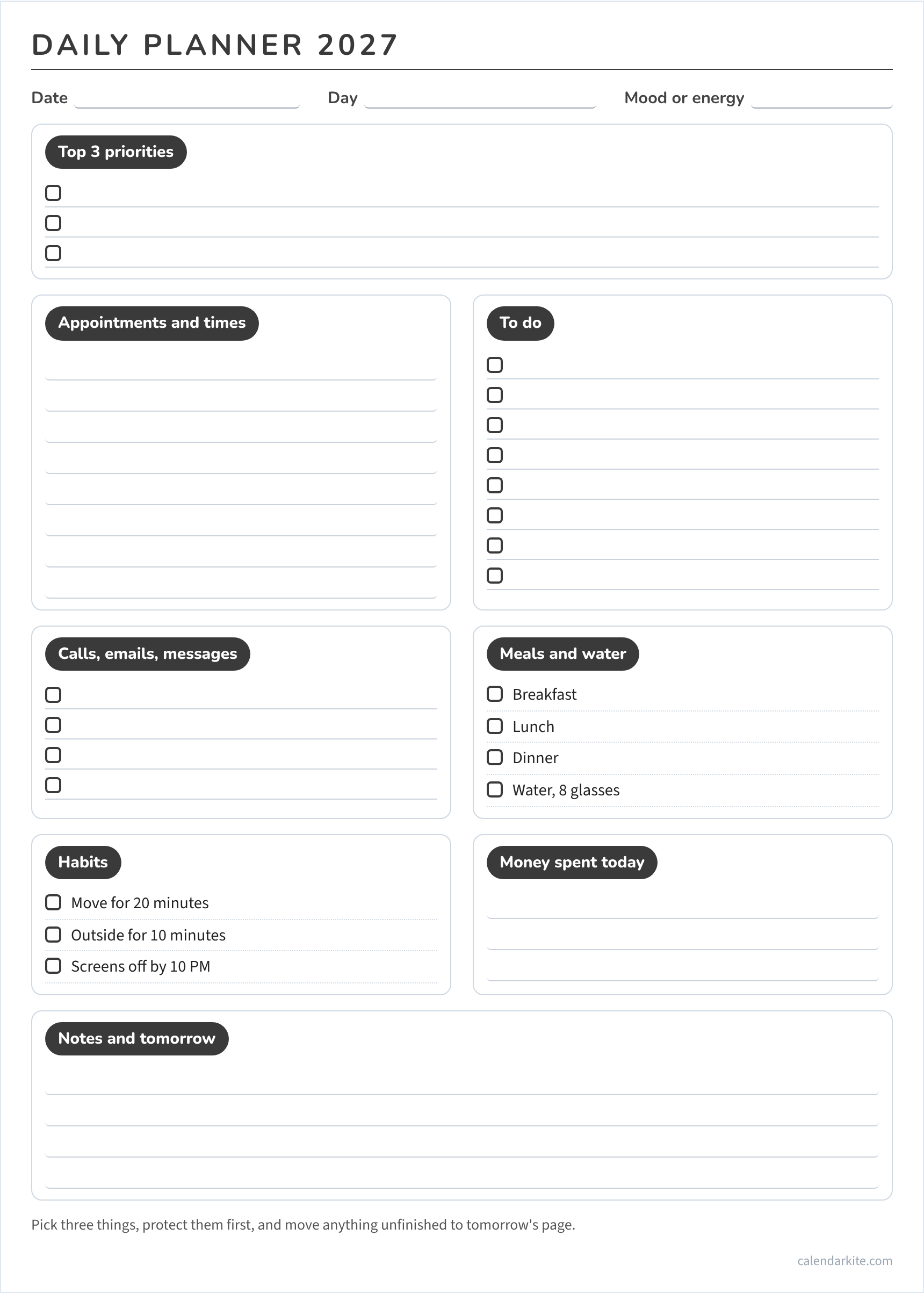
Thin gray lines and a light uppercase heading keep this one quiet, which suits focused work days and anyone who likes white space to write in. A mistake I see often is cramming too much in, so I kept the layout open.
Aesthetic Daily Planner 2027
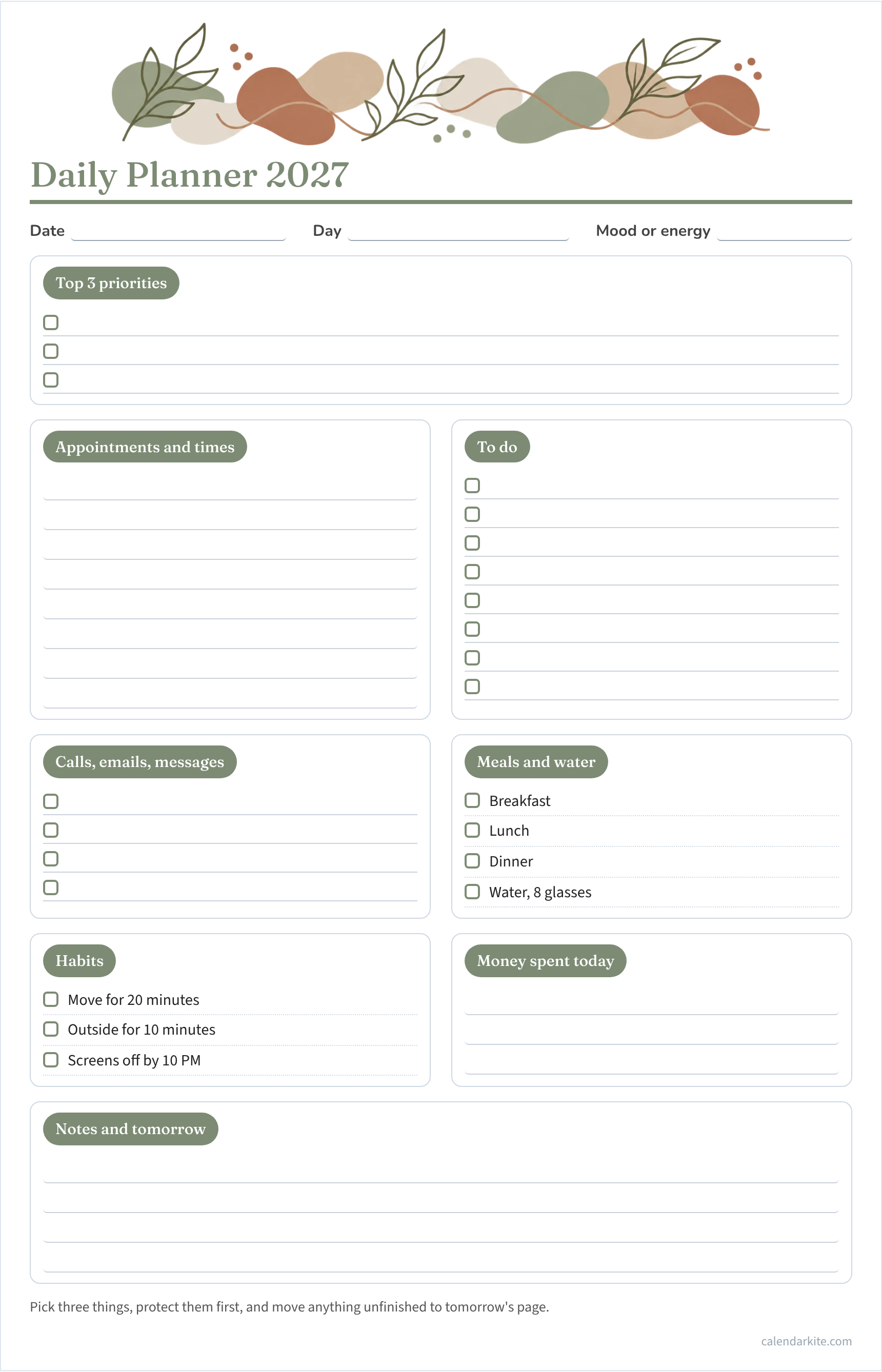
Muted sage, sand and terracotta with soft line-art leaves give this a calm look for desk setups, bullet-journal fans and content planning. Warm neutrals also print more forgivingly than saturated colors on a home inkjet, which I've noticed testing pages.
Modern Daily Planner 2027 with Bold Header
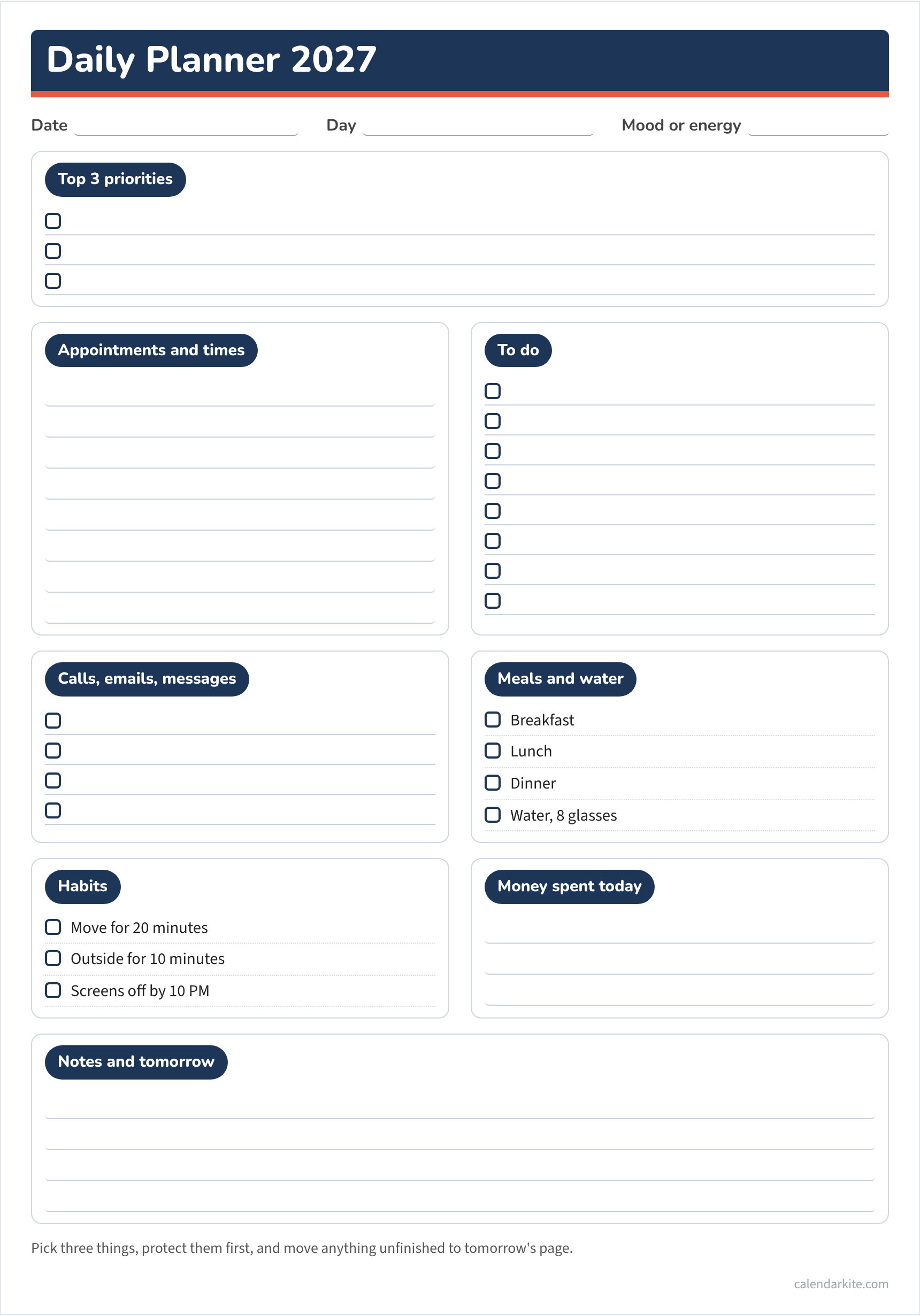
The navy header band and coral accent give a crisp, modern look for meeting-heavy workdays and client appointments. Use the time column for fixed commitments and the priority box for the two or three things that must get done.
I built it around the way a real day goes. Some things have a time attached, some do not, and a few small habits (water, a walk) matter more than they look. Below I explain how to use each box, who the page suits, how to print it cleanly, and how to adapt it for work, school, home or a busy house.
What this daily planner 2027 page gives you
The page is split into eight boxes. At the top are your three priorities, with a tick box beside each. Below that sit appointments and times, a to-do list, a short box for calls and messages, meals and water, three habits, a place to log money spent, and a notes area for loose thoughts and tomorrow’s first move. Three header fields (Date, Day and a short mood or energy note) let you start on any date in 2027.
I left the page undated on purpose. A dated daily page looks neat in a PDF, but real weeks have gaps: you travel, you are ill, a holiday swallows Tuesday. With a Date field you simply print the days you need. In my office years I watched people abandon beautiful dated planners the first time they missed a week, because the empty pages felt like a failure.
The prefilled items (breakfast, lunch, dinner, water, a 20-minute move, 10 minutes outside, screens off) are editable. Change them to match your life, or delete them and leave the lines blank. Once you have edited them, the changes stay on your device, so tomorrow’s page starts with your own habits instead of mine.
How to fill it in, box by box
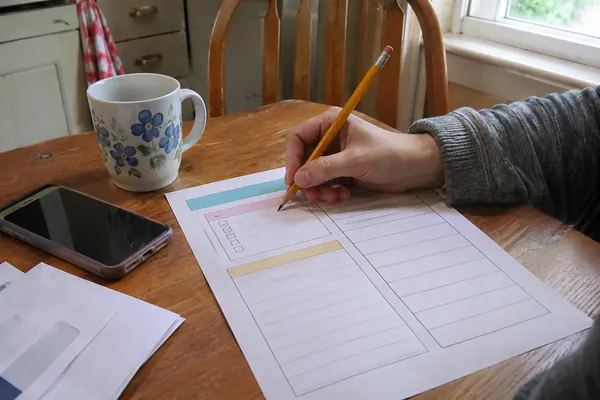
Start with the date, then look at your calendar before you write anything else. Anything with a fixed time goes in the appointments box first: the dentist at 2:30, school pickup at 3:15, a call at 10. Writing the time first and the thing second makes the box easy to scan when you are in a hurry.
Next, fill the to-do list with tasks that have no time attached. Keep each item small enough to finish in one sitting, because “plan the party” is a project and “text the guest list” is a task. The calls and messages box catches the little items that otherwise clutter the main list, such as replying to the landlord or confirming a booking.
Meals, water and habits come last. They take ten seconds and give the page a second job: tracking how you looked after yourself, not just how much you got done. At the end of the day, use the notes box for anything you want to remember and write tomorrow’s first action there.
Try this: Fill in only the appointments box and the top three before breakfast. Leave everything else until you know how the morning is going.
The top three rule
The three priority lines are the heart of the page. They are not your whole to-do list. They are the three things that, if you did only those, would let you call the day a good one. Everything else in the to-do box is a bonus.
Choosing three is harder than it sounds. A useful test is to ask what would cause a real problem if it slipped to tomorrow. A deadline, a payment, a promise to someone else: those belong in the top three. Tidying the pantry probably does not, however much it nags at you.
I keep my own top three on the kitchen counter planner and tick them before I let myself open anything else on the list. At home, my three are usually a mix of one work item, one household item and one thing for someone else. That mix stops the day tilting entirely toward one area.
Using the appointments box without overbooking
The appointments box has eight lines, and that is deliberate. Most people can handle about five or six time commitments in a day before travel and transitions eat the gaps. If you find yourself writing a ninth line, something should move.
Add the travel time as its own line. “Dentist 2:30” is only half the information if the drive is 25 minutes and parking is awkward. Writing “leave 2:00” beneath it takes a few seconds and has saved me from more late arrivals than any alarm.
If you plan in strict hourly blocks, this page is not the best fit, and a dedicated hourly planner for 2027 gives you a row for every hour. For most people, a handful of timed lines plus a task list is simpler to keep up.
The to-do list and the carry-over habit
Eight check lines is enough for a normal day. The most common mistake I see is trying to write the entire week on one day’s page, which turns the list into a source of guilt by lunchtime. If a task does not belong to today, it belongs on another page or a master list.
When something is not finished, do not rewrite the whole page. At the end of the day, circle the unfinished items and copy only the ones that still matter into tomorrow’s list. This gives you a small, honest filter. Anything you have carried forward three days in a row is either too big (break it down) or not important (drop it).
If you like a separate master list, a printable to-do list works well beside the daily page. Pull from it each evening rather than writing everything again.
Try this: Tonight, look at today’s page and circle one unfinished task. Ask whether it still matters. If it does, make it tomorrow’s first priority. If not, cross it out and move on.
Who this daily planner suits
The page works well for people whose days have a mix of fixed commitments and flexible tasks: parents juggling school runs and work, remote workers, freelancers, small business owners and teachers. It also suits anyone who has tried a bulky planner and given up on it, since a single sheet is a low-commitment way to begin.
Students will find the layout handy for exam weeks and project deadlines. Put lectures and labs in the appointments box and assignments in the to-do list. For term-long planning, though, a dedicated student tool such as the planners for college students page covers deadlines further out.
It also works for people who want fewer decisions, not more. If you find a full week-at-a-glance overwhelming, one day at a time is calmer. If you prefer seeing the whole week, the weekly planner 2027 is the better match, and many people use both: weekly to set the shape, daily to run the day.
Typing on the page or writing by hand
You can fill in the sheet directly on this page. Every line and field accepts text, boxes can be ticked, and prefilled items can be edited. What you type saves in your browser on that device, so you can return later in the day and add to it. Then print it, and you have a paper page with your entries already on it.
This is useful for the planning step. I often type the appointments and top three the night before because it is quick and tidy, print the page, and then tick things off by hand during the day. Typing also means no crossed-out mistakes at the top of the page.
There is a catch to know about. Browser saving is tied to one device and one browser, and clearing site data removes it. Treat the on-screen version as a draft and the printed page as the record. If you prefer pen from the start, download the blank PDF and print a stack.
Printing on Letter or A4
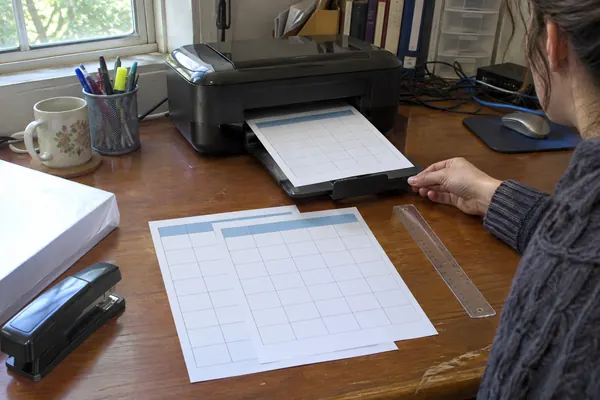
The sheet is designed for US Letter at 100 percent scale. I test-print every printable on my home inkjet, on both Letter and A4, and I look for clipped edges and cramped lines. On A4, choose Fit to page (or scale to fit) in the print dialog, and the layout sits comfortably with slightly larger side margins.
For everyday printing, set the quality to standard or draft. The page is mostly lines and boxes, so you do not need a heavy ink load, and draft mode keeps a daily habit cheap. If your printer clips the edges, check that “actual size” is not selected on A4 paper.
Paper choice matters if you write in pen. Ordinary 20 lb copy paper is fine for pencil and ballpoint, but gel pens and felt tips can show through on the back. If you want to use both sides of a sheet, stick with ballpoint. For a hole-punched binder, print on slightly heavier paper, 24 lb is plenty.
Variations to try
You do not need a different planner for every kind of day. A few small changes turn this page into something more specific. Here are the ones I use or recommend most:
- Work day: rename the habits box “Work wins” and list three small things you finished, for a quick end-of-day review.
- Study day: put classes in the appointments box and use the calls box for emails to professors or study group messages.
- Busy household: use the habits lines for chores such as laundry, school bag and dinner prep. A daily checklist template can supply more ideas.
- Low-energy day: write only one priority, ignore the rest and use the mood line to record how you felt.
- Travel day: list departures, bookings and packing in the appointments and to-do boxes.
Because the prefilled items are editable, you can build these versions on the page itself and print them. If you find yourself making the same changes every day, that is a sign your page has found its permanent shape, and you can print the edited version in bulk.
Dates worth knowing in 2027
2027 starts on a Friday and is not a leap year, so it has 365 days and 52 full weeks plus one day. If you plan by week, that extra day means 2027 ends on a Friday too. This matters if you print pages in batches: count carefully near the end of December.
Some dates to put in the appointments box early, because they shape how many working days you really have:
- Martin Luther King Jr. Day, Monday 18 January.
- Presidents’ Day, Monday 15 February.
- Daylight saving time starts Sunday 14 March in the US, and ends Sunday 7 November.
- Easter Sunday falls on 28 March.
- Memorial Day, Monday 31 May, and Labor Day, Monday 6 September.
- Thanksgiving, Thursday 25 November.
For the full picture, keep a 2027 calendar nearby and copy the dates you need onto your daily pages as you go. Checking the month before you print a batch of daily sheets is a habit I picked up in office administration: a daily page without the surrounding month in view makes it easy to miss a deadline that sits just past the edge.
A ten minute evening routine that sets up tomorrow
A daily planner works best when it is filled in the evening before, not in the scramble of the morning. Spend ten minutes after dinner or once the kids are in bed. Look at tomorrow’s calendar, write the date on a fresh page, and enter the fixed appointments.
Then scan today’s page for anything unfinished and decide what carries over. Pick your three priorities for tomorrow while today is still fresh. Finally, write one line in the notes box about what you want to remember or what went well.
I do this at the kitchen counter after the dog’s last walk. It takes less time than scrolling and means I start the next morning knowing what the day asks of me. If I skip the routine, I notice the difference by about 9 AM, when the day starts deciding for me.
Try this: For one week, fill in tomorrow’s page before bed and set a timer for ten minutes. Notice which part you keep doing and which part you skip.
Building a full year of daily pages
You do not need 365 pages on day one. Print a week at a time, or a month if your week is steady. That way, when your habits or the layout need a tweak, you have not wasted a ream of paper. I keep the current month’s pages in a folder with a clip and the extras in a drawer.
A simple structure holds up well. Use a monthly planner for the big picture of the month, the weekly page for the shape of each week, and this daily page for execution. Each level feeds the next, and you only copy over what the day needs.
For recurring habits you want to track across the whole month, a habit tracker printable is better than repeating the same three lines every day. Use the daily page for what happens today, and the tracker for the pattern.
Common mistakes with daily planners
The first mistake is overfilling. If you write a list that would take twelve hours of focused work, you have created a list you will not finish, and the page becomes a record of failure. Cut the list until it is honest.
The second is not looking at the page. A planner on a shelf does nothing. Put it where your day happens: beside the laptop, on the counter, on the fridge door next to the family calendar. I keep a paper calendar on the fridge for everyone’s schedule and my planner on the counter for my own, so the two never compete.
The third is perfectionism. Skipped days are normal. If you miss two days, print today’s page and start again, without catching up on the gap. The undated layout exists for exactly this reason.
Daily, weekly or monthly: which should you use
Choose the planner that matches how much changes in your days. If your schedule is mostly fixed and you only need to see deadlines, a monthly page may be all you need. If your week changes, the weekly planner gives structure without the commitment of a daily page.
The daily page earns its place when days are full or unpredictable: new job, new baby, exam weeks, moving house, a big project. You use more paper, but you gain a clear place for each day’s decisions. Many people switch between formats through the year, using daily pages in busy stretches and weekly pages in quiet ones.
If you are not sure, print five daily pages and use them for a working week. By Friday you will know whether the single-day view helps you or feels like too much. For more ready-made pages, browse the printable planners section and pick the format that fits.
Common questions
Is this daily planner 2027 really free?
Yes. You can fill it in on the page, print it as many times as you like, or download the blank PDF. It is for personal use at home, work or school.
Is the daily planner dated or undated?
It has a Date field you fill in yourself, so you can start on any day in 2027 and skip days without wasting pages. That also means you never have a stack of dated pages for a week you were away.
Will it print on A4 paper?
Yes. It is built for US Letter, and in your printer dialog you can choose Fit to page or scale to fit so it sits cleanly on A4. I test-print on both sizes.
Does my typing save if I close the page?
It saves in your browser on the same device. Clearing your browser data removes it, so print the page or keep a screenshot if the day matters.
How many tasks should I put on a daily planner?
Choose three priorities and fill the to-do box only with things that fit in your waking hours. Eight small tasks is a lot for most days, and a short list gets finished more often than a long one.
Should I print a full year of daily pages?
Most people do better printing a week or a month at a time. Needs change, and a stack of 365 pages in January is easy to abandon.
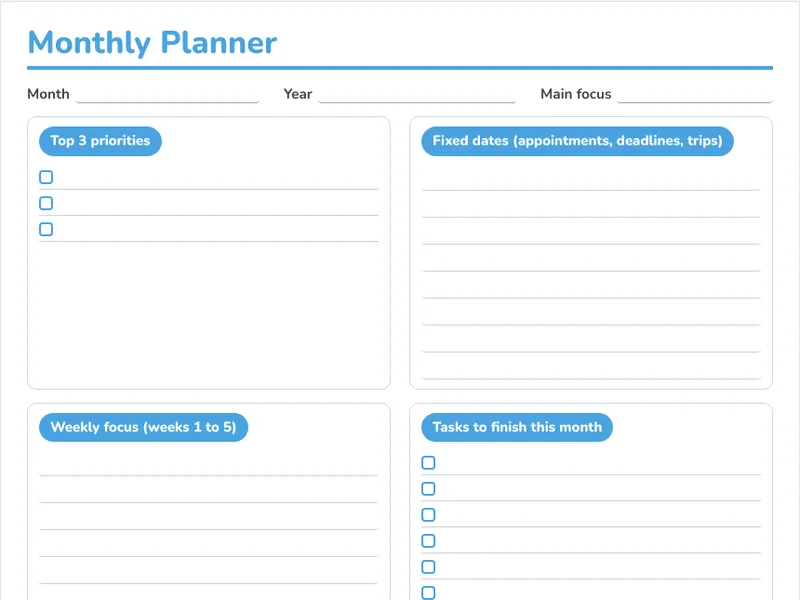 Monthly Planner: Free Printable One-Page Sheet
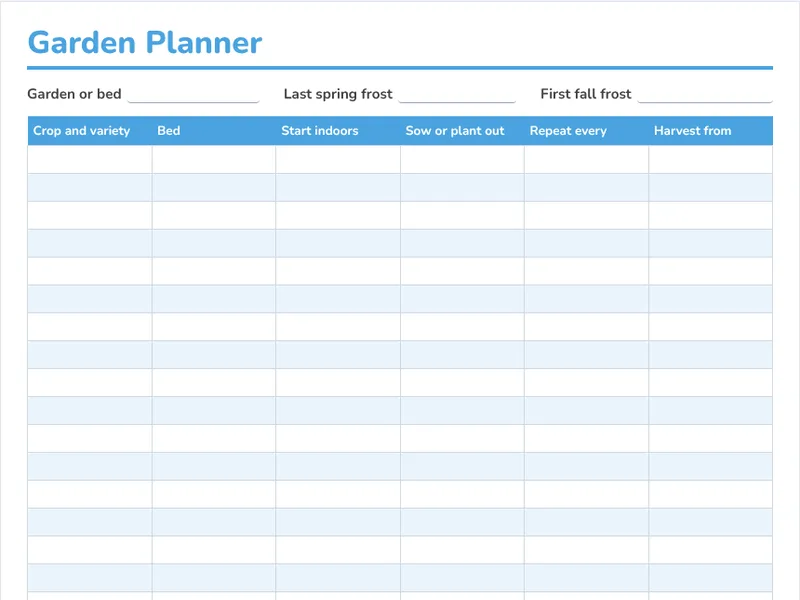 Garden Planner: Free Printable Planting Sheet
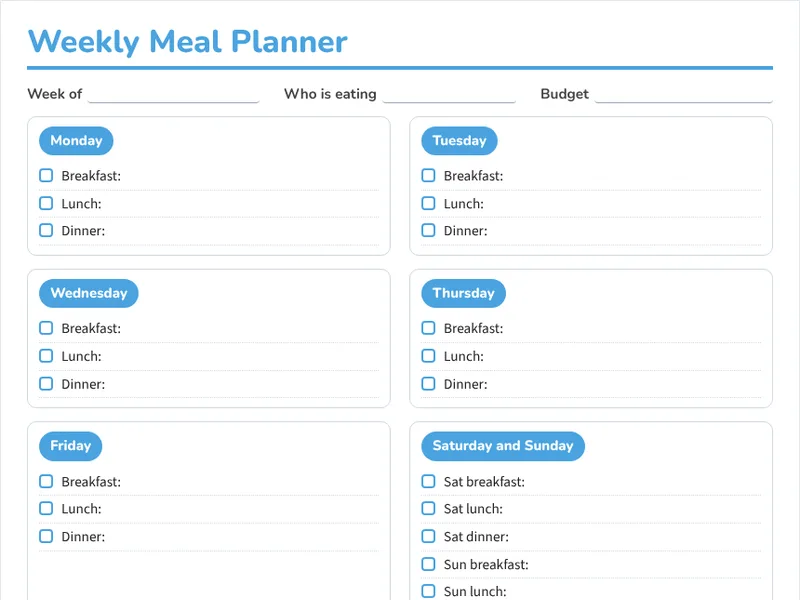 Printable Weekly Meal Planner
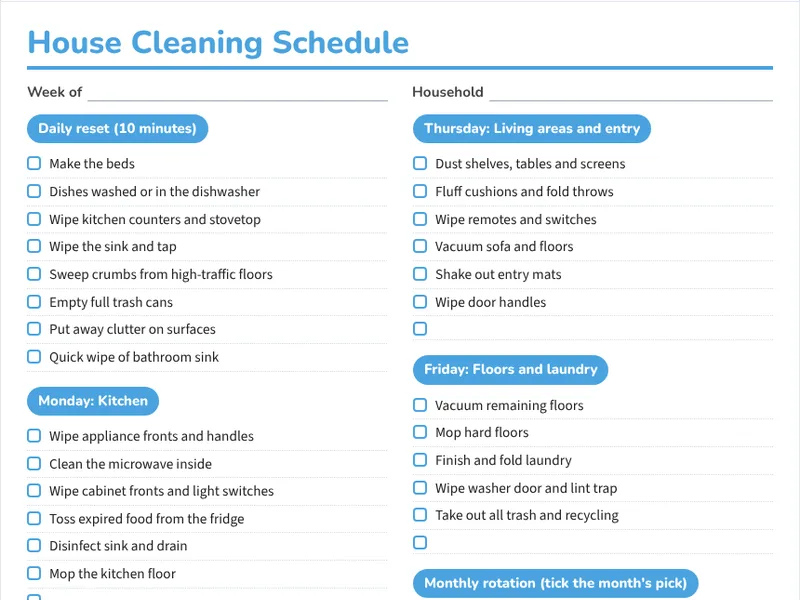 House Cleaning Schedule: Free Printable for Daily, Weekly and Monthly Jobs
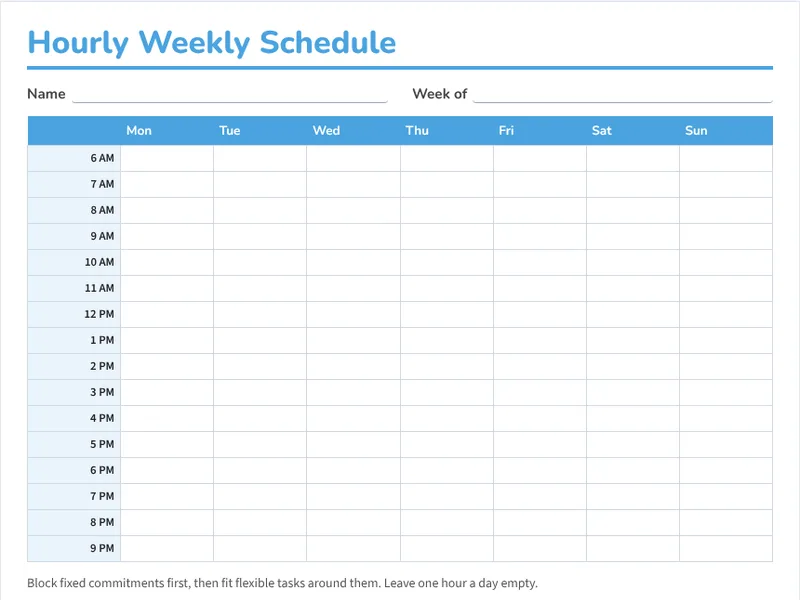 Hourly Schedule Template: Free Printable Weekly Planner
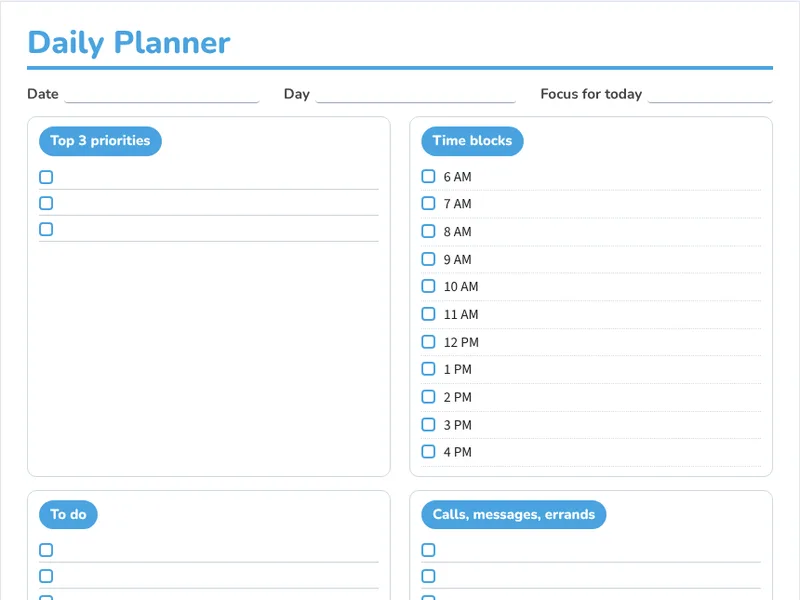 Daily Planner Template (Free Printable)