
Planner Printables Weekly: A Free Fillable Page for Your Week

A weekly planner printable is a single page that shows your whole week at once, with room for priorities, daily tasks and a place for anything that does not get done. The page above does exactly that. Type straight into it, tick things off, rename any heading, then print it on US Letter. A blank PDF is there too if you would rather write by hand.
Top 3 this week
Monday
Tuesday
Wednesday
Thursday
Friday
Saturday and Sunday
Carry over and notes
Choose your top three first, then fill in the days. Move anything unfinished to next week.
Free for personal, classroom and office use. Your entries are included in the print, PDF and PNG. Prints on US Letter and fits A4.
Black and White Weekly Planner Printable
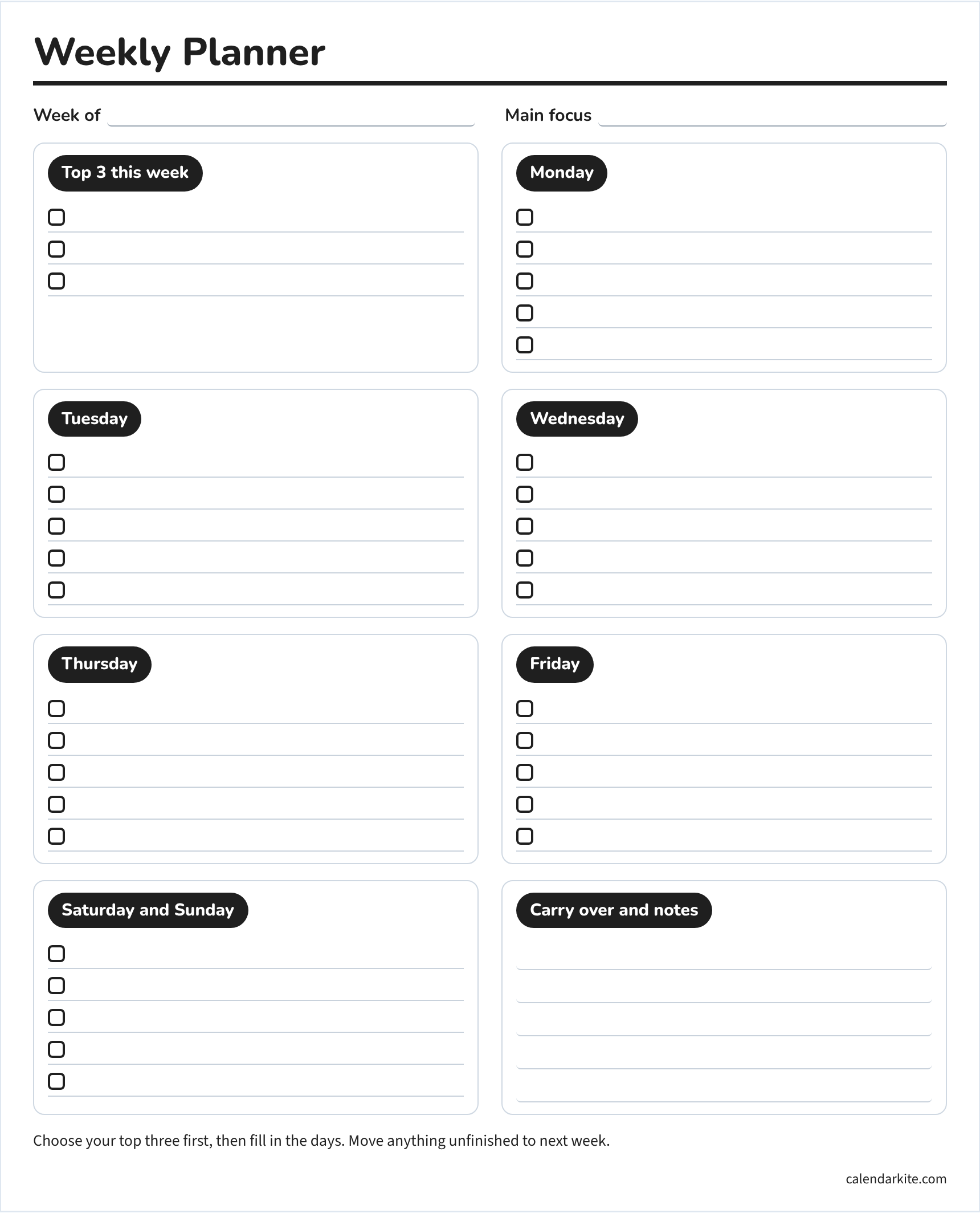
This is the version I print most often, because plain black lines save ink and photocopy cleanly. It suits work weeks and school schedules, and I test-print it on my home inkjet in US Letter and A4 so the lines stay crisp.
Pink Weekly Planner Printable
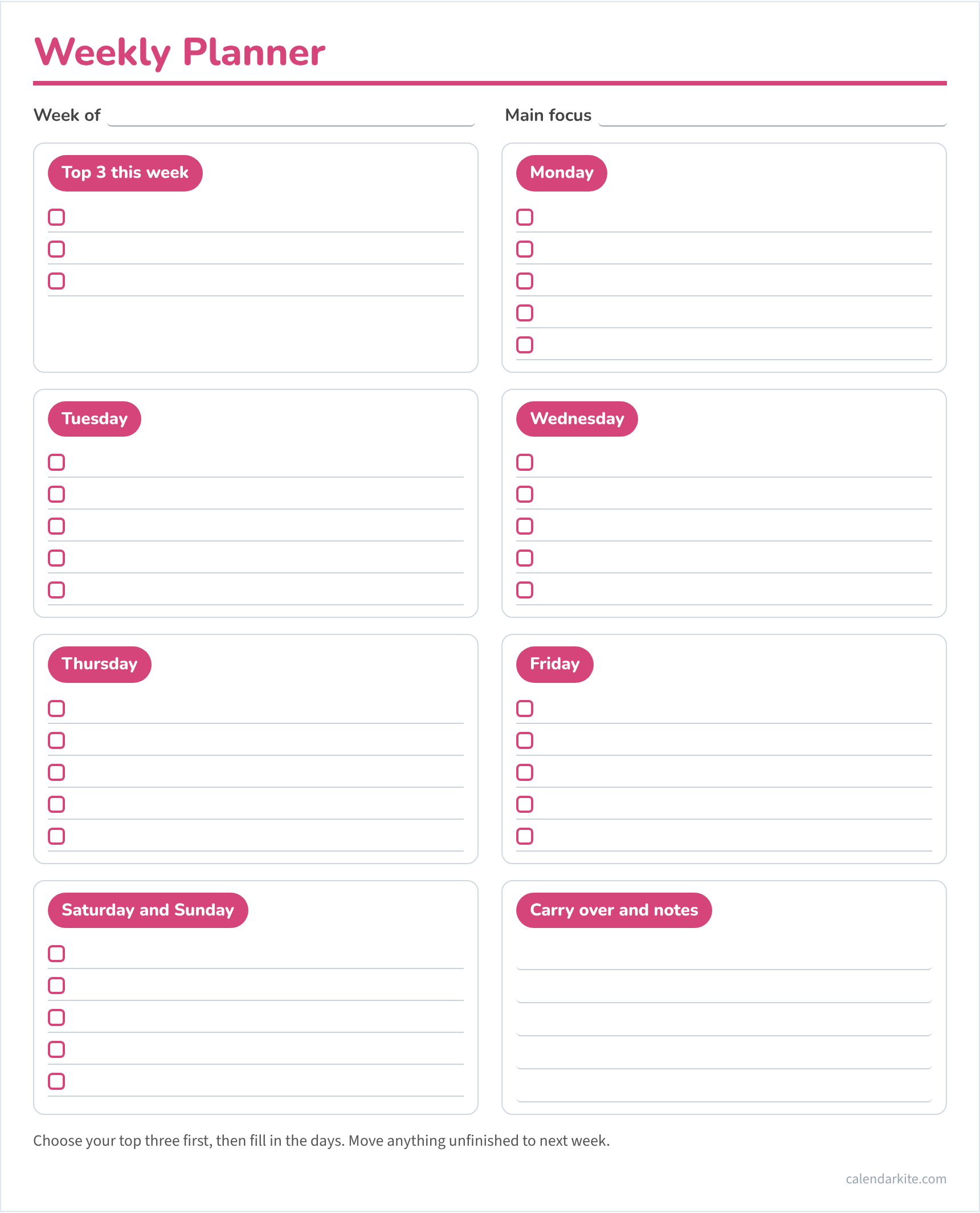
A soft pink look that works well for a personal planner, study week or meal plan. The light tint leaves plenty of room to write over, so it suits appointments, errands and small daily habits.
Sage Green Weekly Planner Printables
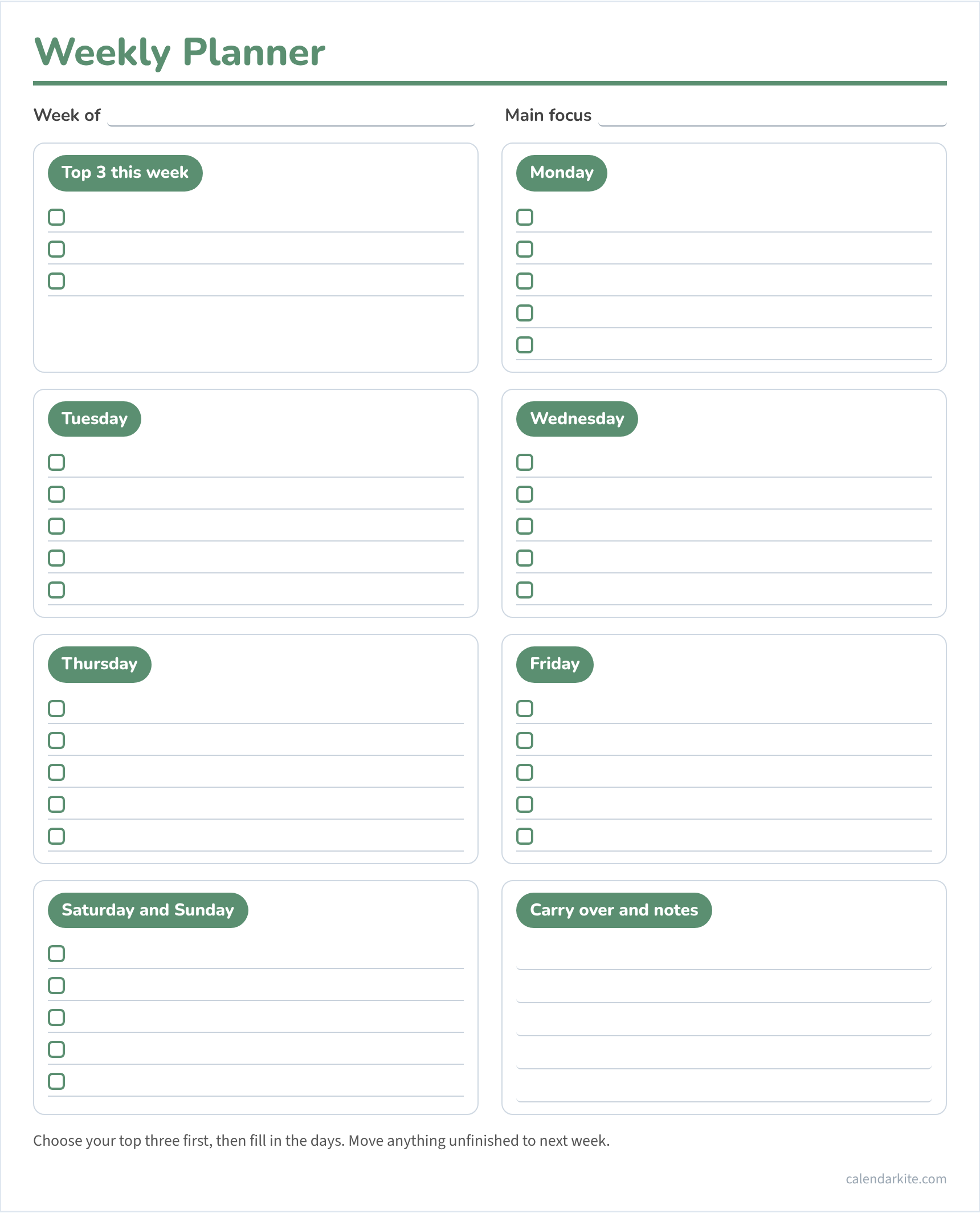
Sage green is calm and easy on the eyes, so I recommend it for busy work weeks with lots of meetings. In the office I learned that a muted color makes a crowded schedule feel less overwhelming.
Lavender Weekly Planner Printable
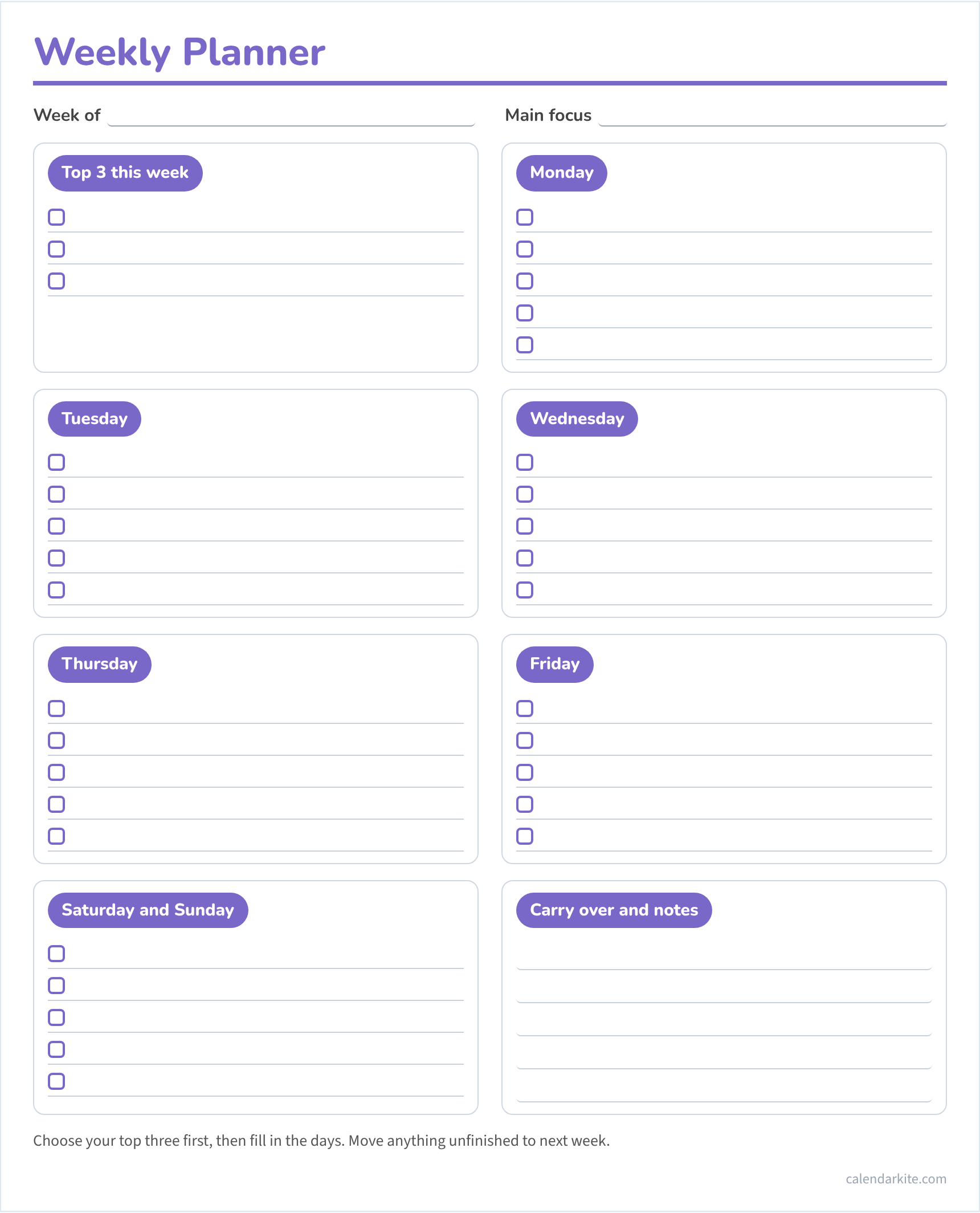
Lavender suits students, bloggers and anyone who likes a cool purple palette for planning. Use it to separate study blocks, deadlines and personal tasks, and print it on plain paper so the pale color stays soft.
Cute Weekly Planner Printables
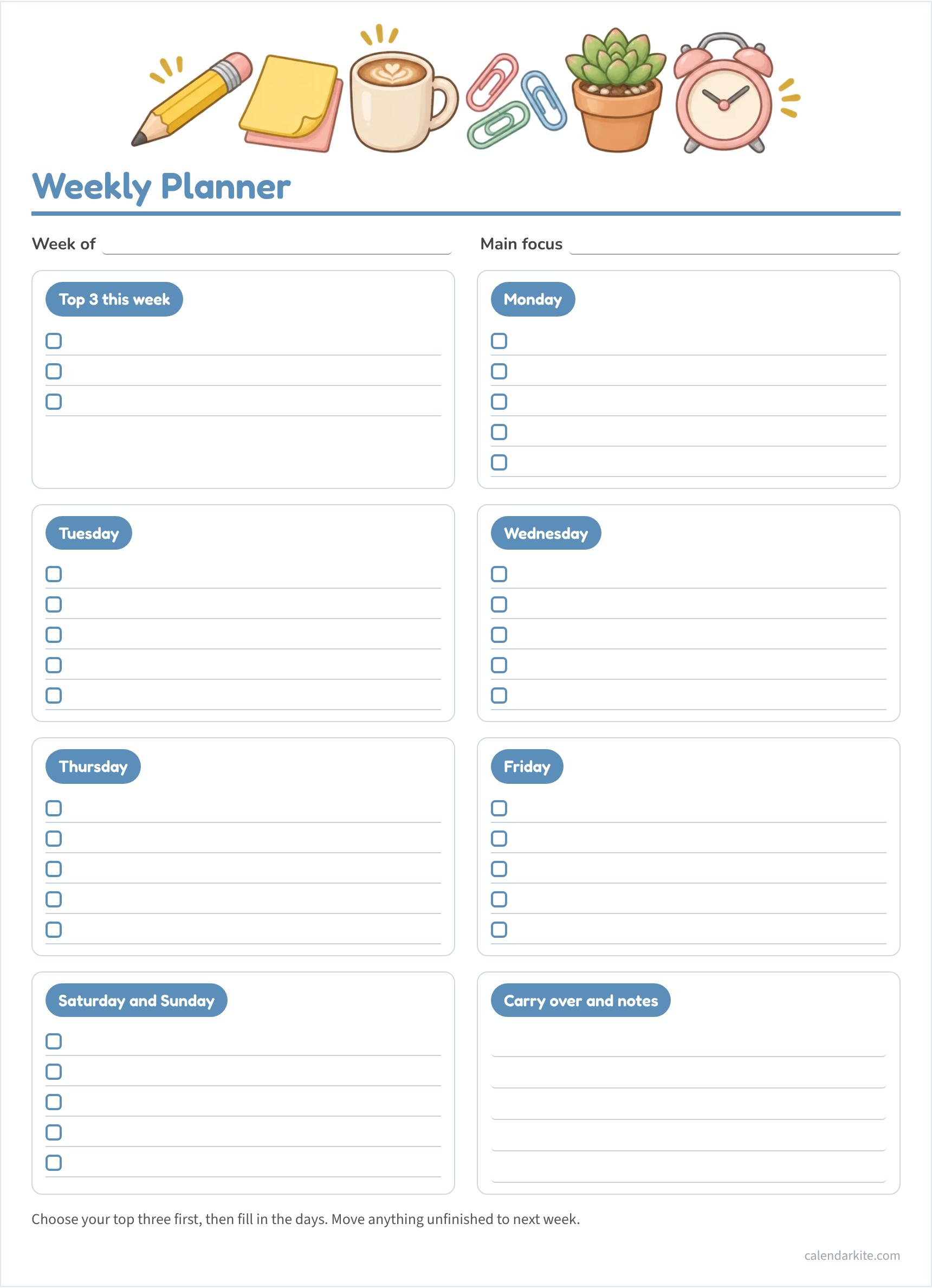
The little hand-drawn style illustrations make this a happy pick for students and busy parents. I pin pages like this on the fridge beside my paper calendar so the whole family sees the week.
Floral Weekly Planner Printable
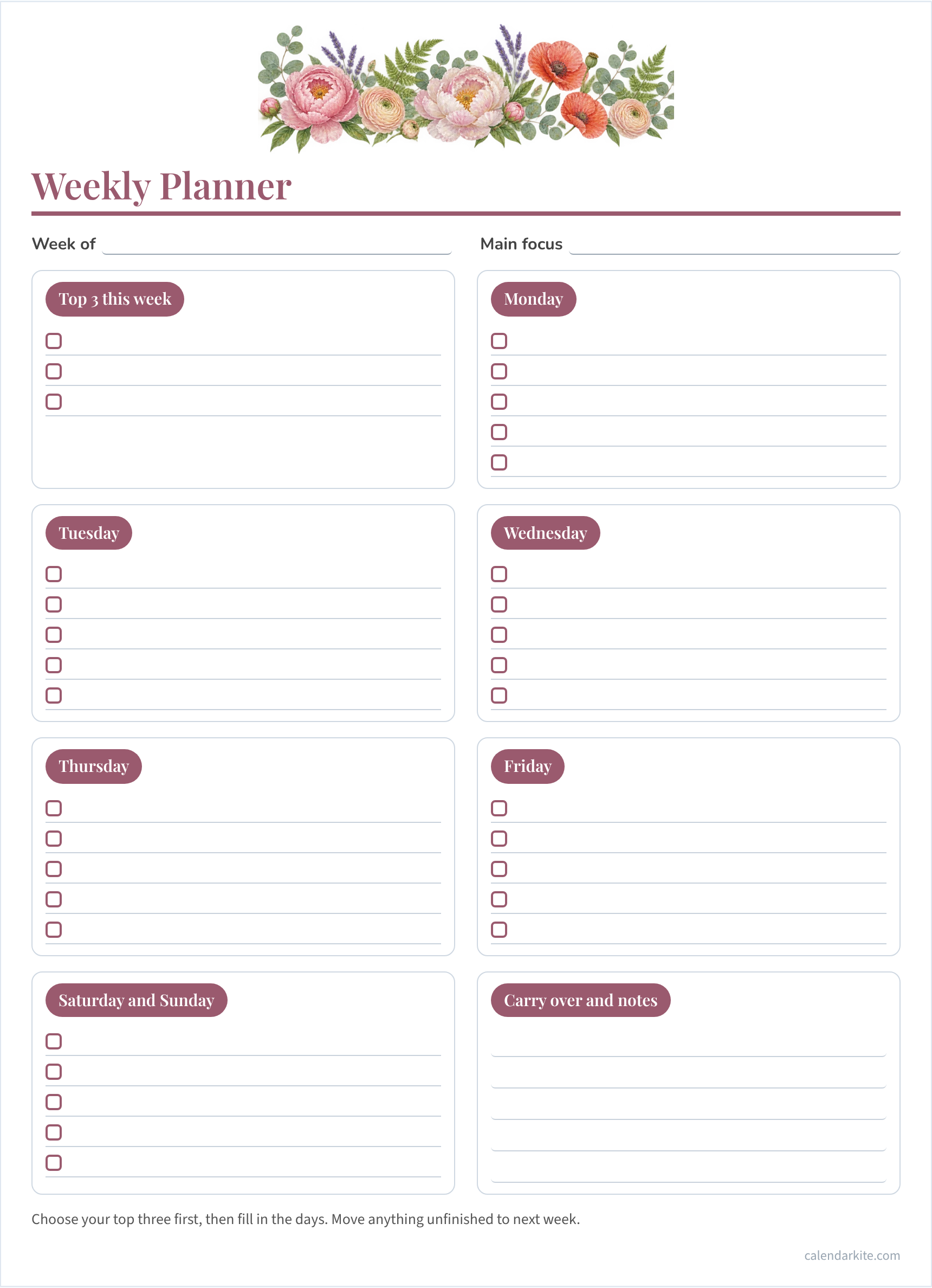
Watercolor flowers and elegant serif headings suit anyone who wants a gentle planner for appointments and self-care. Use it for a weekly gratitude routine or as a printed gift for a friend.
Fun and Colorful Weekly Planner Printable
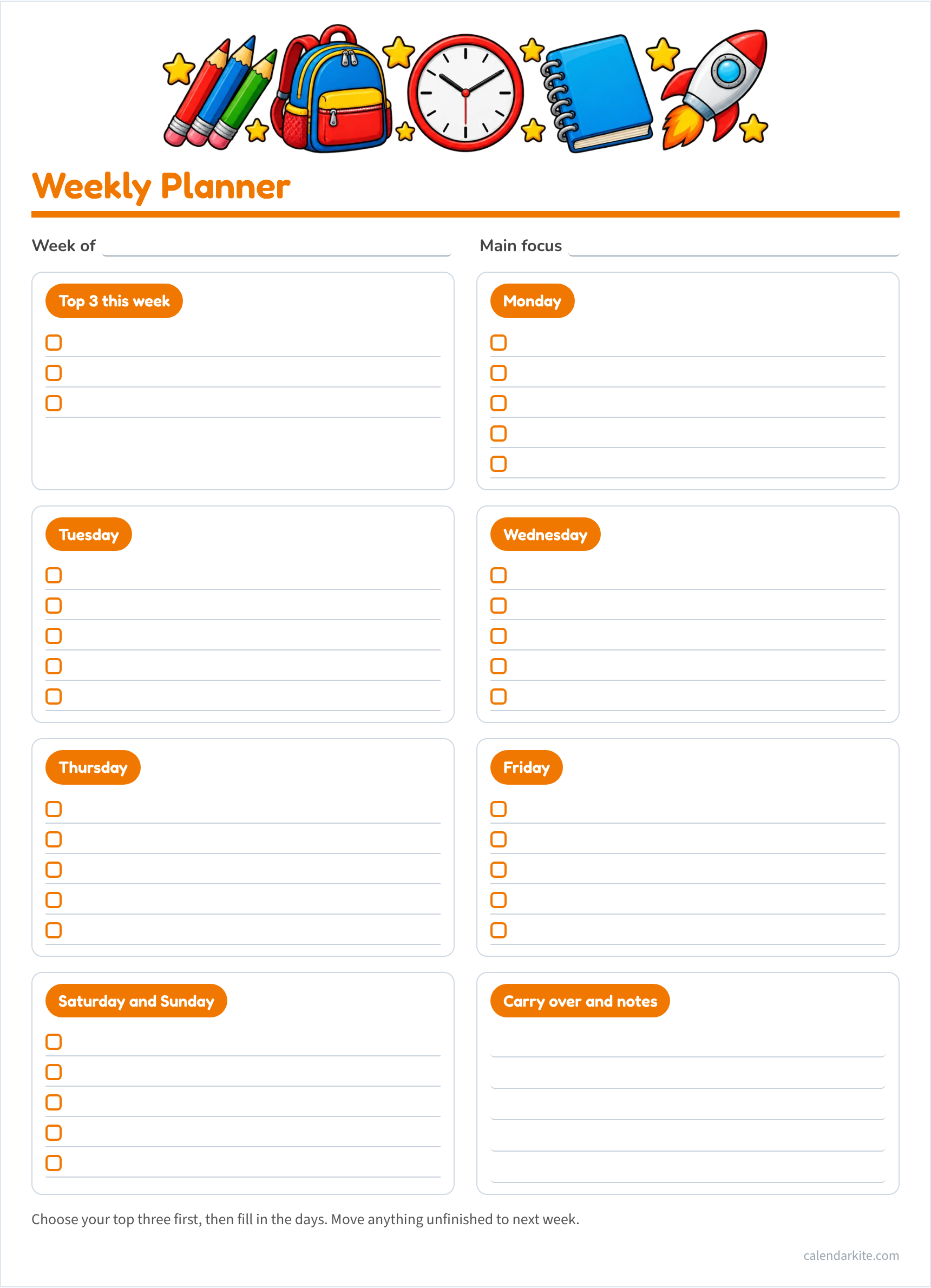
Bright orange and yellow with bold cartoon art make the week playful for families, classrooms and homework routines. With two kids at home, I've found a playful planner gets looked at far more often.
Simple Minimalist Weekly Planner Printable
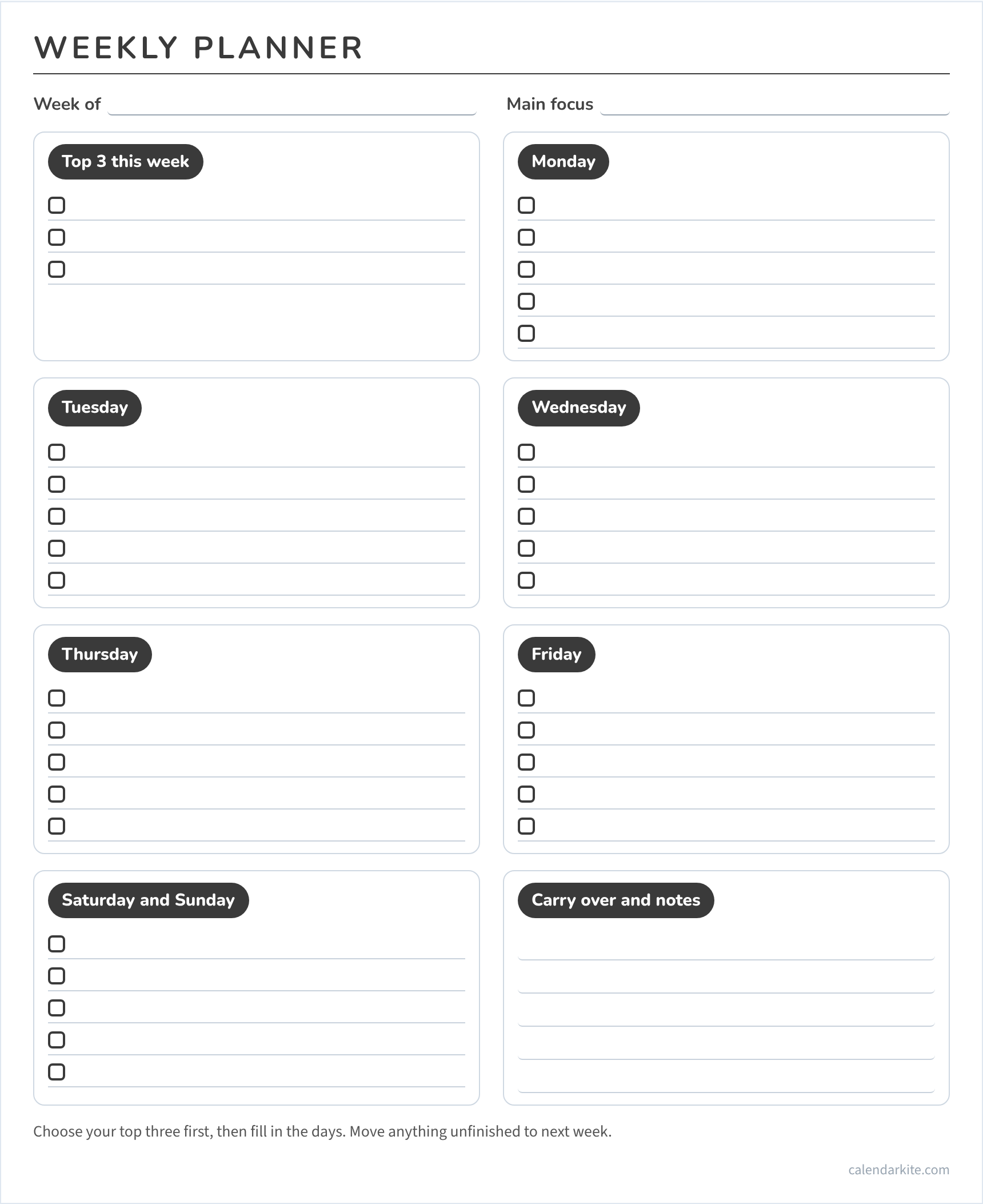
Thin gray lines and a light uppercase heading suit anyone who wants a quiet, clutter-free layout for work notes. My biggest tip is to list fewer tasks per day, since an overstuffed week is the mistake I see most.
Aesthetic Weekly Planner Printable
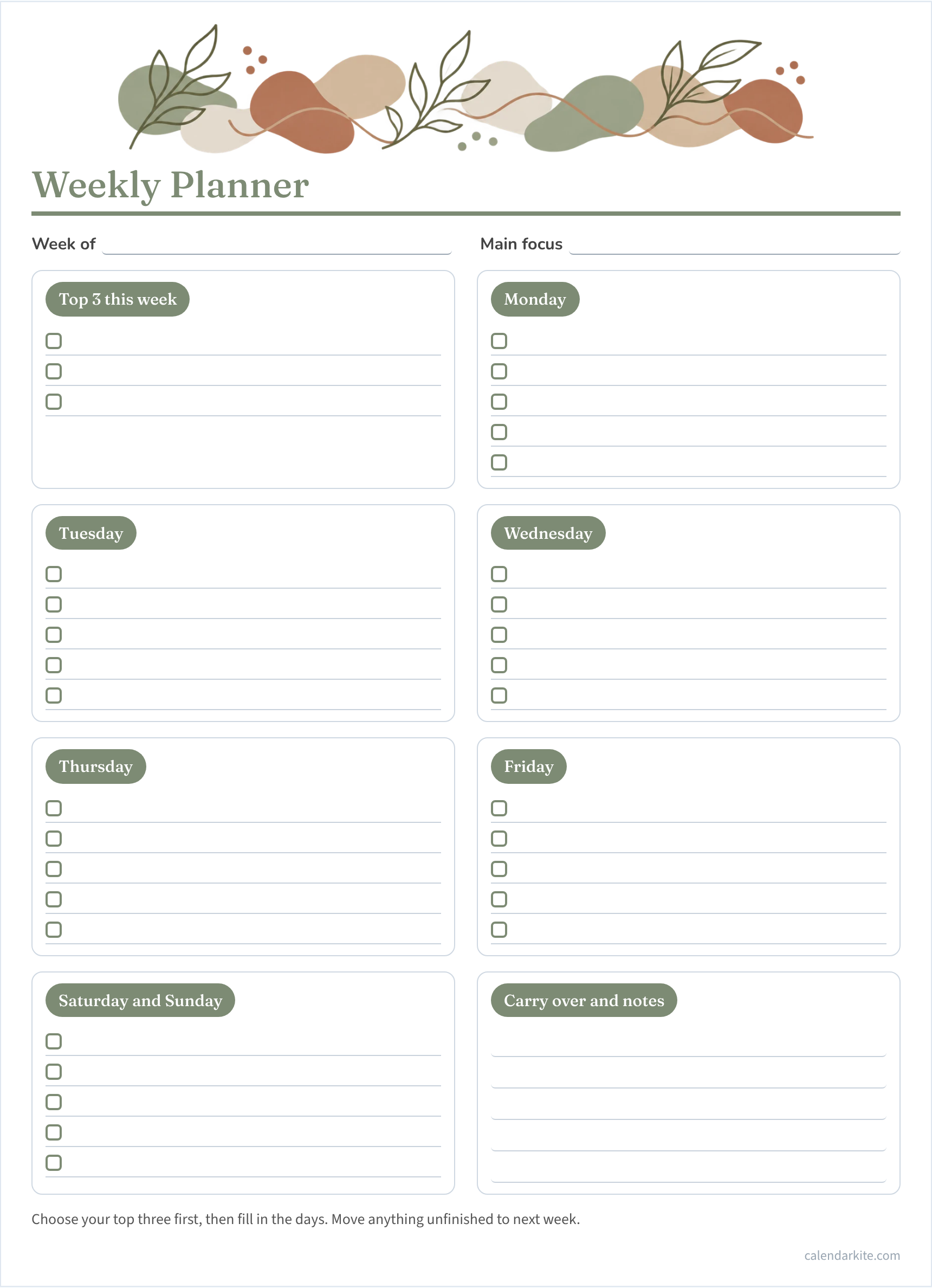
Muted sage, sand and terracotta with soft line-art leaves give this a calm, styled look for desk setups. It suits bullet-journal fans who want a weekly spread for goals, habits and meal ideas.
Bold Modern Weekly Planner Printable
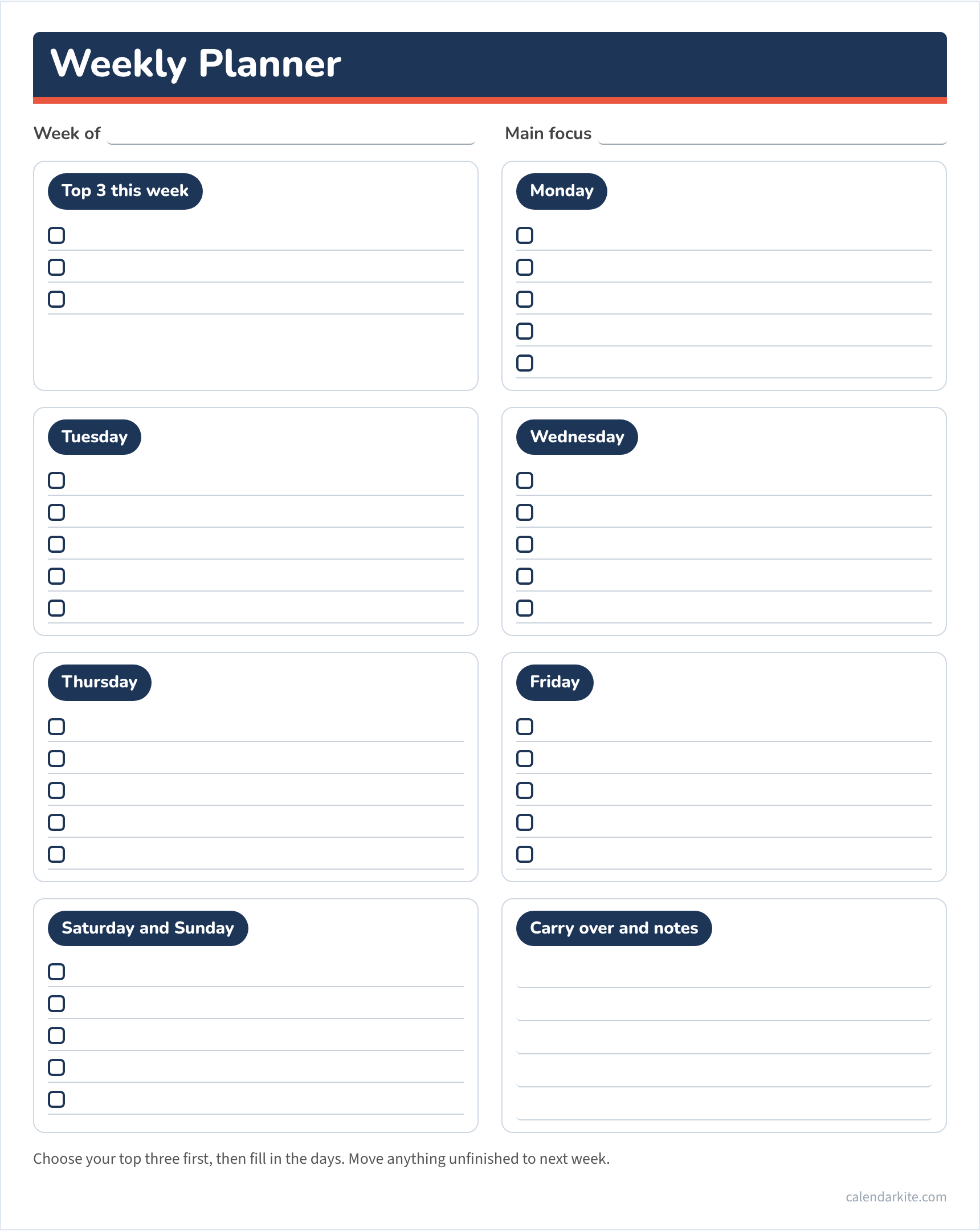
A navy header band with a coral accent gives a crisp, modern look for work planning and project weeks. It's ideal for a binder or clipboard, and the strong header makes the week easy to find at a glance.
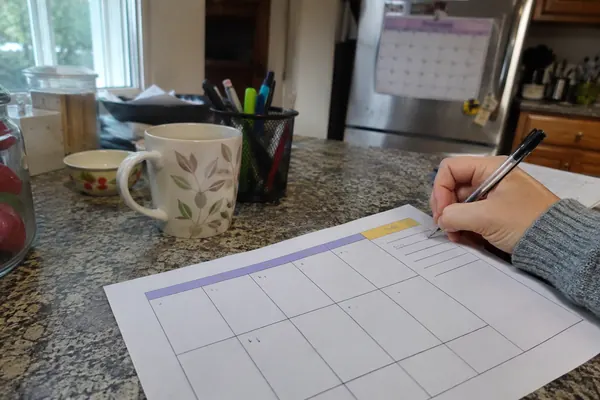
I keep a paper calendar on the fridge and a planner on the kitchen counter, and the weekly page is the one I actually use most. The month view tells me what is coming. The week view tells me what I am doing about it. Below is how to get the most out of this page, who it suits and how to adapt it.
What a weekly planner printable should actually do
A good weekly page does three jobs. It shows the shape of the week so you can see the busy days before they arrive. It gives you somewhere to put the few things that truly matter. And it catches the overflow, so unfinished tasks do not vanish at the end of Friday.
Many weekly printables only do the first job: seven empty boxes and a pretty border. That is fine for appointments, but it does not help you decide what comes first. This page puts a “Top 3” box beside Monday and a “Carry over and notes” box at the bottom, so decisions and leftovers have a home.
The boxes use tick lines rather than blank ruled lines, because most week-to-week planning is a list of small actions, not paragraphs. If you want to write a note instead, you can still do it. A tick box beside a sentence does no harm.
How to fill in this weekly planner page
Start at the top with the “Week of” field and a short main focus. The focus can be one word or one phrase, such as “tax paperwork” or “get ahead on the move”. It is a filter for the rest of the page: if a task does not connect to it and is not a fixed obligation, it can wait.
Then work in this order:
- Write fixed commitments into the right day first: appointments, shifts, school events, pickups.
- Choose your Top 3 for the week from everything on your mind.
- Place each of those three into a specific day, so they are not floating.
- Fill remaining lines with smaller tasks, leaving at least one line empty per day.
- Park anything that does not fit in “Carry over and notes”.
On screen, click into any line and type. Tap the tick boxes as you go. You can edit the box headings too, which is useful if your week runs differently. Everything saves in your browser, so you can build the page across a few sittings and print it when it is ready.
Try this: Before you write anything else, put the one task you would be happiest to have finished by Friday in the first Top 3 line. Then give it a day.
Pick your top three first
The Top 3 box is the most useful part of the page, and it is also the part people skip. When everything gets equal space, everything feels equally urgent, and the loudest task wins.
Three is a deliberate limit. Most weeks hold one big thing, one medium thing and one thing you have been avoiding. Naming all three at the start of the week makes the avoided one visible. If you have written “call the insurance company” three weeks running, the page has done its job by showing you.
In my office years I kept staff rotas and supply orders readable for a whole team, and the lesson was always the same: a long list hides the one item that matters. A short list with a single clear priority gets read. I stuck with that rule when I built this page, which is why the priorities box sits up top and not at the bottom as an afterthought.
Who this weekly planner suits
It suits anyone whose week has a mix of fixed events and flexible tasks. That covers most working adults, parents juggling school and activity schedules, freelancers, and students with a mix of classes and deadlines. If your week is almost entirely fixed (shift work, for instance), the daily boxes work as a plain schedule and the Top 3 becomes your personal goals for the week.
It is also a good fit if you find monthly calendars too thin and daily planners too heavy. A month grid does not leave enough room for tasks. A daily page every day asks for a lot of upkeep. One page per week sits in the middle, and it takes about ten minutes to set up.
If you live with other people, a weekly page works well on the fridge or a clipboard by the door. At our house it is the family, two kids and a dog included, who tell me what is missing from it. Walks and school pickups all earn a line. If you need a purely shared view of the household, the weekly calendar printable has a calmer, appointment-focused layout.
Sunday night or Monday morning: when to plan
The best time to fill in the page is the time you will actually do it. For most people that is Sunday evening or early Monday before the day starts. Pick one and make it a habit, because a page planned at 8:55 on Monday morning in a rush is not much better than no page.
I plan on Sunday evening with a hot drink while the kitchen is quiet. It takes about ten minutes, and I check the fridge calendar at the same time so the planner and the calendar agree. If you share a calendar with a partner, do that check together: five minutes saves a lot of “wait, you have that on Thursday?”
If your week is unpredictable, plan lightly. Fill in the fixed commitments and your Top 3 and leave the rest blank. Add smaller tasks each morning. A half-filled page that you keep up beats a perfect page you abandon on Wednesday.
Why the weekend box is shared
You will notice Saturday and Sunday share one box. This was a layout decision I made after test-printing several versions. When every day got its own equal box, the weekend boxes mostly stayed empty and the page looked unfinished, while the weekdays ran out of room.
Combining the weekend gives weekdays more space and still leaves enough lines for the things that really do happen on weekends: a game, a family visit, errands, a chore or two. If you work weekends, you can rename the boxes. Just click the headings and type “Saturday” in one and “Sunday” in the other, and use the Top 3 box as a rest-day reminder instead of a task list.
Some people like to put one restful item on the weekend lines on purpose, such as “read” or “do nothing”. It sounds silly until you try it. Planned rest is more likely to happen.
Using the planner on screen before you print
Typing into the page first has one real advantage: you can rearrange without crossing out. Move a task to a different day, retype a heading, tick something done. By the time you print, the page is clean.
That works best if you plan on a computer or tablet at the start of the week and then print one copy to carry. Use the printed page for ticks as you go. If something changes midweek, write the change in pen. Your saved screen version is a good record of what you planned, and the printed version shows what actually happened.
Try this: Fill in the page on screen on Sunday, print it, and put it where you will see it every morning. After a week, notice which box you wrote in most and which you ignored.
Keep in mind that saved entries live in your browser on that one device. If you want to keep a plan, print it or save it as a PDF through your print dialog.
Printing tips for US Letter and A4
The page is sized for US Letter at 8.5 by 11 inches in portrait. Print at 100 percent, or “Actual size”, and the margins will sit evenly. Most home printers need about a quarter inch of clear margin, and the layout allows for that.
On A4 paper, choose “Fit to page” or “Shrink to printable area”. I test-print every printable on my home inkjet on both US Letter and A4, and this setting is what keeps the bottom box from being clipped on A4. Check the preview before printing if you can.
A few small things help:
- Use plain 20 to 24 lb copy paper for everyday use. Use 28 to 32 lb if you write in pen or marker, since it resists bleed-through.
- Print in black and white or draft mode to save ink. The page is designed to read well without colour.
- Print a month of weeks at once on a quiet afternoon so you are never short on a Sunday night.
- If your printer struggles with edges, try “Fit to page” even on Letter.
Fitting it into a binder, disc system or clipboard
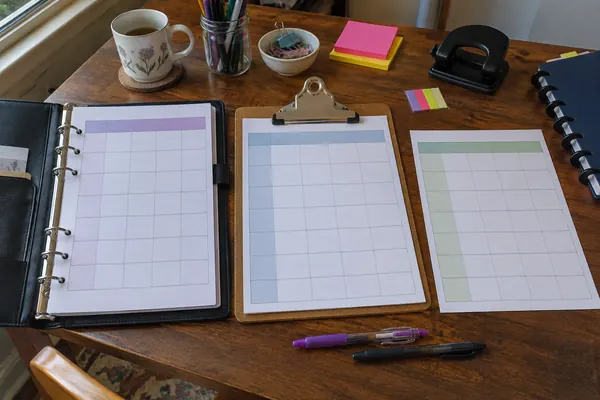
A full Letter page fits a standard three-ring binder, a clipboard or a folder, and it is easy to punch with a regular three-hole punch. Leave a little space on the left if you punch, and the page has enough margin that no writing is lost to the holes.
If you use a smaller planner, such as an A5 or half-letter format, you can print the page at 50 percent on a Letter sheet and trim or fold it. The text is large enough to stay readable, but the lines get tight, so keep your entries short. Disc-bound systems need their own punch, and I suggest printing first and punching a stack at once.
For fridge or wall use, a clipboard with a magnet on the back is the simplest option. A planner on the counter gets spills, so a page on a clipboard that can be wiped down is a small win.
Weekly planner layout variations
Different people want different things from a weekly page, and the layout you choose shapes how you use it. This page is a boxed, tick-list layout with a priorities section. Other common styles are worth knowing about:
- Vertical columns: seven narrow columns, useful for appointments and short notes.
- Horizontal rows: each day is a wide strip, good for people who write full sentences.
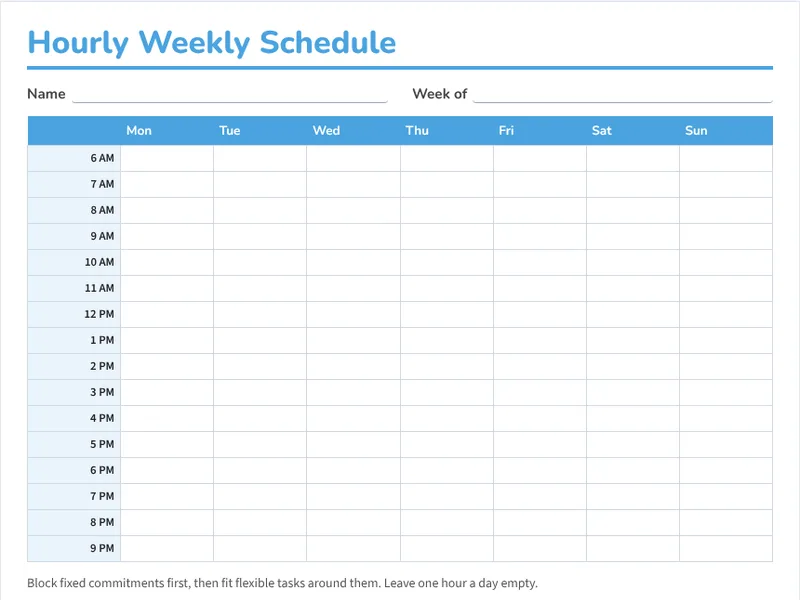
- Hourly grid: days across the top and times down the side, best for tightly scheduled weeks.
- Two-page spread: more room for each day, but twice the paper.
- Dated and undated: dated pages are ready to go, undated ones let you start any week.
For an hourly grid, try the hourly schedule template. If you want a planner already dated for the year, the weekly planner 2027 page is the one to open. For a pure checklist with no day boxes at all, the weekly to do list is lighter.
Time blocking on a weekly page
The daily boxes here are task lists, not time slots. That is intentional, because most people do not need to know that “laundry” happens at 2 p.m. They need to know it happens on Tuesday.
If you do want time blocking, add a time in front of the tasks that matter. Write “9:00” or “after school” next to the item. You will end up with a hybrid: a list for flexible tasks and a few times for fixed ones. This is closer to how an actual week works.
For a heavier schedule, such as study blocks or a work rota, a full time grid is better than boxes. Use the weekly page to set priorities, then move the details to a time grid. Trying to do both on one page makes it crowded and hard to read.
Pairing the weekly page with monthly and daily pages
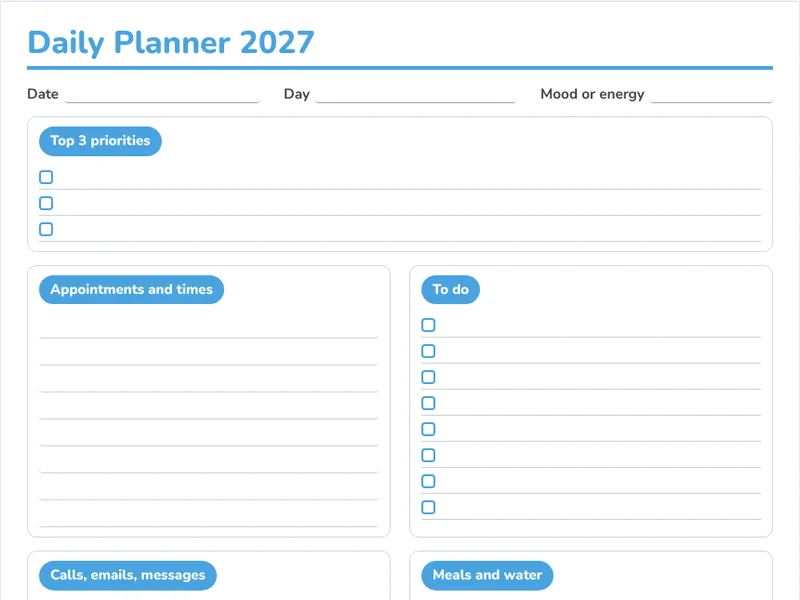
A weekly page works best as the middle layer. A monthly planner holds the big dates: birthdays, deadlines, trips. The weekly page takes what is coming up and turns it into action. A daily planner template is optional, for days that are busy enough to need more detail.
Each week, glance at the month and copy over anything due in the next seven days. Doing this on Sunday takes a minute and prevents the classic surprise: a deadline you wrote down three weeks ago and forgot to look at again.
Food and meals deserve a mention, because they take up a lot of mental space. I keep the dinner plan separate and look at it alongside the weekly page. If you want the same approach, the printable weekly meal planner sits nicely next to this one.
Common mistakes that make weekly planners fail
The biggest mistake I see is overfilling. People write fourteen tasks on Monday, finish six and feel like they failed. A page with too much on it teaches you to ignore the page. Three to five tasks per day is a healthy limit, and one empty line is a sign you are being realistic.
The second mistake is planning without checking the actual calendar. Years of office scheduling taught me that the plan is only as good as the dates beneath it. Look at the month first, then write the week.
The third is treating unfinished tasks as shameful. They are not. They are information. If something sits in carry over for three weeks, either do it, delegate it, or admit you are not going to. Another common one is using too many colours and symbols, which takes longer than the planning itself. Start with a pen and ticks. Add anything extra only if you miss it.
A ten-minute weekly review
The review is what turns a page into a habit. At the end of the week, look at the page for two minutes and ask three things: what got done, what did not, and why.
Move anything unfinished into next week’s Top 3 or carry over box, and delete anything that no longer matters. Then fill in the next page. That small loop of review, carry and plan is what keeps the planner honest.
Try this: At the end of this week, circle the one task that surprised you by taking longer than expected. Next week, give similar tasks more room.
If you want more pages to build out a full set, the printable planner hub has companions for months, days and goals, and the whole collection is on the planners page.
Common questions
Is this weekly planner printable really free?
Yes. You can fill it in on the page, print it, or download the blank PDF at no cost and with no sign-up. It is for personal use at home, work or school.
What size paper does the weekly planner print on?
It is built for US Letter (8.5 by 11 inches) and fits on a single page. On A4 paper, choose 'Fit to page' in your print dialog so nothing is cut off at the edges.
Does the weekly planner start on Monday or Sunday?
It starts on Monday and combines Saturday and Sunday into one box. If your week begins on Sunday, simply write the day names you prefer over the headings by editing them on the page before printing.
Will my entries be saved if I close the page?
Your typing, ticks and edits are saved in your own browser on that device, so they are still there when you come back. Clearing your browser data or switching devices will remove them, so print the page once you are happy with it.
How many tasks should I put on one day?
Three to five is realistic for most people. If a box overflows, the day is overbooked, so move the least important items to the carry over box instead of squeezing them in.
Can I use it as an undated weekly planner?
Yes. Only the 'Week of' field carries a date, and you fill that in yourself. Print as many copies as you need and write the date on each one.
More free planners
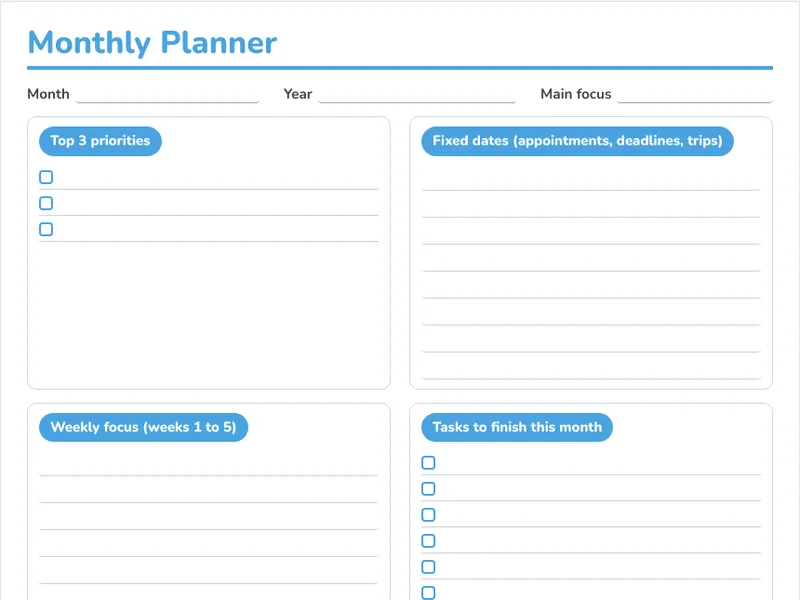 Monthly Planner: Free Printable One-Page Sheet
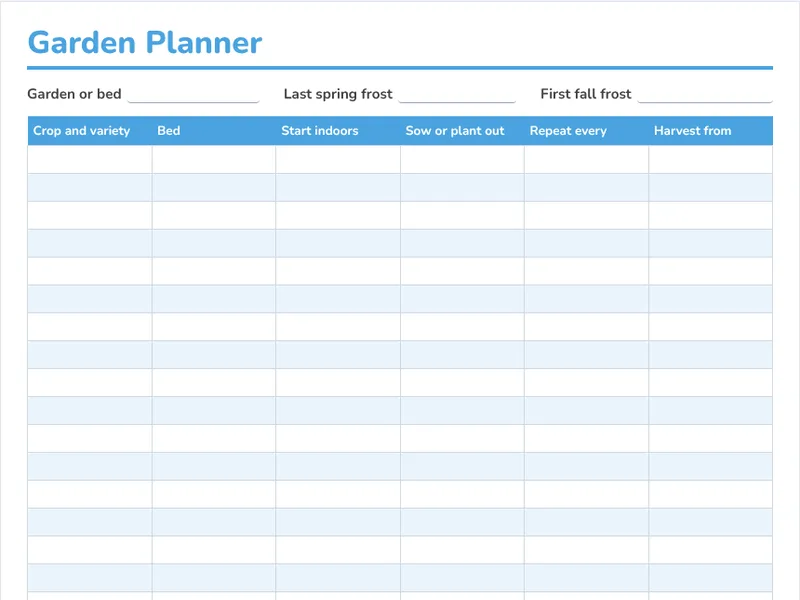 Garden Planner: Free Printable Planting Sheet
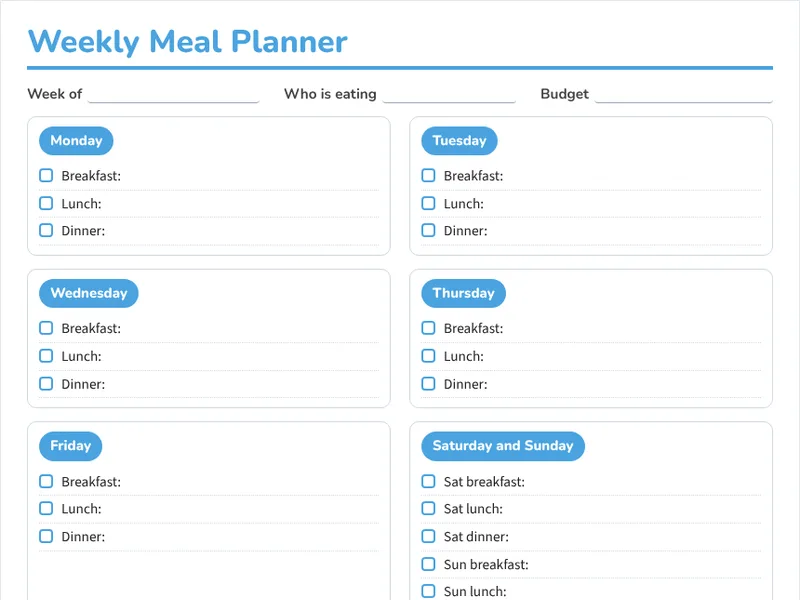 Printable Weekly Meal Planner
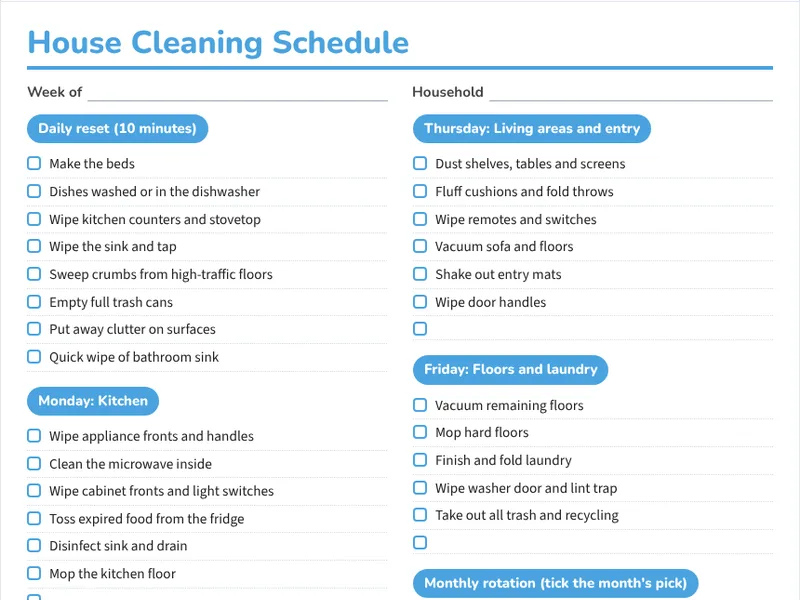 House Cleaning Schedule: Free Printable for Daily, Weekly and Monthly Jobs
 Hourly Schedule Template: Free Printable Weekly Planner
 Daily Planner 2027: Free Printable Page for Every Day