
Printable Planner: A Free One-Page Weekly Planner

A printable planner is a planning page you print at home, fill in by hand and replace whenever you like, and the best one to start with is a single weekly page that holds your priorities, dates, to-dos, dinners and notes in one place. The planner on this page does exactly that. You can type into it on screen, tick boxes, edit the items, and print it on US Letter or A4, or download the blank PDF and write by hand.
Top 3 priorities
Dates and appointments
To do this week
Dinners
- Mon
- Tue
- Wed
- Thu
- Fri
- Sat
- Sun
Money and bills
Waiting on / follow up
Notes
Pick three priorities first. Everything else on the page is there to protect them.
Free for personal, classroom and office use. Your entries are included in the print, PDF and PNG. Prints on US Letter and fits A4.
Black and White Printable Planner
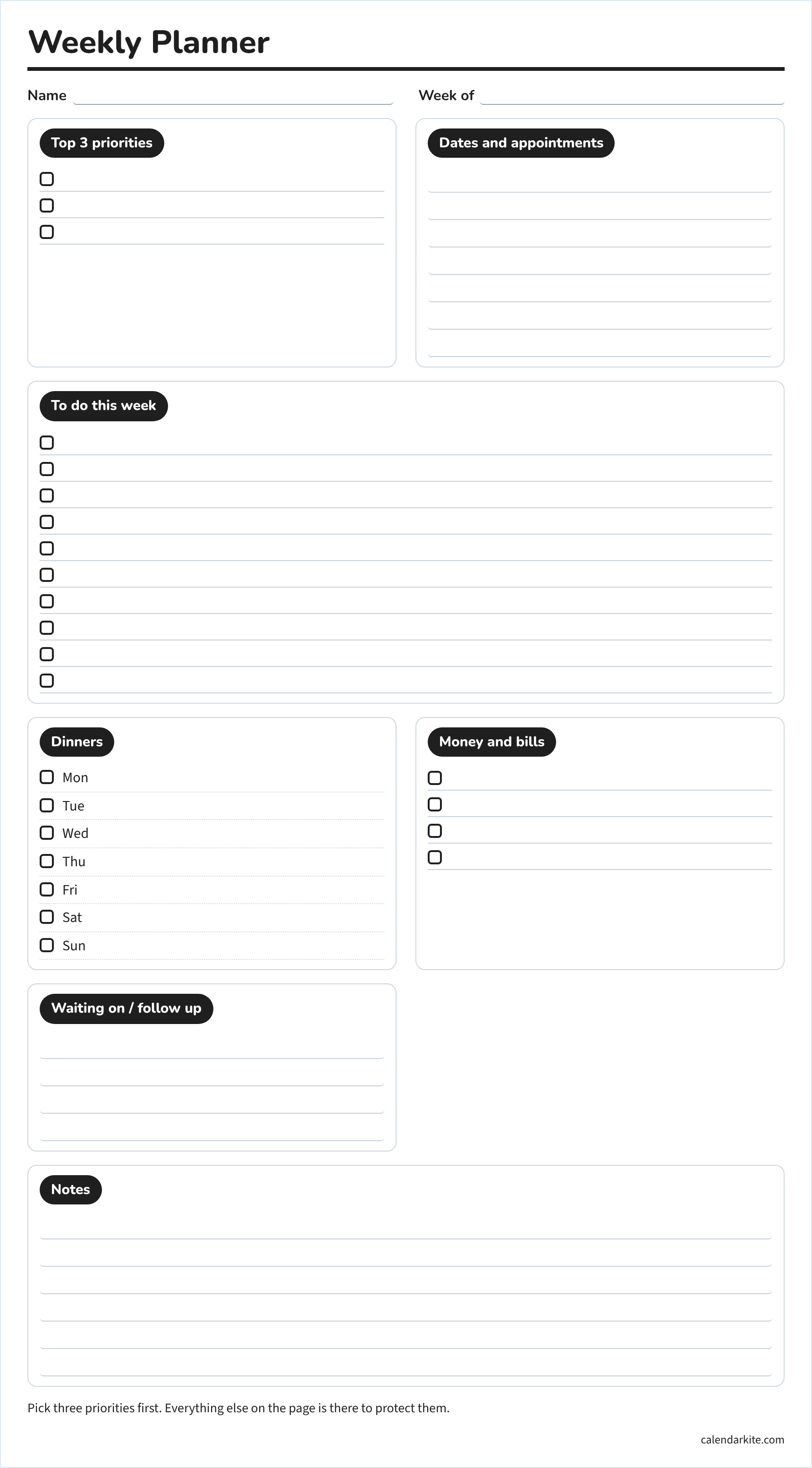
I made this one for anyone who prints a lot and hates watching the color cartridge drain. It's what I use for my own work-week planning, and I test-print it on my home inkjet with both Letter and A4 paper.
Pink Printable Planner
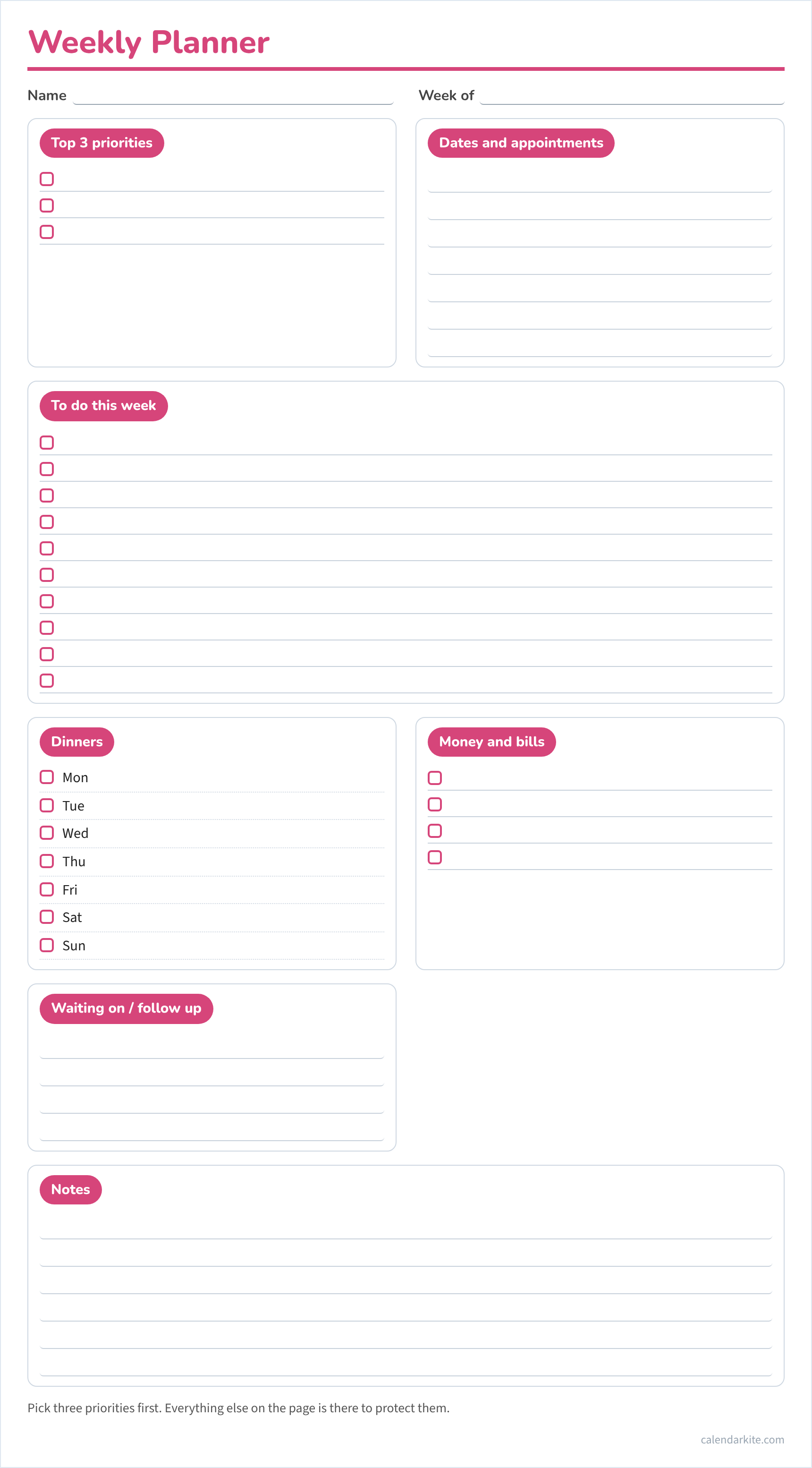
This soft pink planner suits anyone who wants a gentle, friendly look for daily to-dos and weekly goals. I like it clipped into a binder for school or family schedules, since the pale tint never overwhelms the writing space.
Sage Green Printable Planner
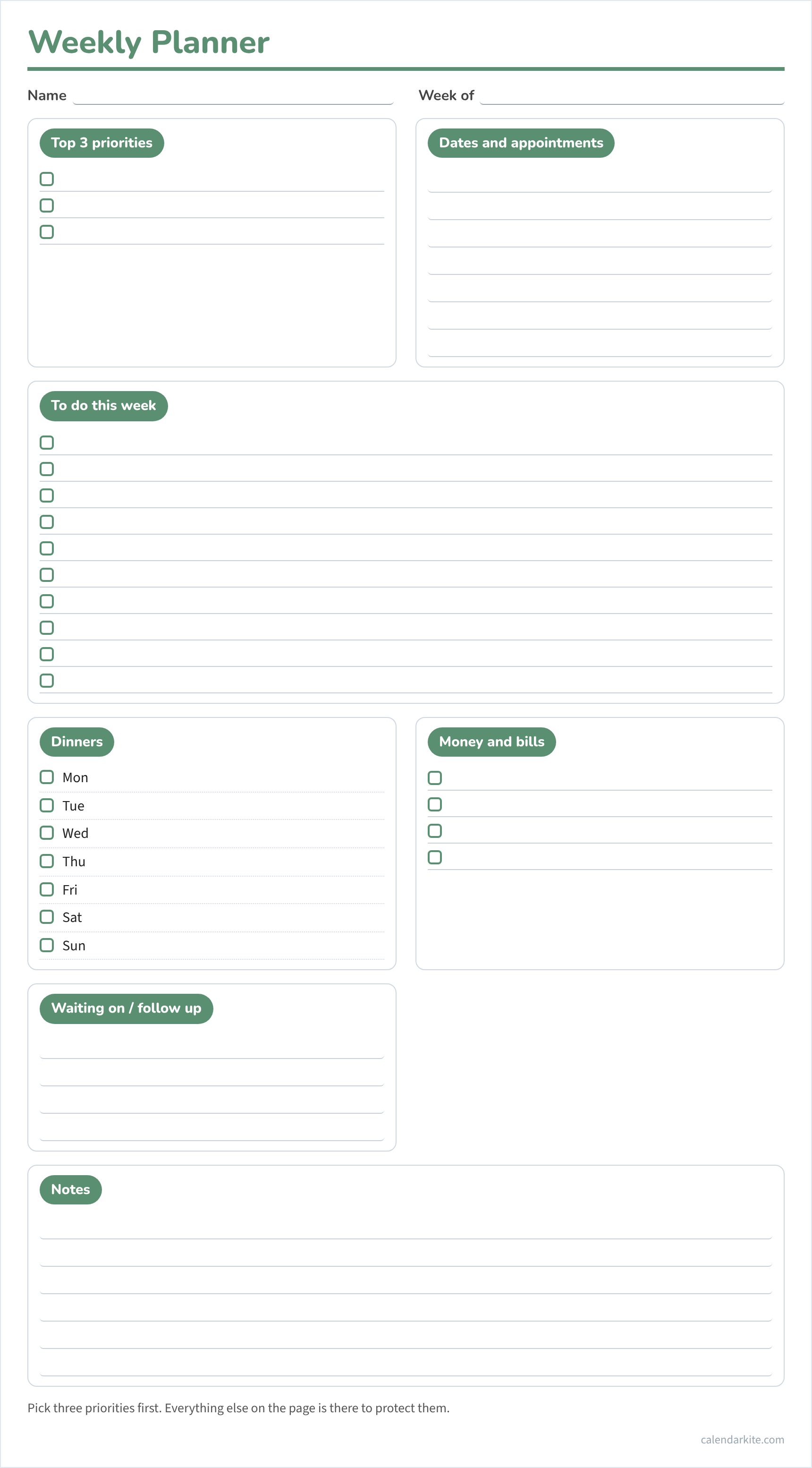
A calm sage green works well for a home-management planner, from meal plans to appointments. I keep a planner on my kitchen counter, and I learned in the office that a muted color is easier on the eyes through a long week.
Lavender Printable Planner
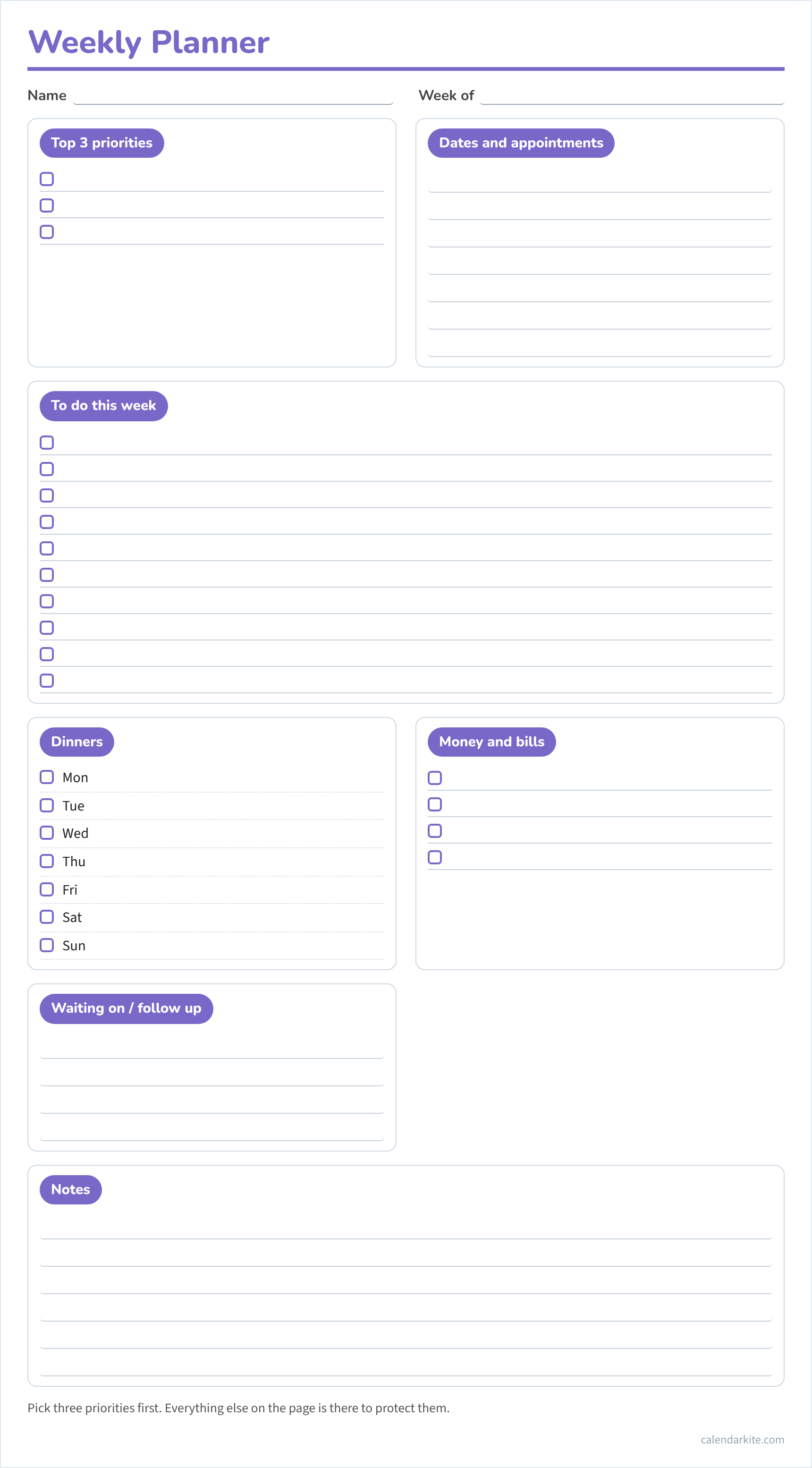
Lavender suits students and busy parents who want a little color without going loud. I widened the writing lines after my own test prints looked cramped, so you can fit a full day of tasks and still read them later.
Cute Printable Planner
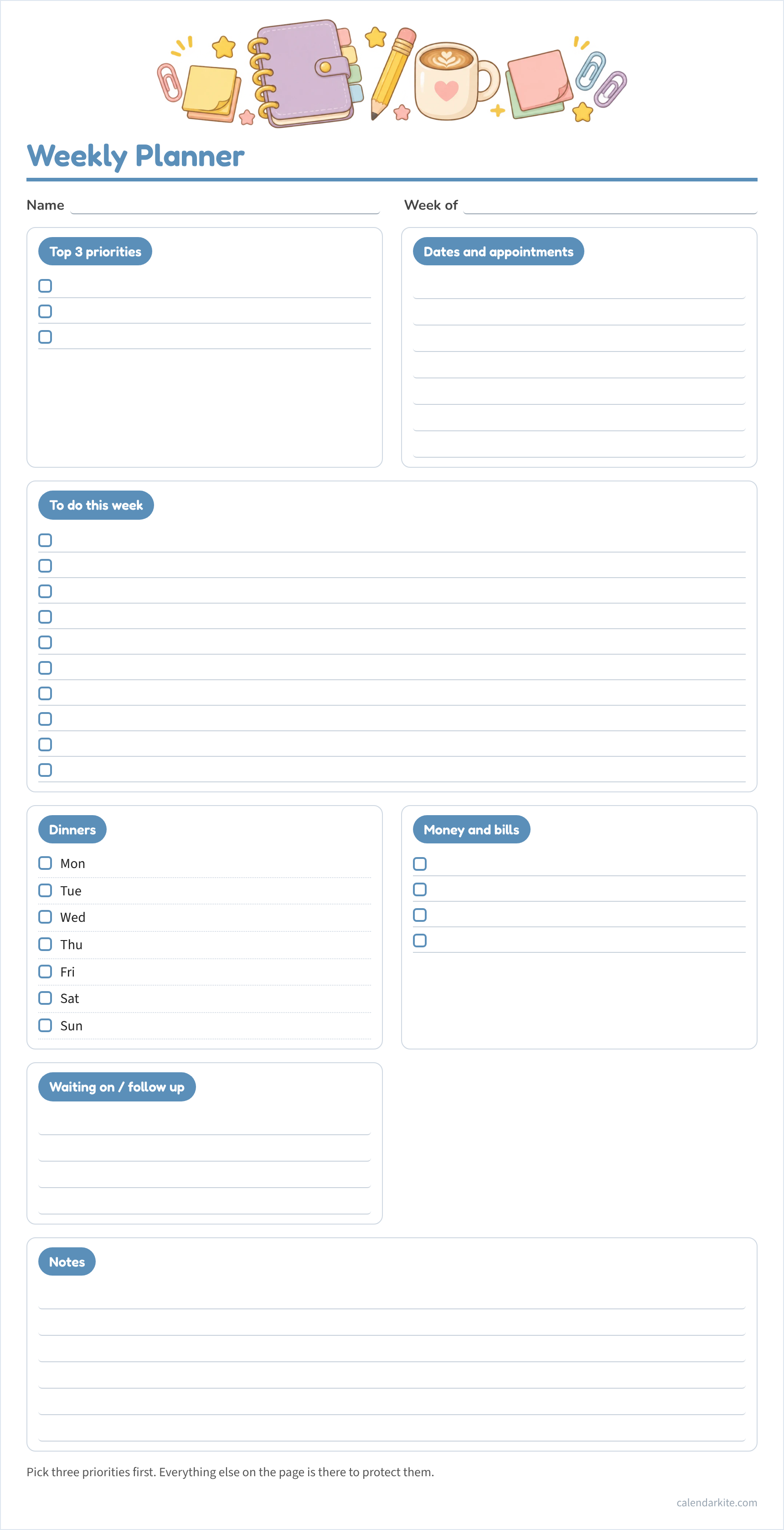
This pastel blue design with hand-drawn style illustrations is perfect for a cheerful desk planner or a teen's study schedule. The artwork sits in a strip at the top, so the writing area stays clear for your lists.
Floral Printable Planner
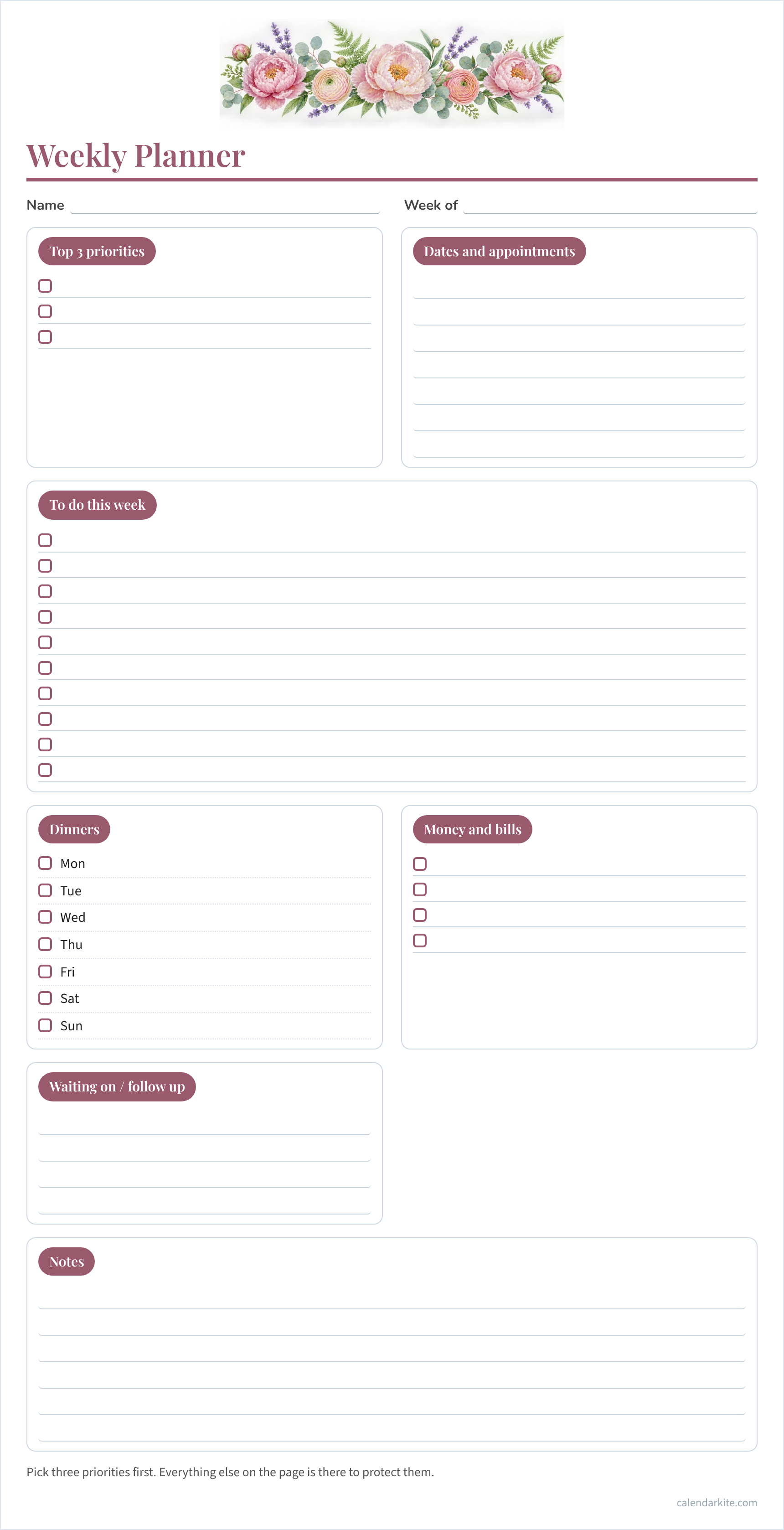
Watercolor flowers and elegant serif headings make this the one I'd pick for a wedding to-do list or a gift planner. Print it on slightly heavier paper if your printer allows, and keep the margins in mind when hole punching.
Fun and Colorful Printable Planner
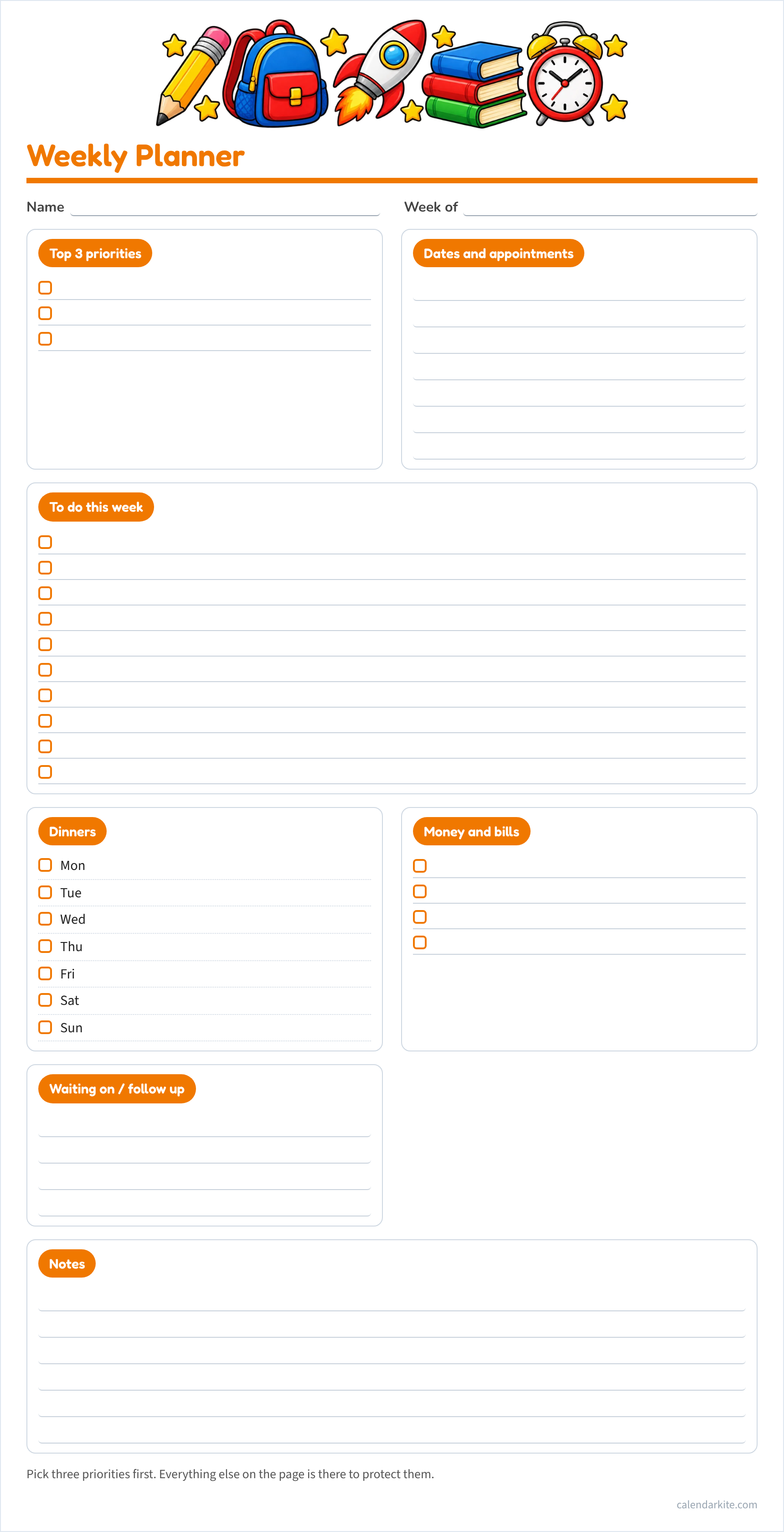
Bright orange and yellow with bold cartoon art makes planning playful, ideal for family routines or a homework schedule. I keep a paper calendar on my fridge because things people can see get done, so hang this one where kids can reach it.
Minimalist Printable Planner
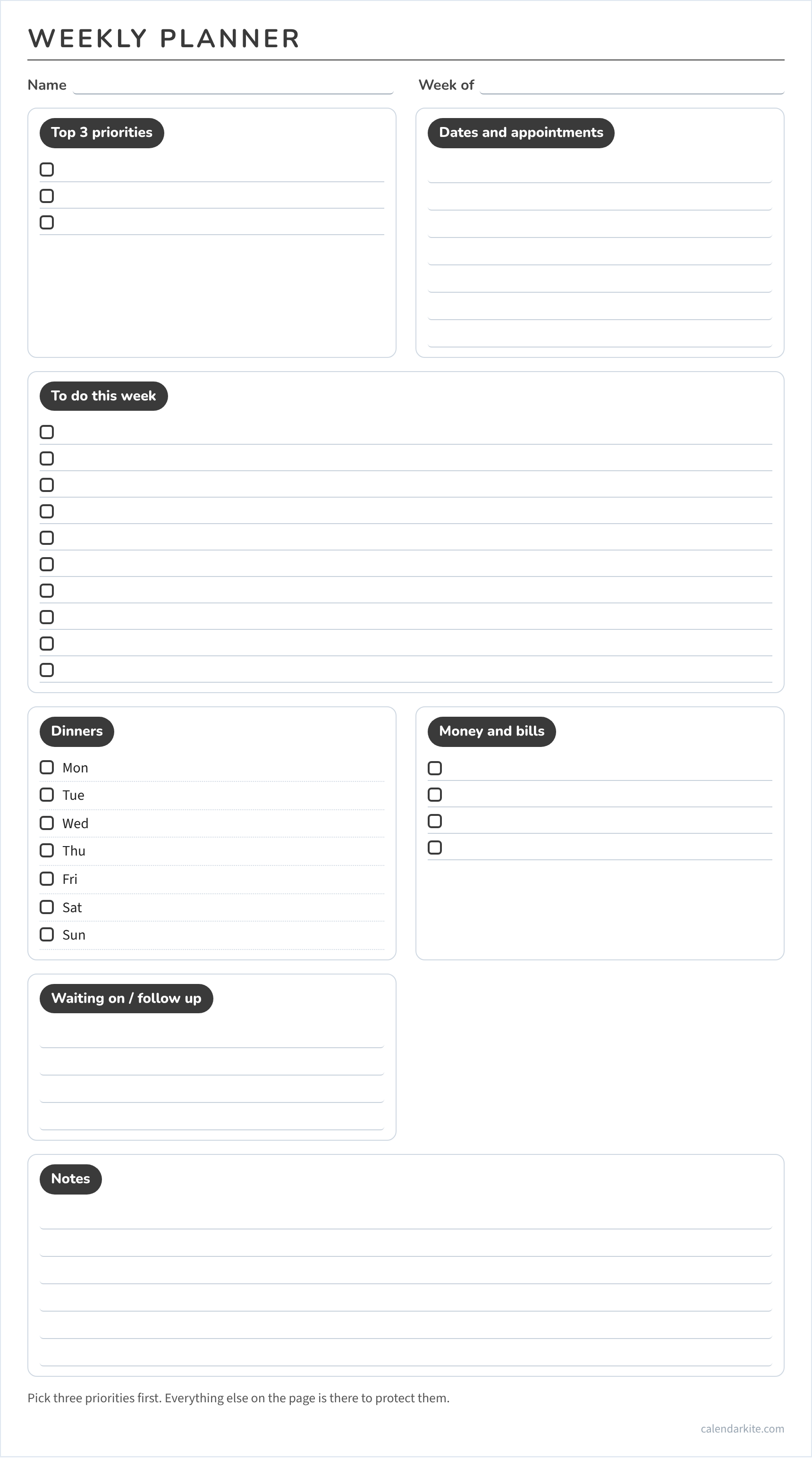
Thin gray lines and a light uppercase heading give this a quiet, clutter-free look for people who want focus over decoration. I recommend it for weekly work planning or a simple daily to-do list.
Aesthetic Printable Planner
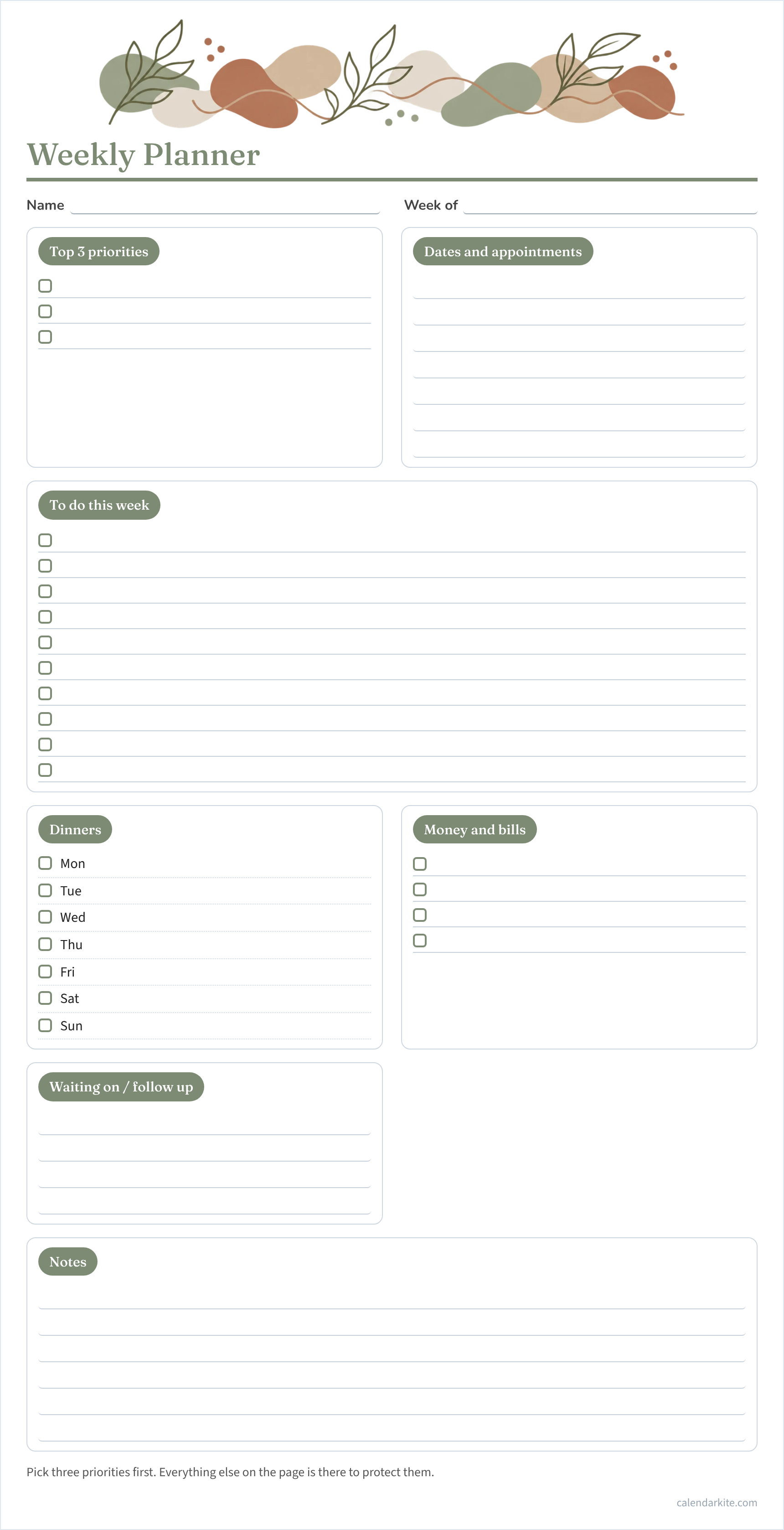
Muted sage, sand and terracotta with soft line-art leaves suit anyone who wants a calm-looking week or a bullet-journal style spread. I recommend it for meal planning and habit tracking on a desk or wall.
Modern Printable Planner
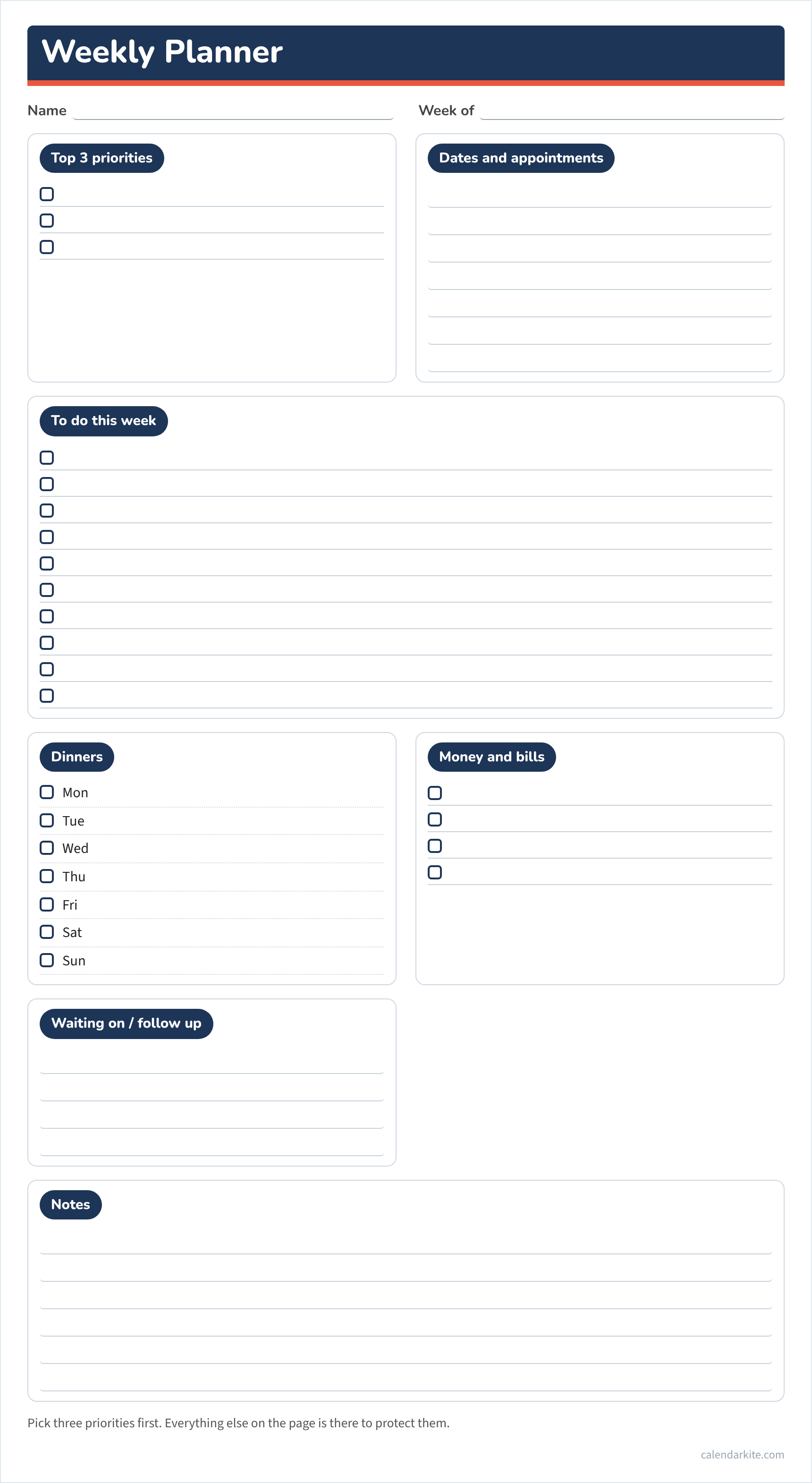
A navy header band with a coral accent gives a modern, professional look for work planning and project deadlines. I suggest it for anyone who wants section titles that are easy to scan at a glance.
I keep a planner on my kitchen counter and a paper calendar on the fridge, and after about ten years in office administration I have strong feelings about what makes a planning page usable. It should be readable from a few feet away, leave room to write, and never ask you to do more admin than the thing you are planning. That is how I built this one, and the sections below explain how to use it, print it well and bend it to your own life.
How to fill in the printable planner
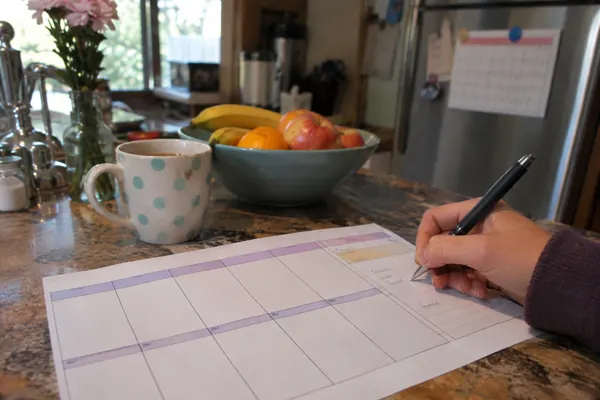
Start at the top. Write your name and the date for the Monday (or Sunday) your week begins. On screen you can type straight into those fields. Your entries are saved in your browser, so you can come back during the week and add to the page before you print a fresh copy.
Next, fill in Top 3 priorities before anything else. These are the three things that would make the week a success if nothing else happened. Then add fixed commitments in the dates and appointments box: school events, meetings, deliveries, anything with a time attached. Once those are in, the to-do list becomes much easier to write because you can see how much room the week really has.
The dinners box has the days prefilled, so you only need to write a meal beside each one. The money and bills box is for payments due this week, with a checkbox so you can mark them paid. Use the follow up box for things you are waiting on from other people, such as a reply, a quote or a returned form. Notes at the bottom catch everything that does not fit anywhere else.
Try this: Before you write anything else, fill in only the appointments box, then count the evenings that are left free. Choose your three priorities after that, not before.
What is on the page and why
Every box on the sheet earns its place. Priorities, dates and a to-do list are the core. Dinners are there because meal decisions eat a surprising amount of mental energy, and writing them down once a week saves a daily argument. Bills sit on the same page as everything else because a missed payment is almost always a missed glance, not a missed budget.
The follow up box came from the office. A lot of stalled work is not stalled by you, it is waiting on somebody else, and if that is buried in your to-do list it never gets chased. Giving it its own box makes it visible. I also gave the to-do list a full-width box, because to-dos are the part that grows. Cramped to-do lines were the first thing I changed in early drafts after test printing, since handwriting that small is hard to read the next morning.
I deliberately left out a time grid. Most weeks do not need hourly blocks, and a page full of empty hour lines makes people feel behind. If you do need hours, the hourly schedule template is a better companion than a crowded planner page.
Who this planner suits
This page suits anyone whose week is a mix of work, home and family and who wants it all visible at once. Parents juggling school pickups and dinners will like the dinner and dates boxes. Remote workers can use the priorities and follow up boxes as a light project tracker. Students can write assignments in the to-do list and exams in the dates box.
It also suits people who have tried a full bound planner and abandoned it by February. A one-page week has no pages to fall behind on. If you skip a week, you just print the next one and carry on, with no empty squares left behind to make you feel guilty.
It is less suited to people who need to plan every hour of the day, or to those who want a year of pages in a pre-bound book. For those cases, a daily planner template or a full weekly planner for 2027 may be a better fit.
Printing it well
Open the print dialog and look at three settings before you press print. Set the paper size to match your paper, set the scale to 100% or Actual Size, and turn off headers and footers. “Fit to page” is the setting that most often shrinks planner pages and throws off the margins, so avoid it unless you have a reason.
Paper weight matters more than most people expect. Standard copy paper takes pen and pencil without trouble. If you like gel pens, markers or highlighters, move up to a heavier paper so ink does not show through to the back. I test-print every sheet on my home inkjet on both US Letter and A4, and I keep to one-sided printing for planner pages because a page that bleeds through is harder to read in a hurry.
Black and white is fine. The sheet is designed with clear borders and plain headings, so it prints cleanly in draft mode and saves ink. If your printer streaks, run its nozzle check before blaming the file.
Try this: Print one copy in draft or grayscale mode first. If you can read every box heading comfortably, you can print the whole month that way and save your colour ink.
Print off planner pages on US Letter or A4
The page is built to fit one US Letter sheet, which is the standard in the United States and Canada. If you are on A4, the same page prints fine: choose A4 in the print dialog and leave scaling at 100%. You may see slightly wider margins at the sides, which is a good thing if you plan to punch holes.
If your printer offers “Shrink oversized pages” or “Scale to fit paper”, it will resize quietly. That is fine for a one-off, but it makes the boxes smaller, so your handwriting may feel tight. Always glance at the preview. If the bottom line of the notes box is missing, you have scaling or margin settings getting in the way.
For half-size planners, print two to a sheet using the “pages per sheet” option and cut down the middle. It will be small, so expect to write in a smaller hand, and consider widening the line spacing by using only the boxes you actually need.
Binders, discs and clipboards
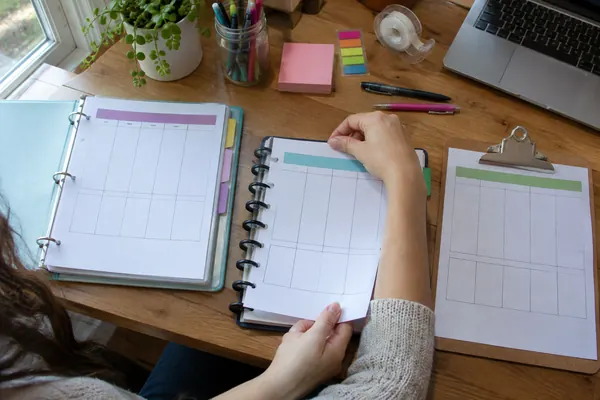
How you hold the pages together decides whether you actually use them. A three-ring binder is the simplest: punch the pages, add a few dividers, and you have a planner that can grow. Punch the left margin on a Letter page and you will not clip any text, because the sheet leaves a clear edge for it.
A clipboard is my favourite for the kitchen. I keep the current week on a clipboard by the counter and move finished weeks into a folder. It is easy to grab, easy to write on standing up, and there is no cover to open. Disc-bound planners work too if you have a disc punch, though you will probably want the half-size print described above.
If you want a tidy, reusable setup, slip the page into a clear sleeve and use a dry erase marker for the parts that change daily, like dinners. Keep the permanent items, such as appointments, in pen on paper beneath it.
A simple weekly routine
A planner only works if you open it on a schedule. The routine I use takes ten minutes, usually on Sunday evening with a cup of tea. It goes like this:
- Print or open a fresh page and write the week’s date.
- Copy appointments from your calendar and any school or work emails.
- Choose three priorities and write them in the top box.
- Fill in dinners, checking what is already in the fridge.
- Move unfinished items from last week’s list, but only the ones you still care about.
Each morning, glance at the page for thirty seconds. In the evening, tick off what is done and add anything for tomorrow. At the end of the week, look at what you did not finish. If something has moved across three weeks in a row, it is either not a task (it is a project and needs splitting up) or not important enough to keep.
At home I pair the planner with a monthly paper calendar on the fridge so my family can see dates without lifting the clipboard. If you want that setup too, the monthly planner page is a good match for the weekly sheet.
Variations to try
The sheet is flexible, and a few small changes make it fit different weeks. For a work-heavy week, use the appointments box for meetings and the to-do box for tasks, leaving dinners blank. For a family week, put each person’s initials beside their commitments so you can see who needs to be where.
For a goal-focused week, rewrite the three priorities as the smallest steps toward one larger goal. For a busy week with a trip in it, use the notes box as a packing list. For a quiet week, let the priorities be rest, a walk and something you have put off, and leave the rest empty. A planner page does not need to be full to be useful.
If you want to track routines like water, exercise or reading, add a habit tracker next to the weekly page rather than squeezing habits into the notes box. Two simple pages work better than one overcrowded one.
Typing it in before you print
Because you can type into the sheet on screen, you can set up a week in advance and print a ready-made page. This is especially handy for recurring items. Type in the appointments that repeat, like a weekly class or a Thursday meeting, then print several copies and add the rest by hand.
Your typing is saved in your browser, so it will be there when you return on the same device. It will not follow you to another phone or computer, so if you plan to use a different device, print the page or download your filled copy before you leave. If you share a computer, clear the fields once you have printed, so the next person starts with a fresh page.
I use the on-screen version for the parts of the week that I already know, and I save handwriting for the parts that change. That mix keeps the page tidy without making the planner feel like a form.
Printable planner or digital planner
Neither is better in general, and plenty of people use both. A printable planner gives you a page that does not send notifications, that your whole family can see at a glance, and that you can scribble on without logging in. A digital planner is easier to search, sync and share across devices, and it handles recurring reminders better.
The split I find works is this: a digital calendar for anything with an alert, such as appointments that need a reminder, and paper for the week’s plan and priorities. Paper is slower, and that slowness is the point. Writing three priorities by hand makes you decide.
If you are curious about the screen route, our free digital planner covers it. You can also move between the two, printing a week when you want to see it all at once.
Common mistakes to avoid
The most common mistake I see is writing too much in the to-do list. A list of thirty items is not a plan, it is a worry. Keep to ten or fewer per week, and move the rest into a notes section or a separate printable to-do list for later.
Another is printing a whole year of pages in one go. Preferences change. After three weeks you might want bigger notes boxes or fewer dinners, and a stack of fifty copies of the wrong layout is a waste. Print four at a time and adjust.
A third is putting the planner somewhere you will not see it. A beautiful page in a drawer does nothing. Put it where you already look: the kitchen counter, the desk, next to the coffee maker. And finally, do not treat the blank space as a failure. A half-empty week is often a sign that you planned honestly.
Keeping and reusing finished pages
Finished pages are useful for a little while. Keep the last four weeks in a folder, because they answer questions you will otherwise forget: when did I last pay that, what did we eat on the sixth, who did I say I would call back. After a month, recycle the pages you no longer need.
Some pages are worth keeping longer. Pull out anything with warranty dates, appointment confirmations or receipts you wrote on the notes lines and file them where they belong. In the office we called this “clearing the desk”, and the habit of a short weekly clear has stayed with me at home.
If you like a record of your year, snap a photo of each finished week before you recycle it. A phone folder of planner photos takes no space and is fun to scroll through at the end of the year.
More planning pages to pair with it
This page works best as the centre of a small set. A calendar covers the big picture and the planner covers the week. For a full range, browse our printable planners collection, where you will find daily, monthly and themed pages to match what you need.
If you like making your own set, the DIY planner page walks through how to combine pages into a binder that suits your own routine. Start with this weekly page, add one extra page that solves a real problem, such as a tracker for a habit you are building, and stop there. A small planner you actually use beats a big one you leave on the shelf.
Common questions
How do I print off a planner so it fits properly?
Set the print scale to 100% or Actual Size, not Fit to Page, and choose the paper size that matches your paper (US Letter or A4). If the edges look clipped, switch margins to Default and check the preview before you print.
Can I fill in the printable planner on screen before printing?
Yes. Type into any line or field, tick boxes and edit the items on the page, and your entries are saved in your browser. Print when you are ready, or download the blank PDF to write by hand.
What paper is best for printable planner pages?
Standard 20 to 24 lb copy paper works well for pen and pencil. If you use markers or highlighters, a 28 to 32 lb paper reduces show-through, and you should print on one side only.
How many weeks of planner pages should I print at once?
Four is a good number. It covers a month, keeps the stack thin, and lets you change the layout if something does not suit you before you commit to a whole year.
Is a printable planner better than a bound planner?
It depends on how you work. Printed pages let you swap layouts, skip weeks you do not need and reprint a lost page, while a bound planner keeps everything in one tidy book. Many people use printed weekly pages inside a binder or clipboard.
Does the planner work for a month or a day instead of a week?
The page is built around one week, but you can reuse it for a single busy day by writing hours in the appointments box, or stack four pages for a month view. Our monthly and daily planner pages are better when you need a full grid.
More free planners
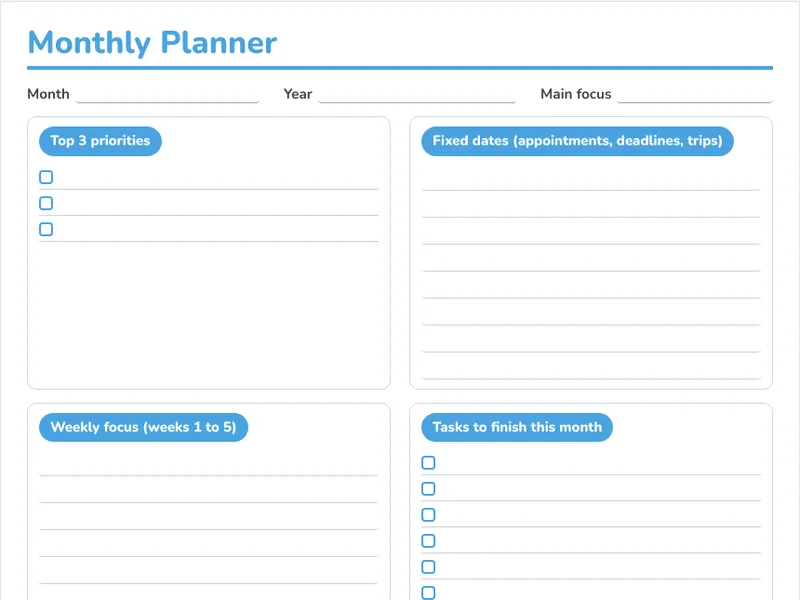 Monthly Planner: Free Printable One-Page Sheet
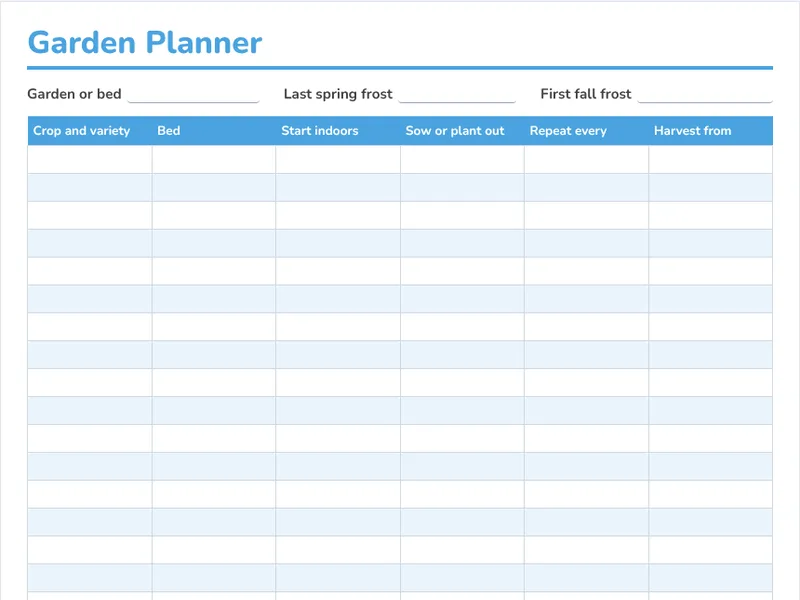 Garden Planner: Free Printable Planting Sheet
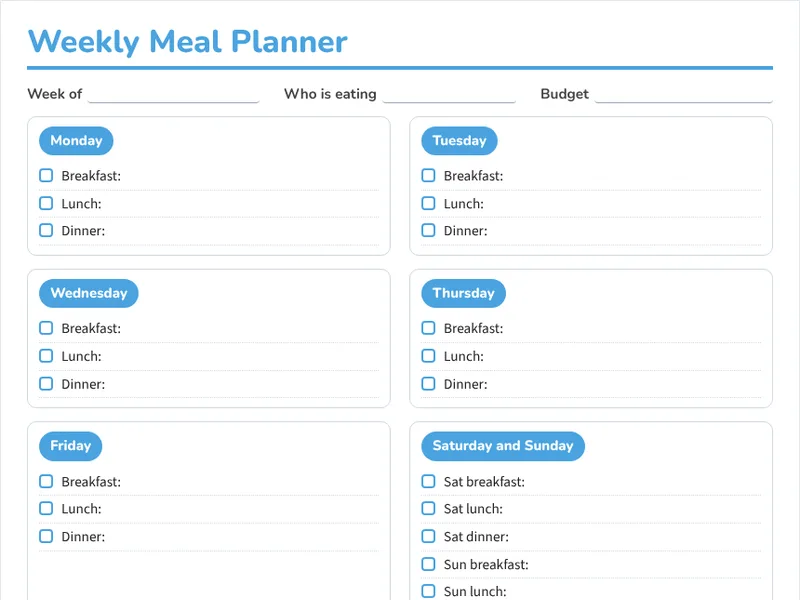 Printable Weekly Meal Planner
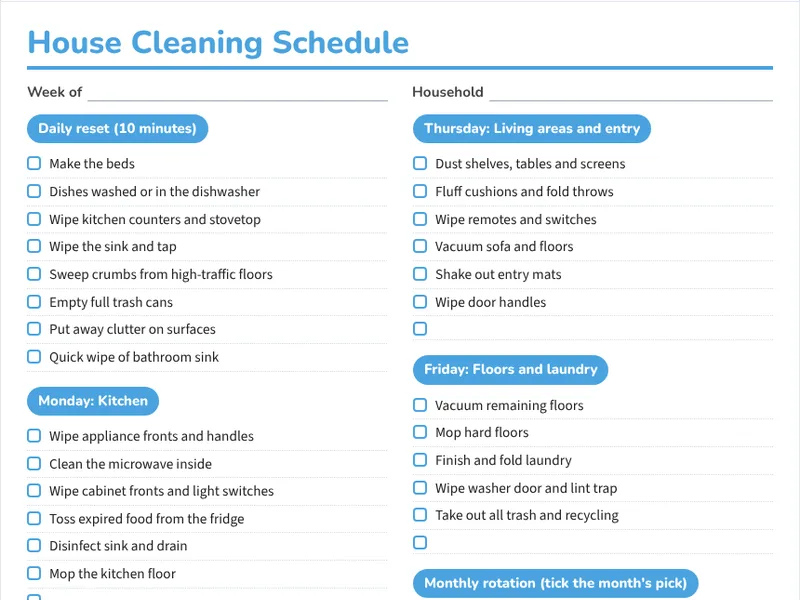 House Cleaning Schedule: Free Printable for Daily, Weekly and Monthly Jobs
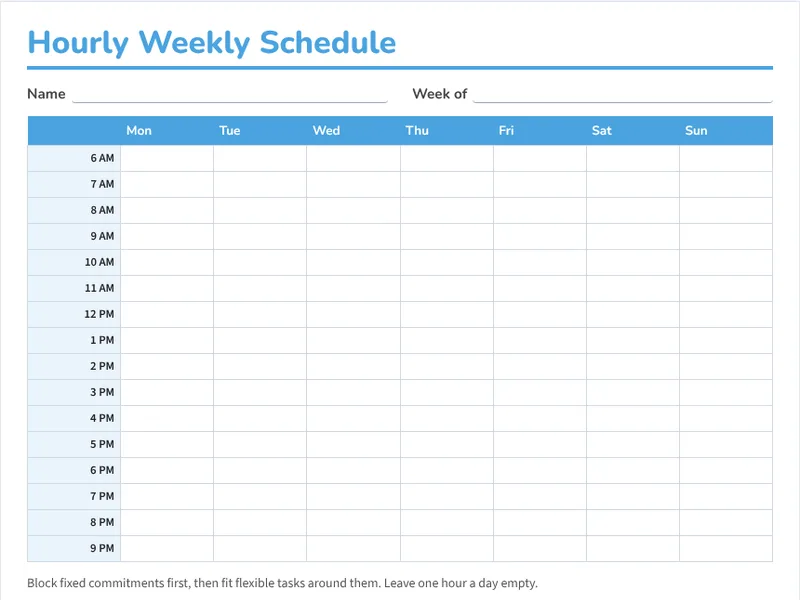 Hourly Schedule Template: Free Printable Weekly Planner
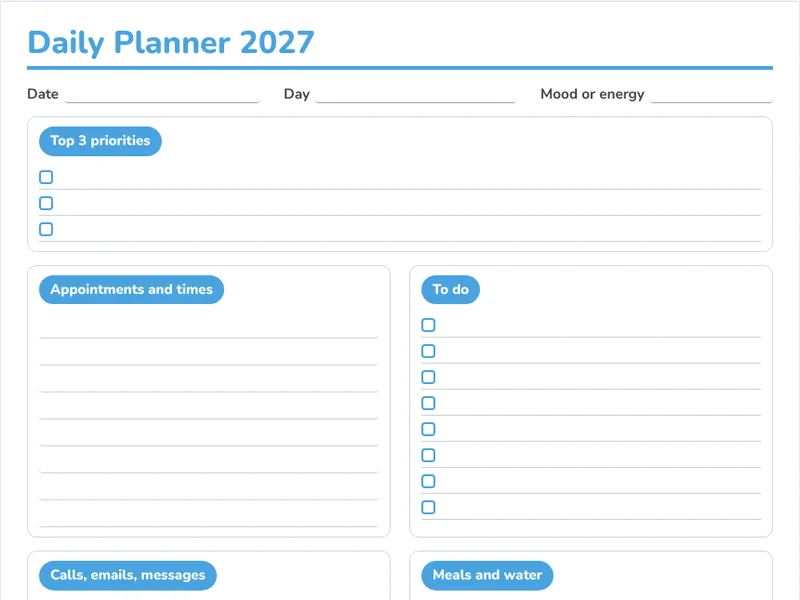 Daily Planner 2027: Free Printable Page for Every Day