
Daily Planner Template (Free Printable)

A good daily planner template gives one day a clear shape: three priorities at the top, your fixed commitments placed in time blocks, a short task list, and a little room for meals, habits and notes. The free page on this site has all of that on one US Letter sheet, and you can type into it on screen before you print or download the blank PDF and write by hand.
Top 3 priorities
Time blocks
- 6 AM
- 7 AM
- 8 AM
- 9 AM
- 10 AM
- 11 AM
- 12 PM
- 1 PM
- 2 PM
- 3 PM
- 4 PM
To do
Calls, messages, errands
Meals
- Breakfast
- Lunch
- Dinner
- Snack
Habits
- Water
- Move
- Outside
- Bed on time
Notes
Tomorrow, first task
Pick three, schedule them first, and carry anything unfinished to tomorrow.
Free for personal, classroom and office use. Your entries are included in the print, PDF and PNG. Prints on US Letter and fits A4.
Black and White Daily Planner Template
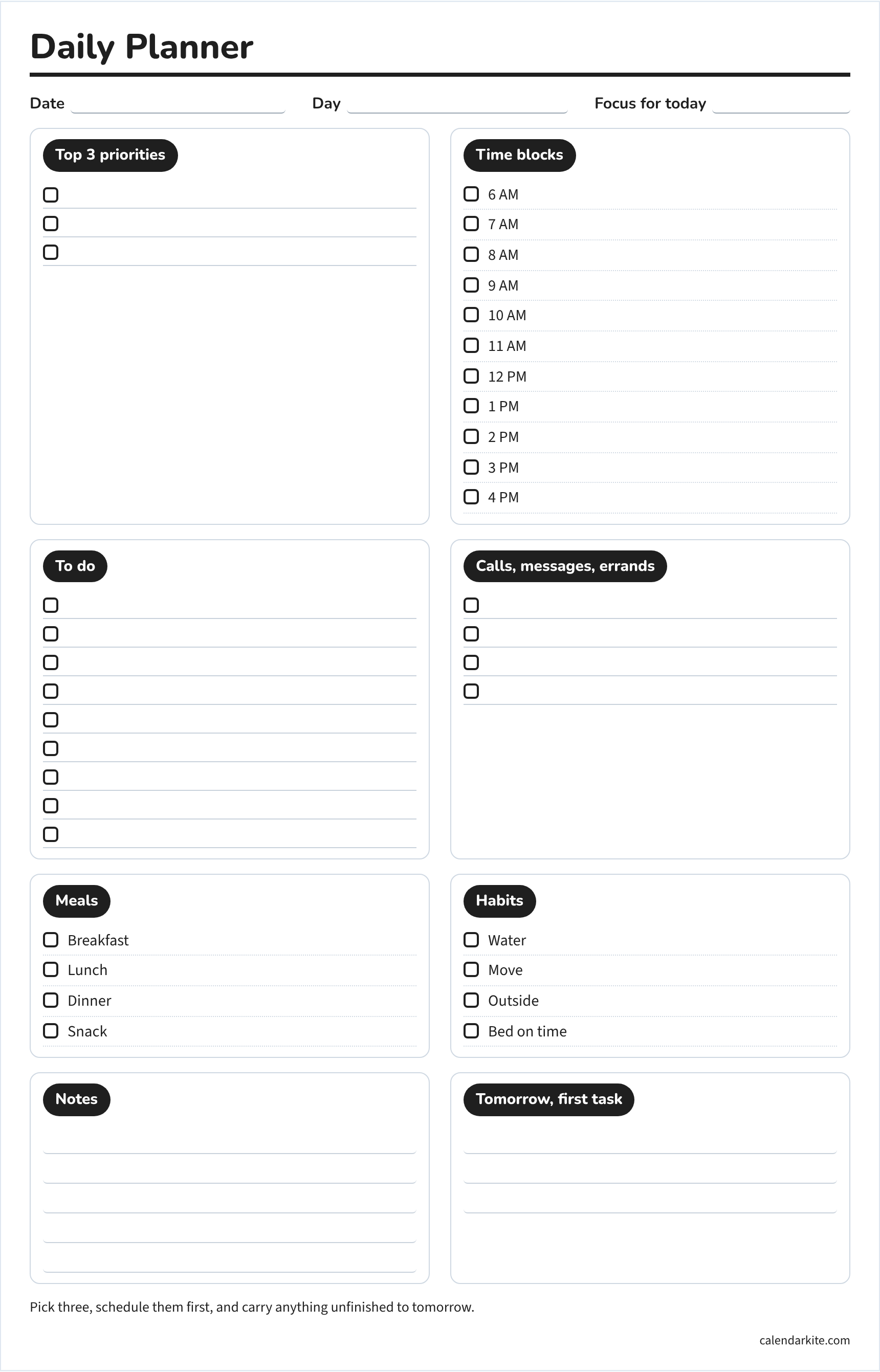
I recommend this one when you print a lot of pages, since plain black lines go easy on the ink. I test-print it on my home inkjet on Letter and A4, and it stays crisp for a work-day schedule or a to-do list.
Pink Daily Planner Template
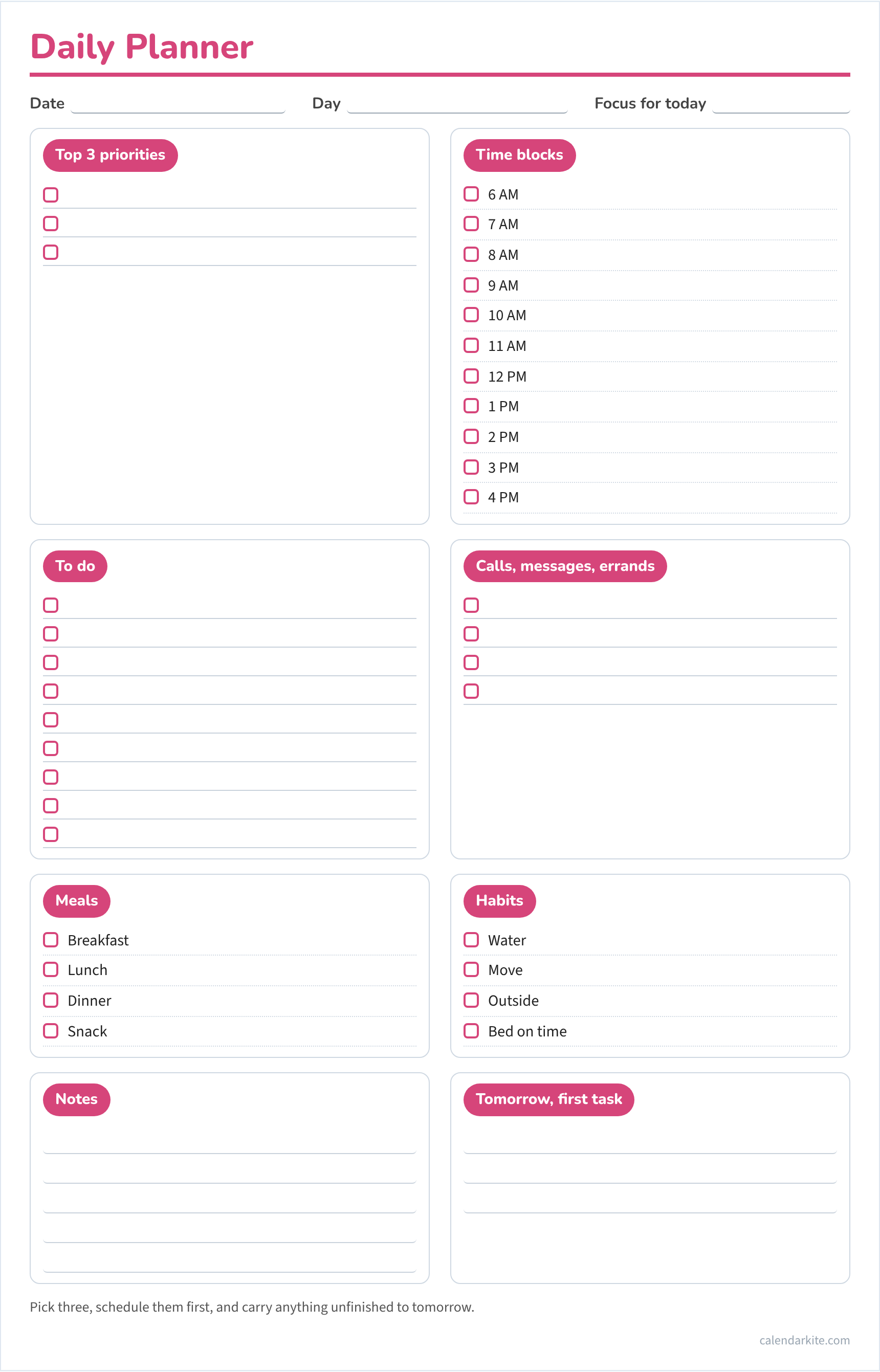
This soft pink version suits you if you like a gentle, friendly look for your morning routine. I'd use it for a simple top-three priorities list, with the hourly column for appointments and school pickups.
Sage Green Daily Planner Template
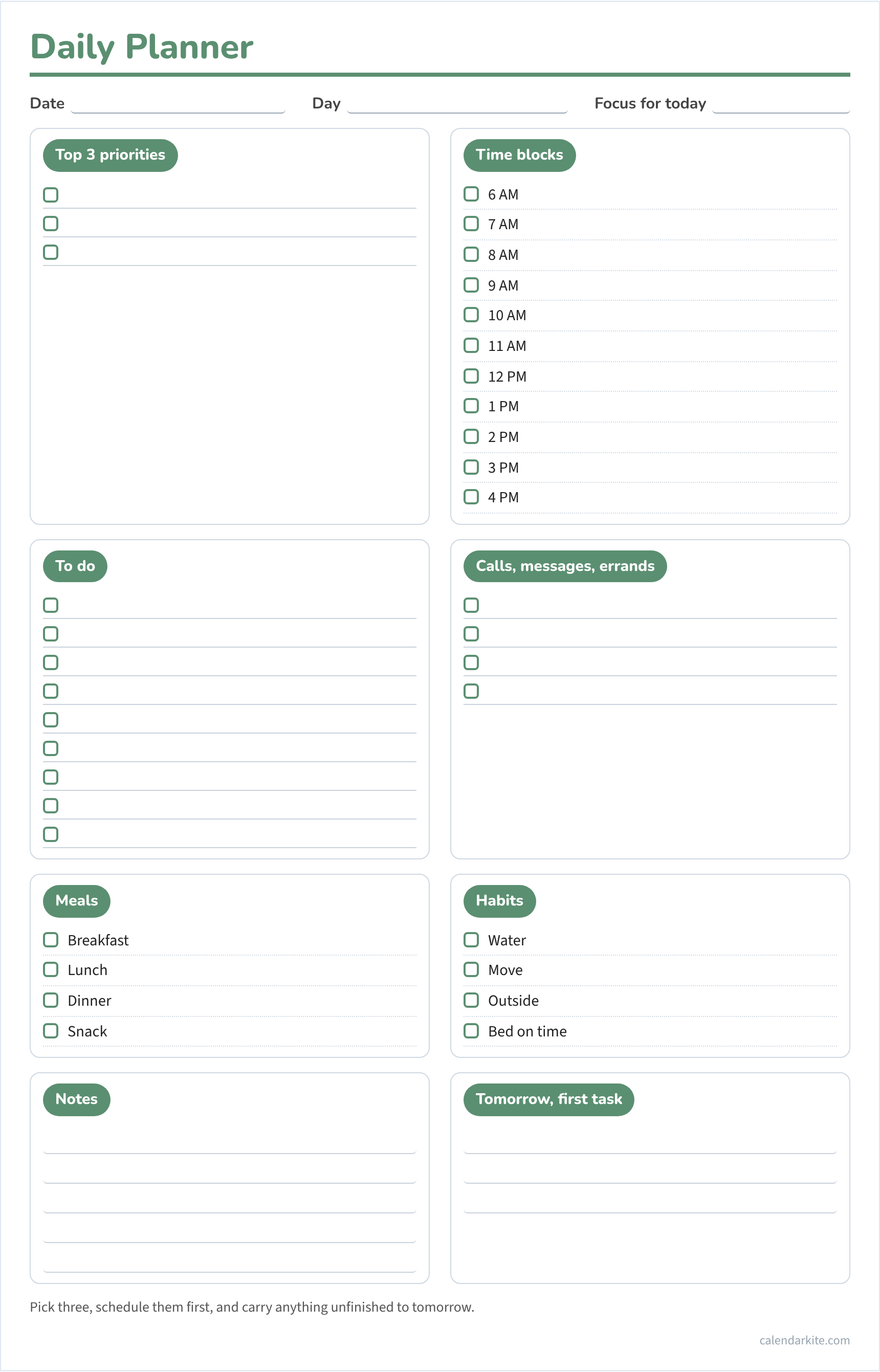
The sage green design works for anyone who wants a calm desk page that doesn't shout. In my office years I learned that a quiet color helps a busy schedule stay readable, so I like it for meeting-heavy days.
Lavender Daily Planner Template
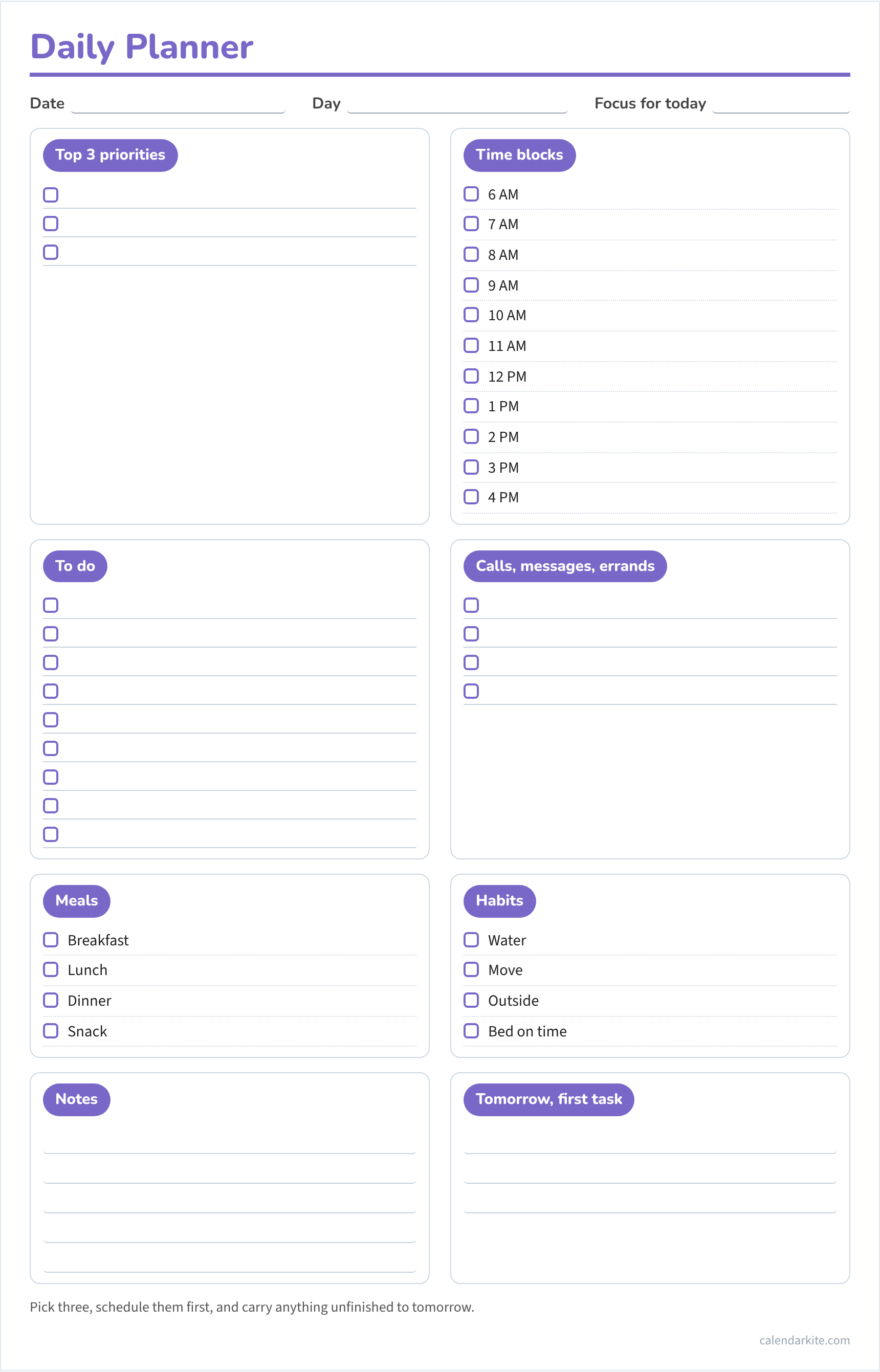
Choose lavender if you want a little color for study sessions or focused work blocks without going loud. I'd print it for a day of planned deep-work hours and tick tasks off as you go.
Cute Daily Planner Template
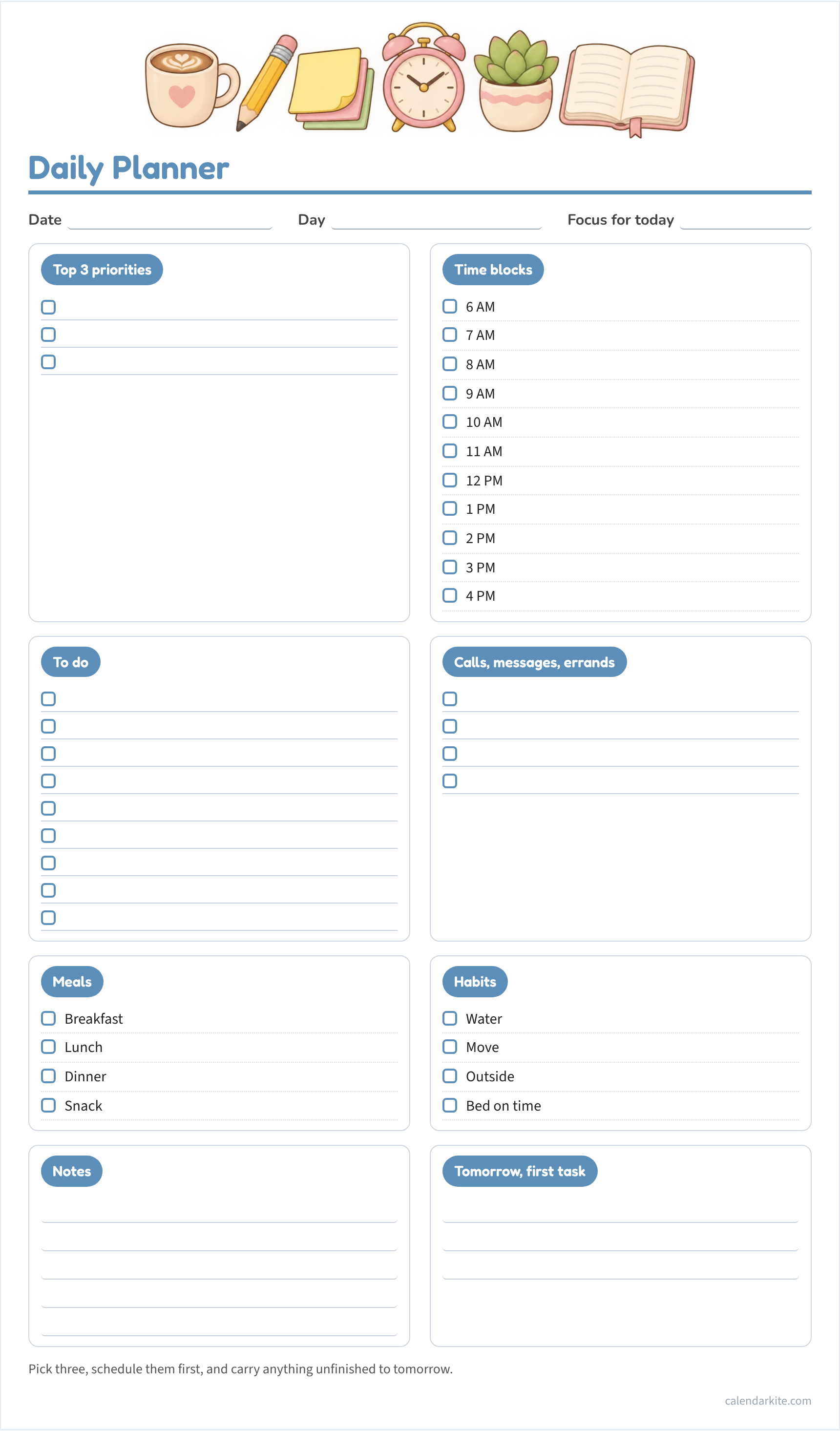
This pastel blue page with hand-drawn illustrations suits you if a plain schedule feels dull. It's a cheerful pick for a stay-at-home day of errands, meals and homework, or a student's study plan.
Floral Daily Planner Template
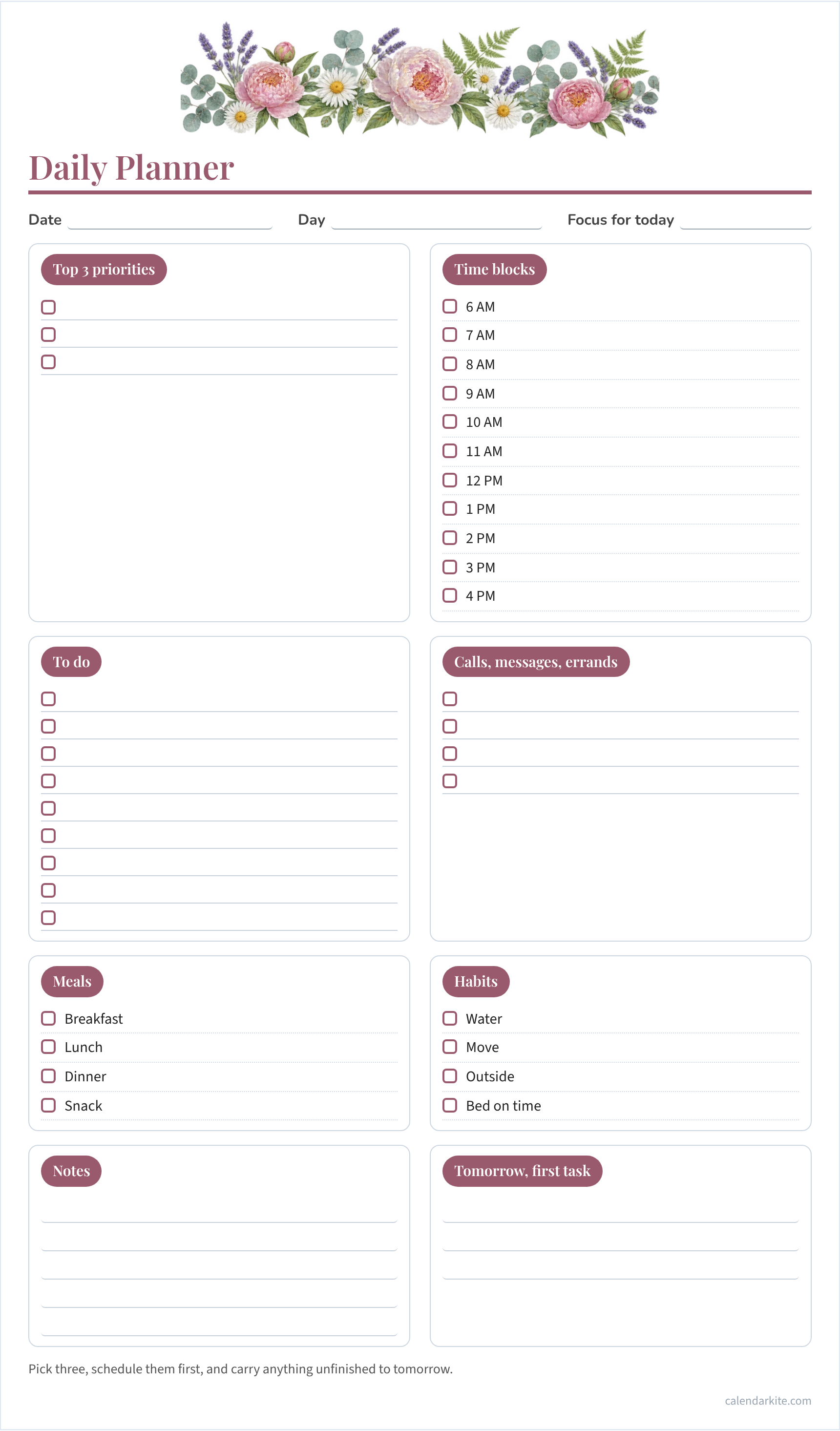
With watercolor flowers and elegant serif headings, this is the one I'd choose for a slower, thoughtful planning day. It suits journaling-style notes and gentle to-do lists, and I keep the writing lines wide enough for real handwriting.
Colorful Daily Planner Template
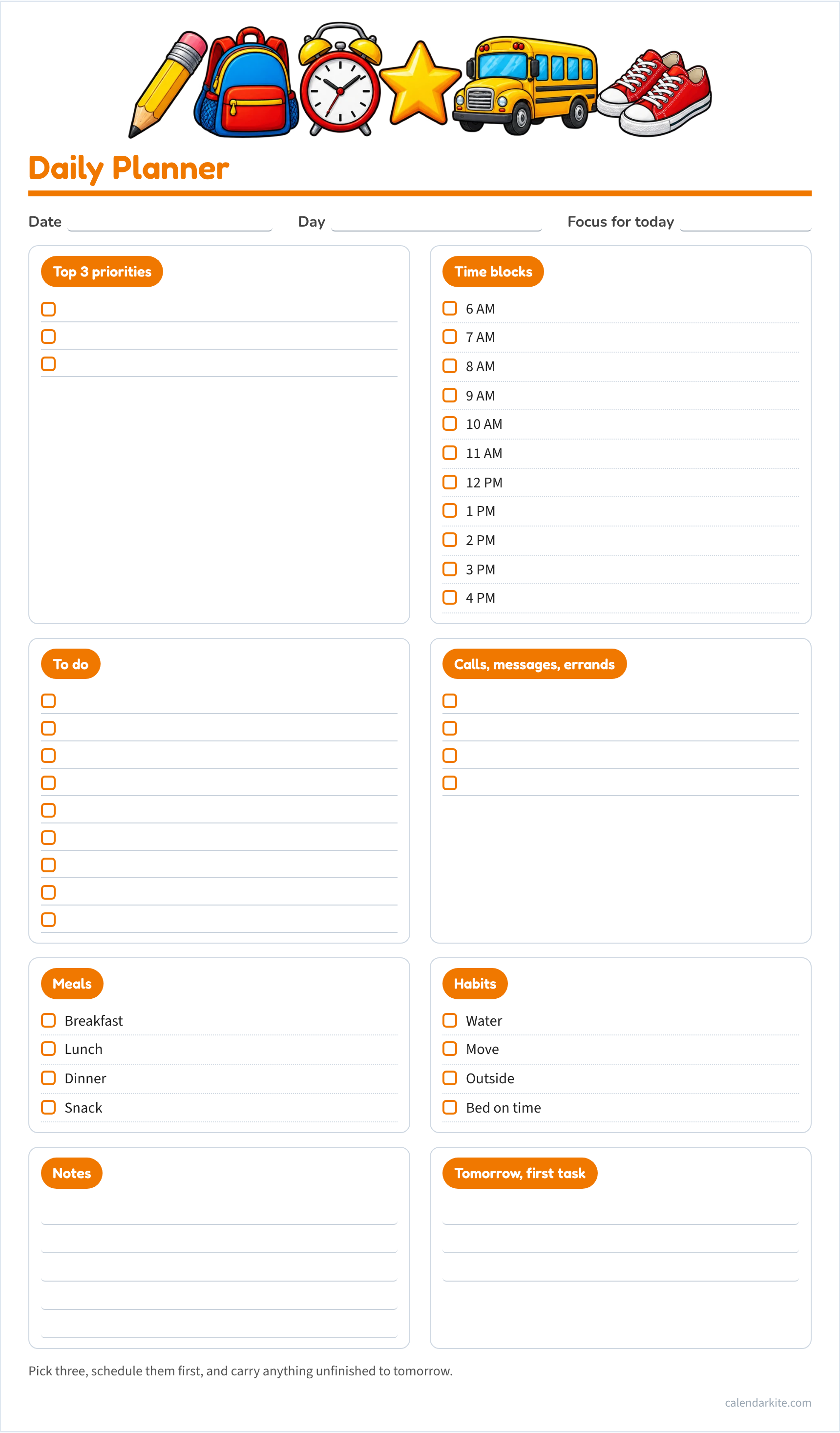
Bright orange and yellow with bold cartoon art makes this a playful choice for a family or a young planner. I use something like it for the kids' after-school routine, since a colorful page gets read where a plain one gets skipped.
Minimalist Daily Planner Template
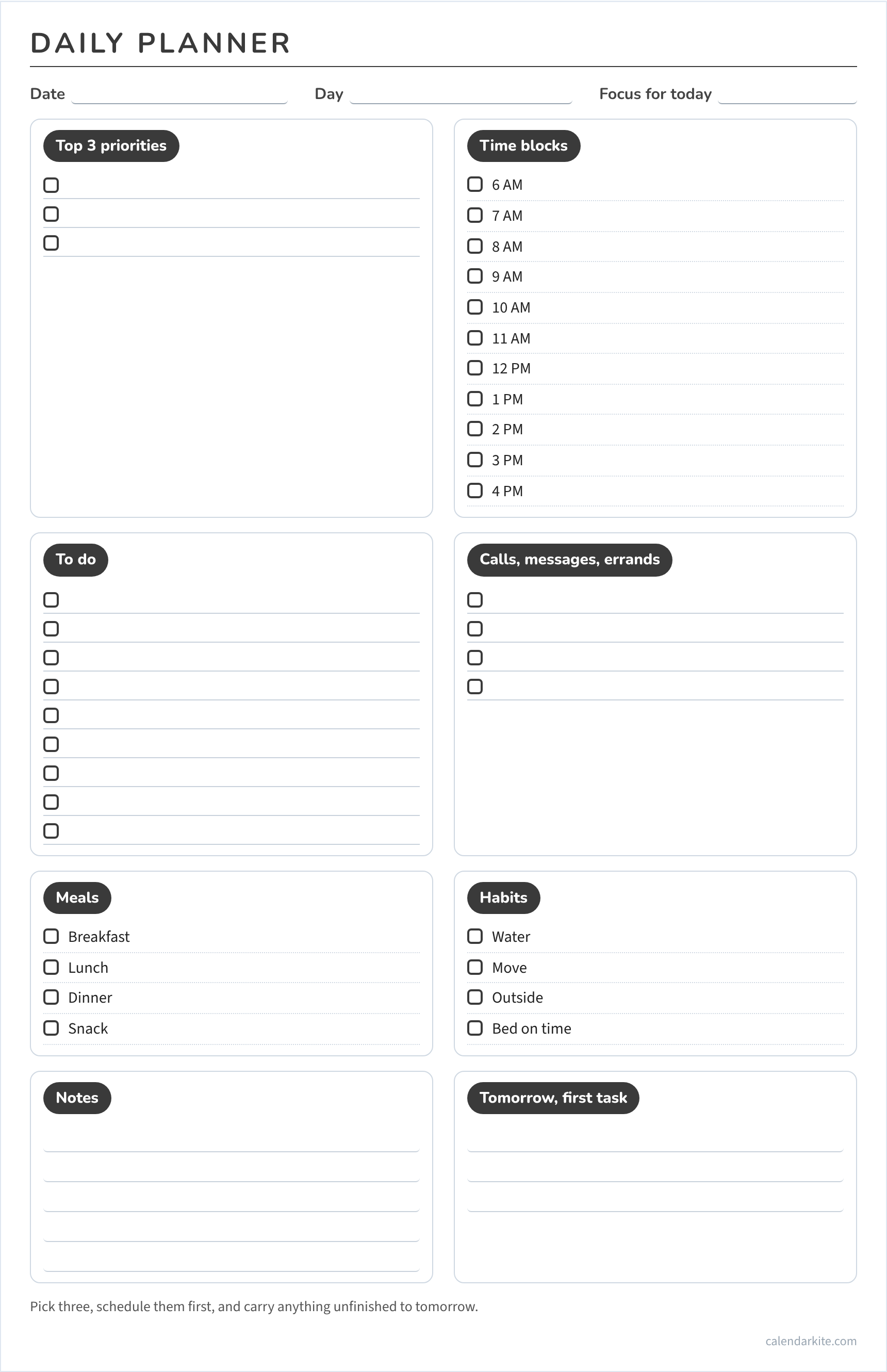
Thin gray lines and a light uppercase heading keep this minimalist page out of your way. It's my pick for people who want only time slots and a notes area, and I trimmed extra boxes so the page doesn't feel crowded.
Aesthetic Daily Planner Template
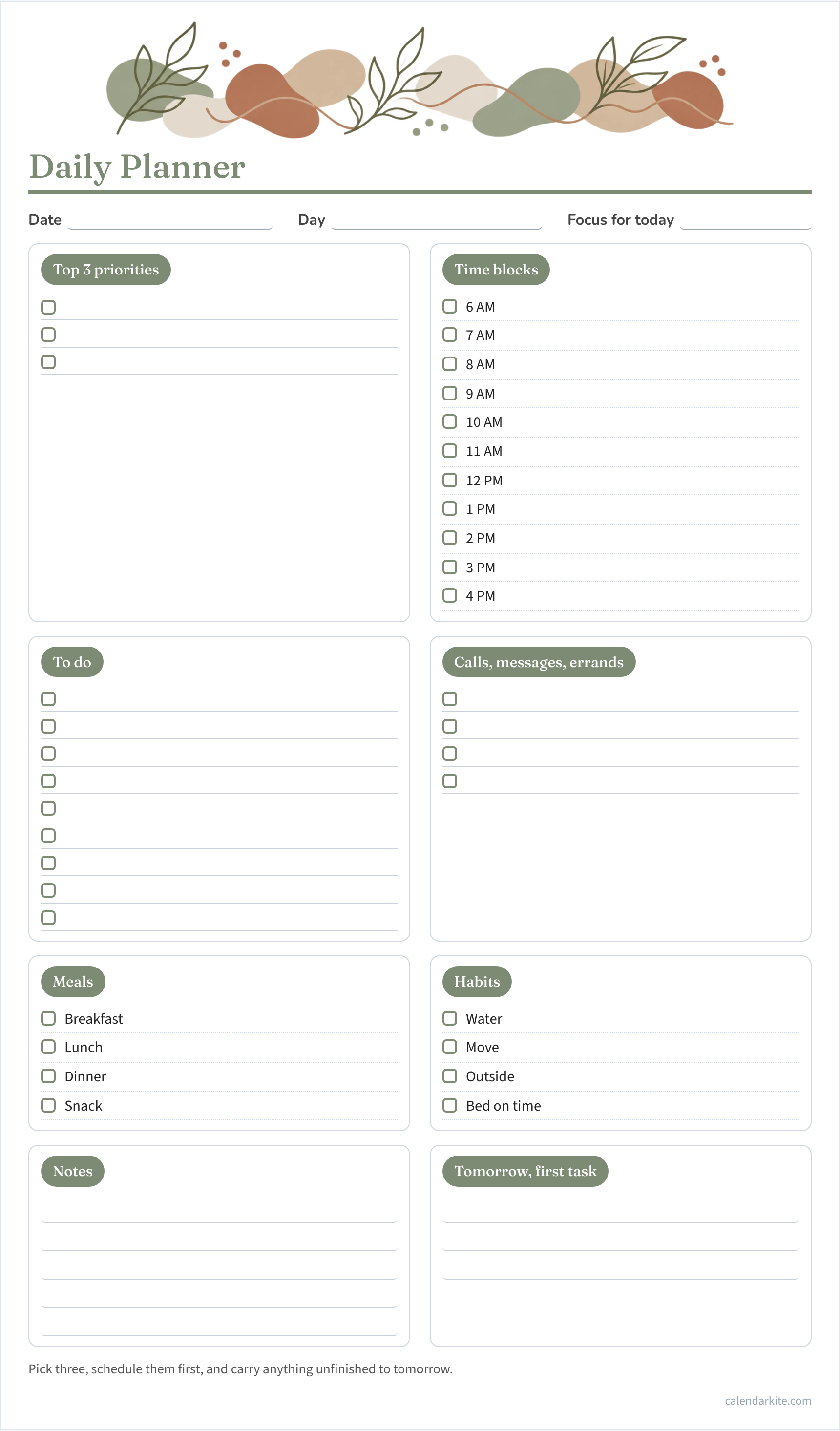
The muted sage, sand and terracotta palette with soft line-art leaves suits anyone who plans in a tidy, calm style. It looks good beside a laptop for a work-from-home day, with priorities up top and time blocks below.
Modern Daily Planner Template
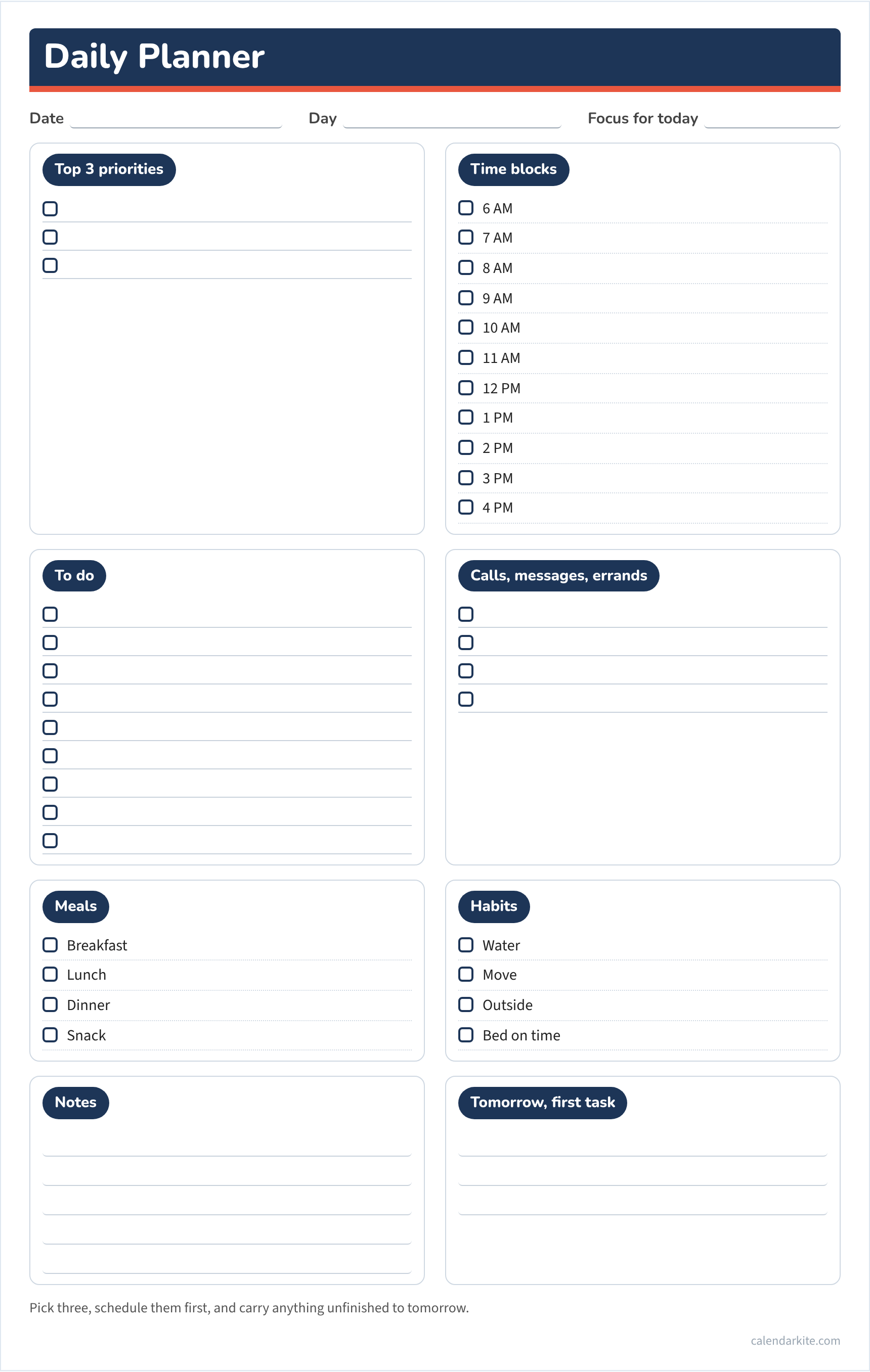
The navy header band with a coral accent gives a modern, businesslike look. I keep a planner on my kitchen counter, and a strong header like this makes it easy to spot today's page for a packed workday.
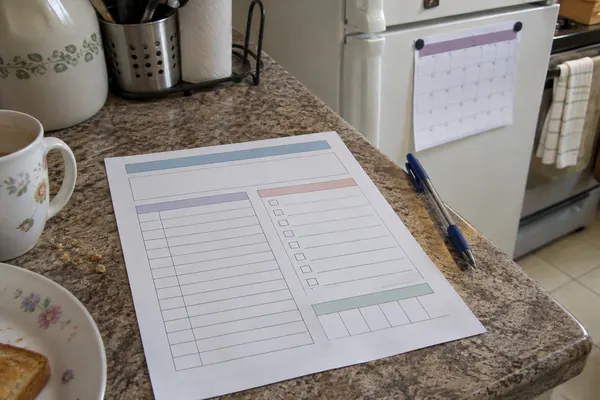
I keep a paper calendar on the fridge and a planner on the kitchen counter, and the daily page is the one I touch most. The fridge shows what is coming. The daily page decides what I will do about it. This guide explains how to fill the sheet in, who it suits, how to print it properly and how to change it to fit your own days.
What this daily planner page includes
The sheet is built in boxes so you can find things at a glance. At the top are a date, a day and a “Focus for today” line, then a box for your top three priorities. Beside it sits a column of hourly time blocks from 6 AM to 4 PM, a to-do list with tick boxes, and a smaller box for calls, messages and errands.
Lower down are meals, four quick habit tick boxes (water, move, outside, bed on time), a notes box and a “Tomorrow, first task” box. That last one is a small thing I added after watching how my own mornings went. When I wrote tomorrow’s first task before closing the planner, I stopped losing the first twenty minutes of the day to deciding where to start.
The prefilled items, such as the times, the meal names and the habits, are editable on the page. If you never eat a snack at a set time or you want “Stretch” instead of “Outside”, change the text before you print. Everything fits on one side of a page, so there is nothing to flip or staple.
How to fill in the daily planner page, step by step
You can use the page in the evening for tomorrow or in the first five minutes of the morning. The order matters more than the time of day, because the priorities should go in before the clutter does.
- Write the date, the day and one line for your focus (for example “finish the quote” or “get the house ready for guests”).
- List your top three priorities and tick them off when done.
- Drop fixed commitments into the time blocks: meetings, school pick-up, appointments, travel.
- Fill the to-do box with smaller tasks, then use the calls and errands box for anything that can be batched.
- Tick the habit boxes and write meals as the day goes on, or plan them in the morning if that suits you better.
- Before bed, use the notes box for anything that did not fit, and write the first task for tomorrow.
Whichever way you use it, keep a pen on the page. A planner that has to be hunted for does not get used.
Choosing your top three
The top three box is the most important part of the sheet. These are the things that would make the day feel like a success even if nothing else happened. They are not your whole to-do list. When I worked in office administration, the days that went wrong were nearly always the ones where we treated every task as equal and started with the easiest.
Be specific. “Work on report” is vague, while “write the summary page of the report” can be finished and ticked. If a priority will take more than half a day, break it into a first step and put only that step on the page.
Try this: Tonight, write down everything on your mind in the notes box, then circle the three that matter most tomorrow and copy them into the priorities box. Leave the rest where they are.
How to time block without overpacking
The time block column works best for things that have a start time, and for a few protected chunks of focused work. It is not a place to schedule every minute. A page with eleven back-to-back blocks looks productive, but it leaves no room for a call that runs long or a child with a fever.
I fill fixed commitments first, then place my first priority in the best open stretch of the morning. After that I leave gaps. A rough rule that has worked for me is to leave about a quarter of the blocks empty. Those gaps absorb the overrun, and if nothing overruns, you have free time or a spot to start the next task.
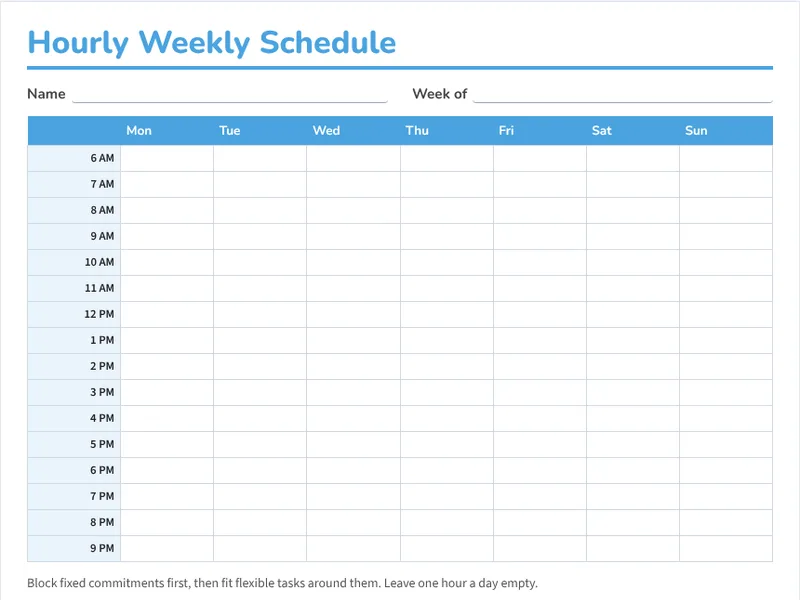
If you need finer detail, such as half-hour slots for a clinic or teaching day, the hourly schedule template gives you a taller grid with more room per slot. The daily planner page here is better when you want planning and scheduling together.
Using the to-do and calls boxes
The to-do box holds nine lines on purpose. Nine is enough for a busy day and small enough to be honest. If you have more than nine things, they probably belong on a separate running list, and a printable to do list is a good place to keep that master list so the daily page stays short.
The calls, messages and errands box is for small jobs that tend to scatter through a day: replying to the school email, booking the dentist, picking up a prescription. Grouping them gives you one batch to do in a spare half hour instead of six interruptions. I started doing this at work after noticing how many quick replies I was sending at random times, and it noticeably cleared my head.
Tick boxes beat crossing out. A ticked line stays readable, which matters when you glance back later to see what you did and what carried over.
Try this: Tomorrow, write the calls and errands on their own lines, then set a single twenty minute slot in the time blocks to clear as many as you can in one go.
Meals, water and movement
Not everybody needs the lower boxes, and that is fine. They are there because many people want one page for the day instead of a planner plus a food note plus a habit sheet. The meals box holds breakfast, lunch, dinner and a snack line. You can write what you ate, or what you plan to eat, whichever is more useful.
If dinner is the daily headache, a weekly plan makes the daily box easy to fill. The printable weekly meal planner lets you decide the week once, and then you copy the evening meal onto the day. The habit boxes work the same way for tiny daily wins: water, a walk, ten minutes outside, an on-time bedtime. If you want to track a habit for a month and see the pattern, the habit tracker printable shows all the days at once.
Keep habit boxes to four or fewer. When I tried eight, I stopped looking at them by the second week.
Who this daily planner suits
The page suits anyone who wants a single view of the day. Busy parents use it to see school runs, work calls and dinner in one place. Remote workers like the time blocks and the top three. Students can put classes in the blocks and assignments in the to-do list, and people with chronic tiredness or a lot of appointments find that having a short list makes the day less overwhelming.
It also works well if you are returning to paper after living in apps. Phones are great for reminders but poor at showing priorities, because every notification looks equally urgent. A printed page sits where you can see it, and that one visible plan is the point.
It is less ideal if your day is mostly unscheduled and you only need a simple list. In that case a one-column checklist such as the daily checklist template is lighter and faster.
Using it for work days
For a workday, write the focus line as the outcome you want by 5 PM. Put meetings in the time blocks first, then place a priority in the longest free gap. Use the calls box for emails and quick messages so they do not fill your morning.
In my office years I kept a page like this on the desk and wrote interruptions in the notes box as they arrived. At the end of the day, that notes box told me honestly where my time went. If most of the notes were requests from other people, I knew why my own priorities were slipping, and I could plan for it the following day.
If you manage a team, print a page for yourself and add a name beside the delegated tasks in the to-do box. It turns the planner into a quick follow-up list.
Using it for school and home days
For students, put classes and study blocks in the schedule column, assignments in the priorities box and anything due tomorrow in the notes. The page is a strong match with the planners for college students collection, which covers semester planning when you need the bigger picture around each day.
For home days, use the focus line for the one thing that would make the evening easier, such as laundry done or the fridge restocked. With two kids and a dog, my own focus line is often small: “pack bags the night before”. I am more honest about what is possible when the line is short.
Keep a copy per person if you share a household. A teenager who writes their own page is much more likely to follow it than one who is handed a list.
Typing on the page before you print
Every line and field on the page can be typed into. Click a line to write, tick a box with a tap or a click, and edit the prefilled items, such as changing “6 AM” to “5:30” or swapping a habit. Your entries save automatically in your browser, so you can come back later and add to the same page. They stay on that device, so if you switch phones or clear your browser data, they will not follow you.
Typing is handy when the plan is complicated, for example when you are reshuffling a day around a meeting that moved. You can fix it on screen and print a clean page instead of crossing things out.
I still print most of mine and fill in the details with a pen. Writing by hand slows me down enough to decide what really matters, which is the whole reason for having a page.
Try this: Type tomorrow’s three priorities and fixed appointments on screen tonight, print the page, then handwrite the rest of the day as it happens.
Printing tips for Letter and A4
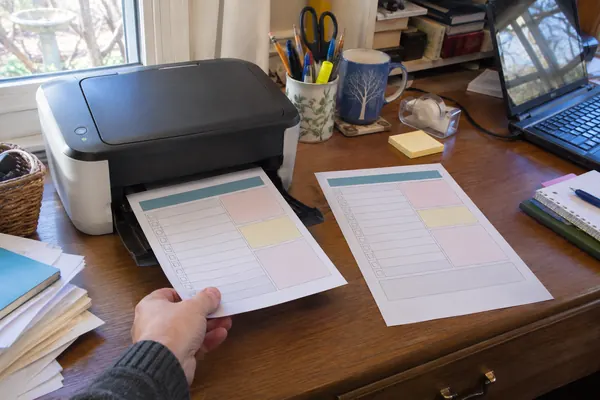
The page is made to fit one US Letter sheet, which is 8.5 by 11 inches. I test-print every printable on my home inkjet on both US Letter and A4. On A4, choose Fit to page or Scale to fit paper in the print dialog. The page will shrink slightly and nothing will be cut off, because the margins are generous.
A few points make the result better:
- Print at 100 percent on Letter, and choose black and white or greyscale to save colour ink.
- Use standard 20 lb paper for everyday pages, or 24 lb if you write with gel or felt pens that bleed.
- Punch the left edge for a binder, or leave the margin and clip the pages to a board.
- Print a stack of five or seven at a time if you like starting every day from a fresh page.
If the PDF looks tiny, check that your printer is not set to shrink to a custom size. A quick test print on scrap paper saves a good sheet.
Variations you can try
The same page can be adjusted in a few simple ways. For a lighter version, delete the lower boxes on the on-screen version and keep only priorities, time blocks and tasks. For a heavier schedule, change the hours to start at 5 AM or finish at 9 PM, since the times are editable. For a family day, use the time blocks for each person’s pick-up and activity times and the to-do box for shared jobs.
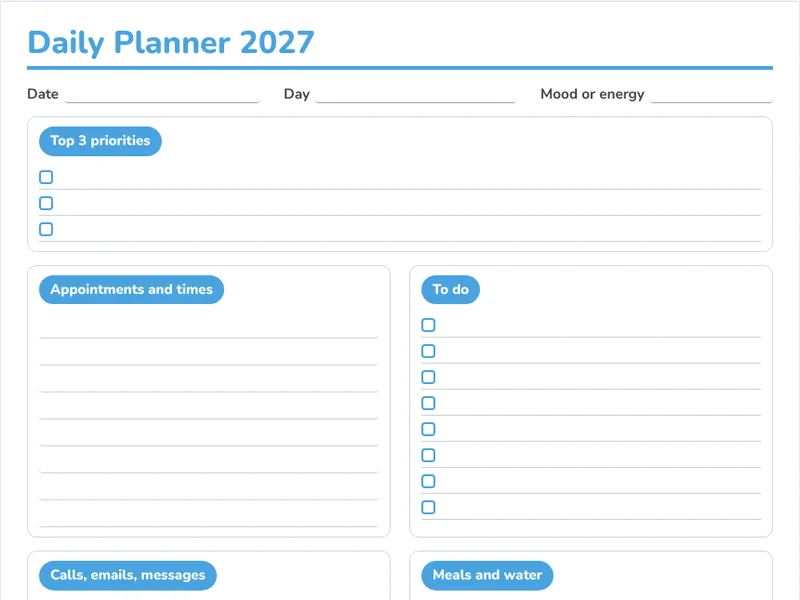
If you want dates already printed, use a dated version instead. The daily planner 2027 gives you a year of days in order, which suits a binder or a project that runs over many weeks. Undated pages like this one are more forgiving, because you can skip a day without leaving a blank, wasted page.
You can also pair the daily page with a bigger overview. A weekly calendar printable on the fridge shows the week at a glance, and the daily page carries each day’s plan. Those two together replace most of what people buy in a planner.
Daily planner, weekly planner or to-do list
A daily planner is for deciding. A weekly planner is for seeing. A to-do list is for remembering. Mixing them up is a common reason people give up on planning, because they ask a list to do a schedule’s job.
If your week has many fixed events, begin with a weekly or monthly view, such as the monthly planner, and note anything big there. Then, each evening, copy the relevant items to tomorrow’s daily page. Only the things that need action today belong on it.
If your days are fairly predictable and you only need reminders, a plain list may be all you need. Choose the tool that matches how complicated your day actually is, not the one that looks most impressive on a desk.
A five minute evening review
Planning works best when it starts the night before. At the end of the day, spend five minutes on the page you just used. Tick what is done, put a small arrow next to anything unfinished, and decide for each one whether it moves to tomorrow, goes on a longer list or gets dropped.
Then fill in tomorrow’s first task and, if you have time, the fixed appointments for tomorrow on a fresh page. You do not need to complete it. Having the top of the page started makes the morning feel lighter.
I keep this review at the kitchen counter, just after the dishwasher is loaded. Attaching it to something I already do every night is what made it stick, and that is more useful than any perfect layout.
Mistakes that make a daily planner fail
The most common mistake is writing too much. A page with twenty tasks is a wish list, not a plan, and failing to finish it teaches you to avoid the planner. Keep to three priorities and a short list, and let the rest wait.
The second is skipping the fixed-time items. Plans that ignore the school run, the commute or the dentist fall apart before lunch. Always put those in the time blocks first, then plan around them.
Other things I see often: using the planner only when life is calm and dropping it when it is busy, which is when it helps most; and starting a beautiful system that takes thirty minutes to maintain. If a page takes more than five minutes to set up, simplify it. A plain page you use every day beats a lovely one you abandon by Thursday.
Keeping and reusing your pages
Filled-in pages are useful for longer than a day. You can look back to see how long a task really took, when you made a decision or what you promised someone. Keep a week of pages clipped together, then move the useful bits to a monthly page and recycle the rest.
For a longer routine, a binder with a hole-punched stack works well, and the printable planner collection has more pages to build a set around the daily sheet. If you would rather start with the full year laid out, the 2027 calendar gives you the dates to plan against.
Print a fresh stack when you run low, and adjust the on-screen version whenever your life changes. The page is a tool, so reshape it freely until it matches the days you actually have.
Common questions
What should a daily planner template include?
At minimum it needs a place for your top priorities, a schedule for fixed commitments, and a task list. Extras like meals, water, habits and a notes box are useful if you will really use them, and a short space for tomorrow keeps the habit going.
How do I use a daily planner template?
Fill it in the evening before or first thing in the morning. Write three priorities, drop fixed appointments into the time blocks, list the smaller tasks, then tick things off as you go and note what carries over.
Can I type into this daily planner before printing?
Yes. You can type into every line and field, tick boxes and edit the prefilled items on the page, and your entries are saved in your browser on that device. Print it when you are happy, or download the blank PDF to write by hand.
What size paper does the daily planner print on?
It is built to fit one US Letter page. On A4, choose Fit to page in your print dialog and it will shrink slightly without cutting anything off.
How many tasks should I put on a daily planner?
Aim for three priorities and about six to nine smaller tasks. Longer lists almost never get finished, and the leftovers make the next day feel heavy before it starts.
Is a daily planner better than a weekly planner?
They do different jobs. A weekly view shows the shape of your week, and a daily page is where you decide what actually happens today. Many people use both: weekly to see what is coming, daily to get it done.
More free planners
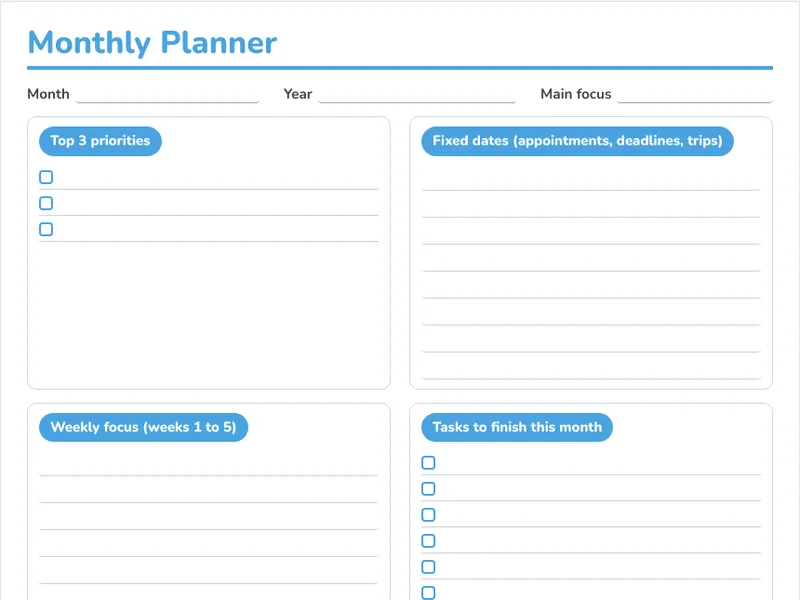 Monthly Planner: Free Printable One-Page Sheet
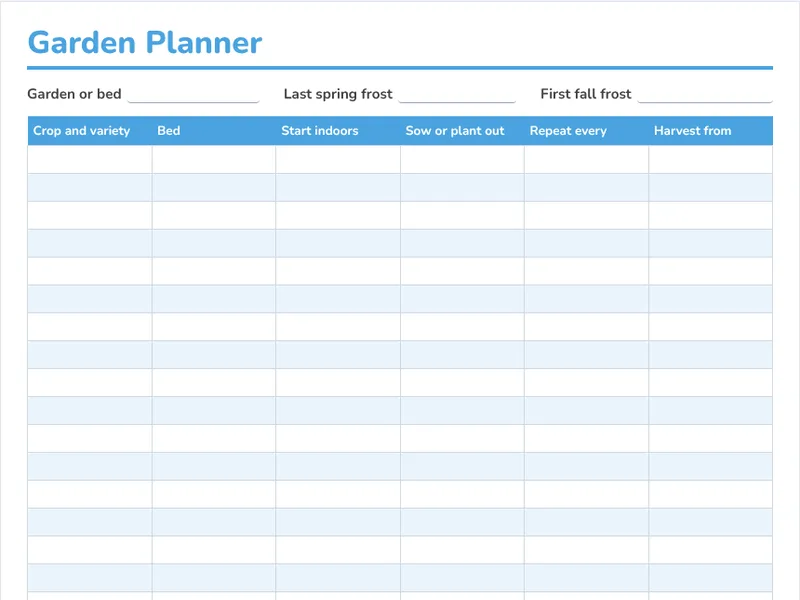 Garden Planner: Free Printable Planting Sheet
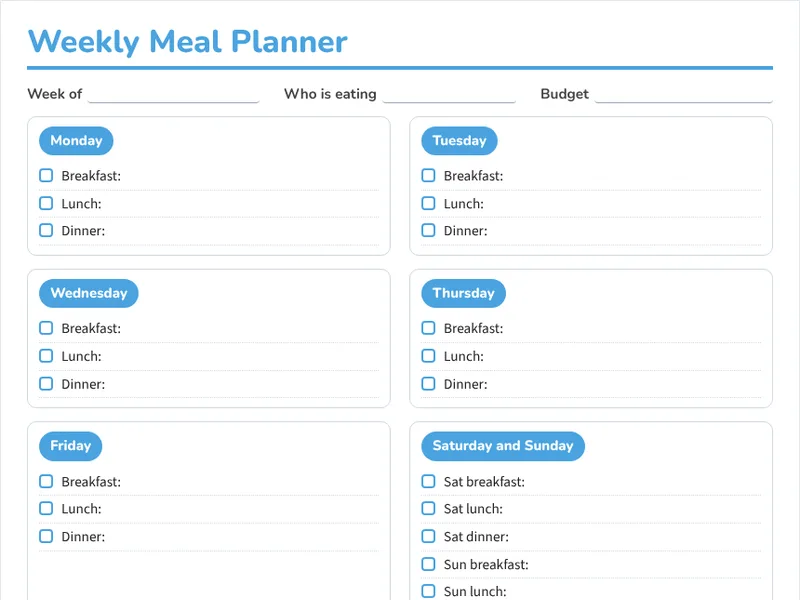 Printable Weekly Meal Planner
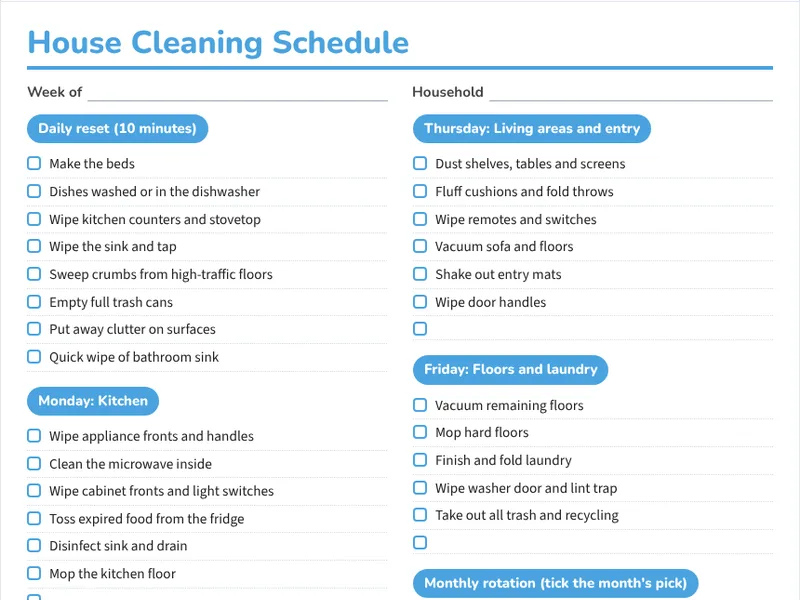 House Cleaning Schedule: Free Printable for Daily, Weekly and Monthly Jobs
 Hourly Schedule Template: Free Printable Weekly Planner
 Daily Planner 2027: Free Printable Page for Every Day