
Retirement Calendar (Free Printable)

A retirement calendar is a plain monthly calendar set up for the way retired life actually runs: appointments, family, trips, bill dates and a few days you protect on purpose. The calendar above is free. Type straight into the day boxes and the notes area, then print it or download it as a PDF or PNG with your entries included.
| Sun | Mon | Tue | Wed | Thu | Fri | Sat |
|---|---|---|---|---|---|---|
Notes
Free for personal, classroom and office use. Your entries are included in the print, PDF and PNG. Prints on US Letter and fits A4.
Black and White Retirement Calendar Printable
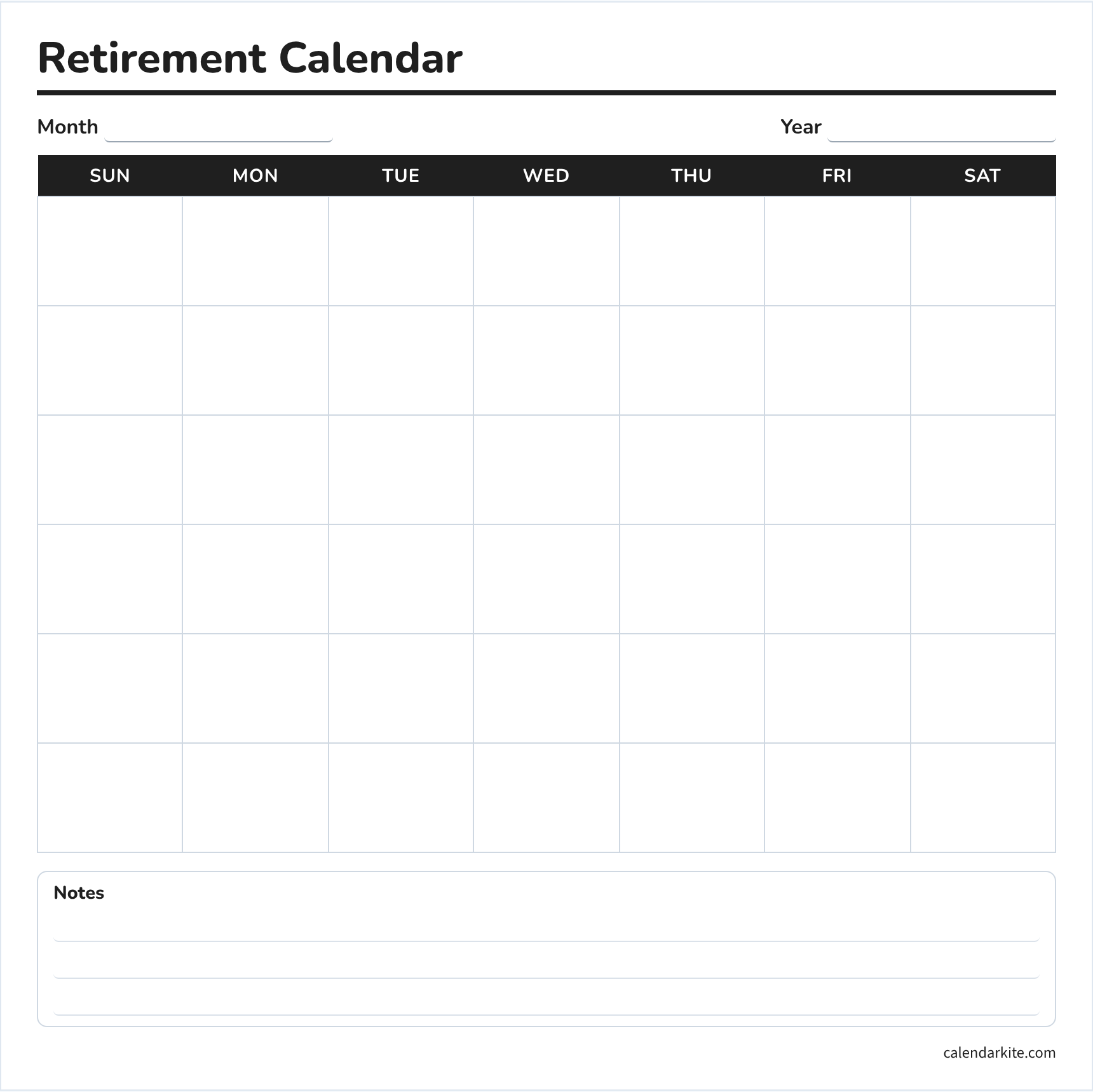
I made this one for anyone counting down to their last day who wants a calendar that prints cheaply and clearly. In my office years I learned plain lines survive photocopies, and it test-prints crisply on my home inkjet.
Pink Retirement Calendar
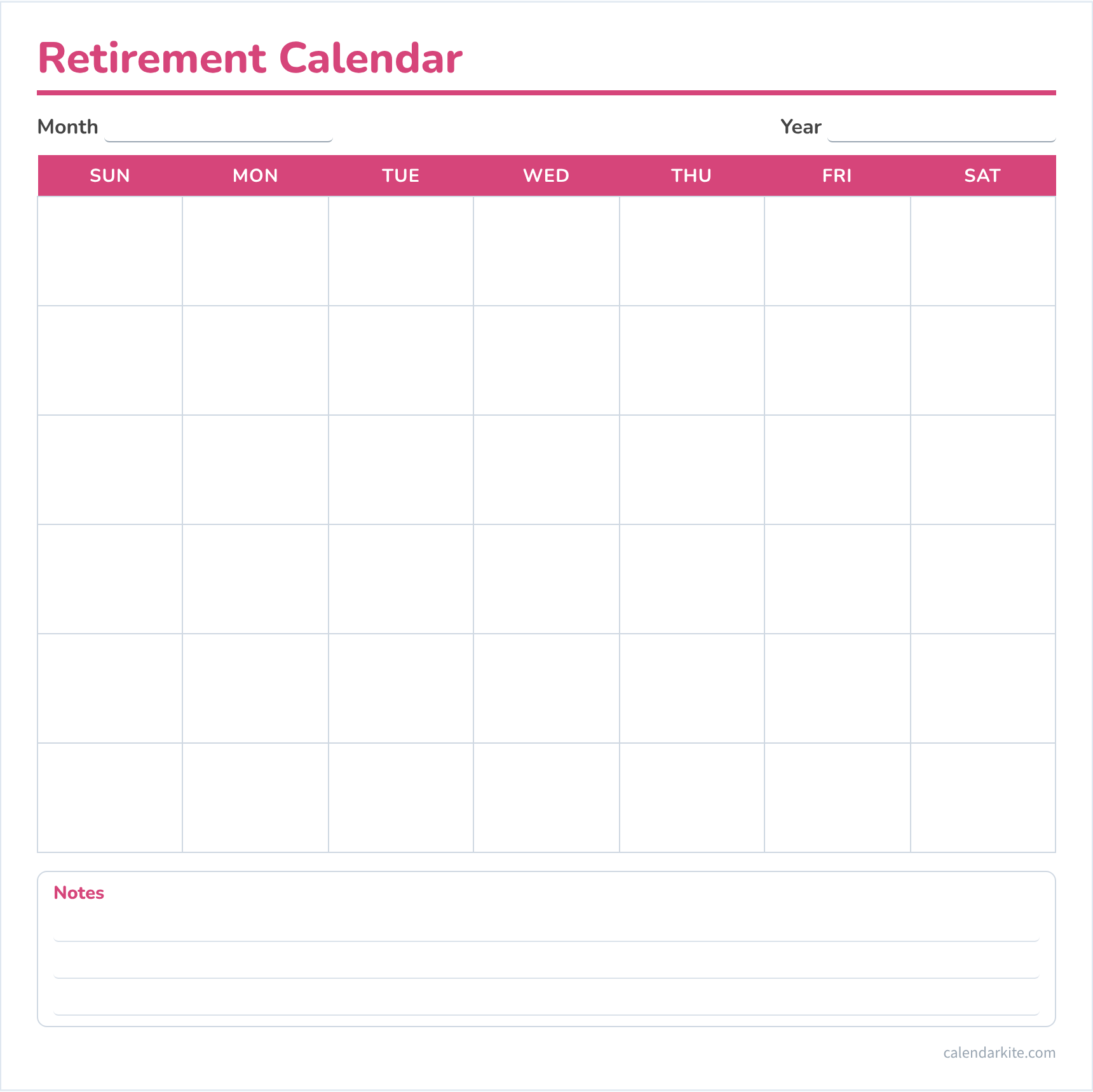
This soft pink version suits a retiree who wants a gentle, friendly look for tracking farewell parties, final shifts and the first free weeks. Pin it somewhere you'll see daily, and add one small note per day so dates don't blur together.
Sage Green Retirement Calendar
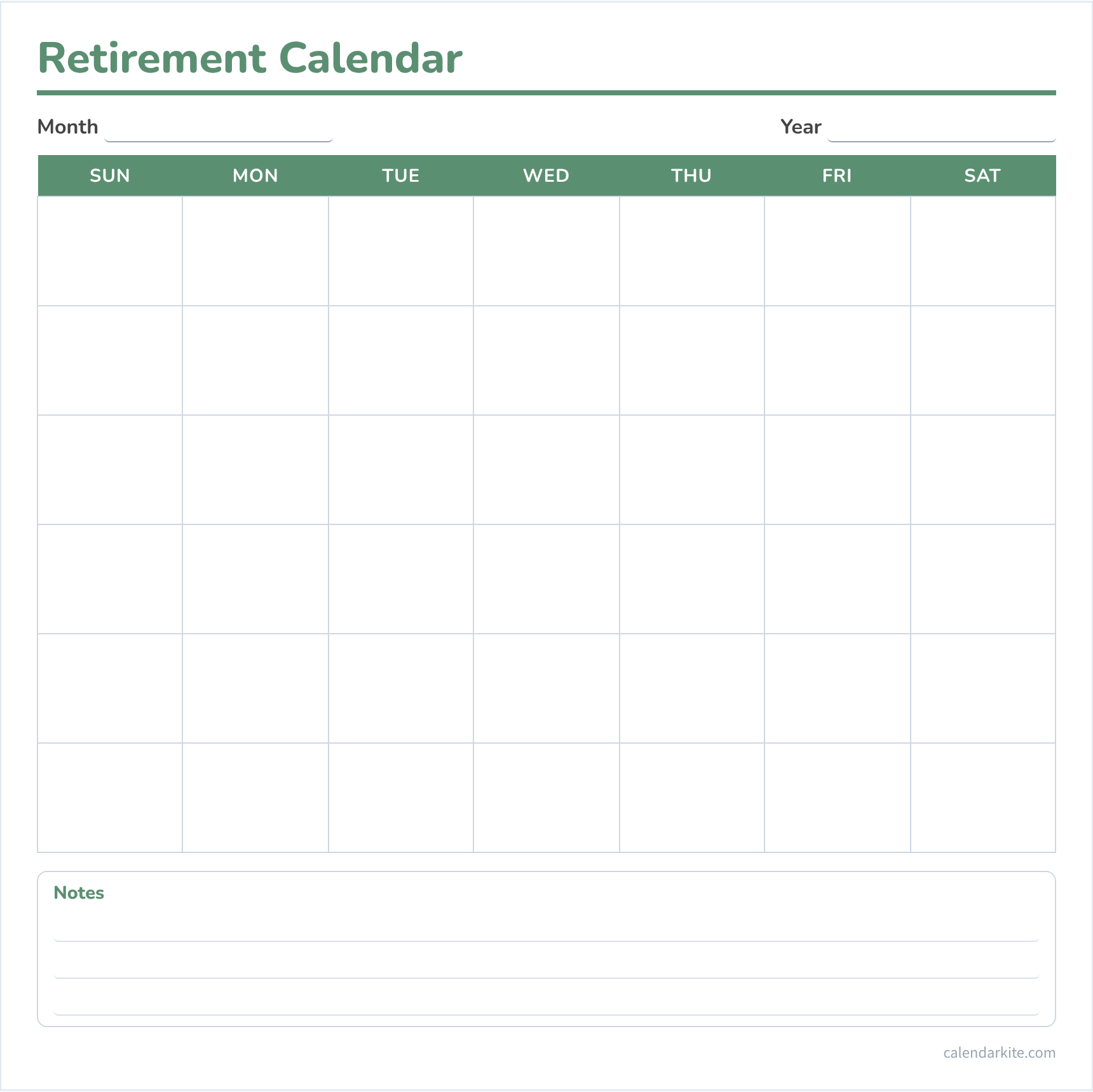
Sage green is calming, which makes it a good fit for planning the first months of retirement, like travel, appointments and hobby days. I keep the grid light so handwriting stays readable, a habit from years of office schedules.
Lavender Retirement Calendar
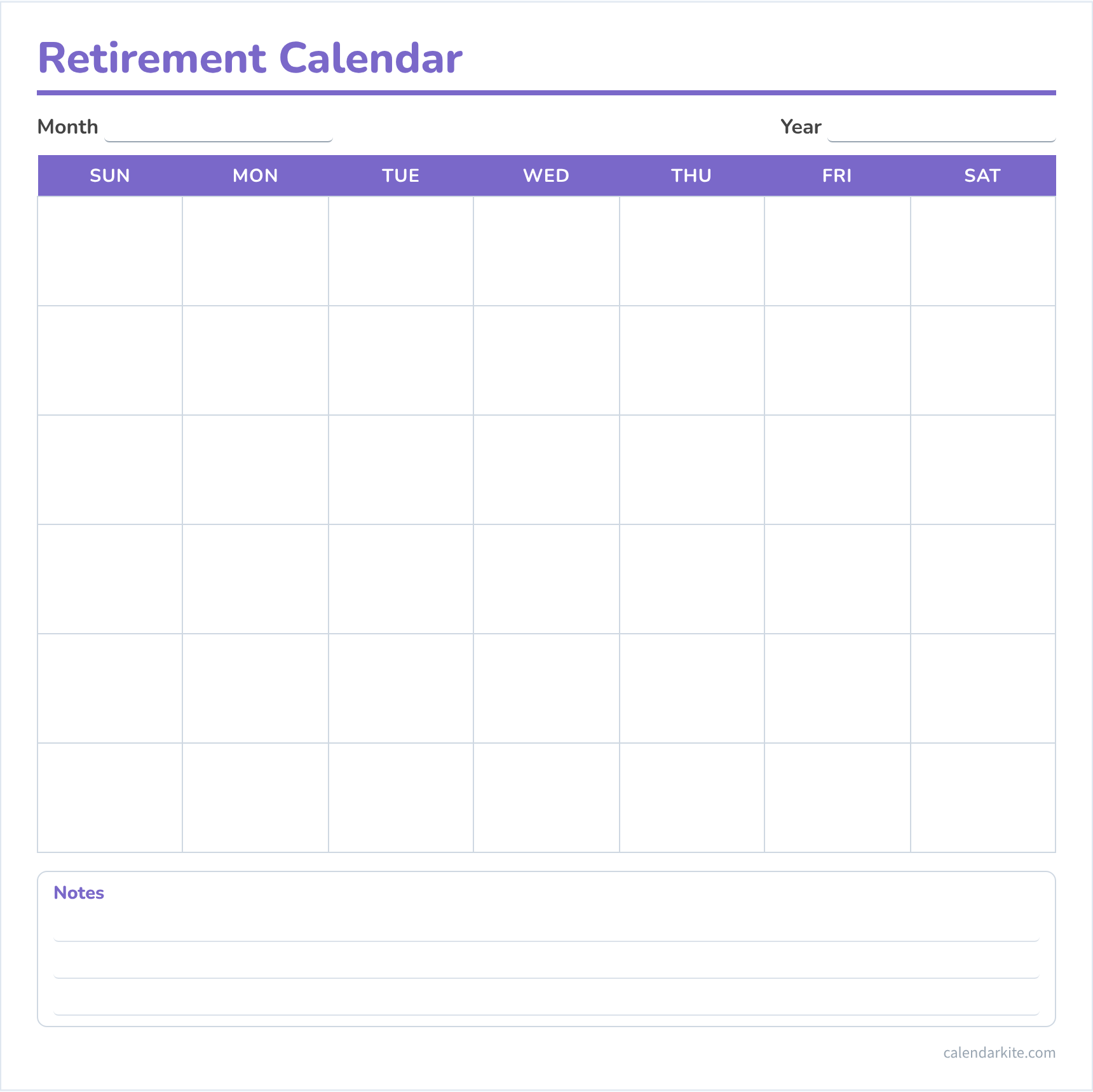
I like the lavender design for a relaxed countdown calendar, whether you're marking handover meetings or planning the first weeks of retirement. Print it on US Letter or A4; I test both, since a scaled print can cut off the bottom row.
Cute Retirement Calendar
This pastel blue calendar with little hand-drawn illustrations suits a retirement gift or a light-hearted countdown on the office desk. I'd fill the boxes with the party date, last day and first trip so the big dates stand out.
Floral Retirement Calendar Printable
The watercolor floral design suits a retirement gift for a coworker or an elegant monthly planner for a new chapter. I test-print the mauve tones on my home inkjet so the flowers stay soft instead of muddy.
Colorful Retirement Calendar
This bright orange and yellow design with bold cartoon illustrations is a fun pick for a grandparent's retirement countdown that the whole family can follow. I live with two kids, and a colorful calendar is the one they actually look at.
Simple Minimalist Retirement Calendar
Thin gray lines and a light uppercase heading make this the one for people who want a quiet, no-fuss grid. It works well for appointments, pension paperwork deadlines and handover tasks, where extra decoration only gets in the way.
Aesthetic Retirement Calendar
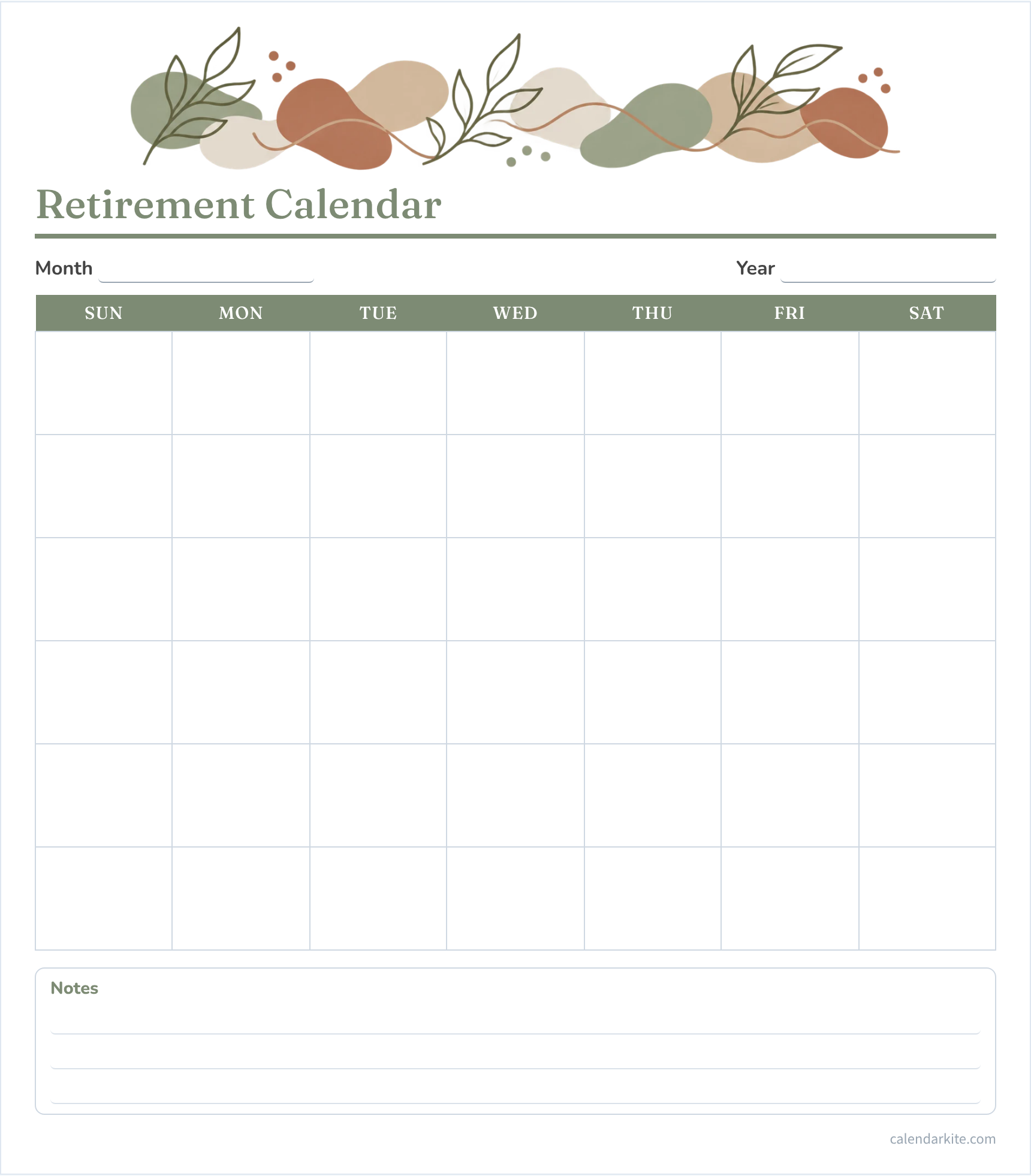
Muted sage, sand and terracotta with soft line-art leaves suit a retiree who wants a calm, stylish planner for slower mornings and new routines. I'd use it to block out weekly walks, grandkid visits and the garden projects you finally have time for.
Modern Retirement Calendar Printable
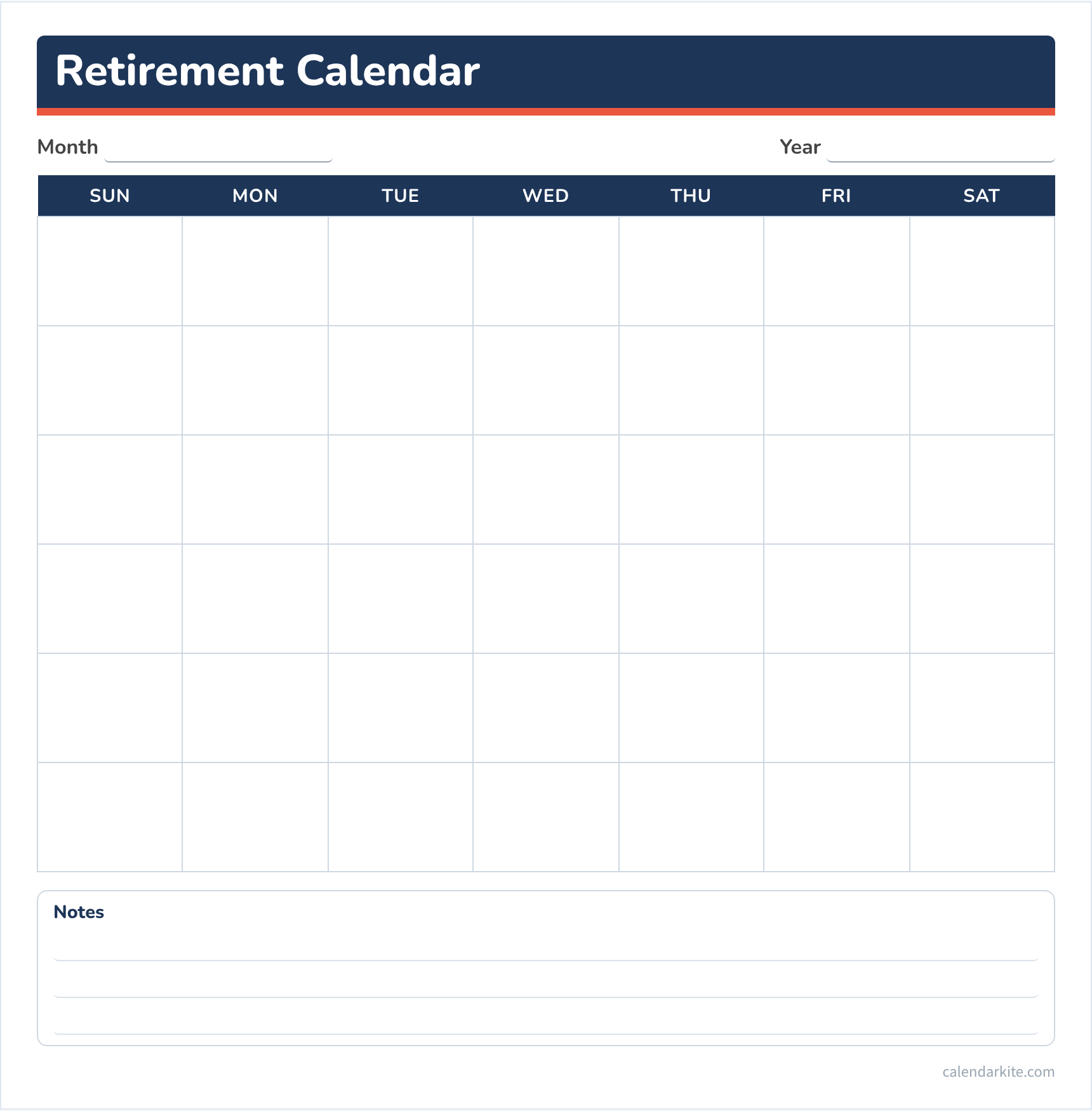
The navy header band and coral accent give this a modern, businesslike look that suits someone leaving a career and wanting clear structure. I'd use it to map the final work months: handover dates, leaving events and the first day of freedom.
I spent about ten years in office administration, keeping schedules and rotas readable for people who had to glance at them and know what was happening. That is the standard I hold every printable to, and a retirement calendar needs it more than most. When your days are no longer set by a work week, the calendar has to do more of the remembering.
How to use this retirement calendar
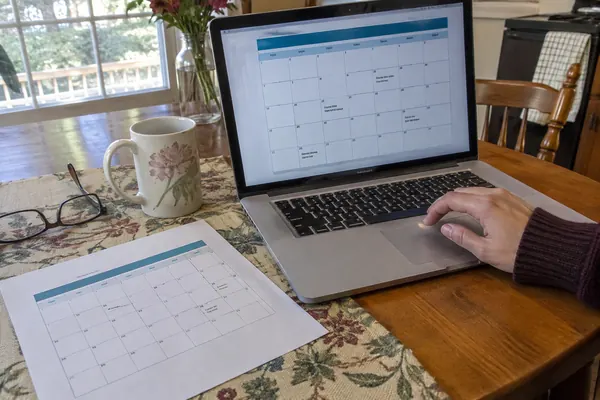
Start by typing the fixed things: medical appointments, regular classes, volunteer shifts, standing lunches with friends. Click a day box, type a short entry such as “Dr. Patel 10:30”, and move on. Keep each entry to a line so the box does not fill up and shrink the text.
Use the notes area for anything that belongs to the month rather than a single day. Good candidates are a reminder to renew a prescription, a list of calls to make, or the name of the person coming to fix the gutters. When you are finished, print the page or download it. The PDF suits printing at home or at a print shop, and the PNG is handy if you want to text the page to a relative.
At home I keep a paper calendar on the fridge and a planner on the kitchen counter. The fridge copy holds anything the whole household needs to see, and the planner holds my own lists. A retired couple can copy that split: one shared calendar in the kitchen, one personal page each.
What to put on a retirement calendar
The mistake I see most is treating the calendar as a place for only the “official” things. A retirement calendar works better when it holds a mix of obligations and things you look forward to. If every box is a medical appointment, you will stop wanting to look at it.
Here is a mix that tends to work:
- Medical, dental and eye appointments, plus follow-up tests
- Family birthdays, visits and school events for grandchildren
- Trips, day outings and travel booking deadlines
- Bill due dates, subscription renewals and insurance renewals
- Hobbies, classes, volunteering and walking groups
- Quiet days you have marked as free
If birthdays are the thing you most often forget, a separate birthday calendar lets you fill them in once and copy them across each month. For anything involving travel, a trip schedule template holds the details (flight times, confirmation numbers, hotel addresses) so the calendar only needs the headline.
Try this: Take ten minutes now and type in every recurring commitment for the month. Then count the empty boxes. If fewer than a third are empty, move something out.
Counting down to your last day of work
Many people searching for a retirement calendar want a countdown. This page works for that too. Find your last working day, type “Last day!” in its box, and print the month. Then cross off a day each evening, or use the notes area to list what has to be finished before you go: handover notes, returning equipment, clearing your desk, and a farewell lunch.
Counting backwards helps you see how much time you really have. Handover documents and benefits paperwork take longer than expected, and the last two weeks tend to fill up with goodbyes. I have seen colleagues leave with unfinished business because they assumed the final week would be quiet. Put the hard deadlines at least a week before the end date.
If your retirement is more than a month or two away, pull up the 2027 calendar to see the whole year at once, then use this monthly page for the final stretch.
Keeping some days empty on purpose
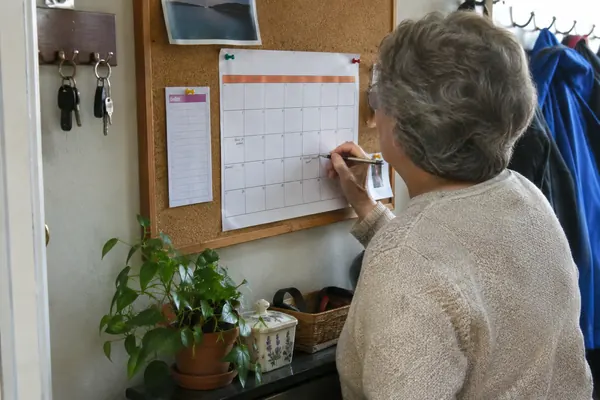
A new retiree often swings between two extremes: an empty calendar that feels aimless, or one stuffed with so many commitments that it feels like a new job. Both are fixable with the calendar itself. Mark a couple of days each week as open, and write “free” in them so you do not fill them out of habit.
A light structure helps most people. A regular walk, a weekly call with a friend, one fixed errand day and one project day are enough to give the week a shape. Typing those in as the first entries each month means the rest of the plans fit around them.
Try this: Pick one weekday and type “Open” in that box for every week of the month. Treat it as booked, and see how often you are tempted to give it away.
Dates worth tracking in the first year
Some of the dates that matter most around retirement come with deadlines, and missing them can be costly. This is a prompt list, not advice. Rules change and personal situations vary, so confirm each one with the relevant organisation or a qualified adviser.
- Health insurance: if you are turning 65, Medicare has a seven-month enrollment window around your birthday month, so mark both ends of it
- Social Security: the date you plan to start claiming, plus any appointment with your local office
- Employer benefits: final pay date, pension paperwork, and when workplace health cover ends
- Taxes: estimated payment dates if your income is no longer withheld
- Account reviews: a yearly check on investments, beneficiaries and insurance
I keep these in the notes area at the bottom of the page and then move each one into its day box once I know the exact date. For the money side, a bill tracker pairs well with the calendar, since it shows what is due while the calendar shows when. Some people also keep a end of life planner alongside, to gather wills, contacts and account details in one place.
Pairing it with a weekly view
A monthly calendar is good for the big picture, but appointment days can get crowded. When a week has four or five commitments, switch to a weekly calendar for that week and use the monthly page for the overview. If you want a different layout from this one, the monthly planner adds more space for notes and goals.
Medication timing is a separate job that a calendar does poorly. Use a printable medication log for doses and refill dates, and put only the refill reminder on the calendar. Splitting them keeps the calendar readable, which matters more than packing everything onto one sheet.
Printing tips for easy reading
Every calendar I publish is checked against the real calendar and test-printed on my home inkjet, on both US Letter and A4. For this page, choose the paper size that matches your printer, set scaling to 100 percent (not “fit to page”), and print one page to check before running a stack.
If small type is a struggle, keep entries short and print on the largest paper your printer takes. Black-and-white is fine, and often easier to read than colour. Pen works better than pencil on the printout for anything you need to see from across the kitchen.
Download the PNG if you plan to enlarge the page at a copy shop. The PDF is the better choice for sharp text at normal size. Either way, your typed entries are included, so there is no need to rewrite them by hand.
Using the calendar as a retirement gift
A printed calendar with a few kind or funny entries makes an easy, personal gift for a retiring colleague. Type in the day of the farewell lunch, a few reminders such as “Nowhere to be” on the first Monday, and a note on the final box. Print it, and it is ready to sign.
For a larger gift, print the months that cover the first year of retirement and bind them with a ribbon or a simple clip. Because the page lets you type before printing, you can add the retiree’s birthday, grandchildren’s events and planned trips so it is useful from day one rather than just decorative.
Try this: Fill in three things the retiree loves doing, such as a fishing trip or a garden visit, on dates that are a few weeks apart. It shows you thought about their next chapter.
Common questions
What is a retirement calendar?
It is a regular monthly calendar set up for retired life or the run-up to it. People use it to hold appointments, family plans, trips and bill dates, or to count down the days to their last day at work.
Can I type on this calendar before printing?
Yes. Click into any day box or the notes area, type your entry, and it stays on the page. When you print it or download the PDF or PNG, your entries are included.
Are my entries saved if I close the page?
Treat the page as a working sheet. Download the PDF or PNG once you have finished typing, so you have a copy with your entries on it.
How do I make a retirement countdown calendar?
Work out the number of days between today and your last working day, then write the final day in its box and count backwards. Print the month and cross off one day at a time. For a short countdown, a single month is plenty.
What size does it print on?
It prints on US Letter or A4. I test-print each calendar on both sizes on a home inkjet, so the day boxes stay readable without special settings.
Does it show federal holidays?
Yes. Federal holidays are printed on the calendar itself, so you can see which days offices, banks and post offices are closed.
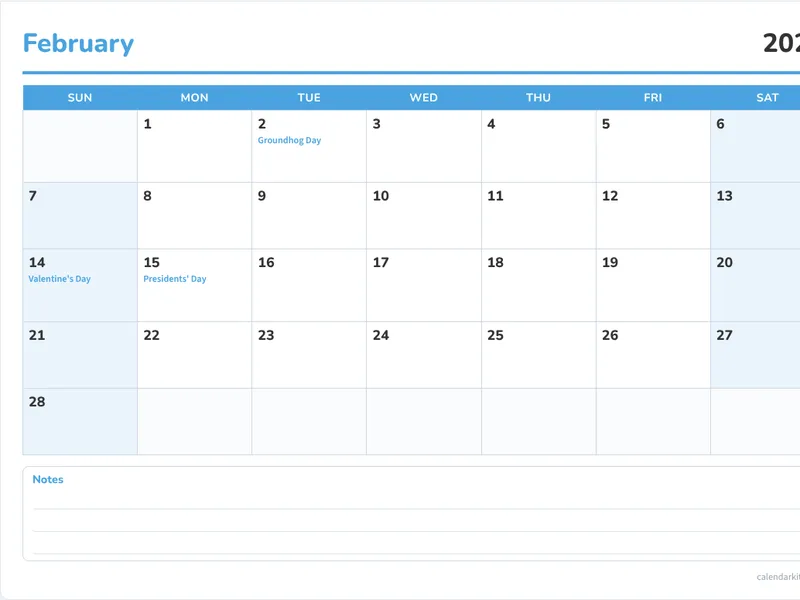 February 2027 Calendar (Free Printable)
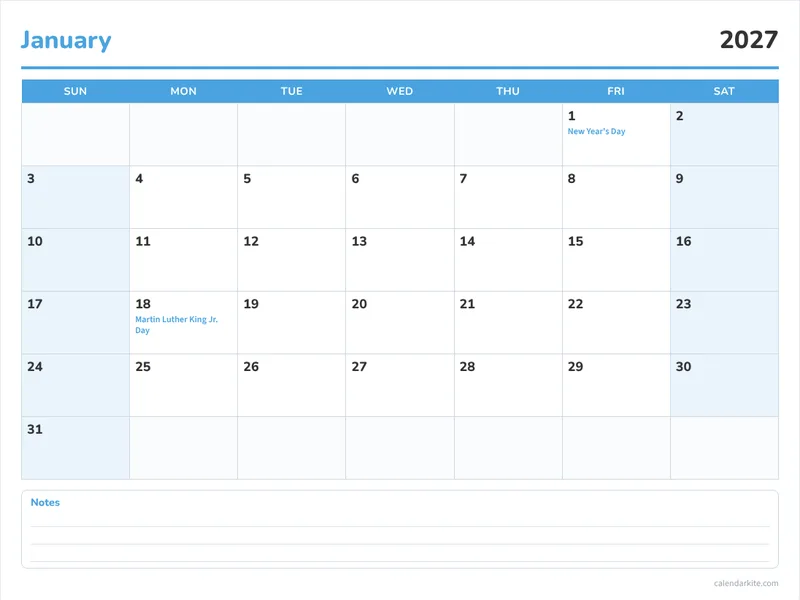 January 2027 Calendar (Free Printable)
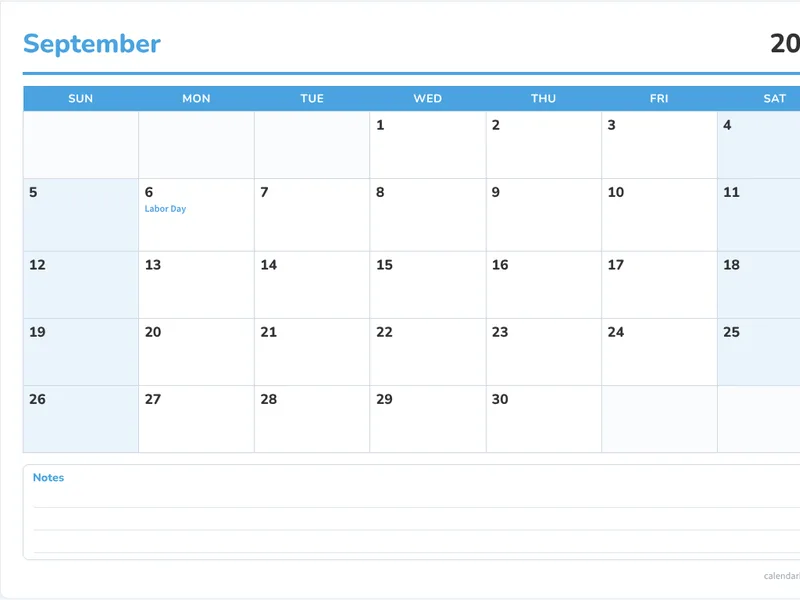 September 2027 Calendar (Free Printable)
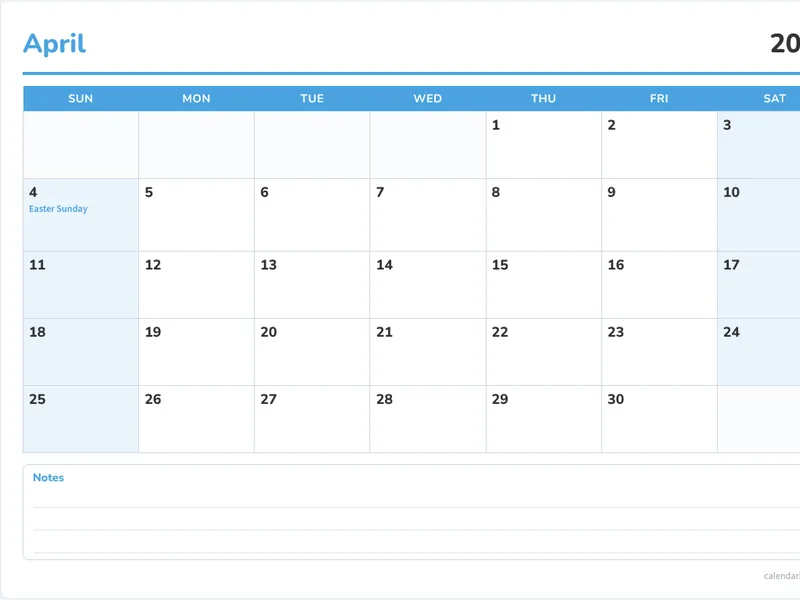 April 2027 Calendar (Free Printable)
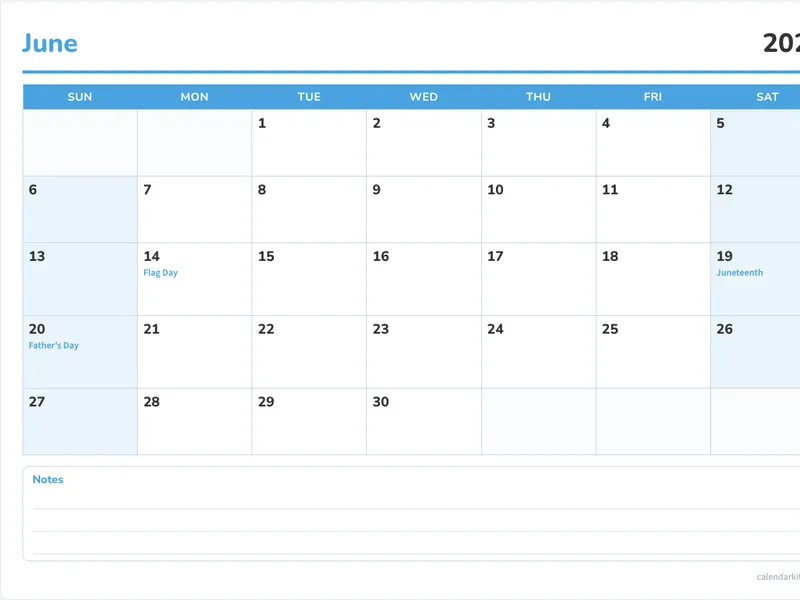 June 2027 Calendar (Free Printable)
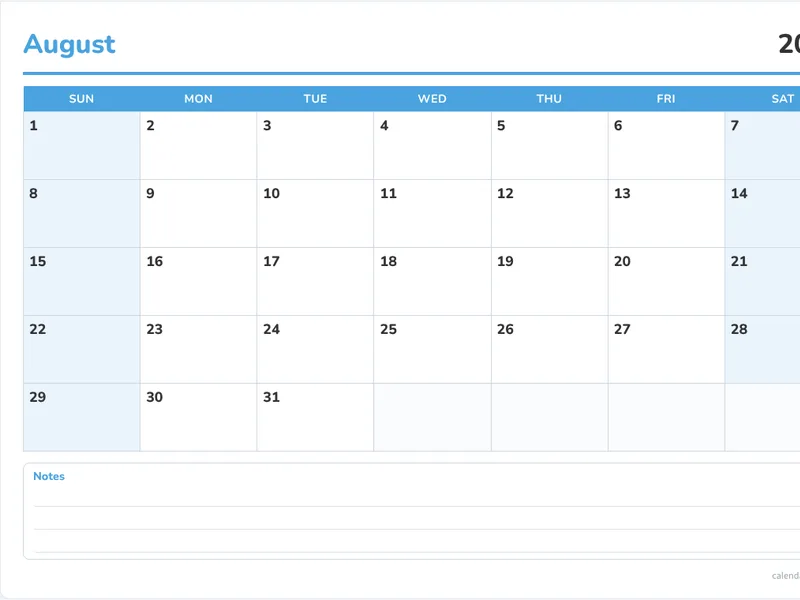 August 2027 Calendar (Free Printable)