
End Of Life Planner (Free Printable Sheet)

An end of life planner is a set of pages where you write down what your family will need if you become seriously ill or die: where your legal papers are, who speaks for you, what you own and owe, what you want for your funeral, and who needs a phone call. The free printable on this page fits all of that on one US Letter sheet. You can type into it on screen, tick items as you finish them, and print it when you are ready.
Legal papers
- Will signed and witnessed, original location noted
- Executor named and has agreed to act
- Healthcare power of attorney signed
- Living will or advance directive signed
- Financial power of attorney signed
- HIPAA release naming who may talk to doctors
- Trust papers and trustee noted, if any
- Copies given to agent and executor
Medical and care wishes
- Doctors, specialists and pharmacy listed
- Medication list current (dose, prescriber)
- Allergies and conditions written down
- Resuscitation wishes recorded (DNR or POLST)
- Preferred place of care (home, hospice, hospital)
- Comfort and pain relief preferences noted
- Organ donation choice recorded
Money and accounts
- Bank accounts listed with contact details
- Beneficiaries checked on retirement accounts
- Life insurance policies and where kept
- Beneficiaries checked on insurance and POD accounts
- Mortgage, loans and credit cards listed
- Pension, Social Security or VA details
- Safe deposit box and key location
- Regular bills and autopays listed
Home, pets and digital life
- Deed, vehicle titles and lease papers located
- Pet carer, vet and medication noted
- Password manager named, and who can open it
- Phone and computer unlock plan made
- Email, cloud and photo accounts listed
- Social media wishes noted
- Subscriptions to cancel listed
People to tell
- First calls: closest family and friends
- Lawyer, accountant and financial adviser
- Employer or HR contact
- Faith leader, clubs and community groups
Funeral and memorial wishes
- Burial, cremation or other choice
- Funeral home or prepaid plan named
- Type of service, or no service
- Music, readings, flowers or donations
- Cemetery plot or deed location
- Obituary notes and photo chosen
Letters and legacy
- Letters to family written and placed
- Items for specific people listed
- Photos and stories labelled
- Binder location told to two people
- Review date put on the calendar
Never write passwords on this sheet. Name where they are kept instead.
Free for personal, classroom and office use. Your entries are included in the print, PDF and PNG. Prints on US Letter and fits A4.
Black and White End of Life Planner Printable
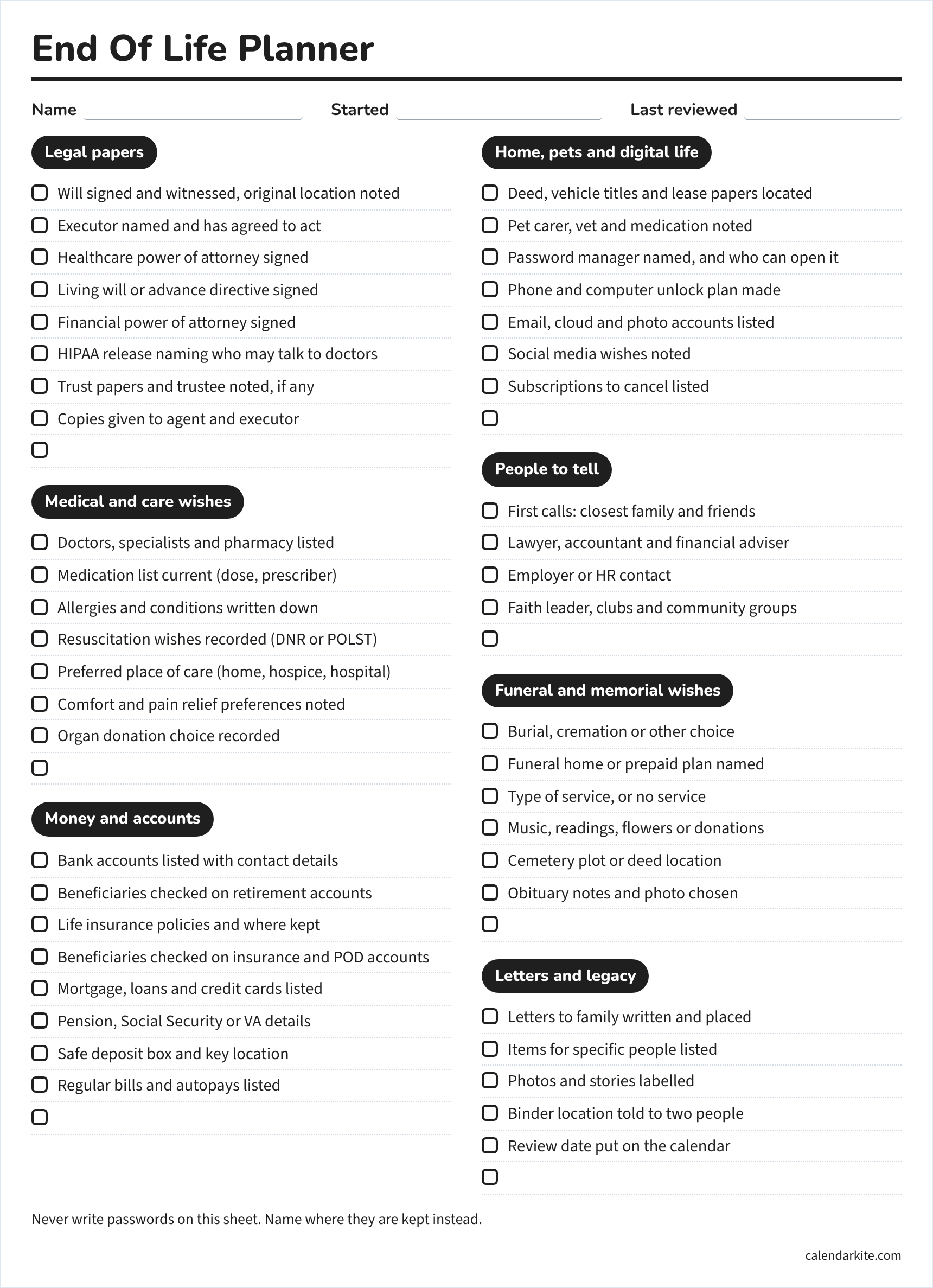
This is the one I'd pick for filling in accounts, contacts and wishes, since plain black lines print cleanly and save ink. I test-print every page on my home inkjet, and this version stays easy to read on both US Letter and A4.
Pink End of Life Planner
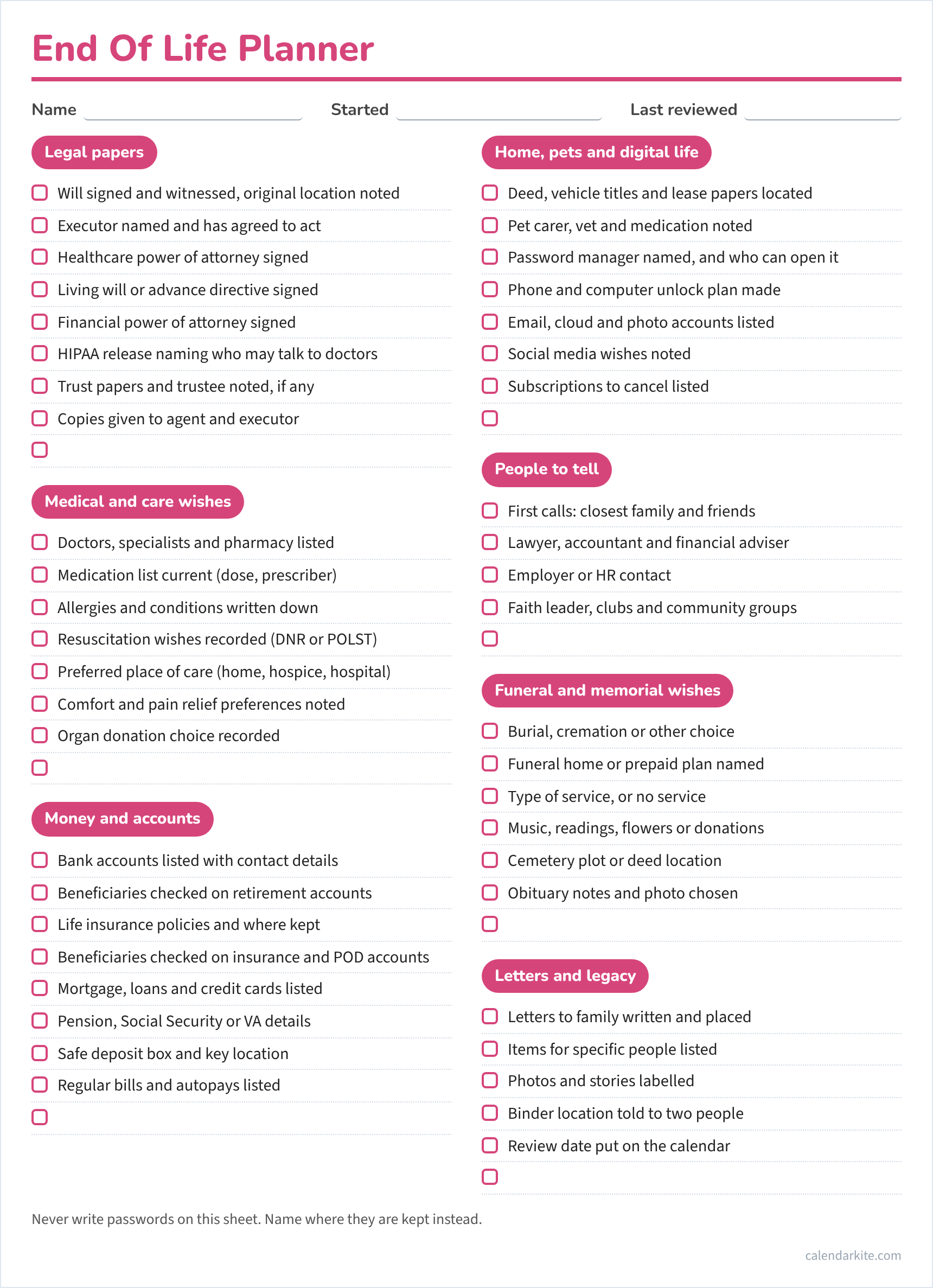
A soft pink version suits anyone who wants a planner to feel gentle rather than clinical, and it works well for recording funeral wishes and personal messages. I'd suggest printing it single-sided so you can add pages as details change.
Sage Green End of Life Planner
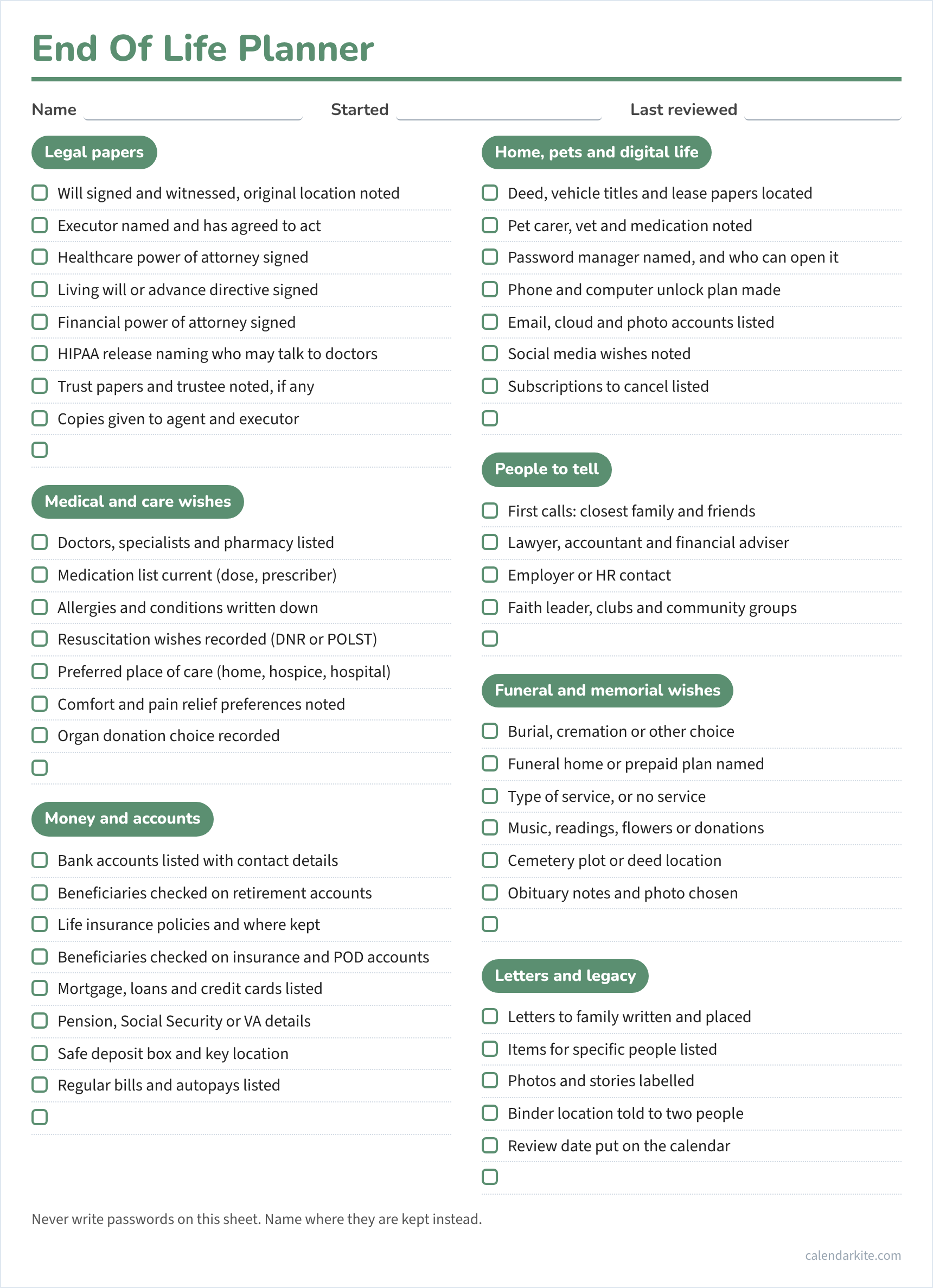
Sage green is calming and suits a binder kept at home with insurance, bank and contact details. I keep a planner on my kitchen counter, and a quiet color like this is one you won't mind leaving out where family can find it.
Lavender End of Life Planner Printable
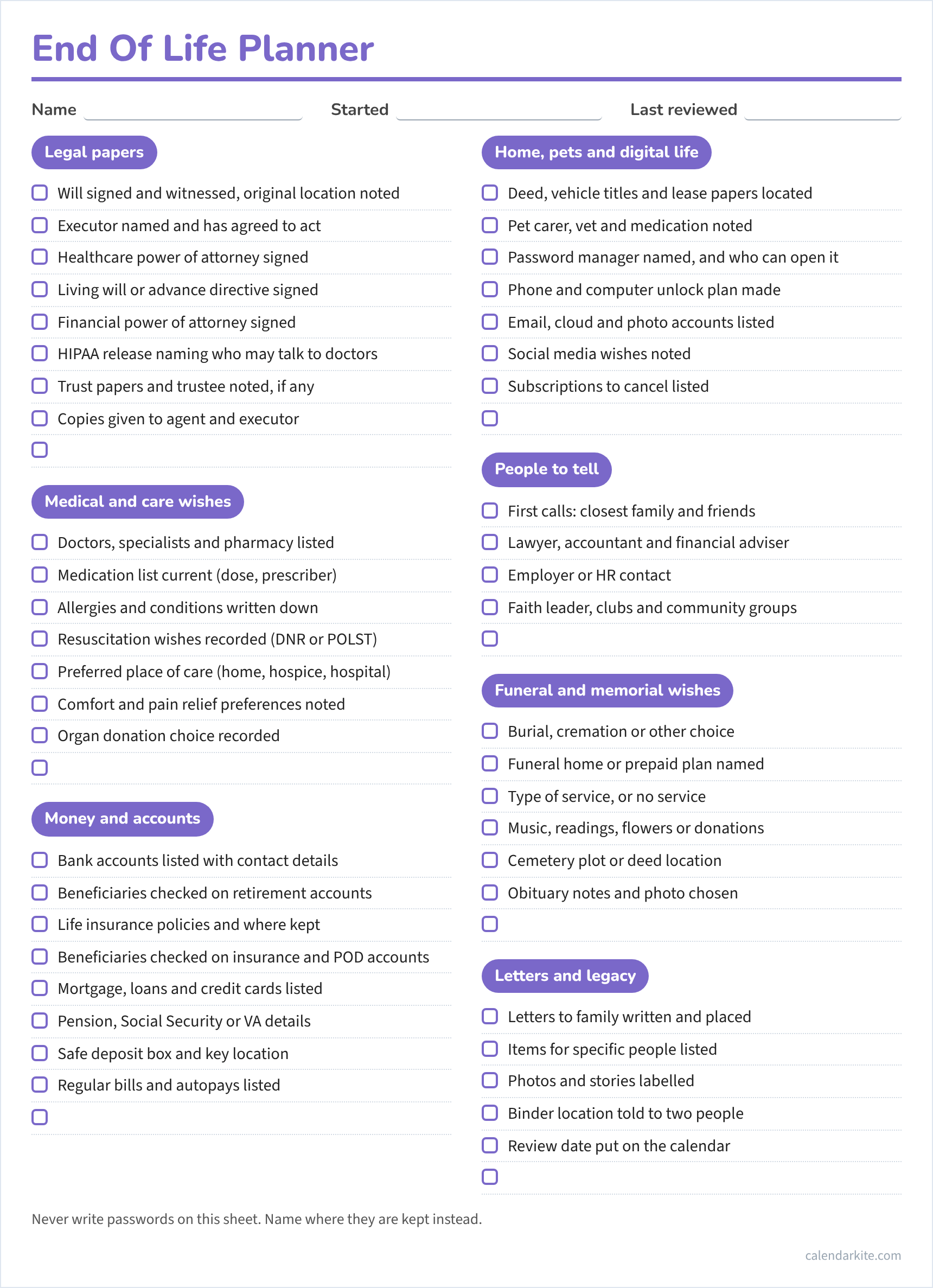
Lavender suits someone who wants a reflective, calm look for writing letters, legacy notes and wishes for loved ones. I suggest filling in one section per sitting rather than trying to finish it all at once.
Cute End of Life Planner Printable
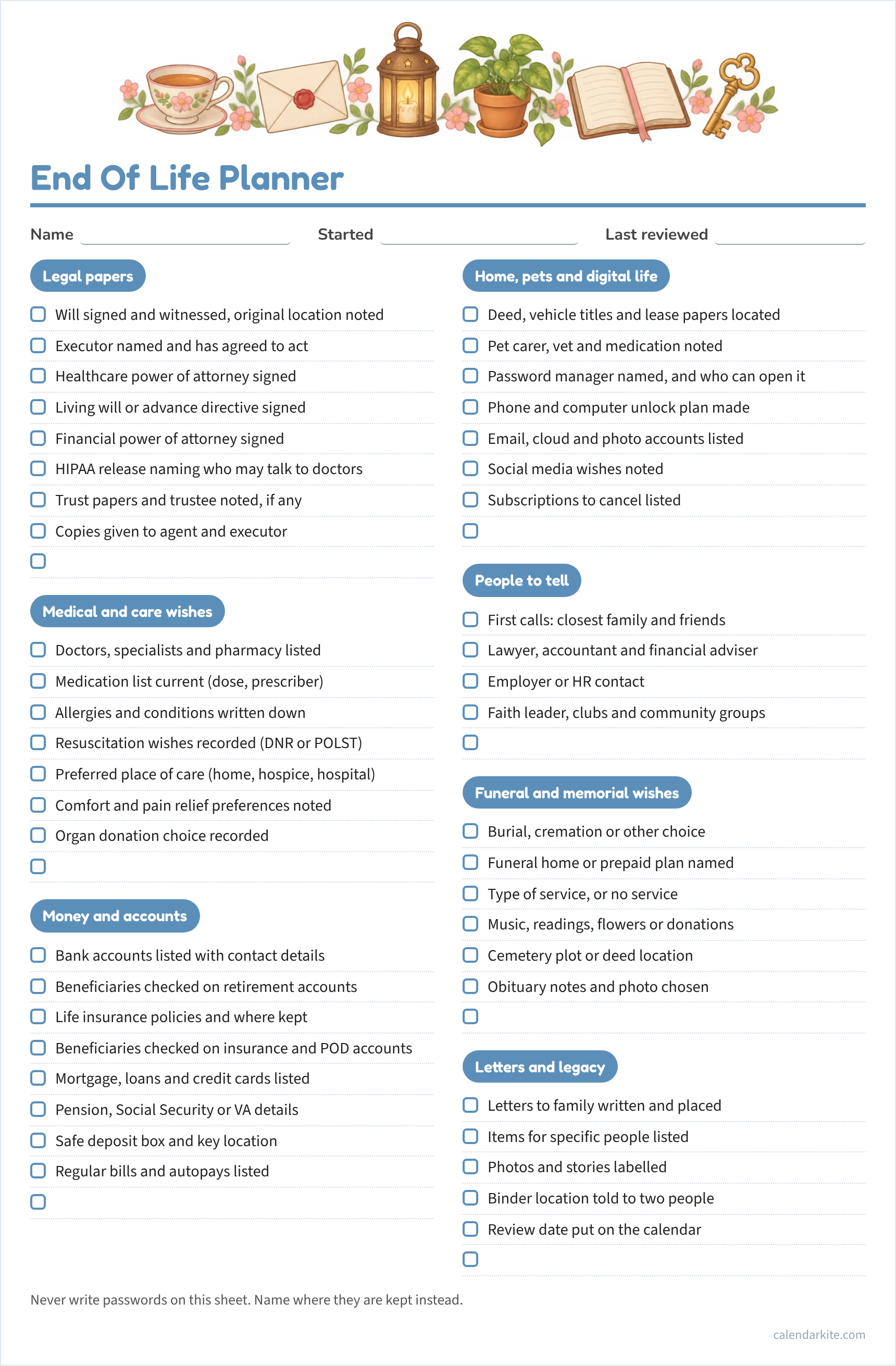
A pastel blue page with small hand-drawn touches suits people who find a plain checklist too heavy to start. It's a friendly way to list pet care, passwords and who to call first.
Floral End of Life Planner Printable
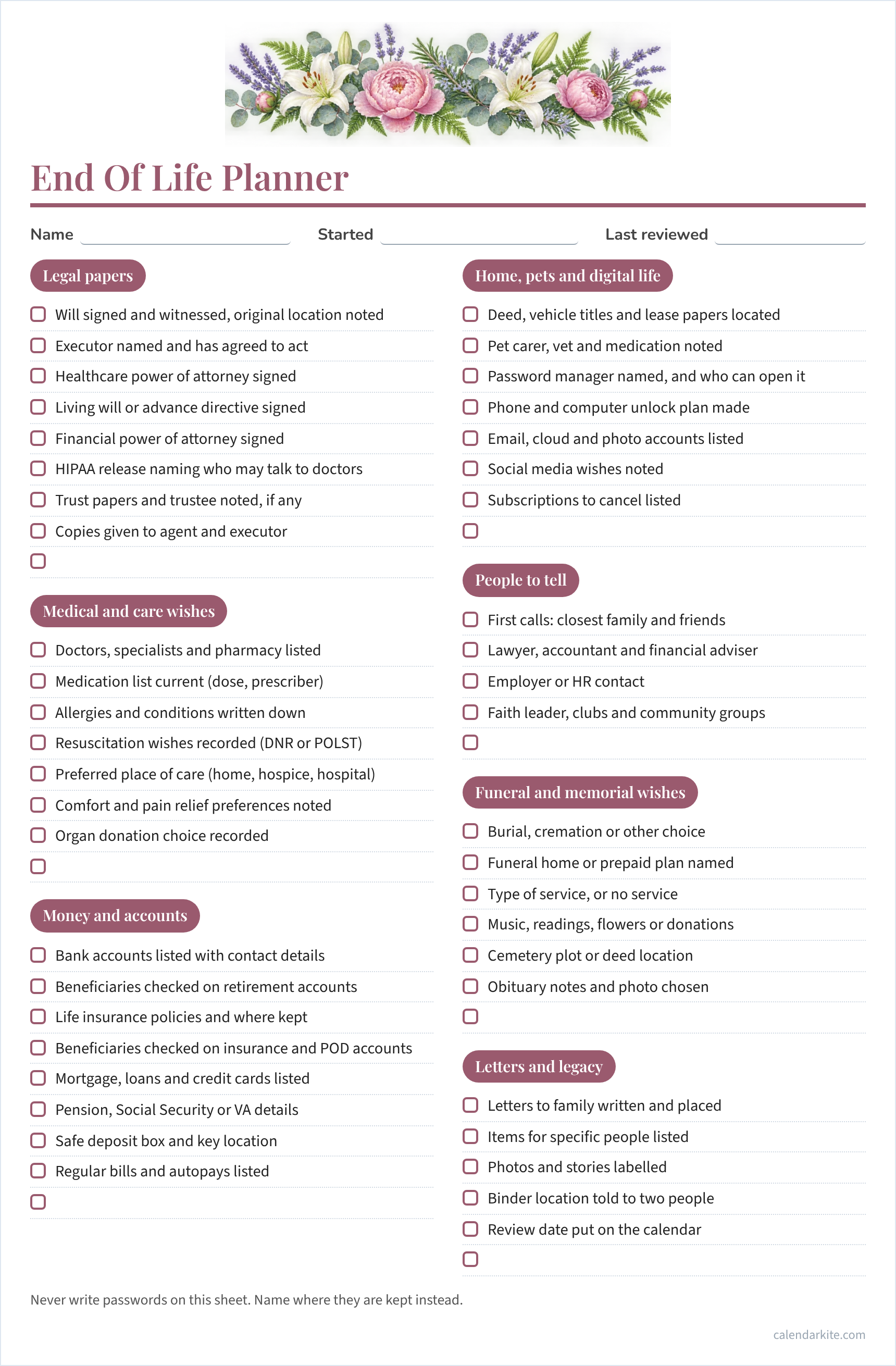
Watercolor flowers and elegant serif headings suit a planner you want to feel dignified, like one for funeral readings and favorite music. I'd print it on slightly heavier paper if your printer handles it.
Minimalist End of Life Planner
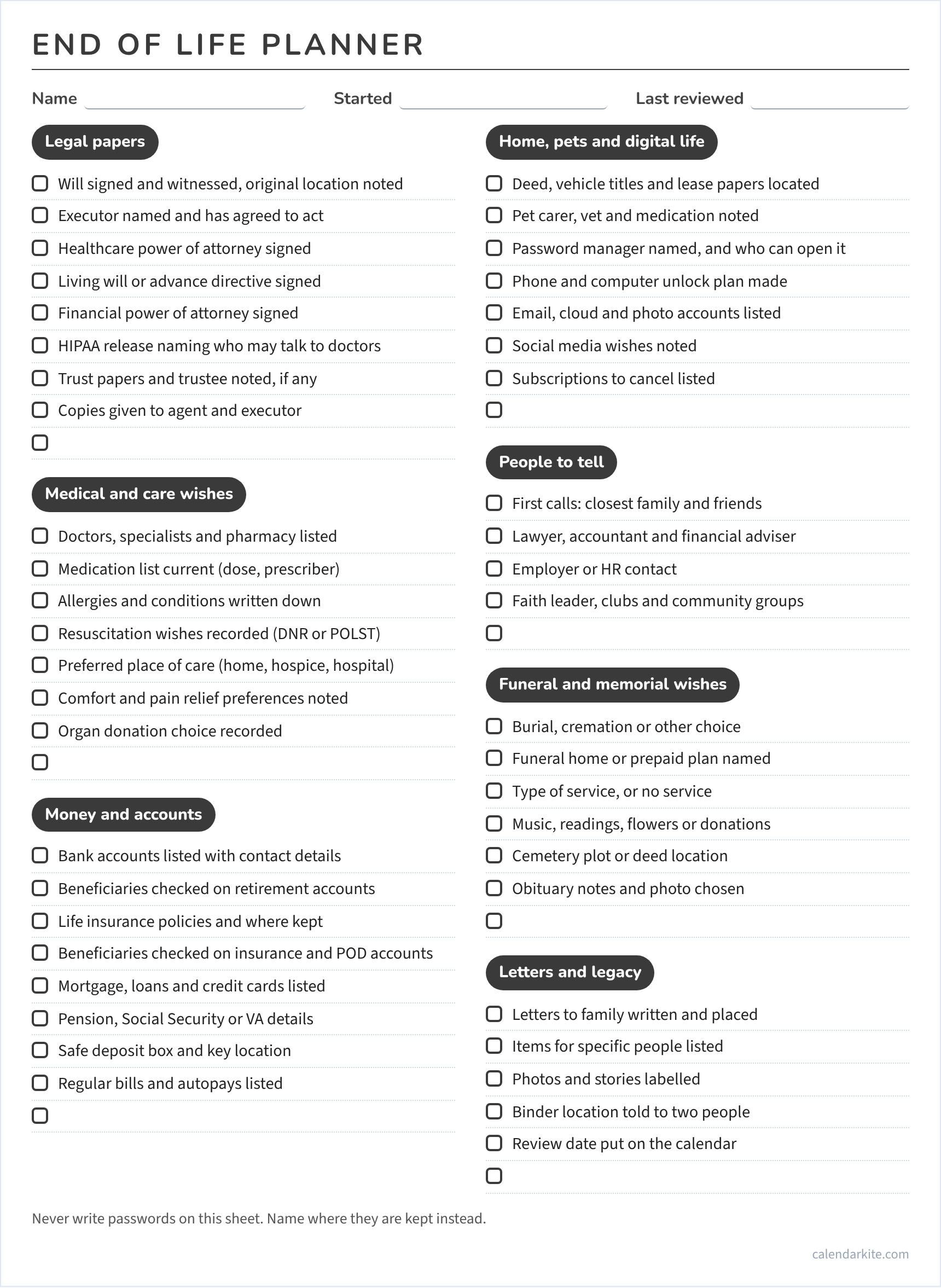
Thin gray lines and a light uppercase heading suit anyone who likes a no-fuss page for account lists and document locations. In my office years I learned that plain, well-spaced forms get filled in, while crowded ones get left blank.
Aesthetic End of Life Planner
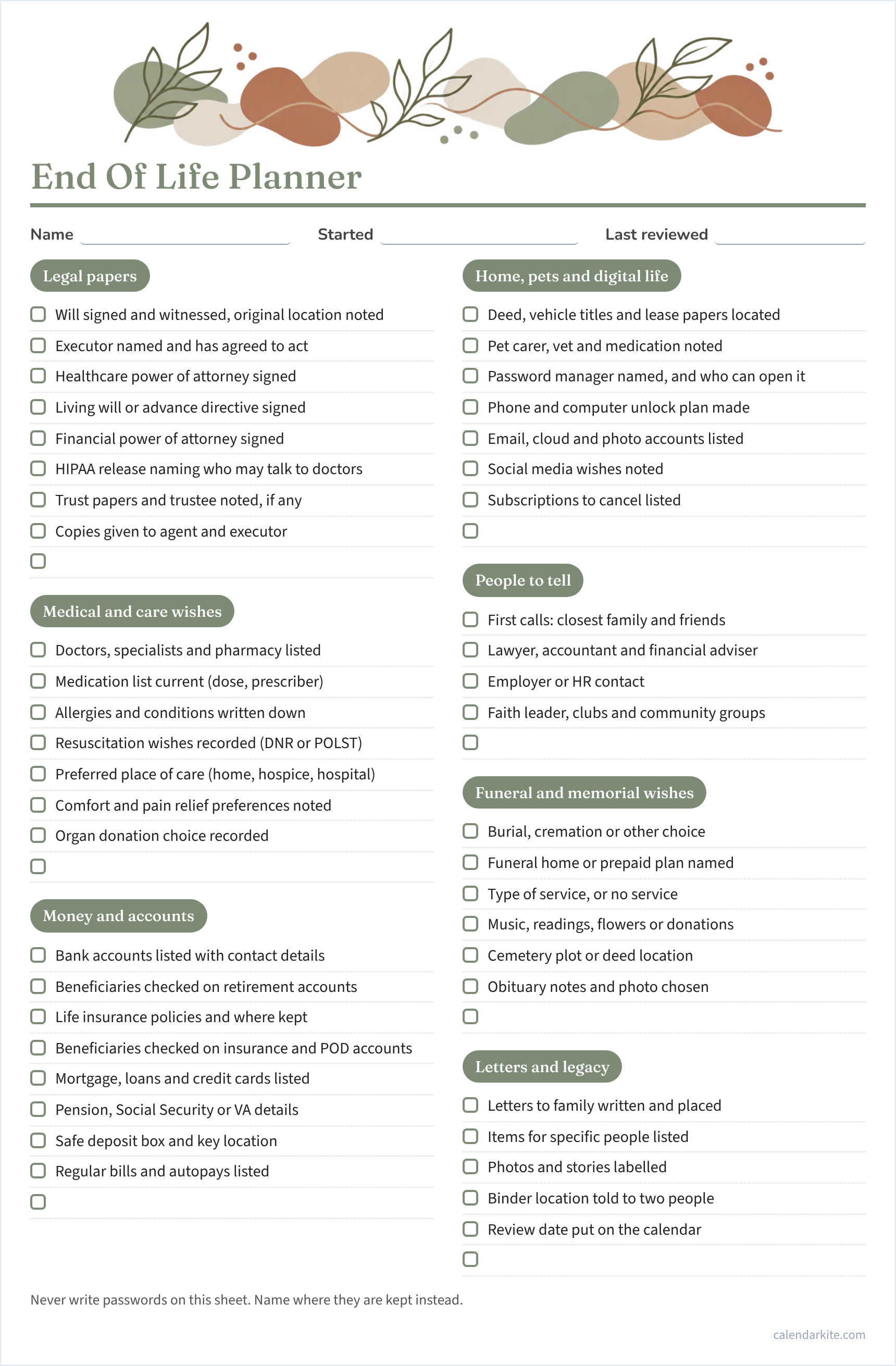
Muted sand, sage and terracotta with soft line-art leaves suit someone who wants a planner that looks at home on a shelf. I kept the writing lines roomy because wishes and messages need more space than a tick box.
Vintage End of Life Planner Printable
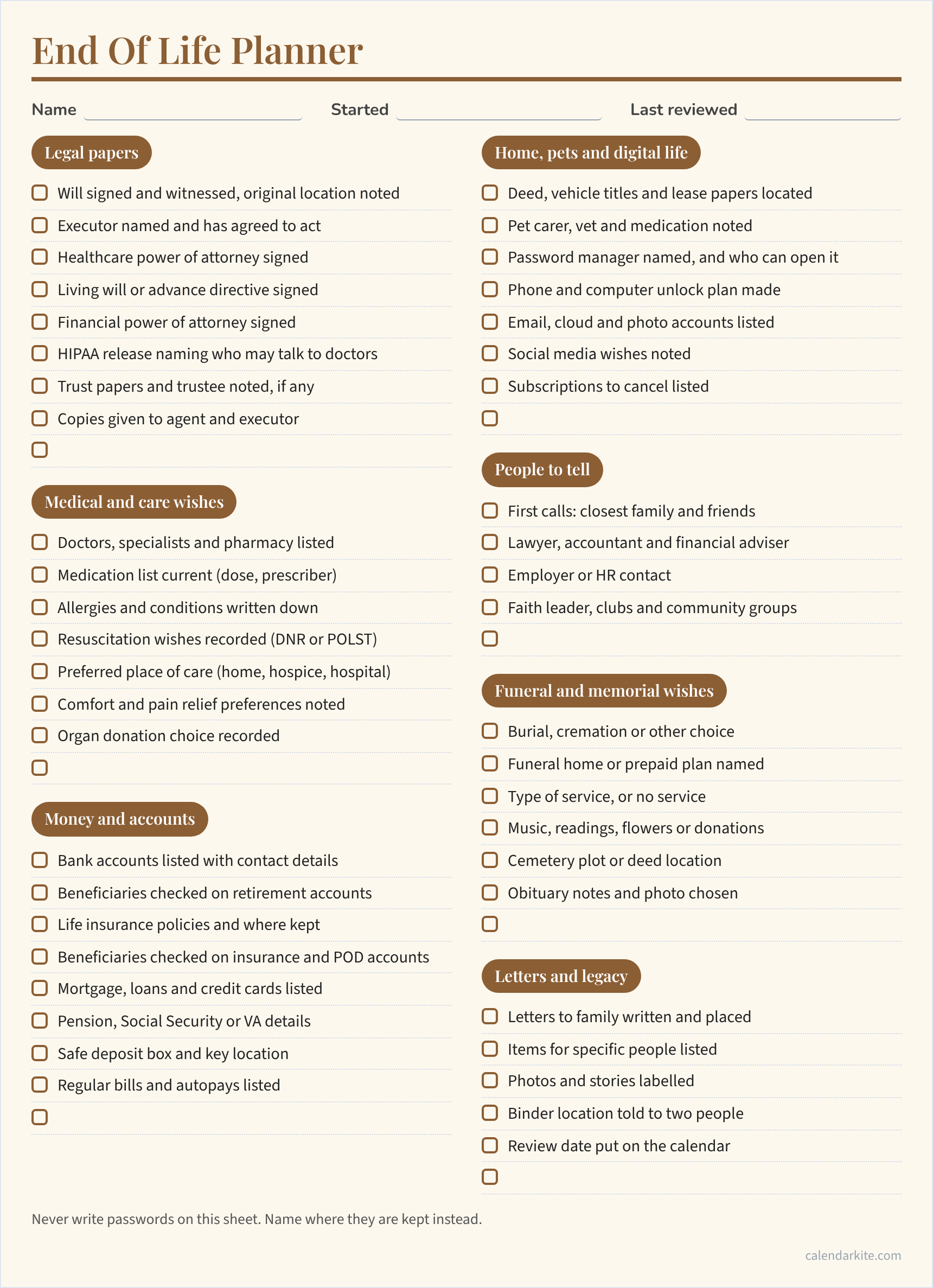
Cream paper and brown serif headings suit people who prefer a traditional feel for a will-and-documents folder. A common mistake is filling it in and telling no one, so I suggest noting where the folder lives.
Bold Modern End of Life Planner
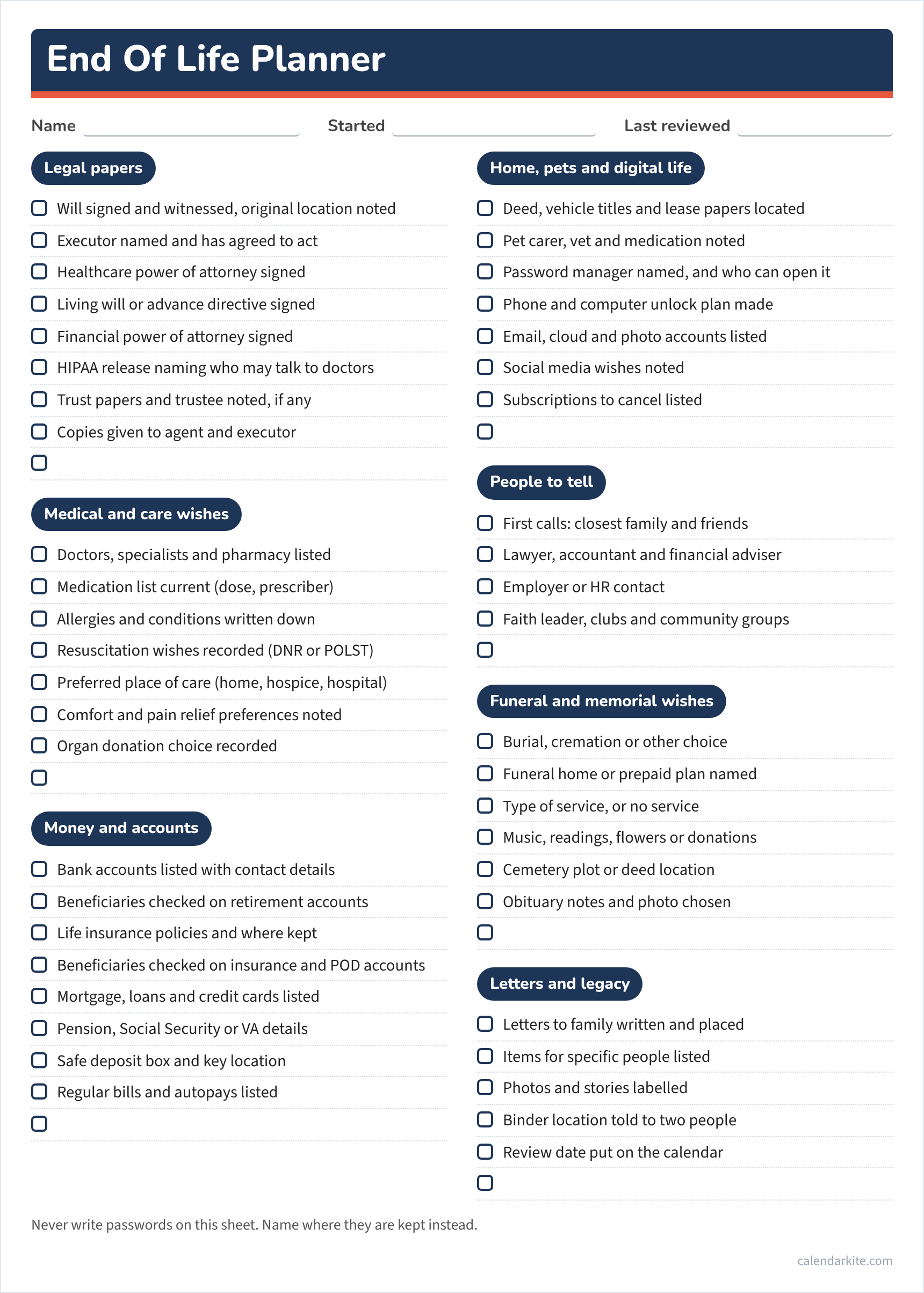
A navy header band with a coral accent makes section titles easy to spot, which helps when a family member needs the insurance page quickly. It suits a household binder, much like the paper calendar I keep on my fridge.
I spent about ten years in office administration, and a lot of that job was making sure that when someone was away, the next person could find everything without guessing. A planner like this is the same idea for a household. It is not a legal document and it does not replace a lawyer. It is the page that tells people where the real documents are and what you would want.
What an end of life planner is, and what it is not
Think of the planner as an index to your life’s paperwork. Your will, your advance directive and your insurance policies stay where they are. The planner records that they exist, where the originals are, and who holds copies. Estate planning focuses on your money and property, while end of life planning includes that but also covers your medical wishes, funeral plans, digital life and the personal messages you want to pass on.
It also helps to be clear about what the page cannot do. Writing “I want my sister to decide” on a planner does not make her your legal agent. Someone you would like to help is not the same as someone who is legally authorised to act. The signed forms do that, and the rules differ by state and country. The planner’s job is to point to those forms and fill the gaps they leave: your pet’s feeding routine, your preferred music, the name of the person at the bank.
That split is why I built the sheet as a checklist rather than a form with long answer boxes. Most of what a family needs is a yes or no (“is it signed?”) plus a location. A short line next to each item is enough, and you can attach longer notes behind it.
Who this printable suits
It suits anyone over eighteen with a household that depends on them, which is most of us. Parents of young children use it to record guardian wishes and where the insurance papers are. Adults caring for an older parent use it to gather medical contacts and see what is still missing. People who live alone use it because there is nobody down the hall who will just know where the deed is.
It also works well if you are not ready to think about a full binder. A one-page version is far easier to start than a 100-page workbook, and starting is the hard part. You can fill in the legal and money sections in an evening and leave the funeral and letters sections for another week.
If you are helping someone else, such as a parent, sit with them and let them dictate while you type. The sheet saves in your browser as you go, so you can stop and come back. Print a clean copy only when the page feels right to them.
How to fill in the planner, step by step
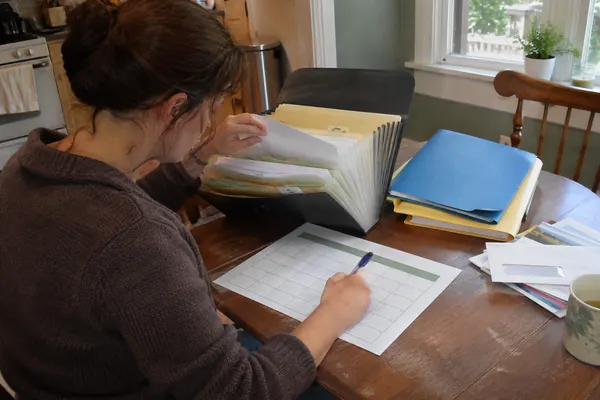
Type straight into the header and the item lines on this page. Everything saves in your browser on this device, so you can close the tab and return. You can edit the wording of any item, which matters because your life will not match a generic list. If you have no trust, rewrite that line as something that applies to you, such as a business or a second property.
- Fill in your name and the date you started. The Last reviewed field is for later.
- Start with Legal papers. Tick each item you have, and write the location of the original on the line next to it.
- Move to Money and accounts. Name the institution and the type of account, not the account number.
- Do People to tell next, because it takes ten minutes and is immediately useful.
- Leave Funeral and memorial wishes and Letters and legacy until you have time to think. These are the slow ones.
- Print, sign nothing on the sheet itself, and put it somewhere findable.
Try this: Set a 20 minute timer and fill in only the Legal papers section. Do not fix anything you find missing. Just write “not done” beside it. A list of gaps is a good result for a first session.
Legal documents to record
The core documents most people list are a will, a durable power of attorney for finances, a healthcare power of attorney (also called a health care proxy or agent), and a living will or advance directive. A living will tells your medical team how you want to be treated if you cannot communicate your wishes. The health care agent is the person authorised to make medical decisions on your behalf if you are unable to. A trust, if you have one, goes here too.
For every document, the planner needs three facts: that it is signed, where the original is, and who holds a copy. I see people skip the third one. A will in a fireproof box is fine until the executor cannot open the box. Write the name of the person with the key or the combination hint, not the combination itself.
Add a HIPAA release if you can. It lets named people speak with your doctors, which is often the first practical wall families hit. If you have children under eighteen, note your guardian wishes in the will and record here that the person has agreed. If a line on the sheet says “not done,” that is your list for a lawyer or your state’s official forms.
Medical and care wishes
This section holds the information a hospital or hospice nurse asks for in the first hour. List your doctors, pharmacy, allergies and current medications with doses. A separate printable medication log is a good companion, because the planner has room for one line and a medication list changes more often than a will does.
Then record your wishes for care. Do you want to be at home or in a facility if you can choose? What matters most for comfort? Have you completed a resuscitation order such as a DNR or a POLST form with your doctor? Those are medical orders that your clinician signs, so the planner only notes that you have one and where the copy is. If you have an organ donation preference, record it, and check it matches what your driver’s license says.
These are the questions people find hardest to write alone. I would rather you pencil an uncertain answer and talk it over with your doctor and your family than leave the line blank. A pencilled “probably home, but ask Sam” still helps.
Money, accounts and insurance
Your family does not need the passwords to your bank. They need to know which bank, which kind of account, and who to call. List checking and savings, retirement accounts, investments, pensions, Social Security or veteran benefits, loans, mortgages and credit cards. Note the safe deposit box and who has the key.
Beneficiary designations deserve their own tick. Beneficiaries on life insurance, retirement accounts and bank accounts override your will. A divorce, a remarriage or a child’s birth can leave an old name on a form that nobody has looked at for years. Checking those forms takes a phone call or a login, and it is one of the highest-value items on the sheet.
Regular bills are worth listing too, especially autopays. A bill tracker shows what comes out each month and from where, which saves a surviving partner from finding out about a missed insurance premium the hard way. If you are building a wider picture of your finances, a personal finance tracker makes a good attachment to this page.
Try this: Pick one retirement account or insurance policy and log in today. Write the named beneficiary on the line and the date you checked. One account is enough for a first pass.
Home, pets and digital life
This section covers everything that keeps running when you are not there. Note where the deed, vehicle titles and lease or mortgage papers are. Name who would look after pets, with the vet’s name and any medication. A pet’s routine rarely appears in a legal document, and it is exactly the sort of thing a stressed family forgets. Ours is a dog who needs two walks and a particular tablet in cheese, so it is on my own page.
Digital life is the section that has changed most in recent years. List your email, cloud storage, photo accounts, social media and subscriptions. Decide what you want done: closed, kept as a memorial, or handed to someone. Some services let you name a legacy contact or set up inactive account handling, so check the settings on your main phone and email providers and note that you did it.
Do not skip the phone. If your family cannot open it, they may not reach your photos, authentication codes or contacts. The sheet asks for an unlock plan, which can be as simple as “my spouse knows the passcode” or “code is in the sealed envelope in the file box.”
Passwords: what to write and what to leave off
I would keep passwords off this sheet. A printed page gets photocopied, photographed, left on a counter and shown to a visiting relative or a tradesperson. Keep passwords, device codes and recovery keys out of an openly shared checklist.
What works better is a layered approach. Use a password manager, write its name on the planner, and tell your executor or a trusted person how to get in. The master password and any emergency recovery sheet go in a sealed envelope, a safe, or with your lawyer. The planner points the way and the envelope holds the key.
If you do not use a manager, keep a short handwritten list of the accounts that really matter (email, bank, phone, cloud) in the same sealed envelope, and refresh it when you change a password. It is not elegant, but it beats nothing. Remember that email often unlocks the rest, so it is the first account to cover.
Funeral and memorial wishes
Funeral wishes are where a few lines save the most distress. Record burial, cremation or another choice, whether you want a service, and what kind. Add any music, readings, flowers or charity donations you prefer. If you have a prepaid plan, a funeral home you trust, or a cemetery plot, note the name and where the contract is. Veterans should record where discharge papers are kept, since they can affect burial honours.
Say who pays, or what budget you have in mind, if you can. Families often overspend out of guilt, and a sentence such as “simple and low cost is fine by me” can be a real kindness. You can also draft a few obituary notes: your full name, family, places that mattered, work or hobbies, and a photo you like.
You do not need to plan every detail. If the only thing you decide is cremation, a small gathering and a favourite song, that is a good plan. The rest can be left to the people who love you, and they will know what to do.
People to tell and letters to leave
The People to tell section is short because it should be. List who gets the first calls, then the lawyer, accountant or financial adviser, the employer or HR contact, and any faith leader, club or volunteer group. A communication log is a handy companion for whoever has to make those calls, because it lets them note who has been told and what was said.
Letters are optional, and I would not pressure anyone to write them. But if you want to, even a few lines to each person can mean more than the paperwork. Tick the line when a letter is written, and note where it is kept. Items for specific people and labelled photos belong in the same section. A list of who gets Grandma’s ring takes five minutes and prevents years of quiet arguments.
Try this: Write one short note to one person on blank paper, three or four sentences. Put it in an envelope with their name on it, and tick the Letters line. It does not have to be perfect.
Where to keep it and who should know
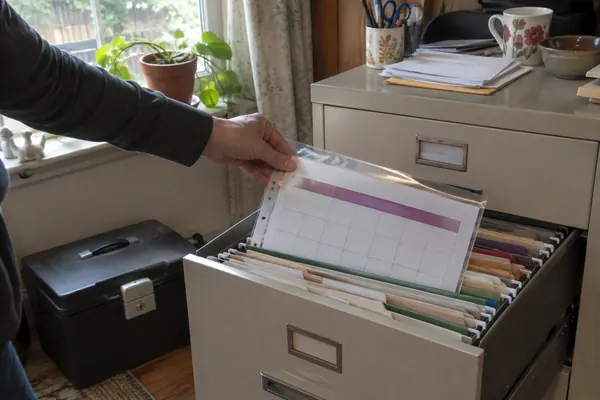
A planner nobody can find does no good. Keep the printed sheet and its attachments in a folder or binder in a known place at home, not a bank box that needs a death certificate to open. A fireproof file box works, and so does a labelled drawer. Tell your executor, your healthcare agent and one other trusted person where it is. Your plans are only useful if the right people can find them.
I keep a paper calendar on the fridge and a planner on the kitchen counter, and I have learned that the best place for anything the family needs is somewhere they already look. For this binder that means a spot the family knows, with a label that says what it is. Some people use a plain label such as “Family papers” to avoid alarming children, and that is fine.
If you also keep a digital copy, protect it with a strong password or encryption, and update both versions together. Two copies that disagree are worse than one.
How often to review it
Review the planner once a year, and after any major change: a marriage, divorce, birth, a move, a new job, a large purchase, a death in the family, or a change in health. Write the date in the Last reviewed field each time you do. That small habit tells the reader how much to trust the page.
The easiest way to make a yearly review happen is to put it on a date you already see. Mark your birthday or the first of January on a 2027 calendar with “check planner,” and treat it like an appointment. It takes about 15 minutes once the sheet is filled in: open it, check each item, update what changed, change the date.
When I test a printable, I check that it still reads well on paper a year later, not just on the day I print it. A planner is the same. Pencil for items that change, pen for items that do not, and keep old versions only if there is a reason to.
Variations that suit different households
The sheet is one page on purpose, but people use it in different ways. Here are the ones I would suggest.
- Couples: Print two copies and fill in one each, then swap and check. Each person often knows things the other does not.
- Caregivers: Fill it in for a parent, with their input, and keep a second copy for yourself.
- Short version: If time is short, complete only Legal papers, People to tell and the password manager line. That covers the first week.
- Binder version: Use the sheet as the front page and add tabs behind it, one per section, with copies of the actual documents.
- Checklist only: For more general lists, see our printable checklists and pick a layout you prefer.
You can also edit the item lines on screen to fit your situation. Rewrite “Trust papers” as “Business partner agreement,” or add a line for a second home, a boat or a family business.
Printing tips
The sheet is laid out for US Letter, and it prints on A4 as well. When I test-print each page on my home inkjet, I check that the lines are dark enough to write on and that nothing is cut off at the margins. Use “Actual size” or 100% in your print dialog, not “Fit to page,” which shrinks the text and the writing space.
Print on plain 20 lb paper if you will fill it in by hand and want to keep the cost low. Choose slightly heavier paper, around 24 lb, if you plan to keep it for years or put it in a sheet protector. If you want to add it to a binder, print a second copy and punch three holes, leaving the left margin alone.
Fill in by hand with a pen for fixed facts. A pencil is better for items you expect to change. If you complete the sheet on screen first, print it only when you are happy, then update the on-screen version and reprint each year.
Common mistakes
Most mistakes I see are simple. They are not about the sheet itself, but about what happens around it.
- Writing passwords on the page. Name where they are kept instead.
- Not telling anyone the planner exists.
- Listing a person as agent without asking them first.
- Leaving an old beneficiary on a form after a life change.
- Waiting until the whole planner can be done perfectly, and so never starting.
A half-filled sheet in a known place beats a perfect binder that does not exist. Start with what you know, mark the rest “not done,” and come back to it. If you want a wider tool for organising the rest of the paperwork, the printable planner gives you more room for notes, and the sheet on this page stays the summary at the front.
This page is general information, not legal, medical or financial advice. For anything that has to be signed or witnessed, use your state’s official forms or speak to a local attorney.
Common questions
What is an end of life planner?
It is a set of pages where you record your legal papers, medical wishes, accounts, contacts, funeral preferences and final messages, so your family can find everything in one place. It does not replace a will or a lawyer. It tells people where things are and what you want.
What should be in an end of life planner?
At minimum: where your will and other legal documents are kept, who your healthcare and financial agents are, your accounts and insurance, your medical wishes, funeral preferences, who to contact, and how to reach your digital accounts. Personal letters are a welcome extra.
Is an end of life planner legally binding?
No. A planner records information and preferences, but a will, power of attorney or advance directive must be signed and witnessed under the rules where you live. Use the planner to point to those documents, and ask a local lawyer if you are unsure.
Should I write my passwords in it?
It is safer not to. Write the name of your password manager and who can open it, and keep the master password or recovery details in a sealed envelope or another secure place. A printed page can be lost, copied or read by the wrong person.
How often should I update my end of life plan?
Review it once a year and after any big change, such as a marriage, divorce, birth, move, new account or a death in the family. Writing the date in the Last reviewed field makes it obvious how current the page is.
Who should I tell about my planner?
Tell your executor, your healthcare agent and one other trusted person where the binder is kept. They do not need to read it today. They only need to know it exists and how to get to it.
More free planners
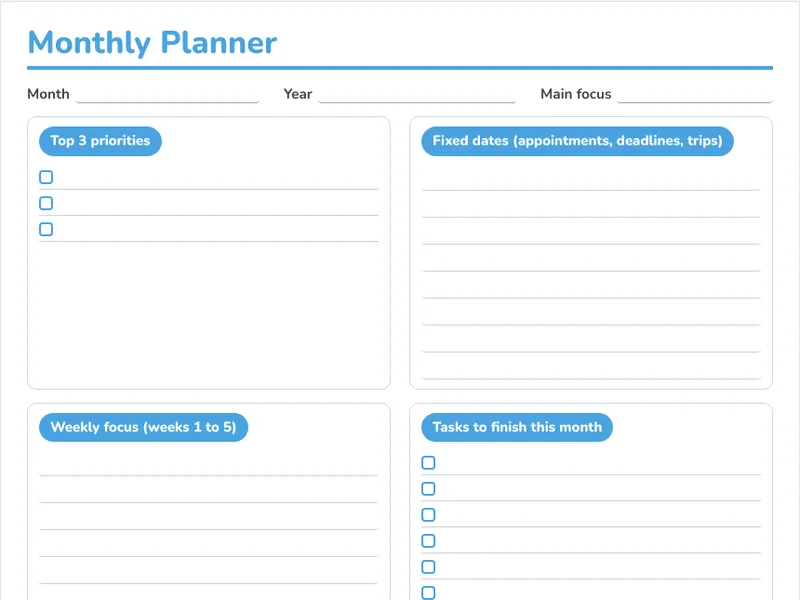 Monthly Planner: Free Printable One-Page Sheet
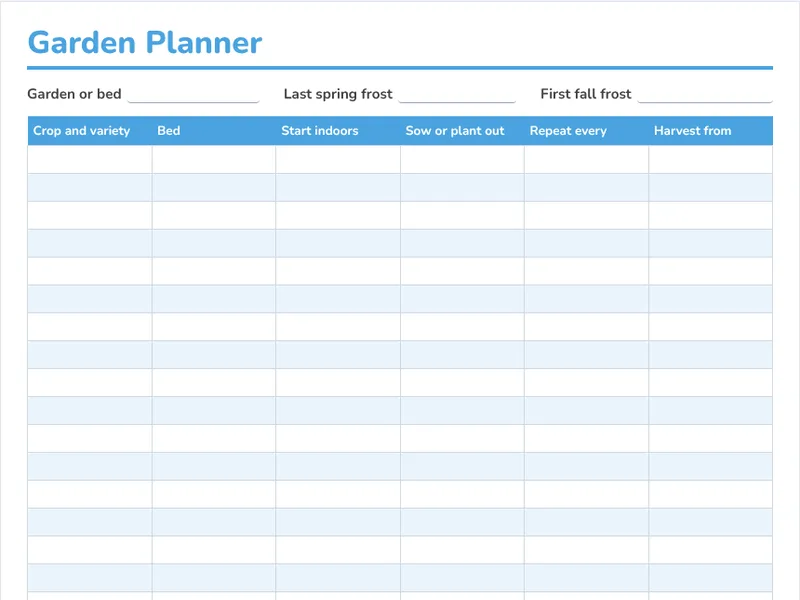 Garden Planner: Free Printable Planting Sheet
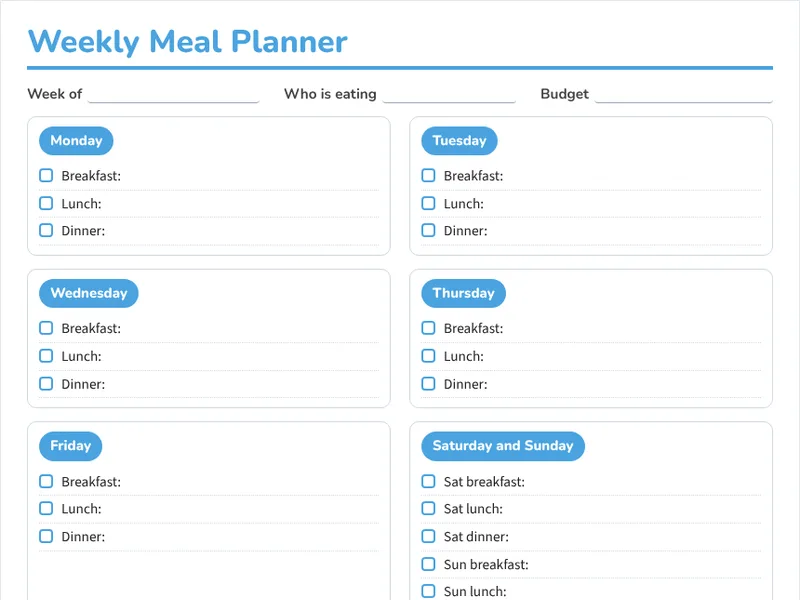 Printable Weekly Meal Planner
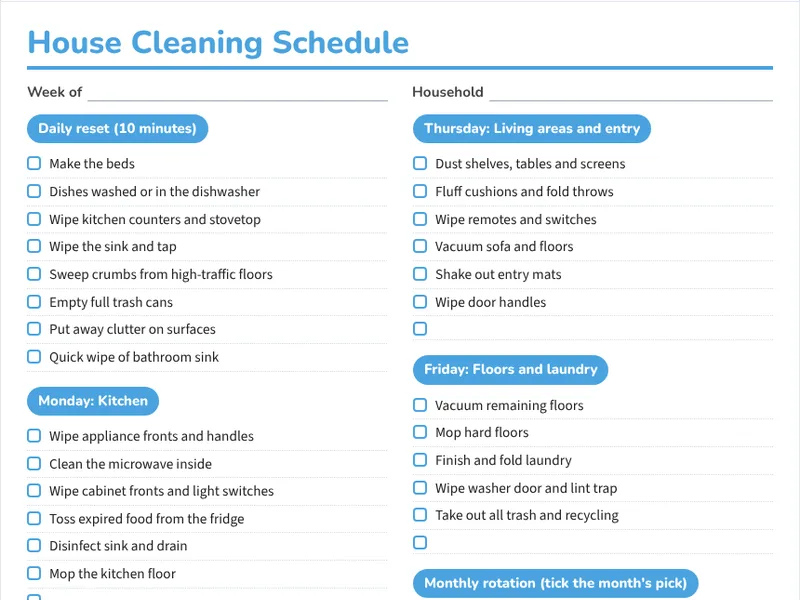 House Cleaning Schedule: Free Printable for Daily, Weekly and Monthly Jobs
 Hourly Schedule Template: Free Printable Weekly Planner
 Daily Planner 2027: Free Printable Page for Every Day