
College Schedule Planner: Free Printable Class Schedule

A college schedule planner is a weekly grid where you write every class, lab, commute, work shift and study block so you can see your whole week on one page. The free printable on this page does exactly that: seven day columns, hourly rows from 7 AM to 9 PM, and fill-in fields for your name, semester and credit load. You can type straight into it on screen, or print it and write by hand.
| Mon | Tue | Wed | Thu | Fri | Sat | Sun | |
|---|---|---|---|---|---|---|---|
| 7 AM | |||||||
| 8 AM | |||||||
| 9 AM | |||||||
| 10 AM | |||||||
| 11 AM | |||||||
| 12 PM | |||||||
| 1 PM | |||||||
| 2 PM | |||||||
| 3 PM | |||||||
| 4 PM | |||||||
| 5 PM | |||||||
| 6 PM | |||||||
| 7 PM | |||||||
| 8 PM | |||||||
| 9 PM |
Write course, room and building in each block. Add commute, meals, work and study time too.
Free for personal, classroom and office use. Your entries are included in the print, PDF and PNG. Prints on US Letter and fits A4.
Black and White College Schedule Planner Printable
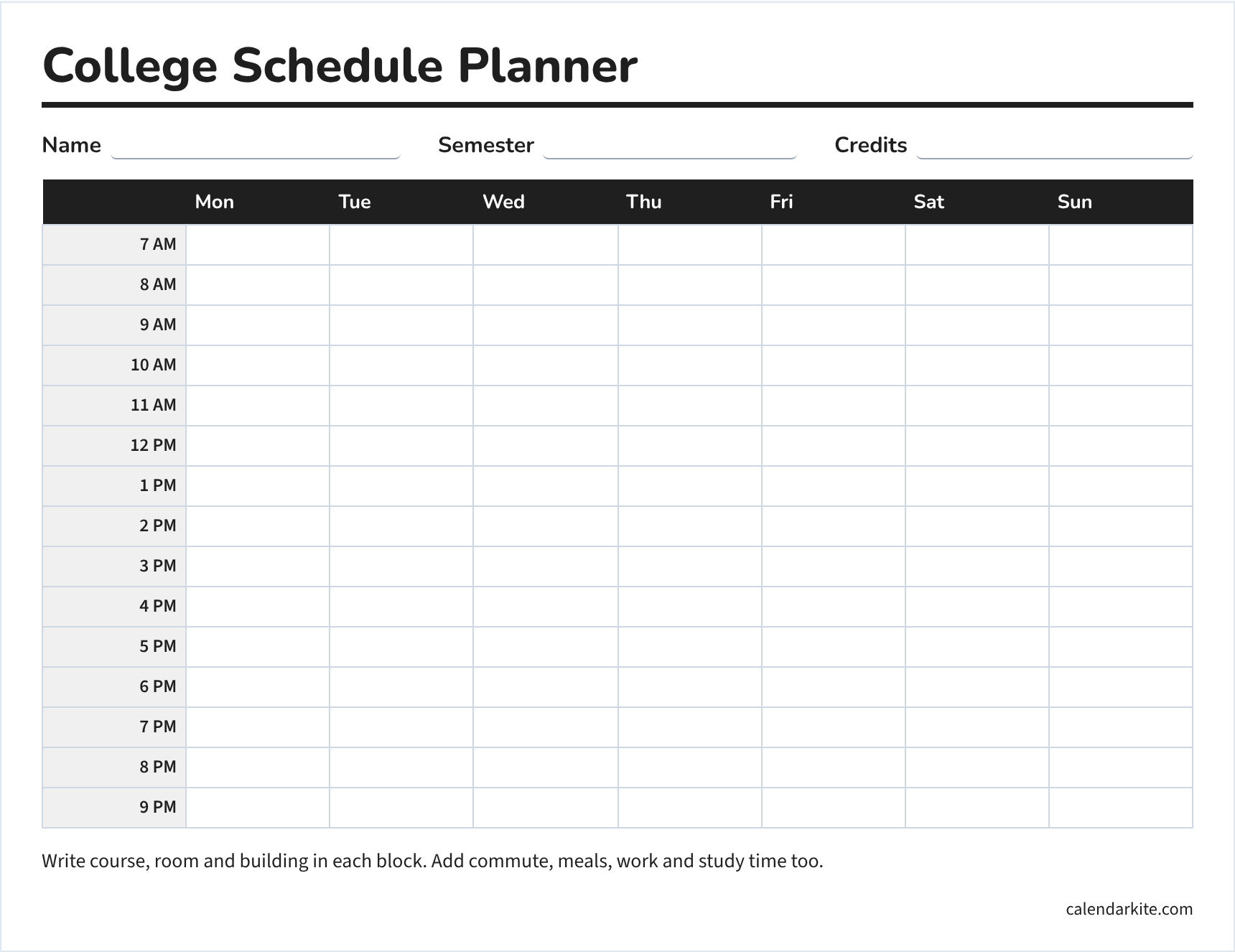
I suggest this one if you print a lot of copies and want to save ink, such as a fresh timetable every semester. I test-print every page on my home inkjet, and plain black lines stay crisp on both US Letter and A4.
Pink College Schedule Planner
This soft pink version suits you if you like a gentle color while mapping out lectures, labs and study blocks. In my office years I learned that color-coding only helps when it's light enough to read, so I kept this tint pale.
Sage Green College Schedule Planner
The sage green design is calm and works well for students who get overwhelmed by a packed week of classes. I'd pin it above a desk and block out class times first, then add study sessions in the gaps.
Lavender College Schedule Planner
Lavender is a good pick for anyone who wants a cool, focused look during exam season, with room for classes and finals. I keep a planner on my kitchen counter, and a pale tint like this stays easy to scan at a glance.
Cute College Schedule Planner
This pastel blue version with little hand-drawn illustrations suits students who want a friendlier planner for a dorm wall. I print it to check the top art doesn't crowd the time slots, since I moved the first class row down for that reason.
Floral College Schedule Planner
Watercolor flowers and elegant serif headings make this a nice choice if you like a polished, softer look for a semester binder. I'd print it on slightly heavier paper, which handles highlighters and pens well without bleeding through.
Colorful College Schedule Planner
This bright orange and yellow design is fun for students who like a loud, energetic planner that's hard to ignore. It works as a first-year schedule on a dorm door, and I find bold colors make busy lecture days easy to spot.
Simple Minimalist College Schedule Planner
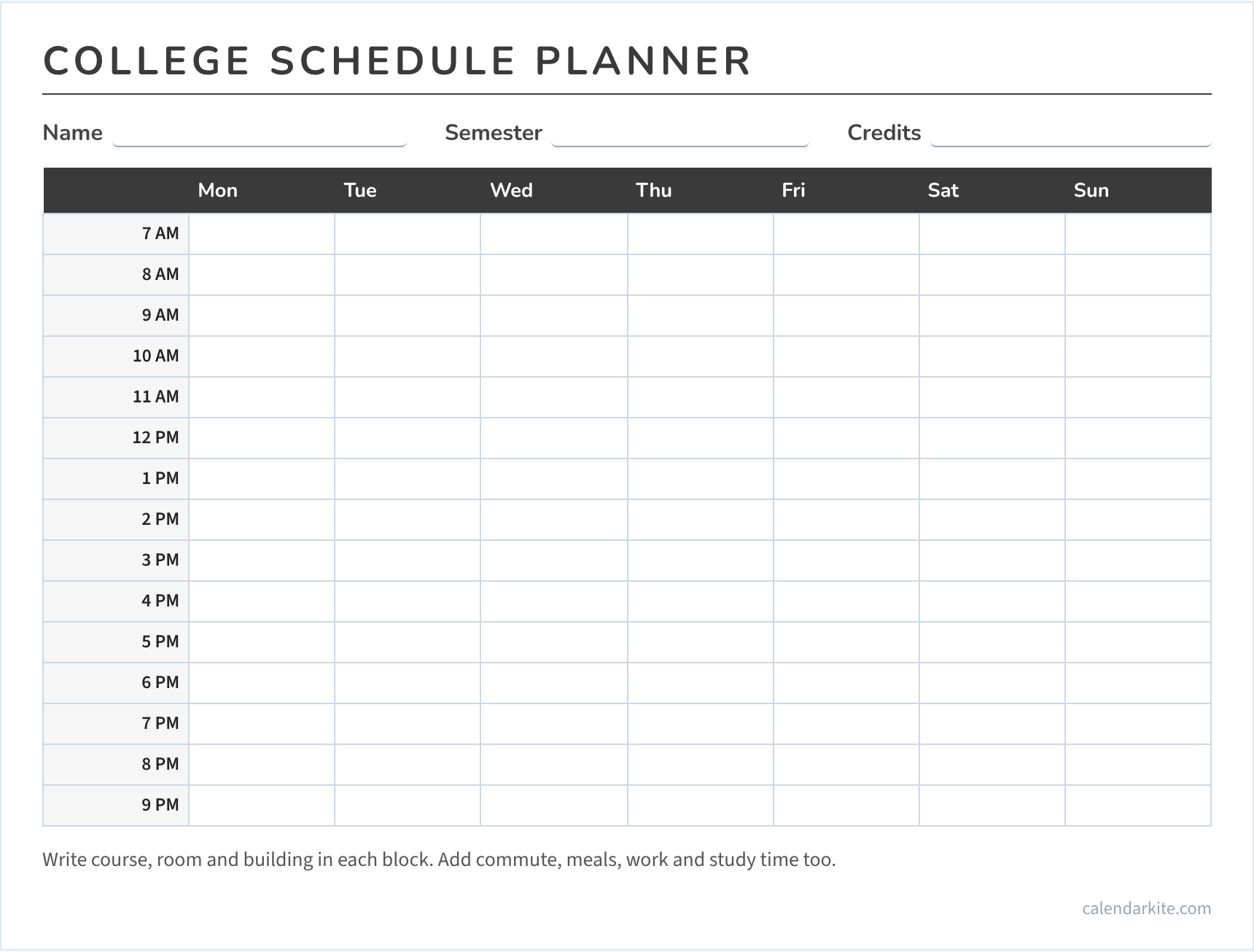
Thin gray lines and a light uppercase heading make this the one for students who want a distraction-free grid for classes and work shifts. I learned in the office that a cluttered schedule gets ignored, so I kept the layout as clean as possible.
Aesthetic College Schedule Planner
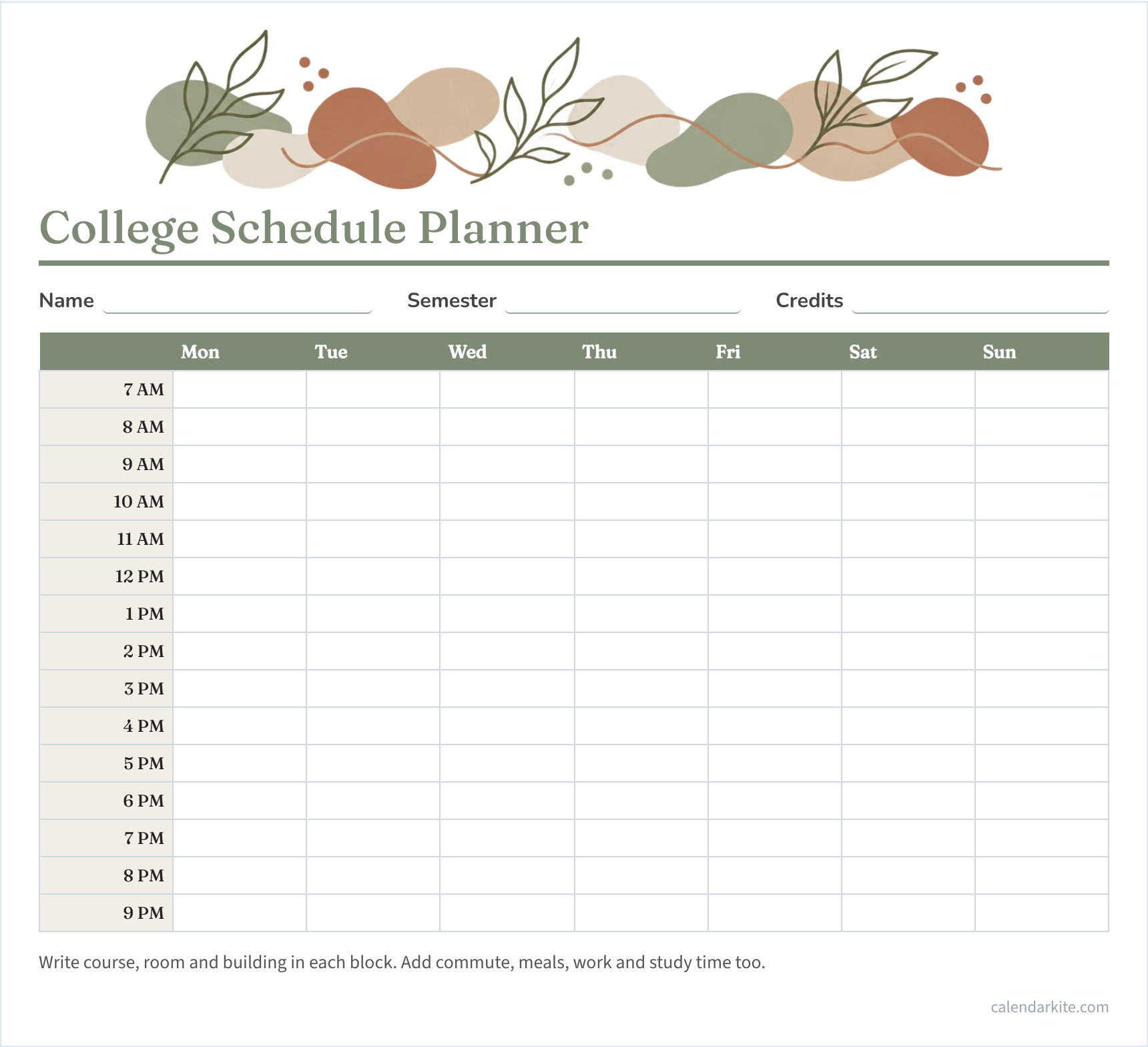
Muted sage, sand and terracotta with soft line-art leaves suit students who like a calm desk setup and a planner that looks good in photos. It's handy for a weekly class grid with study blocks and club meetings.
Modern College Schedule Planner
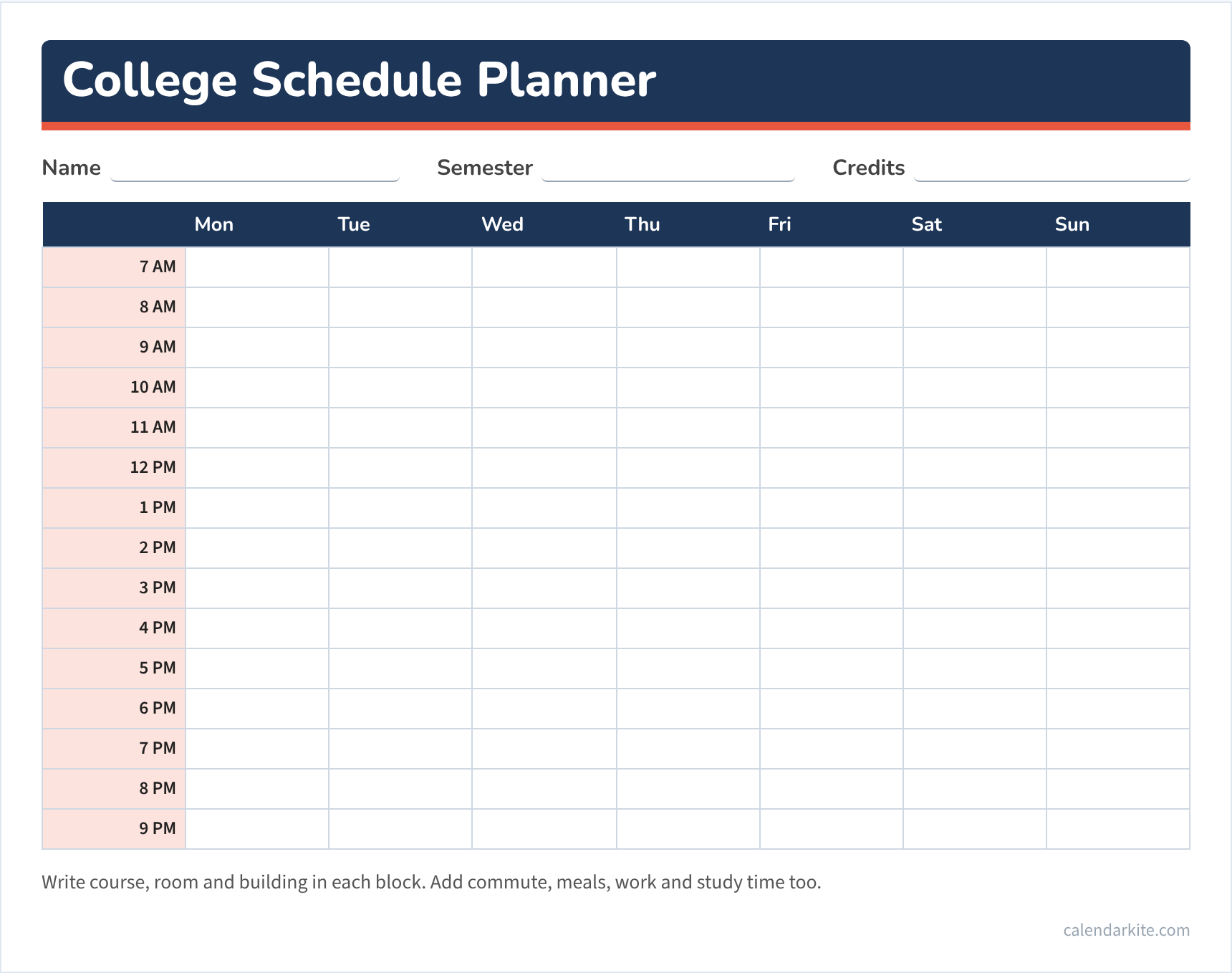
The navy header band with a coral accent gives a modern, no-nonsense look for students juggling classes and a job. I always check the finished page against the real calendar, so the days and times line up properly.
I spent about ten years in office administration keeping schedules readable, and the lesson carries over to a student week: a schedule only helps if you can read it from across the room. So I kept the layout plain, with room to write a course name, room number and building in each block. Below you will find how to fill it in, how to handle odd class patterns, how much study time to plan, and what to do before registration opens.
Who this college schedule planner suits
It suits anyone building a semester around fixed class times: first-year students trying to make sense of a registration email, transfer students juggling two campuses, part-time and evening students fitting classes around a job, and parents who want to see when a student will be home. It also works for community college, trade programs and graduate courses, because the grid does not care what kind of class goes in it.
If you are mainly after a tool that drops classes into a phone calendar, this is not that. This is a one-page paper view of your week, and that is its strength. A page on the fridge or the inside cover of a binder gets seen far more often than an app you have to open.
At home I keep a paper calendar on the fridge and a planner on the kitchen counter, and I have watched my family trust the paper one first. Students are no different. The page you can glance at in two seconds wins.
How to fill in the planner
Open the page and click into the fields at the top. Add your name, the semester (for example, Spring 2027) and your total credits. Then fill the grid in this order:
- Write each class into the rows it covers, on every day it meets. A 75 minute class that starts at 9:30 AM goes across the 9 AM and 10 AM rows.
- Add the course name and room number. Use short names like “BIO 101, Sci 214”.
- Add labs, discussion sections and recitations. These are the blocks most often forgotten.
- Add work shifts, commute time, practice or club meetings.
- Place study blocks in the gaps that remain.
Everything you type saves in your browser, so you can build the schedule across a few sittings. If you would rather write by hand, use the blank PDF download. I suggest typing a draft first, because moving a class on screen is much easier than erasing it from paper.
Try this: Before you write anything in the grid, copy your course list from your registration page onto scrap paper with days, times and rooms. Then fill the planner from that list in one pass, so you are not hunting through emails mid-way.
Start with the fixed blocks
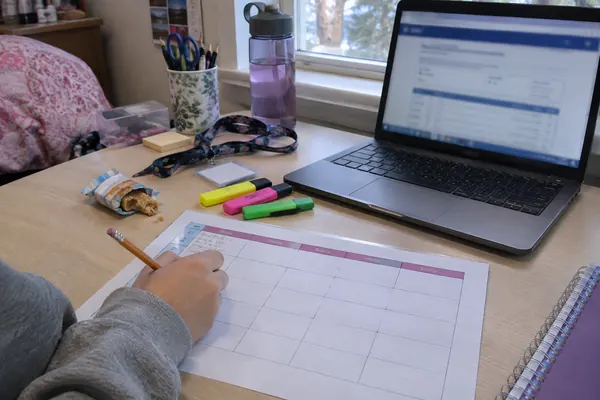
Classes, labs and discussion sections do not move, so they go in first. Treat them as the frame of the week. Once they are in, the empty space is what you actually have to work with, and it is usually less than students expect.
Use the exact meeting times from your registration system, not rounded ones. A class that runs from 11:10 to 12:00 and one that runs from 12:00 to 12:50 look back to back in the grid, and they are. Seeing that early tells you whether you will need to eat lunch on the way between buildings.
One small habit I picked up from office rotas: always write the location with the time. “Chem lab, Thurs 2 PM” is easy to forget. “Chem lab, Hale Hall 112, Thurs 2 PM” means you can walk there without opening anything.
Reading MWF and Tuesday Thursday patterns
Most US colleges run two main patterns. Monday, Wednesday and Friday classes are usually about 50 minutes. Tuesday and Thursday classes are usually 75 to 80 minutes. Some schools add Monday and Wednesday only pairs, or one long evening class a week. Your week will often look lopsided: short, frequent meetings on three days, long blocks on two.
That lopsidedness is useful. Tuesday and Thursday tend to be heavy, with long classes and little slack. Monday, Wednesday and Friday have more gaps between classes, which are good for short study sessions, office hours and meals. When you fill in the grid, the pattern becomes visible and you can plan around it instead of being surprised on your first Thursday.
If your school uses a different system, such as quarters, block schedules or a four day week, the grid still works. Cross out any day you do not need, or use the extra columns for work or family commitments.
Add the blocks people forget
A class schedule on its own lies a little. It shows when you are in class, not when you are free. The things that quietly eat your week are the ones that never make it onto the page. Add these before you decide anything is free time:
- Walking or driving time between buildings, and parking
- Meals, since a 12 to 1 gap is not free if the dining hall line takes 25 minutes
- Work shifts, plus travel to and from them
- Labs, tutoring, clubs, team practice and rehearsals
- Sleep, if you are tempted to treat 7 AM as a study slot
I made a layout change for exactly this reason. The early rows start at 7 AM, not 8, because commuting students often leave home well before an 8 AM class begins. If you live on campus, leave 7 AM blank. If you commute, write “Drive” across the hour so the page tells the truth about your morning.
How much study time to schedule
A common rule of thumb is about two hours of work outside class for every credit hour. A 3 credit course then means roughly six hours a week, and a 15 credit load can reach about 30 hours of study on top of class time. That is a guide, not a promise: a gentle elective may need less, while a lab science, a writing class or a programming course may need more.
Put those hours in the grid as real blocks with a purpose, such as “Calc problem set” or “Read ch. 4 for History.” A block called “study” is easy to ignore. A block with a name is a small appointment. Short blocks in the gaps between classes work better than a single heroic Sunday session, and they keep reading and problem sets from stacking up.
Once classes and study are both in the grid, add up the total. If class time, study time and work come to more than a full time job plus a little extra, that is useful information in week one, not week nine.
Try this: Count your weekly credits, multiply by two, and write that number of study hours into the grid as named blocks. If you cannot find room for them all, you have found your problem before the semester has found it for you.
Color coding that survives a black and white printer
Giving each course its own color is a good idea, and highlighters or colored pencils work well on a printed sheet. The mistake is relying on color alone. Most home printers print in black and white by default, and a colored cell can turn into a gray smudge that hides your handwriting.
Print the sheet in black and white on plain paper, then add color by hand. Use light shades so the writing stays readable. If you only have a pen, give each course a tiny symbol instead: a star, a triangle, a circle. I test-print every printable on my home inkjet on both US Letter and A4, and I keep the cell borders light for this reason: it leaves room for your own marks.
Use one color per course, and one more for work, and a plain pencil outline for study blocks. Three or four colors is enough. More than that, and the page becomes decoration instead of information.
Check for conflicts before you register
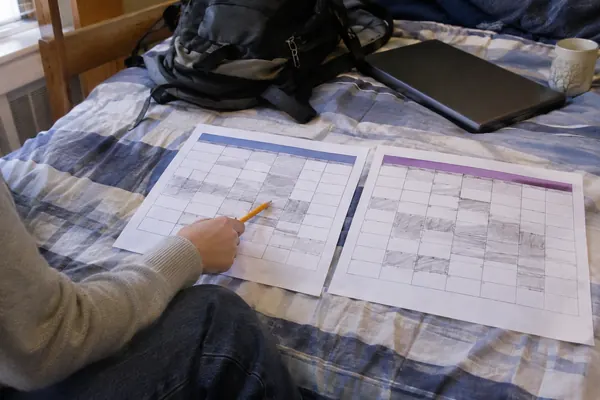
If you are still choosing sections, use the planner as a draft. Pencil in each class you want, then look for three kinds of trouble: classes that overlap, classes with no travel time between distant buildings, and days so full you will have no break at all.
A good test is to look at each day and ask whether you could realistically do it on four hours of sleep and a missed bus. If a day has a 8 AM class, a 5 hour gap and an evening lab, you may want a different section. Seeing that on paper takes seconds. Finding out during week two takes much longer.
Remember that the planner shows your week but does not check seat availability, prerequisites or degree requirements. Confirm those with your college or advisor, and keep the planner for what it does best: showing whether the pieces fit.
Build a backup schedule for registration day
Popular sections fill within minutes at many schools. Instead of scrambling when your first choice closes, print two copies of the planner. Fill the first with your ideal schedule and the second with the best alternative sections.
Write the course reference numbers (often called CRNs or section numbers) beside each class, so you can register quickly. If a section closes, you can glance at the backup and see whether swapping one class still leaves room for your work shifts. This takes about ten minutes the evening before and saves a lot of panic.
I would also keep one more copy for a plan C if you are a first-year student or work around a tight schedule. It sounds like a lot, but a spare page costs a few cents and a stressful registration morning costs much more.
Add syllabus dates and office hours in week one
Once classes begin, your syllabi are full of dates: exam days, paper deadlines, lab quizzes, and the professor’s office hours. The weekly planner is a good home for the recurring ones. Office hours go right into the grid as a small block. Standing events such as a Friday quiz or a weekly lab report do too.
One-off deadlines belong somewhere else. Use a monthly view for exams and due dates, and keep the weekly grid for what repeats. Our planners for college students page has options for the semester-wide view, and the college assignment tracker is a good place to log every paper, problem set and reading with its due date.
My rule from the office: repeating events live in one place, and one-off deadlines live in another. Mixing them is how things get lost.
Variations for different semesters
The same sheet adapts well. For a spring semester, label it with the term and fill in the usual pattern. For a summer session, classes tend to be shorter in span but longer each day, so you may use fewer columns and thicker blocks. Evening and part-time students can fill the 5 PM to 9 PM rows and leave the morning for work.
Online courses need structure too. Asynchronous classes have no meeting time, so give them a standing slot, such as “Psych lectures, Tue and Thu 4 to 6 PM.” Without a fixed slot, those classes slide. Hybrid courses, where you meet on campus once a week, go in as normal blocks with the online work added as study blocks.
If you move between terms, keep your old sheets. Seeing what a good semester looked like makes the next one easier to build. For a dated view of the months around term starts, the August 2027 calendar pairs well with a fall schedule.
Paper, phone or both
The best setup is usually both. The paper sheet is your overview: it hangs on a wall or sits in a binder and shows the pattern of your week at once. Your phone calendar handles reminders and one-off events, such as a Thursday review session that moved to Friday.
Do not try to duplicate every detail in both places. Put classes and recurring blocks on paper, and put alerts and changing events in the phone. The paper copy is your answer to “where do I need to be right now?” and the phone is your answer to “what is changing this week?”
If you live in a dorm, tape a copy next to the door or above the desk. Roommates are less likely to schedule a loud video call during your Tuesday study block if they can see it. If you share a space, a dorm room planner can help with the rest of the logistics.
Printing tips for Letter and A4
The sheet is built to fit one US Letter page. On A4, choose “fit to page” in your print dialog so the bottom rows are not cut off. Print at 100 percent first on Letter, since scaling shrinks the writing space and makes small handwriting harder to read.
Use plain white paper for the week you are drafting and heavier paper, if you have it, for the final copy. Pencil is useful in the first two weeks because sections change, professors move rooms and add or drop happens. A pen belongs on the sheet only after the add and drop deadline passes.
If you want a second sheet for a different purpose, such as work or a split between two campuses, print it separately instead of cramming it onto the same grid. For finer time slots, the hourly schedule template gives you more rows to work with.
Mistakes I see most often
A few errors show up again and again, and almost all are easy to avoid:
- Leaving out commute and walking time, which makes the week look emptier than it is
- Filling every free hour with study and no break, meal or sleep
- Forgetting labs and discussion sections that meet at separate times
- Writing in pen before the add and drop deadline
- Never looking at the page again after the first week
The last one matters most. A schedule that is not seen is not used. Put it where you pass it daily: the fridge, the desk, the inside of your locker or the front of your binder.
If you live with roommates, you can share the load as well as the space. A roommate chore chart keeps household tasks from colliding with your class blocks.
Review it every Sunday
Reality will not match the plan exactly, and that is normal. Spend five minutes each Sunday looking at the week ahead. Did you protect your study blocks last week? Did a class move? Do you have a deadline coming up that needs extra time?
Try this: On Sunday evening, put a small check mark beside each study block you actually kept. After three weeks, look at which blocks you skip most often and move them to a time you will really use.
Small adjustments beat big rewrites. Shift a block, add a commute line, swap a Tuesday reading hour to Wednesday. By midterms you will have a schedule that reflects how you really work, not how you hoped you would, and that is the version worth keeping for next semester.
Common questions
How do I make a college class schedule?
List every class with its meeting days, start and end times, and room. Then write each one into the matching rows of a weekly grid, one block per meeting. Add commute, work and study time afterwards so you can see what the week really looks like.
How many hours should I study for each college class?
A common rule of thumb is about two hours outside class for every credit hour, so a 3 credit course means roughly six hours a week. Some courses need less and some (labs, writing, programming) need more. Check your first two weeks and adjust.
Can I fill in the college schedule planner on screen?
Yes. You can type into every cell and field on the page, and your entries save in your browser so they are there when you come back. When you are happy with it, print it or download the blank PDF to write on by hand.
What is the difference between MWF and TTh classes?
MWF classes meet Monday, Wednesday and Friday, usually for about 50 minutes. TTh classes meet Tuesday and Thursday, usually for 75 to 80 minutes. Many schools use both patterns, so your week can look uneven.
Should I plan a backup schedule before registration?
Yes. Popular sections fill fast, so print a second copy with an alternate set of sections. If your first choice closes, you can see in seconds whether the backup still fits around work and commuting.
Does the planner work for community college, part-time or evening students?
It does. The rows run from morning to late evening and the weekend columns are there if you need them. Leave any day you do not use blank, or use it for work shifts and study blocks.
More free planners
 Monthly Planner: Free Printable One-Page Sheet
 Garden Planner: Free Printable Planting Sheet
 Printable Weekly Meal Planner
 House Cleaning Schedule: Free Printable for Daily, Weekly and Monthly Jobs
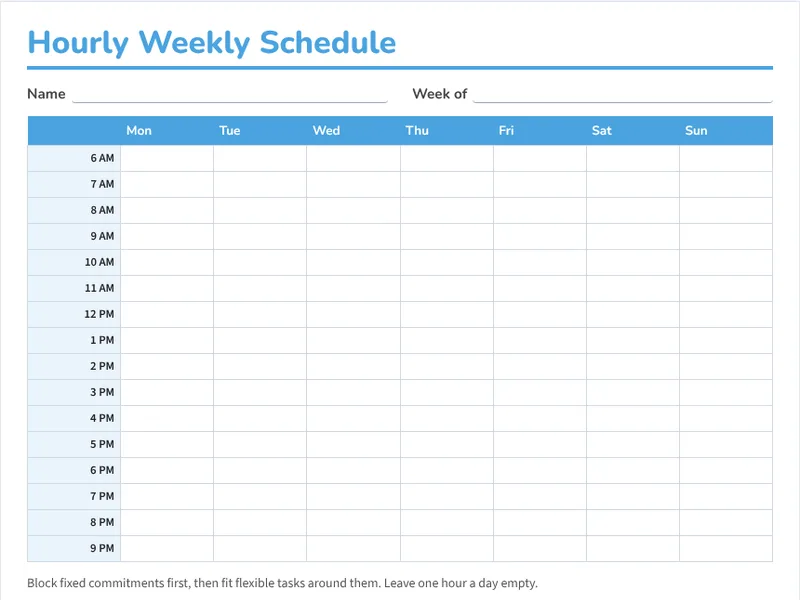 Hourly Schedule Template: Free Printable Weekly Planner
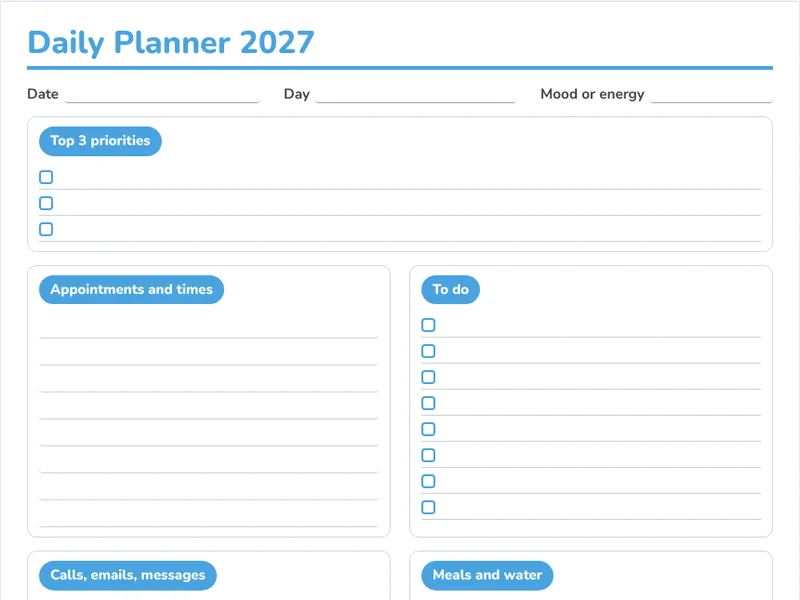 Daily Planner 2027: Free Printable Page for Every Day