
College Assignment Tracker: Free Printable Sheet

A college assignment tracker is a single sheet where you list every deadline from every class, with the course, the due date, how much each task counts toward your grade and whether it is done. The free printable on this page does that on one US Letter page, with 18 rows, and adds two columns most trackers leave out: a Start by date and a Worth % figure. You can type into it on screen and print it, or download a blank copy to fill in by hand.
| Due date | Course | Assignment | Start by | Worth % | Done | Grade |
|---|---|---|---|---|---|---|
Fill in every syllabus deadline in week one. Check the Start by column each Sunday.
Free for personal, classroom and office use. Your entries are included in the print, PDF and PNG. Prints on US Letter and fits A4.
Black and White College Assignment Tracker Printable
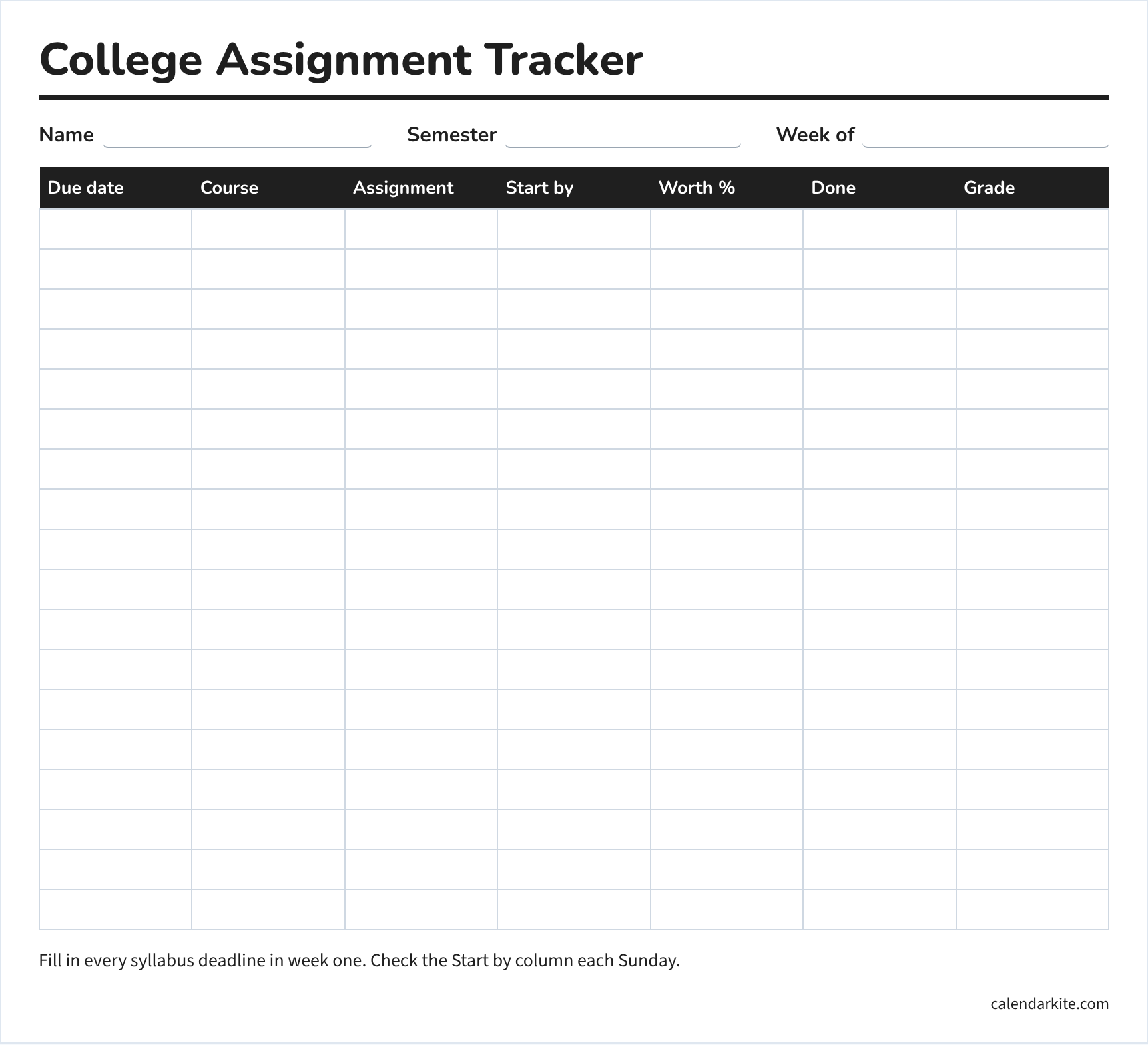
I use this one when I'm printing a full semester's worth of sheets, since plain black lines go easy on my home inkjet. It suits students who want a no-fuss tracker for a binder, and I test-print it on US Letter and A4.
Pink College Assignment Tracker
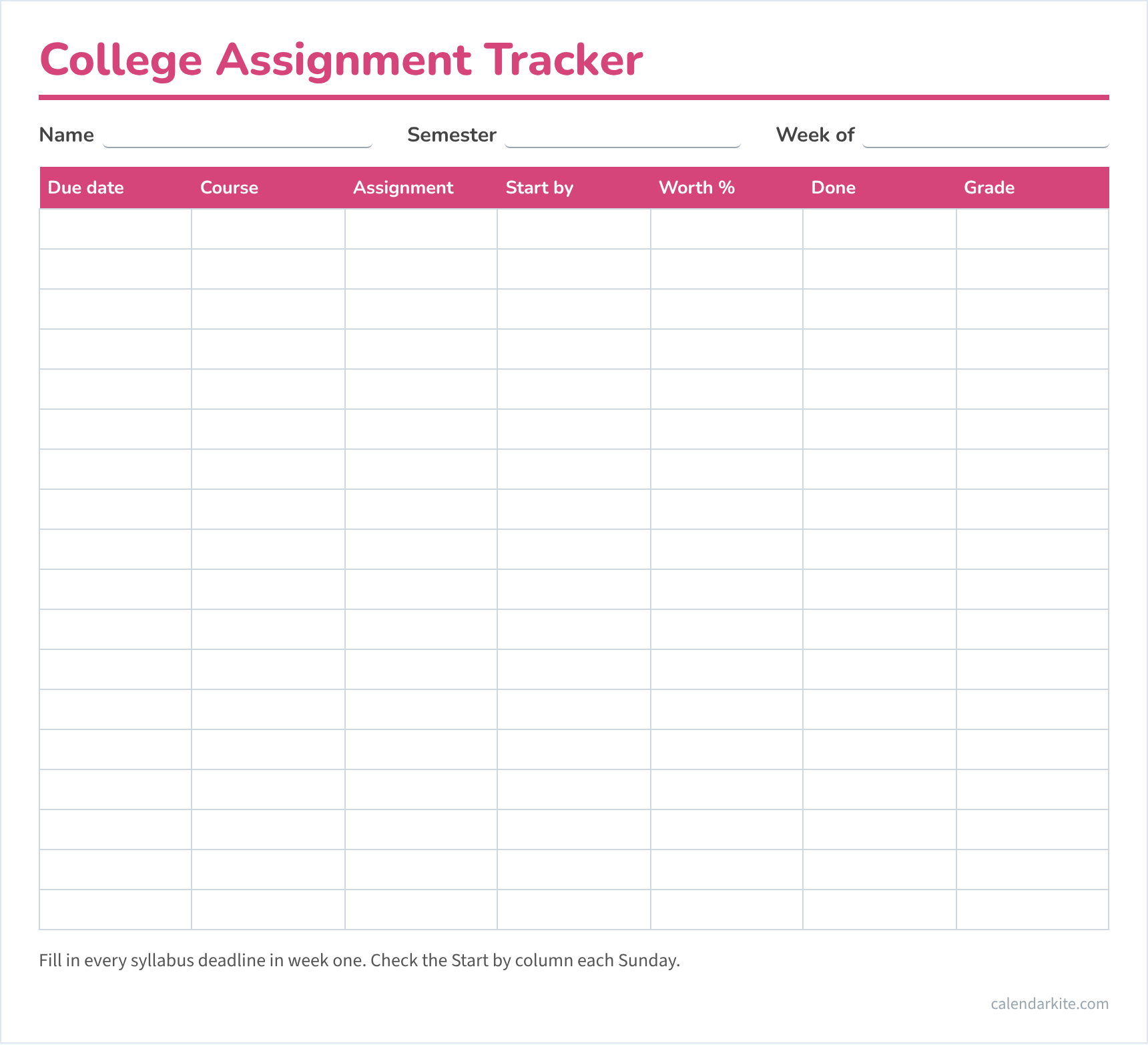
This soft pink version suits students who want due dates to stand out without a harsh look on the desk. In my office years I learned that short labels get read, so I'd write the course code first in each row.
Sage Green College Assignment Tracker
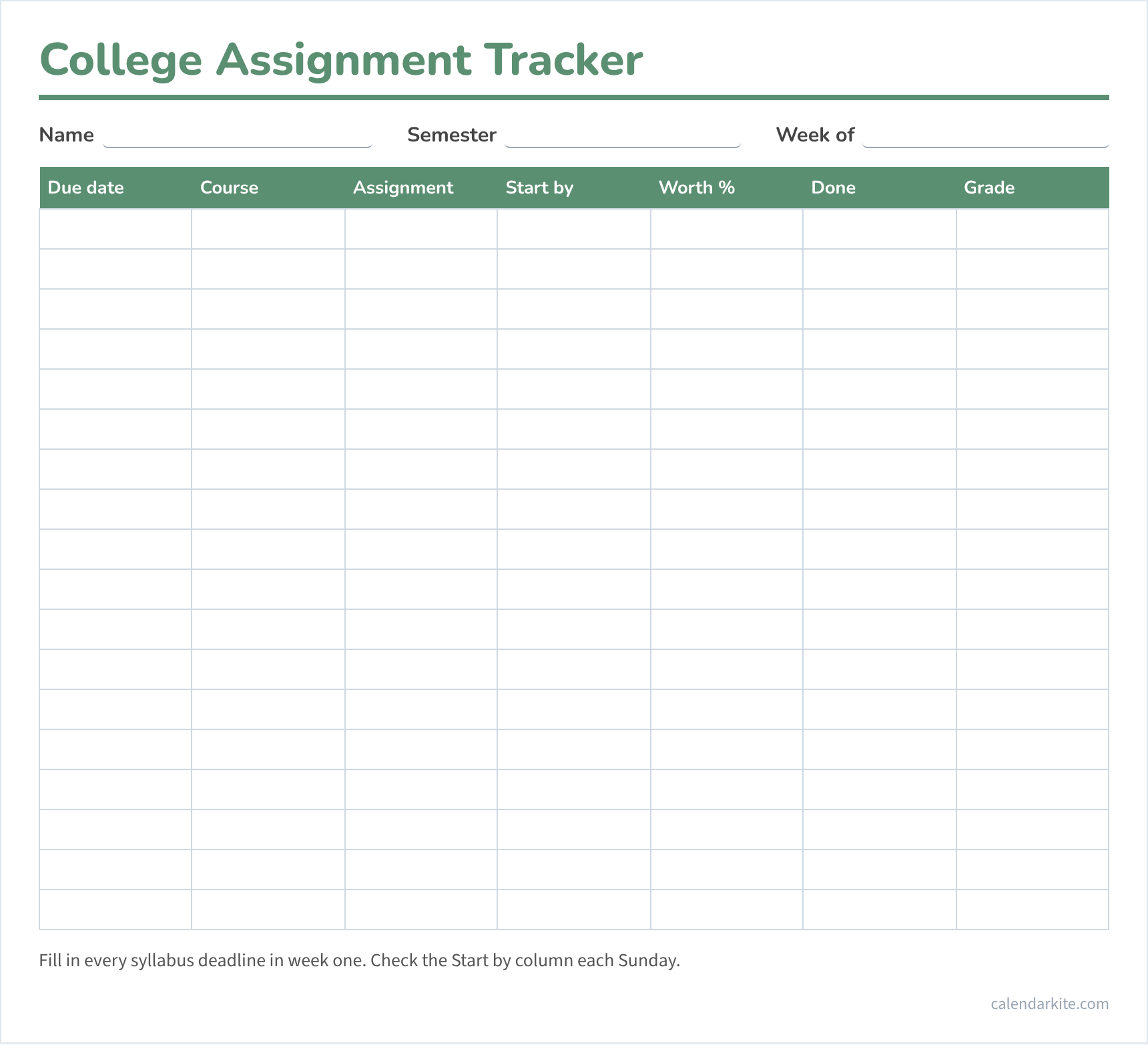
Sage green is calm and easy on the eyes, which makes it a good fit for late-night study sessions and heavy reading weeks. Print it for a dorm wall or a folder and tick off each assignment as you submit it.
Lavender College Assignment Tracker
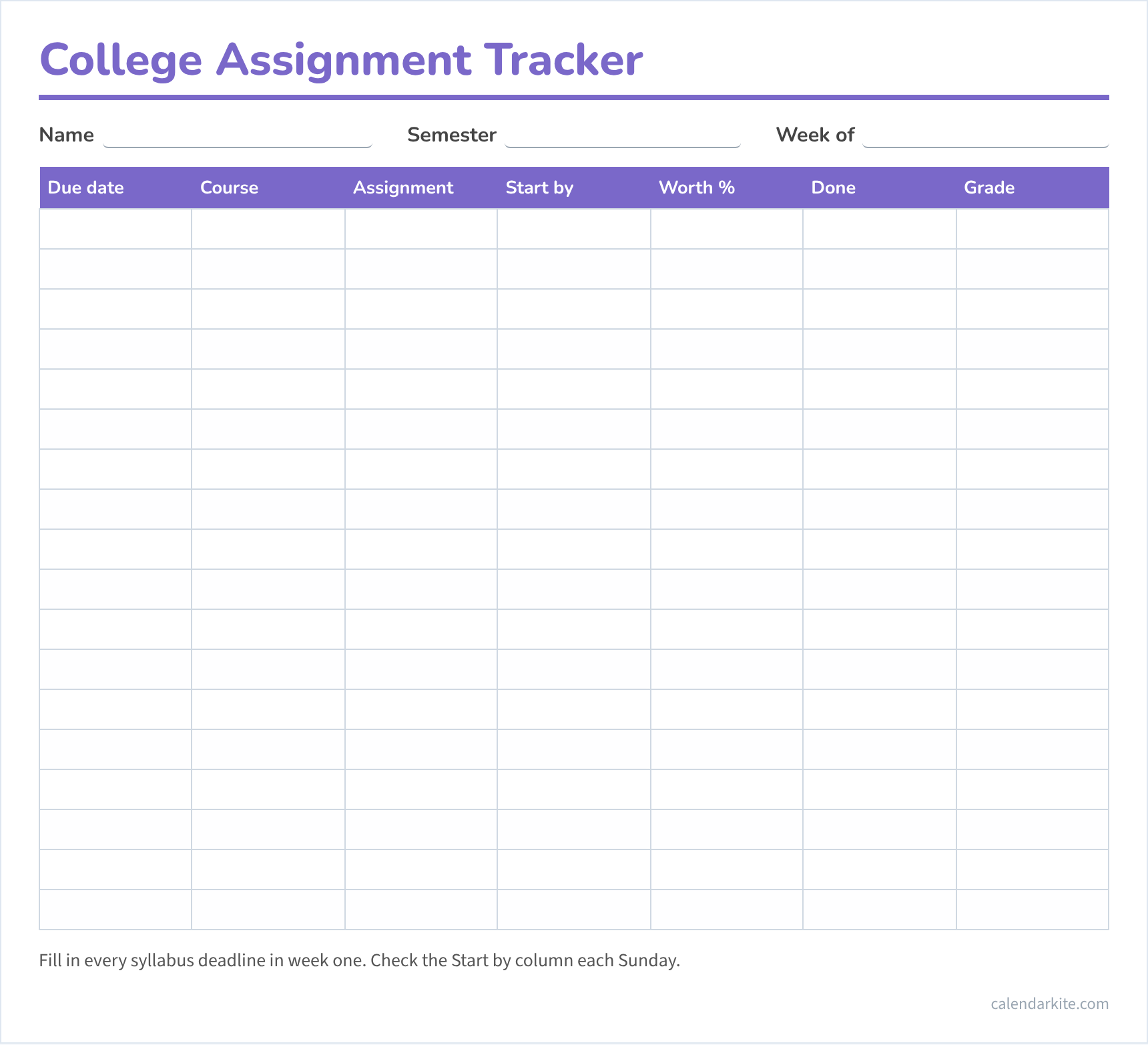
Lavender suits students who like a creative, relaxed feel while still keeping deadlines visible. I keep a planner on my kitchen counter, and a tracker like this works best when it sits somewhere you pass every day.
Cute College Assignment Tracker
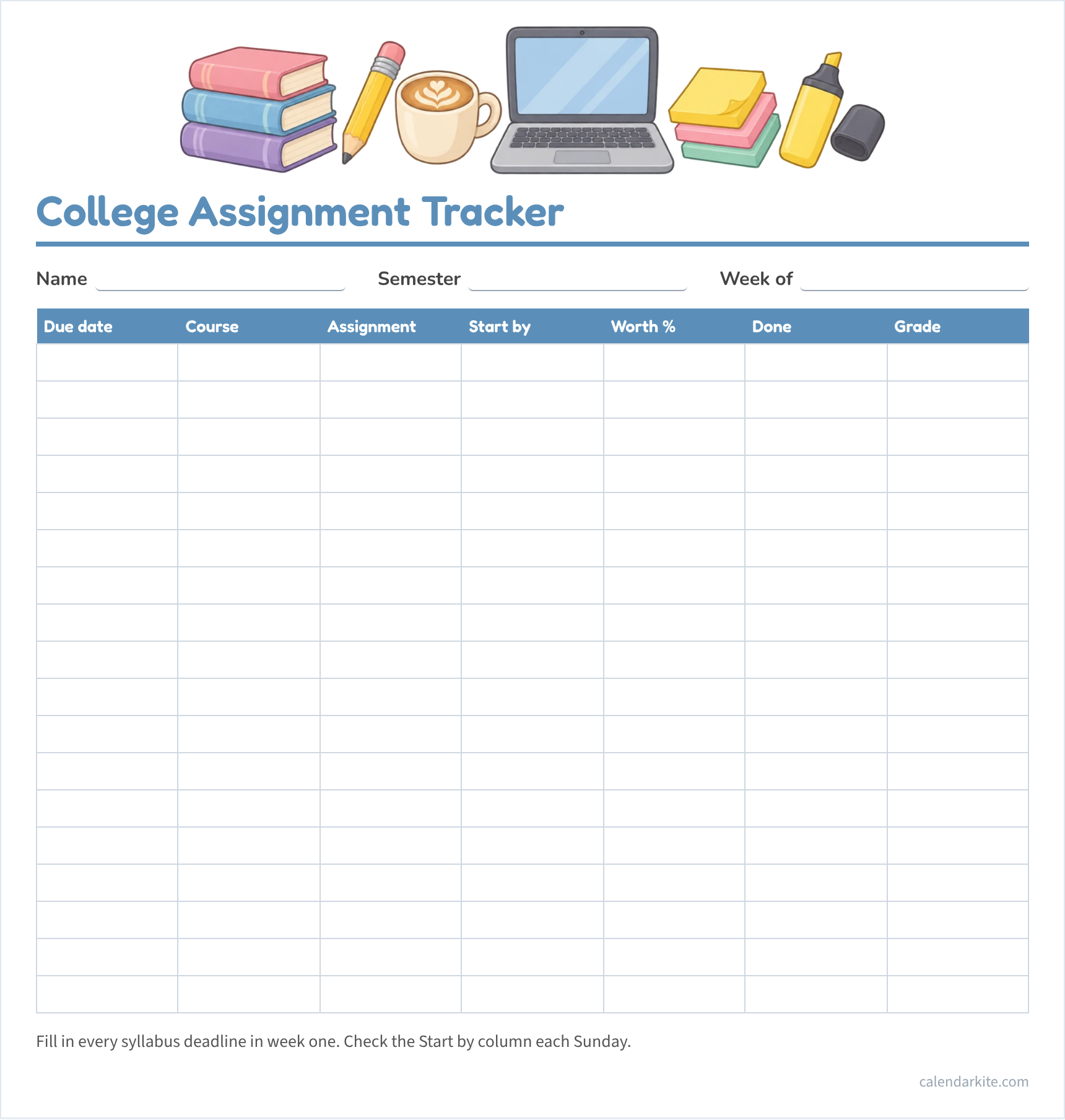
The pastel blue layout with little hand-drawn illustrations at the top suits students who want studying to feel a bit friendlier. Use it for a single course's essays and quizzes, so the page never gets crowded.
Floral College Assignment Tracker
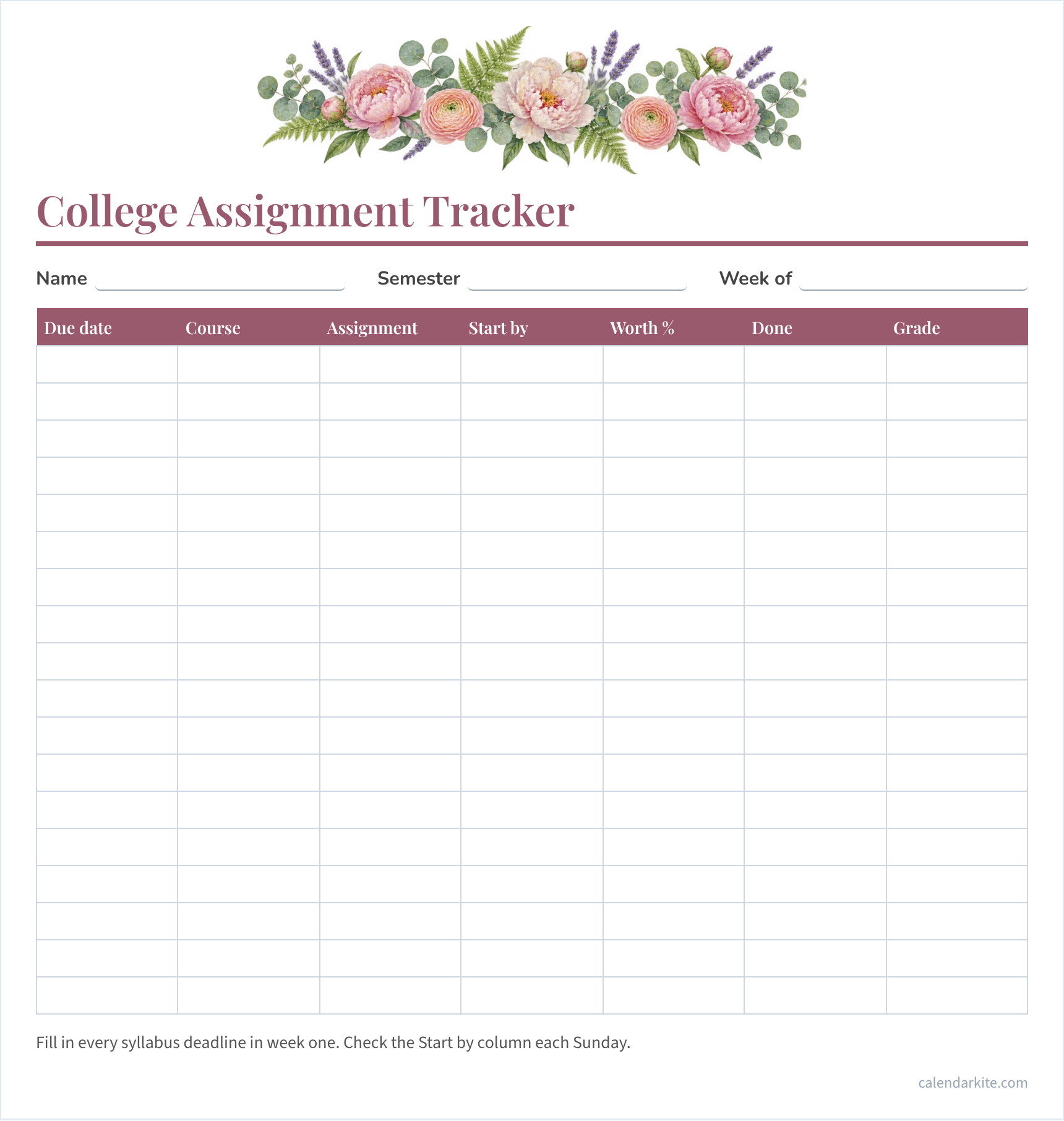
Watercolor flowers and elegant serif headings make this one a pretty choice for students who like a polished, bookish desk. I'd use it for a semester overview, since the mauve tones stay readable in print.
Colorful College Assignment Tracker
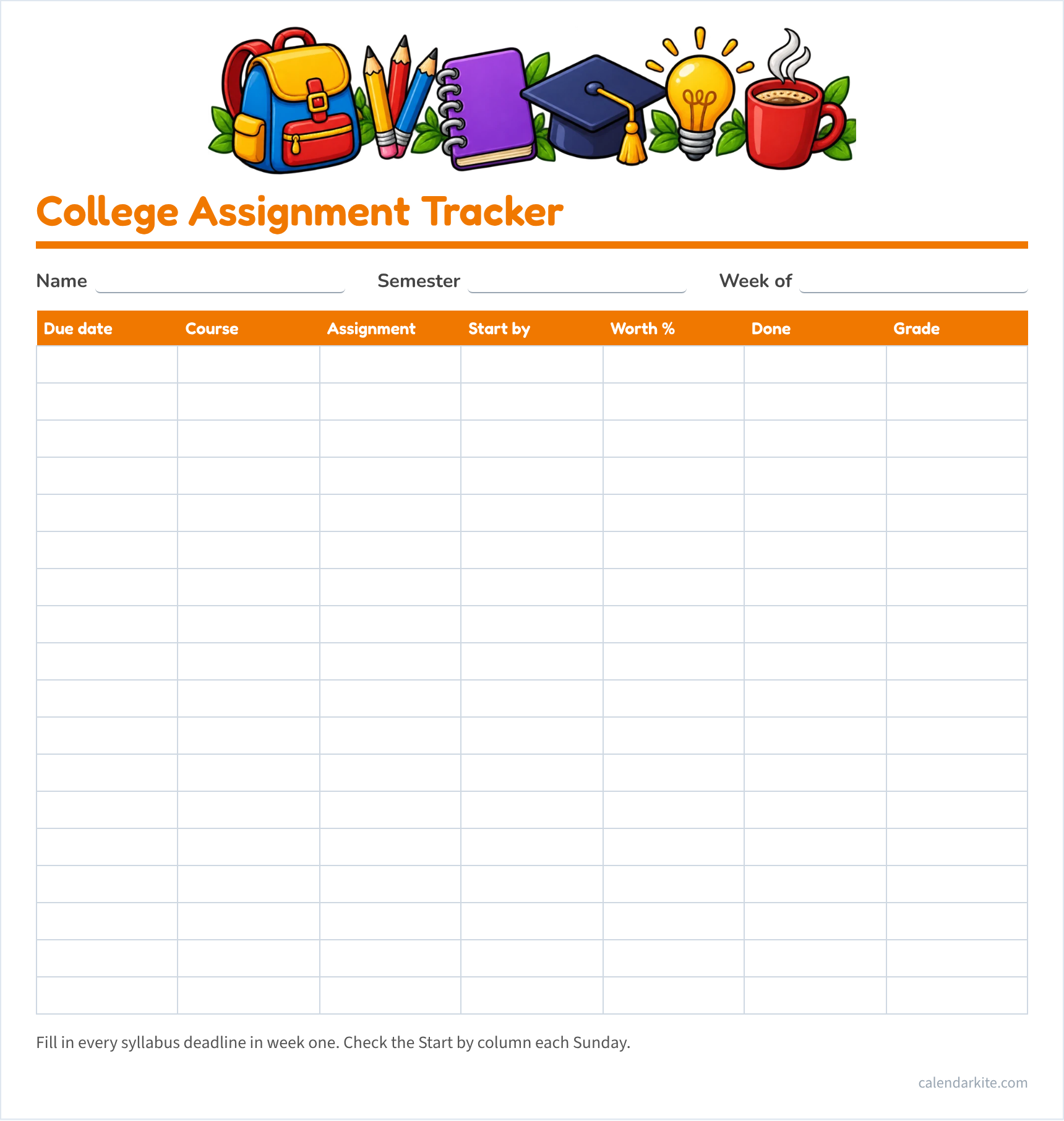
Bright orange and yellow with bold cartoon illustrations make this a lively option for students who need a push to look at their deadlines. Print it in color and keep it where you'll see it, like a fridge or the inside of a locker.
Simple Minimalist College Assignment Tracker
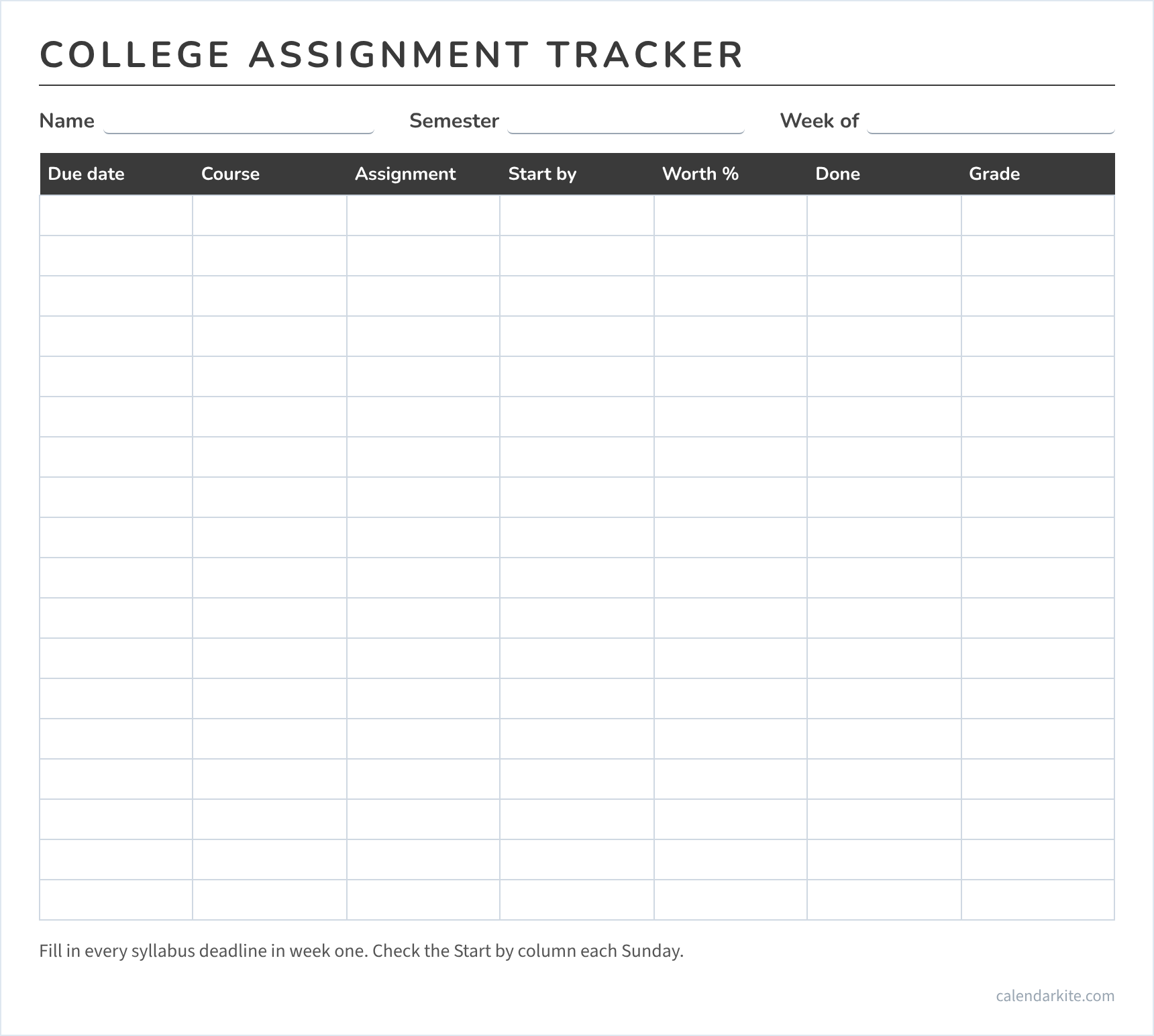
Thin gray lines and a light uppercase heading suit students who want a clean, distraction-free sheet. A mistake I see often is too many columns, so I kept the layout lean and easy to scan.
Aesthetic College Assignment Tracker
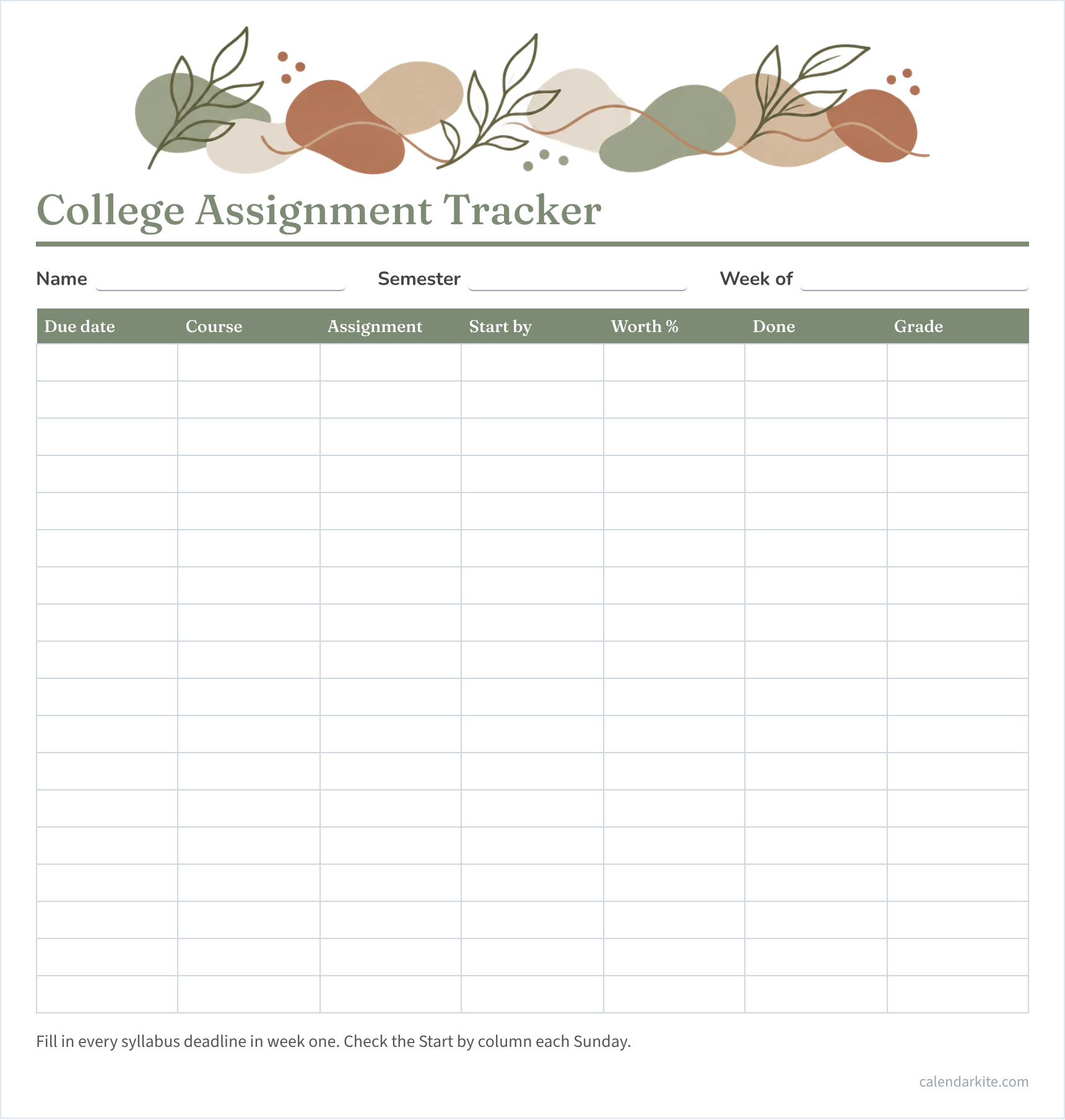
Muted sage, sand and terracotta with soft line-art leaves suit students who want a calm, curated study setup. It works well tucked into a planner next to your syllabus dates.
Bold Modern College Assignment Tracker Printable
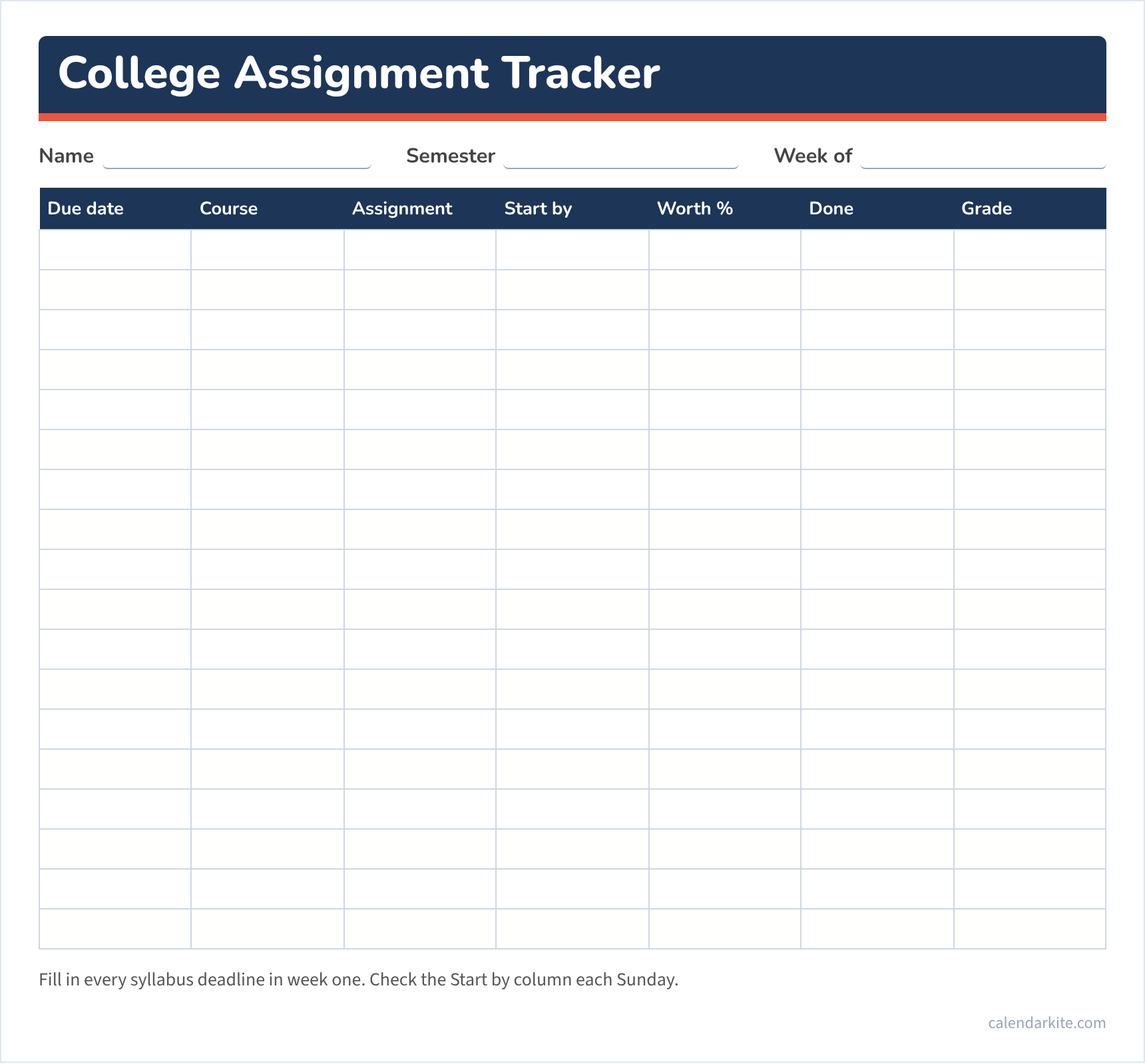
The navy header band with a coral accent gives a modern, businesslike look for students juggling several courses and part-time work. Check it against your syllabus each Sunday, which is the same weekly habit I used for office schedules.
I spent about ten years in office administration keeping schedules and supply lists readable, and the lesson that carried over is simple: a deadline you can see in one place is a deadline you will meet. Syllabi, learning platforms and email threads scatter your due dates around. A tracker pulls them onto one page you can glance at in ten seconds.
What a college assignment tracker does
College is different from school in one big way: nobody reminds you. Instructors hand out a syllabus in week one, and after that it is your job to know that the lab report is due Thursday and the discussion post closes Sunday at midnight. A tracker is your own record of all of it, in one list, sorted by date.
It also answers a question that gets harder to answer as the term goes on: “What should I work on right now?” With four or five courses, a long reading list and maybe a part-time job, you need something more reliable than memory. A tracker turns that decision into a quick look down a column.
A good one is not a planner, though. It does not schedule your hours or hold your lecture times. It lists work and deadlines, and you pair it with a calendar or timetable for the rest. I come back to that pairing below.
What is on this printable sheet
The sheet has seven columns. Due date and Course come first because those are the two things you scan for. Assignment is a short description in your own words, such as “Essay 2 draft” or “Problem set 6”. Then come Start by, Worth %, Done and Grade.
Eighteen rows is deliberate. When I test-printed earlier versions with more rows, the lines got so tight that handwriting spilled over and the sheet became hard to read. Eighteen gives you room to write comfortably on a home printer, and a typical term of four or five classes fills roughly one sheet every three to four weeks. At the top there are fields for your name, the semester and the week of, so you can keep a stack of sheets in order.
The Done column is a tick box and the Grade column is a blank for the score you receive. You can type in all of it on this page, tick boxes, edit entries, and everything saves in your browser until you clear it.
How to fill it in, step by step
Start with your syllabi. Open each one and copy every dated item onto the tracker: papers, exams, quizzes, labs, presentations, discussion posts, readings with a check-in. Write the due date first, then the course code (BIO 201 is better than “biology”), then a short name for the task.
Here is the order I suggest:
- Fill in the name, semester and week-of fields at the top.
- Copy all syllabus deadlines into the rows, in any order.
- Add the Worth % from the grading breakdown in each syllabus.
- Set a Start by date for anything that needs more than one sitting.
- Tick Done when it is submitted, not when it is “basically finished”.
- Write your score in Grade when it comes back.
Rows do not have to be in date order, since you will add items as the term goes on. Instead, scan the Due date column and circle or highlight the next three. That is faster than rewriting the sheet every week.
Try this: Take your syllabi and a pen and spend 20 minutes entering every deadline for the whole term before you do any other homework. Then count how many fall in the same week. That is your first warning for the crunch weeks.
Setting it up from your syllabi
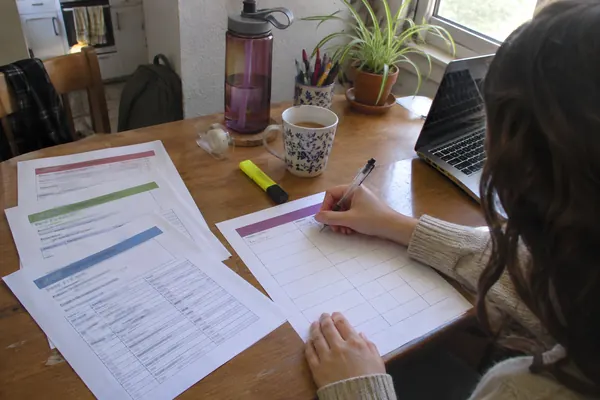
Most students skip the part that makes a tracker work: entering things in bulk, early. Do it in the first week of term, when the syllabi are fresh and you have not yet fallen behind. It takes less time than you expect, and it is the moment you will spot that three of your classes have a big deadline in the same week.
Some instructors give vague dates such as “midterm in week 8” or “paper due mid-October.” Put your best estimate in pencil and update it when the exact date is confirmed. If a course runs on a learning platform like Canvas, Blackboard, Moodle or Brightspace, check its calendar or to-do view against your sheet once, early, to catch anything the syllabus did not list.
At home I keep a paper calendar on the fridge and a planner on the kitchen counter, and the habit is the same: the first thing I do with any new schedule is get every date onto paper in one sitting. A half-finished list is the one that fails you.
Why the Start by column matters
Most assignment trackers record only the due date. The trouble is that a due date tells you when you are out of time, not when you should begin. A 10-page paper due on the 28th is not a task for the 27th. The Start by column forces one extra decision when you enter the row: when do I need to begin so this does not become a late-night scramble?
You do not need a formula. A rough guide is enough: for a quiz, start by two days before; for a problem set, the day it is assigned plus a day; for a research paper, two to three weeks out; for a final exam, at least a week or more, depending on how much material it covers. Adjust for how you work and how heavy your other courses are.
In the office, I learned to ask “when does this need to start?” for every task with a deadline, because the due date alone hides how long things take. The same applies here. Once you have Start by dates, a quick Sunday scan shows you what has already begun, what should begin this week and what can wait.
Using Worth % to decide what comes first
The Worth % column is where you write how much of your final course grade each item counts for. You can find the figures in the grading section of the syllabus: perhaps weekly quizzes at 2% each, a midterm at 25%, a final paper at 30%.
It matters because not every deadline is equal, and when you are tired, everything feels equally urgent. A 1% discussion post and a 30% term paper can both be due Friday. Worth % shows which one deserves your best hours. It also helps you triage honestly when two things collide: finish the one that carries more weight first, and do the smaller one efficiently.
Some courses use points instead of percentages. If so, write the points (for example “50 pts”) in the same column, or convert them using the total points available. Pick one method per course and stay consistent.
Try this: Add up the Worth % values for everything due in the next 14 days. If the total is above 30% in one week, move your Start by dates earlier for the heaviest item today.
Who this tracker suits
It suits any college or university student with more than two courses, and especially first-year students who are adjusting from a school routine where teachers reminded them of due dates. It also works for community college students juggling work shifts, part-time and online students whose deadlines arrive through a learning platform, and graduate students with seminar papers and reading responses.
It helps students who prefer to see everything at once. If you like writing things down, or find that checking an app leads you straight to social media, a printed sheet on your desk is a calmer option. Students with ADHD or executive-function difficulties often do better with a visible, always-open list than with one buried in a notifications panel, though that varies by person, so use what you will actually look at.
If you only need a daily list for a single class, it may be more than you need. In that case, a lighter homework tracker might fit better.
A five-minute Sunday routine
A tracker only helps if you look at it, and the easiest time to do that is once a week. Pick a fixed moment, such as Sunday evening or Monday before your first class, and take five minutes to go through the sheet.
Do these things in order:
- Tick off anything finished and write in any grades that came back.
- Add new deadlines from emails, class announcements and your learning platform.
- Mark the next seven days’ items with a highlighter.
- Check the Start by column and move anything that has slipped.
Then look at the week ahead and decide which two or three tasks matter most. That is your plan. If you want to put those tasks onto specific days and hours, a weekly calendar works well beside the tracker.
I do a version of this with my own family schedule on Sunday nights, with the kids’ activities, my work and the dog’s vet appointment all in view. It takes minutes, and it has saved me from double-booking more times than I would like to admit.
Handling papers, projects and exams
Large assignments need more than one row. A research paper might need a topic approval, an annotated bibliography, a draft and a final submission, and instructors rarely put all of those in neat positions on the syllabus. Give each stage its own row with its own due date, and write the same course code on each so they sit together.
For group projects, add a row for every meeting and every piece you personally owe. Write who is responsible in the assignment column. A group project is usually where the hidden deadlines live: the one when your teammate needs your section so they can merge it.
Exams are easy to forget to track because they are not “handed in.” Give each one a row, put the exam date in the Due date column and use Start by for the day you will begin reviewing. Add a second row for any study guide or review session the instructor offers. When the grade comes back, record it so you can see how your course stands before the final.
Tracking grades as you go
The Grade column is more useful than it looks. When you write each score as it comes back, you can see how a course is going without waiting for a portal to update, and you notice early if a class is slipping.
A simple check is to compare the grade you received with the Worth % of the item. A 40% on a 5% quiz is a nudge. A 40% on a 30% paper is a reason to visit office hours this week. Writing the number down makes it harder to pretend it did not happen, and it gives you something concrete to bring to the instructor.
If your instructor uses a rubric, jot a few words next to the score about what cost you points, such as “thesis unclear” or “units missing.” That small note is the most valuable thing on the page when the next similar assignment comes around.
Printing tips
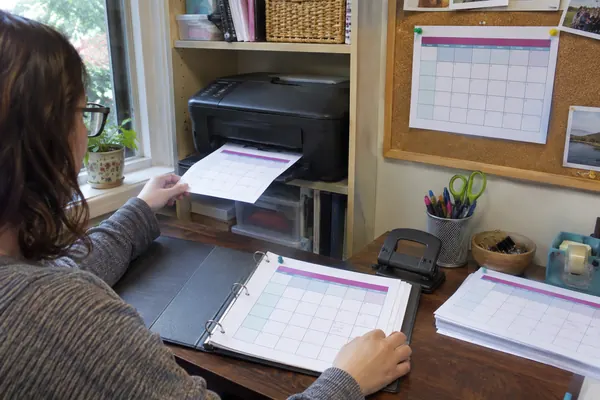
The sheet is set up for US Letter and prints cleanly on A4 too if you choose “fit to page” in your print dialog. I test-print each printable on my home inkjet on both sizes, and the trouble spots are always the same: margins getting clipped and ink running through thin paper.
A few practical points:
- Choose “actual size” or 100% for Letter, and “fit” for A4.
- Use standard 20 lb copy paper for a draft, or 24 lb if you write in gel pens.
- Print in black and white. You do not need color for this sheet.
- Use a three-hole punch and keep the sheet at the front of your binder, or clip it to a clipboard on your desk.
If you fill it in on screen first, print after your entries are in, then add new rows by hand. If you print blank copies, print two or three at once so you have spares for midterms and finals season.
Paper tracker, spreadsheet or app
Each tool has a strength. A spreadsheet sorts and filters by date or course, which is handy if you have 60 or more deadlines. A phone app can alert you. A paper sheet is the fastest to scan, never runs out of battery and stays in front of you.
My own view, from years of working with paper schedules in an office, is that the best system is the one you open every day. Many students find a hybrid works: the paper tracker holds the whole picture, and a phone alarm or calendar alert backs up the two or three deadlines that cannot be missed. If you prefer a screen-based setup, take a look at the free digital planner too.
One more point in paper’s favor: writing a deadline by hand tends to make you remember it. A tracker you typed into on this page and then printed gives you both, since the printed copy is your reference and the on-screen copy saves in your browser.
Variations to try
Once the basic sheet is working for you, you can adapt it. Print one sheet per course if you take a heavy load or a course with dozens of small tasks, such as a language class or a lab with weekly write-ups. Or keep a single master sheet for the whole semester and add a color highlighter for each course.
Another option is to use a different sheet each month. Three or four sheets per term keeps every page readable. If you prefer to see the month at a glance, copy the key dates onto a monthly planner as well, then use the tracker for the detail.
You can also add your own habit: put a small star by anything you want to ask the instructor about, or a letter L for items with a late penalty. Be sparing, though. Too many symbols and the sheet becomes harder to read, not easier.
Common mistakes to avoid
The most frequent mistake I see is entering only the deadlines you remember. Half-filled trackers lose your trust fast, because you can no longer count on them to be complete. Enter everything from the syllabus on day one.
The second is leaving out the time of day. “Friday” is not enough if the portal closes at 11:59 p.m. and the in-class quiz is at 9:00 a.m. Add the time in the assignment column when it is not obvious.
The third is ticking Done too early. Finished and submitted are different things, and a confirmation screen or email is the only real proof. Tick the box when you have that. And finally, do not let a missed row linger: if something slips, circle it, email the instructor or check the late policy, and write the new date in.
Pairing it with a schedule and planner
A tracker tells you what is due. It does not tell you when you will do the work. For that, you need a plan for your hours, and the easiest route is a weekly timetable with your classes, work shifts and study blocks in it. A college schedule planner does that job and sits well alongside this sheet.
If you want a fuller system with calendars, goals and notes, look at the options in planners for college students. Use the tracker for deadlines, the schedule for time, and the planner for everything else, and avoid copying the same information onto three pages.
Keeping it going all semester
Most trackers die in week five. The sheet is full, a deadline slips by, and it starts to feel like a record of failure rather than a help. Resist that. A tracker with a few missed items is still far more useful than none, so just keep going: update it, adjust it, and move on.
Reduce the effort so the habit stays easy. Leave the sheet where you study, keep a pen with it, and make the weekly review a fixed time. Reward finishing: I like the small pleasure of ticking a box, and I suspect most people do.
At the end of term, keep the filled-in sheets. They show you how long things really took and where you left it too late, and you can use that to set better Start by dates next semester.
Common questions
What should a college assignment tracker include?
At minimum: the due date, the course, the assignment name and a done box. A start-by date, the percentage of your final grade it is worth and your score make it far more useful, because they tell you what to work on first and where you stand.
How many assignments should I list at once?
List everything you know about, even if it is weeks away. Syllabus deadlines go in during the first week of term, and you add new items as instructors post them. If a single sheet fills up, start a second one rather than squeezing.
Is a paper tracker better than an app for college?
Neither is better for everyone. Paper is faster to scan and does not compete with notifications, while an app can send reminders and sync with your learning platform. Many students use paper for the full picture and a phone alarm for the highest-stakes deadlines.
How do I track group projects on an assignment tracker?
Give the project one row for the final due date, then add extra rows for each interim step such as the outline, your section draft and the group meeting. Write the teammate or the task owner in the assignment column so you know which piece is yours.
Can I fill in the tracker on screen and then print it?
Yes. You can type into the cells on this page, tick the boxes and edit the entries, and your changes save in your browser. Print it when you are ready, or download the blank PDF to write by hand.
How often should I update my assignment tracker?
Do a quick check every day when you sit down to study, and a longer review once a week. Add new deadlines the moment an instructor mentions them, and record grades as soon as they come back.
 Reading Log: Free Printable You Can Fill In and Print
 Habit Tracker Printable (Free Monthly Sheet)
 Goal Tracker: Free Printable Sheet You Can Fill In and Print
 Job Application Tracker: Free Printable Sheet
 Workout Log Template (Free Printable Fitness Log)
 Reading Log for Kids (Free Printable)