
Planners For College Students: Free Printable Weekly College Planner

A good planner for college students gives you one place to see classes, deadlines, study time and everything else that fills a week. The free printable on this page does that on a single US Letter sheet. It has a top three priorities box, a due-this-week list, a class schedule, study blocks, an exam watch list, work and club commitments, a small life admin section and room for notes. You can type straight into it on the page, tick boxes as you go, and print it when you are ready.
Top 3 this week
Due this week (class, task, day)
Classes, labs and office hours
Study blocks (course, time, goal)
Exams, quizzes and big deadlines ahead
Work, clubs and fixed commitments
Life admin
- Check student email and the course site
- Email one professor or TA if needed
- Laundry and groceries
- Sleep: lights out by a set time
Notes and one win from this week
Sunday reset: copy new deadlines from every syllabus, then plan study blocks around classes.
Free for personal, classroom and office use. Your entries are included in the print, PDF and PNG. Prints on US Letter and fits A4.
Black and White Planners for College Students
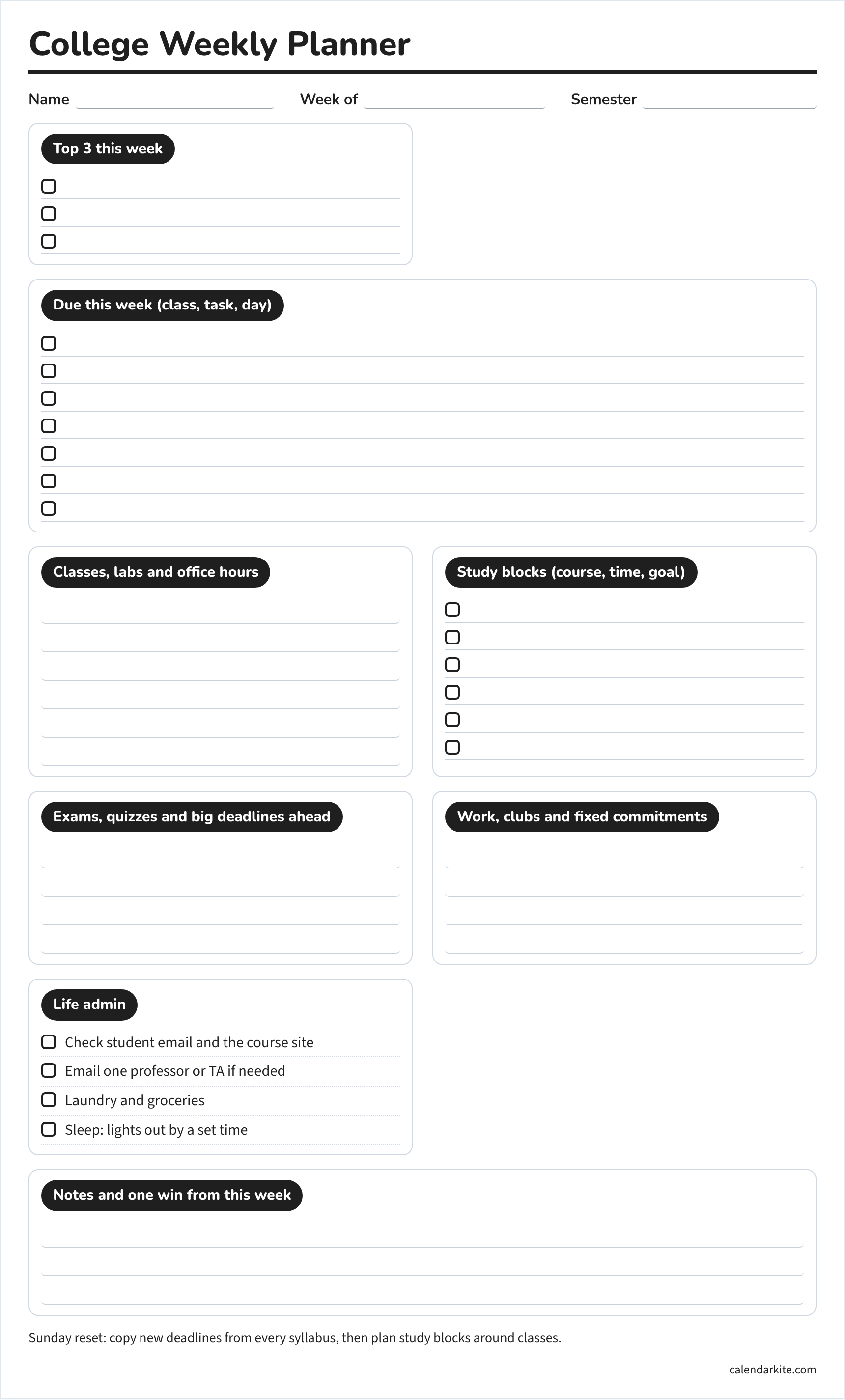
I'd pick this one if you print at the campus library or want to save ink, since the plain black lines use very little toner. I test-print it on my home inkjet, and it stays crisp for lecture notes and class schedules.
Pink Planners for College Students
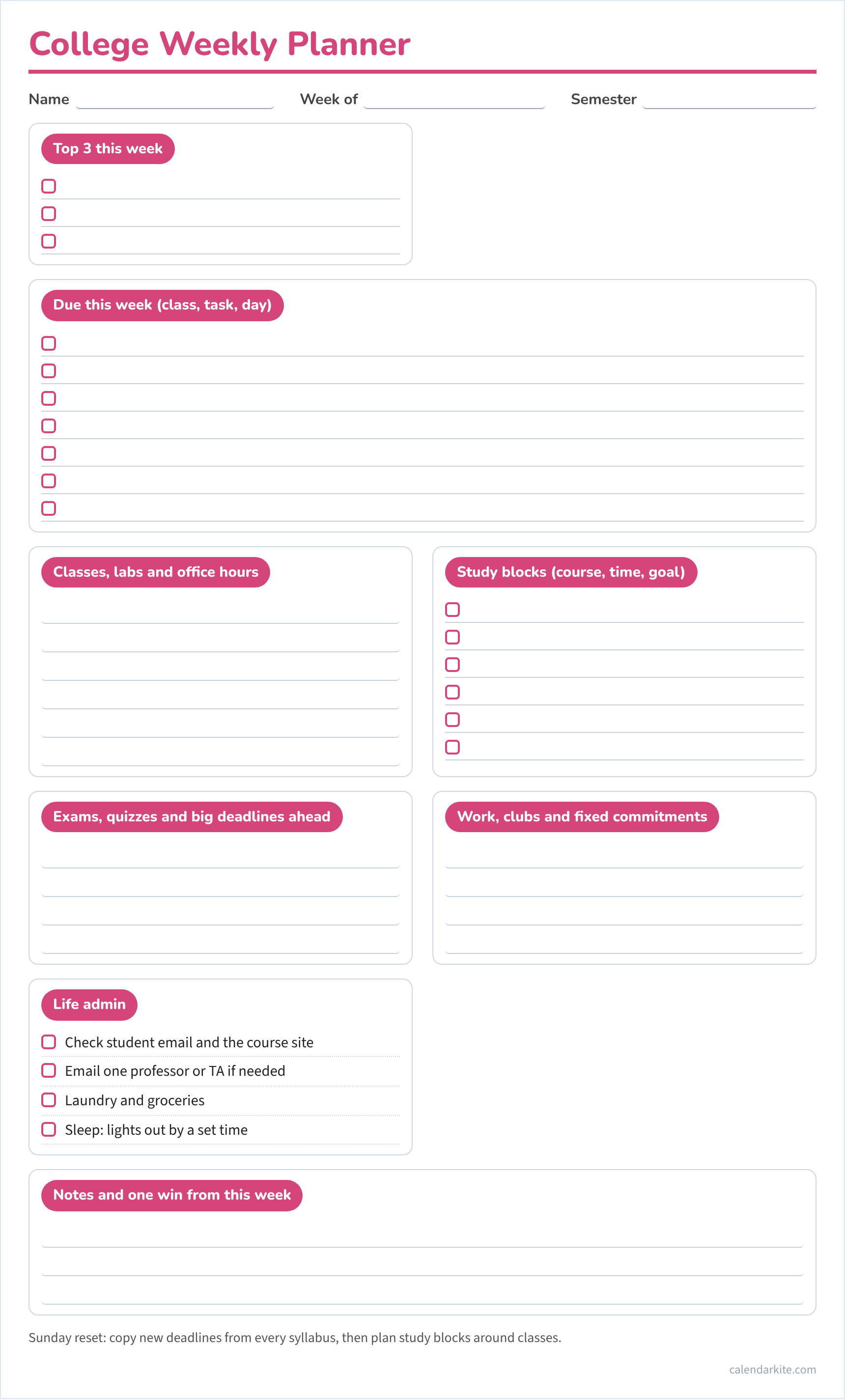
This soft pink design suits you if you like a friendly splash of color while planning study blocks and assignment due dates. I kept the tint light so pencil and pen entries stay easy to read.
Sage Green Planners for College Students
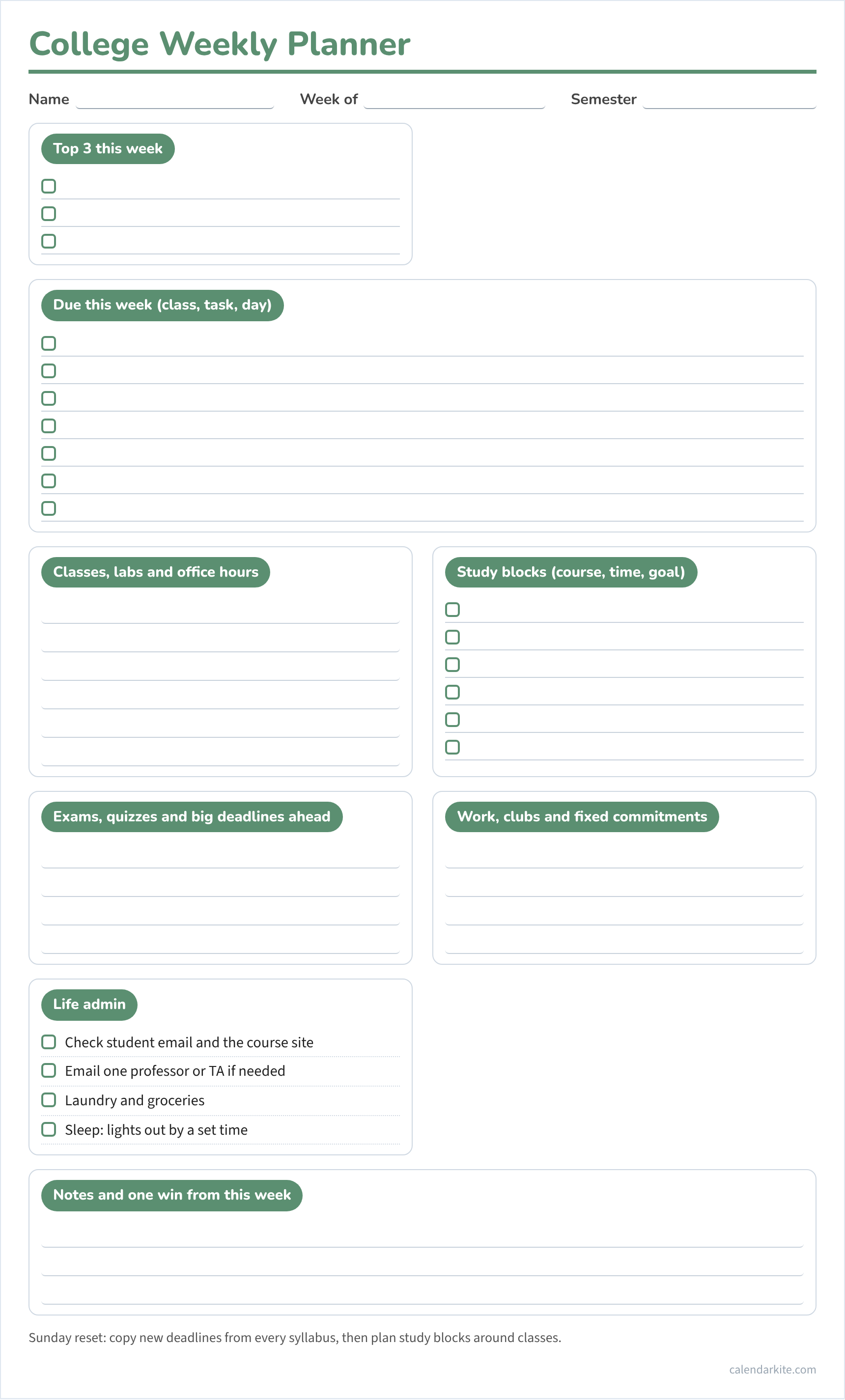
Sage green is calm, which helps in exam weeks when the page fills up fast. I'd use it to track midterms, lab times and shifts at a part-time job side by side.
Lavender Planners for College Students
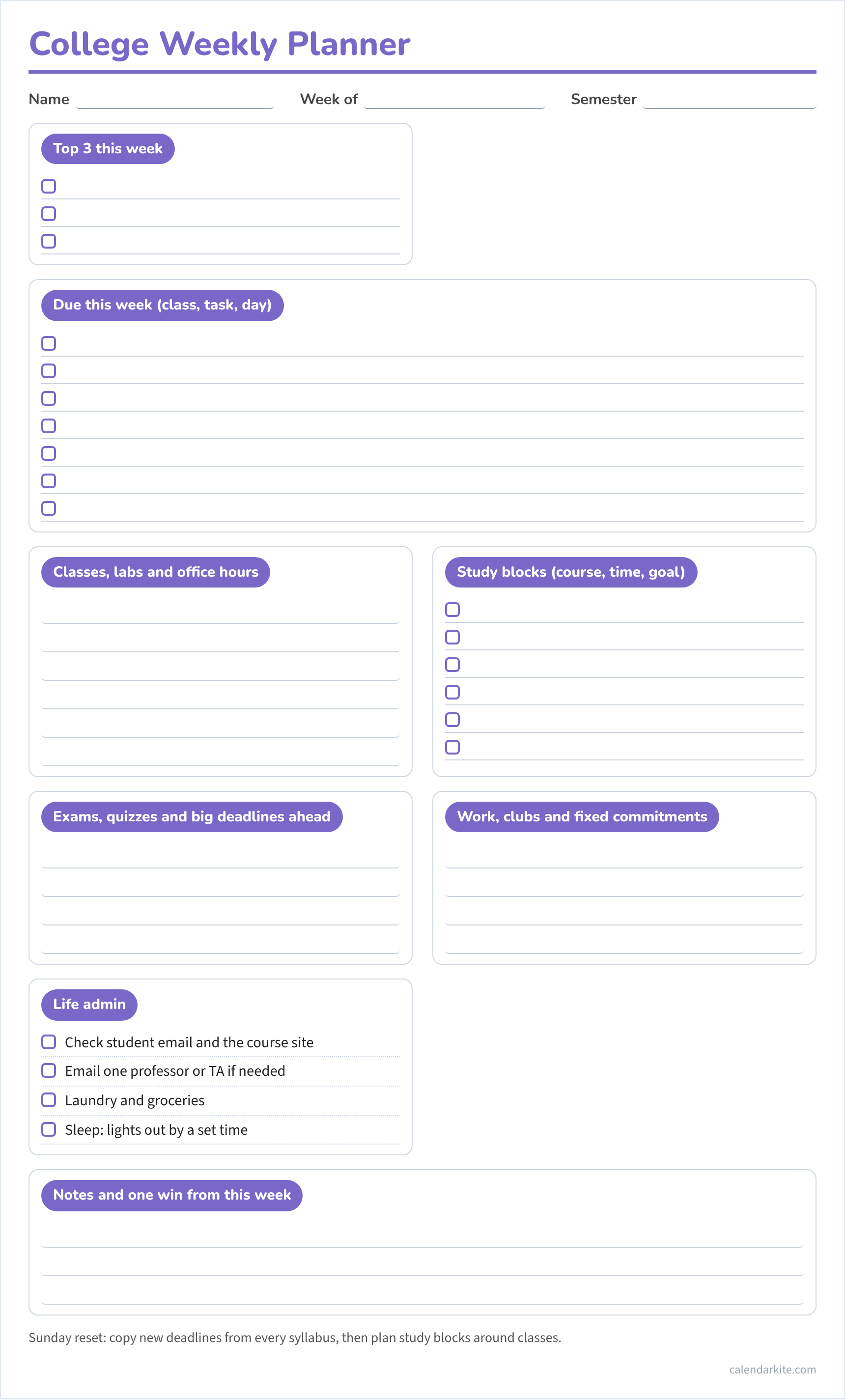
This lavender version works well if you want a planner that feels relaxed but still organized, such as for color-coding classes by day. In my office years I learned that one accent color is easier to scan than five.
Cute Planners for College Students
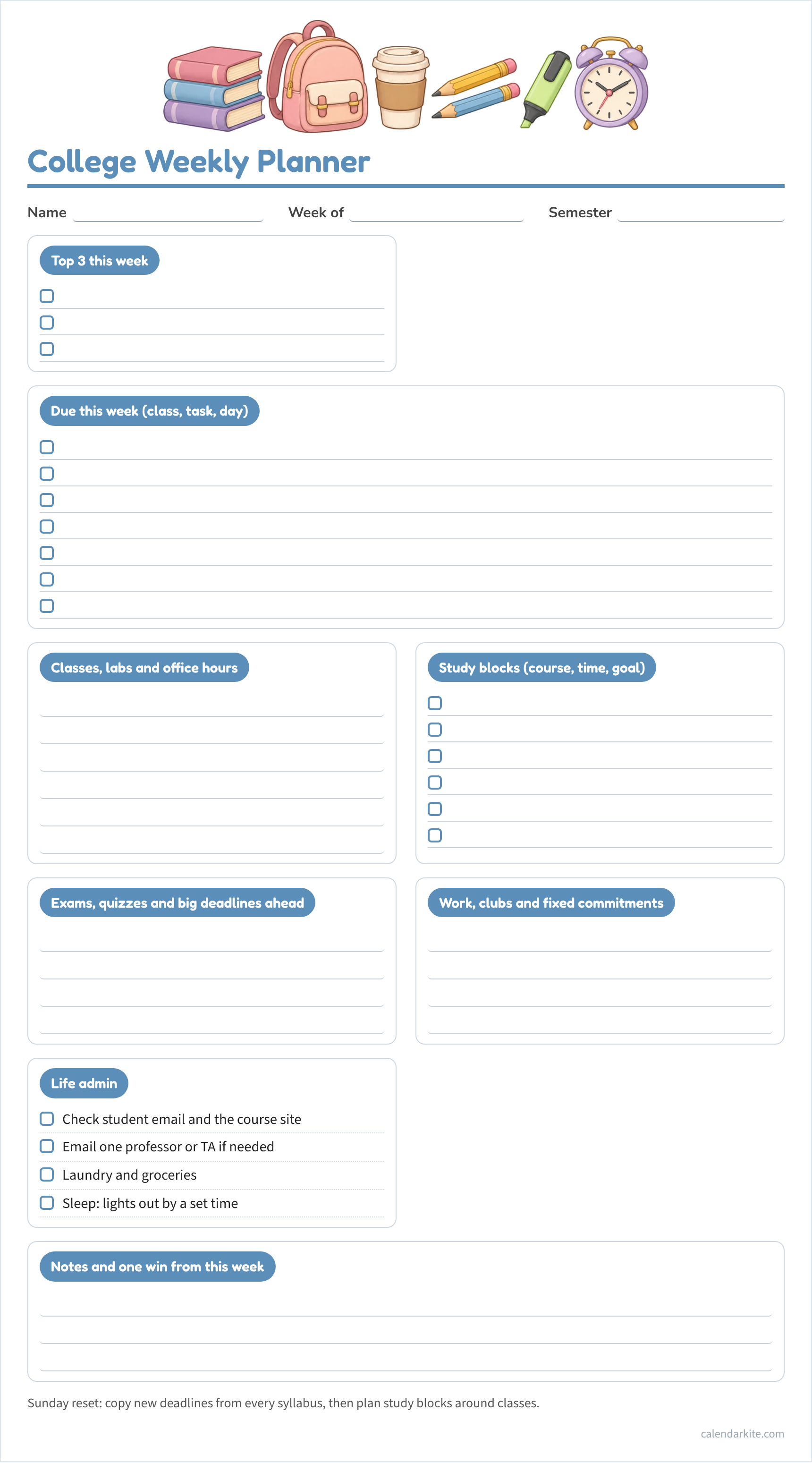
If you want your desk to feel a little brighter, the pastel blue design with small illustrations at the top is a fun choice. I'd use it for weekly assignment lists you actually want to look at.
Floral Planners for College Students
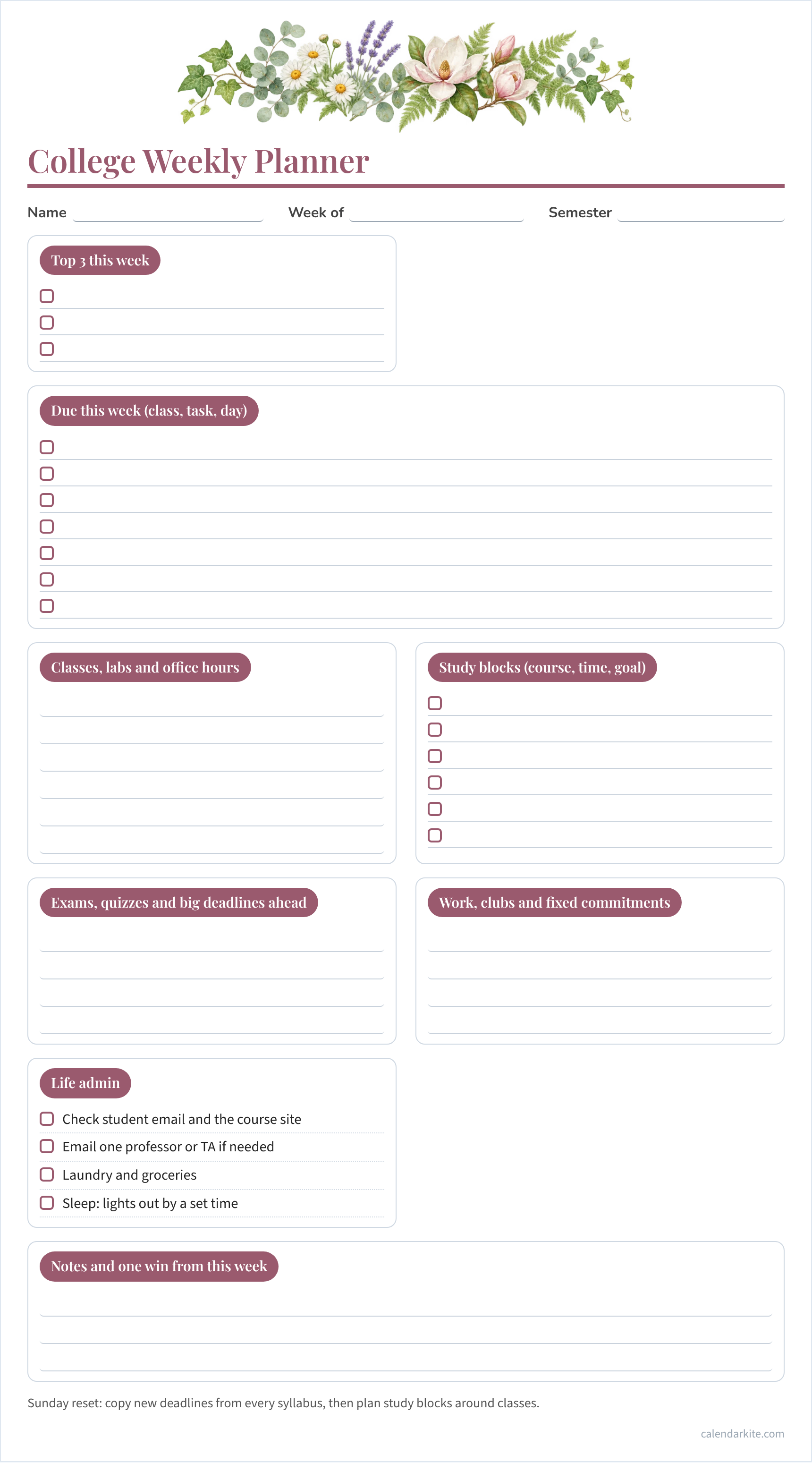
The watercolor flowers and elegant headings suit you if you like a polished planner for semester goals and reading schedules. I check every layout against the real calendar so the dates line up before you print.
Colorful Planners for College Students
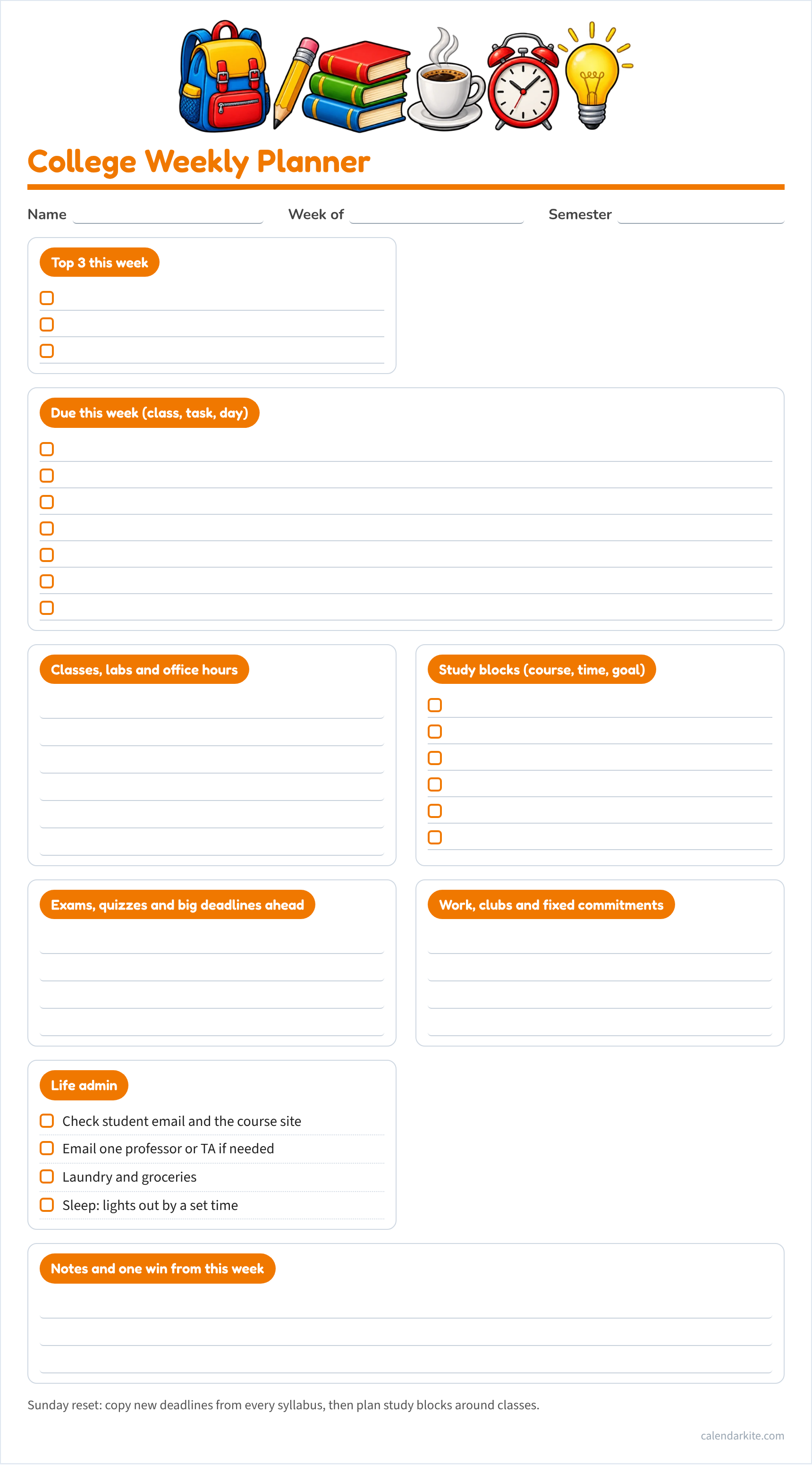
This bright orange and yellow design is for you if a plain page makes you put planning off. Use it for a weekly to-do list, and I'd print it on US Letter or A4 since I test both on my inkjet.
Minimalist Planners for College Students
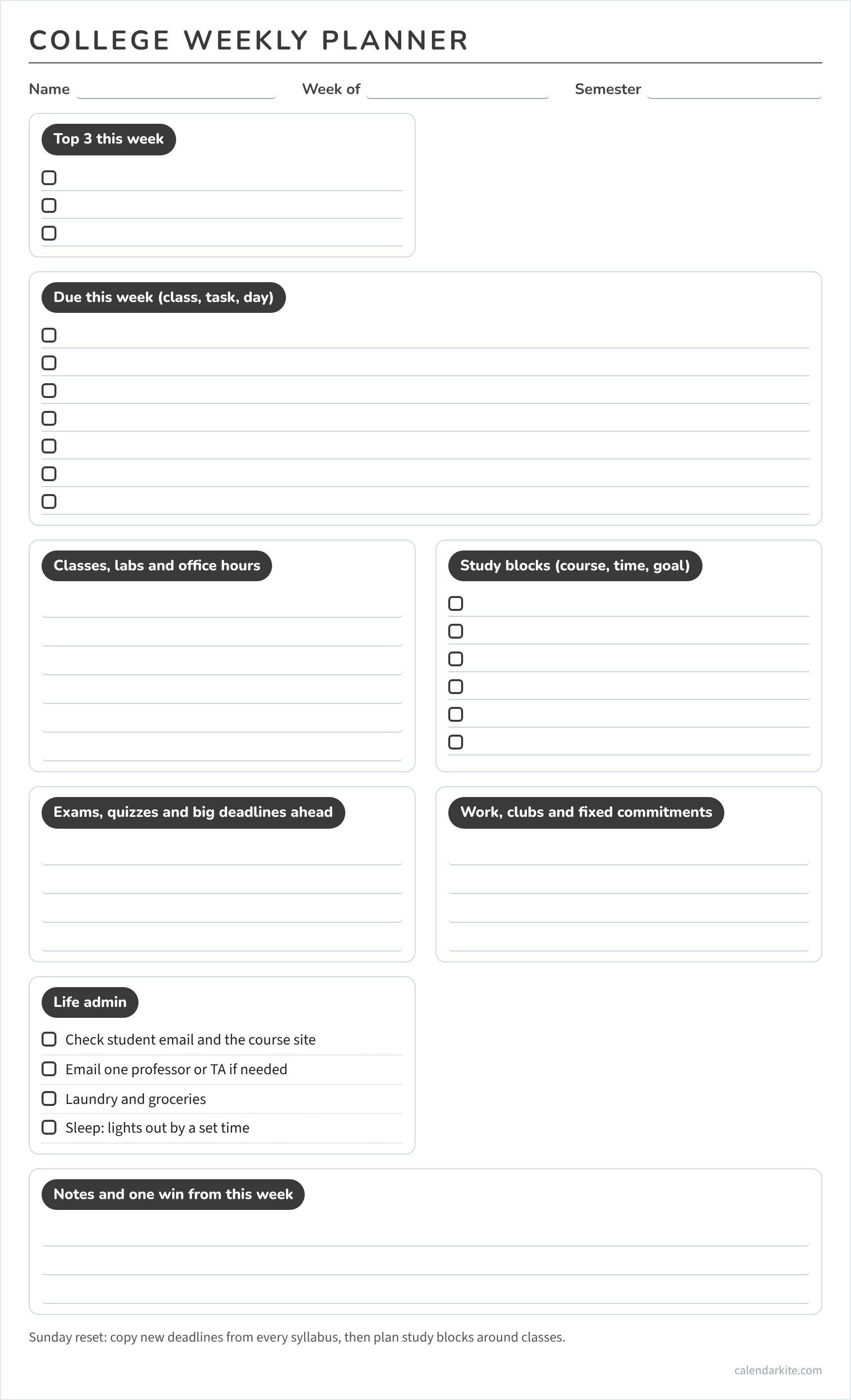
Thin gray lines and a light uppercase heading give you lots of room for notes without visual clutter. At home I keep my own planner on the kitchen counter, and the simplest layouts are the ones I use most.
Aesthetic Planners for College Students
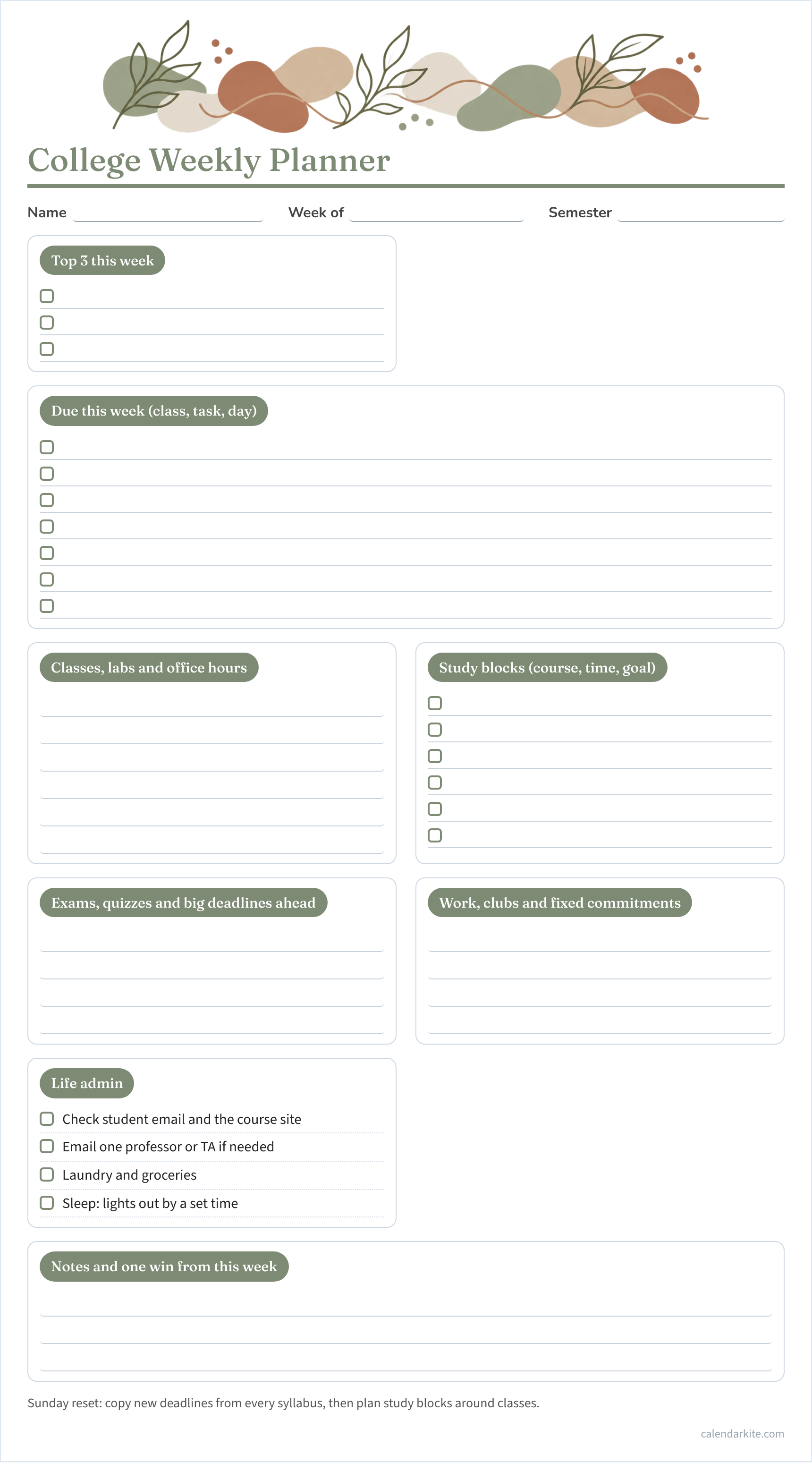
The muted sage, sand and terracotta palette with soft leaf line art suits you if you plan in a dorm or apartment with a calm look. I'd use it for monthly deadlines and a weekly study routine.
Modern Planners for College Students
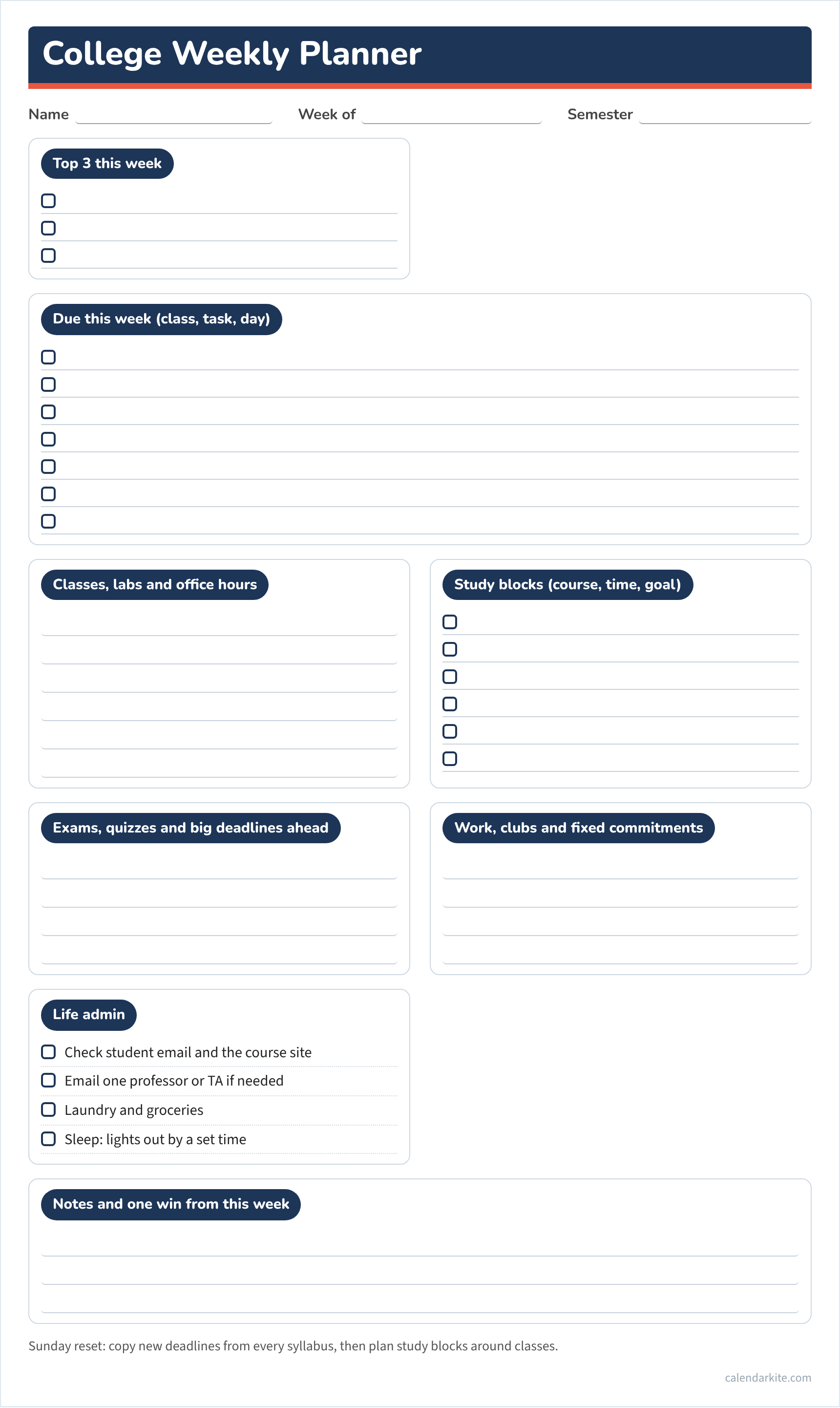
The navy header band and coral accent make this a strong choice if you want to see class and deadline sections at a glance. I widened the writing boxes after seeing how quickly people run out of space.
I spent about ten years in office administration, keeping schedules, supply lists and staff rotas readable at a glance. That job taught me that a planner only helps if you can read it in five seconds. So this sheet is built for quick weekly use, with enough space to write real details and not so many sections that filling it in becomes a chore.
What a college planner needs to do
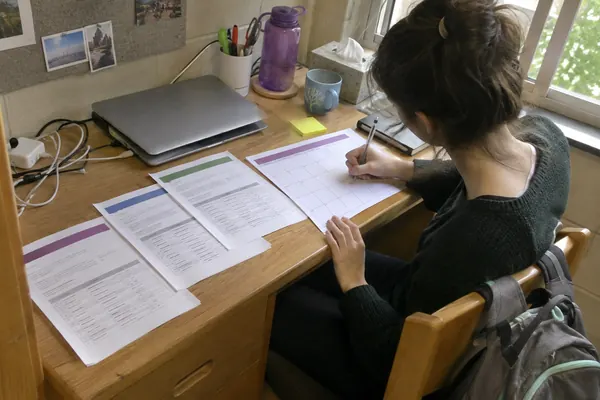
College gives you more freedom than school did, and nobody is checking in. Your schedule comes from several syllabi, each with its own deadlines, and the due dates rarely line up with the days you have class. A planner has to pull all of that into one view, so a paper due Friday does not get noticed on Thursday night.
Most students need four things from a planner. They need to know where they have to be (classes, labs, work), what is due and when, when they will actually do the work, and what is coming up further out, such as exams and projects. Anything beyond that is optional. Many of the elaborate planners I have tested have thirty pages and still leave out a simple place to write “email the registrar”.
The other job is to be honest about time. A planner that lists twelve tasks for a day with three hours free is not helping you. The best ones make you place work into real hours, which is why the sheet has a study blocks box as well as a due-this-week list.
What is on the free printable college planner
The sheet is organised as eight boxes on one page, with fill-in fields for your name, the week and the semester at the top. Here is what each part is for:
- Top 3 this week: the three outcomes that would make the week a success, each with a checkbox.
- Due this week: a wide list with checkboxes for assignments, readings, quizzes and forms, with the class and day written beside each.
- Classes, labs and office hours: your fixed meetings, so you can see where the free gaps are.
- Study blocks: planned sessions with a course, a time and a specific goal.
- Exams, quizzes and big deadlines ahead: a watch list for anything more than a week away.
- Work, clubs and fixed commitments: shifts, practices, meetings and rides.
- Life admin: a short checklist for emails, laundry, groceries and sleep.
- Notes and one win: a place for loose thoughts and something that went well.
When I laid this out I made the due-this-week box full width and put the checkboxes on the left. That list is the one you will read most, and a narrow column forces you to abbreviate until you cannot tell what you meant. I also kept generous margins so the page survives a three-hole punch.
How to fill in the college planner
You can fill the sheet in on screen before printing, or print it blank and use a pen. The on-page version saves in your browser, so you can come back to it during the week, edit items and tick things off. Here is the order I suggest:
- Add your name, the week commencing date and the semester at the top.
- Write your fixed classes, labs and office hours in the classes box, with days and times.
- Add work shifts, practices, club meetings and anything else you cannot move.
- Copy every deadline for the week into the due-this-week box, with the course and the day.
- Add exams or large projects that are coming within the next few weeks to the watch list.
- Place study blocks in the free gaps, each with one specific goal.
- Choose your top three and tick boxes as you finish.
Work through that order and you will see conflicts before they happen. If a Wednesday shift lands on the day a lab report is due, you will notice it on Sunday and not on Wednesday afternoon.
Try this: Fill in the sheet in pencil or on screen for the coming week, but stop at step five. Look at what you wrote and ask which single deadline would hurt most if you missed it. Make that item your first top three entry.
Set up your semester from the syllabi
The most useful twenty minutes of any term is the first week, when you have every syllabus in front of you. Go through each one and copy exam dates, paper due dates, project milestones and major readings into one calendar. A monthly printable like the monthly planner works well for this, since you can see the whole month with each course’s big dates in one place.
Use a highlighter or a coloured pen for each course, and keep the colour consistent on every page you use. When I schedule things for my own family I use one colour per person, and the same idea works for classes: you can tell from across the room what a Thursday looks like.
Also look for the quiet deadlines. Many syllabi mention a withdrawal date, a deadline to declare something or a lab sign-up that sits in the middle of the text. Those are the ones that cost money or credit if you miss them, so put them in the calendar first.
A Sunday routine that takes 20 minutes
A planner works best when it is refreshed on a fixed day. Sunday evening suits most students, though Friday afternoon works if you prefer to start the weekend with a clear head. The routine is simple: look back at the week that has ended, look ahead at the one that is starting and write down the plan.
Start by moving anything unfinished into the new week, or deciding it is no longer needed. Then check the course sites and your email for new deadlines, and add them. Next, fill in classes and fixed commitments, and only then place your study blocks. Finish by choosing three priorities.
I keep a paper calendar on the fridge and a planner on the kitchen counter at home, and the habit that holds both together is the same short weekly reset. The fridge shows the family’s month and the planner shows my week. College students can copy this by keeping a monthly view on the wall above the desk and the weekly sheet in the bag.
Try this: Set a recurring phone reminder for Sunday at 7 pm titled “Plan the week”. When it goes off, set a timer for twenty minutes and fill in the sheet. Stop when the timer ends, even if it is not perfect.
Planning around exams and big deadlines
Work backwards from the due date. If a paper is due on the 20th, write the final deadline on the date, then add a draft date, an outline date and a research date before it. Put those smaller dates onto the weekly sheet as they come into range, in the due-this-week box, so that the paper never shows up as one huge task.
For exams, use the watch list on the sheet. Write the course, the date and the topics that are covered. Two weeks out, begin adding short study blocks, each with a goal such as “finish chapters 4 and 5 problem sets” or “make a one-page summary”. A study block that says “study” is hard to start. A block with a concrete target is easy to begin and easy to judge.
If you want a dedicated place to follow every assignment across the term, the college assignment tracker is a good companion to this sheet. Use the tracker for the full list and the weekly planner for the actual week.
Study blocks that actually work
Be realistic about length. Most people do better with blocks of 45 to 90 minutes followed by a real break than with a four-hour stretch. Put the hardest course in the time of day when you are sharpest, and use the tired hours for lighter work such as tidying notes or answering email.
Name the goal in the study blocks box before you start. I suggest writing the course, the time and the outcome in one line, for example “Chem, 2 to 3:30 pm, finish problem set 6”. When the block ends, tick it or move it, and do not leave it hanging.
Leave gaps. If you fill every hour, one late bus or long lab wrecks the whole plan. I aim to leave at least one free block a day for what spills over, and I tell people to do the same on a weekly sheet.
Balancing work, clubs and the rest of life
Many students work part-time, play sport, commute or care for family. Those commitments belong on the page, and the sheet has a box for them. If they are not written down, your study plan will assume time you do not have.
Write your shifts and practices in first, then see what remains. If you only have six realistic study hours on a busy week, plan six and cut the rest, instead of planning twelve and feeling behind by Tuesday. A planner is useful because it shows you the real limit.
If you share a flat or dorm, chores and shared bills also eat time. A roommate chore chart takes the weekly negotiation out of cleaning, so it does not land in your study hours by surprise.
Life admin, money and sleep
The small box at the bottom of the sheet is for the tasks that do not belong to any course: checking student email, replying to a professor, laundry, groceries, a financial aid form, a prescription refill. I prefilled a few lines because these are the things people forget and then deal with at midnight. You can edit them on the page to suit your own week.
Money gets ignored on most college planners, yet it causes plenty of stress. If you want to track spending against a small income, the weekly budget planner pairs well with the sheet, because it uses the same weekly rhythm.
Sleep is the other thing. The last line in the life admin box is for a lights-out time, since a planner full of study blocks and no sleep plan usually fails by midterms. If you want to see your real pattern, a sleep log for a couple of weeks is revealing.
Paper or digital: use what you will open
Phones are brilliant for alarms, shared class calendars and reminders. They are weaker at showing you the shape of a week, and they put distractions one tap away. Paper is slower to edit but easier to scan, and writing something by hand helps many people remember it.
A mixed system suits many students. Keep class times and recurring events in your phone calendar so they alert you, and use the printed weekly sheet to decide priorities and plan study blocks. The one rule is that a deadline should live in one master place. If a due date is half in your phone and half on paper, you will miss it eventually.
The sheet on this page can be filled in on screen first, which makes it a handy bridge. Type it up on your laptop, print it, and carry it. You can tweak it on the page if something changes, then print a fresh copy.
Who this planner suits
The sheet is built for traditional undergraduates, but it fits more people than that. Commuter students can use the fixed commitments box for travel time and shifts. Transfer students and first-years can use it to learn how their new courses really pace out. Part-time and evening students can swap the classes box for their own fixed hours and use the rest as it is.
Graduate students and people on lab or clinical placements can use the due-this-week box for reading, drafts and experiment schedules, and the watch list for committee meetings or submission dates. For heavy lab courses, a dedicated college schedule planner gives you a timetable view of the whole term that complements the weekly sheet.
It is also a decent starting point for a high school senior getting ready for college, since the habit of weekly planning is easier to build before the workload jumps.
Variations to suit your course load
You do not have to use the sheet exactly as it is. Small changes make it fit different workloads. These are the ones I suggest most often:
- Heavy reading courses: rename the study blocks box to “Reading and notes” and list chapters or page ranges.
- Lab and STEM courses: use the watch list for lab report dates and problem set deadlines, and put pre-lab prep into the study blocks.
- Work-heavy weeks: write shifts first, then cut study blocks to what fits, and mark one block as flexible.
- Finals week: use one sheet for the whole week, and put each exam in the classes box with its room and time.
- Group projects: add meeting times in the commitments box and shared deadlines in the due list with the names of teammates.
Since you can edit labels and items on the page, rename boxes before you print. If you would rather have a different structure altogether, the printable planner collection has other layouts, such as daily and monthly pages, that you can mix into a binder.
Printing and binder tips
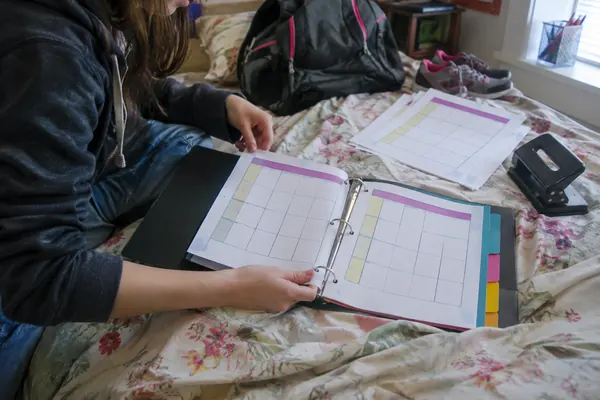
The sheet is designed for US Letter and I test-print each of my printables on my home inkjet, on Letter and on A4. On A4, choose fit to page so nothing is clipped at the edges. Print at 100 percent on Letter, in black and white, and the page will look clean and use little ink.
For a binder, punch the left side and keep a stack of about ten sheets at the front, so you can pull a new one each week. Slip the current week into a clear sleeve or clip it to a clipboard, which survives backpacks better than loose paper. Put a monthly page at the front of the binder for the big dates.
If you carry a smaller notebook, print at 80 percent and trim it. Pencil works better than pen on the first draft, because plans change, especially in the week before midterms.
Mistakes I see with college planners
The most common mistake is making the planner too big. A beautiful 60-page planner is lovely in August and abandoned by October. A single weekly sheet is easier to maintain, and you can add monthly pages if you need them.
The second is listing tasks with no time. A to-do list says what, but a plan says when. If a task is on the due list, it should also appear in a study block or be scheduled with a day, otherwise it sits there until the deadline arrives.
The third is skipping the reset. People fill in a planner for two weeks, miss one Sunday and quietly stop. If you miss it, do a ten-minute catch-up on Monday morning, with just the due list and top three. A small version of the habit beats giving up.
Keeping the habit through midterms and finals
Planners fail at the moments you need them most, when the workload spikes. To keep the habit through those weeks, shrink it. Use only the top three, the due list and study blocks, and ignore the rest of the sheet for a week.
Between terms, a yearly view helps you see breaks, move-in dates and application deadlines. The 2027 calendar gives you the whole year on one page, and it is handy for marking term start and end dates for each semester.
Finally, treat the sheet as a tool and not a score. A week with unticked boxes is information: it tells you that you planned too much, or that something got in the way. Adjust the next sheet and keep going.
Try this: At the end of this week, circle the two items you did not finish. Next to each, write why (too big, unclear, or no time). Use that answer when you plan next Sunday.
Common questions
What is the best planner for college students?
The best planner is the one you open every day. For most students that means a weekly layout with space for classes, due dates, study blocks and exams, plus a monthly view for the big picture. A one-page weekly sheet like the one above is a good starting point.
Should a college student use a paper or digital planner?
Both work, and many students use a mix. A phone calendar is good for reminders and class times, while paper is better for seeing the whole week and deciding what matters. Pick one place where every deadline lives so nothing is split across systems.
How do I plan my week as a college student?
Set aside about 20 minutes on Sunday. Copy every deadline for the coming week from your syllabi, write in classes and work, then place study blocks in the gaps. Finish by choosing three priorities for the week.
What should a college planner include?
At minimum it needs your class times, assignment due dates, exam dates, study sessions and fixed commitments such as work or clubs. A small space for life admin, like emails and laundry, keeps small tasks from being forgotten.
When should I start using a planner in college?
Start in the first week of the semester, when every syllabus is fresh. That is when you can enter all the major deadlines at once. If the term has already begun, start this week and add the syllabus dates today.
Can I print this planner on A4 paper?
Yes. The sheet is built for US Letter, and it prints well on A4 if you choose the fit to page option. Check the preview before printing so the edges are not cut off.
More free planners
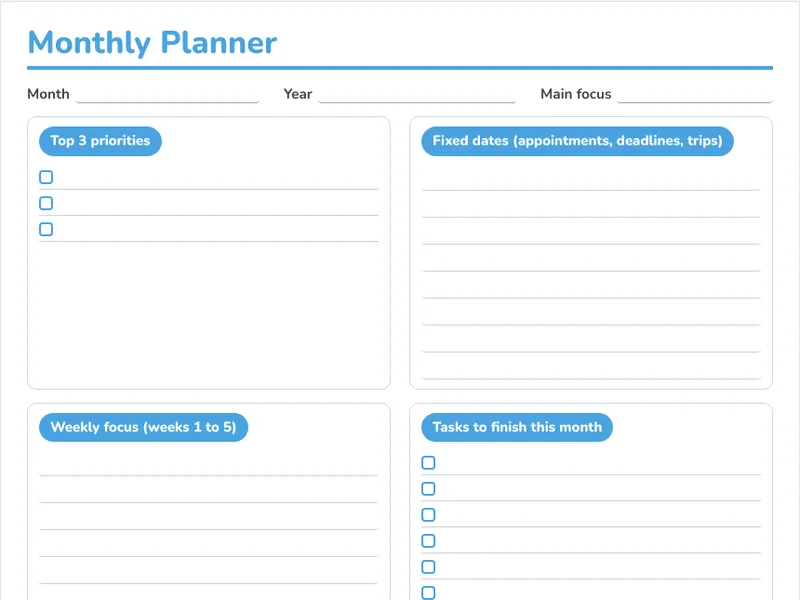 Monthly Planner: Free Printable One-Page Sheet
 Garden Planner: Free Printable Planting Sheet
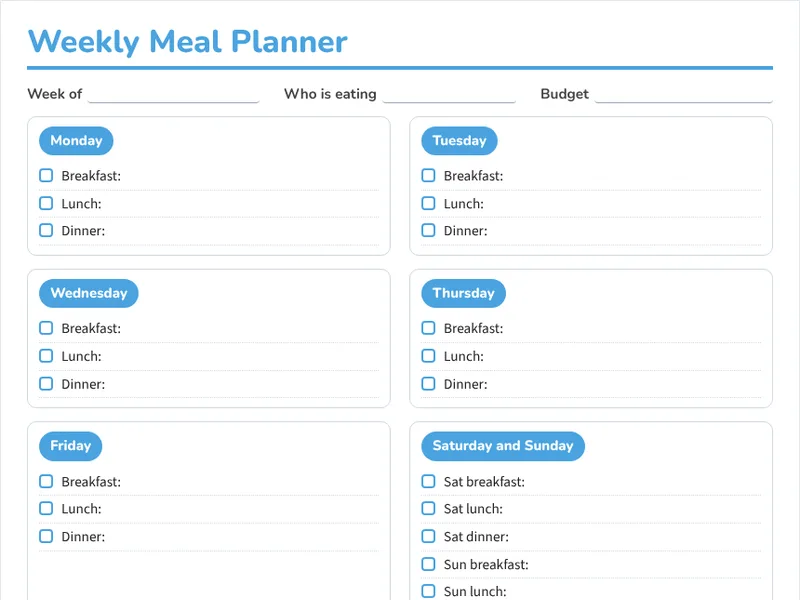 Printable Weekly Meal Planner
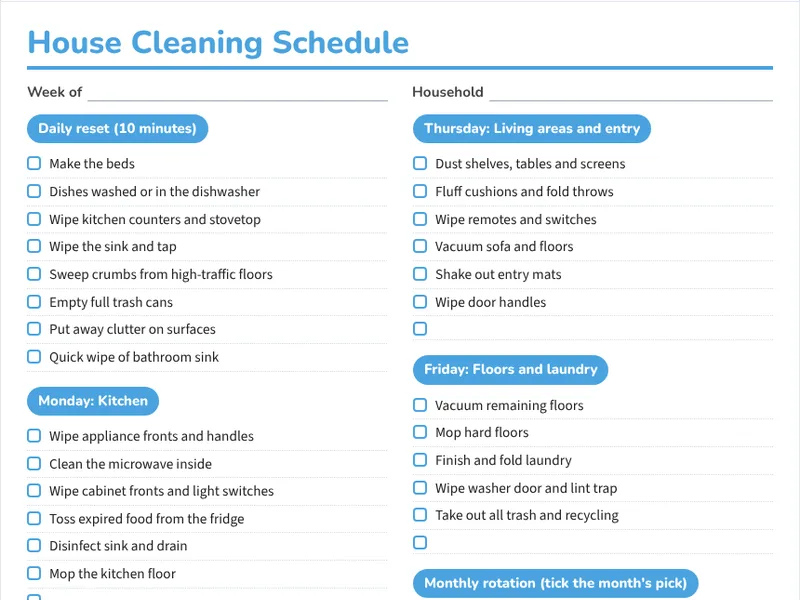 House Cleaning Schedule: Free Printable for Daily, Weekly and Monthly Jobs
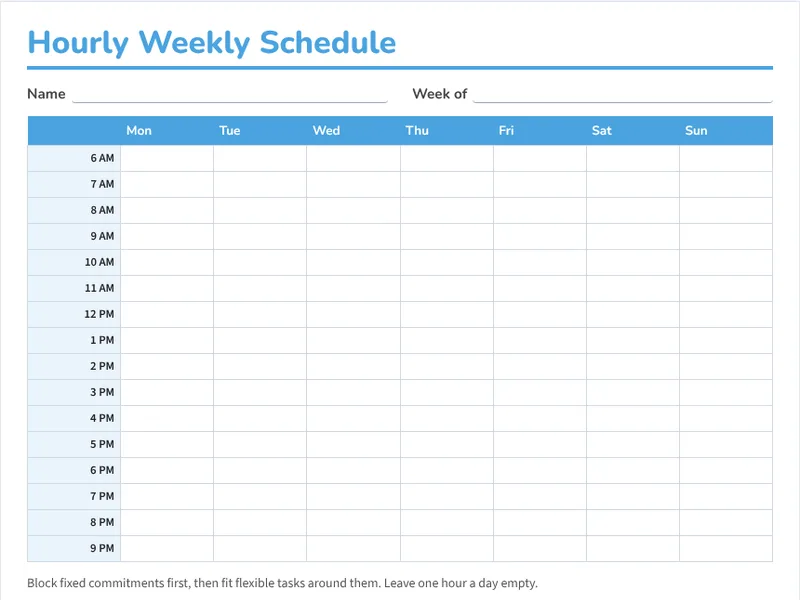 Hourly Schedule Template: Free Printable Weekly Planner
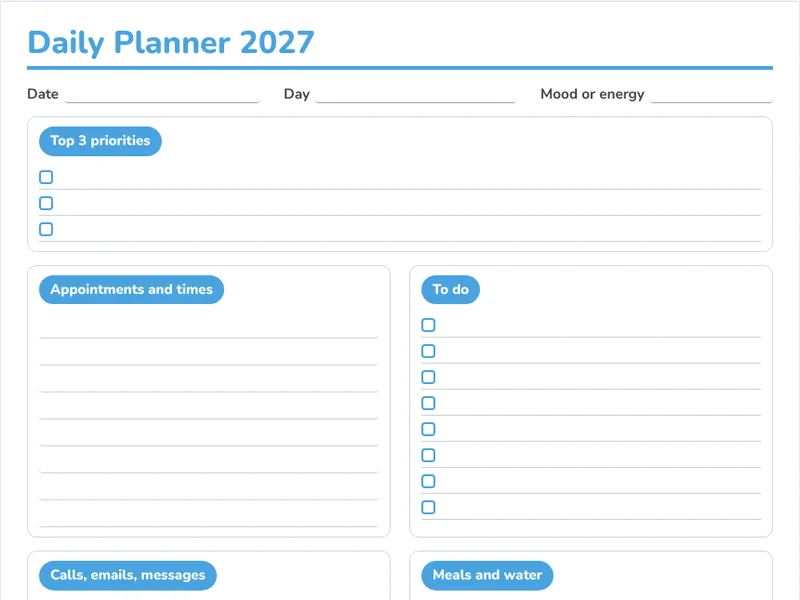 Daily Planner 2027: Free Printable Page for Every Day