
Daily Checklist Template (Free Printable)

A daily checklist template is a single page that lists what you want to do today, grouped by time of day or type of task, with a box to tick beside each one. The sheet on this page splits the day into top priorities, morning, work or school, home, health, errands and evening, so you can see the whole day on one page and finish it with a clear sense of what is done.
Top three today
- Most important task (do this first)
- Second priority
- Third priority
Morning
- Make the bed and open the curtains
- Drink a glass of water
- Take medication or vitamins
- Eat breakfast
- Look at today's calendar
- Get dressed and ready
- Pack bag, lunch and keys
- Ten-minute kitchen tidy
Work or school
- Read my top three again
- Focus block of 45 to 90 minutes
- Answer urgent messages only
- Reply to the rest in one batch
- Take a real lunch break
- Write loose tasks on the list
- Confirm tomorrow's meetings or classes
Home
- Dishes done and counters wiped
- One load of laundry
- Sort the mail
- Take out trash or recycling
- Feed or walk the pets
- Start dinner
Health
- Move for 20 minutes
- Get outside for fresh air
- Eat a fruit or vegetable
- Stretch or take a screen break
Errands and calls
- Call or message someone back
- Pay or check one bill
- Errand or return
Evening
- Clear up after dinner
- Pack bags for tomorrow
- Lay out clothes
- Check tomorrow's calendar
- Choose tomorrow's top three
- Charge phone and devices
- Screens off and wind down
- Lights out on time
Tick what is done, carry the rest forward. Aim to finish the top three, not the whole page.
Free for personal, classroom and office use. Your entries are included in the print, PDF and PNG. Prints on US Letter and fits A4.
Black and White Daily Checklist Template
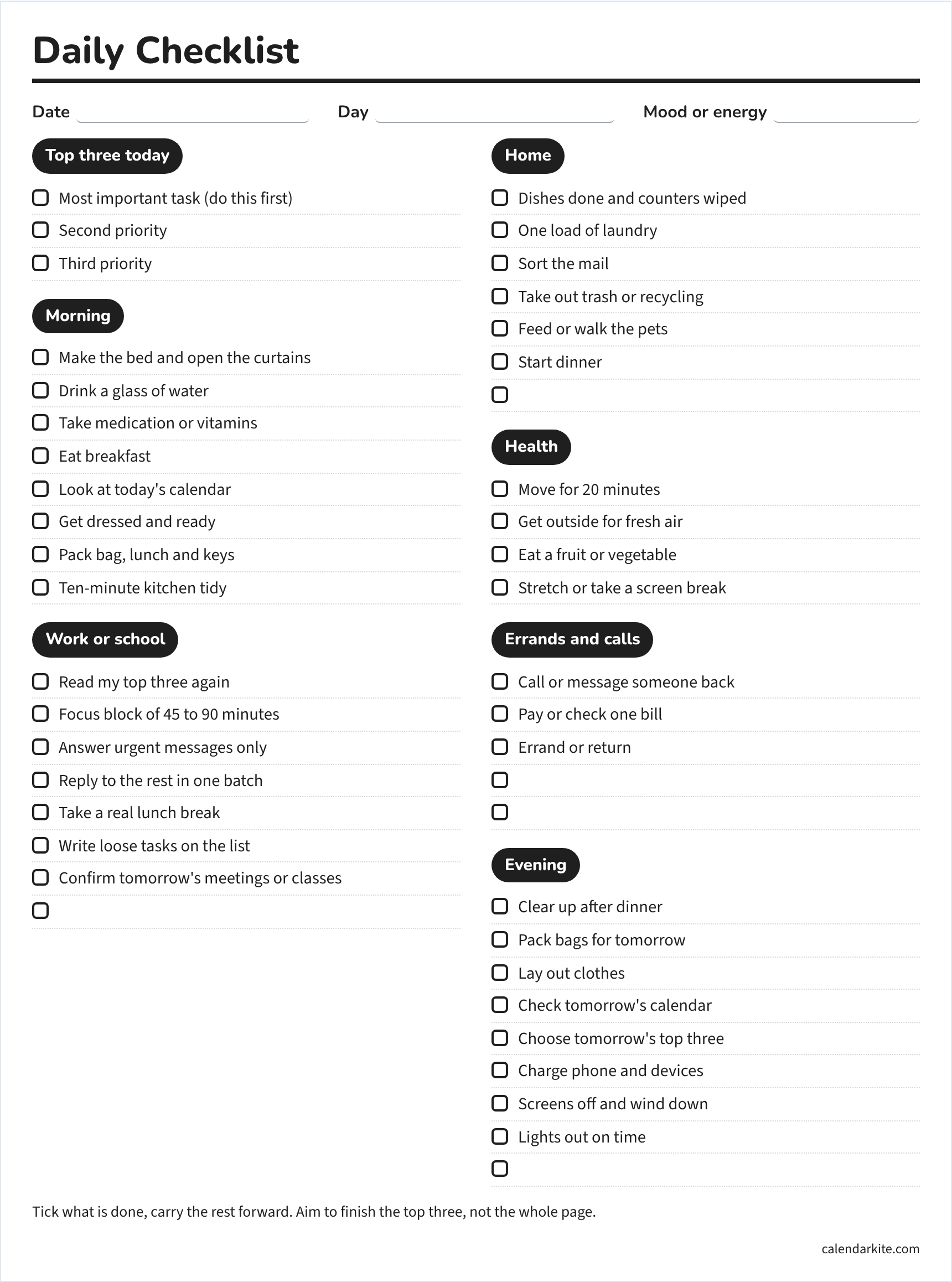
This plain black-line version suits anyone printing a stack for the week, because it uses very little ink. I test-print each page on my home inkjet, and I keep a few copies clipped to my planner on the kitchen counter for errands.
Pink Daily Checklist Template
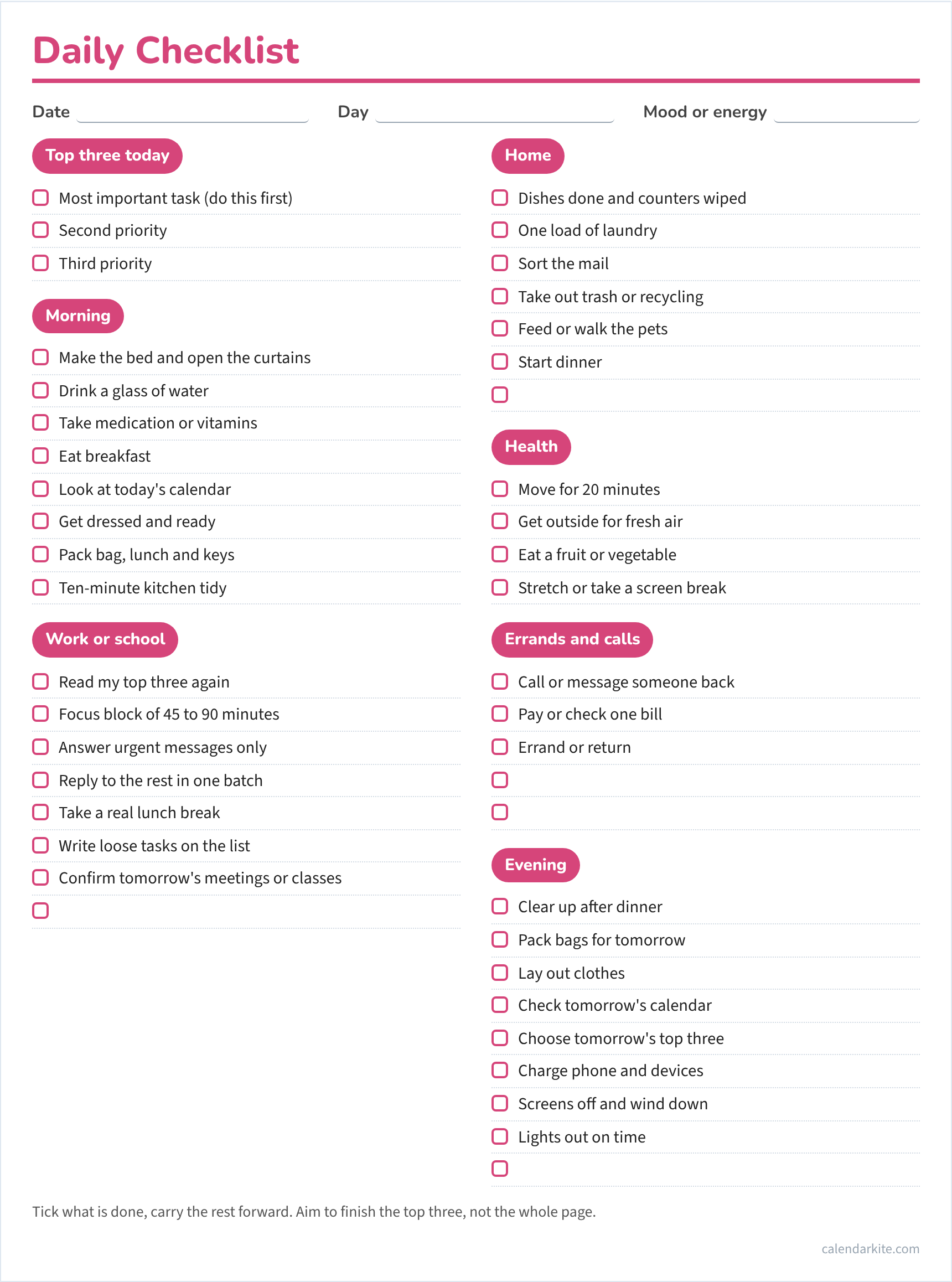
This soft pink design suits a morning routine or a self-care list you want to feel gentle rather than strict. Try it for five to seven habits, like water, stretching and tidying one surface, and tick each box as you go.
Sage Green Daily Checklist Template
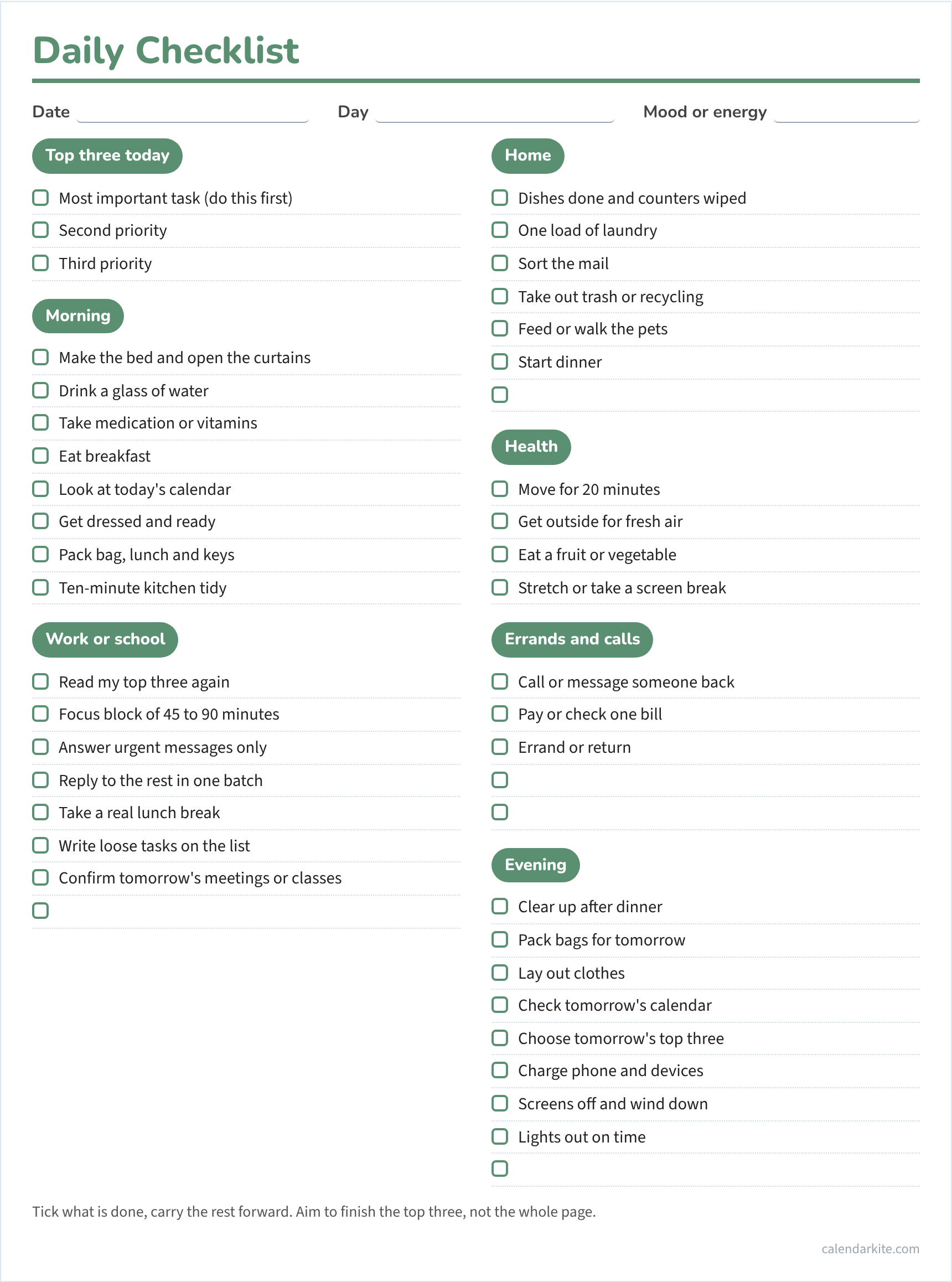
I like this sage green version for a calm work-from-home day, when you need a short list that does not shout at you. In my office years I learned that fewer than ten lines gets finished more often.
Lavender Daily Checklist Template
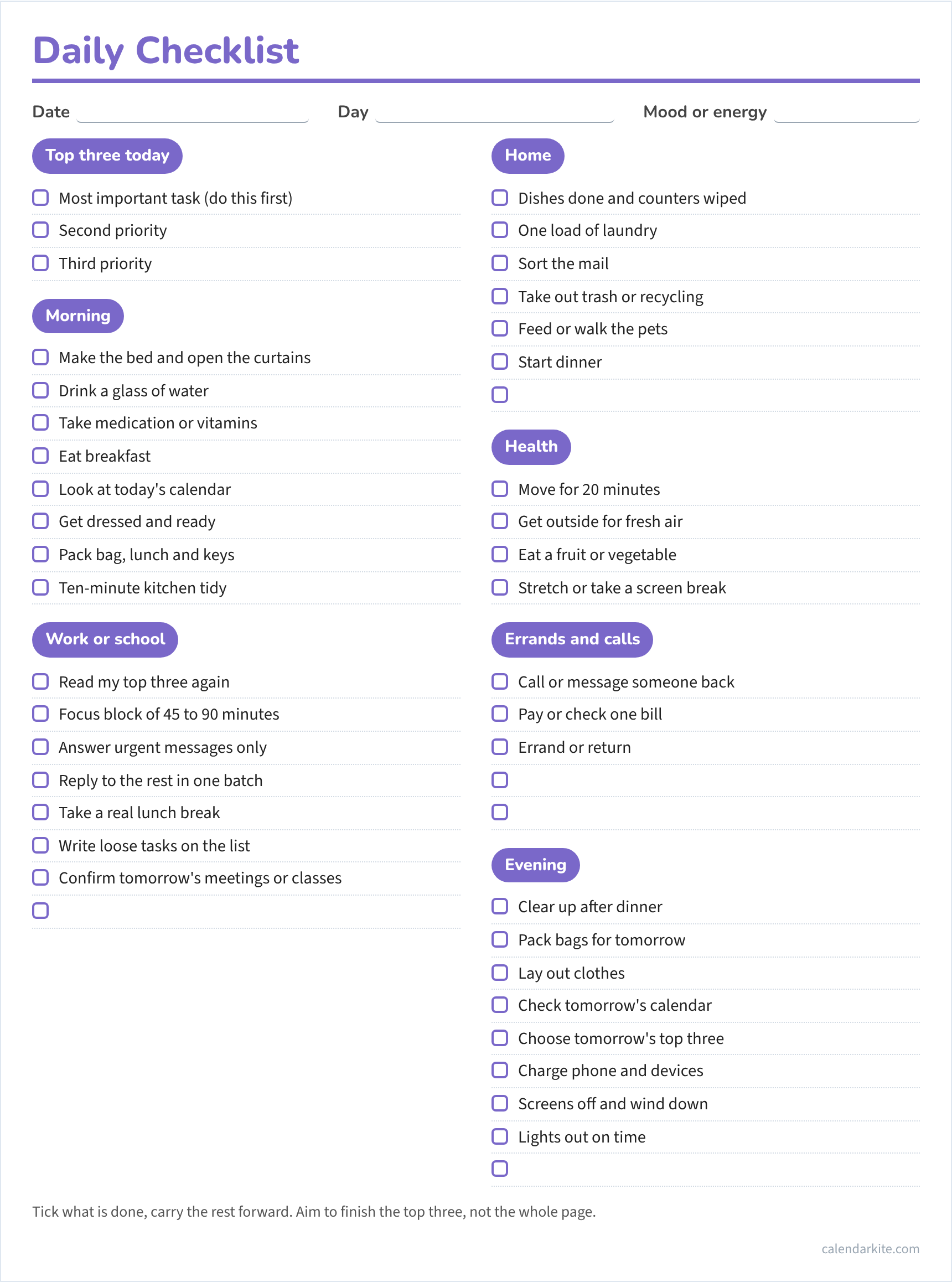
This lavender page suits students and evening planners who like a quieter color for winding down. Use it as a bedtime reset, with lines for laying out clothes, packing a bag and checking tomorrow's calendar.
Cute Daily Checklist Template
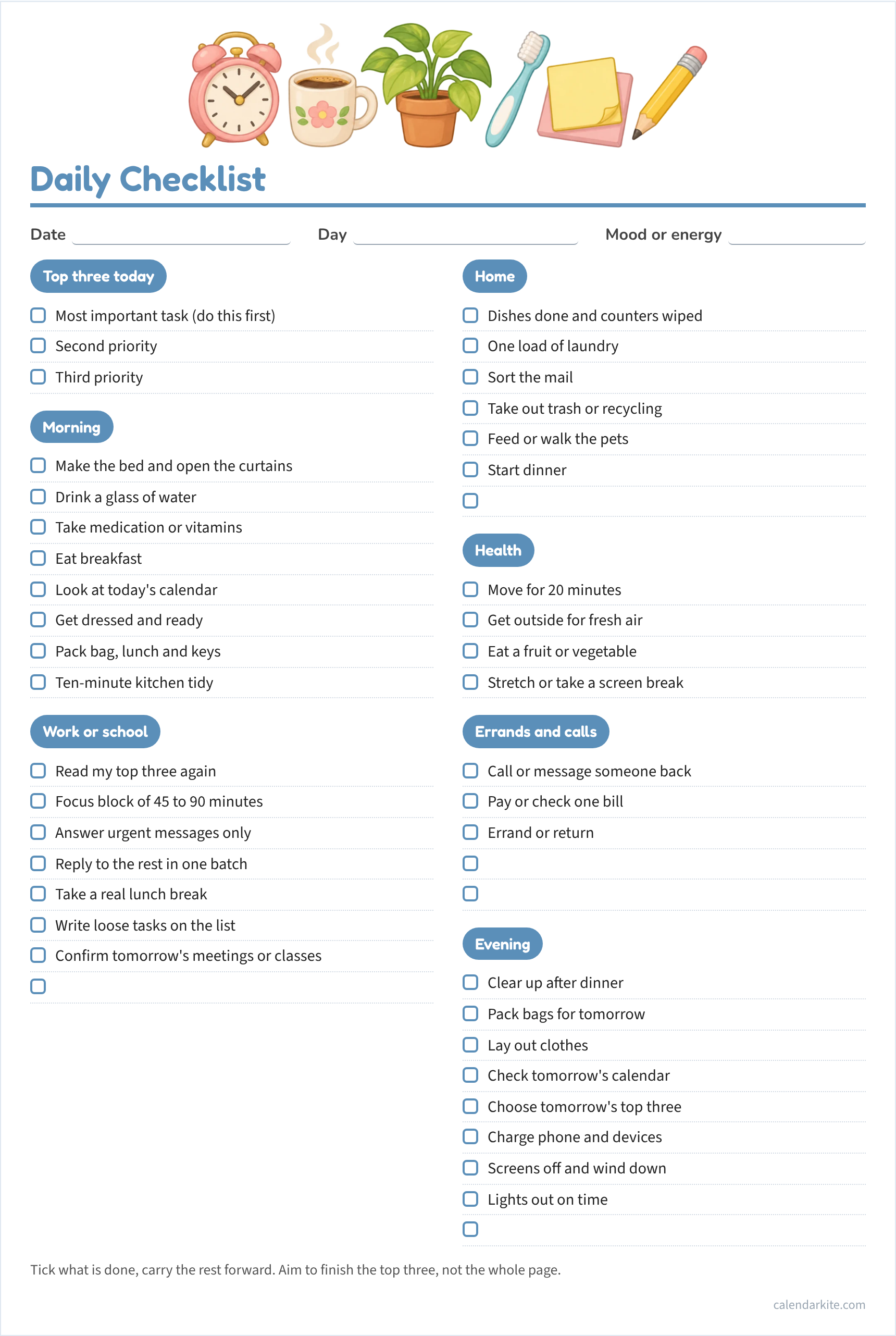
The pastel blue page with little hand-drawn illustrations suits anyone who finds plain lists a chore. It works well on a fridge for after-school tasks, simple jobs like unpacking a lunchbox and watering a plant, since a friendly look invites a glance.
Floral Daily Checklist Template
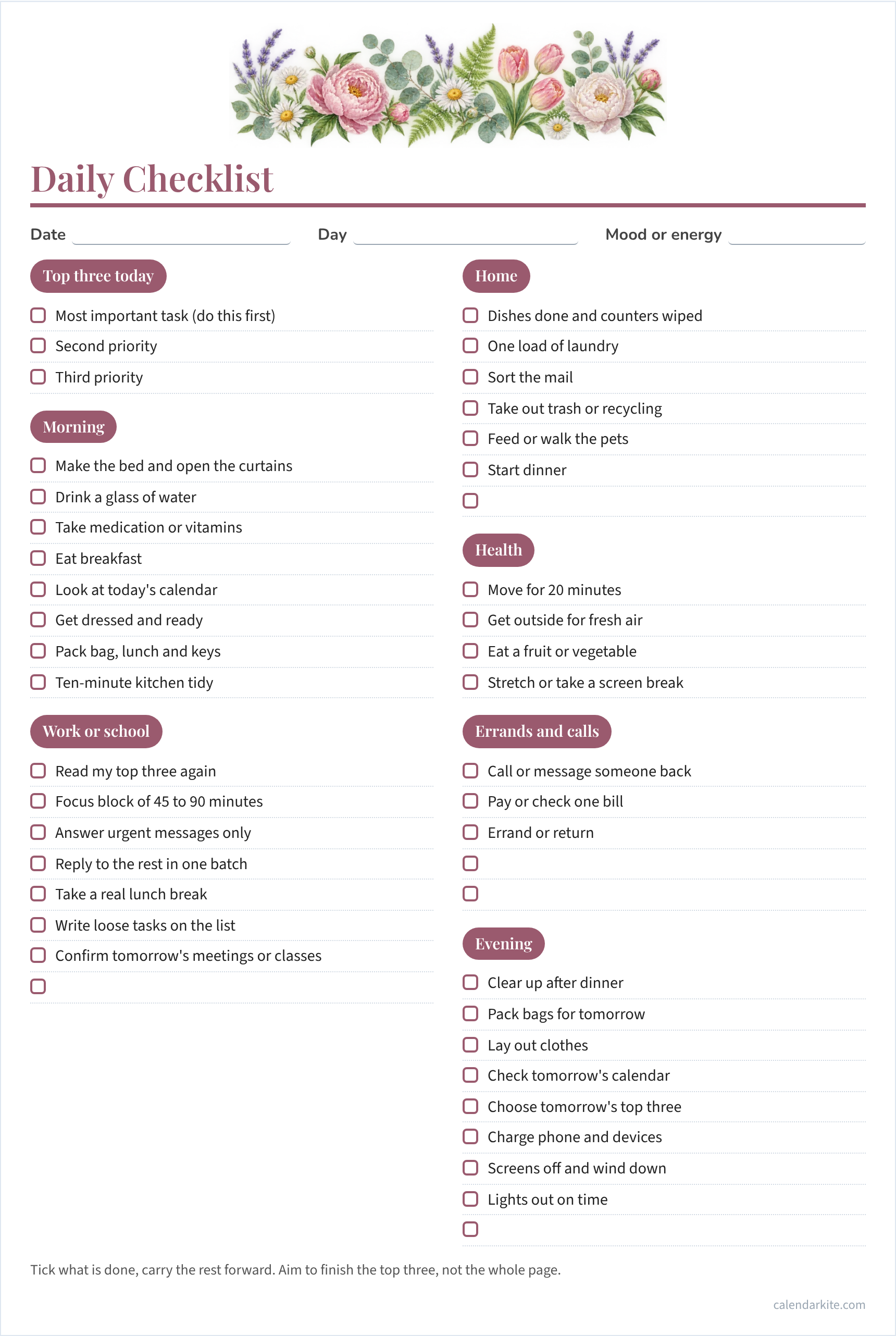
With watercolor flowers and elegant serif headings, this mauve design suits a gratitude-and-goals morning page. It looks polished in a binder, with checkboxes kept clear of the artwork so every line stays easy to read when printed.
Colorful Daily Checklist Template
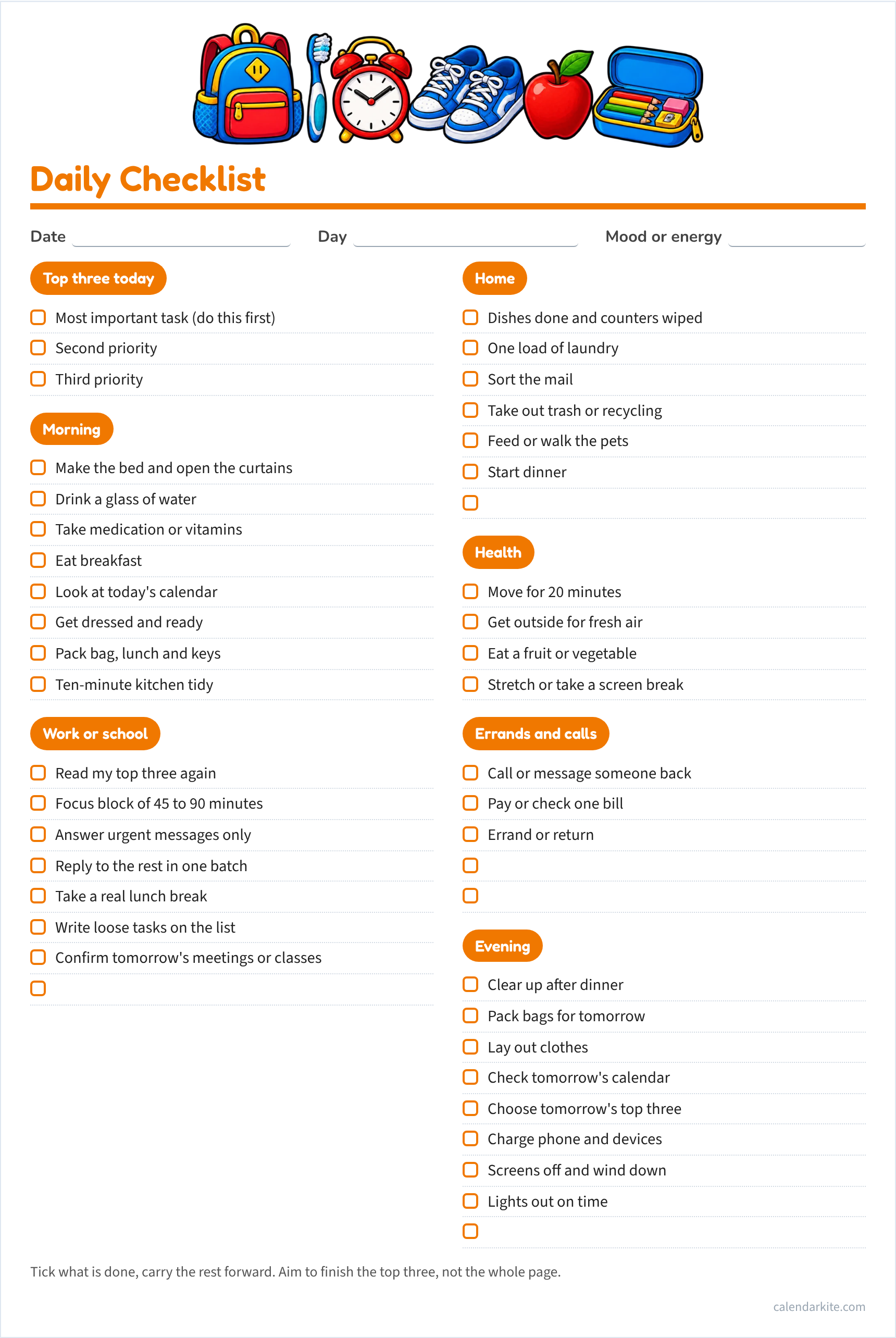
Bright orange and yellow with bold cartoon art makes this version a good fit for morning and bedtime routines with children. Add steps like brush teeth, pack backpack and feed the dog, and let them tick the boxes themselves.
Minimalist Daily Checklist Template
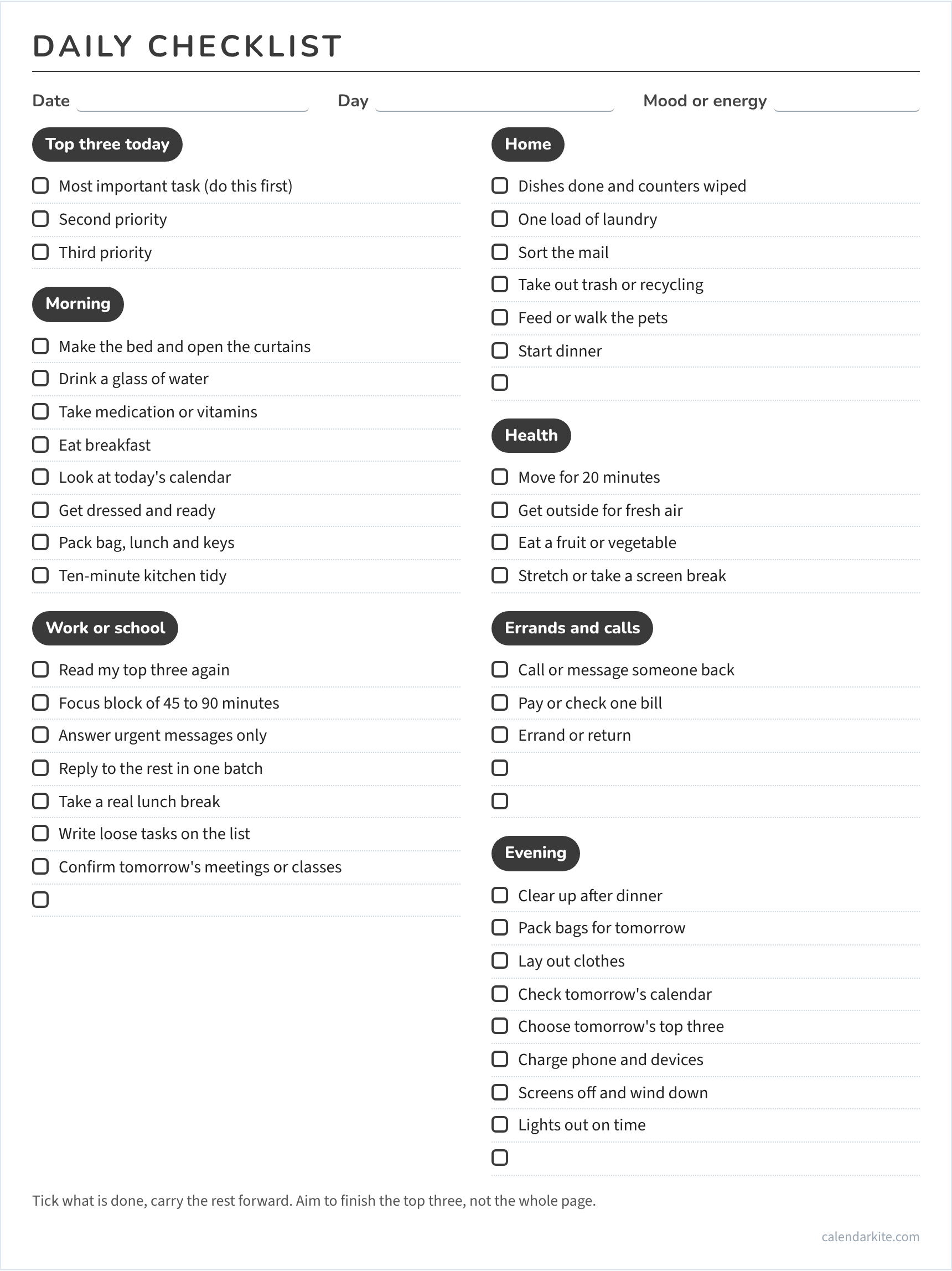
Thin gray lines and a light uppercase heading keep this version quiet, which suits people who want the list to disappear into the day. A mistake I see often is crowding the page, so I left generous space between rows.
Aesthetic Daily Checklist Template
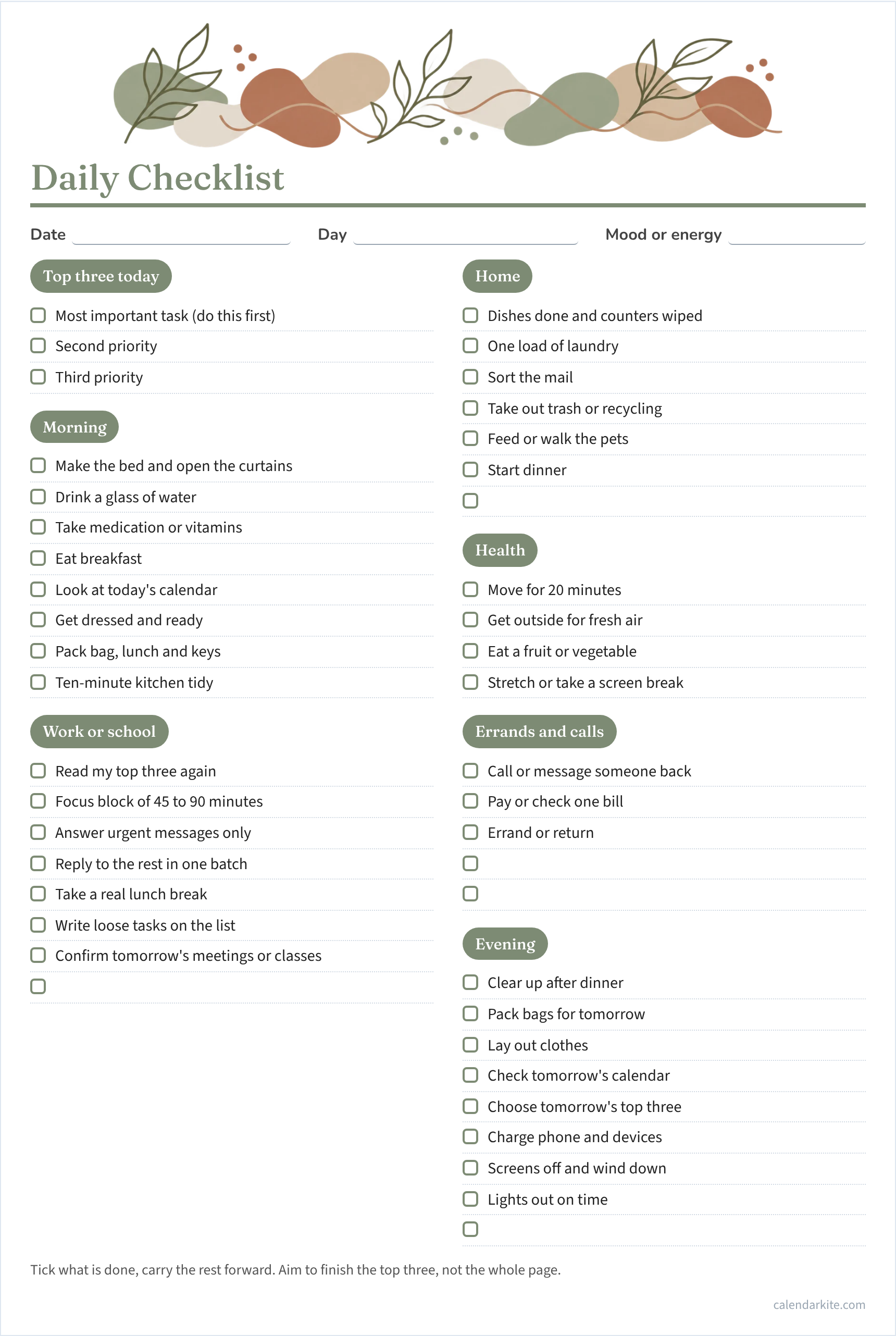
Muted sage, sand and terracotta with soft line-art leaves suit a desk setup or a journaling spread. I print it on US Letter and A4 to confirm the margins hold, so it fits either planner size without trimming.
Modern Daily Checklist Template
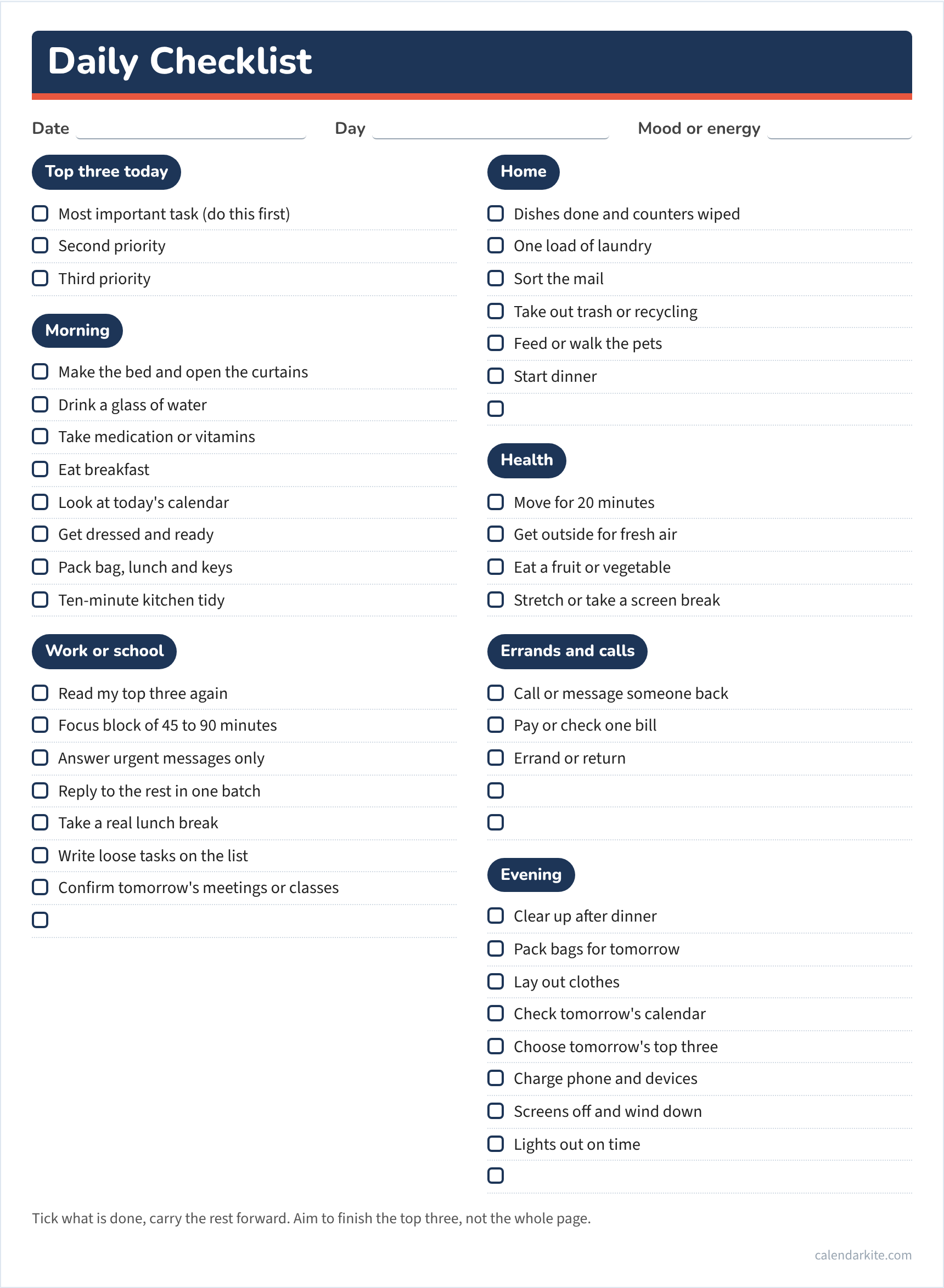
The navy header band and coral accent make this the clearest option for a busy work or study day. In the office I found that a strong header helps you spot the priority line first, so put your top task there.
Everything is editable before you print. Type into any line, rewrite the prefilled items to suit your life, tick boxes on screen if you like, and print when you are ready. There is also a blank PDF if you would rather write by hand. The rest of this page explains how to fill it in, who it suits, and how to adapt it so it does not end up abandoned in a drawer by Thursday.
How to fill in the daily checklist
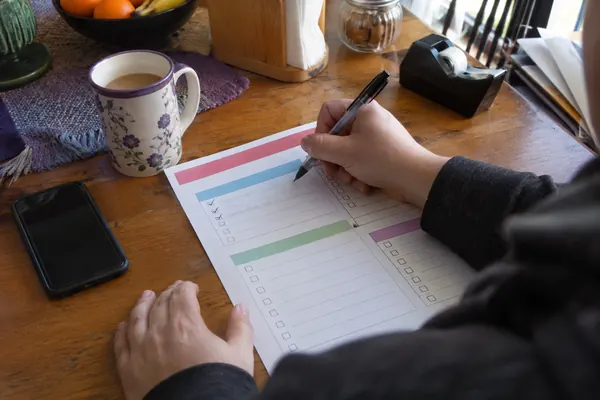
Start with the date and day at the top, then fill in the sheet in a fixed order. The order matters more than people expect, because the top of the page is the part you will actually read.
- Write your top three first, before anything else. These are the tasks that make today a success if nothing else gets done.
- Scan the prefilled items in each section and cross out or retype anything that does not apply today.
- Add today’s one-off tasks to the blank rows under Work or school, Home and Errands and calls.
- Tick items as you finish them. Do not tick things in advance.
- Before bed, glance at what is unticked and decide what moves to tomorrow and what can simply be dropped.
I fill mine in at the kitchen counter with the first coffee, and it takes about three minutes. If a checklist takes longer than five minutes to set up, you will stop doing it, so I keep the prefilled items on the page and only change what is different about today.
Who this daily checklist suits
This sheet suits people with a mix of routine and one-off tasks: parents juggling school runs and dinner, people working from home who need a visible end to the day, students balancing classes with chores, and anyone who finds a blank to-do list overwhelming. The sections give you somewhere to put each task so that nothing floats around in your head.
It also works well for people who share a home. Print one for the fridge and the household can see what is planned. In my own house the page on the fridge is a mix of the family calendar and a checklist, and my kids check the Home section more reliably than they ever followed a spoken request.
It is less suited to a day that is mostly meetings and appointments by the hour. For that, a time-based layout such as the hourly schedule template will serve you better, and you can still use this checklist beside it for the tasks that have no set time.
Edit the items before you print
The prefilled items are there because a blank page is hard to start from. They are sensible defaults, not rules. Change the wording, delete lines you will never do, and add your own. Anything you edit is saved in your browser, so tomorrow’s page begins with your routine already in place rather than my guesses.
Short, specific wording works better than vague wording. “Pay the electric bill” gets done; “admin” does not. If an item has been on your checklist for a week and never ticked, it is either too big or not really a daily task. Break it into a first step (“find the login”) or move it to a weekly list.
Try this: Before you print, spend two minutes deleting every prefilled item you know you will skip this week. A shorter page gets used more than a thorough one.
Choosing your top three
The top three box is the most useful part of the sheet. A page of fifteen equal-looking boxes hides the one task that matters, so I give priorities their own space at the very top. Pick tasks that are specific, finishable in a day, and that you would be glad to have done by evening.
A good test is to ask what you would be annoyed about not doing if you only had time for three things. Usually one is a deadline, one is something that has been slipping, and one is for you or your home. Do the first one before you open email. In my office years I saw many capable people spend their best hour answering messages and then run out of day for the task their manager actually needed.
If you have more than three genuine must-dos, that is useful information: you are overcommitted today, and it is better to see that at 8 a.m. than at 8 p.m. Move something to tomorrow on purpose.
How many tasks belong on a daily checklist
Ten to twenty ticks is a realistic daily load, and many of those are tiny routines you do without thinking. The checklist is not a record of everything you will do all day. Breathing, commuting and answering a friend’s text do not need a line.
Count only items that take effort or that you tend to forget. Medication, packing a bag, calling the dentist and taking the bins out are good candidates. Making coffee is not, unless coffee is your cue to start the list.
Leave some space unfilled. Real days have interruptions, and a checklist packed edge to edge turns every interruption into a failure. I aim to finish about three quarters of what is on the page, and I treat the rest as a bonus or as tomorrow’s start.
Morning, afternoon and evening: why the sections help
Grouping tasks by part of the day means each task sits where you will actually meet it. Morning items are about getting out of the door in decent shape, work items cover your focused hours, and the evening section closes the day and sets up the next one. This is why the sheet has an Evening block that includes choosing tomorrow’s top three.
That last habit is the one I would keep if I had to drop everything else. When I worked in an office, the people who ended the day by writing down tomorrow’s first task started the next morning without the usual fog. Ten seconds at night saves a surprising amount of dithering at breakfast.
If your days have a different shape, rename the sections. Night-shift workers can swap Morning for “Before shift” and Evening for “After shift”. Students can rename Work or school to “Classes and study”.
Daily checklist examples you can copy
Seeing a filled-in page makes the idea clearer than any description. These are the kinds of items I see work well, by situation.
- Working from home: top three set the night before, one focus block, lunch away from the desk, inbox checked at fixed times, shut-down note listing tomorrow’s first task.
- Parent at home: school bags packed, one load of laundry, dinner decided by 10 a.m., 15-minute tidy before dinner, permission slips and forms checked.
- Student: read one chapter, submit one assignment, review class notes for ten minutes, charge laptop, check tomorrow’s timetable.
- Caring for someone: medication times, meals, a walk, appointments, and a short note of anything to tell the next person.
Notice that each list mixes a few outcomes with a few routines. That mix is what keeps a checklist interesting enough to open. If yours is all chores, you will resent it; if it is all goals, you will skip the basics.
Try this: Fill in tomorrow’s sheet tonight using only five items from your real life: the top three, one routine and one errand. See how much calmer the morning feels.
Daily checklist versus to-do list versus planner
A to-do list is a collection: everything you might do, in no particular order, for as long as it takes. A daily checklist is a selection: what you have decided to do today, plus routines worth protecting. A planner is a schedule: what happens when. They overlap, but mixing them is the most common reason a system collapses.
My own set-up is simple. The big family calendar lives on the fridge, a longer running list sits in my planner on the counter, and each morning I copy only today’s essentials onto a checklist. If you want a longer running list to copy from, the printable to do list is a good companion, and the daily planner template suits days that need time slots as well as ticks.
If you notice the checklist is turning into a dumping ground, that is the signal to start a separate master list and keep the daily page short.
Variations to try
Once the basic page works for you, small changes can make it fit better. Here are the ones I use or recommend most.
- Routine-only version: delete everything except fixed daily routines and photocopy ten copies. Good for morning and bedtime habits, and for children. The morning routine chart is built for exactly this.
- Weekly spread: if you only need quick ticks without writing, a week-view list such as the weekly to do list shows the whole week at once.
- Habit streaks: if there are three or four things you want to do every day, move them to a habit tracker and keep the checklist for what varies.
- Cleaning day: swap the Home section for the tasks on your house cleaning schedule so the right room gets attention on the right day.
- Shared sheet: add initials beside tasks for households or small teams so ownership is clear.
You can also run two sheets: one personal, one household. The key is that each has a single purpose.
Paper or digital
Both work, and many people use both. A paper checklist has no notifications, no battery and no temptation to open another app. It sits where you will see it, and ticking a box by hand is more satisfying than it should be. Digital lists are better when tasks change often or when you need to share them with other people in real time.
This page gives you a middle route. You can fill in the sheet on screen, which is handy when you are at your computer and want to type neatly, and your entries save in the browser. Then you print it and carry the paper version through the day. I do this when my handwriting would not survive a rushed morning.
If you prefer a fully digital approach, see the free digital planner. For everyone else, a sheet of paper and a pen is hard to beat for simplicity.
Printing tips
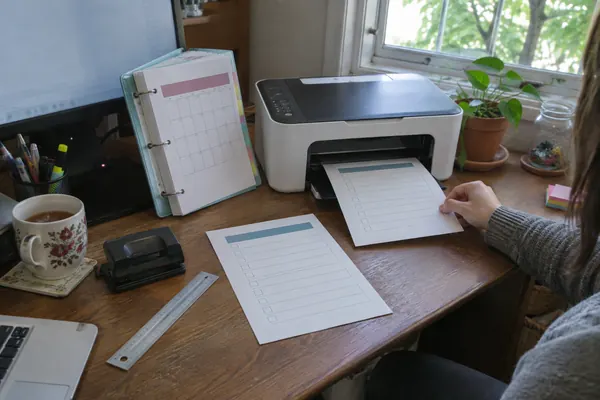
The sheet is designed for one US Letter page, with margins that work on most home inkjet and laser printers. I test-print every printable on my home inkjet on both US Letter and A4, and I have adjusted layouts after finding that tight margins were clipped on some printers.
- Print at 100 percent (actual size) on Letter. If you are on A4, choose fit to page.
- Use draft or standard quality: the sheet is mostly text and boxes, so it does not need much ink.
- Print a week’s worth at a time and keep them on a clipboard so you are not hunting for a fresh page each morning.
- If you tick items often, a slightly heavier paper (24 lb) holds up better to a pen.
- For a reusable version, slip it into a clear sleeve or laminate it and use a dry-erase marker.
If the bottom row is cut off, check that your printer has not applied “shrink to fit” or its own scaling on top of the page setup.
Making your own daily checklist from scratch
You do not need special software. In Word or Google Docs, set a title with the date, make a two-column table (a small box for ticking and a wide column for the task), and add rows for each task. Group rows under short headings. Save it as a template so each new day opens as a fresh copy.
The harder part is deciding what goes on it. List everything you did last Tuesday, circle what you would do again, and group it by time of day. You will likely find you have 12 to 15 genuine daily items. Add three empty rows for one-off tasks and you have a working template.
Or skip the setup and use the page above, edit it to taste and print. If you want a wider choice of formats, the checklists section has more printables for specific jobs.
Common mistakes with daily checklists
The biggest mistake is making the list too long. People feel productive while writing a huge list, and demoralised by evening when half of it is untouched. If you regularly finish less than half, halve the list.
Second, using vague items. “Sort out the garage” is a project, not a task. Break it into “clear one shelf” and put that on the page. Third, never reviewing. A checklist that is not edited gets stale; I reread mine on Sunday and delete items that did not earn their place.
Last, treating unticked boxes as failure. They are information. If the same item is skipped five days running, it needs to be smaller, moved to another time of day, or removed. That is not a lack of willpower, it is simply a task in the wrong spot.
Try this: At the end of the week, circle every item you skipped three or more times. Rewrite, shrink or delete each one before you print next week’s sheets.
Keeping the habit going
Put the checklist where your day already passes. Mine is on the kitchen counter next to the kettle because that is where I stop every morning. A checklist in a drawer is a checklist that does not exist. A clipboard, a fridge magnet or a desk stand all work.
Pair it with something you already do: fill it in with your first drink, and review it as you tidy the kitchen at night. Anchoring a new habit to an old one is much more reliable than relying on remembering.
Finally, expect to miss days. A skipped day is not a reason to stop, just print a fresh sheet and start again. If you want to plan beyond today, the weekly calendar printable pairs well with the daily sheet, giving you the week at a glance with this page for the detail.
Quick answers before you print
Pick a pen you like, because small things help. Write the top three in capitals or underline them. Keep the page visible. Leave the Errands and calls section for things that need a phone, a car or a stamp, so you can batch them into one trip or one session.
If you are starting from nothing, try the sheet for seven days exactly as it is, edit only what clearly does not fit, and then judge. A week gives you enough data to see what belongs on the list and what was wishful thinking. The sheet is free, so print a stack, and let the page do the remembering.
Common questions
What should be on a daily checklist?
Put on the tasks you actually repeat or must finish today: two or three real priorities, a few fixed routines such as medication or dishes, and one or two errands. Keep it to what fits on a page, so you can see the whole day at a glance.
How many items should a daily checklist have?
For most people, 10 to 20 ticks is plenty, with only three of them being true priorities. A list of 40 items is a menu, not a plan, and it usually ends the day with a long row of empty boxes.
Can I edit this daily checklist template before printing?
Yes. You can type into every line and field on the page, change the prefilled items, and tick boxes. Your edits save in your browser, so the sheet is still there when you come back, and you can print it whenever you like.
Should I use the same checklist every day?
Use the same layout every day, but rewrite the top three and the errands each morning or the night before. The routine items can stay, since the point of a repeating checklist is that you stop having to decide them.
Is a daily checklist better than a to-do list?
They do different jobs. A to-do list collects everything you might do, while a daily checklist is today's short, ordered selection plus the routines you want to protect. Many people keep one master list and copy a few lines onto the checklist each day.
What size does this checklist print on?
It is laid out for one US Letter page, and it also prints cleanly on A4 if you choose fit to page in your print dialog. Print at 100 percent on Letter for the best results.
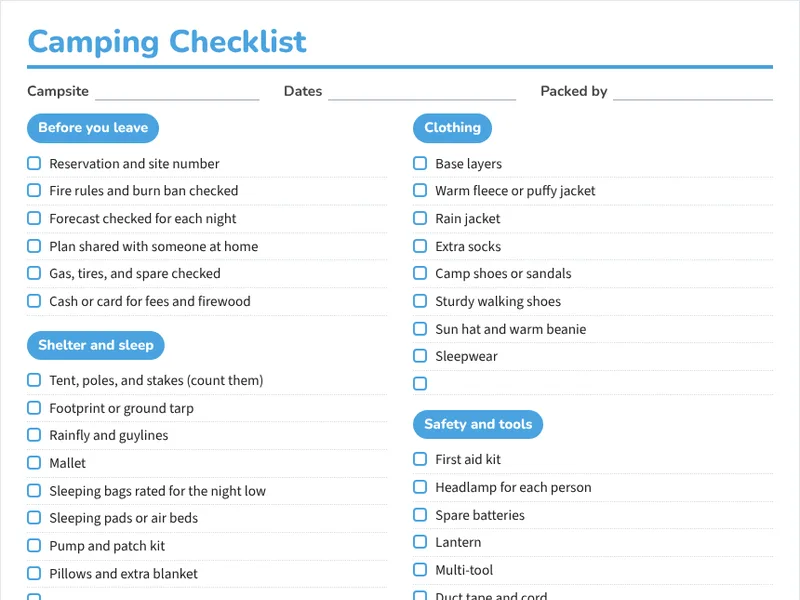 Camping Checklist Printable: Free One-Page Packing List
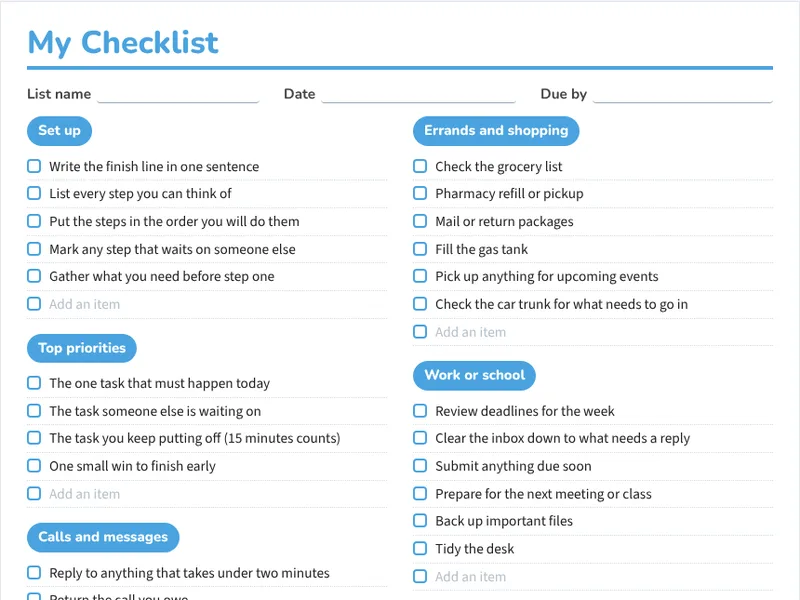 Checklist: A Free Printable You Can Fill In, Edit and Print
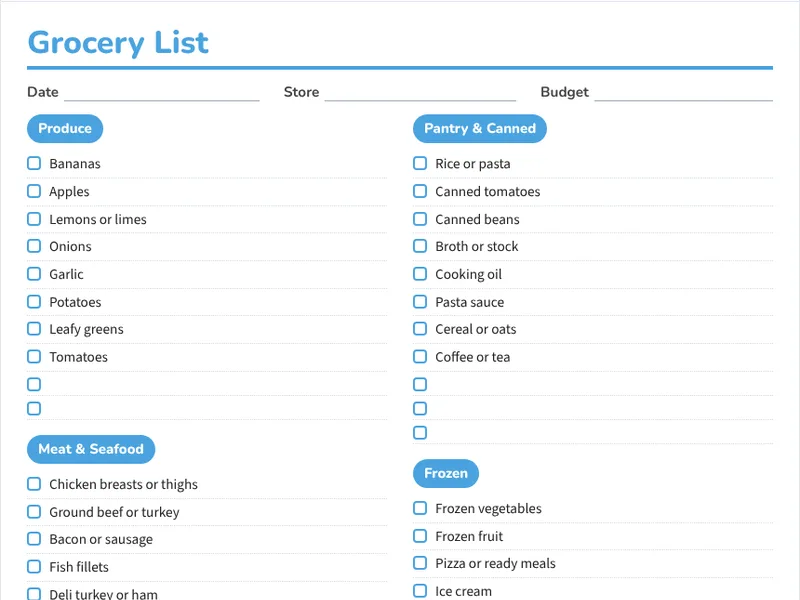 Grocery List Printable
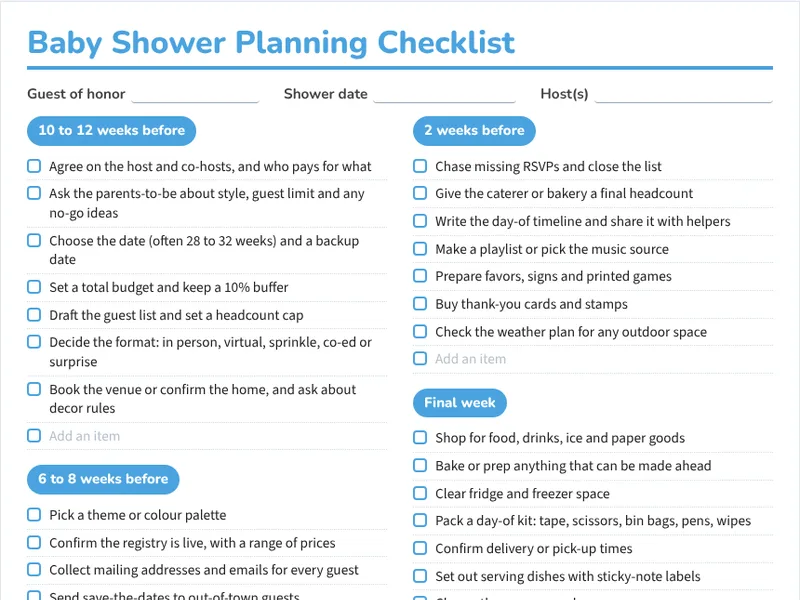 Baby Shower Planning Checklist (Free Printable)
 Moving Out of State Checklist
 Move Out Cleaning Checklist (Free Printable)