
Hourly Planner 2027: Free Printable Page for Every Day of the Year

An hourly planner for 2027 is a one-day page with a row for each hour, so you can see exactly when each task, appointment and break happens. The free printable on this page runs from 5 AM to 10 PM, has room for a plan and a note in every row, a tick box to mark each hour done, and a top priority line at the top. It is undated, so you can use it on any day from Friday 1 January to Friday 31 December 2027.
| Time | Plan | Where / who / prep | Done |
|---|---|---|---|
| 5 AM | |||
| 6 AM | |||
| 7 AM | |||
| 8 AM | |||
| 9 AM | |||
| 10 AM | |||
| 11 AM | |||
| 12 PM | |||
| 1 PM | |||
| 2 PM | |||
| 3 PM | |||
| 4 PM | |||
| 5 PM | |||
| 6 PM | |||
| 7 PM | |||
| 8 PM | |||
| 9 PM | |||
| 10 PM |
Block the hard task first. Leave one open hour for whatever the day throws at you.
Free for personal, classroom and office use. Your entries are included in the print, PDF and PNG. Prints on US Letter and fits A4.
Black and White Hourly Planner 2027 Printable
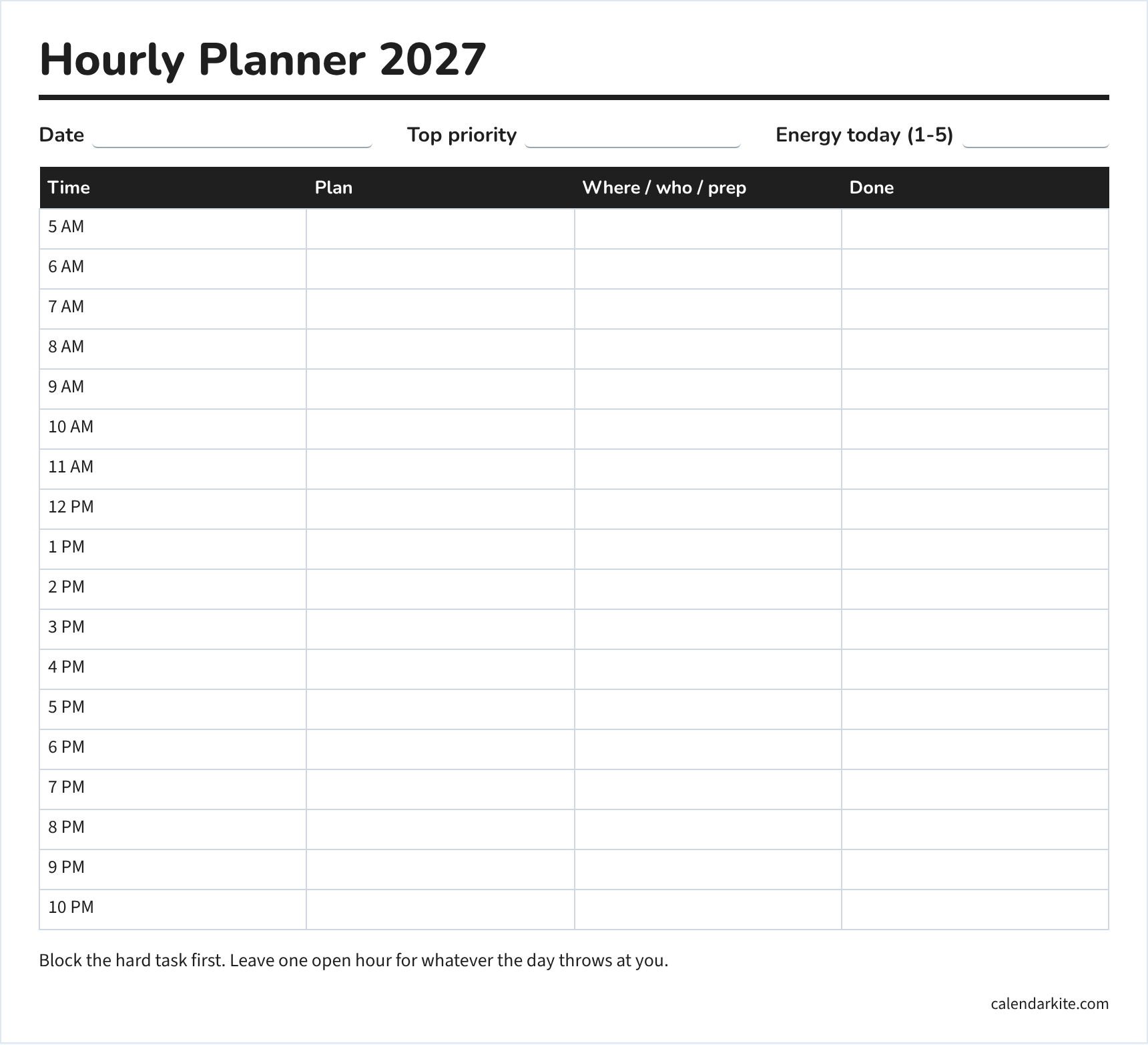
This is the version I print most often, because plain black lines go easy on my home inkjet and photocopy cleanly. It suits office desks and school timetables where you need to plan appointments hour by hour without using color ink.
Pink Hourly Planner 2027
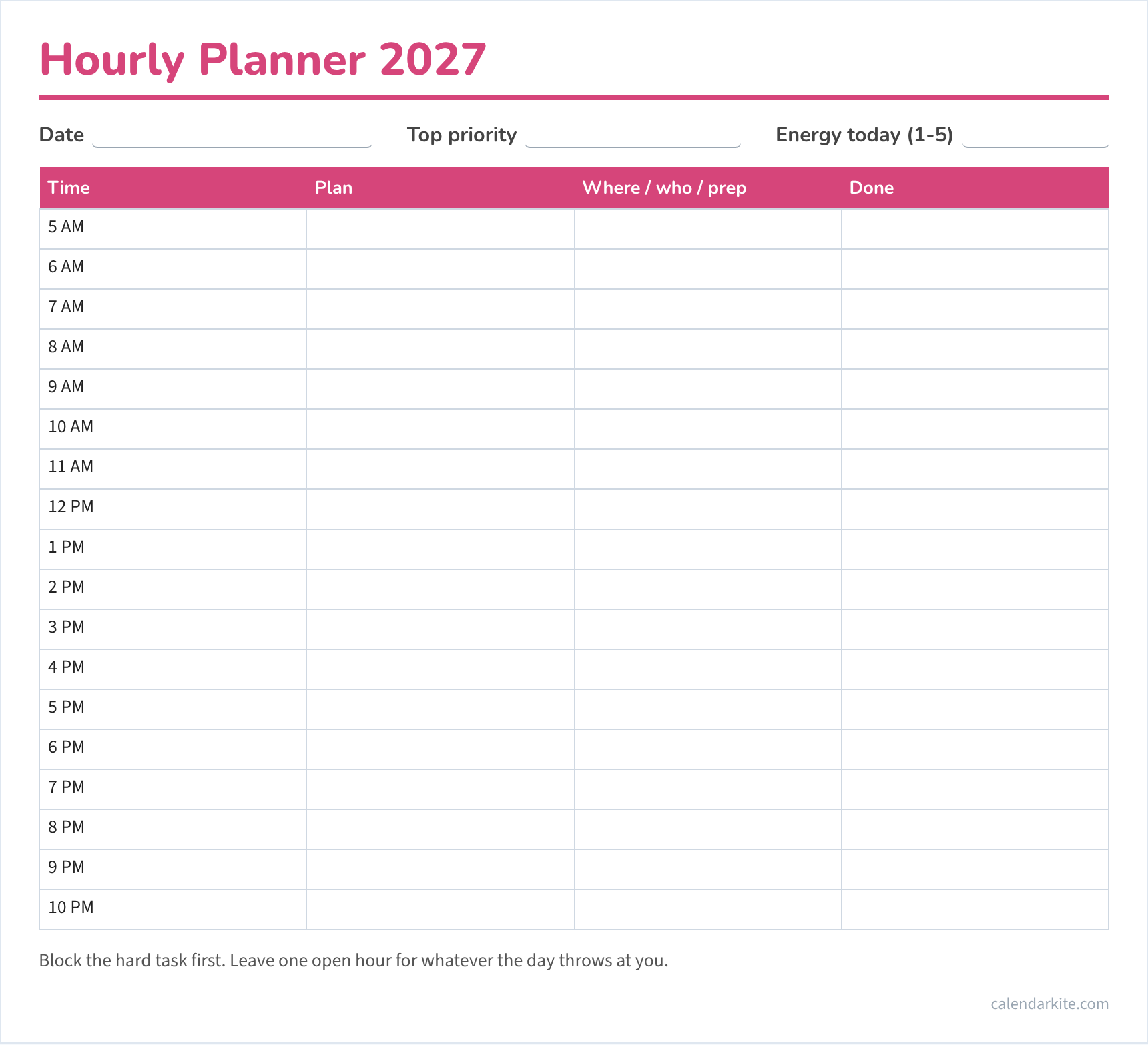
A soft pink look suits anyone who wants a friendly daily schedule without loud colors, such as a salon booking sheet or a busy parent's day. The pale tint stays readable when I test-print it on US Letter and A4.
Sage Green Hourly Planner 2027
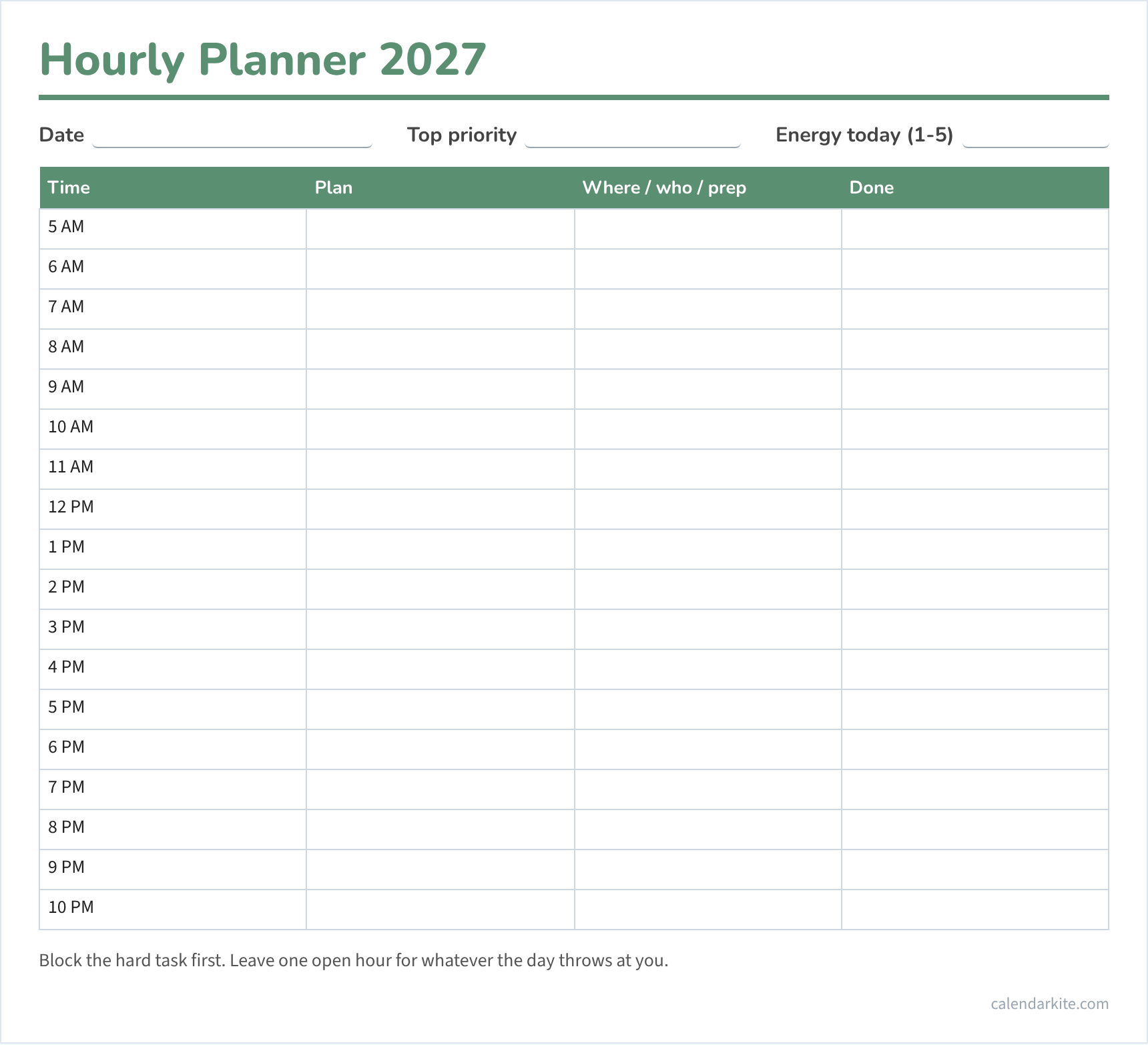
Sage green is calm and easy on the eyes, so it works well for long work blocks, study sessions or a home office desk. I keep a planner on my kitchen counter, and muted colors like this one don't tire me out by evening.
Lavender Hourly Planner 2027
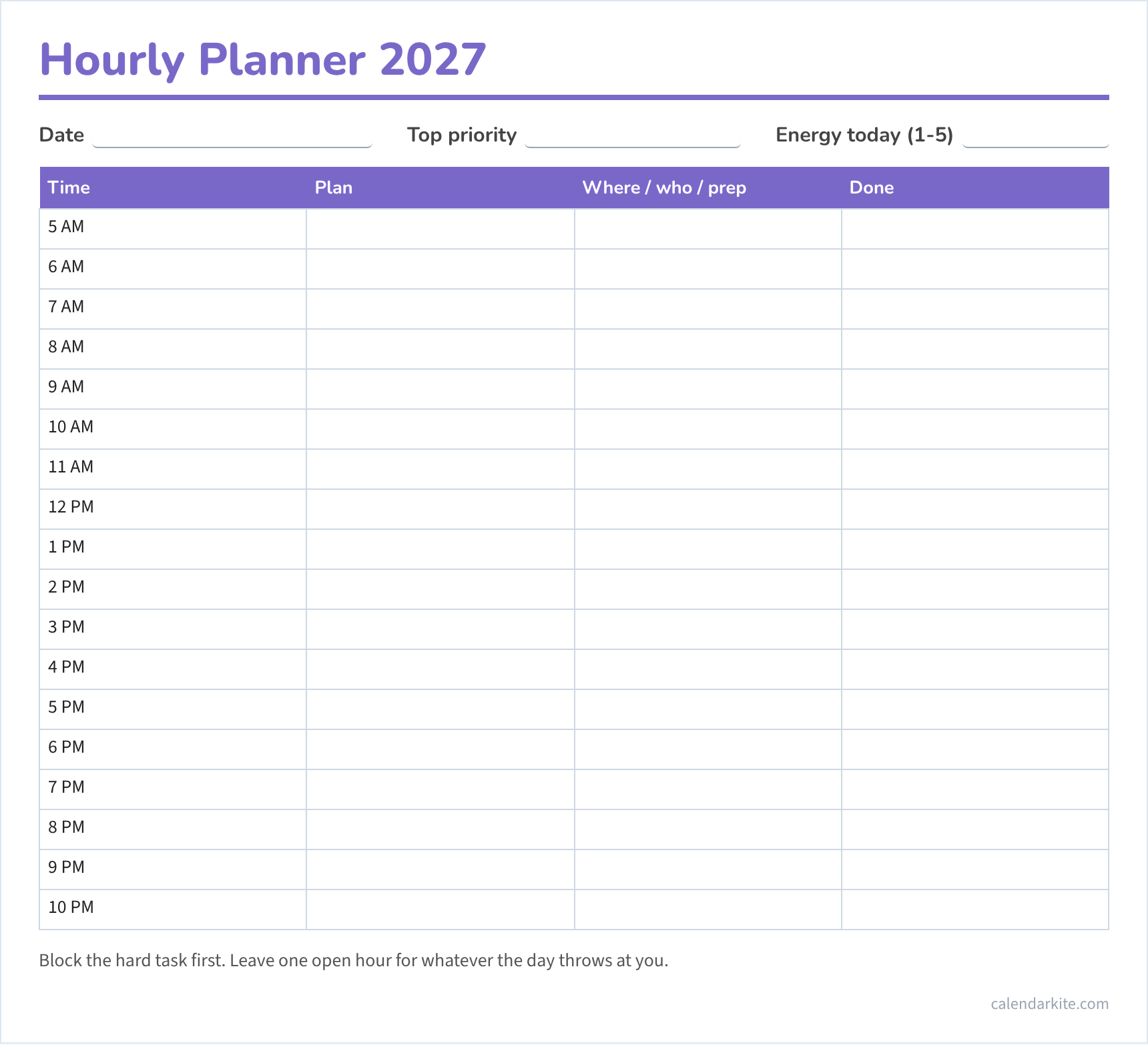
This lavender design suits students and creative freelancers who like a gentle purple tone while mapping out classes, deadlines and breaks. Use it to color-code your day in the margins with one or two pens, which is what I do when my week gets crowded.
Cute Hourly Planner 2027
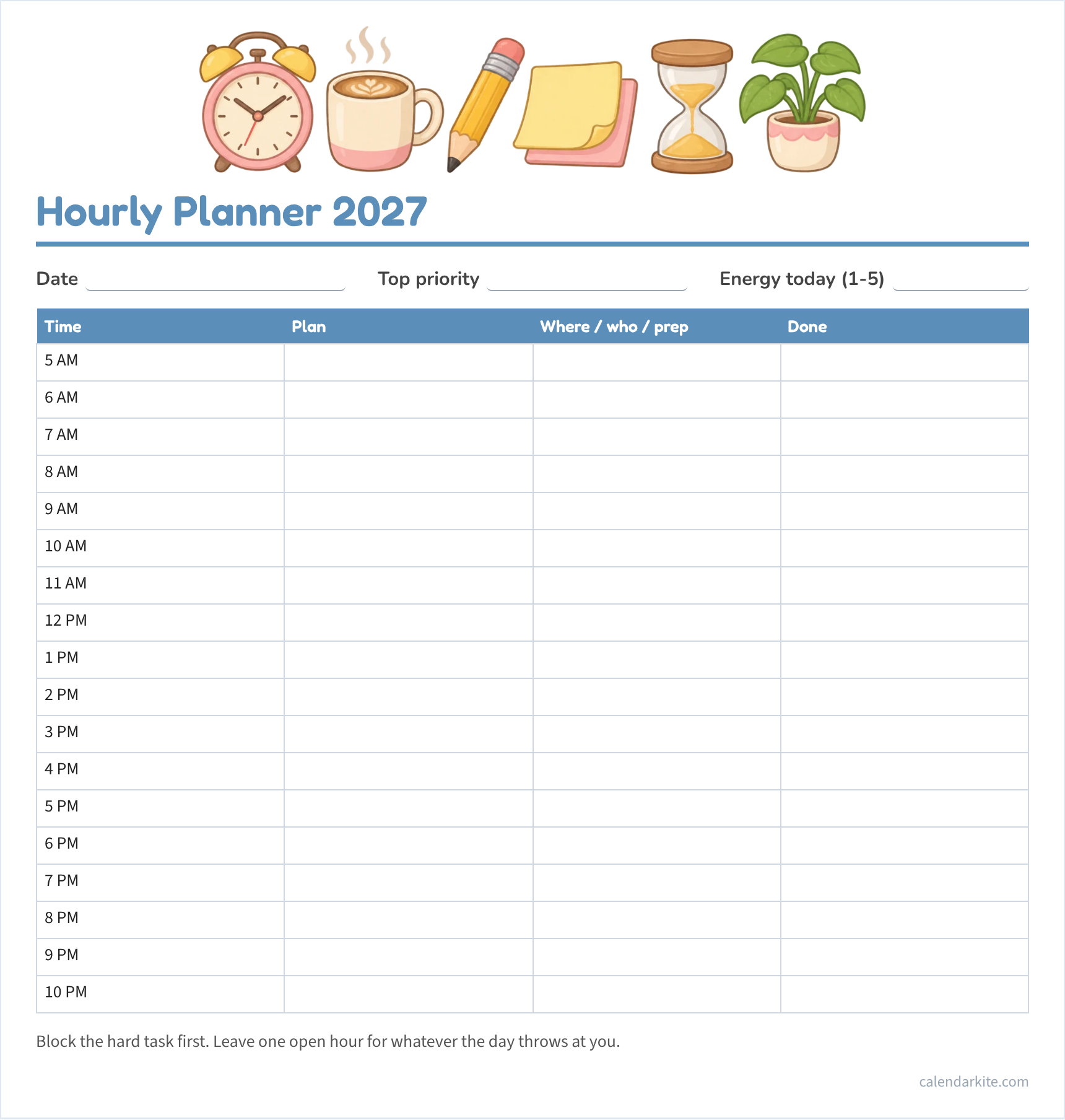
The pastel blue and little illustrated strip at the top make this one a cheerful pick for a student desk, a bullet-journal spread or a gift. Fill in the hours with a fine pen so the small writing stays legible.
Floral Hourly Planner 2027
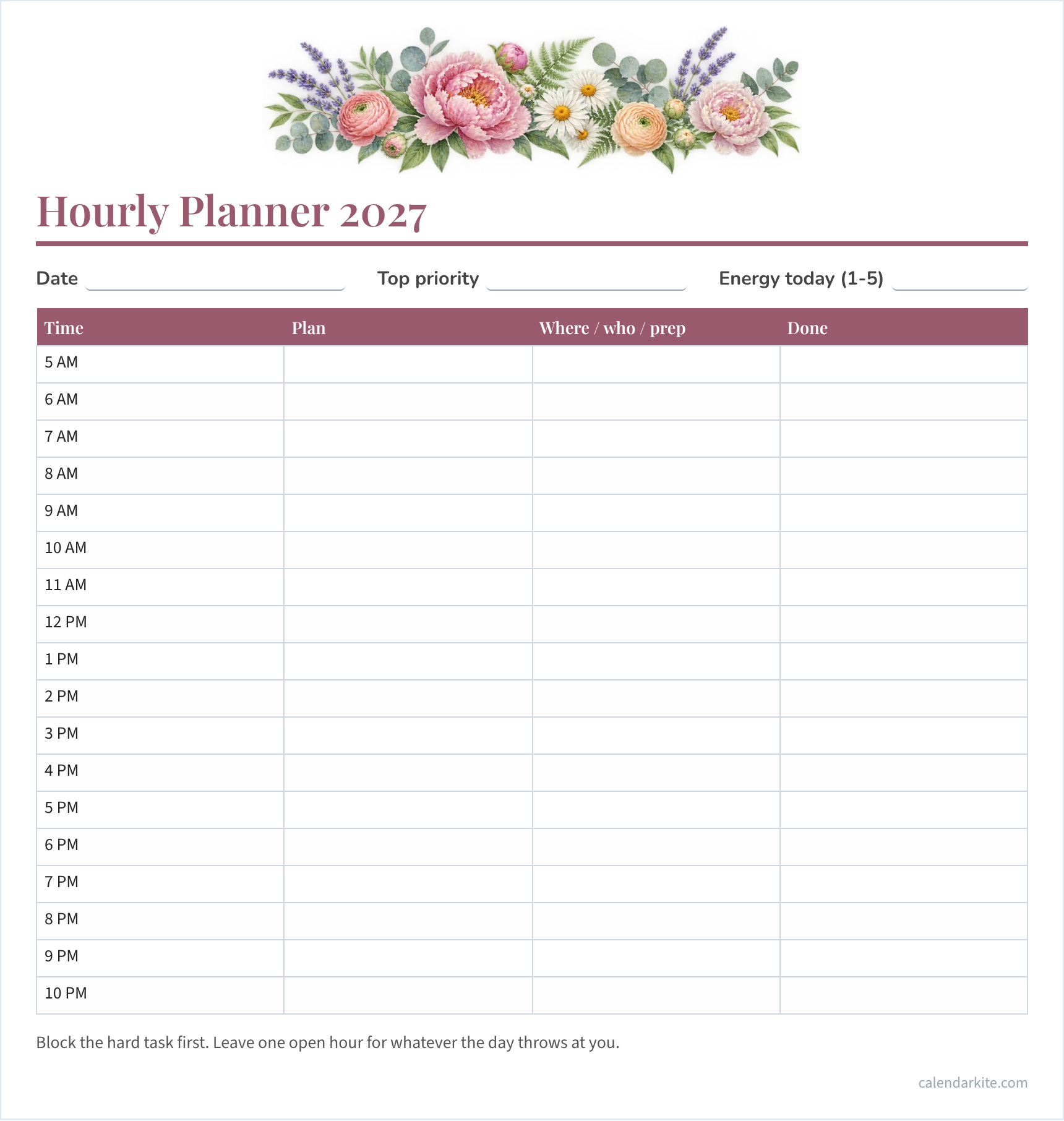
Watercolor flowers and elegant serif headings give this planner a polished feel, ideal for wedding planning days, event coordination or anyone who likes a pretty workspace. I check that the floral header never crowds the first hour row, since that was a layout fix I made early on.
Colorful Hourly Planner 2027
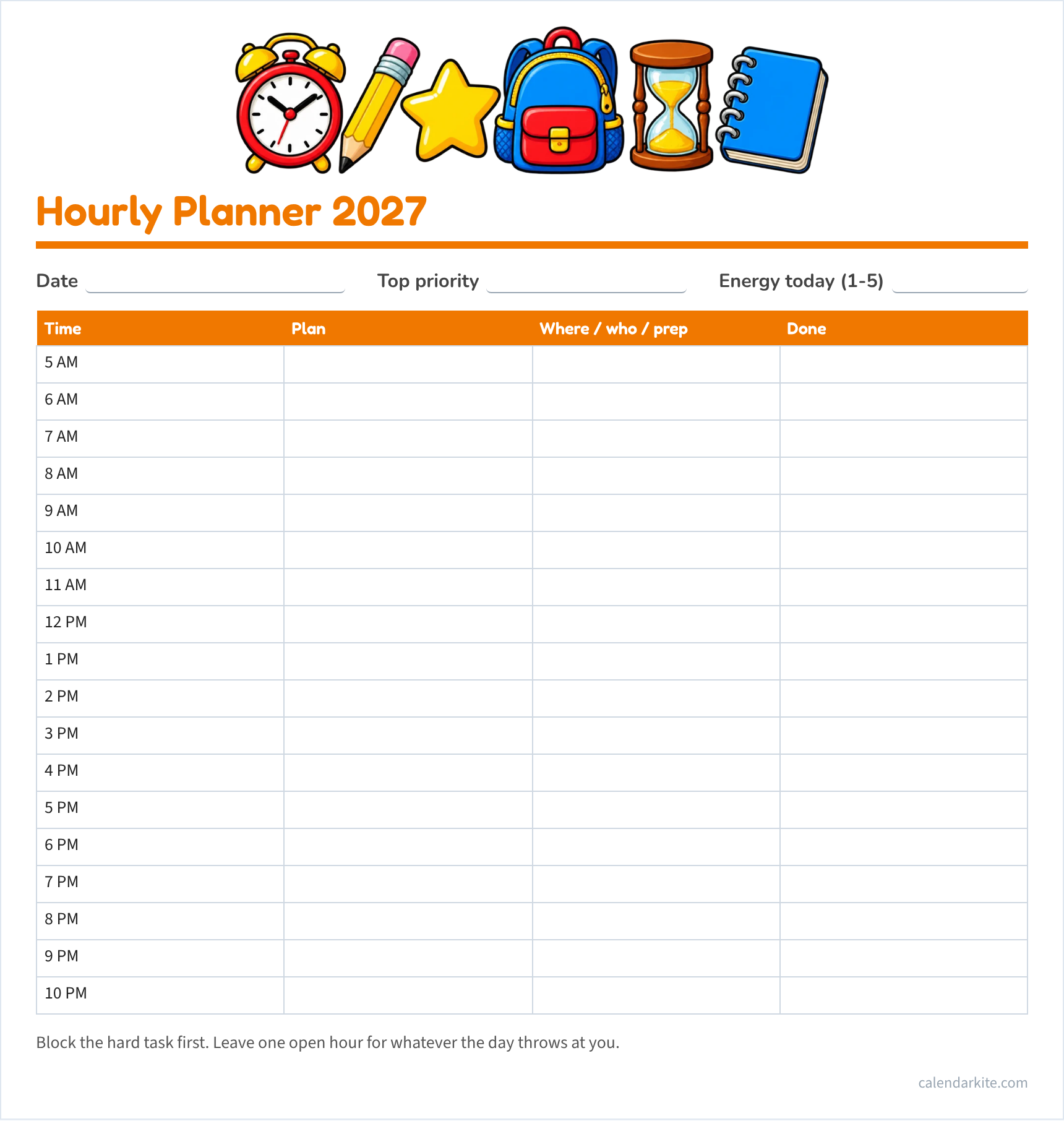
Bright orange and yellow with bold illustrations make this a fun choice for anyone who needs a day schedule that is hard to ignore, from homework time to family errands. I use something this eye-catching on the fridge when my two kids need to see the plan.
Simple Minimalist Hourly Planner 2027
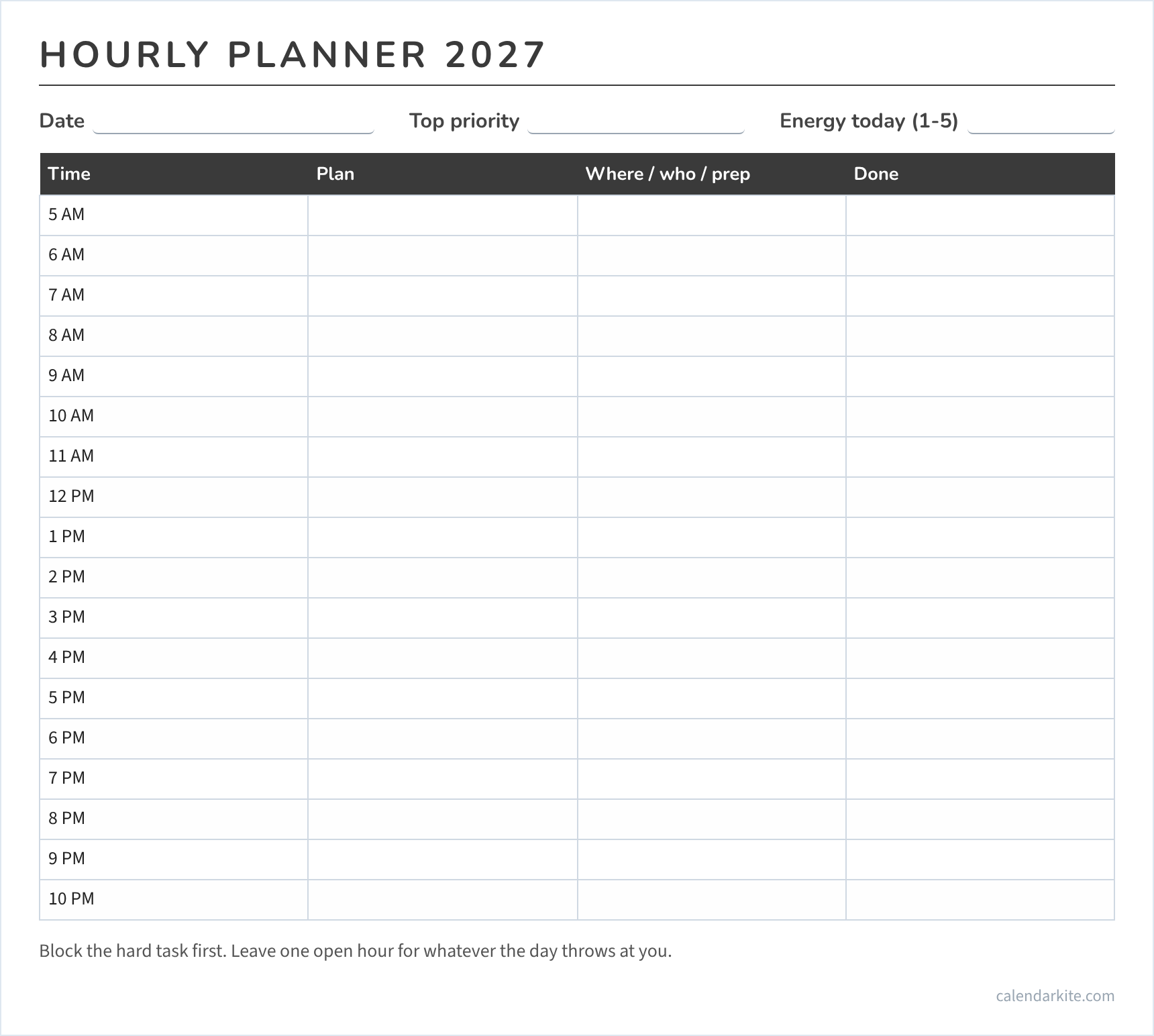
Thin gray lines and a light uppercase heading keep the page quiet, which suits anyone who wants room to write without visual clutter. In my office years, the schedules people actually used were the plain ones, so this layout leaves plenty of space per hour.
Aesthetic Hourly Planner 2027
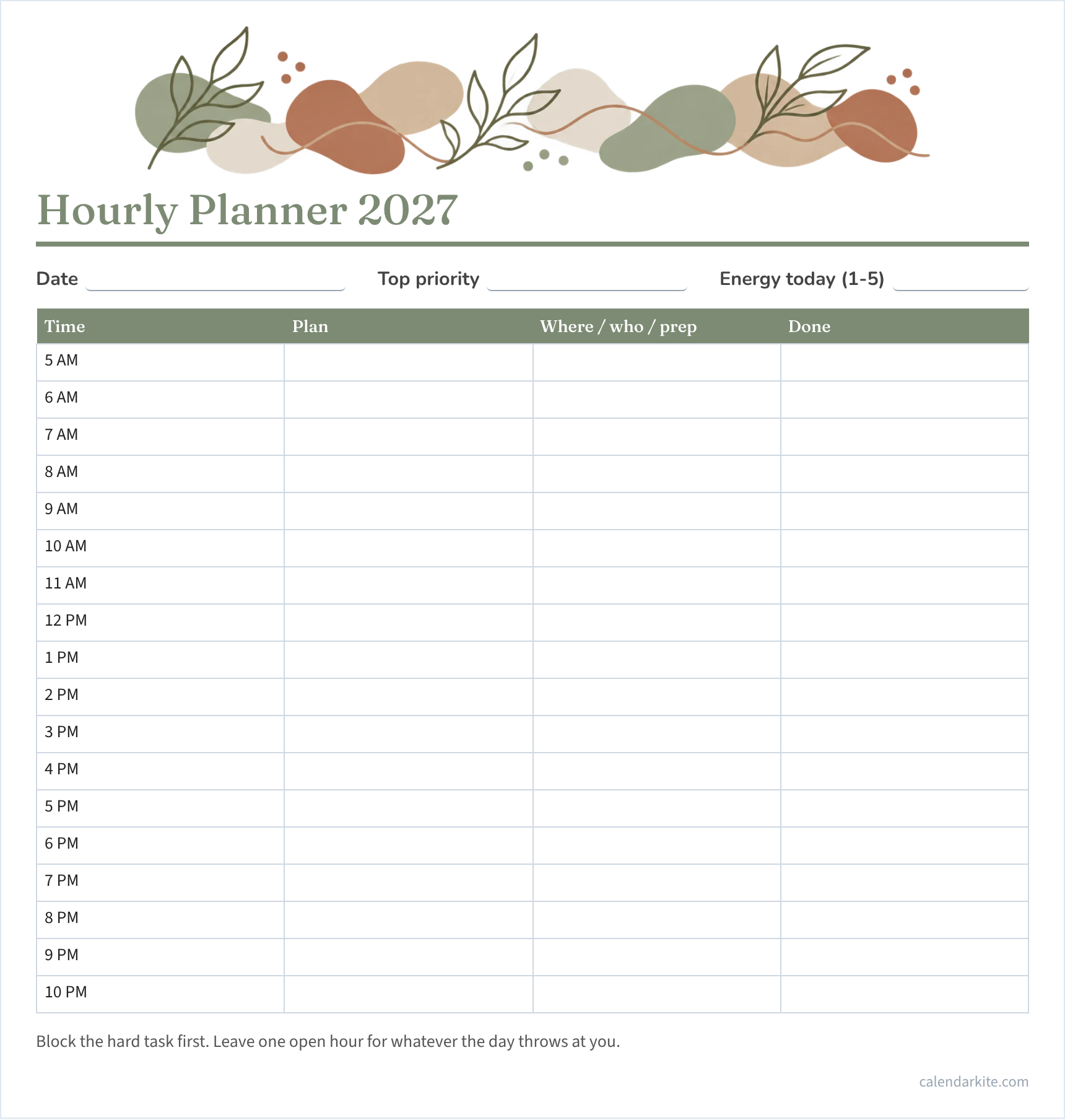
Muted sage, sand and terracotta with soft line-art leaves suit a tidy desk setup, a content-planning day or a photo-ready planner spread. It prints well on both US Letter and A4, and the soft tones stay clear on my home printer.
Bold Modern Hourly Planner 2027
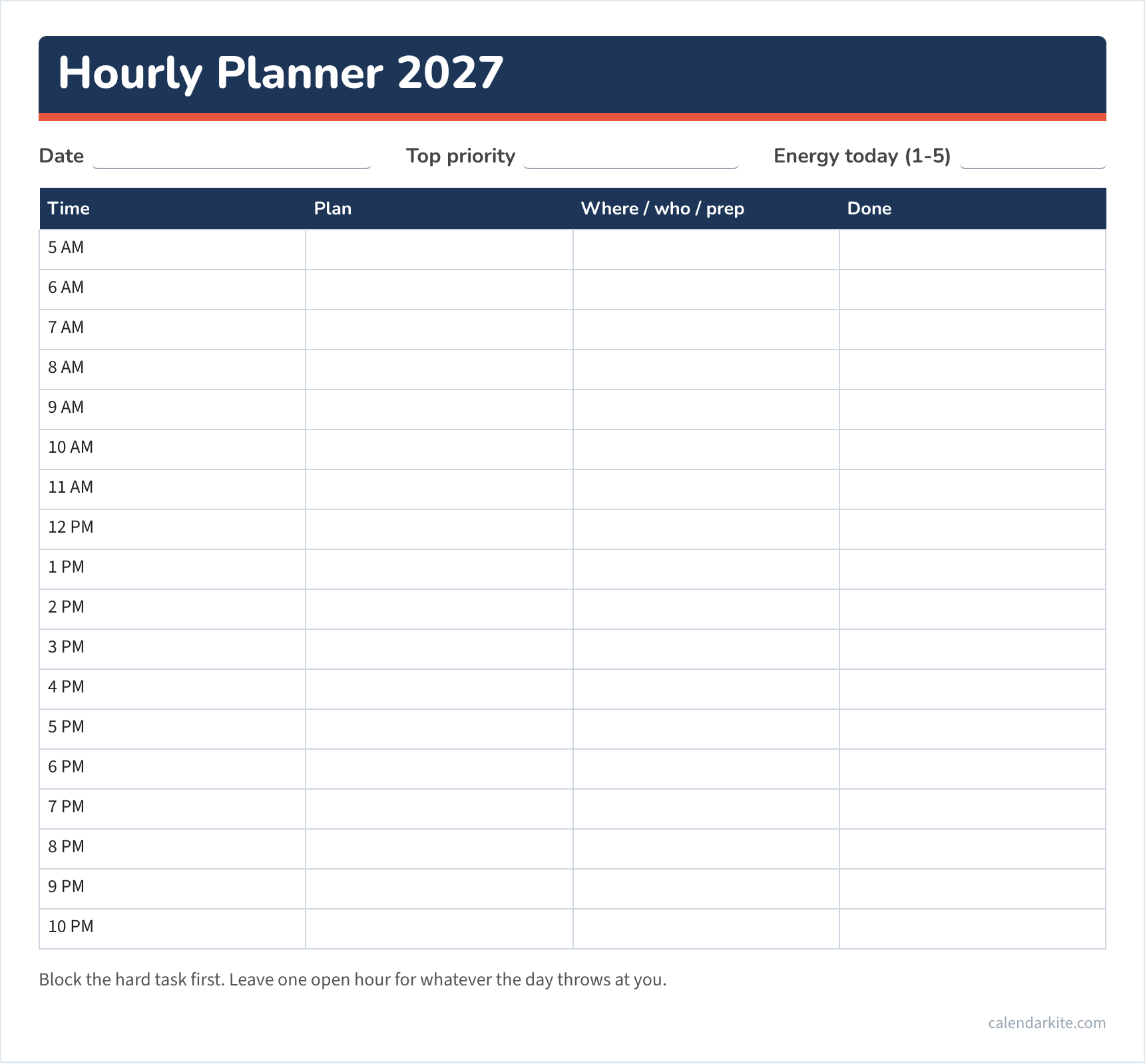
The navy header band and coral accent give this planner a crisp, professional look that suits meeting-heavy workdays, project managers and anyone who wants the date to stand out at a glance. Pin it above your desk so the day's schedule is always in view.
You can type straight into the sheet on this page, and it saves in your browser, so your plan is still there when you come back. When you are happy with it, print it. There is also a blank PDF if you would rather write everything by hand. I keep a paper calendar on the fridge and a planner on the kitchen counter, and a page like this one sits between them: the calendar shows the month, and the hourly page shows what Tuesday actually looks like.
What this hourly planner page includes
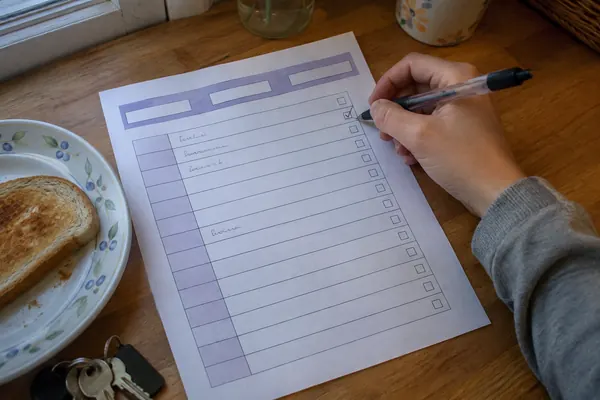
The page has three small fill-in fields at the top: the date, your top priority for the day, and an energy rating from 1 to 5. Below them is an 18-row table with the hours already labelled from 5 AM to 10 PM. Each row has four columns: the time, the plan itself, a narrow column for where, who or what to prepare, and a done box.
I added the “Where / who / prep” column after test-printing early versions in my kitchen. In my office years, the most common reason a meeting went wrong was not the time, it was the missing detail: which room, which dial-in, which folder to bring. Giving that detail its own column means the Plan column stays short and easy to scan.
The energy rating is the odd one out, and it is optional. Rate the day when you wake up, and by the end of the week you will see which days you really have the capacity for deep work and which are for admin. It takes two seconds and tells you more than you would expect.
How to fill in the hourly planner
Start with the fixed points, then add flexible work around them. It takes about five minutes, and it is best done the evening before or first thing in the morning.
- Write the date in the first field, then your single most important task for the day in the Top priority field.
- Fill in everything that cannot move: appointments, school runs, shifts, meetings, calls, lunch with someone.
- In the Where / who / prep column, add the detail you will need: a room, a phone number, something to bring.
- Block time for your top priority in the hour when you do your best work, and write it in the Plan column like any appointment.
- Fit in smaller tasks, errands and messages around those blocks, and leave at least one row empty.
- Tick the Done box as each hour finishes. Anything left unticked gets moved to tomorrow’s page or crossed out.
When you type into the sheet on screen, every line and field is editable, you can tick the boxes, and you can change the hour labels if your day starts at 7 or ends at midnight. Everything saves in your browser on that device. If you plan on your phone and print from a laptop, you will need to open the same browser on both, or simply print from where you filled it in.
Try this: Tonight, fill in only the rows for fixed commitments tomorrow. Then pick one row and write your top priority in it. That is the whole plan, and it is enough.
Why the hours run from 5 AM to 10 PM
Most printed hourly planners start at 6 or 7 AM and stop at 6 PM, which works if you keep standard office hours and nothing else. Real days are longer than that. Early shifts, school drop-offs, gym sessions before work and evening classes all fall outside a 9 to 5 grid, and I did not want the sheet to make those hours invisible.
Eighteen rows is also about as many as fit on a Letter page while leaving each row tall enough to write in with a normal pen. I tried 24 hours first, with a row for every hour of the day, and the writing space shrank so much that the page became hard to use. Most people do not plan their sleeping hours anyway.
If your day sits outside this range, cross out the printed labels and write your own. A night-shift worker can start the first row at 6 PM and run through to 11 AM. The page does not care what you call the rows.
Using the top priority and notes columns
The top priority field is not a to-do list. It is one line for the thing that, if it were the only task you finished today, would make the day a success. Writing it above the schedule forces you to give it a time slot below, which is the habit that matters.
The Where / who / prep column is for small facts. Good entries are short: “Room 2, bring invoices”, “Call Dana, 555 line”, “Pick up the dog’s meds”. If you find yourself writing a full sentence there, the task probably deserves its own row or its own note elsewhere.
For longer lists, pair this page with a printable to-do list. Use the hourly page for when things happen, and the list for everything that has no time attached yet. Keeping the two separate stops the hourly grid from turning into a messy dumping ground.
Time blocking on an hourly page
Time blocking means assigning a task to a specific stretch of time instead of leaving it on a list and hoping. An hourly page is the simplest way to do it, because the hour rows do the work. A task that has a time is far more likely to happen than a task that is only written down.
One block does not have to equal one task. A row can say “Emails and calls” and cover a dozen small jobs. A block can also run across several rows: draw a bracket or a vertical line down the Plan column to show that 9 AM to 11 AM belongs to a single piece of work.
I use a rough rule at home and used the same one in the office: protect one or two blocks of two hours for the hardest thing, and group the shallow tasks together. Switching back and forth between messages and real work costs more time than it seems to, so I would rather lose the morning to one good block than scatter it across six small ones.
Try this: Tomorrow, mark your best two hours of the day by drawing a box around them. Put nothing in those rows except your top priority.
Who an hourly planner suits
An hourly planner is for people whose days are shaped by the clock. If your day is a series of appointments and your tasks are loosely defined, a looser format will probably serve you better. If time keeps slipping away from you, this one is worth a try.
- Office and remote workers who spend the day between meetings and need to see what is left between them.
- Students with classes, labs, study sessions and part-time work that all compete for the same hours.
- Parents and carers who run a day made of school times, pickups, appointments and meals.
- Freelancers and small business owners who have to protect work time from client requests.
- Shift workers and anyone with an unusual schedule, because the hour labels can be rewritten.
If you want a version built around school, the college schedule planner pairs well with this page for semester timetables, while this sheet handles the individual day.
When a different page works better
An hourly page is not for everybody, and I would rather say so than have you print a stack you never use. If most of your day is open-ended and you just need a list, a daily planner template with fewer time slots will feel less restrictive.
If your week is mostly predictable, a weekly spread may be more useful than 365 separate pages. Seeing all seven days at once helps you spot a Thursday that is already overloaded before you add one more thing to it. The weekly planner 2027 page is the better starting point for that.
You do not have to choose permanently. I use a weekly view to decide which days get which big tasks, and an hourly page only on the days that are crowded. A quiet Sunday does not need 18 rows.
2027 dates worth knowing
2027 is not a leap year, so it has 365 days, and it starts on a Friday. The last day, 31 December, is also a Friday. That means Friday comes round 53 times in 2027, and every other weekday only 52 times. If you print a page for each day, that is the number to plan around.
Most of the United States moves its clocks on Sunday 14 March 2027, when daylight saving time begins, and back on Sunday 7 November 2027. Those two Sundays have an hour missing or repeated, so the hour rows will not match the clock perfectly. I put a small note on those two pages so I do not trust the row labels blindly. Arizona (outside the Navajo Nation) and Hawaii do not change their clocks.
If you number weeks, remember that the ISO standard counts week 1 as the week with the first Thursday of the year. Because 1 January 2027 is a Friday, it falls in the last week of the previous year’s numbering, and ISO week 1 of 2027 starts on Monday 4 January. For a full-year view of all of these dates, keep the 2027 calendar next to your planner.
Hourly planner for work days
On a work day, start with the meetings and calls already in your diary and copy them onto the page. The act of writing them out shows you the gaps, and most people are surprised at how few full free hours they actually have. Add travel time and breaks as their own rows, since they are the first things to disappear and the reason the day runs late.
I would put the hardest piece of work in the first free block of the morning, before messages and other people’s priorities arrive. In the office, I kept the first hour of the day for the rota and the supply order, because those could not be done well in ten-minute pieces between phone calls. The same logic holds for any desk job.
Use the Done column honestly. If an hour passed and the task was not finished, leave the box empty and write the reason in the notes column. After a couple of weeks, the unticked rows show a pattern, and that pattern is more useful than any productivity advice. For more ideas on working through a heavy week, see the productivity planner.
Hourly planner for students and homeschool
For students, the hourly page works best as a layer on top of the timetable. Write classes and labs in first, then travel, meals and sleep, and what is left is the real study time. Many students find that they have far fewer free hours than they thought, and also far more than they use well.
Break study into blocks of about 50 minutes with short gaps, and name the subject in each row instead of writing “study”. “Chemistry problem set 4” is a task. “Study” is a wish. The prep column can hold the book, the chapter or the library room.
For homeschool families, the same page can plan a whole day for one child or for the parent running it. If you want a repeating weekly rhythm instead, look at the homeschool schedule template and use this hourly page only for days that deviate from it.
Hourly planner for parents and home life
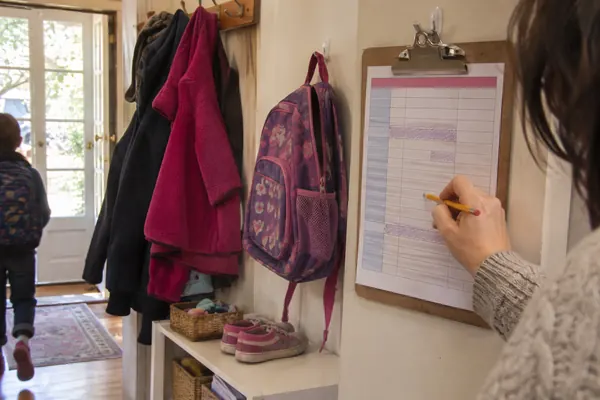
At home, the hourly page is less about productivity and more about seeing the shape of the day. School start, a dentist appointment at 2:30, a practice at 5, dinner by 6:30. Written down, these look manageable. Carried in your head, they cause the afternoon scramble.
I have two kids and a dog, and I fill in my kitchen-counter page by hand each morning with my coffee. The mistake I see most often, and make myself, is forgetting transit time. The appointment is at 2:30, but the leaving time is 2:00, and that is the one that goes in the Time column.
Meals are worth a row too. If dinner has no slot, it will happen at 7:45 in a hurry. Pairing the hourly page with a printable weekly meal planner means the answer to “what’s for dinner” is already settled before the day starts.
Variations you can try
The basic page can be bent in several directions without changing anything on the printout. Here are the ones I find most useful.
Half-hour detail
If you need finer slots, draw a faint line through the middle of each row and write two items per hour: one on the top half, one on the bottom half. Calls and short check-ins fit well this way.
Shifted hours
Rewrite the labels for night shifts, split days or travel across time zones. A pen is all you need. For several time zones, write the other zone’s hour in the prep column.
Colour coding
Use two or three highlighters only: one for work, one for family, one for yourself. More than three and the page looks decorated but reads slowly. A coloured block also shows at a glance whether you have given yourself any time at all.
Week-at-a-glance companion
Pair the daily page with the hourly schedule template for an overview of the whole week, then use this sheet to zoom in on the busiest day. If you would rather have a pre-dated year of pages, the daily planner 2027 page is the one to use.
Printing tips
The page is built for US Letter (8.5 by 11 inches) and I test-print it on my home inkjet on both Letter and A4 before I put anything on the site. In your print dialog, choose “actual size” or 100 percent on Letter. On A4, choose “fit to page” so nothing is clipped at the margins.
Print in black and white. The sheet is designed to be clear without colour, and it will save you ink if you are printing a stack. Standard 20 lb copy paper is fine for pencil and ballpoint, but felt-tip pens can show through, so use a heavier sheet or write on one side only.
If you keep your planner in a binder, print and then punch the holes on the left edge. The margins leave space for standard three-hole punching without cutting into the table. For a clipboard, print a week’s worth at a time and clip them in order so you can tear off the finished day.
Try this: Print five copies on Sunday evening and put them on a clipboard. When Friday’s sheet is done, you can see at once how the week went.
Common mistakes with hourly planners
Most hourly planners fail for a small number of reasons, and none of them are about discipline. They are about how the page gets used.
- Overpacking every row. A plan with no slack falls apart at the first delay. Leave at least one open row.
- Writing vague tasks such as “work” or “errands” instead of the actual job.
- Planning the day in the evening and never looking at it again. Put the page where you will see it: the desk, the fridge, the clipboard.
- Skipping travel, breaks and meals, so the plan looks fine on paper but runs late by lunchtime.
- Using it every single day, even quiet ones, and then giving up out of boredom.
The last one matters most. Use the page on the days that need it. I also found that a page I could glance at in two seconds got used, and a page that took ten minutes to fill in got abandoned, so keep the entries short.
Keeping a year of hourly pages in order
If you print pages as you go, a simple routine keeps the habit going. Write tomorrow’s page in the evening, check it in the morning, tick it through the day and spend one minute at the end moving unfinished tasks. Then put the page in a folder or stack.
At the end of each month, flip back through the pages. They work as a record of what you did, which is helpful for timesheets, invoices, homework logs and your own memory. For a monthly overview to go with them, the monthly planner gives you a place to mark the big dates that the hourly pages will then break down.
If a week goes wrong and the pages stop, do not go back and fill in the gap. Pick up with today’s date, and carry on. An undated planner is forgiving for exactly that reason: there are no blank, guilty days waiting for you.
Frequently used questions about hourly planning
Many readers ask whether to plan in pen or pencil. I use pencil for the plan and a pen for ticking things off, because plans change and results do not. If you are filling in the sheet on screen, you get the same flexibility by editing any line before printing.
People also ask how far ahead to plan. One day ahead is plenty for this page. For anything longer, use a weekly or monthly view and let the hourly page handle the detail on the day. Planning a whole week of hours in advance mostly produces pages that need rewriting by Tuesday.
If you ever want a second opinion on how the page works, print one copy, use it for a single ordinary Wednesday, and look at it that night. You will see straight away which rows were useful, which columns you ignored and what you wish you had written down. Adjust from there, and the page will fit your life far better than any template on its own.
Common questions
Is this hourly planner 2027 really free?
Yes. You can type into it on the page and print it, or download the blank PDF. There is nothing to sign up for, and you can print as many copies as you like for your own use.
Is the planner dated?
No, it is undated on purpose. You write the date at the top, so you can print one page for tomorrow or a stack for the whole of 2027 without wasting a sheet on a day off.
What hours does it cover?
It runs from 5 AM to 10 PM in one-hour rows, which suits most day shifts, school days and early starts. If your day is different, cross out the labels and write your own hours in the Time column.
Does it work on A4 paper?
Yes. The page is built for US Letter, and it prints cleanly on A4 if you choose fit to page or scale to fit in your print dialog. I test-print on both sizes at home.
Should I plan every single hour?
Probably not. Fill in the fixed commitments and one or two focused blocks, then leave gaps. A page that is full to the edges breaks the first time a meeting runs late.
What is the difference between an hourly planner and a daily planner?
An hourly planner puts the clock first, so every task gets a time slot. A daily planner usually centres on a to-do list and may add a few time slots. This page is an hourly planner with a priority line and a done column.
More free planners
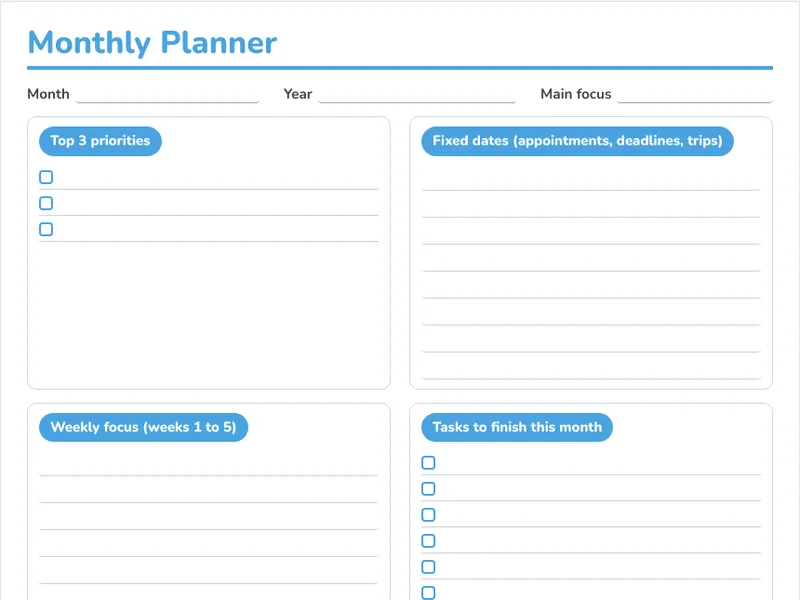 Monthly Planner: Free Printable One-Page Sheet
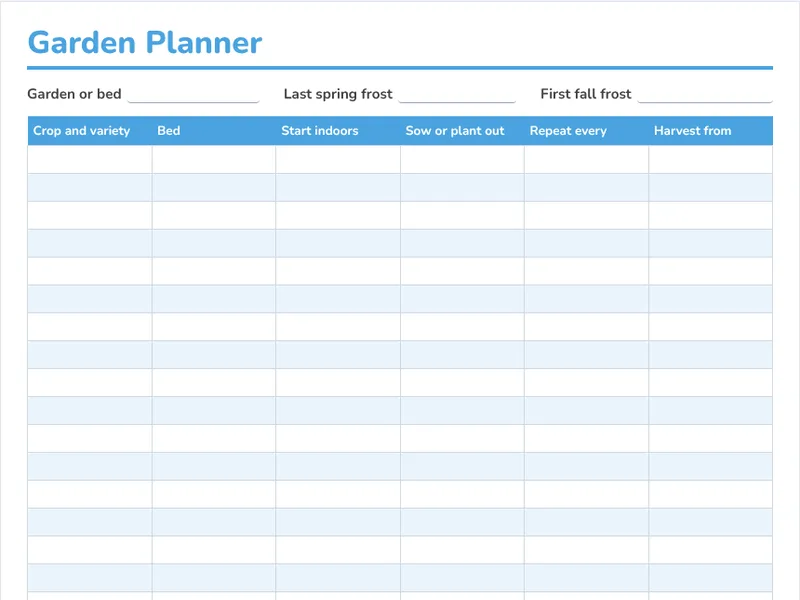 Garden Planner: Free Printable Planting Sheet
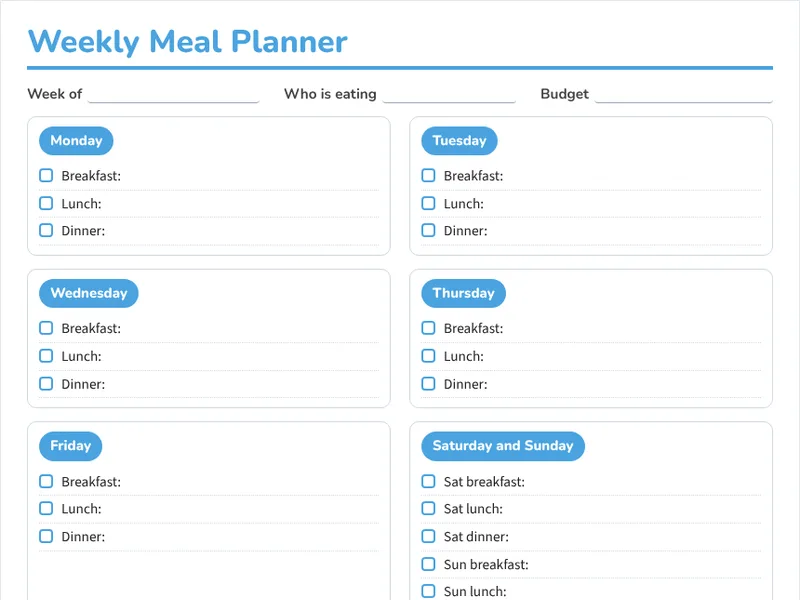 Printable Weekly Meal Planner
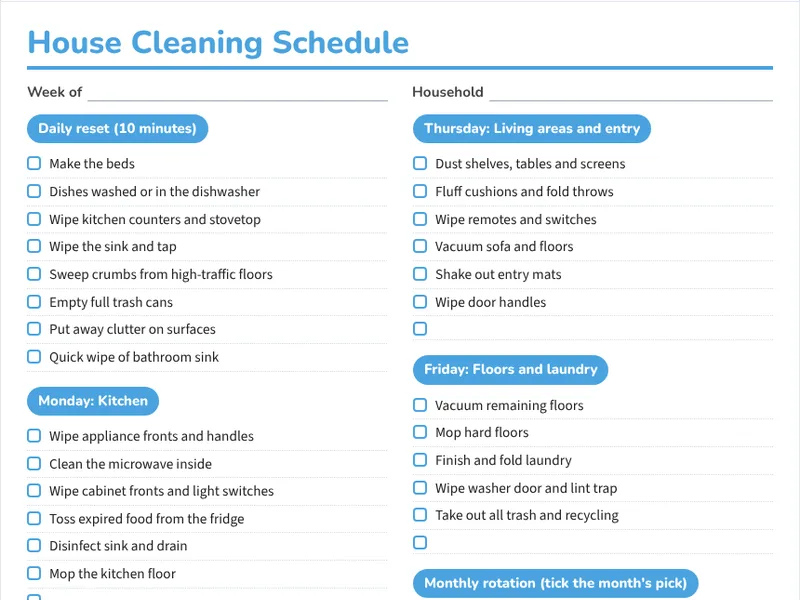 House Cleaning Schedule: Free Printable for Daily, Weekly and Monthly Jobs
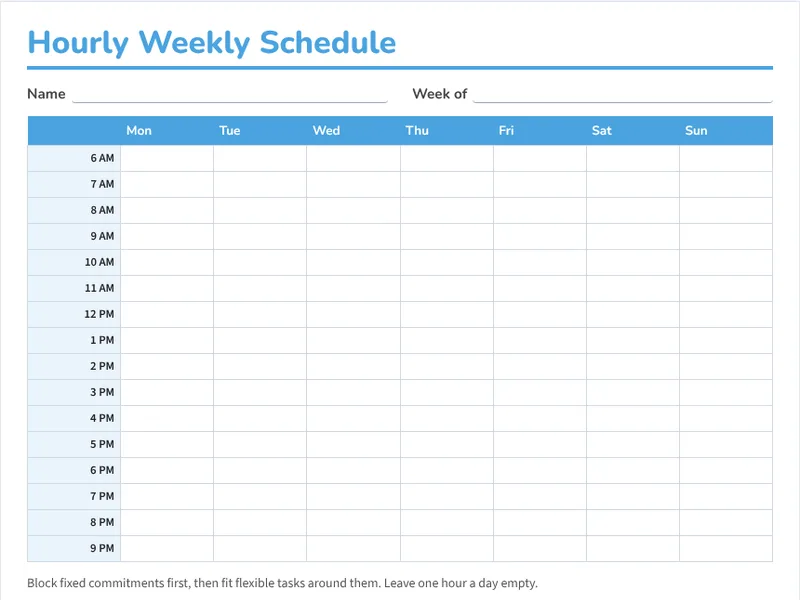 Hourly Schedule Template: Free Printable Weekly Planner
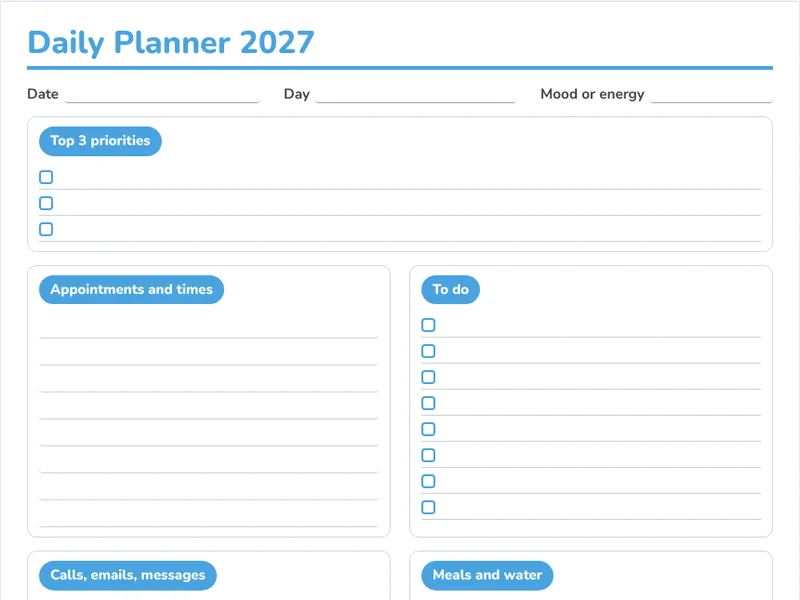 Daily Planner 2027: Free Printable Page for Every Day