
Free Work Schedule Templates

The best free work schedule template is the simplest one that still answers three questions at a glance: who is working, when, and on which day. The sheet on this page does exactly that. It is a one-week grid with a row for every employee and a column for every day, set up to print on a single US Letter page, and you can type into it right here before you print.
| Employee | Mon | Tue | Wed | Thu | Fri | Sat / Sun |
|---|---|---|---|---|---|---|
Write shifts as start-end (9-5). Mark days off with OFF. Add up each person's hours in the margin before you post it.
Free for personal, classroom and office use. Your entries are included in the print, PDF and PNG. Prints on US Letter and fits A4.
Free Black and White Work Schedule Template
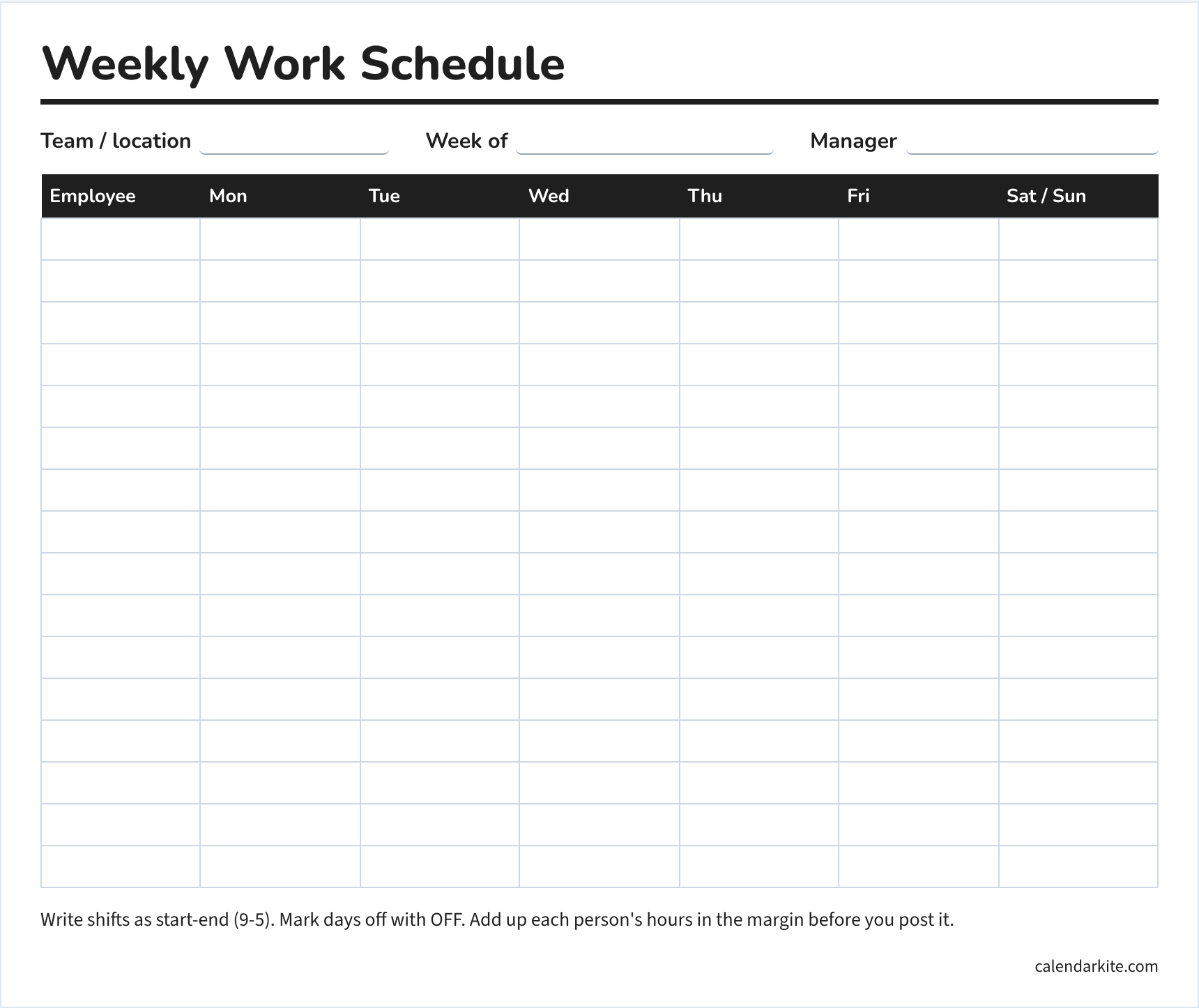
This is the one I print most, since plain black lines save ink and photocopy cleanly for a break room wall. In my office years I learned that a staff rota nobody can read in grayscale gets ignored.
Pink Work Schedule Template
A soft pink schedule suits salon, boutique or bakery teams who want a friendly weekly shift sheet by the register. Use it to mark opening and closing shifts at a glance each week.
Sage Green Work Schedule Template
The calm green works well for home offices and remote workers blocking out focus hours and meetings across the week. I keep a planner on my kitchen counter, and a muted color like this stays easy on the eyes there.
Lavender Work Schedule Template
Lavender suits students with part-time jobs and anyone juggling two employers who wants each week to look distinct from class timetables. Use it to plan shifts around lectures, then pin it above your desk.
Cute Work Schedule Template
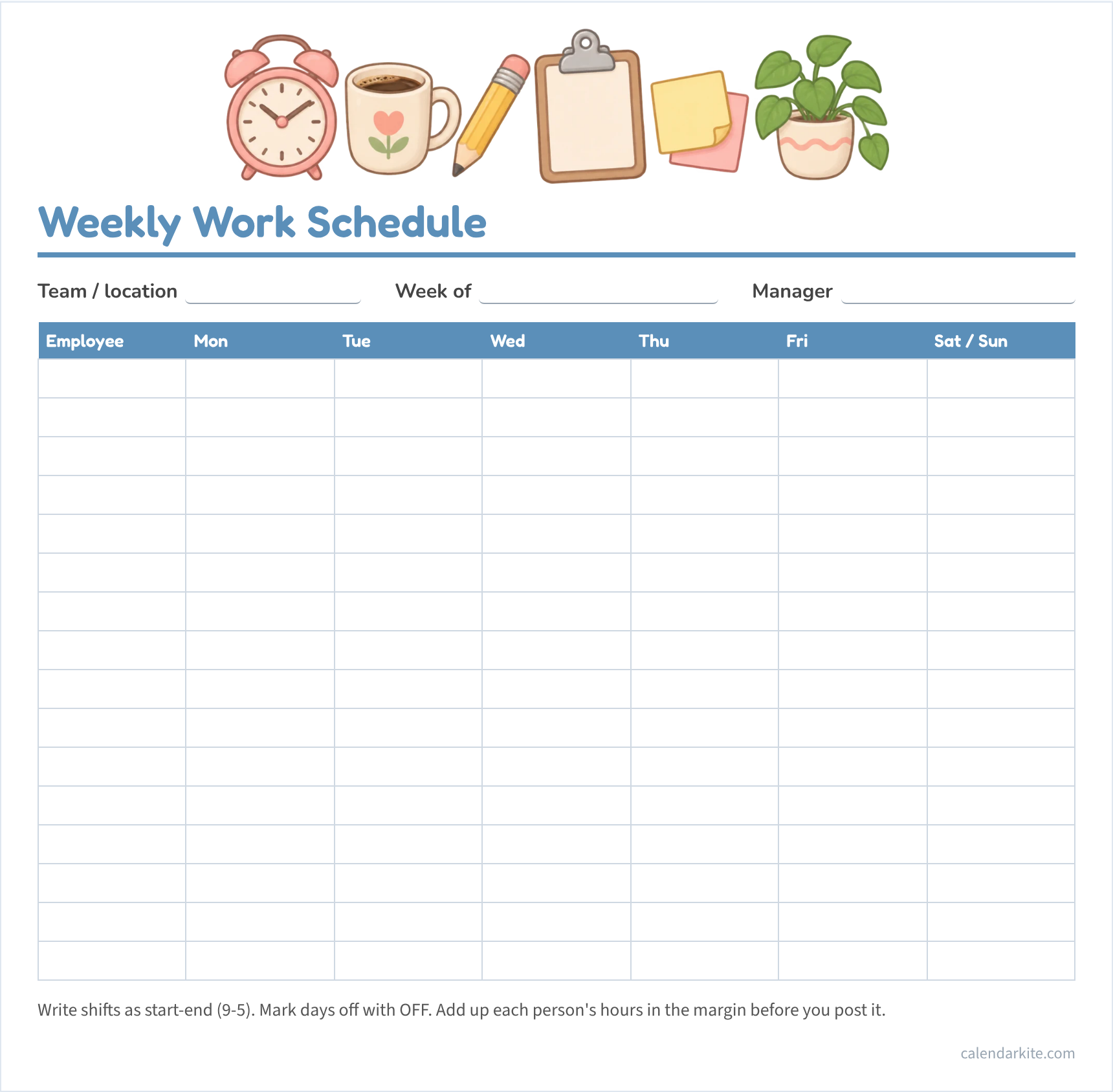
The little illustrations make this a cheerful pick for a small cafe or daycare team posting weekly shifts. I widened the name column on this layout after seeing how often longer names got squeezed.
Floral Work Schedule Template
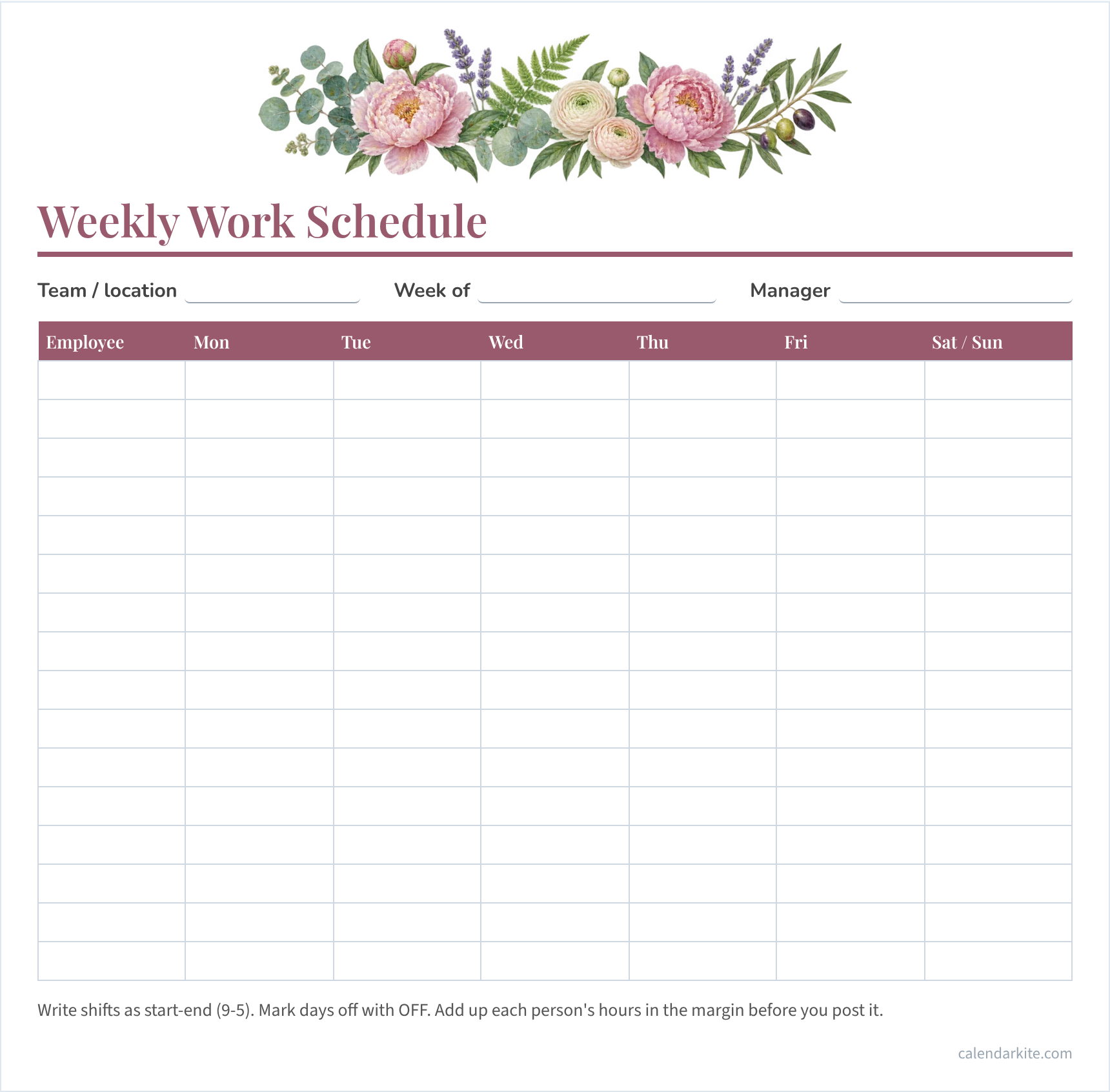
The watercolor flowers and mauve serif headings feel elegant for a boutique, studio or wedding vendor team. It works nicely as a framed weekly staff schedule near the front desk.
Colorful Work Schedule Template
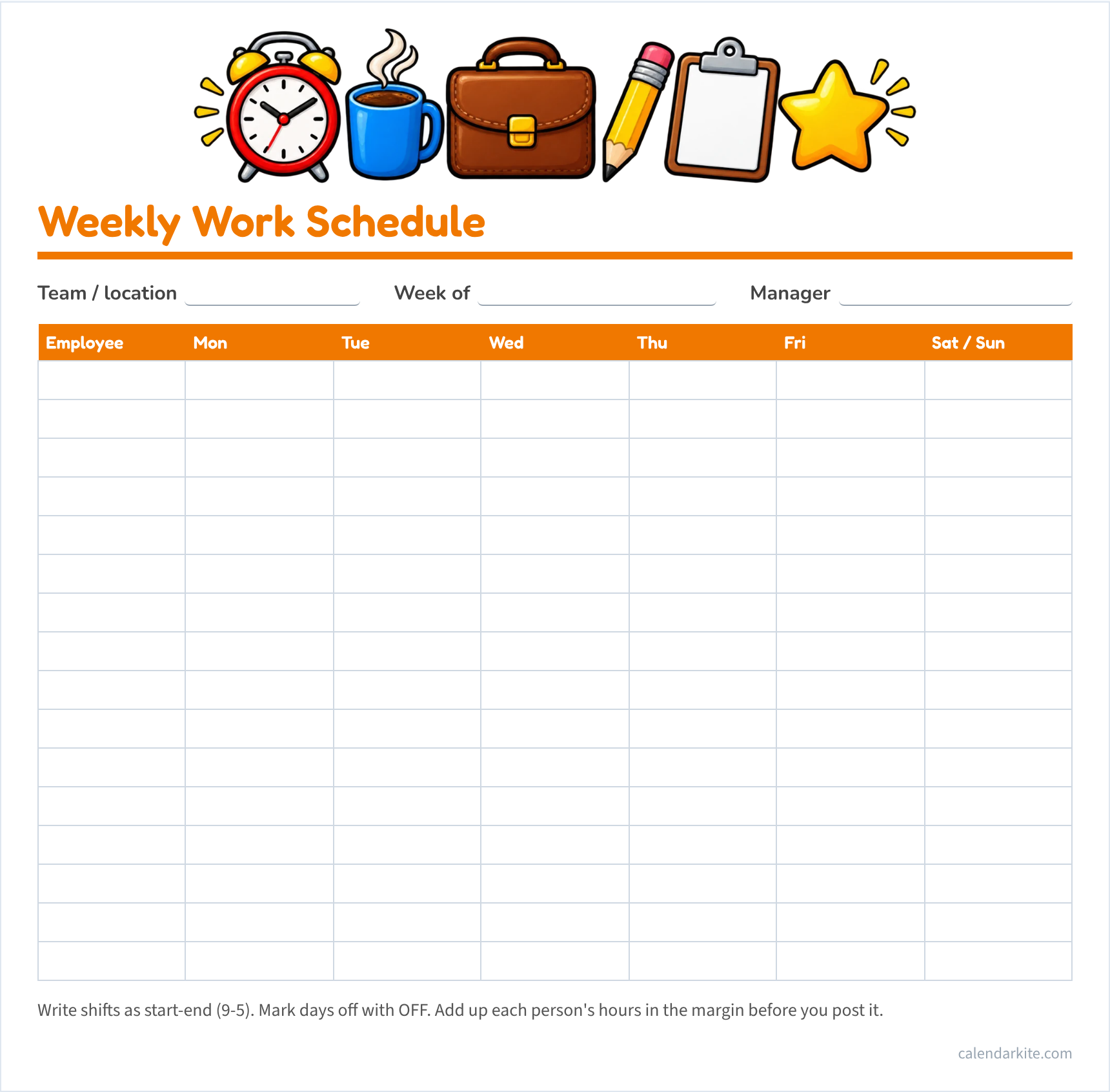
Bright and colorful, this suits busy households or youth teams who want shifts you can spot from across the room. I'd hang it on the fridge beside my paper calendar so my two kids know when I'm working.
Simple Minimalist Work Schedule Template
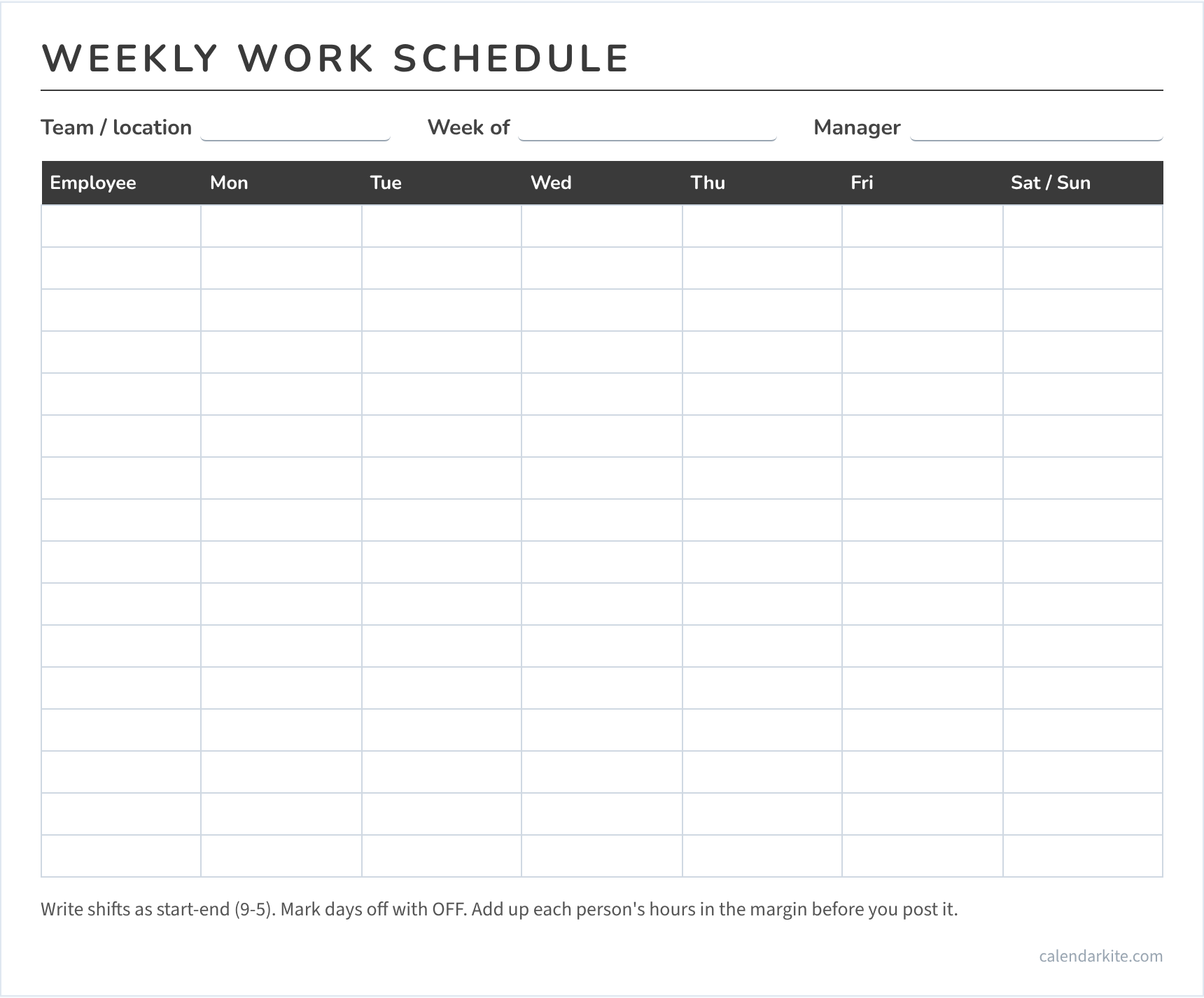
Thin gray lines and no color make this my pick for offices that want a clean, professional weekly schedule. A mistake I see often is cramming every hour in, so I left generous white space for notes and breaks.
Aesthetic Work Schedule Template
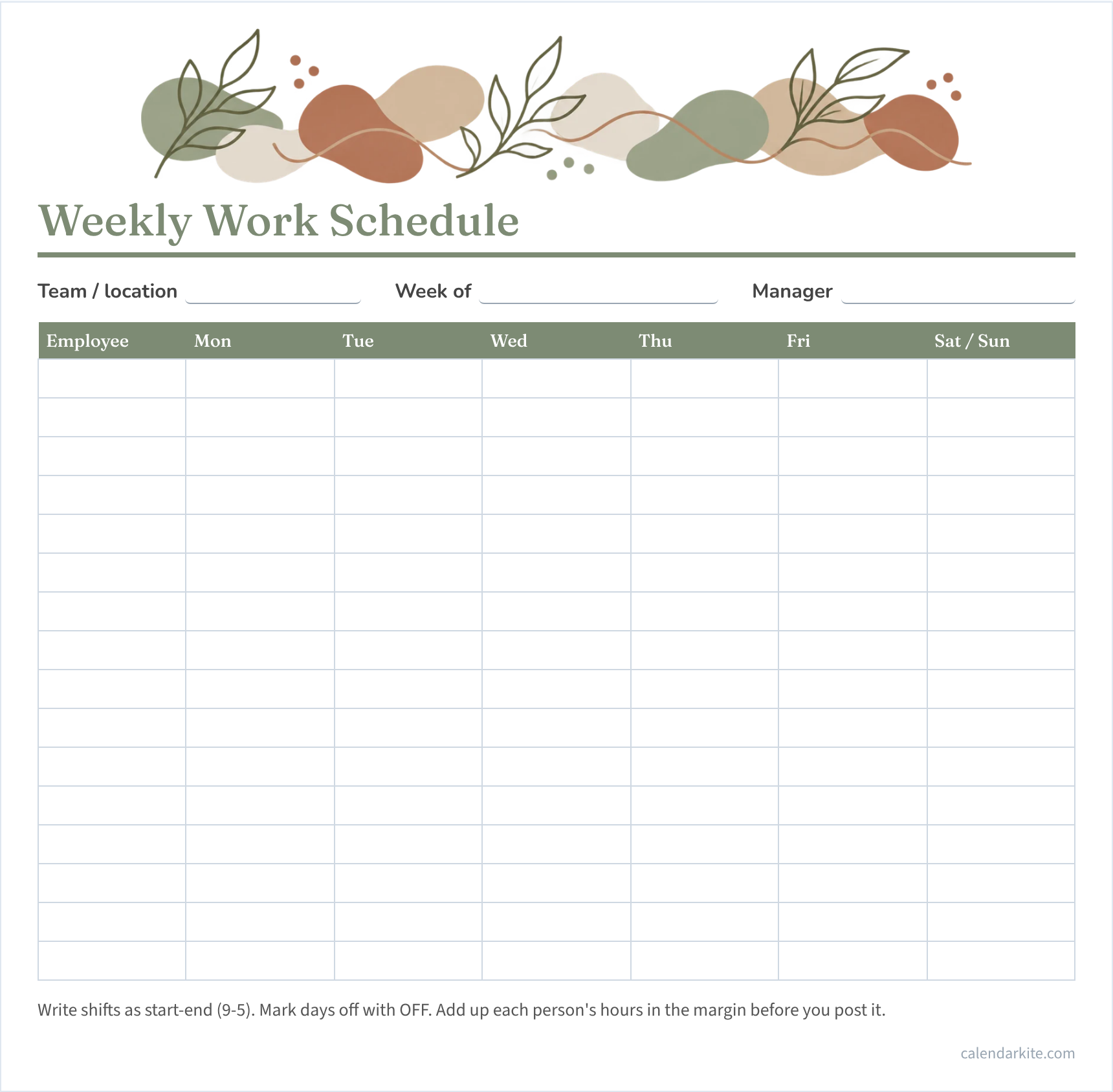
Muted sage, sand and terracotta with soft leaf line-art suit creatives, freelancers and shop owners who like a planner that looks styled. It's great for mapping client hours and deadlines on a desk board.
Modern Professional Work Schedule Template
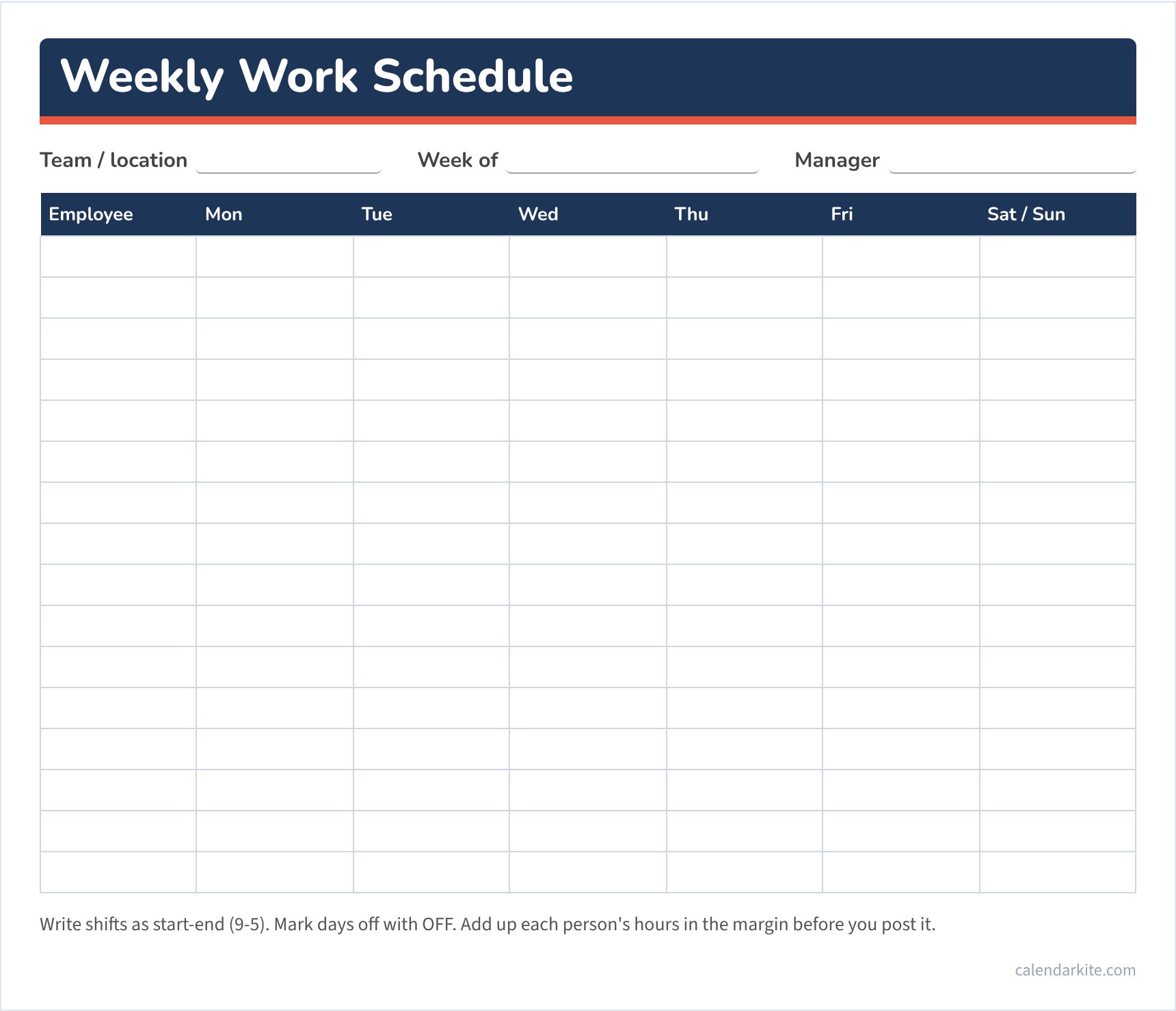
The navy header band makes shift days easy to find, which suits managers posting a schedule in a busy back office. In my admin years, a clear header saved me answering the same 'when am I on?' question all week.
I spent about ten years in office administration, and most of that time involved keeping rotas readable for people who only looked at them for five seconds on the way past. That shaped this layout: wide name column, big cells, plain headings. Below I explain how to fill it in, how to build a schedule that people actually accept, and which variations to reach for when one week on one page is not enough.
How to use this work schedule template
The sheet has three fill-in fields at the top: team or location, week of, and manager. Fill these in first, because a schedule with no date on it will eventually be confused with last week’s. Under that is a table with sixteen rows. The first column is for the employee’s name, then there is one column each for Monday to Friday, and a combined Saturday and Sunday column at the end.
Click into any cell and type. Your entries save automatically in your browser, so you can build the schedule over a couple of sittings and it will still be there. When it looks right, print it. If you would rather write by hand, use the blank PDF download and fill it in with a pencil, which is how I draft most of my own rotas before anything goes on the fridge.
I kept the weekend as one column on purpose. Most small teams have lighter weekend staffing, and merging the two days left enough width in every other column for a shift time plus a short note, like “9-5 till”. If your business runs a full seven days, write both days in the last cell, for example “Sat 8-4 / Sun OFF”.
Who this work schedule suits
It suits anyone who has to write down who is where, without needing software. That includes café and shop managers, small clinics, childcare rooms, volunteer teams, church and club rotas, and household helpers such as a nanny and a cleaner sharing a week with the family. It is also a good fit for a team of five to sixteen people, which is about as many names as one page can hold comfortably.
It is not meant to replace payroll or time-tracking software. If you have a large workforce, several locations or complicated pay rules, a spreadsheet or scheduling tool will serve you better. Even then, a paper copy pinned in the back room is useful, because phones go flat and Wi-Fi drops.
At home I use a version of this for the busy weeks when my husband’s shifts, the kids’ activities and my own work all collide. A schedule is a schedule whether it runs a bakery or a household.
Filling it in, step by step

Work in the same order every time. It stops you from filling the easy cells first and discovering on Thursday that nobody is left for Friday.
- Write the week-of date, the team or location and your name at the top.
- List every employee in the first column, full-time staff first, then part-timers and casuals.
- Enter fixed commitments first: set days off, school-run hours, second jobs and approved time off.
- Mark the shifts that must be covered, such as opening and closing.
- Fill the remaining cells, giving each person a shift or “OFF”.
- Add up hours per person in the margin and adjust.
- Check every column once more for coverage, then print.
That order matters more than it looks. Fixed things go in before flexible things, which means you are solving the hard part of the puzzle while there are still plenty of free cells to move around.
Try this: Before you fill in any shifts, write “OFF” in every cell where someone cannot work this week. Then look at what is left. The gaps usually show you the shape of the schedule almost by themselves.
How to write shifts so nobody misreads them
Pick one format and stick to it. I recommend start time, a hyphen and end time, in the twelve-hour style your team already uses: 9-5, 7-3, 4-close. Do not mix “9am to 5pm” in one cell and “0900-1700” in the next. People scan these grids quickly and a mixed style causes missed shifts.
Write “OFF” in capital letters for days off rather than leaving the cell blank. A blank cell is ambiguous: it could mean a day off, or it could mean you forgot. I learned this the hard way in an office, where an empty box on a rota led to two phone calls and one person who turned up on their day off.
For split shifts, write both parts, such as “8-12, 5-9”, and keep the cell short. If a shift needs a note (training, a delivery, covering a break), add two or three words after the time. If the note will not fit, it belongs on a separate sheet pinned beside the schedule.
Building a fair schedule
People forgive a hard schedule faster than an unfair one. Fairness does not mean everyone works identical hours. It means the unpopular shifts (closing, weekends, holidays) are shared out in a way staff can see for themselves.
A simple method: keep last week’s sheet next to the new one. If someone worked the Saturday close last week, they get a lighter weekend this week unless they asked for it. Rotating the weekend between people, on a set pattern, keeps arguments out of it. Write the rotation on the back of the sheet so people can see when their turn is coming.
Ask for availability once, in writing, and keep that list. Most scheduling friction I saw in the office came from someone remembering a verbal agreement differently. A short note saying “can’t work Tuesday mornings, school drop-off” removes the guesswork for both sides.
Common shift patterns
You do not have to invent a pattern from nothing. These are the ones I see most often, and the template handles all of them, because each cell is just a shift time.
- Standard 5-day week: Monday to Friday, same hours each day. Fill the first five columns and write OFF in the weekend cell.
- Staggered starts: half the team starts at 8, half at 10, so the phones or front counter are covered over a longer day.
- Three 8-hour shifts: 7-3, 3-11 and 11-7 give round-the-clock coverage. Use one row per person and check that all three appear in every column.
- 4 days on, 4 days off: popular with twelve-hour operations. Write the first person’s pattern across, then offset the next row by four days.
- Weekend rotation: one or two people cover Saturday and Sunday on a repeating cycle, with a weekday off in lieu.
If your pattern repeats exactly, fill in the first full cycle on the blank PDF, copy it, and reuse it. Only change the names and any one-off absences.
Cover your busiest hours first
A schedule can look balanced and still leave you short at 12:30 on a Friday. Before you place everyone, note the busiest hours on a scrap of paper: lunch rush, school pick-up, delivery morning, opening and closing. Make sure these are covered in every day’s column before you worry about anything else.
Then check the quiet hours. It is tempting to pile people into the busy times and leave one person alone at opening. If your work involves safety, cash handling or customers, a minimum of two people on site at open and close is a good rule of thumb, even if the rules in your workplace do not require it.
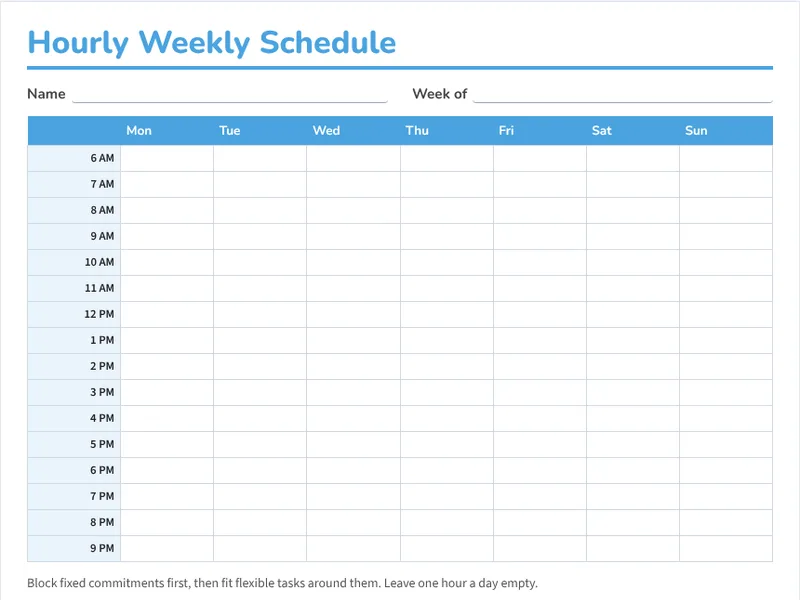
If you need to see the day broken down more finely than a start and end time, the hourly schedule template lets you map tasks hour by hour for a single day. I use it on days with a delivery or a big event and keep this weekly sheet as the overview.
Try this: Take a highlighter and mark your three busiest time slots on the printed sheet. Run your finger down each day and confirm at least two names cover every highlighted slot.
Counting hours and overtime
Add up each person’s hours before you post the schedule, not after. A shift of 9-5 is eight hours on paper, but if there is an unpaid half hour break, the paid time is seven and a half. Decide how your workplace treats breaks and use the same rule for everyone.
In the United States, non-exempt employees generally have to be paid overtime for hours over 40 in a workweek, though state rules can be stricter, and some states count daily hours too. If your team is close to 40 hours, a quick margin total next to each name warns you before a Thursday swap pushes someone over. I put the weekly totals in pencil to the right of the last column, outside the grid.
Rules on breaks, minors, rest between shifts and paid time off differ by state and country, so I will not try to list them here. Your state labor department website is the right place to confirm what applies to you.
Posting and giving notice
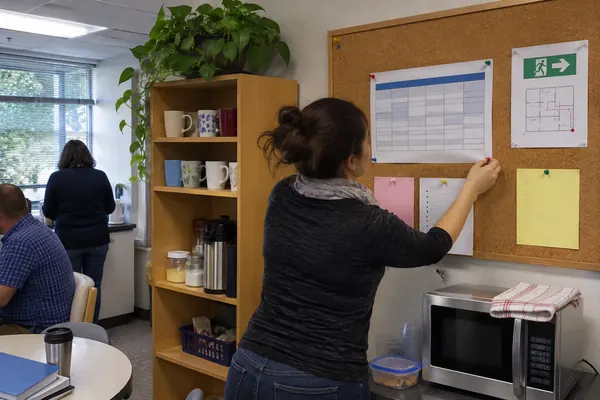
A schedule only works once people have seen it. Post it somewhere everyone passes: the staff room door, the back office, a shared group chat with a photo of the printed page. Do both if you can. Paper is the source of truth, and the photo reaches people who are not in that day.
Aim for at least a week of notice, and two where you can. Some cities and states have predictive scheduling or fair workweek laws that require advance notice, especially for retail, restaurants and similar employers, and changes made inside the notice window can carry a penalty. Check the rules for where your business is based.
Put the posting date in a corner. If a revised version goes up midweek, mark it “Revised Wed” and take the old one down. Two versions on one noticeboard is how people end up working from the wrong one.
Handling swaps, sick calls and changes
Changes are the real test of a schedule. Agree on a simple rule: swaps are fine if both people agree, both sign the sheet (or message the manager), and nobody ends up over their hours or in a role they are not trained for. Then write the change on the printed copy in a different colour of pen.
For sick calls, keep a short list of people who are happy to be asked at short notice, and note it somewhere alongside the schedule. If you are using a printed sheet, the spare rows at the bottom are useful for relief staff. Writing their names there beforehand means you are not scrambling for a number at 6 am.
If your team swaps often, add a sign-up sheet beside the schedule for extra or optional shifts. People volunteer more readily when they can see what is available than when they get a message asking for a favour.
Using the template for your own work week
You do not need to be a manager to use this. A freelancer, a shift worker or a parent with a patchwork job can use row one as themselves and keep the rest for the other people their week depends on, such as a partner’s shifts or a babysitter. Seeing it all on one grid shows the clashes before they happen.
At home, my planner on the kitchen counter handles the details and the paper calendar on the fridge handles the big picture. A weekly work grid sits between the two. If you want something lighter, a Monday to Friday calendar drops the weekend completely, and the daily planner template works well for the plan inside a single day.
For work that is more about tasks than shifts, I would use the schedule for the “when” and a checklist for the “what”. Mixing the two on one page makes both harder to read.
Weekly, two-week and monthly versions
One week is right for most teams, but not all. If your pattern runs on a two-week cycle (common for alternating weekends or nurses and carers), the printable 2-week calendar gives you both weeks on one page. For teams that book months ahead, a monthly overview helps you spot holidays, school breaks and busy periods, and the printable monthly calendar is a good companion to the weekly sheet.
If you want a blank grid to design your own columns, such as roles or locations instead of days, the blank weekly schedule printable gives you a clean starting point. I use it when the standard layout does not fit, for example a week with only three working days.
A good routine is to plan the month on the monthly calendar in pencil, then create the detailed weekly sheet each Thursday or Friday for the following week. The monthly view tells you what is coming, and the weekly sheet tells you who is doing what.
Printing tips
Print at 100 percent on US Letter, or choose “fit to page” if you are on A4. I test-print every printable on my home inkjet on both paper sizes, and the table fits without clipping on either. If your printer adds its own margins, check the box that says “actual size” rather than “scale”.
For a schedule that lives on a noticeboard, a few small choices help:
- Use plain white paper, 20 lb or 24 lb. Heavier paper fights some home printers.
- Print in black and white. The grid is designed to stay readable without colour.
- Slide it into a plastic sleeve and write changes with a dry-erase marker.
- Print two copies: one to post, one to keep in a binder.
If you need extra rows, print two sheets and cross out the second name column. It is easier than shrinking the text until nobody can read it.
Mistakes I see most often
The most common mistake is making the schedule too clever. A colour-coded system with six symbols looks tidy for one week and then nobody remembers what the purple stripe means. Plain times and the word OFF will beat a legend every time.
The second is leaving the last-minute rework to memory. If you change a shift, change it on the sheet that gets posted. A changed shift that only exists in a text message is a shift somebody will miss. The third is forgetting yourself: managers who schedule everyone else and then find they are working seven days.
Finally, do not overfill the grid. Leave at least two or three blank rows for relief staff and changes. A page that has no room left for corrections ends up with scribbles over scribbles.
Keeping a record
Keep every printed schedule for the period your local rules require, and if you are not sure how long that is, ask your payroll provider or check your state labor department. A simple binder with one sheet per week, newest on top, does the job. Write the actual hours worked in the margin when the week ends, in a different colour, so you can compare planned and real hours.
After a month, flip through the pages. You will see which days you are always short, which people end up doing the late shifts and where your last-minute changes pile up. That is the information that makes next month’s schedule better, and it costs you nothing but a pen.
Try this: At the end of this week, circle every change you made after the schedule was posted. If the same day keeps getting circled, adjust next week’s plan for that day first.
If you want to see more layouts, the printable planners page has weekly, daily and monthly options that sit alongside this schedule.
Common questions
What should a work schedule template include?
At minimum: each person's name, the days of the week, a start and end time for every shift, and the week the schedule covers. Space for days off, a manager name and a running hours total makes it much more useful once the week gets busy.
How far ahead should I post a work schedule?
Two weeks is a good habit and is required in some cities and states for certain employers, especially in retail, food service and hospitality. Check your local rules, because notice periods and penalties vary a lot.
Can I use this template for just myself?
Yes. Put your own name in the first row and use the other rows for your commitments, such as meetings, deadlines or a second job. It also works well for freelancers who want to see their whole working week at a glance.
How do I schedule 24/7 coverage on a weekly sheet?
Give each person a shift written as start and end time, such as 7-3, 3-11 or 11-7, and check each column to make sure all three are covered every day. Add extra rows for relief staff or part-timers.
Is the printable saved anywhere?
What you type on the page is saved in your own browser, so it will be there when you come back on the same device. It is not uploaded anywhere. Print it when you are happy with it, or download the blank PDF to fill in by hand.
More free planners
 Monthly Planner: Free Printable One-Page Sheet
 Garden Planner: Free Printable Planting Sheet
 Printable Weekly Meal Planner
 House Cleaning Schedule: Free Printable for Daily, Weekly and Monthly Jobs
 Hourly Schedule Template: Free Printable Weekly Planner
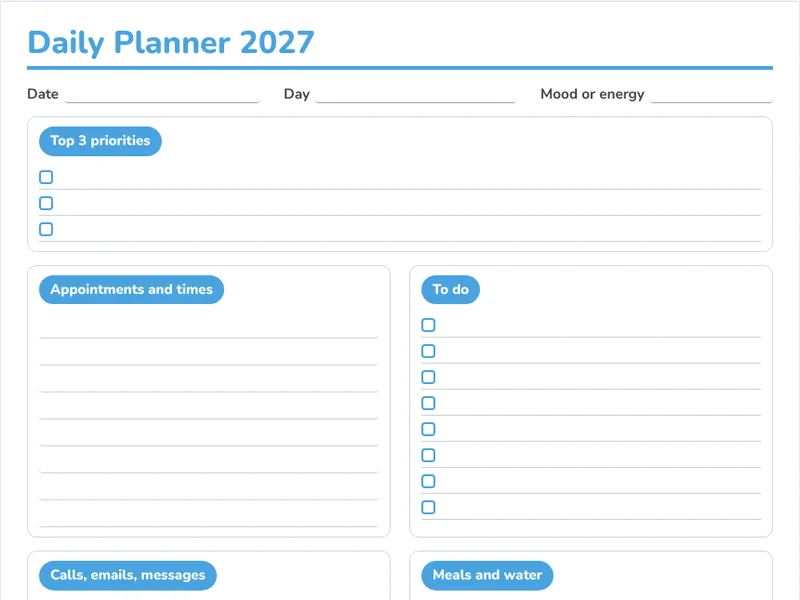 Daily Planner 2027: Free Printable Page for Every Day