
Thermometer Goal Tracker: Free Printable Sheet

A thermometer goal tracker is a progress chart shaped like a thermometer: you write your goal at the top, and as you get closer you fill the thermometer upward until it reaches 100%. The sheet on this page does the same job in a form you can type into and print. It breaks any goal into 20 steps of 5%, works out what each step is worth, and gives you room to log the date and a small reward for each one.
| Level | Target total | Date reached | Added this step | Reward or note |
|---|---|---|---|---|
| 5% | ||||
| 10% | ||||
| 15% | ||||
| 20% | ||||
| 25% | ||||
| 30% | ||||
| 35% | ||||
| 40% | ||||
| 45% | ||||
| 50% | ||||
| 55% | ||||
| 60% | ||||
| 65% | ||||
| 70% | ||||
| 75% | ||||
| 80% | ||||
| 85% | ||||
| 90% | ||||
| 95% | ||||
| 100% |
Target total = your goal x the level. Shade a poster thermometer, or just tick each row as you reach it.
Free for personal, classroom and office use. Your entries are included in the print, PDF and PNG. Prints on US Letter and fits A4.
Black and White Thermometer Goal Tracker Printable
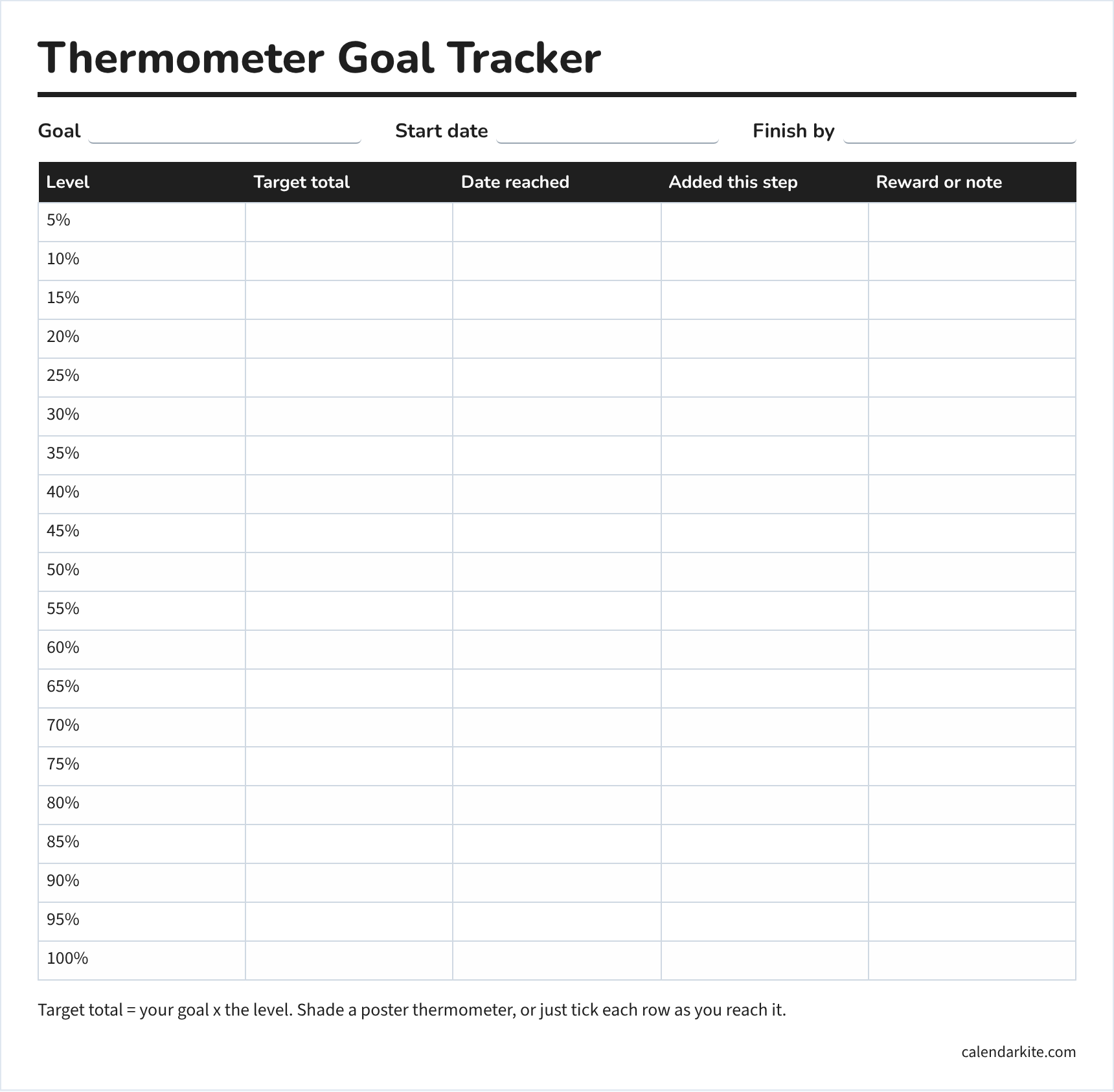
This is the one I print most, since plain black lines save ink and photocopy cleanly for a fundraiser or office savings drive. I test-print it on my home inkjet, and the thick outline holds up even in draft mode.
Pink Thermometer Goal Tracker
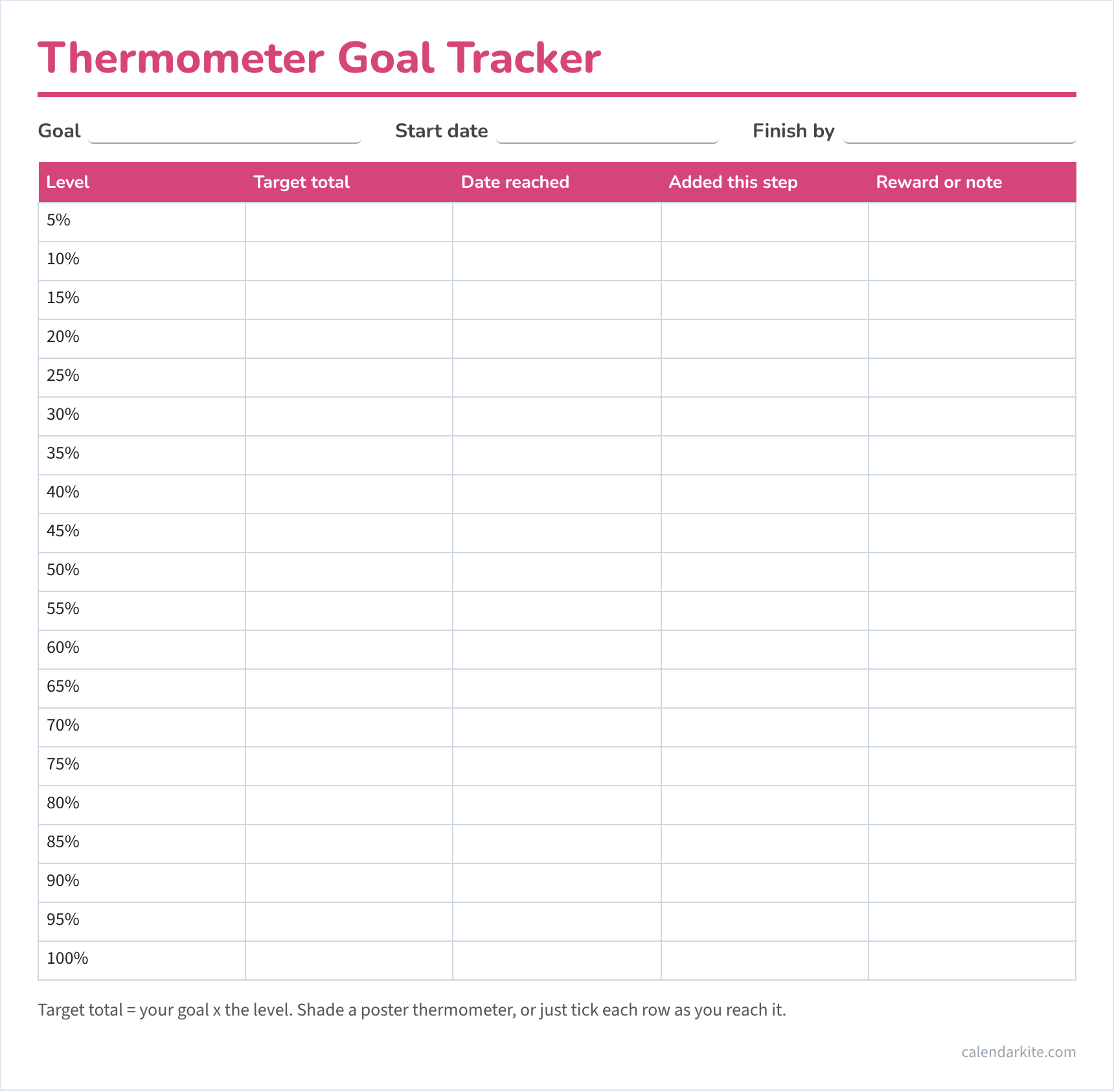
I like soft pink for a baby shower fund or a personal savings goal that lives on a bedroom wall. Color in one band each time you hit a step, and tape it beside your planner.
Sage Green Thermometer Goal Tracker
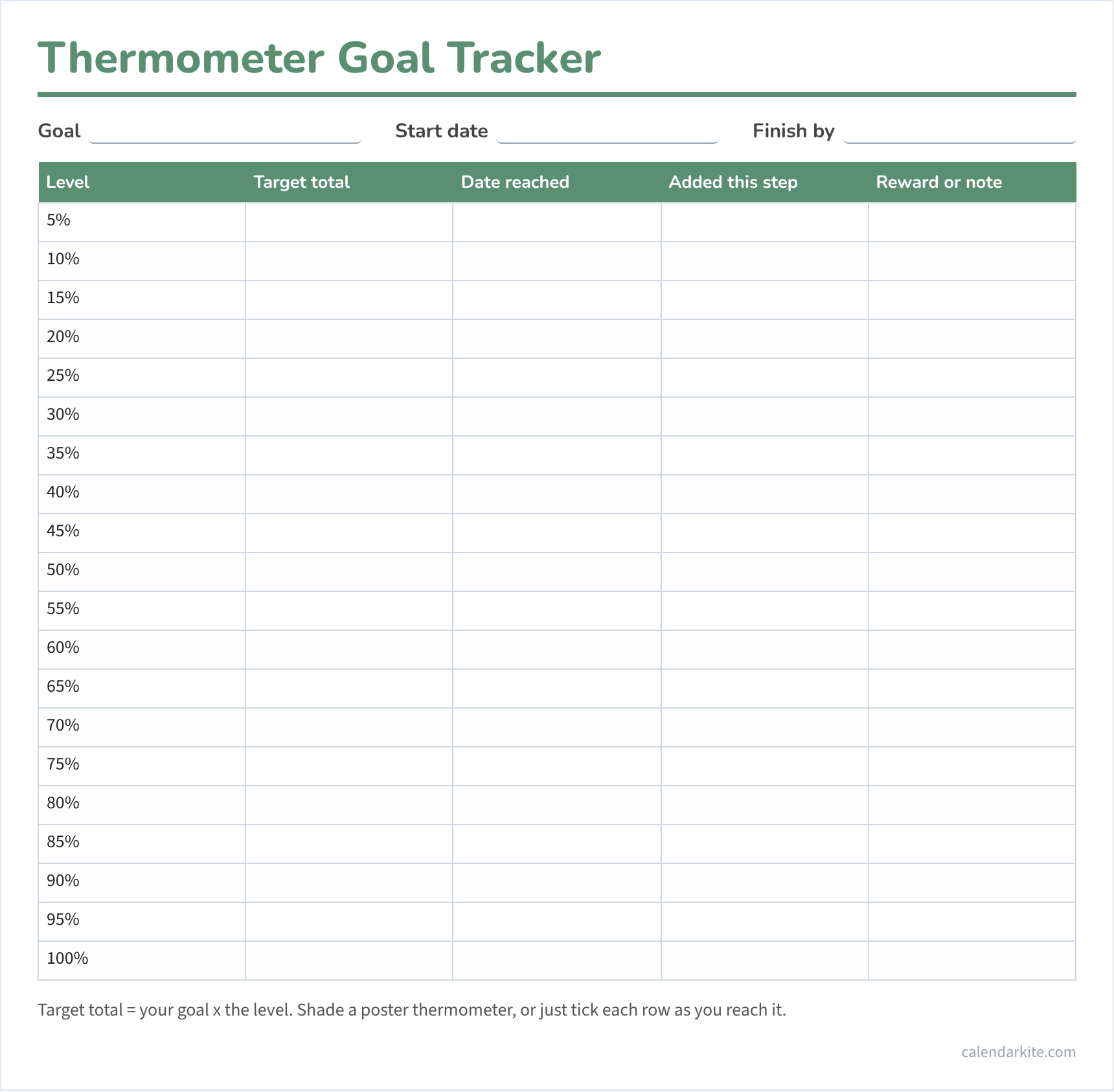
Sage green is calm enough for a kitchen wall, which is where I put mine, next to the fridge calendar. It works well for a family vacation fund or a monthly grocery savings target.
Lavender Thermometer Goal Tracker
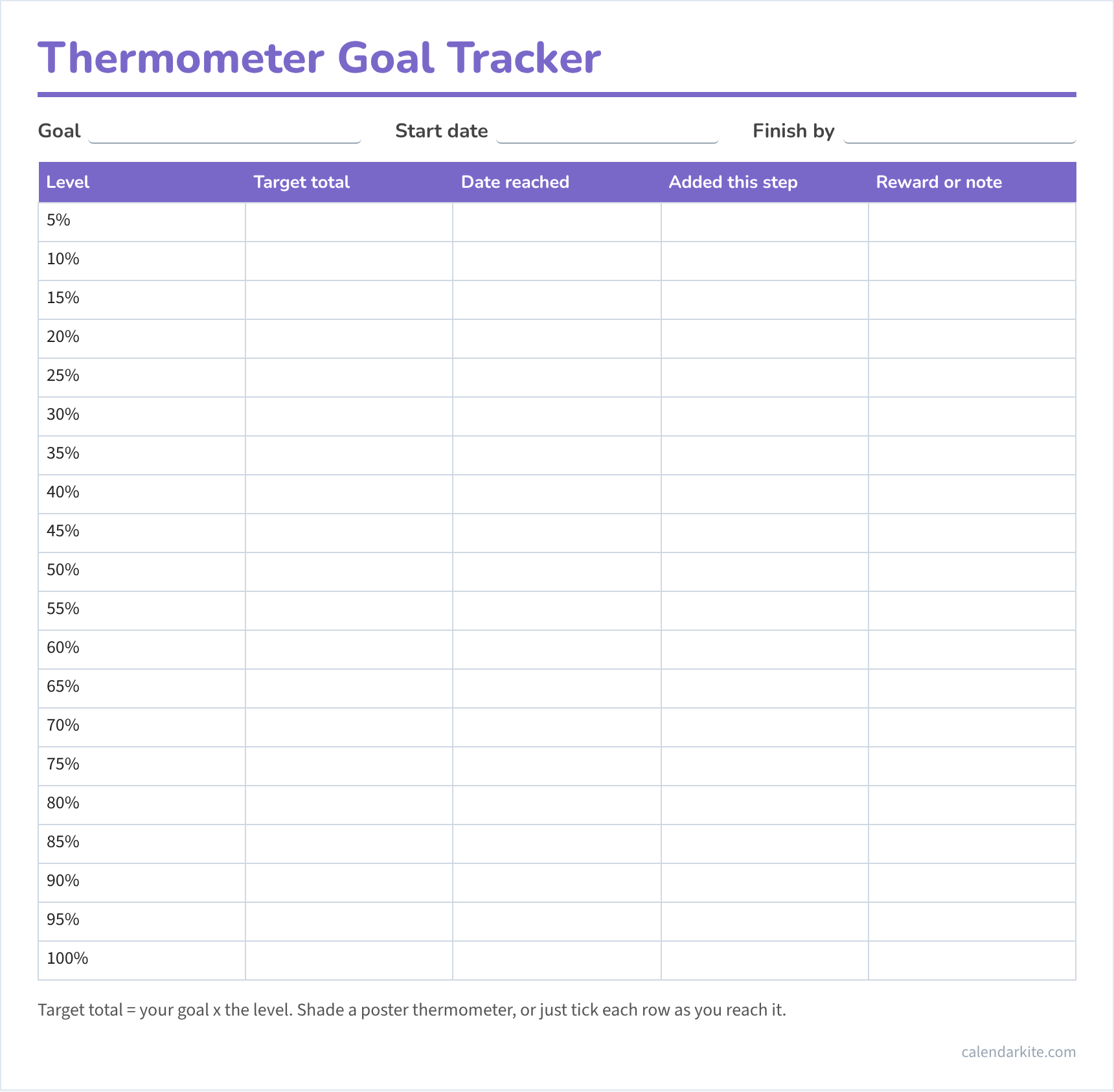
I picked lavender for people who want a quiet color for a fitness, reading or weight-loss goal. Mark the bulb first, then work up the scale so the early progress feels real.
Cute Thermometer Goal Tracker
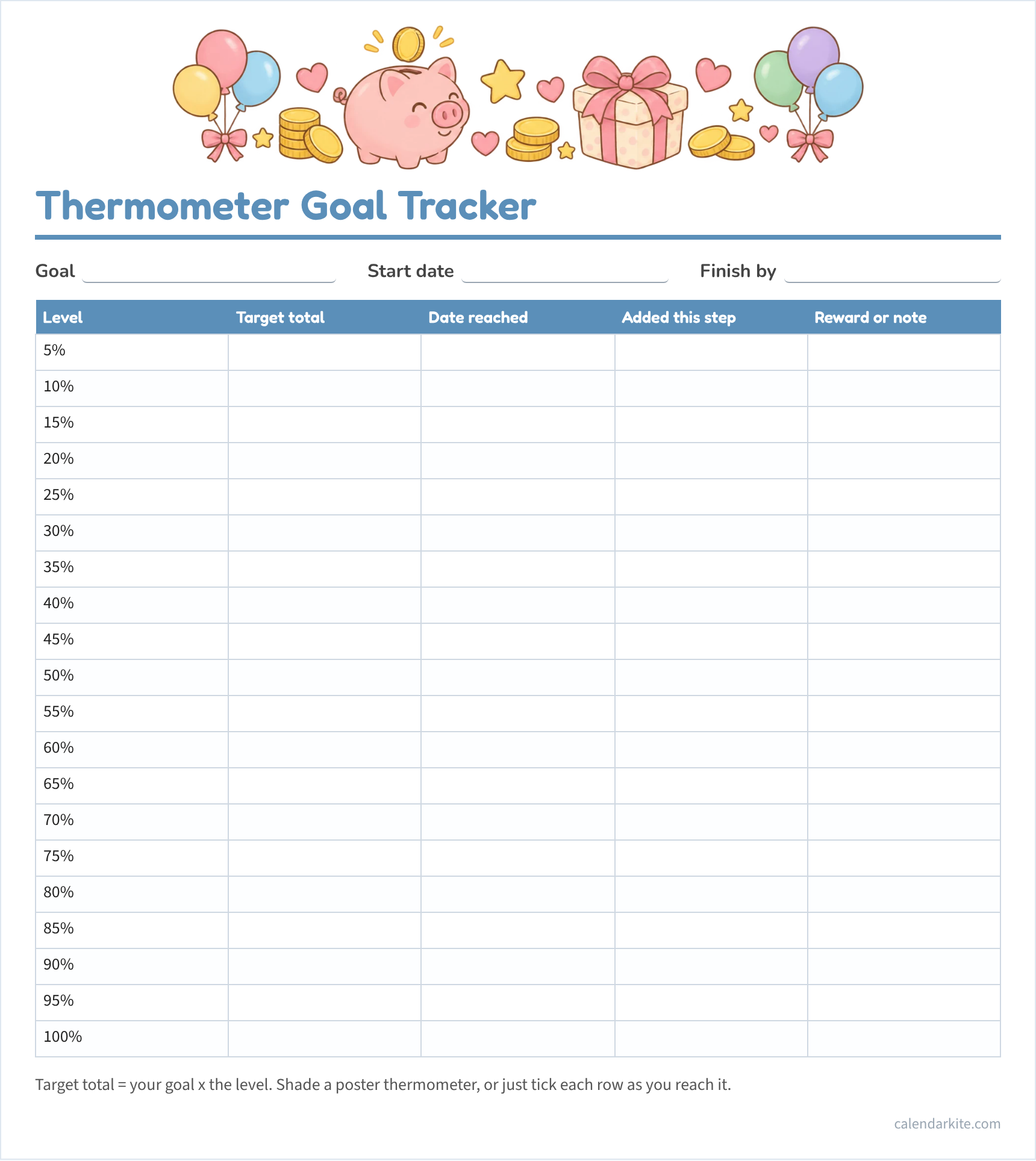
The pastel blue design with little hand-drawn illustrations suits classroom reward goals, chore targets or a small family savings jar. I recommend it when you want the tracker to feel friendly rather than serious.
Floral Thermometer Goal Tracker
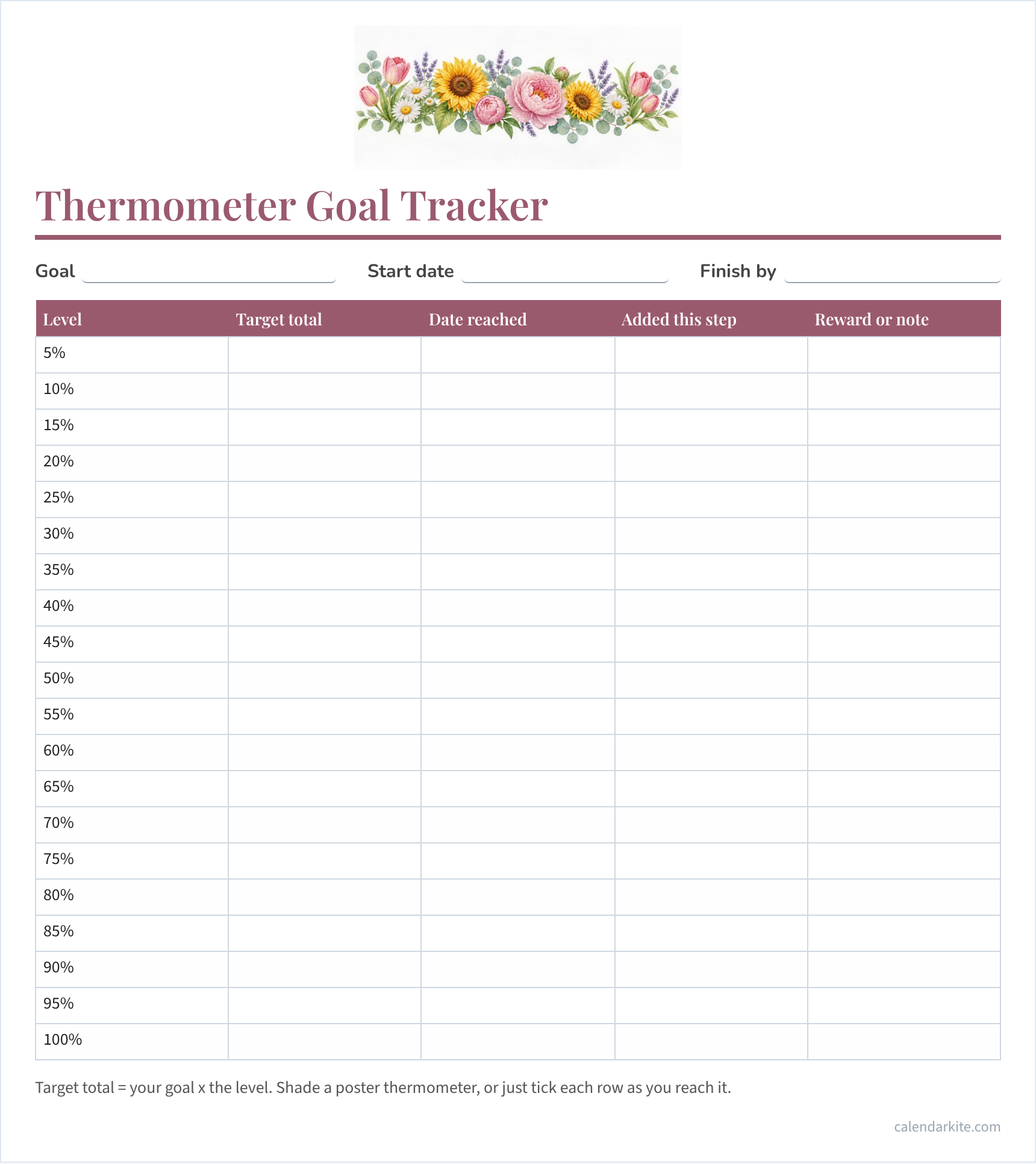
I'd reach for the watercolor flowers and mauve serif headings for a wedding fund or church building drive. It also suits a savings goal you want to display in a living room, so use slightly heavier paper if you have it.
Colorful Thermometer Goal Tracker
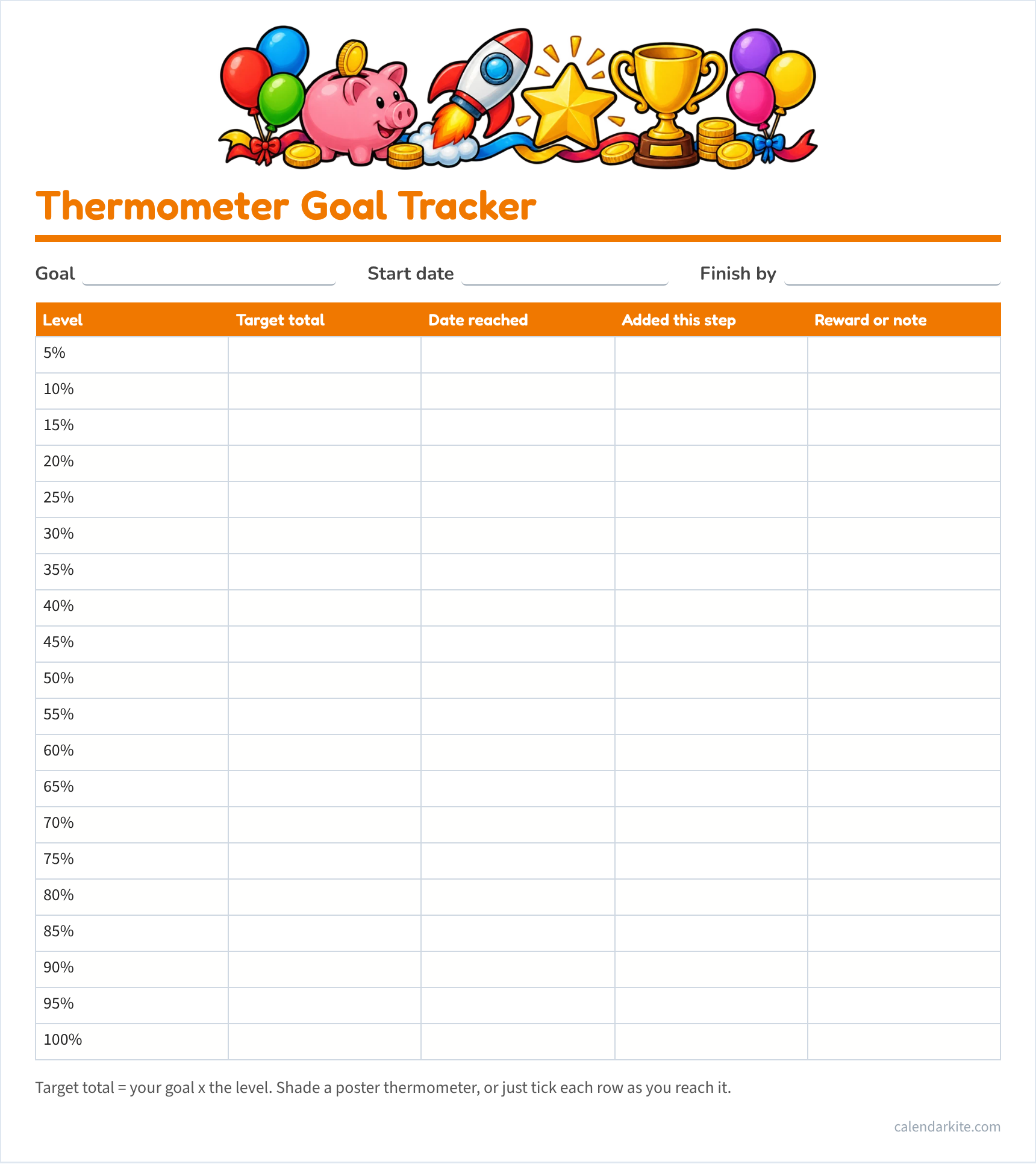
Bright orange and yellow with bold cartoons makes this the one my two kids pick for sticker or reading goals. Let them color each section themselves, because watching the thermometer rise is the whole motivation.
Simple Thermometer Goal Tracker
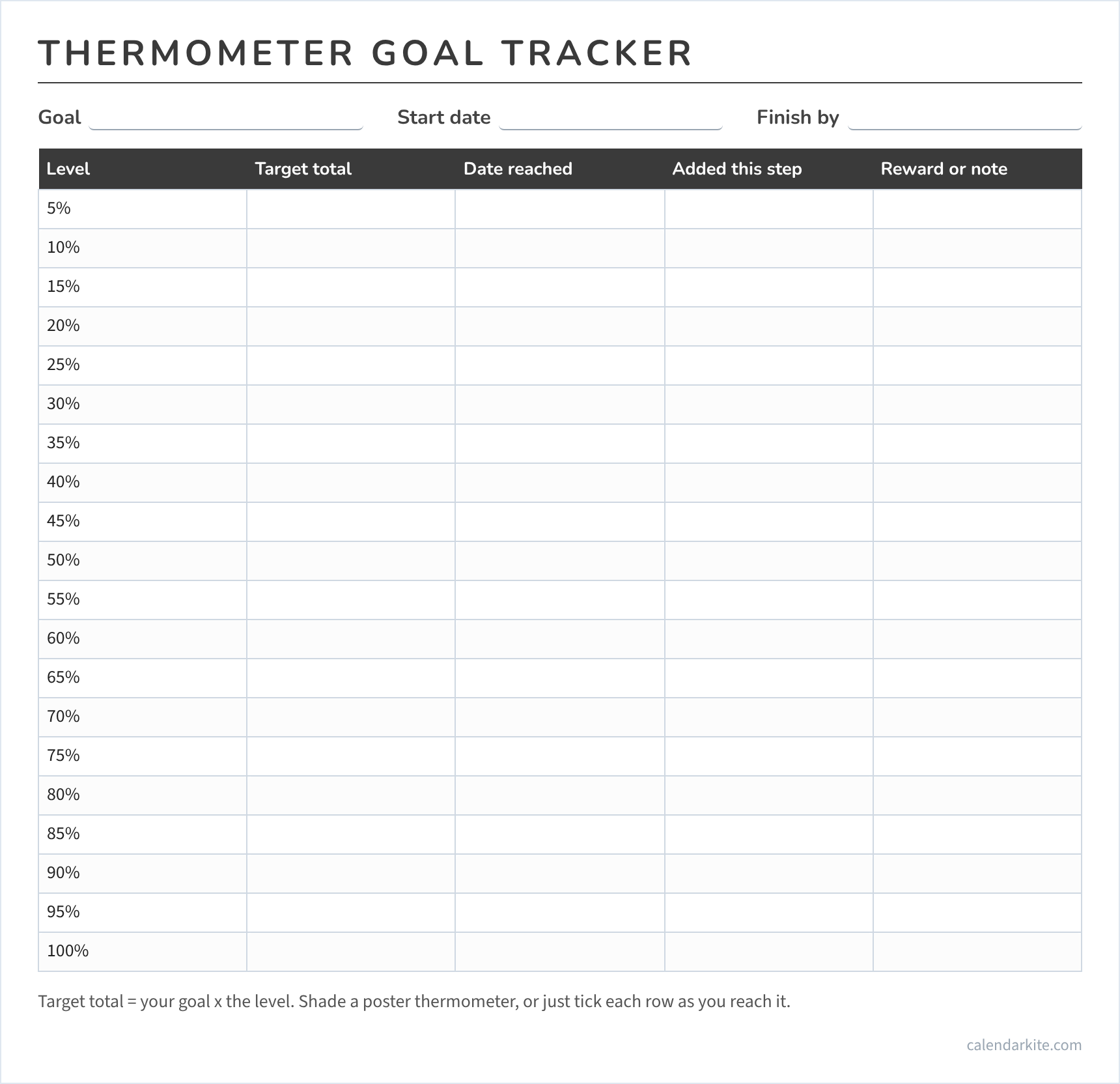
Thin gray lines and a light uppercase heading suit anyone who wants a clean tracker for a work project or savings goal. In my office years I learned that fewer decorations make progress easier to read at a glance.
Aesthetic Thermometer Goal Tracker
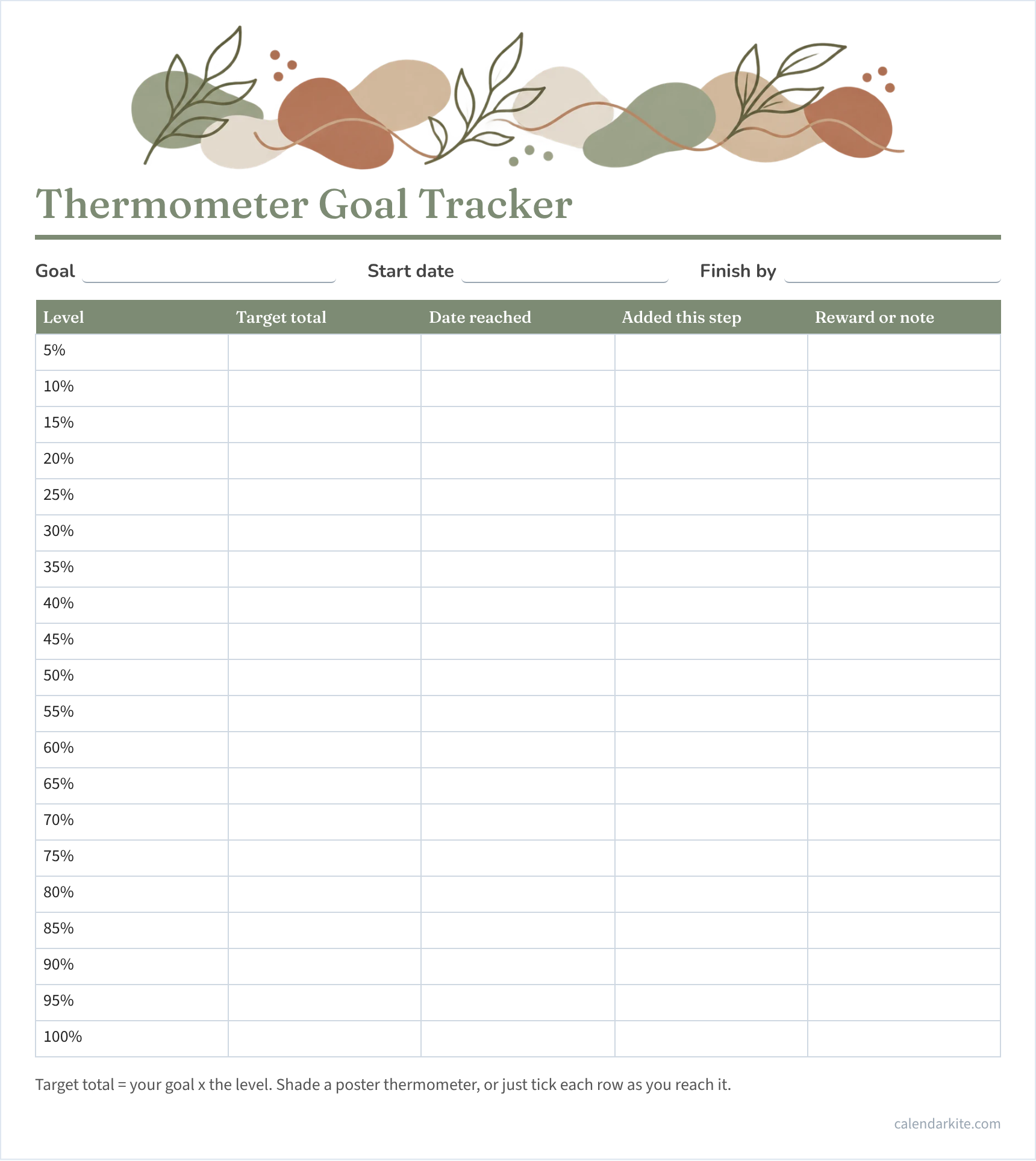
Muted sage, sand and terracotta with soft line-art leaves fit a bullet-journal style savings or habit goal. I'd tape it inside a planner cover or onto a desk wall where the neutral tones blend in.
Bold Fundraising Thermometer Goal Tracker
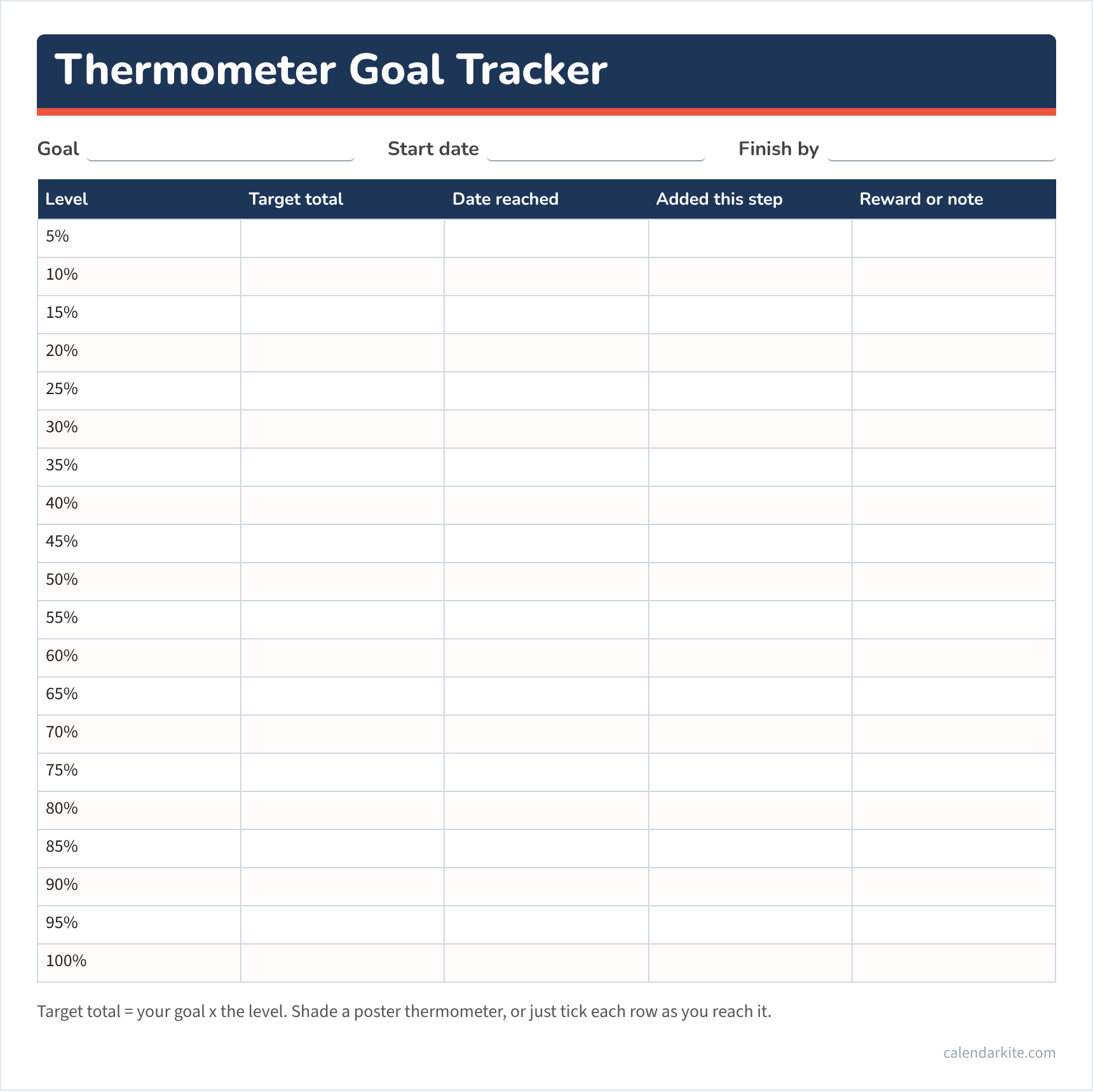
The navy header band with a coral accent is what I'd use for a team sales target or a school fundraiser posted in a hallway. The big numbers read from across the room, a detail I enlarged after testing.
It suits any goal you can measure with a number: dollars saved, books read, miles walked, pounds lost, cookie boxes sold, hours volunteered. Fill it in on screen (it saves in your browser), print it, and keep it somewhere you walk past every day. If you would rather have a blank copy, there is a PDF download too.
How a thermometer goal tracker works
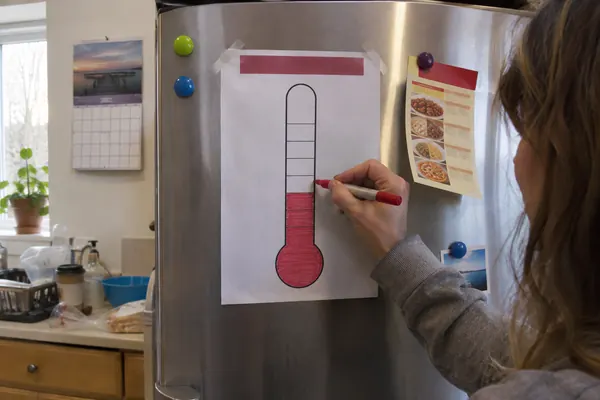
The idea is simple. A thermometer has a bottom and a top, and everyone understands that the red part climbing upward means things are going well. That is why the format has stayed popular for fundraisers, classroom challenges and office drives. You can read progress from across a room, and you do not need to do any math to see whether you are “nearly there.”
For personal goals the visual does something extra. A single number on a spreadsheet is easy to ignore. A thermometer that is two-thirds full is much harder to ignore, and a gap in the middle is hard to pretend you have not noticed. It turns a vague plan into something you can see, which is most of what a tracker is for.
The weak point of most thermometer printables is that they give you a picture and nothing else. You still have to work out what 35% of your goal is, and you have nowhere to write when you got there. I built this sheet to fill that gap, so the tracker is as much a small log as a picture.
Who this tracker suits
Anyone with one big goal and a long way to go. Savers working toward a holiday, a deposit or an emergency fund. People paying off a credit card or a car loan. Parents helping a child save for a bike. Teachers running a class reading challenge. Scout leaders, coaches, PTA volunteers and church committees raising money for a trip or a roof repair.
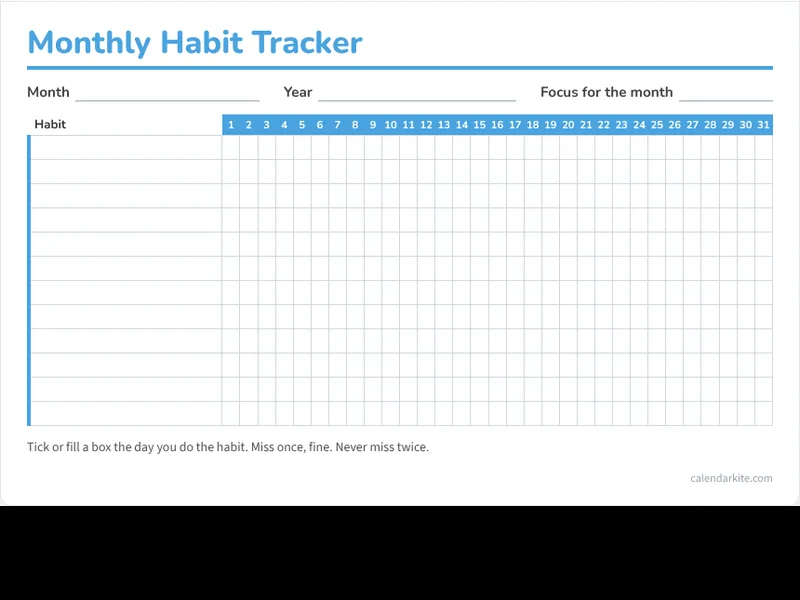
It is also a good fit for people who find habit trackers tiring. A daily grid asks you to show up every single day, and one missed week can make the whole page feel like a failure. A thermometer only cares about the running total. You can miss a week and the thermometer simply stays where it is, still full to the same level, waiting for you.
If your goal is really a daily behavior (drinking water, stretching, journaling), a habit tracker will serve you better. If it is a number that grows over time, this is the one to use.
What is on the sheet
At the top there are three fields: your goal, a start date and a finish-by date. Below them is a 20-row table, one row for every 5% of the way. Each row has a level (5% to 100%), a target total, a date reached, a column for how much you added in that step, and a space for a reward or note.
I went with 5% steps rather than the usual ten. Ten steps feel far apart when a goal takes six months, and the long gaps are where motivation drops. Twenty rows give you a small win roughly every twentieth of the way, and it still fits comfortably on a single US Letter page.
The “Date reached” column was a late addition. My first draft only had the target totals, and when I test-printed it I realised I could not tell afterwards whether I was ahead or behind. Once the dates are written down, you can compare them with your finish-by date at a glance.
Try this: Before you fill in anything else, write only your goal and your finish-by date. Then glance at the 50% row and ask whether you would reach it by the halfway date. If the answer is a clear no, adjust the goal or the deadline now, not in month four.
How to fill in the tracker
Setting it up takes about five minutes. Do it in one sitting so the numbers stay consistent.
- Write your goal in the Goal field, with the unit in it. “Save $2,400 for the kitchen” is better than “Save money.”
- Add a start date and a realistic finish-by date.
- Work out the value of one 5% step: divide your goal by 20. Write that figure in your head or in the margin.
- Fill in the Target total column. The 5% row is one step, the 10% row is two steps, and so on up to your full goal at 100%.
- Each time you pass a level, write the date in “Date reached” and the amount you added since the last level in “Added this step.”
- Add a reward or note beside the levels you want to mark, such as 25%, 50% and 75%.
You do not have to hit each level exactly. If you save $310 in a month and the next target is $120 away, you will simply cross two or three rows at once. Write the same date on each of them and move on. The point is that the total at the end of the page always matches the real number.
A worked example: saving $2,400
Here is how it looks with a savings goal of $2,400 over twelve months. One 5% step is $120, so the target totals run 120, 240, 360 and so on until 2,400 at the 100% row. At $200 a month you will cross a new row roughly every three weeks, which is a steady rhythm.
Say you start in January. By the end of February you have $400 saved, so you write the date next to the 15% row ($360), put “Feb 28” in the date column, and add $120 in the “Added this step” column. The extra $40 stays in your head as a head start on the 20% row. In March you reach $600, which crosses 20% ($480) and 25% ($600) at once, so both rows get the same date.
Your reward column can be tiny. “Coffee out” at 10%, “Movie night” at 25%, “New notebook” at 50%. Large rewards at the end are fine, but small ones along the way are what keep a long goal interesting. For a savings goal that needs more detail, such as several accounts or monthly deposits, pair this sheet with the savings tracker.
Choosing a goal that fits a thermometer
Good thermometer goals have a clear top and a unit that only goes up. “Read 24 books,” “raise $5,000,” “walk 500 miles” and “pay off $3,600” all work. “Be healthier” and “get organized” do not, because you cannot say what 100% means.
If your goal is to lose weight or pay down a debt, the number goes down rather than up. The trick is to measure what you have achieved, not what remains. A goal of losing 20 pounds becomes a thermometer with 20 pounds at the top, and you fill in the pounds lost. A debt of $3,600 becomes $3,600 paid, not $3,600 owed. The thermometer always rises, and it always feels like progress.
Keep the top number honest. A stretch goal is fine, but if you set a goal you privately know you will not reach, the thermometer will sit there half full and become a reminder of failure. I would rather you pick a number that makes you slightly nervous than one that makes you give up. If you have several goals for the year, the 2027 goals template helps you sort out which one deserves its own thermometer.
Setting the scale and the unit
Decide the unit before you do anything else, and use only that unit on the sheet. If your goal is dollars, every column should be in dollars. If it is books, count books. Mixing units is the most common reason a tracker stops adding up.
Some goals do not divide neatly into 20. A goal of 12 books gives you steps of 0.6 books, which is not very useful. In that case, do not fill in all 20 rows. Use only the rows that land on whole numbers: 25% is 3 books, 50% is 6, 75% is 9, and 100% is 12. Leave the others blank or write a short note. Another option is to round up your goal to something that divides well, such as 20 books.
For larger goals, round your target totals to the nearest sensible number. A step of $127.50 is hard to track in real life. Make it $125 and let the final row absorb the difference. Neat numbers make you more likely to update the sheet.
Try this: Take your goal and divide it by 20 on paper. If the answer is awkward, nudge the goal up or down until the step is a number you can count easily, such as 5, 10, 25 or 50.
Fundraising thermometers that get noticed
For a group fundraiser, the sheet works as your master record and the thermometer on the wall is the public face. Use this page to log every milestone with a date, and keep a second, enlarged thermometer in a spot where donors and volunteers will see it. Your records stay accurate, and your display stays simple.
A few habits make the display work better. Put the goal amount at the top in big, clear numbers, and mark 25%, 50% and 75% with a line along the side. Keep any writing outside the thermometer, not inside it, because text inside gets covered up as the color rises and becomes unreadable at exactly the moment people are looking. Add one sentence nearby saying what the money is for and why it matters, so a passer-by understands the point in five seconds.
Update it often, and update it where people can see it. A thermometer that has not moved in three weeks tells people nothing is happening. In my office years, I learned that a progress chart nobody updates quickly stops being looked at. Pick one person to own it, and give them a regular day.
Using it with kids
Children take to thermometers quickly because coloring in a bar is satisfying and the finish line is easy to see. The sheet works well for a savings goal, a reading challenge or a chore reward, and the 5% steps are a good size for short attention spans.
For younger children, simplify. Use ten steps instead of twenty by only filling in the even rows (10%, 20%, 30% and so on), and write the reward in words or draw a quick picture. Let the child do the writing of the date and the shading. If you are tracking pocket money toward a toy, a step of a dollar or two will give them something to celebrate every week or so.
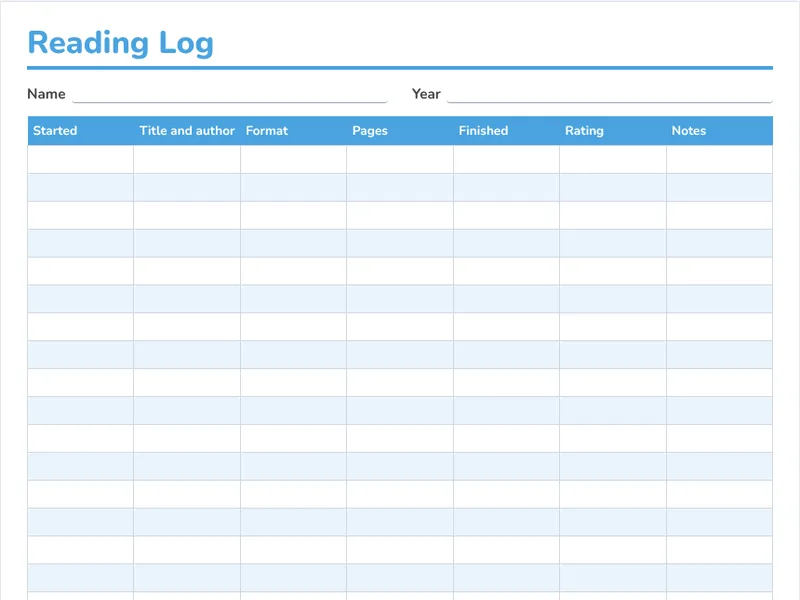
At home, we have a dog and two kids, which means anything on the fridge gets looked at, tugged at and occasionally pulled down. I put the sheet on the fridge with a magnet at child height, and I keep a pencil on a string next to it. Fewer excuses that way. For a reading challenge, our reading log is a good companion: the log records each book, and the thermometer shows the total.
Fitness, reading and other non-money goals
Money gets most of the attention, but the format is flexible. A walking goal of 500 miles becomes 25 miles per step. A reading goal of 40 books becomes two books per step. A sales goal of 200 units becomes ten units per step. In every case, you write the unit in the Goal field and keep the same unit all the way down the page.
For fitness goals, I would be careful about weight alone, because the scale goes up and down for reasons that have nothing to do with effort. Consider a thermometer for total workouts, total miles or total minutes instead, since those only go up and they are in your control. A workout log is a good place to keep the daily detail while the thermometer holds the big picture.
Other goals that work well: volunteering hours, pages written, applications sent, lessons completed, nights without eating out, and plants started from seed. If it can be counted, it can fill a thermometer.
Pairing it with other trackers
One thermometer is for one goal. If you try to cram three goals onto the same sheet, the totals blur together. Print one per goal, and keep them together on the fridge, a corkboard or the front of your planner.
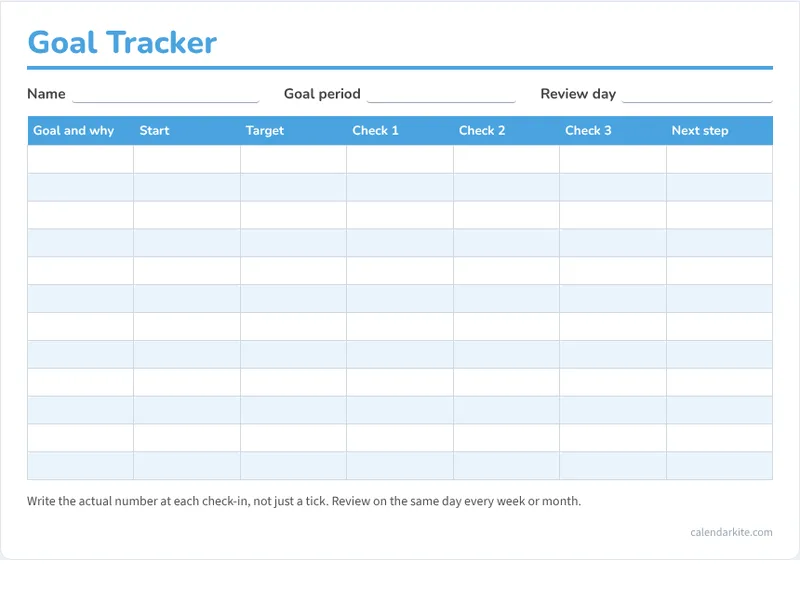
For goals with a lot of moving parts, use a thermometer as the summary and a second sheet for the detail. A debt payoff tracker records each payment and balance, and the thermometer shows the percentage paid. Our goal tracker page covers broader goal planning if you want to break a goal into tasks as well as totals.
I keep a paper calendar on the fridge and a planner on the kitchen counter, and the thermometer sits next to the calendar. When I mark a payment day on the calendar, I glance at the thermometer, and it takes about ten seconds to update. Putting the two side by side has been far more effective than a clever app I would forget to open.
Printing and enlarging it
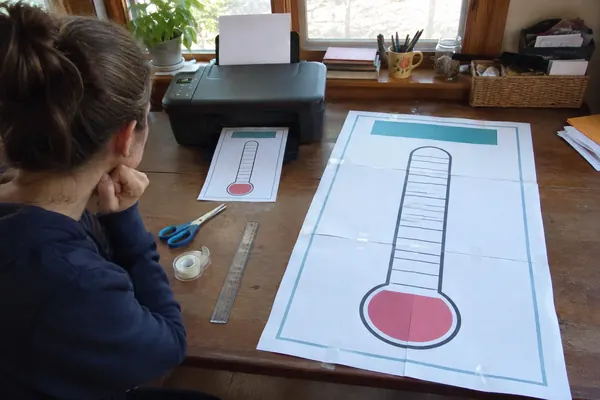
The sheet is set up for US Letter and prints cleanly on A4 with the “fit to page” option. I test-print every printable on my home inkjet, and the table lines hold up well even on draft quality, so you can save ink. Use plain white paper for everyday goals, and a slightly heavier paper if it will hang on a wall or be handled by children.
If you want a big display thermometer for a classroom or fundraiser, this sheet is best used as the logbook and a drawn poster as the picture. Draw a tall rectangle with a round bulb at the bottom on poster board, divide it into ten or twenty equal sections, and label the target totals from your sheet down the side. Shade it in with a marker each time you reach a level.
Print in black and white if you plan to color it yourself. A pen or crayon shows up better on a clean page, and you can choose a color that means something to you.
Mistakes I see most often
The first is a goal with no top. If you cannot state 100% in one number, the thermometer cannot show progress, so fix the goal before you fix anything else.
The second is making the steps too large. A thermometer with only four sections will sit still for weeks and feel like nothing is happening. If you are using the sheet for a short goal, such as a month-long challenge, use fewer total steps but make sure you have a visible movement every week.
The third is putting the sheet somewhere private. A tracker in a drawer does not get updated. The best spot is one you pass without trying: the fridge, the bathroom mirror, beside the front door, or next to the coffee maker. And lastly, people wait to update it. Fill in the row when you cross it, not at the end of the month, or you will forget the date and the reward you earned.
What to do when you stall, and when you finish
Every long goal has a stall. When the thermometer stops moving, resist the urge to hide the sheet. Look at the “Added this step” column and see what the last few steps took. If steps used to take three weeks and now take six, something has changed, and you can adjust the pace, the deadline or the plan. A stalled thermometer with honest numbers is much more useful than one you have stopped looking at.
You can also change the finish-by date. Life gets in the way, and a new date is not a failure. Cross out the old one, write the new one, and keep going. The data you have already logged stays valid.
When you reach 100%, take a moment. Write the finish date, take a photo of the full sheet, and use the reward you have been saving. Then decide what comes next. A new goal can be bigger, or it can be the same goal on a repeating cycle, such as another $2,400 for next year. Print a fresh sheet and start at the bottom again.
Frequently used variations
Some small changes make the sheet fit different goals. For a team goal, write each person’s contribution in the note column and add up the step totals at the end of the week. For a goal with a hard deadline, such as a trip fund, write the date you need each level reached in the margin and compare with the real date.
For a countdown goal, such as the days left to finish a project, flip the idea: let 100% mean the deadline day and each row mean a number of days used. For a year-long goal, you can tie the rows to months by pairing the sheet with a monthly planner, writing which level you expect to reach by the end of each month.
If you like to keep things in one place, you can browse the full collection of printable trackers and logs for sheets that pair with this one.
 Reading Log: Free Printable You Can Fill In and Print
 College Assignment Tracker: Free Printable Sheet
 Habit Tracker Printable (Free Monthly Sheet)
 Goal Tracker: Free Printable Sheet You Can Fill In and Print
 Job Application Tracker: Free Printable Sheet
 Workout Log Template (Free Printable Fitness Log)