
Free Printable Income Tracker

An income tracker is a one-page log of every payment you receive, with the date, the source and the amount, added up at the end of the month. The sheet on this page does that and a little more: it splits each payment into gross, money set aside and net received, so the total at the bottom is the number you can truly spend. You can type straight into it on the page, print it, or download a blank PDF.
| Date | Source or client | Type | Gross amount | Set aside | Net received |
|---|---|---|---|---|---|
Net = gross minus set aside. Type: P pay, S side work, B benefits, G gifts, O other. Add each column at month end.
Free for personal, classroom and office use. Your entries are included in the print, PDF and PNG. Prints on US Letter and fits A4.
Black and White Income Tracker Printable
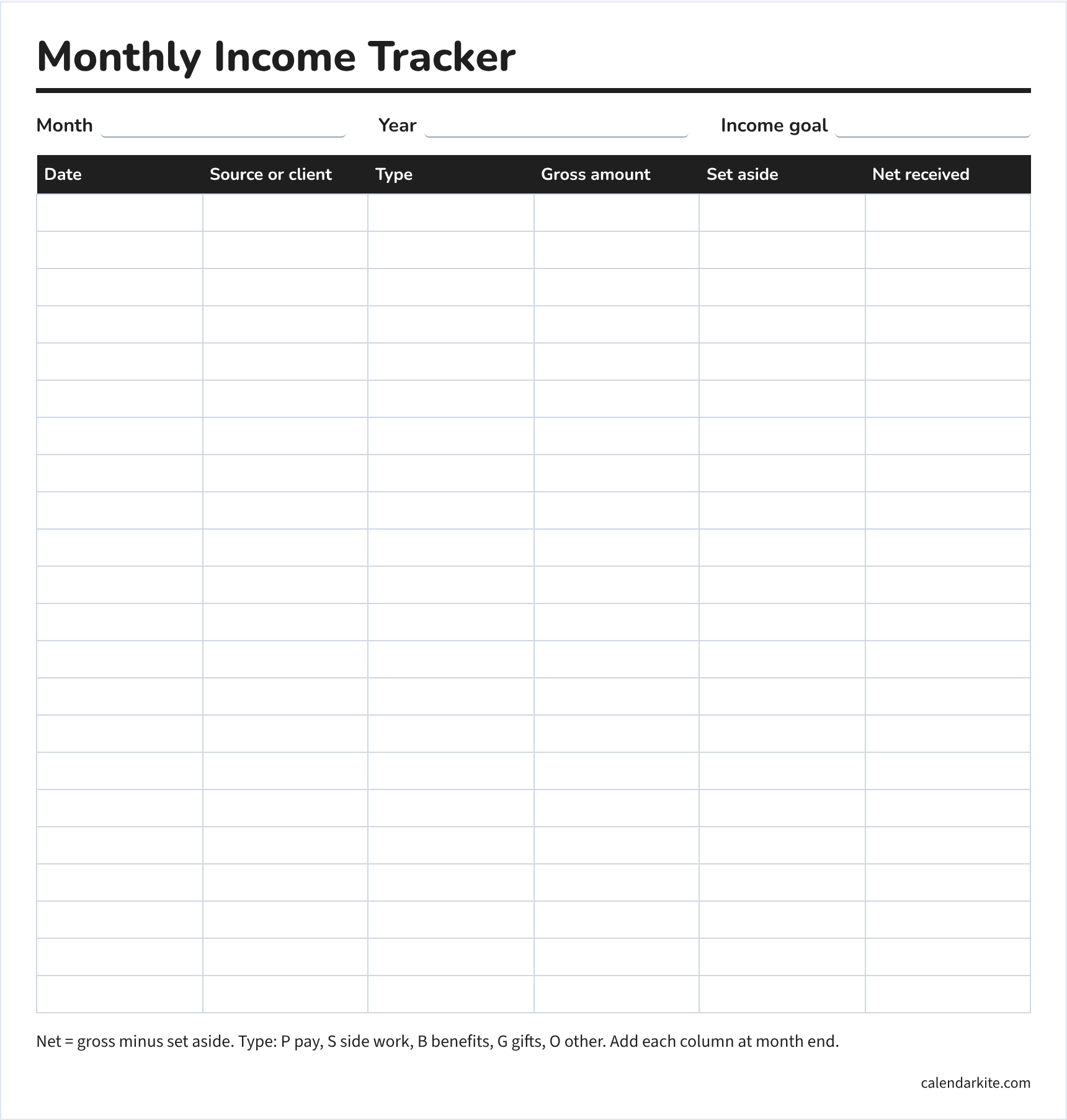
This plain black-line version suits anyone who wants a no-fuss monthly record of paychecks, side gigs and freelance invoices. I test-print it on my home inkjet, and it uses very little ink even in draft mode.
Pink Income Tracker
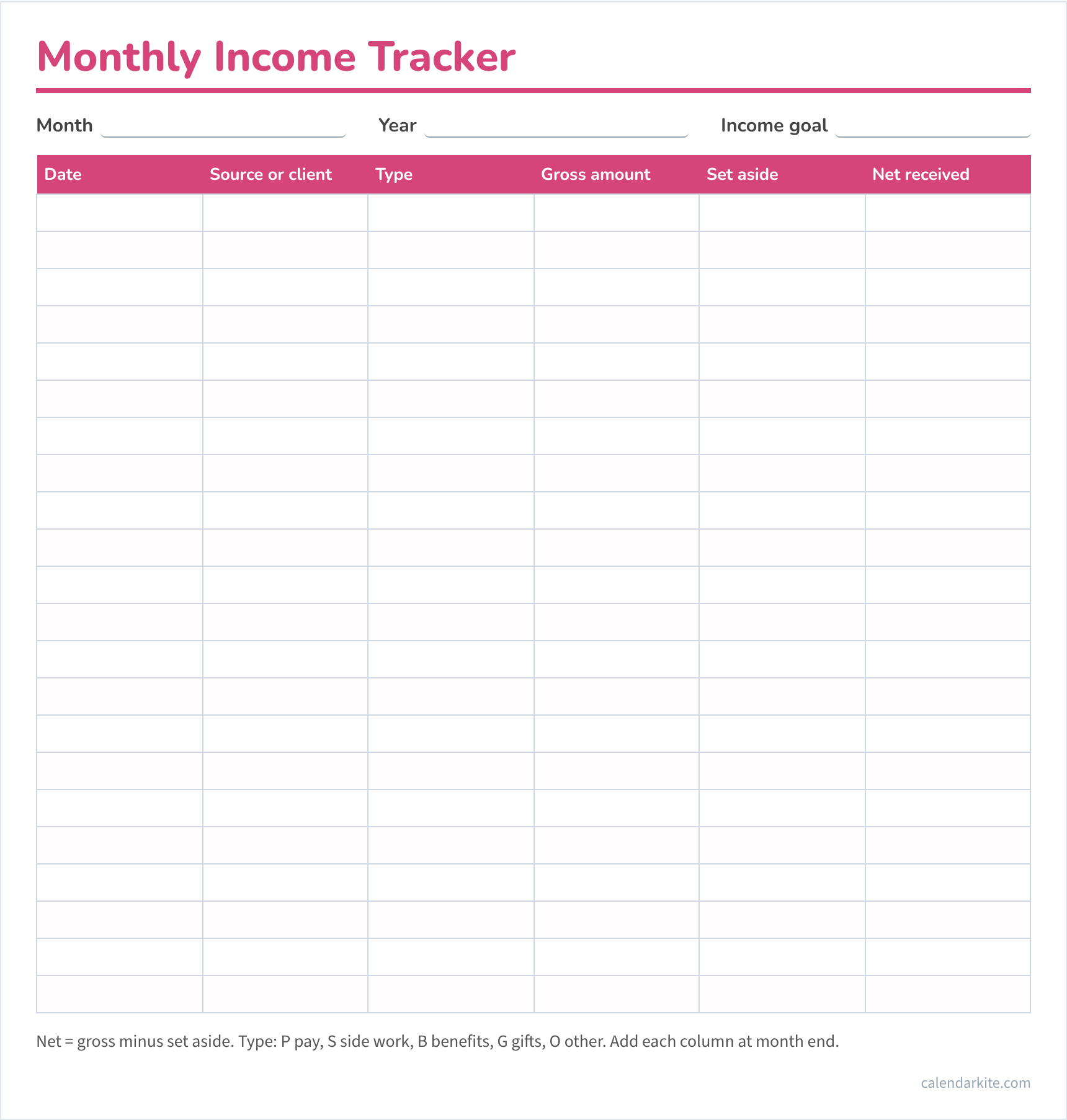
A soft pink look works well for a small business owner or Etsy seller who wants tracking to feel less like a chore. Print it, then log each sale or payout the day it lands.
Sage Green Income Tracker
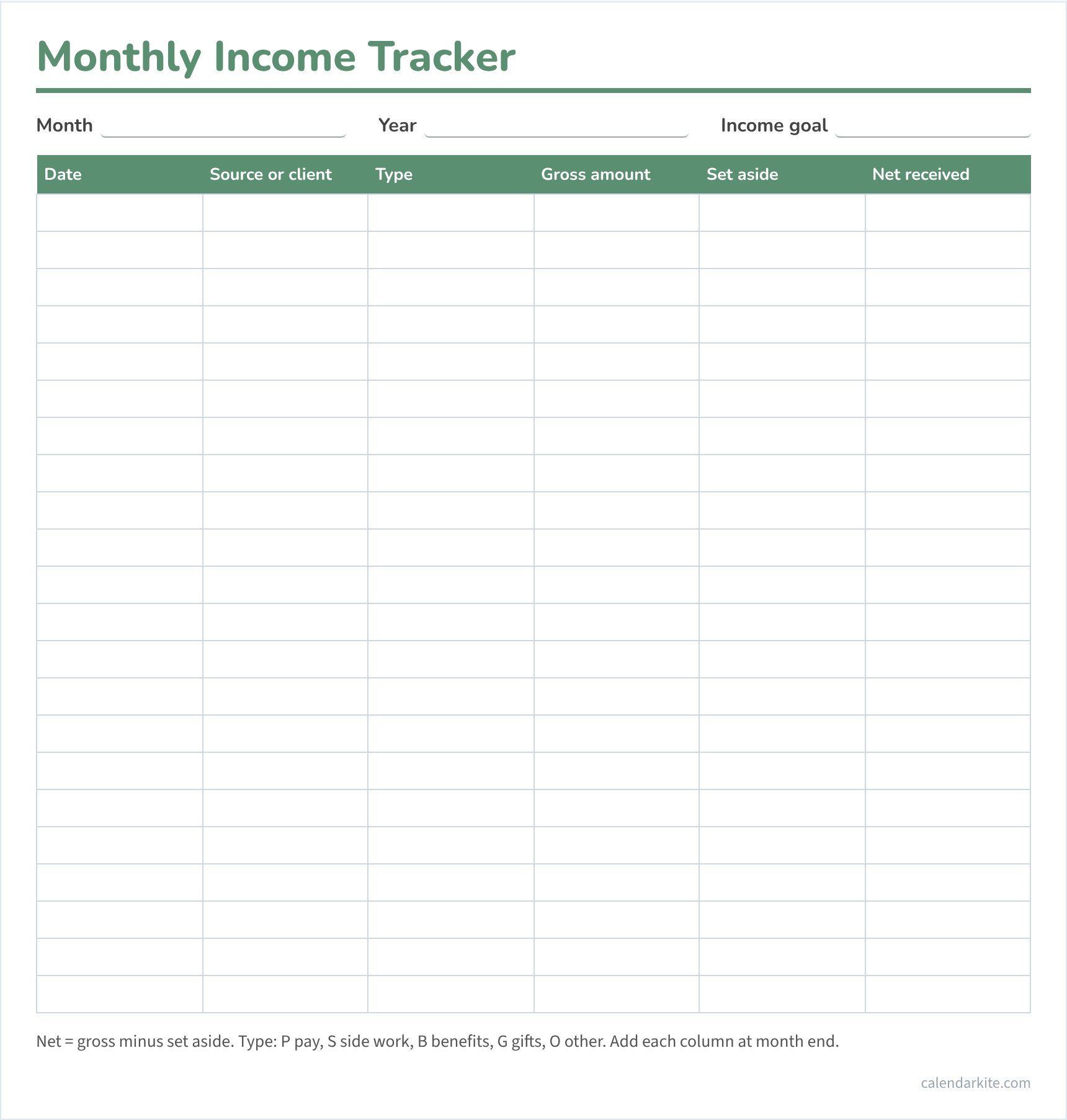
Sage green is calm and easy on the eyes, so it suits households tracking a couple of salaries side by side. In my office years I learned that a separate column for each source saves confusion later.
Cute Income Tracker Printable
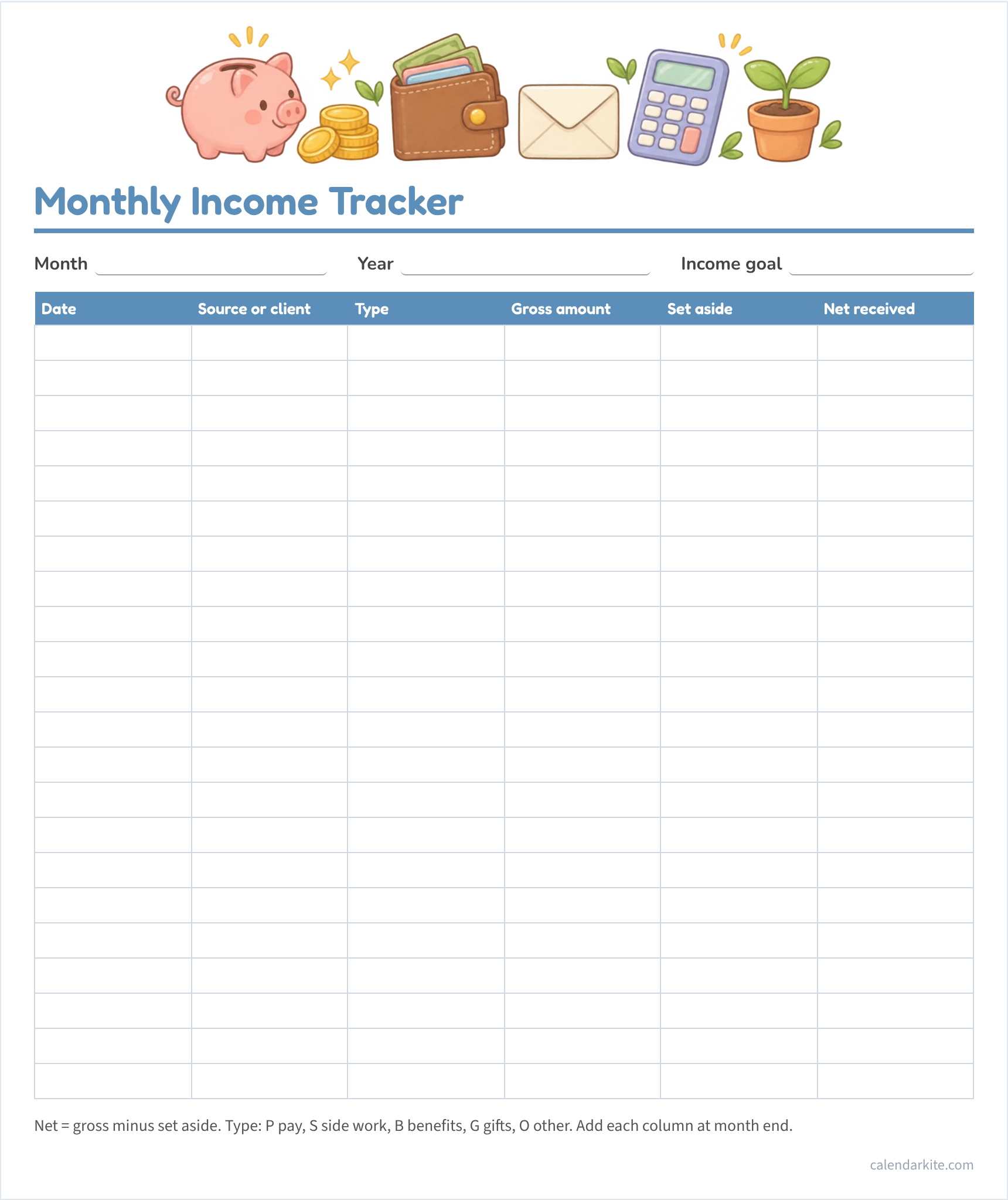
The pastel blue page with little hand-drawn illustrations at the top suits students and part-timers tracking tips, allowance and odd jobs. I left plenty of room below the art so the number columns stay readable.
Floral Income Tracker
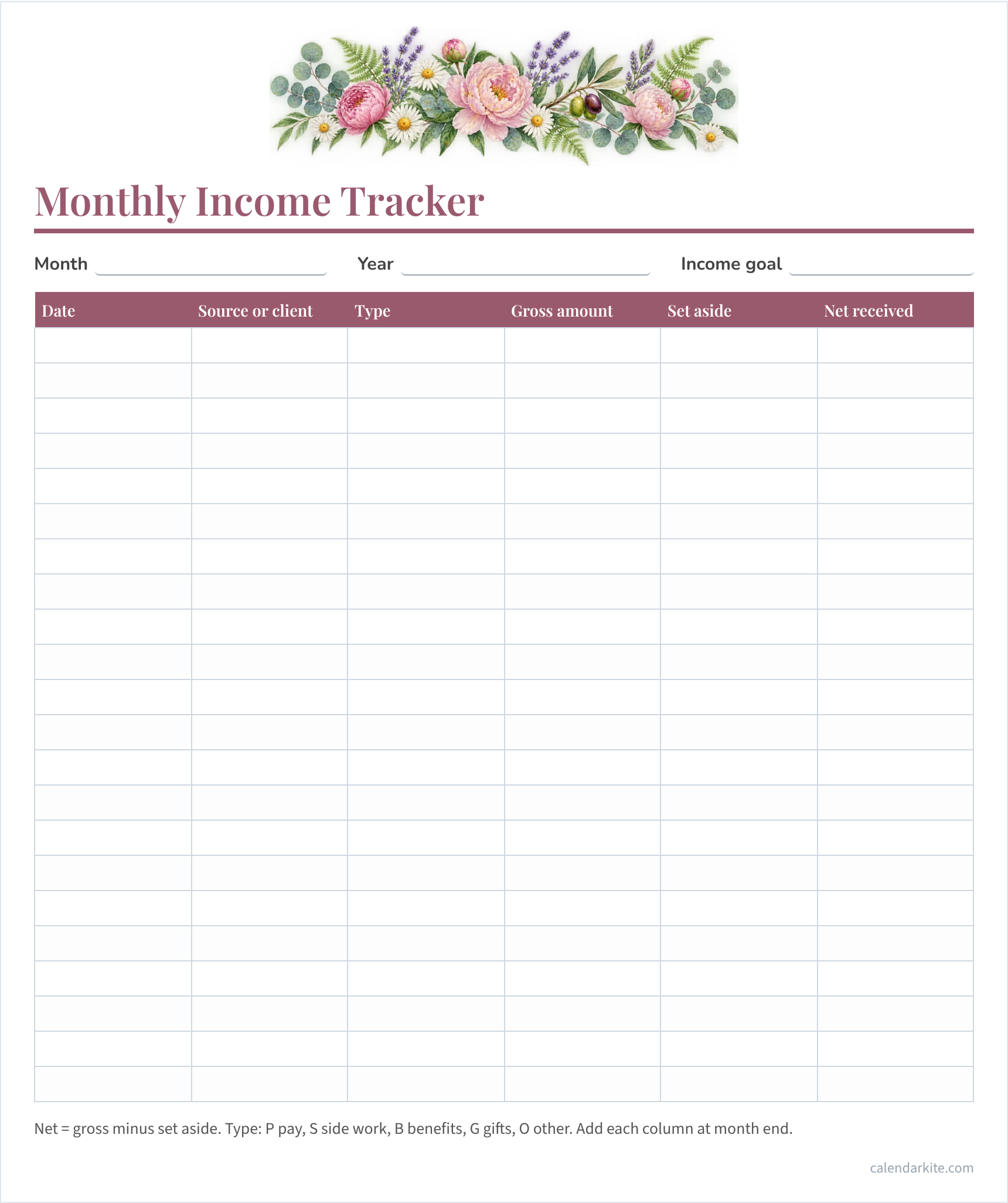
Watercolor flowers and elegant serif headings suit a freelancer or crafter who likes a pretty page on the desk. It works well for logging invoices as they are paid and totaling the month.
Colorful Income Tracker
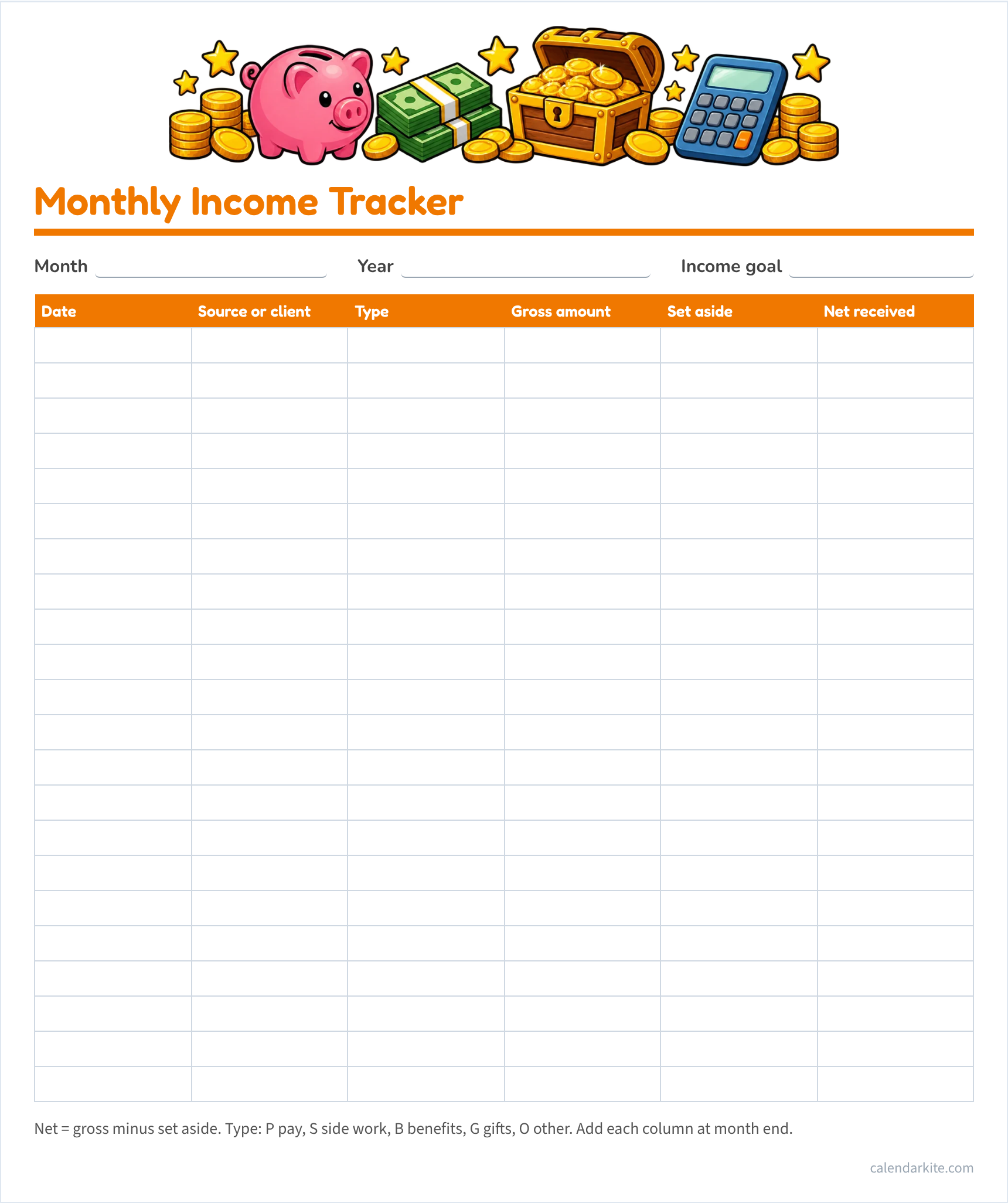
The bright orange and yellow design with bold illustrations is a cheerful pick if numbers usually make you groan. At home I like color for the weekly check-in on the kitchen counter, since it's hard to ignore.
Simple Income Tracker
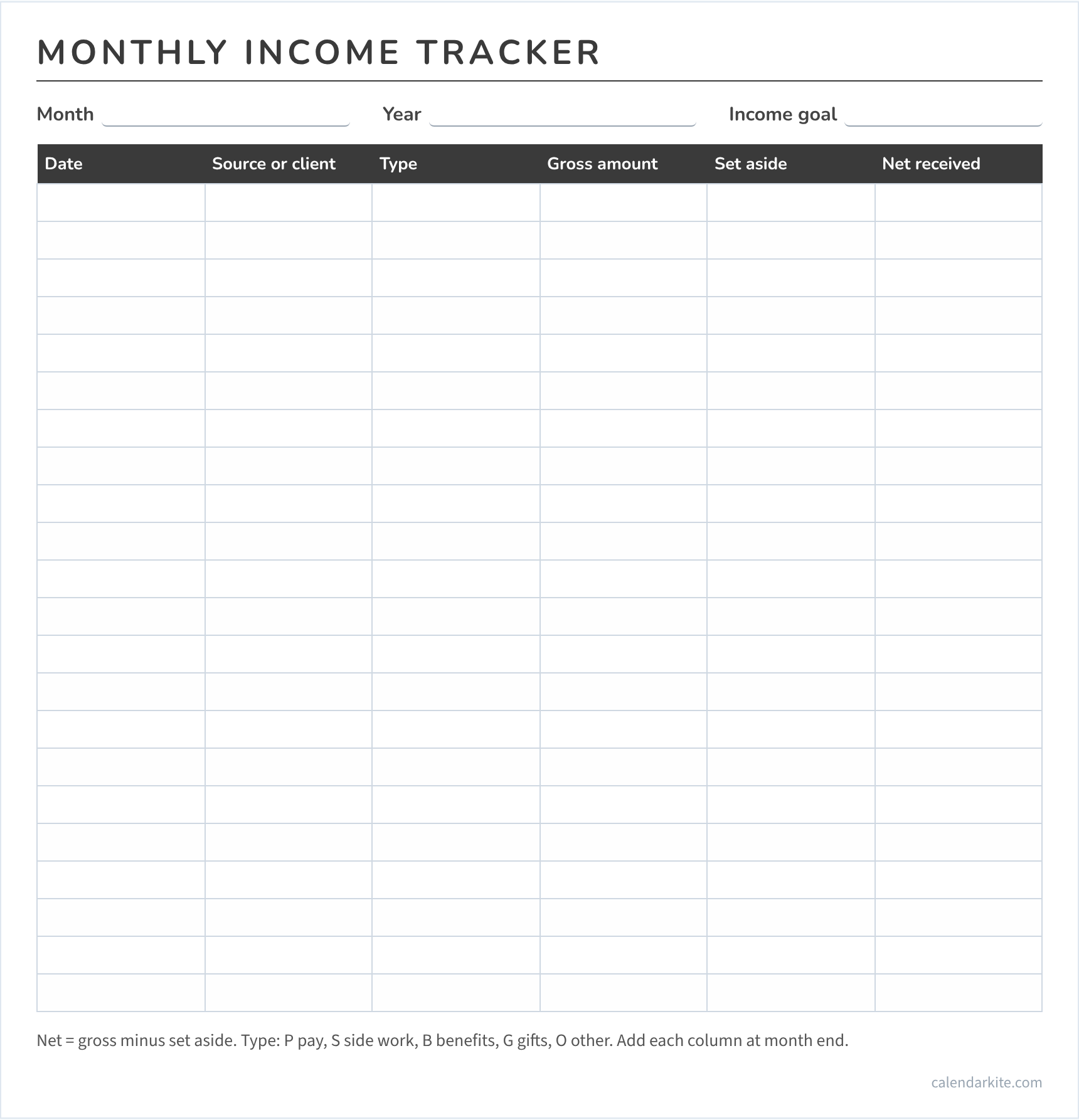
Thin gray lines and a light uppercase heading suit anyone who wants a minimalist record of income without distraction. I kept the columns to the essentials so each entry takes only a few seconds.
Aesthetic Income Tracker
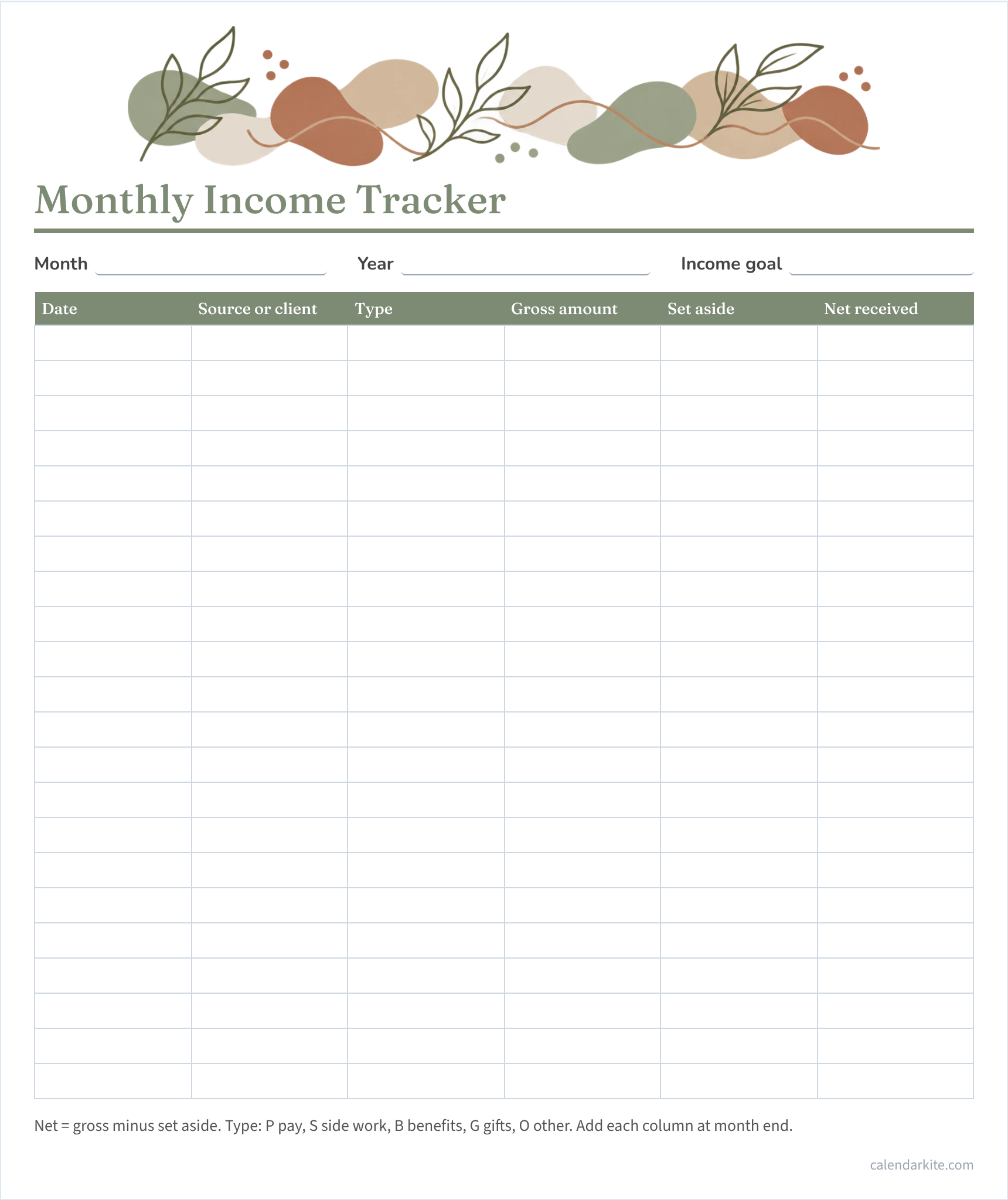
Muted sage, sand and terracotta with soft line-art leaves suit anyone who keeps a tidy planner setup and wants finances to match. Slip it next to your budget pages and update it each payday.
Vintage Income Tracker Printable
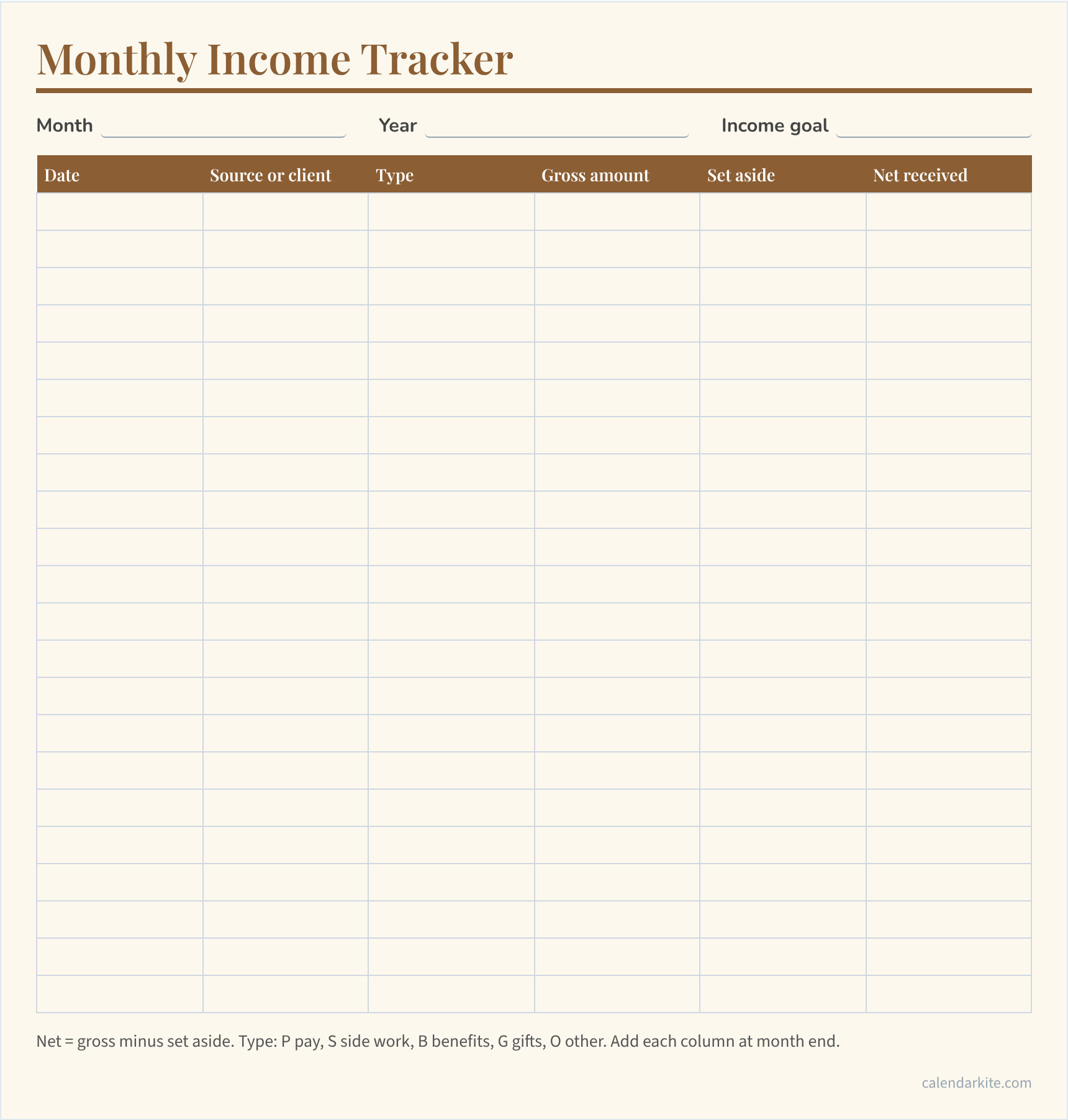
Cream paper and brown serif headings give a ledger-book feel that suits small shop owners and hobby sellers. Print it on plain paper and keep it in a binder with your receipts for tax time.
Professional Income Tracker Printable
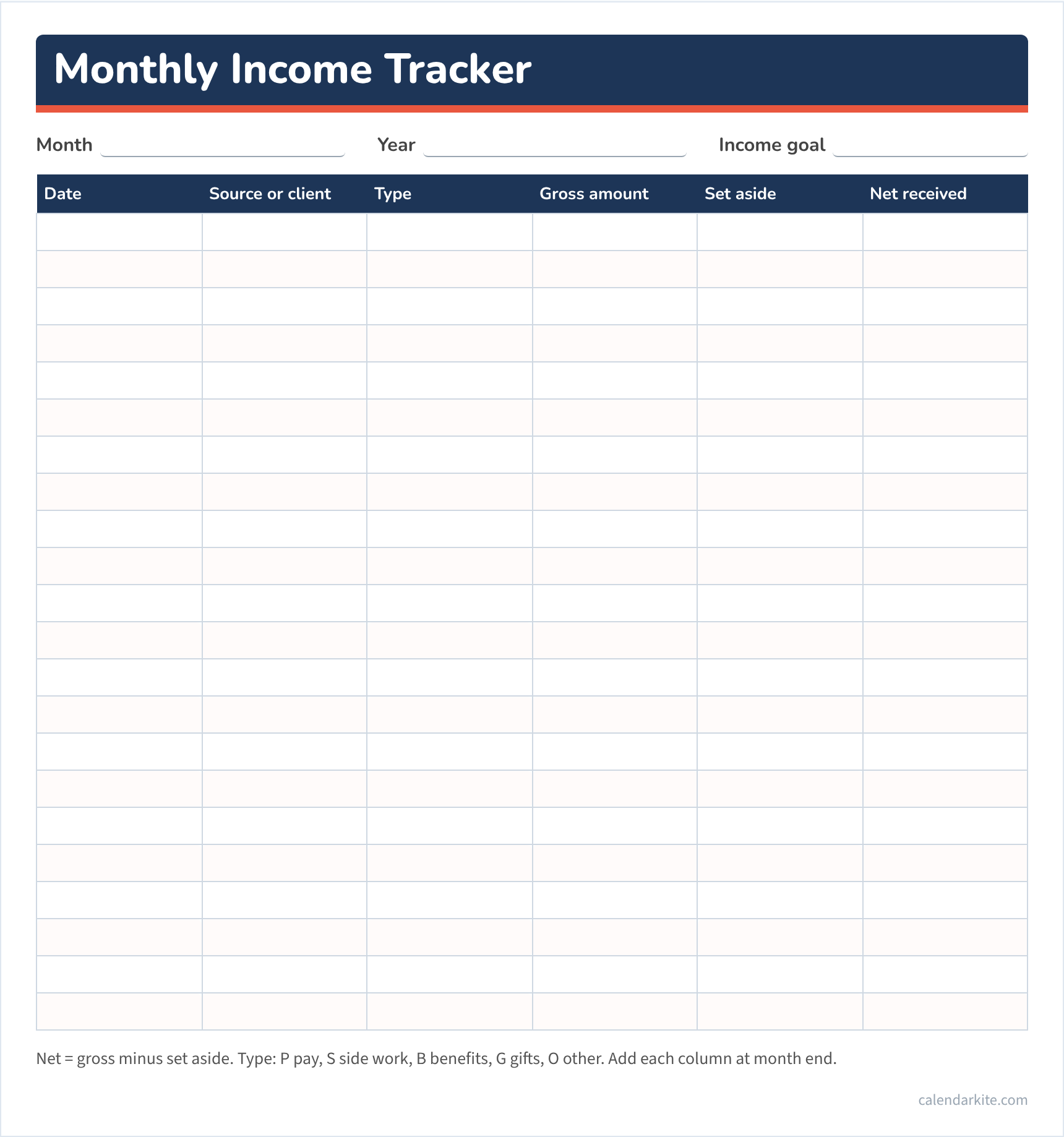
The navy header band with a coral accent looks sharp for self-employed readers and side-hustlers who share records with an accountant. Keep one sheet per month and file them together by year.
Most people track what they spend and never write down what comes in. That works until a month goes strange: a late invoice, a shortened paycheck, a refund you forgot about. A tracker takes about a minute per entry and gives you a record you can trust.
What this income tracker includes

The sheet is a single table on US Letter paper, with 22 rows and six columns: Date, Source or client, Type, Gross amount, Set aside, and Net received. Across the top are three fill-in fields: the month, the year and an income goal. At the bottom is a short reminder of how the maths works and what the type codes mean.
I spent ten years in office administration, and the habit that served me best was keeping records that a stranger could read. That is why every column has a clear job and there is no decoration. If someone else opened your folder in two years, they should be able to see what each line was without asking you.
The sheet saves in your browser as you type, so you can add a row whenever a payment arrives and come back to it later in the month. When the month closes, print it and file it. If you want to start from nothing, use the blank PDF.
How to fill in the income tracker, column by column
Start with the three fields at the top. Write the month and year, then set an income goal if it helps you. The goal can be your baseline (the least you need to cover essentials) or a target. Leave it empty if you would rather not look at it.
Then fill in one row per payment:
- Date: the day the money arrived in your account or your hand, not the day you did the work or sent the invoice.
- Source or client: a name you will recognise later, such as the employer, the client, the platform or the person.
- Type: a single letter. P for regular pay, S for side work, B for benefits, G for gifts, O for anything else. You can change the letters to suit you.
- Gross amount: the full amount before anything comes off.
- Set aside: money taken out or earmarked, such as tax withheld, a tax reserve, or a transfer to savings.
- Net received: gross minus set aside. This is what is free to use.
Try this: Fill in three real payments from last month right now, using bank statements. If any column slows you down, change what you write there so it makes sense for your life.
Why there are three money columns
Most simple trackers have one amount column. I added the second and third after watching how people use them. A single column mixes up two different numbers: what you were paid and what you can use. If you earn a paycheck, gross and net are on your pay stub and the difference is tax, insurance and retirement contributions. If you work for yourself, the full payment lands in your account, but part of it is already owed to the tax office.
Splitting gross from net also keeps you honest about “profit.” A client pays 500, you set aside 120, and the net is 380. That 380 is the figure to plan rent and groceries around. When I first built this layout I only had Date, Source and Amount, and I kept finding that the monthly total felt higher than the bank balance. The set aside column fixed that.
If none of this applies to you because you earn a plain salary, you can still use all three columns: copy the pay stub gross, put the total deductions in Set aside, and the net should match your deposit. If it does not match, you have found something worth checking.
Record income when it lands, not when it is promised
One of the most common mistakes I see is logging income that has been invoiced or promised. A tracker is a record of money received. If you want to follow unpaid invoices too, keep them on a separate list, and only move them to the tracker the day they are paid.
This rule makes your monthly total reliable. A late payment shows up as a lower month, which is true, and a catch-up payment shows up in the month it arrives. You can see why a particular month felt tight, rather than being told a comfortable story by invoices that have not been paid yet.
For regular pay, the exception is easy: log it on payday. For cash, tips and payments through apps such as PayPal, Venmo or Cash App, log them the same day if you can. Those are the ones that vanish from memory first, and they are the hardest to reconstruct at tax time.
What counts as income
Nearly every kind of money coming in belongs on the sheet, even when it feels small. A quick way to check is to ask whether the amount increased your available cash. If it did, write it down. Common entries include:
- Paychecks, bonuses and overtime
- Freelance, gig and self-employed payments, including tips
- Side sales, such as items sold online or at a market
- Rental income, interest, dividends and royalties
- Benefits, child support, unemployment or disability payments
- Refunds you will treat as income, and regular gifts
Some things do not count: transfers between your own accounts, money you borrowed, and reimbursements for costs you paid on someone else’s behalf. If you are unsure about the tax treatment of any of these, a tax professional can give you a firm answer for your situation. For tracking purposes, the type column lets you total these groups separately and decide later how to treat them.
Who this income tracker suits
It suits anyone whose income does not arrive as one tidy deposit. Freelancers and contractors get the most from it because every client pays at a different time. Gig workers, delivery drivers and anyone who earns tips can use it to see the real weekly picture. People with a side hustle alongside a day job can mark side income with an S and watch it grow.
It also suits people on a steady salary who want a clear view. Couples can print one sheet each, or one shared sheet with a letter for each person in the Source column. Students with a part-time job, retirees combining pension, savings and part-time work, and families with benefits or child support can all use it to see the total in one place.
Finally, it suits people applying for something that needs proof of earnings, such as a rental application or a loan. A tracker is not a substitute for official documents like pay stubs, tax returns or bank statements, but it gives you a neat summary to work from when you gather them.
A weekly and month-end routine
Tracking only works if it is quick. I keep a paper calendar on the fridge and a planner on the kitchen counter, and a finance sheet works best when it lives in a spot like that, where you pass it daily. Keep it clipped to the front of a binder or next to the place you open your mail.
Weekly, spend five minutes: add any payments you missed and check each row against your bank or payment app. Monthly, use this order:
- Add up the Gross, Set aside and Net columns and write the totals at the bottom.
- Compare the net total with your income goal.
- Check the total against your bank deposits for the month, and chase any difference.
- Move the money you set aside into its separate account, if you use one.
- Print the sheet, sign or initial it if you like, and file it with the pay stubs or invoices behind it.
Try this: Put a repeating reminder on your calendar for the last day of each month, labelled “Total income sheet.” A reminder on a printed monthly calendar works as well as a phone alert.
Tracking irregular income without panic
When income varies, one bad month can feel like a verdict. The tracker turns that feeling into numbers. Fill in a sheet for each month, then look at the last six to twelve net totals side by side. Your lowest month shows how far you can safely stretch, and your average shows what a typical month looks like.
Budget from the lower figure, not the best one. If your last six months were 2,400, 3,900, 1,800, 3,100, 2,700 and 3,500, the average is about 2,900, but 1,800 is the month that tests your rent. Many people with variable pay choose a baseline slightly under the average, cover essentials from that, and treat anything above it as a bonus for savings or debt.
A holding approach helps too. When a big payment arrives, do not spend the whole net amount at once. Move part into a buffer account and pay yourself a steady amount from there. The tracker’s net column tells you how much has come in, and your buffer smooths the gaps between payments.
Setting money aside for taxes
If you are self-employed or have side income without tax withheld, nobody takes tax out for you, which is why the Set aside column exists. Each time a payment clears, decide a percentage and write the amount in that column. Move that money to a separate savings account on the same day if you can. Out of sight, it is far less likely to be spent.
The right percentage depends on your country, your income level and your deductions, so I will not give one number for everyone. In the US, many people who work for themselves start with a rough share (often a quarter to a third of net earnings) and adjust once a tax professional or tax software shows them the real figure. Estimated payments are usually due quarterly, so the monthly totals on this sheet are exactly what you need to work out each payment.
One more point: income is taxable whether or not a client sends a tax form. Log every payment, including small ones and ones paid in cash. At year end, adding up twelve sheets takes minutes, rather than an afternoon of searching old messages.
Setting up a year of trackers

Print twelve copies at once and keep them in a thin binder with a divider for each month. At the front, put a one-page yearly summary, either as a simple list of twelve net totals or a line on your 2027 calendar where you jot the monthly figure. A year at a glance shows seasons you can plan for: a slow summer, a busy December, a tax bill that arrives every April.
Behind each month’s sheet, keep the paperwork it summarises: pay stubs, invoices, platform payout reports. A quick note on the sheet, such as “see invoice 112,” saves you from searching later. In the office, I learned to put every document in the folder for the month it was received, not the month it was created, and it has saved me many times.
If you prefer one sheet for several weeks, the 22 rows hold a surprising amount. A typical freelancer with five to eight clients and a paycheck rarely fills more than 15 rows in a month. If you do run out, print a second sheet and write “page 2” in the Month field.
Try this: Gather the last three months of statements and fill in three sheets. Compare the net totals. You will know your real baseline in under half an hour.
Variations to fit your situation
The same sheet can be bent in several directions without any new design. Here are the ones I recommend most often:
- Pay period tracker: if you are paid every two weeks, write the pay date range in the Source column and use one row per paycheck.
- Single-client tracker: use one sheet per client, writing the client’s name in the month field, to see which ones pay well and pay on time.
- Business versus personal: use S for business income and P for personal, then total each letter at the bottom.
- Household sheet: put each earner’s initial in the Type column.
- Rental or property: write the property name in Source and use the Set aside column for maintenance or reserves.
Edit the type codes and column wording on the page before you print. Everything on the sheet can be changed, so your version can be the one that matches how you really think about money.
Pairing it with a budget, bills and savings
An income tracker answers “what came in.” It becomes powerful when the totals feed the rest of your money pages. Take the net total and plug it into a budget planner so your spending plan is based on real earnings. If you plan week by week, the weekly budget planner pairs well with weekly income entries.
Next, list your fixed costs on a bill tracker and see whether your baseline covers them. Use a savings tracker to record the transfers you make from your Set aside column and your buffer. If you want one place to review everything, a personal finance tracker pulls income, spending and savings together on one view.
I suggest a simple order: income first, bills second, budget third, savings fourth. When the order is reversed, people end up budgeting from hopeful numbers.
Common mistakes to avoid
The first mistake is waiting. A sheet filled in once a month from memory misses cash, small app payments and refunds. A short entry on the day is better than a perfect catch-up. The second is mixing up received and invoiced money, as covered earlier, which can make a month look better than it was.
The third is ignoring the Set aside column because it feels like extra work. It is the most useful column on the page for anyone paid without tax withheld. The fourth is rounding. Use the exact figure from the statement so your totals match your bank and you can find any gap quickly. The fifth is throwing away the sheet when it is full, instead of filing it: old sheets become the proof and the pattern you will want later.
Last, do not treat a low month as failure. The sheet is a measuring tool. If a month is lower than expected, look at what changed, such as fewer working days, a late client or a seasonal dip, and adjust the next month’s plan.
Keeping your records safe
Treat filled-in sheets as financial documents. Store them in a folder or binder that you can find easily, and consider photographing or scanning each month and saving it somewhere backed up. Because this page saves in your browser, only your own device holds that data, so print or download your sheets rather than relying on the browser to remember them forever.
How long to keep records varies by country and situation. A common guideline in the US is to keep tax-related documents for at least three years after filing, and longer for some items, but check the official guidance for your own case. When in doubt, keep a year’s worth of sheets plus the supporting papers for as long as the rules require.
Printing tips
The sheet is laid out for US Letter, and it also prints cleanly on A4 if you choose “fit to page” in your print dialog. I test-print every printable on my home inkjet on both sizes, and the thing that goes wrong most often is scaling, so check that the print scale is set to 100 percent or fit, rather than shrink. Use black and white mode to save ink, because the lines are designed to be readable in plain grey.
If you write a lot, print on slightly heavier paper, about 24 lb or 90 gsm, so pen ink does not show through when you flip the page. Punch holes on the left for a binder, and keep a pencil with the sheet so you can change entries without scribbling. If you plan to fill in dozens of rows, type them on the page first, then print the finished version for filing.
If you want a quick look at other money pages, browse the printable trackers and logs collection, where this sheet lives alongside the other finance and habit pages.
Making it a habit
The best income tracker is the one you will really open. Put the sheet where you will see it, give yourself a trigger such as “when I get paid, I write it down,” and keep the first month small. A few minutes a week is enough.
After three months you will have more than numbers: you will know your baseline, your best and worst months, and how much of each payment is truly yours to spend. That clarity is the point of the page, and it is free to print again whenever you need a new month.
Common questions
What is an income tracker?
An income tracker is a simple log of every payment you receive: the date, who paid you, and how much. Added up each month, it shows what you really earned, which is the number a budget should be built on.
What should an income tracker include?
At minimum: the date, the source, and the amount. A better one also separates gross from net, so you can see what was taken out or set aside for tax, and marks the type of income so you can total side work or benefits on their own.
How is an income tracker different from a budget?
A tracker records money that has already arrived. A budget plans where that money will go. Track first, then budget from the real totals, and your plan stops depending on guesses.
How do I track income that changes every month?
Log each payment on the day it lands, total the month, and compare it with the last six to twelve months. Budget from your lower months or your average, never from your best month, and keep a tax set-aside column running from the first payment.
Should I record gross or net income?
Record both. Gross is the full amount before anything is taken out, and net is what you actually keep. For paychecks, copy both from the pay stub. For self-employed income, gross is the payment and net is what remains after you set tax money aside.
How long should I keep my filled-in income trackers?
Keep them for at least the current year and the few years after it, alongside the pay stubs, invoices and statements they summarise. Tax record rules differ by country and situation, so check the guidance for your own.
 Reading Log: Free Printable You Can Fill In and Print
 College Assignment Tracker: Free Printable Sheet
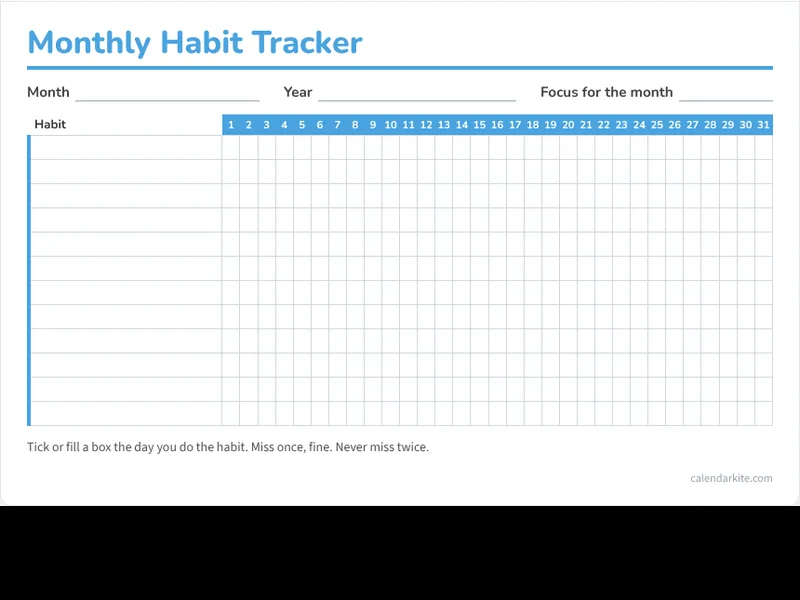 Habit Tracker Printable (Free Monthly Sheet)
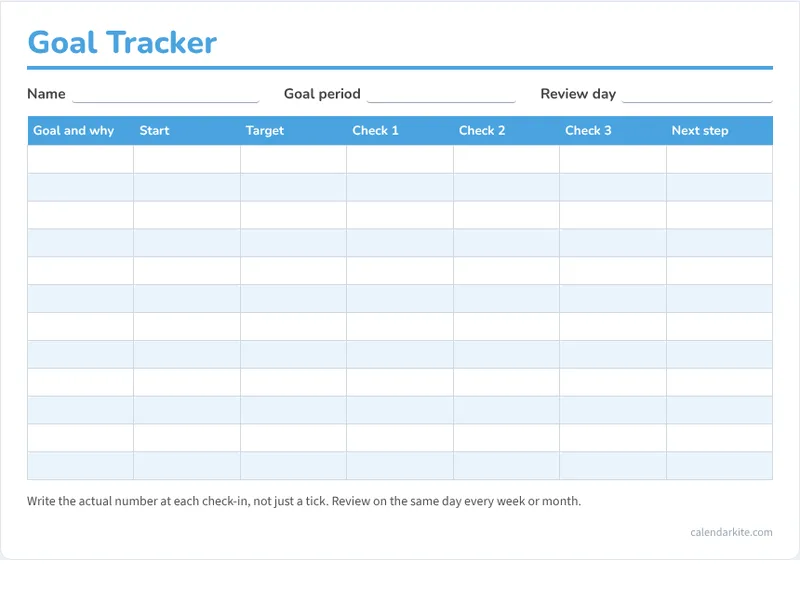 Goal Tracker: Free Printable Sheet You Can Fill In and Print
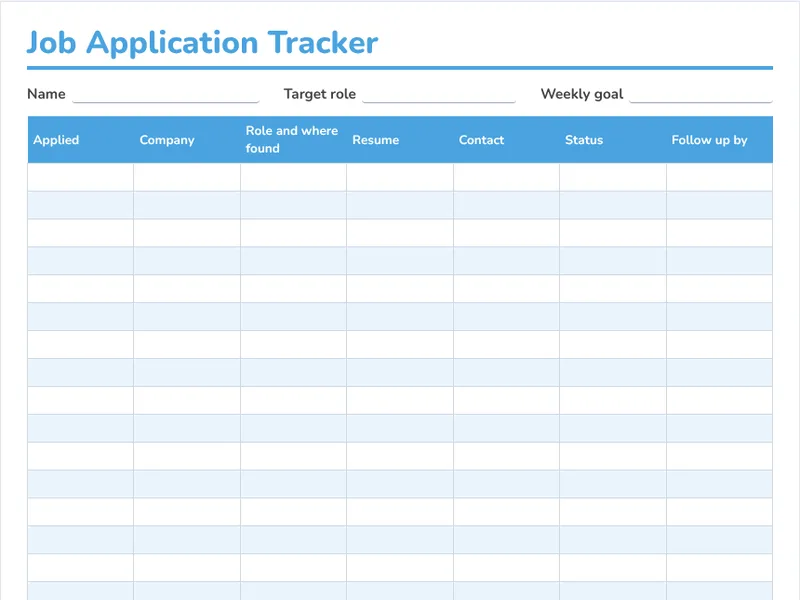 Job Application Tracker: Free Printable Sheet
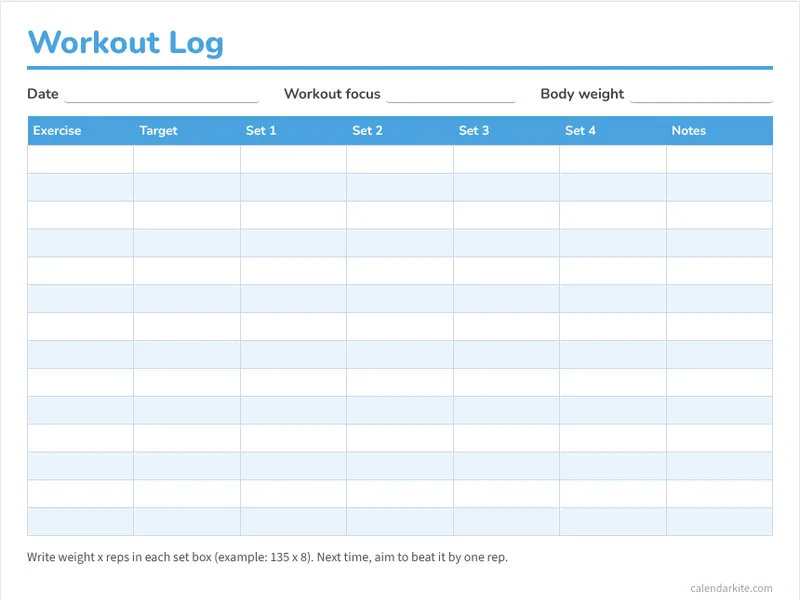 Workout Log Template (Free Printable Fitness Log)