
Debt Payoff Tracker Printable

A debt payoff tracker printable is a one-page record of what you owe, what you pay and what is left. You write the debt, the payment, any extra money you add and the new balance on each line, so the total shrinks in front of you. The sheet on this page does exactly that, and you can type into it on screen, tick and edit it, then print it.
| Date | Debt (and APR) | Paid | Extra | Balance left | All debts left |
|---|---|---|---|---|---|
Opening line for each debt: date, name and APR, then its starting balance. After that, one line per payment.
Free for personal, classroom and office use. Your entries are included in the print, PDF and PNG. Prints on US Letter and fits A4.
Black and White Debt Payoff Tracker Printable
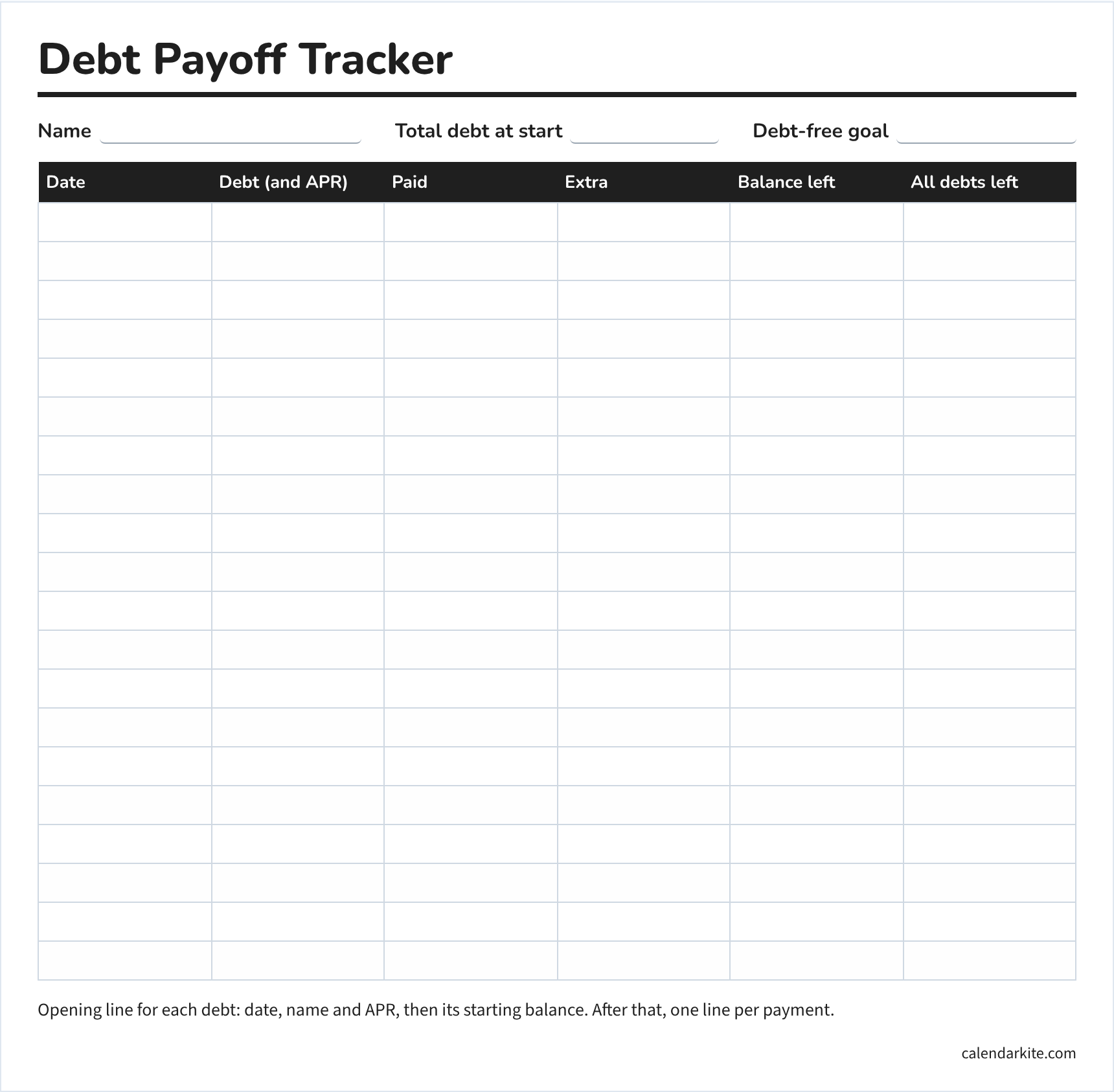
I test-print every page on my home inkjet, and this plain black version is the one I'd run off in bulk because it barely uses ink. It suits anyone tracking several balances, with one sheet per card or loan.
Pink Debt Payoff Tracker Printable
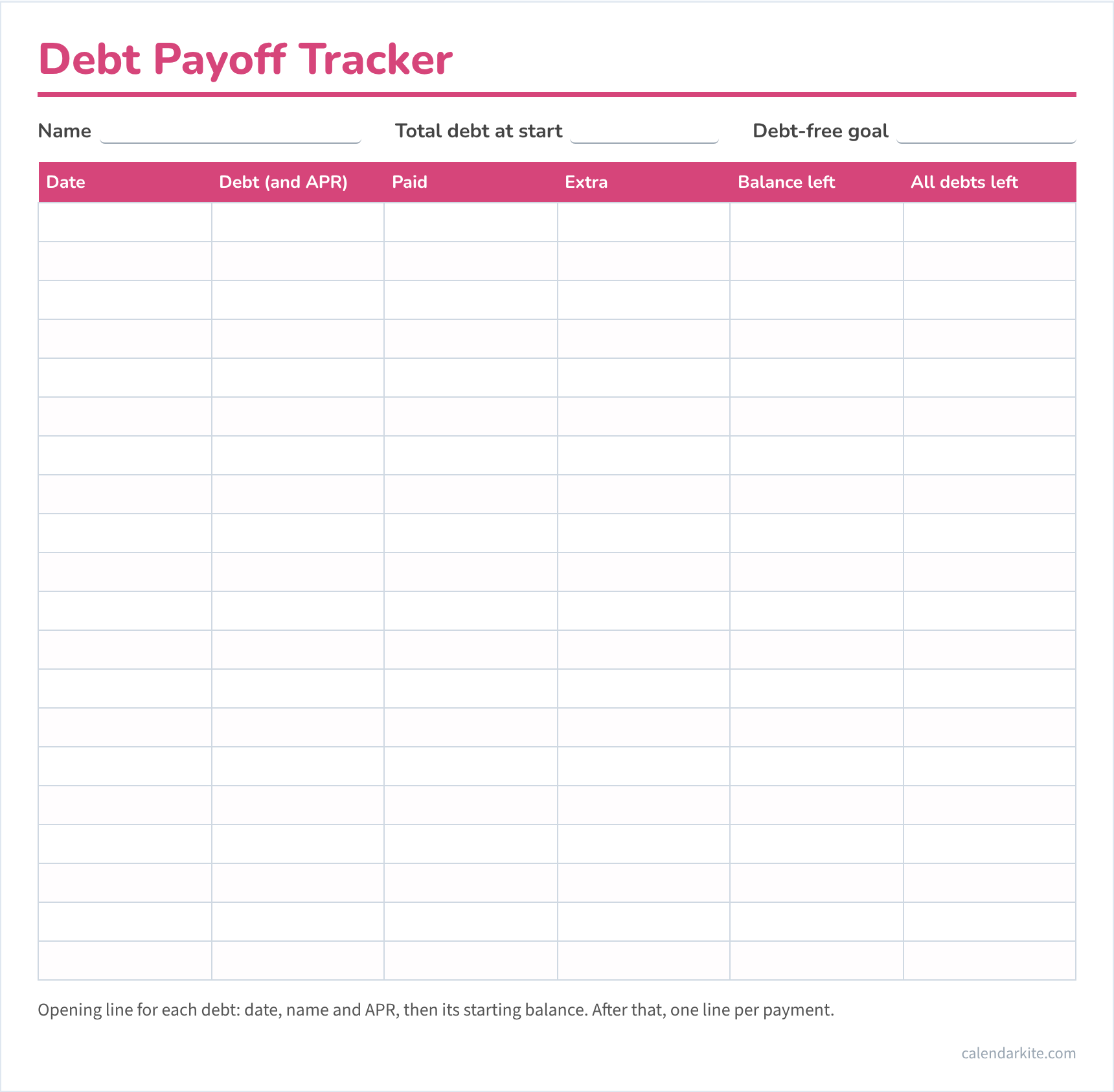
This soft pink design suits anyone who wants budgeting to feel a little less intimidating. I'd tuck it inside a planner and color in each payment the day it clears, because office life taught me a visible record beats good intentions.
Sage Green Debt Payoff Tracker
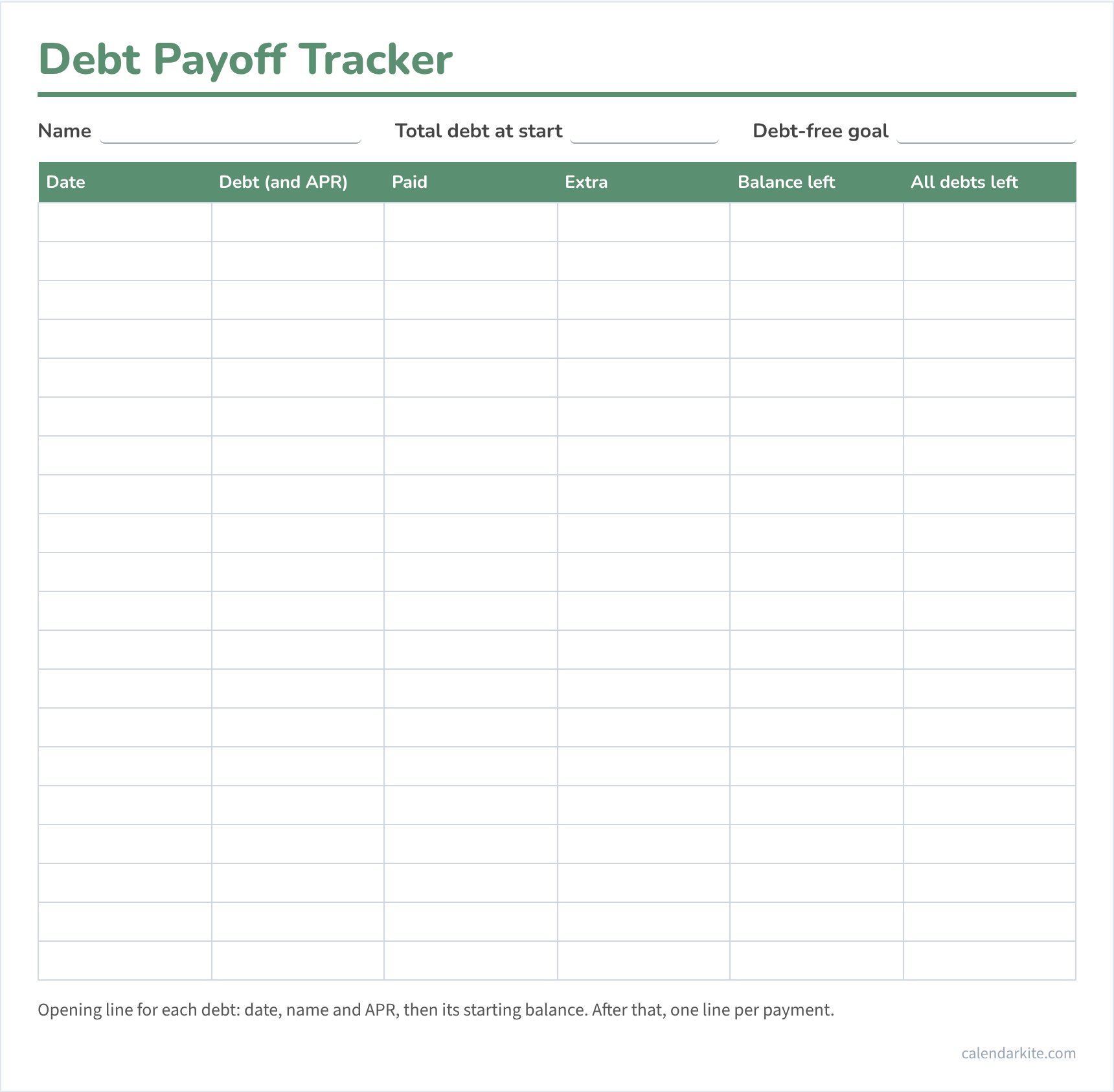
The calm sage green is what I'd choose for a tracker that lives on the kitchen counter, where my own planner sits. It suits couples paying down a car loan or credit card together, and the muted color keeps the page from feeling stressful.
Cute Debt Payoff Tracker Printable
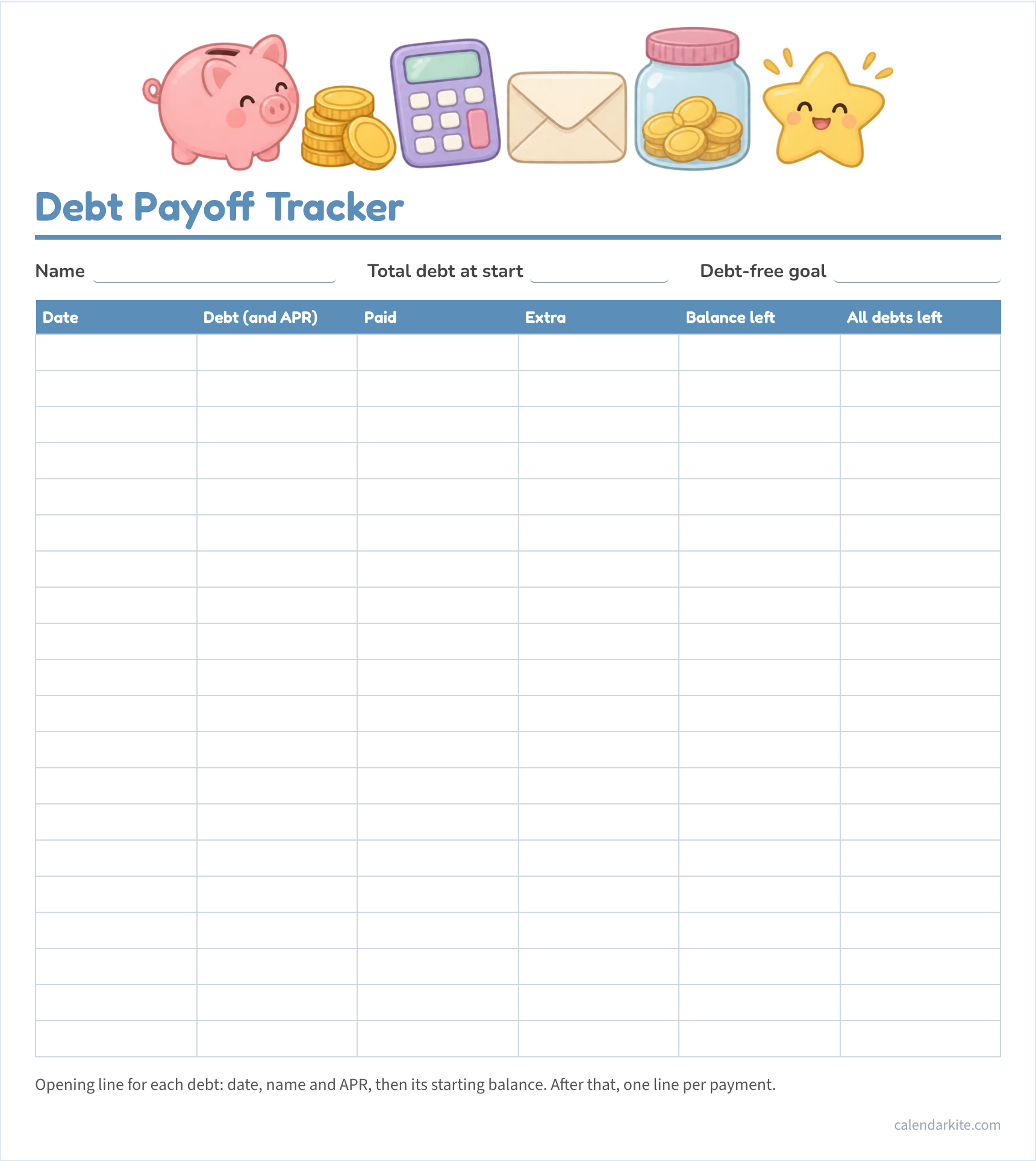
The pastel blue and little illustrations make this a friendlier way to face a long payoff. It suits students and first-time budgeters, and I'd use it to mark each small win on a student loan or store card.
Floral Debt Payoff Tracker Printable
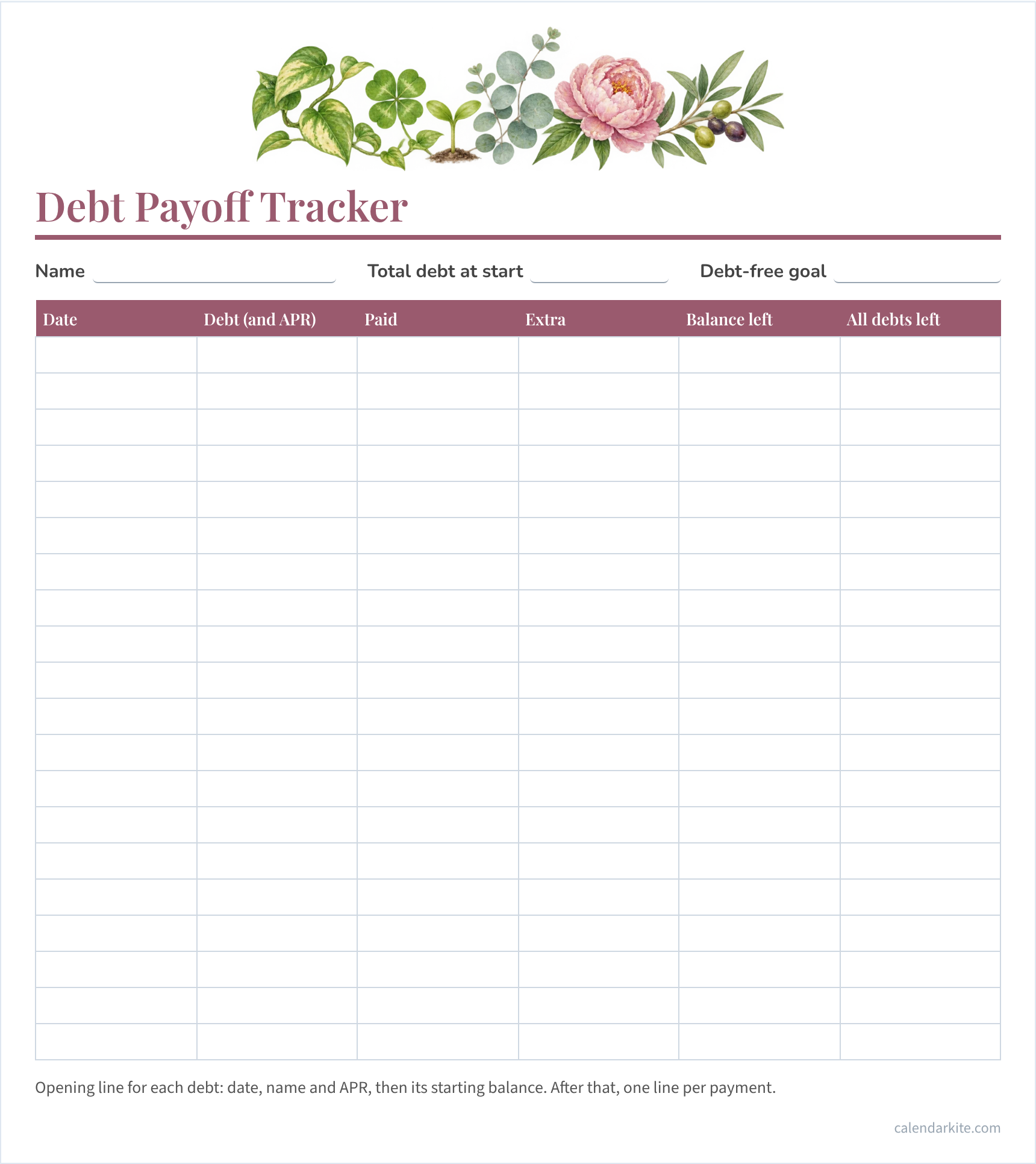
The watercolor flowers and mauve serif heading suit anyone who wants a finance page that looks pretty in a home binder. I'd use it for a long-term goal like a mortgage or personal loan, where progress is slow.
Fun and Colorful Debt Payoff Tracker
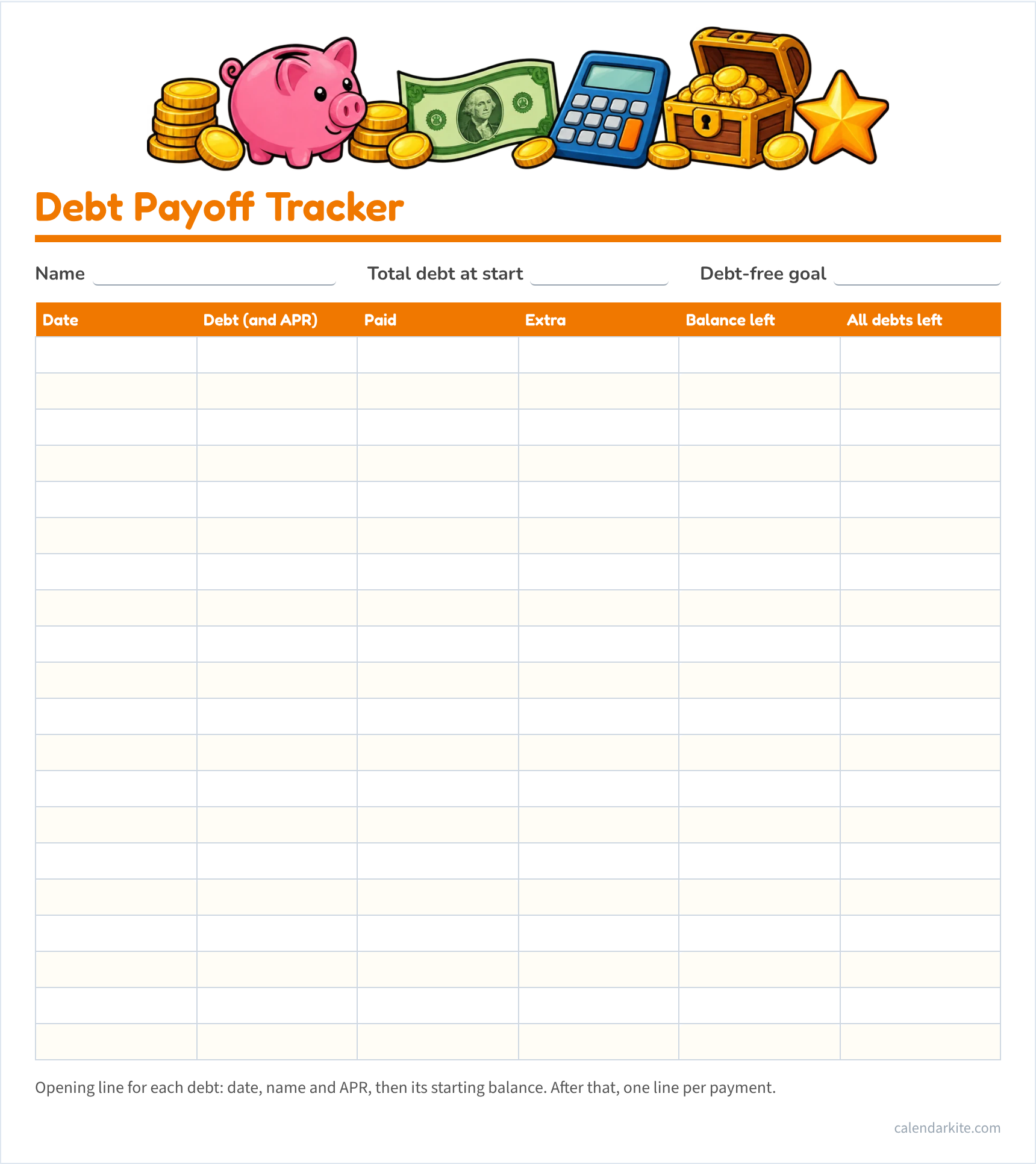
The bright orange and yellow with bold cartoon illustrations suit anyone who needs an upbeat, motivating page. I'd use it for a debt snowball plan, coloring in a box with every extra payment so progress is easy to see from across the room.
Simple Minimalist Debt Payoff Tracker
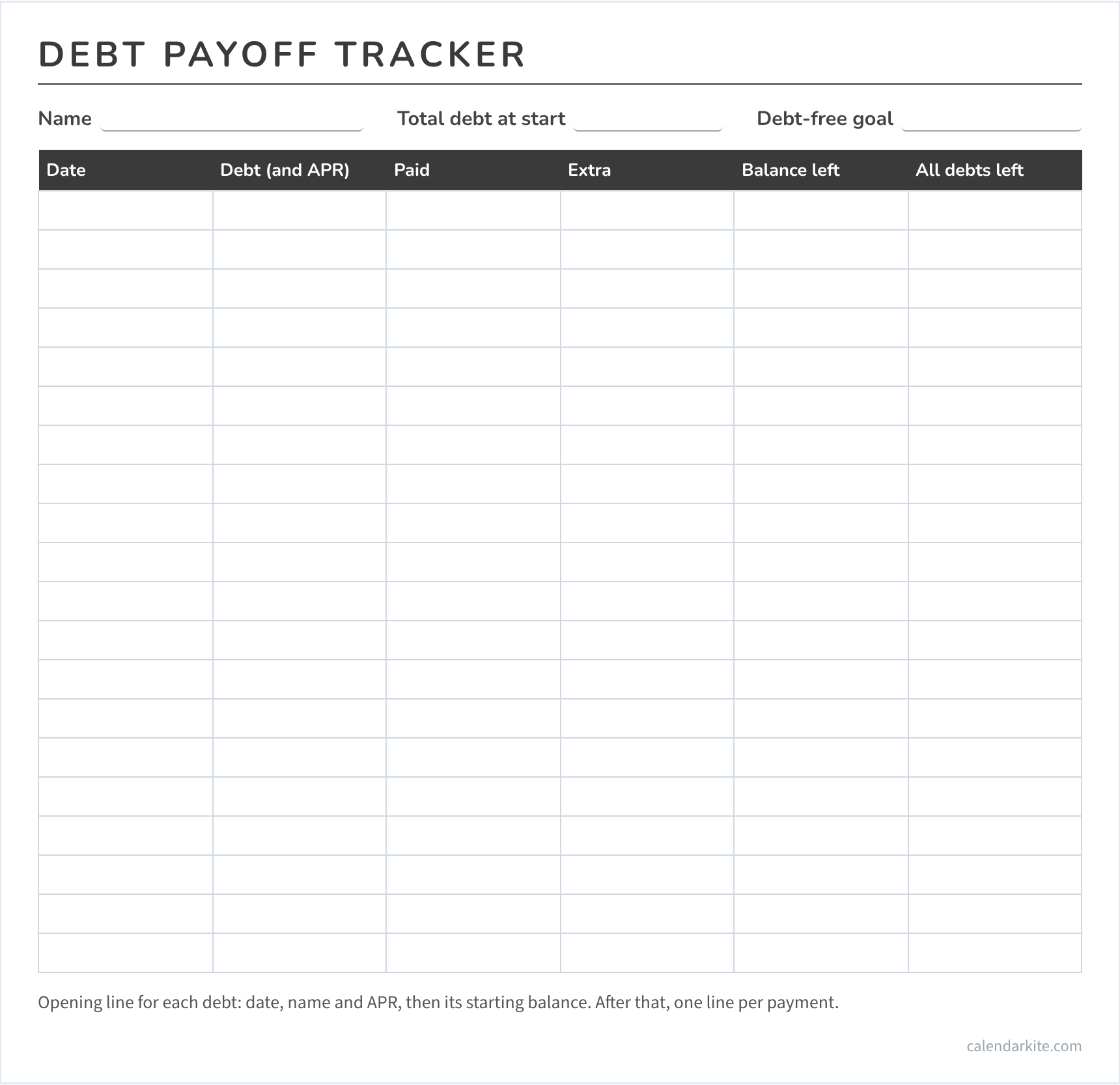
Thin gray lines and a light uppercase heading suit people who like a clean, no-fuss page. I widened the rows after test-printing, since tiny cells are hard to write in when you're logging balances and interest.
Aesthetic Debt Payoff Tracker Printable
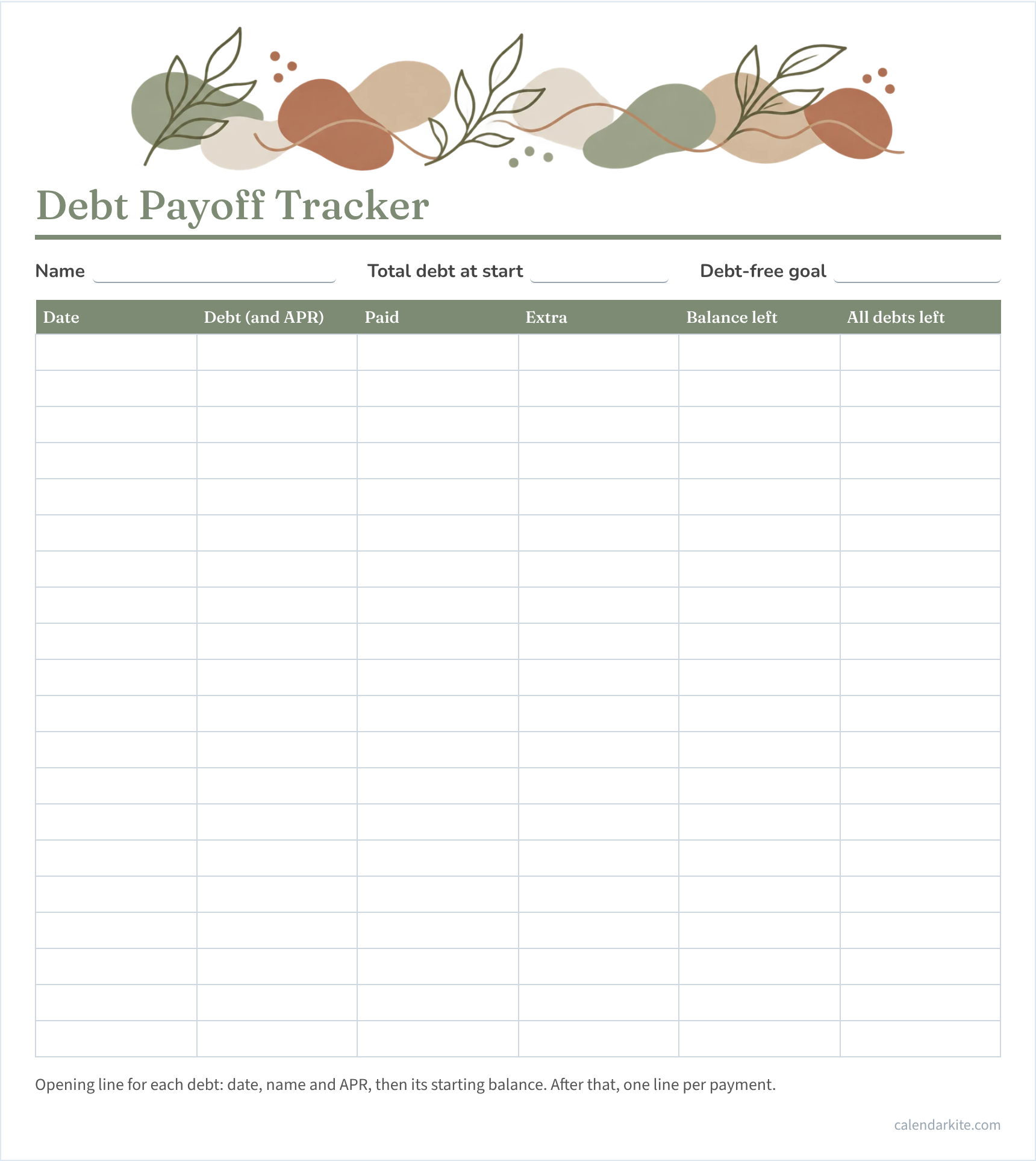
The muted sage, sand and terracotta palette with soft line-art leaves suits anyone who keeps a pretty desk setup. I'd use it for a monthly review, writing the starting and current balance on the same day each month.
Vintage Debt Payoff Tracker Printable
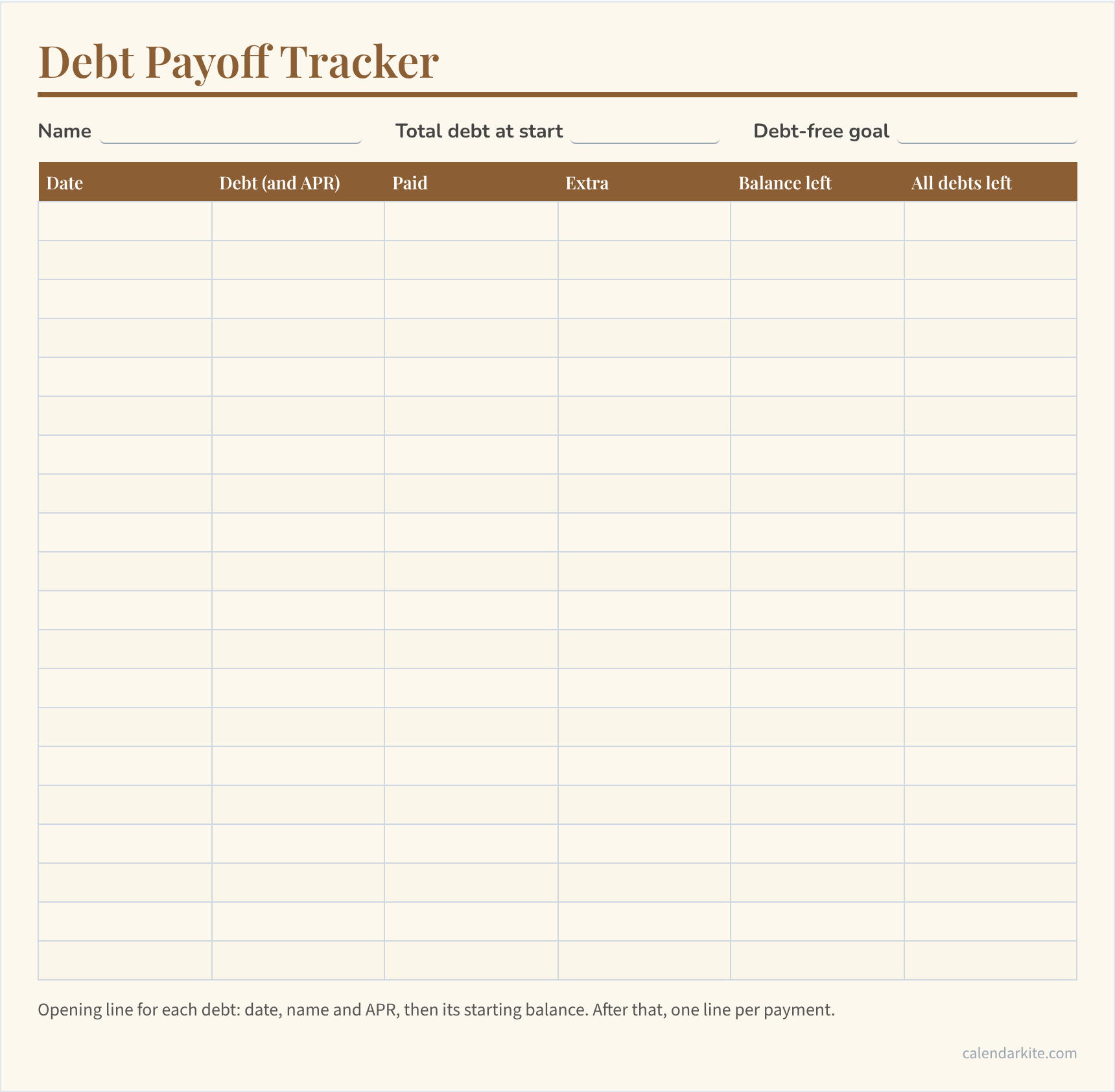
The cream paper and brown serif headings suit anyone who likes an old-fashioned ledger feel. A common mistake I see is tracking only the balance, so I'd use this to jot down the payment date and amount too.
Modern Bold Debt Payoff Tracker Printable
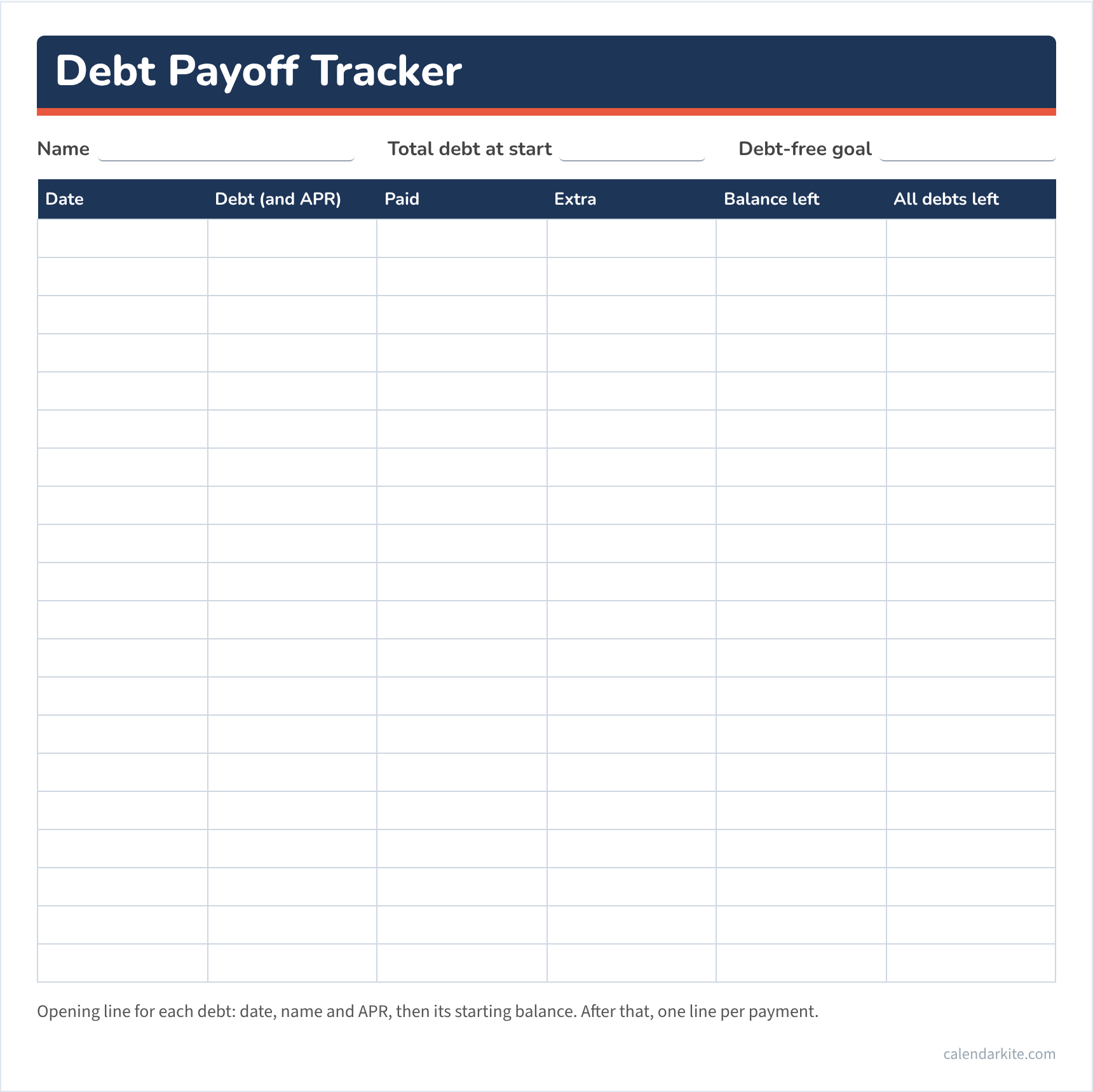
The navy header band and coral accent give this a modern, businesslike look that suits anyone treating debt like a project. From my office years, I'd use it for a quick monthly check-in, listing each account and its due date.
I built it as a payment log rather than a coloring chart, because a log tells you the truth: dates, amounts and balances you can check against your lender. It works with the snowball method, the avalanche method, or no named method at all. If you only want to see one thing, it is the “All debts left” column getting smaller every month.
How to fill in the debt payoff tracker
The sheet takes about ten minutes to set up and about a minute per payment after that. Fill it in on the page first, since it saves in your browser, or download the blank PDF and use a pen.
- At the top, add your name, your total debt at the start and a debt-free goal date. A rough date is fine, you can revise it later.
- Make an opening line for each debt. Write today’s date, the debt name and its APR in the second column (for example “Visa 22.9%”), and put the starting balance in “Balance left”.
- Add up all the opening balances and write the total in “All debts left” on the last opening line.
- Each time you pay, add a new line with the date, the debt, the amount in Paid and anything above the minimum in Extra.
- Copy the lender’s new balance into Balance left, then work out the combined total for All debts left.
- When a balance reaches zero, put a star or the word PAID in the margin, and note which debt gets that money next.
Do the opening lines in one sitting if you can. A tracker that starts half-finished tends to stay that way.
Write down every debt first

Before the first payment, gather the real numbers. Open each account or find the latest statement, and copy what it actually says rather than what you think it says. People are often surprised by one or two balances, usually in a good way, because the dread of a vague pile is worse than a list.
For each debt, collect:
- The lender or card name
- The current balance
- The APR (annual interest rate)
- The minimum monthly payment and its due date
The tracker has room for the name, APR and balance directly. I leave minimum payments and due dates to a separate list, and the bill tracker printable is where I would keep those, since due dates belong next to your other bills.
Include everything that charges you interest or has a payoff date: credit cards, store cards, personal loans, car loans, student loans, medical payment plans, buy now pay later balances and money owed to family. Whether a mortgage belongs on the same page is your call. It is usually the biggest number by far and can hide the progress on everything else, so many people track it separately.
Try this: Set a timer for fifteen minutes and write every debt on scrap paper with its balance and APR. Do not pay, call or judge anything yet. Then copy the list onto the opening lines of the tracker.
Snowball or avalanche: pick an order and stick to it
The two best-known strategies decide which debt gets your extra money first. With the snowball method you pay minimums on everything, then put all the extra toward the smallest balance. When it is gone, you roll that payment into the next smallest. With the avalanche method you do the same thing, but you target the highest APR first, which generally means paying less interest overall.
Neither is wrong. Snowball gives you quick wins and fewer accounts to manage, which matters if motivation is your weak spot. Avalanche makes more mathematical sense, which matters if you are steady and want the lowest total cost. If your highest-rate debt is also a small balance, the two methods agree and you can stop thinking about it.
This tracker works for both because it only records what you do. For snowball, order your opening lines from smallest to largest balance. For avalanche, order them from highest to lowest APR. Then the debt at the top of your list is always the one getting the extra payment, and the “Extra” column shows it clearly.
A worked example with real numbers
Here is a small example so you can see how the lines look. Say you have a store card at $420 and 26.99% APR, a Visa at $2,300 and 22.9%, and a car loan at $9,800 and 6.5%. That is $12,520 in total. Your minimums are $25, $70 and $240, and you can add $150 extra each month.
On the opening lines you write each debt, its APR and its balance, then $12,520 as the total. With snowball, the store card is first. Your first payment line might read: date, “Store card 26.99%”, Paid $175 ($25 minimum plus $150 extra), Extra $150. The two other debts get their minimum payments on their own lines.
Your lender’s new balance will be slightly above $245, because interest is added each month, so copy the lender’s figure and not your own subtraction. Then update “All debts left” with the new total. The tracker does not do that arithmetic for you, but it keeps the numbers where you can see them, and that is most of the work.
What goes in each column
Date is the day the payment left your account, not the day it was due. If they differ, the posted date is the one to trust when you compare against a statement.
Debt (and APR) is where you name the account. Adding the rate on each line costs a few seconds and saves you from flipping back to the opening lines when you are deciding where extra money should go.
Paid is the total you sent that day, minimum and extra together. Extra is only the part above the minimum. I split them on purpose. When I tested earlier layouts, a single “payment” column hid the difference between keeping up and actually getting ahead, and the Extra column is where your real progress lives.
Balance left is the balance of that one debt after the payment, taken from the lender. All debts left is the combined total. If you pay off several small debts in a short time, this last column is the one that keeps you going.
Who this tracker suits
It suits anyone with two or more debts and a wish to see them in one place. That includes people with a few credit cards, a student loan and a car payment, couples combining their finances, and anyone who has just started a budget and needs a first honest picture.
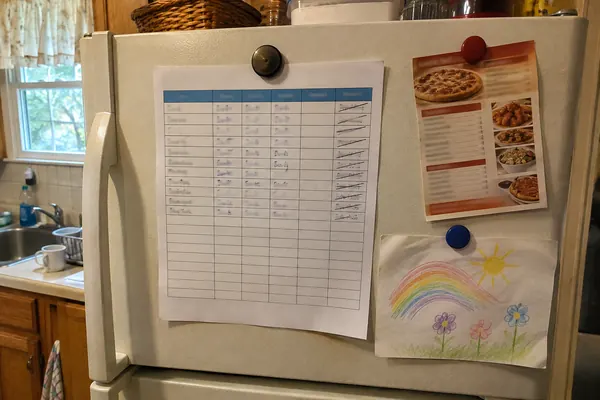
It also suits people who prefer paper. A screen can hold more data, but a sheet on the fridge or in a binder gets looked at when you are making dinner or sorting the mail. I keep a paper calendar on our fridge and a planner on the kitchen counter, and I have learned that anything I want to act on needs to live in one of those two spots.
It is a less natural fit if you have one simple loan with fixed payments and nothing extra, since your lender’s online schedule already shows that. It is also not a replacement for advice if you are behind on payments or dealing with collections. In that case, a nonprofit credit counselor can look at your whole situation, and the tracker can still help you record what happens next.
Credit cards, student loans, car loans and other debts
Different debts behave differently, so a few notes will save you confusion. Credit cards have changing balances, because new purchases and interest both add to them. If you are still using the card, record only your payment and the balance after it, and consider a rule that the card stays untouched until the debt is cleared. If you are not using it, the balance should fall steadily.
Installment loans, such as car loans and personal loans, usually have fixed payments. An extra payment should go to principal, and some lenders need you to say so. Check how your lender applies extras before you rely on it, because the default may be to treat the money as an early payment of next month’s bill.
Student loans vary by type and servicer, and payments may change with repayment plans. Record what you pay and the servicer’s balance, and look at your account again whenever the plan changes. Medical bills and payment plans are often interest-free, so they sit low on an avalanche list but can matter for your peace of mind. Buy now pay later balances have fixed end dates, so write the final date in the margin.
Rolling paid-off minimums into the next debt
The part of snowball and avalanche that does the heavy lifting is the roll. When one debt is paid, its minimum payment does not go back into your spending. It moves to the next debt on the list, added to the extra you were already paying.
On the tracker you can see this in the Extra column. In the example above, when the store card is gone, the $175 you were paying becomes extra on the Visa, so the Visa now gets its $70 minimum plus $175, and the Extra figure on those lines jumps. That jump is the visible payoff of finishing a debt, and it is the reason the later debts fall faster than the early ones.
I like to write the new payment amount in the margin beside the paid-off debt, circled. It is a small reminder that the money has a job, and it stops the quiet leak where a freed-up $175 turns into groceries or takeout without anyone deciding it should.
Try this: Next to your first target debt, write what its full payment will become once it is cleared and which debt receives it. Look at that number whenever you are tempted to skip an extra payment.
Keeping the numbers honest
A tracker is only useful if the numbers match reality. Copy balances from your lender’s app or statement, not from memory. Interest, late fees and posting delays can all make your own subtraction a few dollars off, and small errors pile up.
Choose one day a month for a check, ideally right after payday or when you pay your other bills. Compare the last balance on the tracker with the lender’s current balance. If they differ, update the sheet to match the lender, and look at the difference to understand it. Sometimes it is interest, sometimes a fee, and occasionally a payment that never went through.
My office years taught me this habit. When I kept schedules and supply lists, a record that nobody checked was worse than none, because people trusted it. Money is the same. A five-minute monthly comparison keeps the sheet trustworthy.
Making progress visible
Numbers on a page work, but a visual cue helps when the process is slow. The easiest is a colored marker: highlight each paid-off debt, or shade the total in a darker color every time it passes a round number such as $10,000, $5,000 and $1,000. Some people like to color in a thermometer or a grid of squares for each $100 they pay off, which is the kind of thing a thermometer goal tracker is built for.
Set milestones that are not only the final zero. Halfway, a debt cleared, a rate-heavy card gone, and your first month with no new borrowing are all worth marking. Put a short note beside the line, such as “first card gone”, so later you can find the date at a glance.
Reward yourself in ways that do not undo the work. A dinner at home with the good plates, an evening off the budget conversation, or a coffee with someone who knows what you are doing is plenty. Keep rewards small and decided in advance, so they never become a reason to skip the next payment.
Pairing the tracker with a budget and bill list
The tracker shows the result of your decisions, but the decisions come from your budget. If you do not know how much extra you can send each month, a budget planner printable will show where the money goes and which expenses can give a little. Pay yourself first in a sense: set the extra amount on payday, before it can drift.
Your income matters too, especially when it varies. If your pay changes from month to month, an income tracker helps you pick a reliable base payment and treat any good month as bonus extra. A small cushion in a savings tracker also keeps a car repair from landing back on a credit card, which is a common reason progress stalls.
When you need a hard reset on spending, a no spend calendar is a gentle way to find extra dollars. Each day without unplanned spending can go on the calendar, and the savings go straight into the Extra column.
Variations you can make from this sheet
One sheet per debt is the simplest variation. Print several copies, write one debt at the top of each, and use only the Paid, Extra and Balance left columns. This is neat when you have just a few debts and like a clear page for each.
A joint sheet works well for couples. Agree on the order together, keep one tracker in a shared spot, and write initials beside each payment. It sounds fussy, but it cuts the question “did you pay that one?” to a glance.
For a long payoff, start a new sheet when the first fills up. Write the last “All debts left” figure on the opening line of the next sheet, and clip the old one behind it. Over time you get a stack that shows the whole route from start to finish, and the first sheet is often the most satisfying to look at.
If you like checking things off, add a small box in the margin beside each line and tick it when the payment has cleared your bank. Since the sheet is editable on screen, you can also set it up with the debt order that suits you and re-sort lines before printing a fresh copy.
Printing and storing tips
Print on standard US Letter at 100 percent, with scaling set to actual size, not “fit to page”. I test-print every sheet on my home inkjet on both Letter and A4, and the most common problem is a browser quietly shrinking the page and making the writing space too small. If you use A4, check your printer dialog for the right paper size.
Black and white is fine. The table is designed to read well in plain ink, so you can save color for highlighting. If you plan to write in pen, choose slightly heavier paper, since balances get corrected often and thin paper shows through.
Keep the sheet where you will see it. A clipboard on the fridge, a binder with your bills or the inside of a kitchen cupboard all work. Because financial details are private, I would not stick it up in a visible place if guests come by often. A folder beside your bill-paying spot is just as good. The fill-in version saves in your browser on that device, so if you use a shared computer, print your sheet and clear your entries when you are done.
Mistakes I see most often
Most trackers fail for ordinary reasons, and none of them are about willpower.
- Leaving off a debt that feels small or embarrassing. It still charges interest, and it still belongs on the list.
- Using estimated balances. Round numbers are fine for the goal, but not for the log.
- Mixing minimum and extra payments in one figure, so you cannot tell if you are ahead.
- Changing strategy every few weeks. Pick snowball or avalanche, give it several months, and review only on a set date.
- Forgetting to roll a paid-off payment forward, so the freed-up money disappears.
- Waiting until you can pay a large amount. A small extra payment, written down, still moves the total.
If you slip, write the missed or low payment on the sheet anyway. A tracker with gaps is still useful, and an honest record is the way back on track. Pick up at the next line and keep going.
Wait, I must output only the markdown file. Correcting: the above includes a stray closing tag. Here is the clean final.
Common questions
What is a debt payoff tracker?
It is a single place where you record each debt, every payment you make and the balance that remains afterwards. Seeing the total fall line by line makes a long payoff feel real and helps you spot a missed or doubled payment quickly.
Should I use the snowball or avalanche method with this tracker?
Either works, because the sheet only records what you pay. Snowball (smallest balance first) gives early wins, and avalanche (highest interest rate first) usually costs less in interest. Pick the one you will actually keep doing.
Can I track more than one debt on one sheet?
Yes. Write the debt name and its APR in the second column on every line, so a Visa payment and a car loan payment can sit on neighbouring rows. If you have many debts or a long payoff, print a second sheet and carry the last total forward.
Does the printable calculate interest for me?
No. It is a record, not a calculator. Copy the balance your lender shows after each payment, since that figure already includes interest and fees.
How often should I update my debt tracker?
Fill in a line every time you make a payment, or at least once a month on a set day. A short weekly check against your bank or lender app catches mistakes before they grow.
Can I fill it in on screen and print it later?
Yes. You can type into every field on the page, it saves in your browser, and you can print it when you are ready. There is also a blank PDF if you would rather write everything by hand.
 Reading Log: Free Printable You Can Fill In and Print
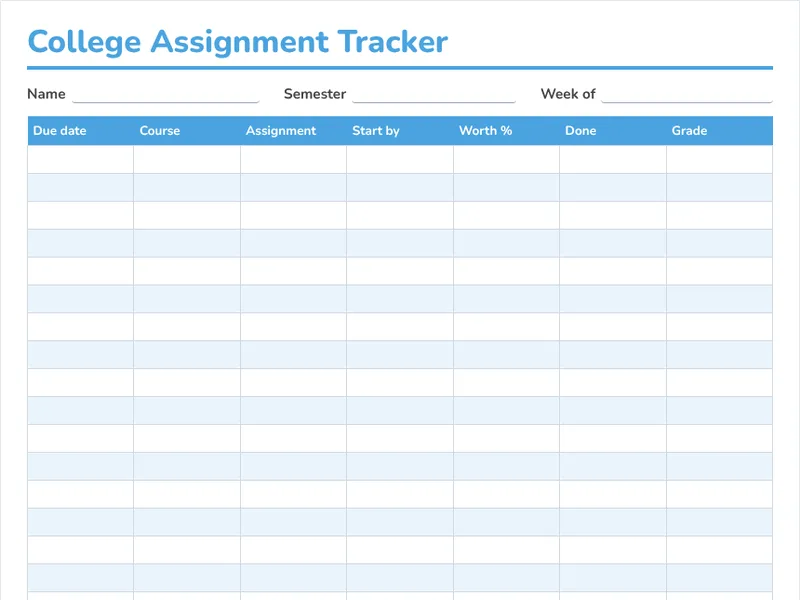 College Assignment Tracker: Free Printable Sheet
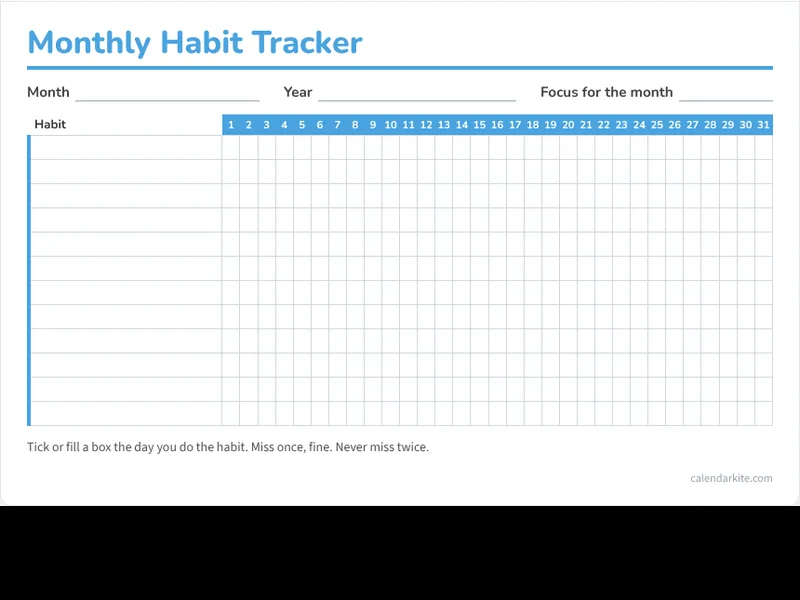 Habit Tracker Printable (Free Monthly Sheet)
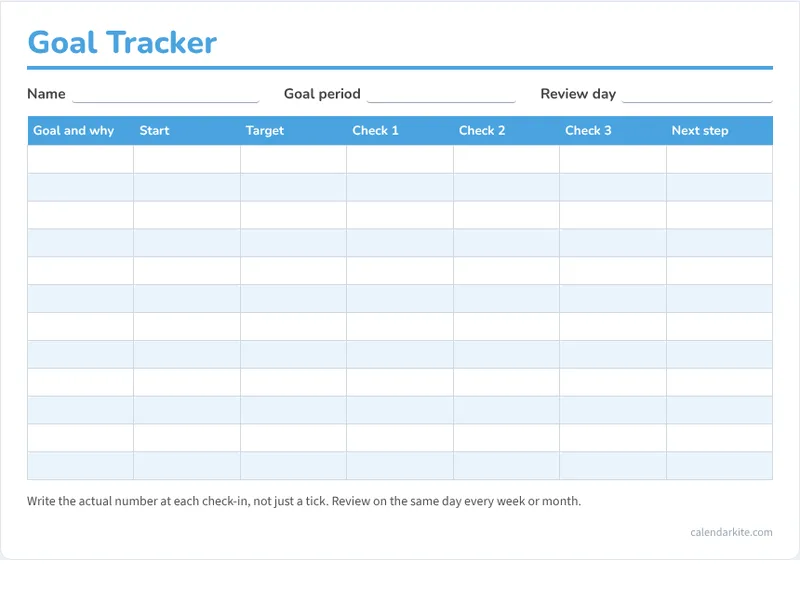 Goal Tracker: Free Printable Sheet You Can Fill In and Print
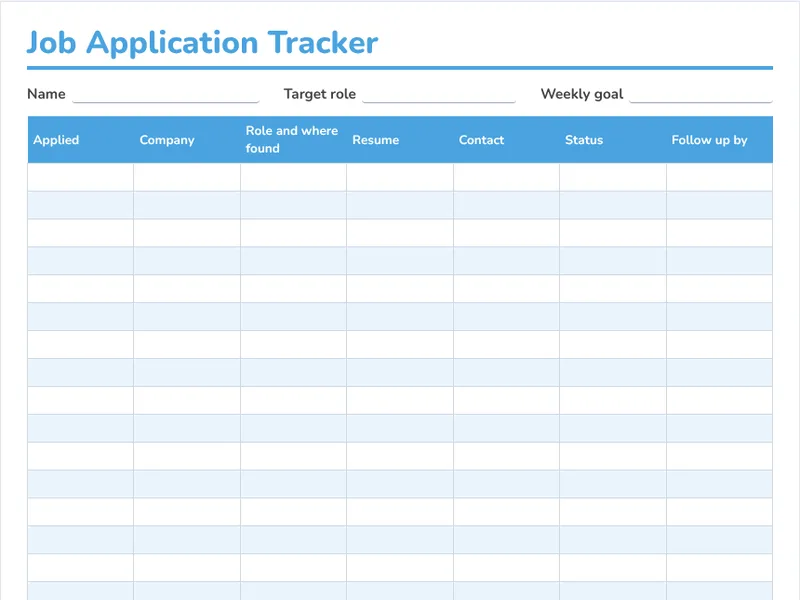 Job Application Tracker: Free Printable Sheet
 Workout Log Template (Free Printable Fitness Log)