
Budget Planner Printable: One Page for Your Whole Month

A budget planner printable is a single page where you write down what you expect to earn, what you plan to spend and save in each category, and what actually happened. The sheet on this page does exactly that. It has a Planned column, an Actual column and a Left column, with the common categories already filled in so you are not staring at a blank page. Type straight into it on screen, or print it and use a pen.
| Category | Due | Planned | Actual | Left |
|---|---|---|---|---|
| Paycheck 1 | ||||
| Paycheck 2 | ||||
| Other income | ||||
| Rent or mortgage | ||||
| Electric and gas | ||||
| Water and trash | ||||
| Phone and internet | ||||
| Insurance | ||||
| Car payment | ||||
| Groceries | ||||
| Fuel or transit | ||||
| Pharmacy and health | ||||
| Childcare or school | ||||
| Eating out | ||||
| Subscriptions | ||||
| Fun and gifts | ||||
| Emergency fund | ||||
| Sinking fund | ||||
| Debt above minimum | ||||
| Other | ||||
| Other | ||||
| Other | ||||
| Total income | ||||
| Total spent and saved |
Planned spending plus savings should equal take-home pay. Fill in Planned in pencil first, then Actual as you go.
Free for personal, classroom and office use. Your entries are included in the print, PDF and PNG. Prints on US Letter and fits A4.
Black and White Budget Planner Printable
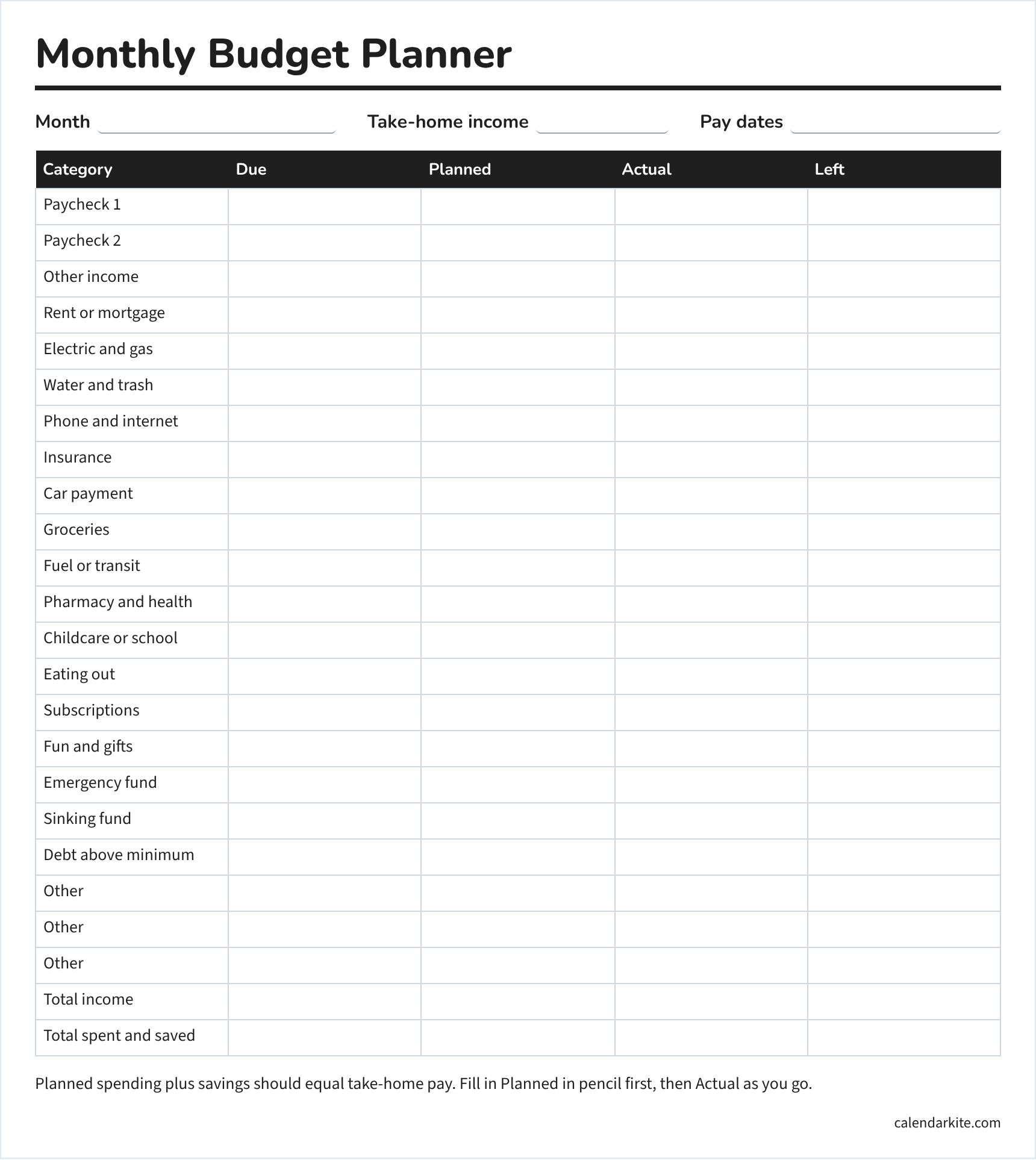
I made this one for anyone who wants a budget sheet that prints cleanly without draining the color cartridge. I test-print it on my home inkjet, and it works well for a monthly bill list you keep next to the fridge calendar.
Pink Budget Planner Printable
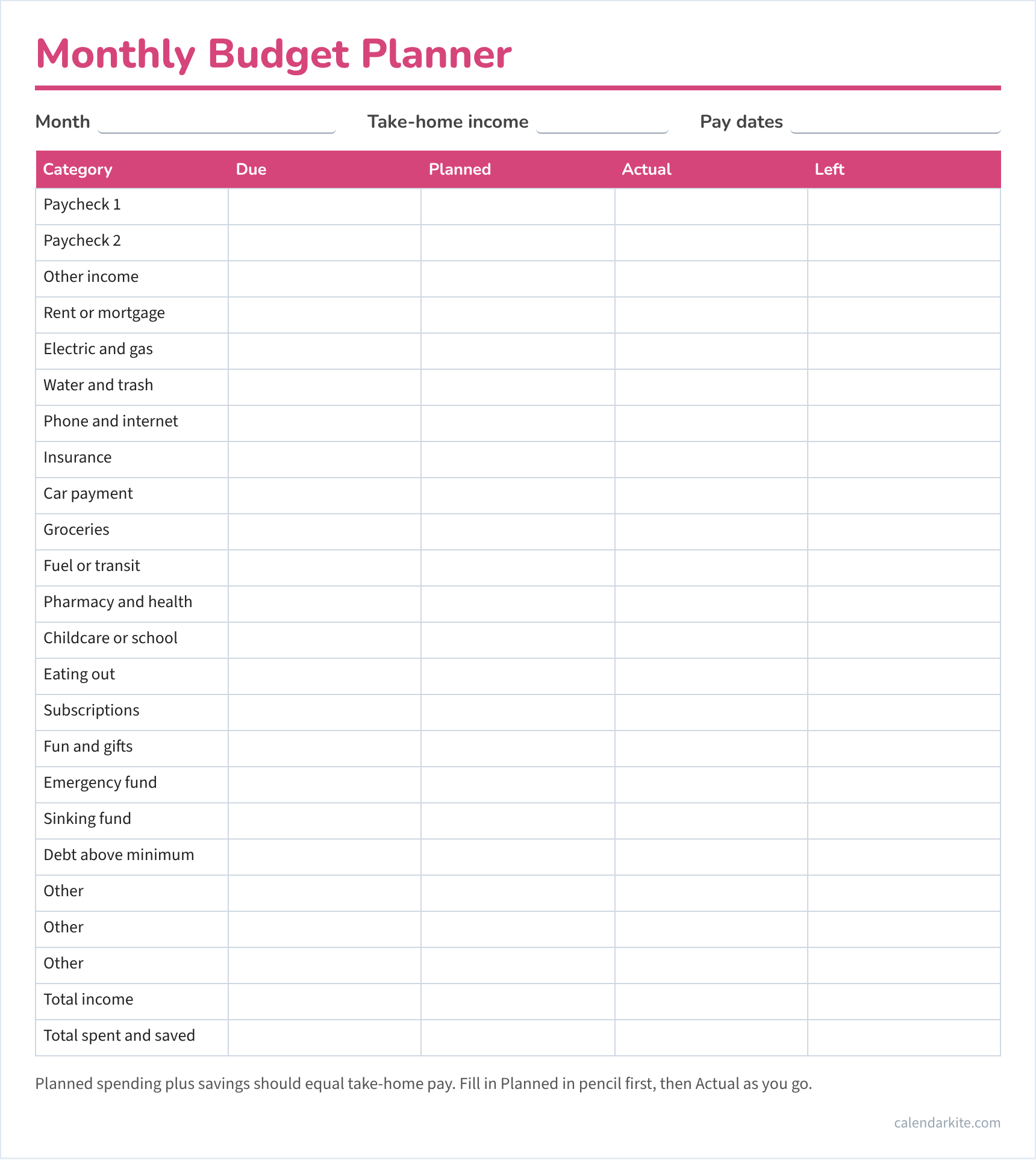
This soft pink version suits you if a budget feels less intimidating in a gentler color. Try it for tracking a monthly savings goal, like a holiday fund, where you color in your progress every payday.
Sage Green Budget Planner Printable
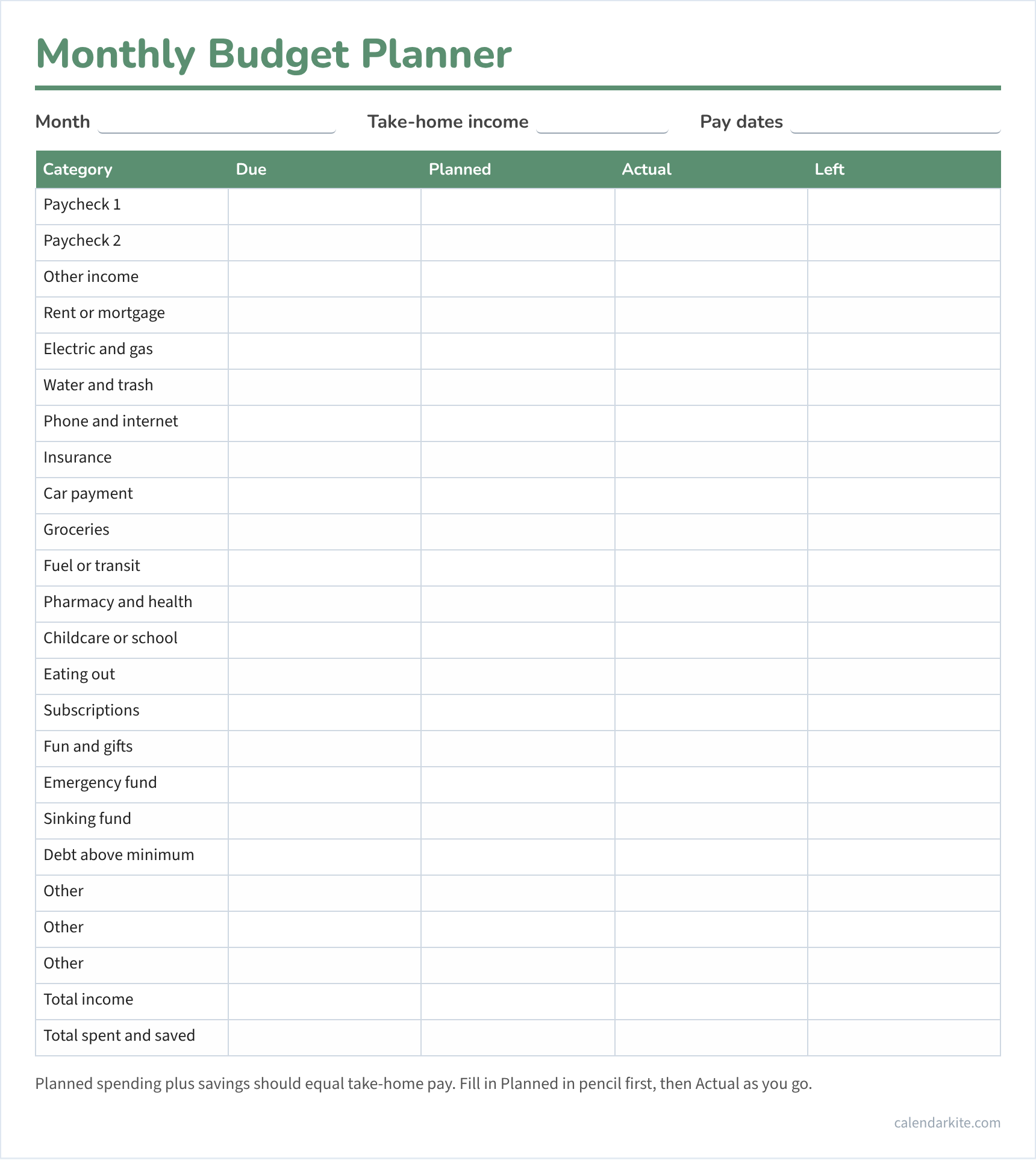
The sage green layout is calm and easy to read, which suits a household budget you review every week. In my office years I learned that muted colors keep number columns readable, so I use this style for bills and due dates.
Cute Budget Planner Printable
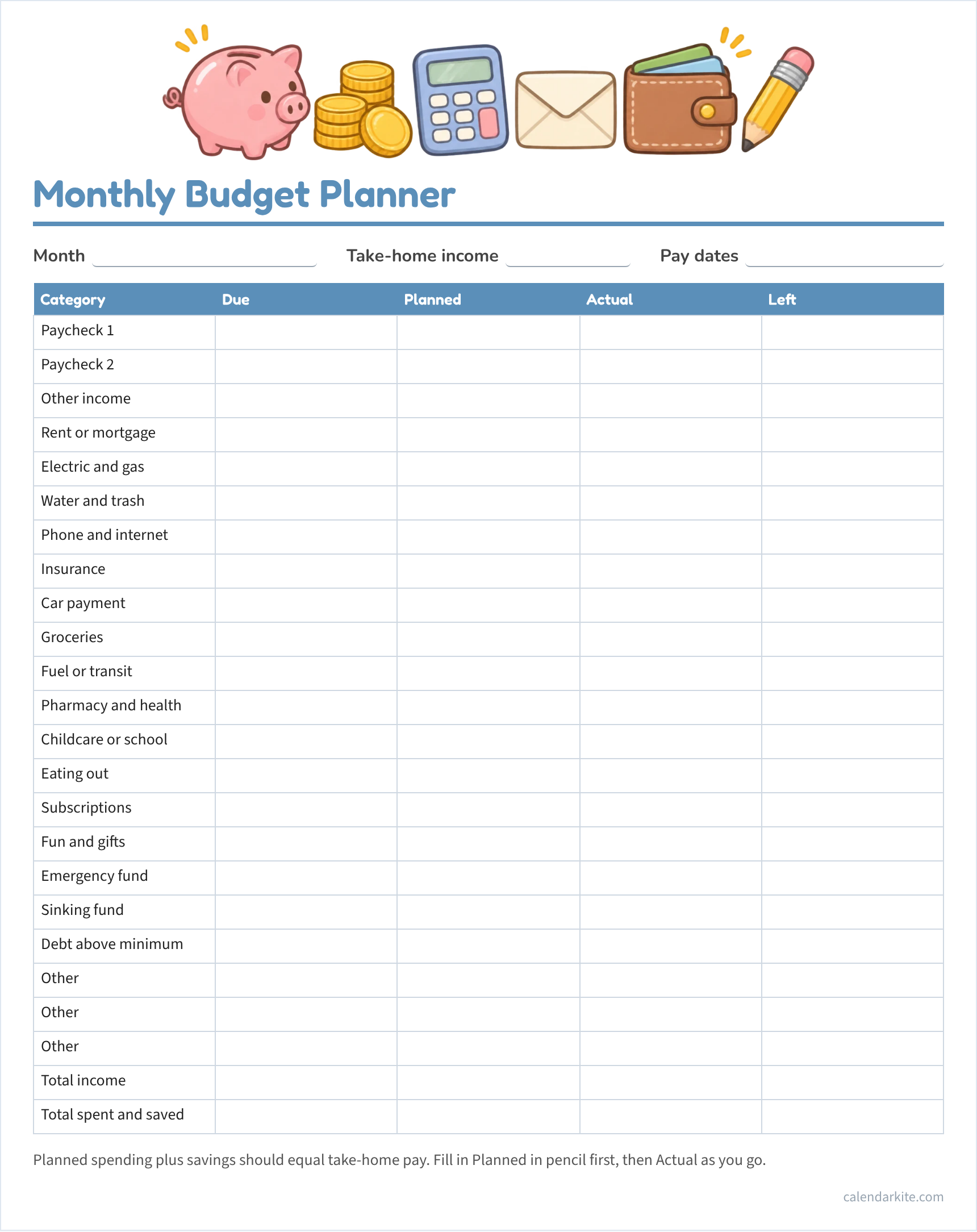
This pastel blue design suits you if you want your budget sheet to feel friendly rather than stressful. It works nicely for a first-time monthly budget or a simple weekly spending log.
Floral Budget Planner Printable
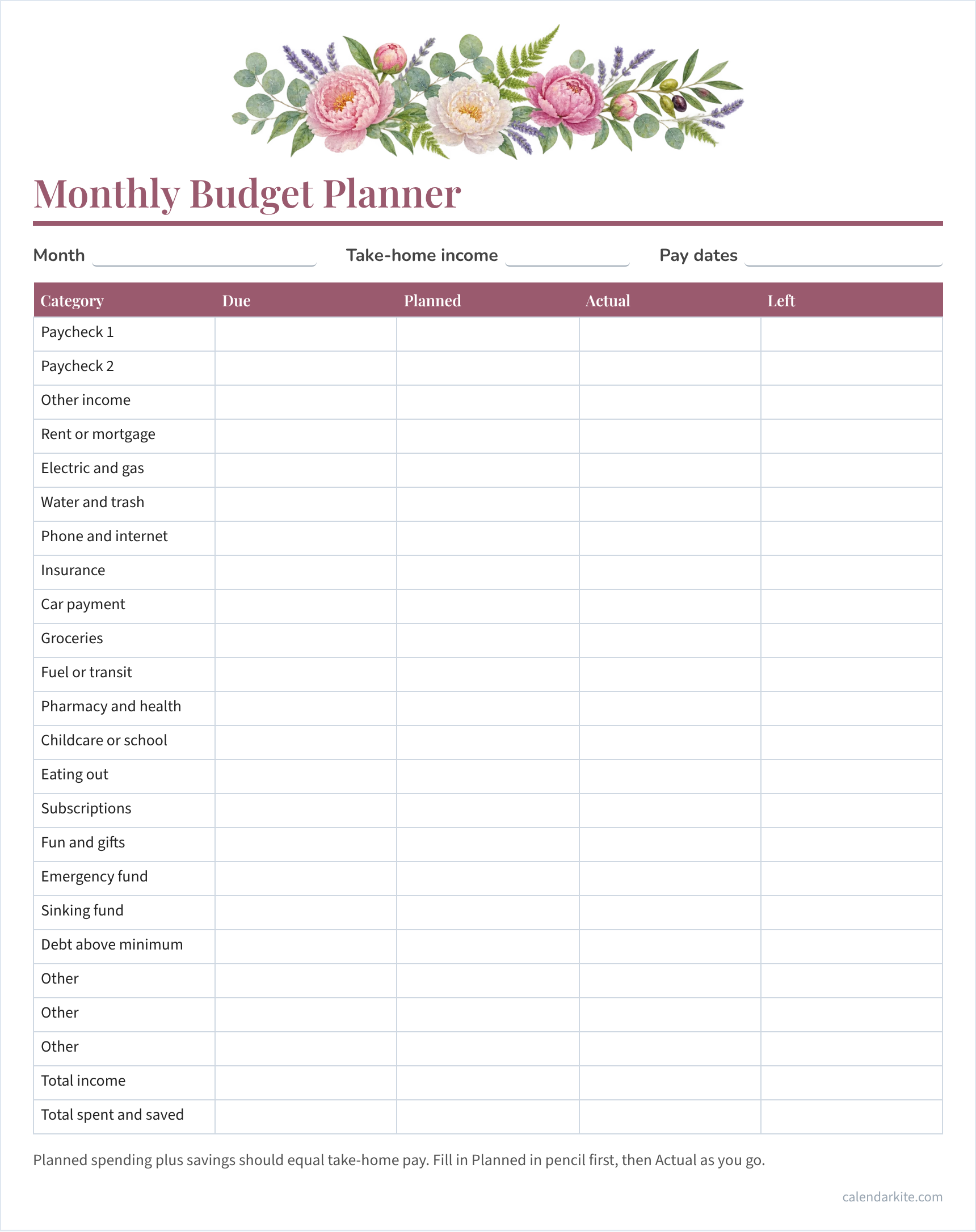
The mauve floral design is for you if you like an elegant planner page on your desk. It suits a monthly income and expenses overview that you want to keep tidy and pleasant to look at.
Fun and Colorful Budget Planner Printable
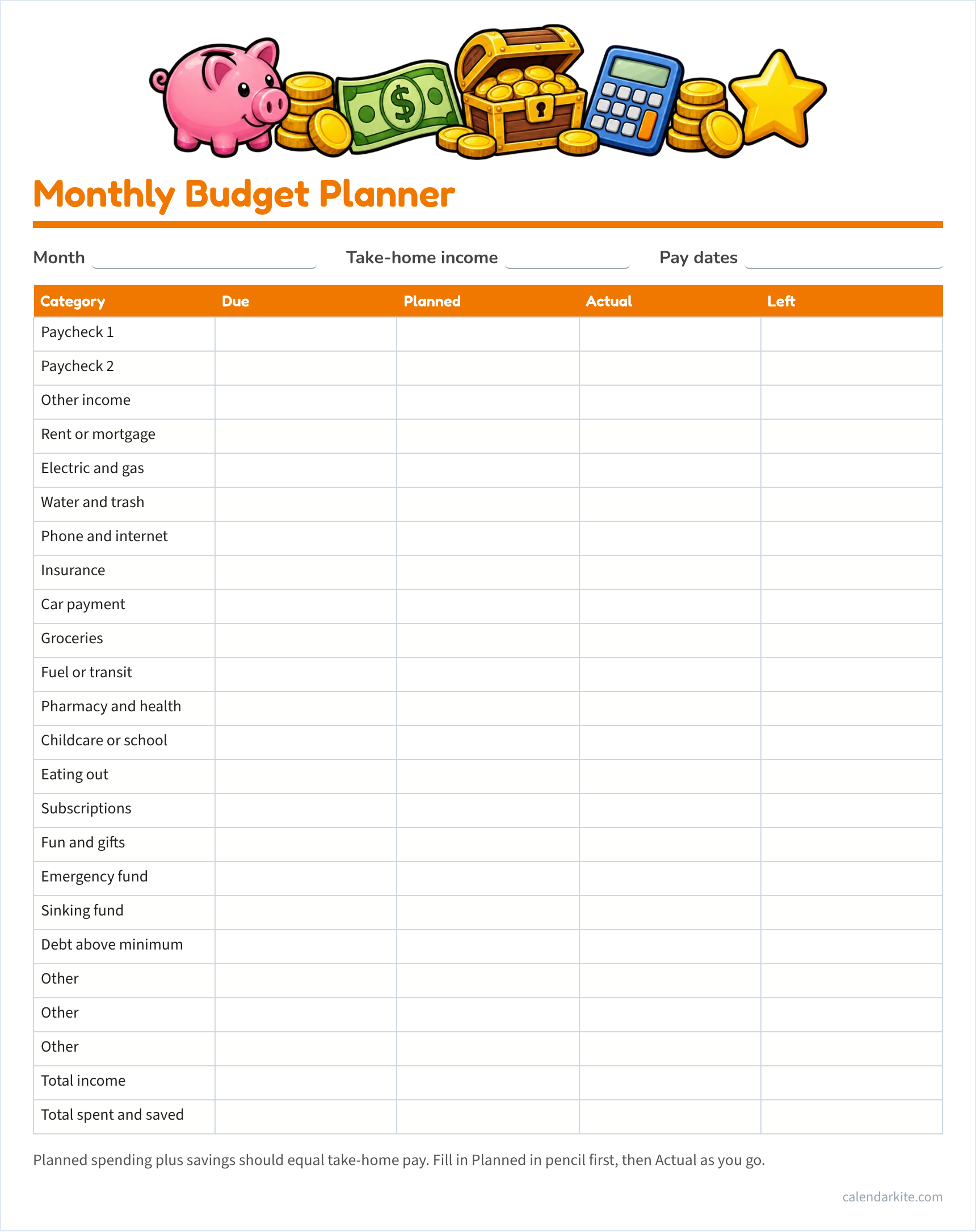
This bright, playful version suits families teaching teens or older children about money. Use it to track allowance, earnings from chores and a savings goal together at the kitchen table.
Minimalist Budget Planner Printable
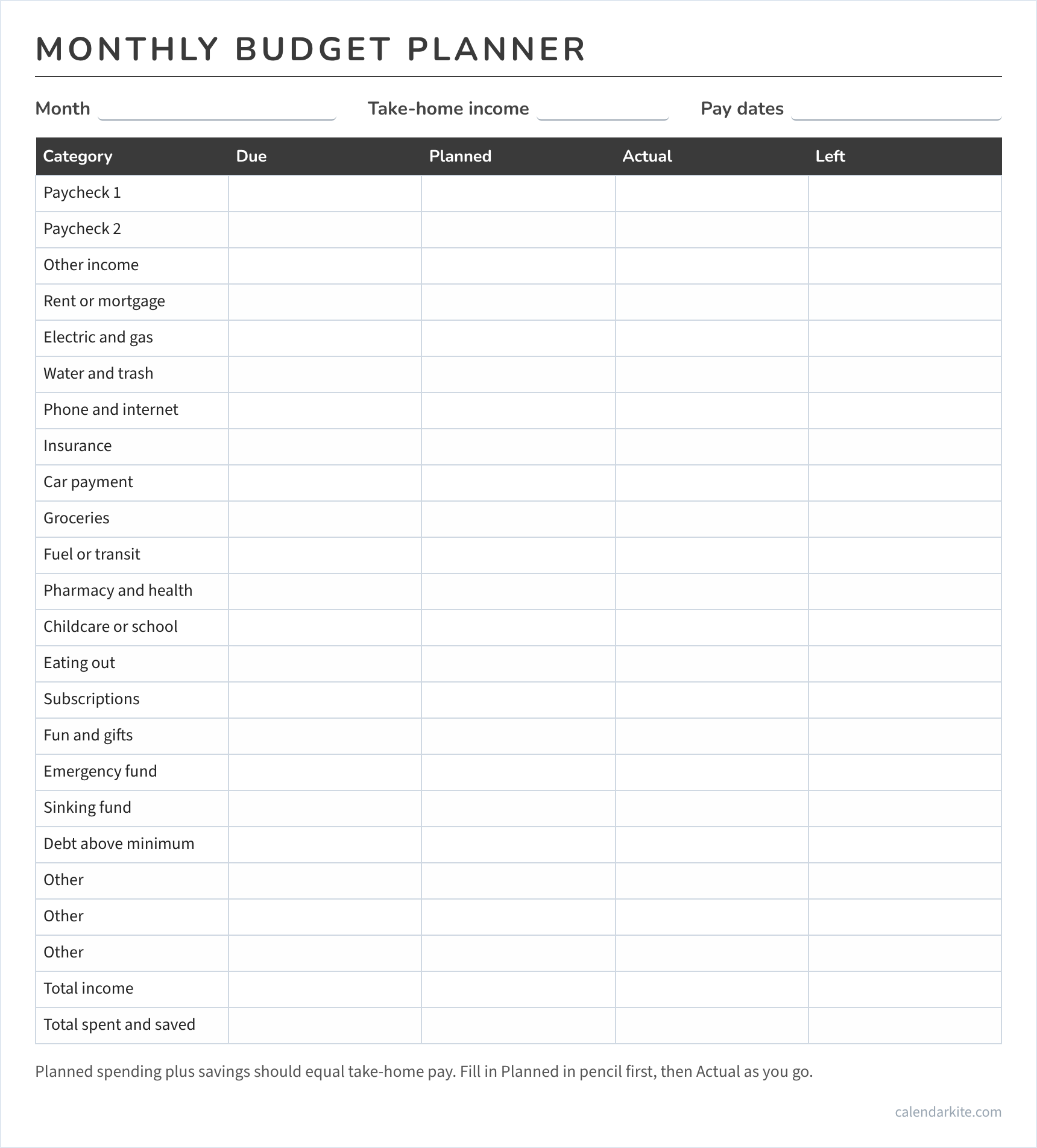
Thin gray lines and no color make this the cleanest option for a no-fuss monthly budget. I kept the line weight light so it stays crisp on both A4 and US Letter, and it suits tracking fixed bills.
Aesthetic Budget Planner Printable
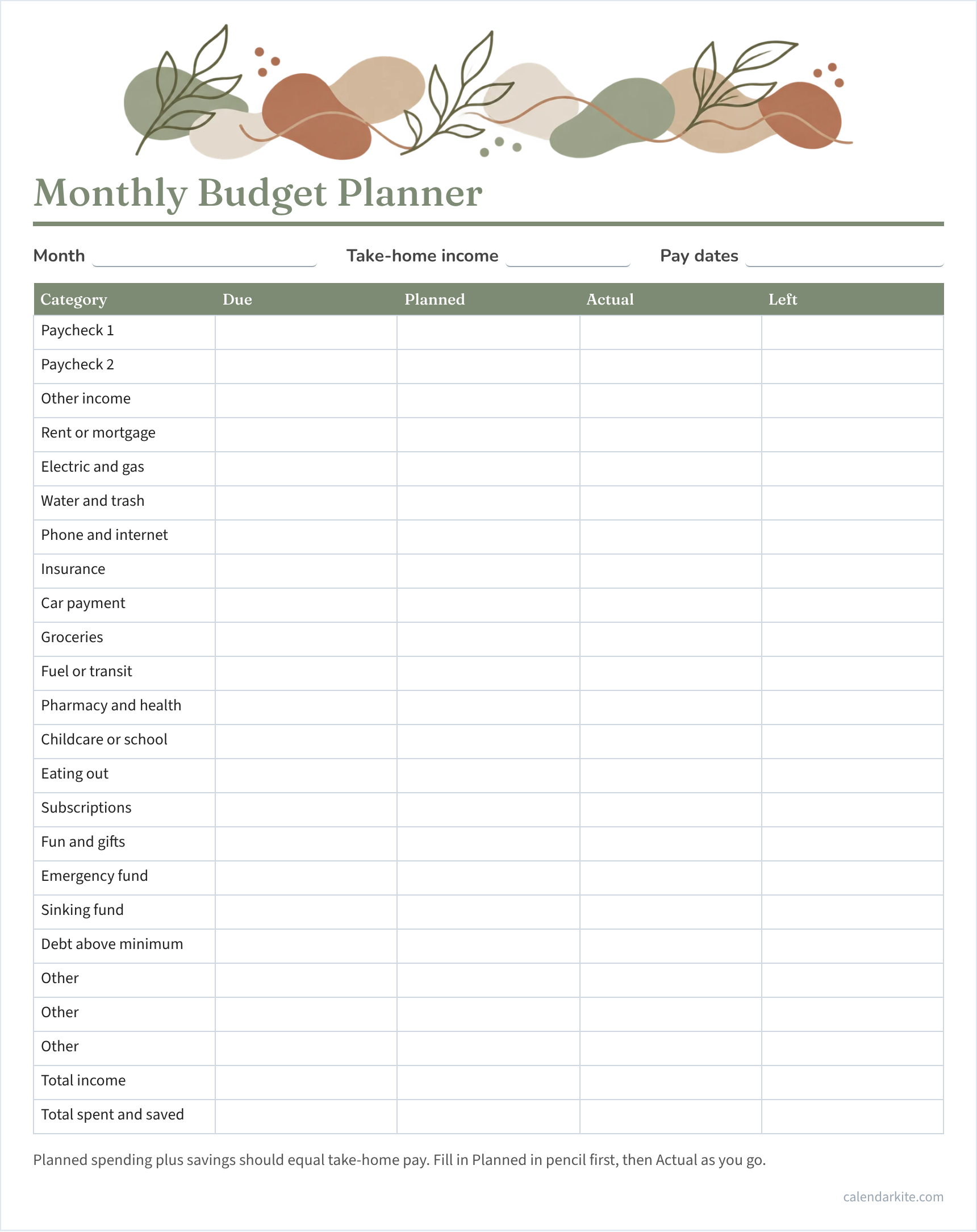
The muted sage, sand and terracotta palette suits you if you like a planner that looks good on a desk. It's lovely for a monthly budget you fill in alongside your regular planner pages.
Vintage Budget Planner Printable
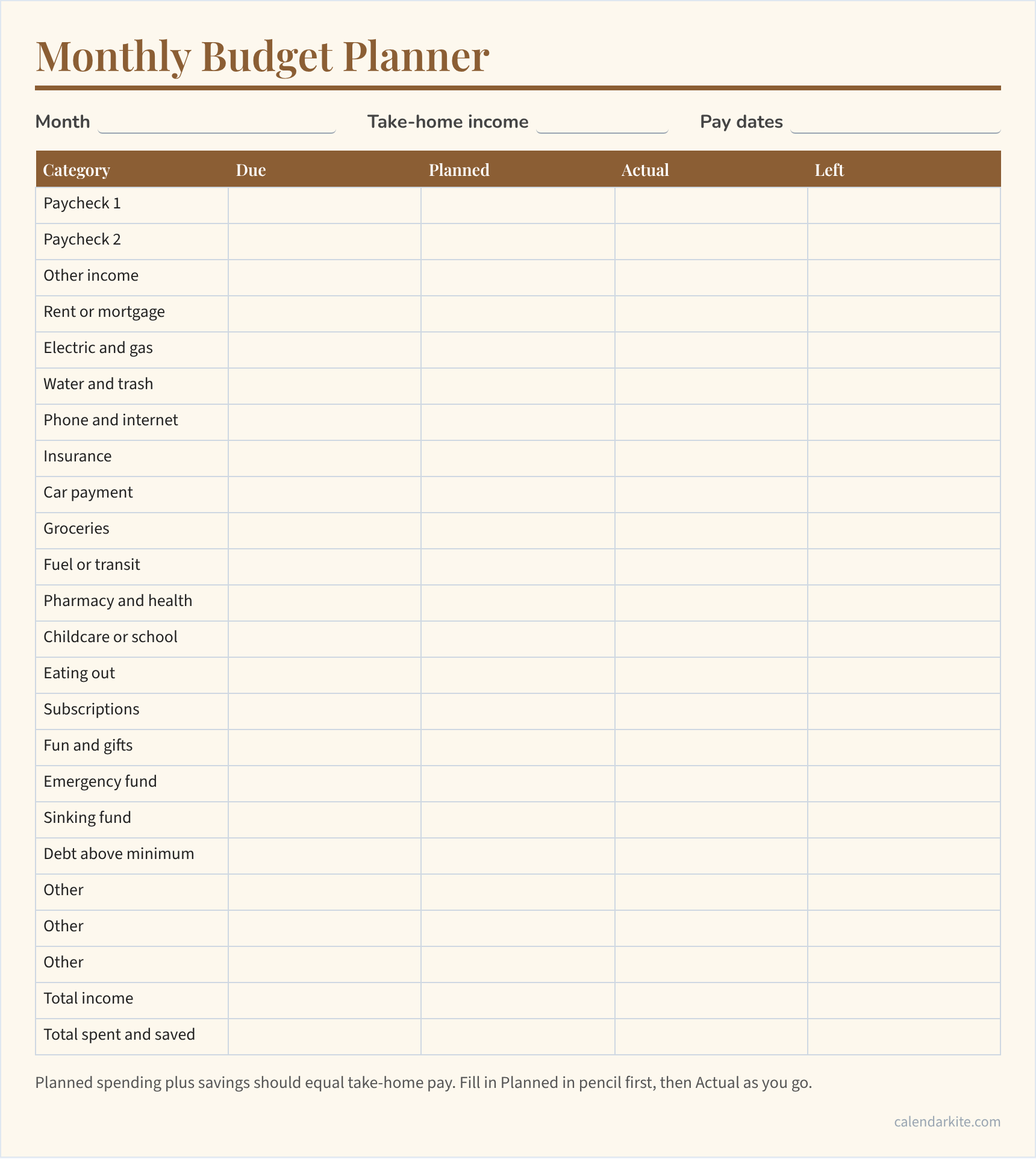
The cream paper and brown serif headings suit anyone who loves a classic ledger feel. I like it for a handwritten monthly budget, and a mistake I often see is leaving no room for irregular bills, so use the extras line.
Bold Modern Budget Planner Printable
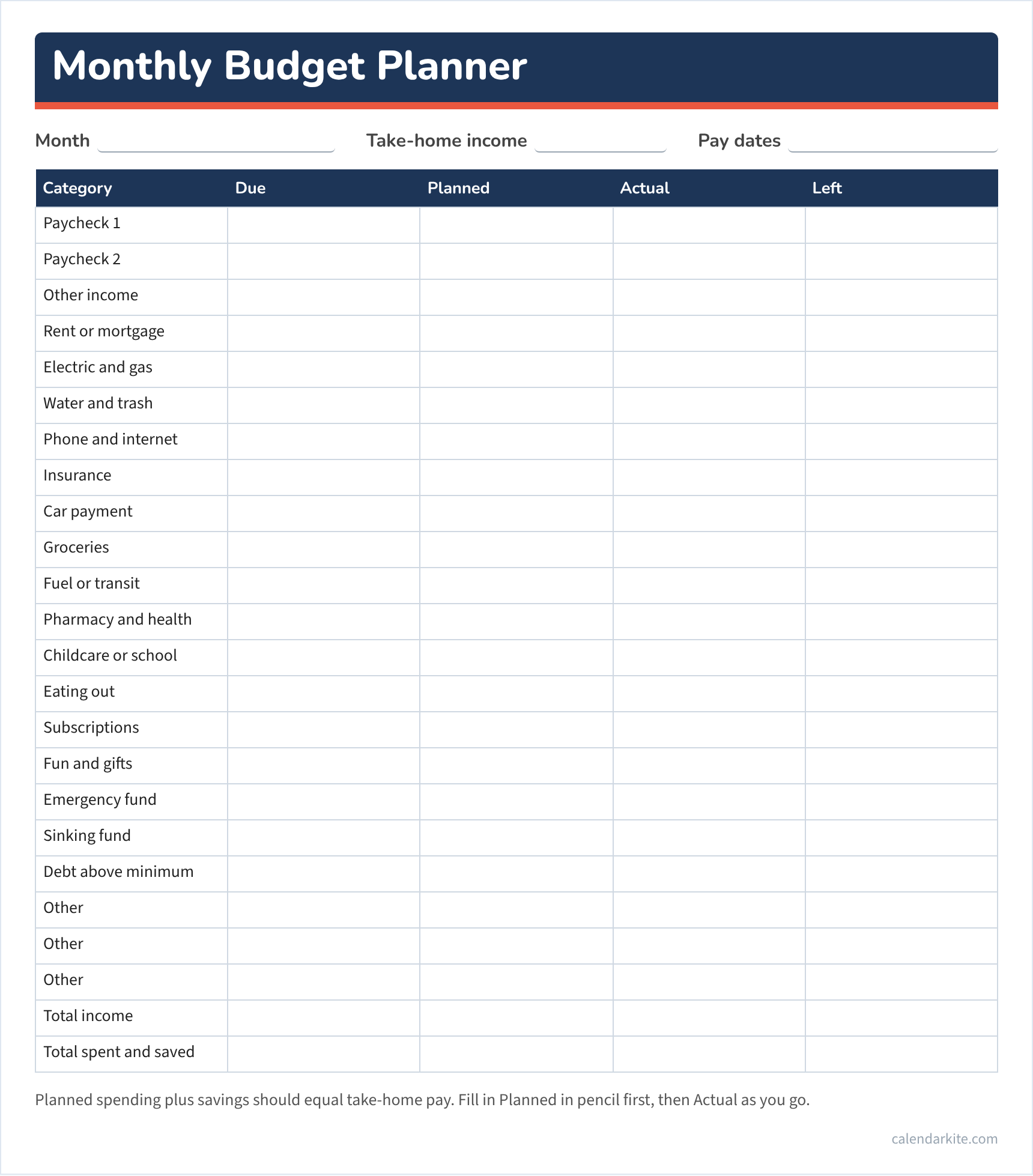
The navy header band makes totals easy to spot, which suits a busy couple or anyone managing shared household finances. I kept the header strong so the month is clear at a glance when you flip through a stack of pages.
I built it around one rule I learned in ten years of office administration: a schedule or list only works if you can read it at a glance. A budget is the same. If it takes a spreadsheet and an hour to understand, it stops getting used by week three. This one fits on one US Letter page, and it is meant to live on the counter or the fridge, not in a drawer.
What this budget planner printable includes
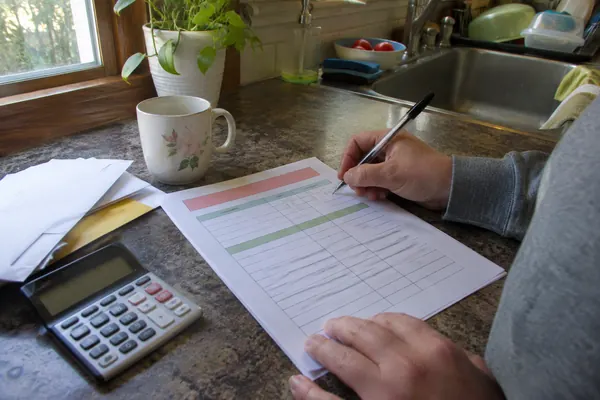
The page is a table with five columns: Category, Due, Planned, Actual and Left. The top rows are for income (two paychecks and an Other income line), followed by the usual household costs: housing, utilities, phone, insurance, car, groceries, fuel, health, childcare, eating out, subscriptions and fun. Below those are the rows that most free budget sheets leave out: an emergency fund, a sinking fund and extra debt payments. Three blank Other rows at the end are yours to rename.
At the top you will find fields for the month, your take-home income and your pay dates. Writing the pay dates on the sheet matters more than it sounds. Most money stress comes from bills landing before the paycheck does, and seeing both on one page lets you spot that before it happens.
The last two rows are Total income and Total spent and saved. When those two numbers match, you have a zero-based plan. If spending and saving come in lower than income, you have money that still needs a job. If it comes in higher, you have a decision to make before the month starts rather than after.
Who this budget planner suits
It suits anyone who wants to see the whole month on one page: first-time budgeters, couples merging household costs, students on a loan refund, and people who tried an app and found they stopped opening it. Paper has one advantage apps do not. It sits in plain sight, so you cannot forget it exists.
It also works well for people who already budget but want a simpler review page. I keep a paper calendar on the fridge and a planner on the kitchen counter, and my monthly budget sheet goes next to the planner. Seeing bill due dates beside our school and activity schedule stops me from booking something fun in the same week the car insurance comes out.
It is less suited to very complex finances, such as several rental properties or a small business. For those you will want a spreadsheet or accounting software. For a household with one or two incomes, a mortgage or rent, and the normal pile of subscriptions, one page is plenty.
How to fill it in, step by step
Fill the sheet in pencil, or type on screen where you can edit freely, because your first version will not be right. That is normal. The goal of the first month is to learn your real numbers.
- Write the month and your pay dates at the top, then enter your take-home pay (after tax and payroll deductions) in the paycheck rows.
- Fill in the Due column for every bill that has a fixed date, using the day of the month only, such as 1st or 15th.
- Enter fixed costs in the Planned column first: rent or mortgage, insurance, phone, car payment. These barely change.
- Add flexible costs next, using last month’s bank or card statement as your guide, not your memory.
- Fill in savings and debt rows before you allocate fun money. Pay yourself first, so to speak.
- Add up Planned spending and saving, and compare it to income. Adjust until they match.
Then, during the month, record spending in the Actual column and work out Left by subtracting Actual from Planned. A positive Left means you have room. A negative one means you are over. For income rows, the same idea applies: Left shows how far real pay is from what you expected.
Try this: Before you fill in a single number, lay your last two bank statements next to the sheet and circle every payment that surprised you. Write those on the Other rows. They are usually your real budget gaps.
Using the page on screen before you print
You can type into every line and field on this page, tick boxes, rename rows and edit the item labels. Your entries save in your browser, so you can come back later and carry on without starting over. That makes the screen version good for the planning stage, when numbers move around a lot and an eraser would wear a hole in the paper.
My own routine is to do the first pass on screen, play with the numbers until Planned and income match, and then print it. Printing a settled plan gives you a clean sheet to write Actual figures on all month. It also means the paper copy is not covered in crossed-out amounts.
One note on privacy: because the sheet saves in your own browser, it is only stored on that device. If you share a computer, clear your entries after printing. If you would rather not type any figures online at all, use the blank PDF download and fill it in by hand.
Choosing a method: 50/30/20 or zero-based
The sheet works with either approach. The 50/30/20 rule says roughly half of take-home pay goes to needs, thirty percent to wants, and twenty percent to savings and extra debt payments. It is a starting point, not a law. In a high-rent city, needs may take 60 percent or more, and that is fine as long as you know it.
Zero-based budgeting means every dollar is assigned somewhere, so income minus planned spending and saving equals zero. That does not mean your bank account is empty. It means nothing is left unassigned. Savings count as spending in this method, which is what keeps leftover money from quietly disappearing into small purchases.
Here is what I suggest for a first month. Use 50/30/20 only as a check once you have filled in the sheet: add up your needs rows and see whether they are near half. Then apply zero-based thinking to close the gap between income and total planned. You get the speed of a rule and the precision of line-by-line planning.
Categories people forget
The most common reason a budget fails is not overspending on groceries. It is the cost that was never on the page. Annual and irregular bills do the damage: car registration, holiday gifts, school fees, vet visits, dental work, renewals and birthdays. They do not appear every month, so they feel like emergencies when they arrive.
That is what the Sinking fund row is for. Add up what you expect to pay across the year for these costs, divide by twelve, and put that amount in the row each month. When the bill arrives, the money is already set aside. In an office I used to manage supply orders that landed only twice a year, and the only way we avoided panic was a small monthly set-aside. Households work the same way.
Other costs worth a quick check before you finalize a month:
- Subscriptions you forgot to cancel, including free trials that turned paid
- Bank fees and annual card fees
- Medication copays and over-the-counter health items
- Kids’ activities, school photos and class trips
- Pet food, vet visits and grooming
- Gifts for birthdays and holidays within the month
Try this: Write down every payment you made last month that was not in your budget. Divide the total by one, then add that number as a line in the Sinking fund or an Other row. If it recurs, it belongs in the plan.
Uneven pay and paying twice a month
If you are paid every two weeks, you will have two months a year with three paychecks. Do not treat those as a raise. I tell people to budget as though there were only two checks per month, and use the third paycheck for something with a clear job: a bigger emergency fund contribution, a debt payment, or a sinking fund. The Paycheck 1 and Paycheck 2 rows give you the space to do this. If a third arrives, write it on the Other income row.
If your income varies, budget from your lowest recent month. List only that amount in the paycheck rows. When a better month happens, write the extra in the Other income row and assign it on paper right away. This is the single habit that makes variable income manageable.
When you are paid twice a month, put the due dates of your bills beside each paycheck in your head, or better, mark them on the page. Anything due on the 1st through 14th comes from the first check, and the rest from the second. Our printable monthly calendar is handy for marking pay days and due dates on a month grid if you want a visual of that.
Tracking Actual spending without burning out
The Actual column is where budgets succeed or die. Many people fill in Planned beautifully and then never touch Actual. The fix is making it small. You do not need to log every coffee. For fixed bills, tick or write the amount when it leaves your account. For flexible categories such as groceries and eating out, enter the running total once a week from your bank app.
I keep a small habit at home: Sunday evening, the sheet comes out, I check the week’s card activity and update three or four rows. It takes about ten minutes, and the kids know it as the boring money hour. Doing it on the same day every week matters more than doing it perfectly.
For individual bill tracking, a separate sheet can help. If you want a place to tick off each bill as it is paid, our bill tracker printable pairs well with this page: the budget planner decides how much each bill should be, and the tracker confirms it was paid.
The weekly check-in routine
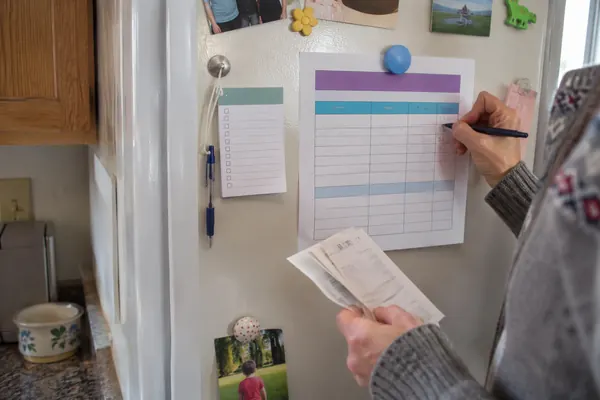
A budget you only look at once a month is a post-mortem. A short weekly look makes it a plan. Pick a day, set a ten minute timer, and run through the same four questions each time. Which bills left the account? Which flexible categories have moved? Is any row already over? Is there money left that has no job?
If a category is over, do not feel guilty. Move money. Take it from a row with room, write the change in pencil in Planned, and carry on. The point of a budget is to make a decision on purpose rather than by accident.
If you prefer to budget in weekly chunks instead of monthly ones, a weekly format may suit you better. Our weekly budget planner splits spending into smaller windows, which helps if you tend to overspend early in the month and run out by the end.
Budgeting as a couple or household
When two people share costs, the main job of the sheet is to make decisions visible. Fill it out together, once, sitting at the same table. Enter both incomes in the paycheck rows, list every shared cost once, and agree on the savings rows before anything else.
Many couples find it helps to add a small personal spending line each, with no questions asked. Rename two of the Other rows with your names. This stops the budget from becoming a debate over every purchase, and it is the only change to the sheet that I recommend for nearly every couple. If incomes are quite different, you can split shared costs in proportion to earnings instead of fifty-fifty.
Households with children can use the sheet as a teaching tool. Show older kids the Planned versus Actual columns and let them see how groceries and activities compete for the same dollars. It makes the word “no” a lot easier to explain.
Variations for different budgets
The same page can be bent to suit several styles. For a cash envelope system, use the Planned column as your envelope amounts, withdraw that cash, and record in Actual what has been spent when the envelope is empty. Fixed bills stay on the sheet but are paid electronically.
For a lean month, rename a few Other rows to match your focus, such as a trip or a holiday. If you want a stricter reset, pair the page with a no spend calendar and mark each day you avoid non-essential purchases. It gives you a visible streak while the budget sheet handles the numbers.
If your main goal is paying down balances, use the Debt above minimum row for your extra payments and track each balance on a debt payoff tracker. If you are saving toward something specific, a savings tracker shows progress better than a single row on the budget can. Anyone planning a full year at once can start with our 2027 budget planner, which lays out the months side by side.
Printing tips for Letter and A4
Print at 100 percent or fit to page, in black and white. The sheet is designed to use little ink. If you are printing on A4, select fit to page and check the preview to make sure the Totals row at the bottom is intact. I test-print every page on my home inkjet on both Letter and A4, and the budget sheet is one where I widened the Planned and Actual columns specifically so handwritten numbers with cents do not run into the next column.
Use the standard paper weight for the sheet itself, but consider slightly heavier paper if you plan to write with a gel pen or markers. Pencil is the best choice for Planned because you will adjust it. Switch to pen for Actual, so the record is permanent.
If you want to keep a year of pages, punch holes on the left and put them in a thin binder, with the newest month on top. Looking back at three months of sheets together shows patterns that a single month hides, such as a grocery line that is always 15 percent over.
Common mistakes to avoid
The first mistake is using gross income. Take-home pay is the only number that can be spent, so enter what lands in your account. The second is setting a budget so tight that it cannot survive a normal week. If your groceries have been $700 for six months, a Planned figure of $450 is a wish, not a plan.
The third is ignoring irregular costs, as covered above. The fourth is giving up after one bad week. A budget that is off is information, not failure. Change the Planned amounts to match what is real and keep going.
The last is keeping the sheet somewhere you never look. I see this often: a beautifully filled-in page in a folder. Put it on the fridge, beside the planner, or on the inside of a cupboard door where you will see it daily.
Where to keep your budget planner
The best place is wherever you already look every day. For many households that is the fridge, a kitchen counter, or a desk drawer you open each morning. A clipboard by the door works well too. Choose somewhere private enough for your comfort but visible enough that you cannot avoid it.
If you use a planner binder, slide the sheet into a clear pocket so you can write on it without removing it. Our printable planner pages use the same Letter size, so the budget page sits comfortably alongside weekly and monthly pages.
End-of-month review
On the last day of the month, add up the Actual column and compare it with Planned. Circle the three rows with the biggest difference, in either direction. Ask what happened, not who is to blame. Was the plan unrealistic? Was there a one-off cost? Did a habit creep in?
Then print a fresh sheet for the next month and carry over what you learned. Adjust Planned amounts for the rows that were off. Keep the ones that worked. After about three months, most people find their plan is close to reality and the review takes five minutes.
Try this: At month end, write one sentence at the bottom of the page: “Next month I will change ___.” Only one thing. Small changes stick better than a full overhaul.
This is a planning tool, not financial advice. If you carry heavy debt or have complicated finances, a qualified credit counselor or financial adviser can help you with decisions that go beyond a one-page sheet.
Common questions
Is this budget planner printable really free?
Yes. You can fill it in on the page and print it, or download the blank PDF. There is nothing to buy and you can print as many copies as you like.
What should a monthly budget planner include?
At minimum: your take-home income, fixed bills with due dates, flexible spending categories, savings, and a place to record what you actually spent. The Left column on this sheet shows the gap between plan and reality.
Should I use the 50/30/20 rule or a zero-based budget?
Start with 50/30/20 if you have never budgeted, because it gives you a quick sanity check. Switch to zero-based planning, where income minus planned spending and saving equals zero, once you want line-by-line control.
How often should I update my budget planner?
Once a week is enough for most people. A ten minute check on the same day each week keeps the Actual column honest without turning budgeting into a chore.
Can I use this if my income changes every month?
Yes. Budget from your lowest recent month, write any extra income in the Other income row when it arrives, and give that extra a job straight away, such as savings or debt.
Will it print on A4 paper?
Yes. The sheet is built for US Letter and scales cleanly to A4. Choose fit to page in your print dialog and check that the bottom Totals row is not cut off.
More free planners
 Monthly Planner: Free Printable One-Page Sheet
 Garden Planner: Free Printable Planting Sheet
 Printable Weekly Meal Planner
 House Cleaning Schedule: Free Printable for Daily, Weekly and Monthly Jobs
 Hourly Schedule Template: Free Printable Weekly Planner
 Daily Planner 2027: Free Printable Page for Every Day