
Communication Log: Free Printable Sheet to Track Calls, Emails and Meetings

A communication log is a running record of your conversations with one person, office or organization: the date, who you spoke with, how, what was said or agreed, and what happens next. This free printable communication log gives you 14 rows for exactly that, plus a “Follow up by” column and a “Done” box so that promises do not slip away after you hang up.
| Date | Time | Who | How (call, email, visit) | What was said or agreed | Follow up by | Done |
|---|---|---|---|---|---|---|
Log it the same day. Facts only: who, what, when, and the next step.
Free for personal, classroom and office use. Your entries are included in the print, PDF and PNG. Prints on US Letter and fits A4.
Black and White Communication Log Printable
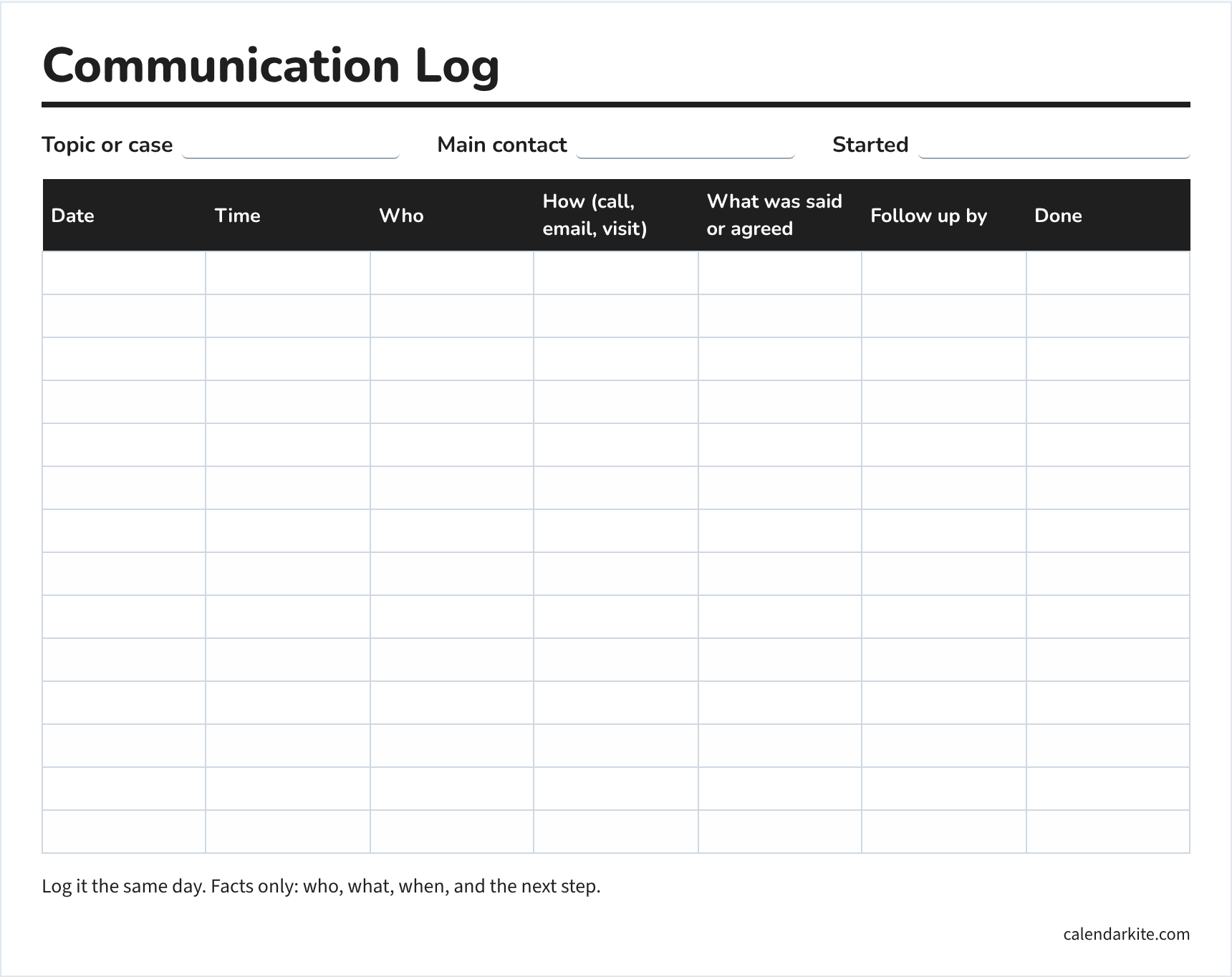
I'd print this one in bulk for a binder, since plain black lines go easy on your ink. It suits front-desk staff logging client calls, and my office years taught me a log only helps when every entry has a date and time.
Pink Communication Log
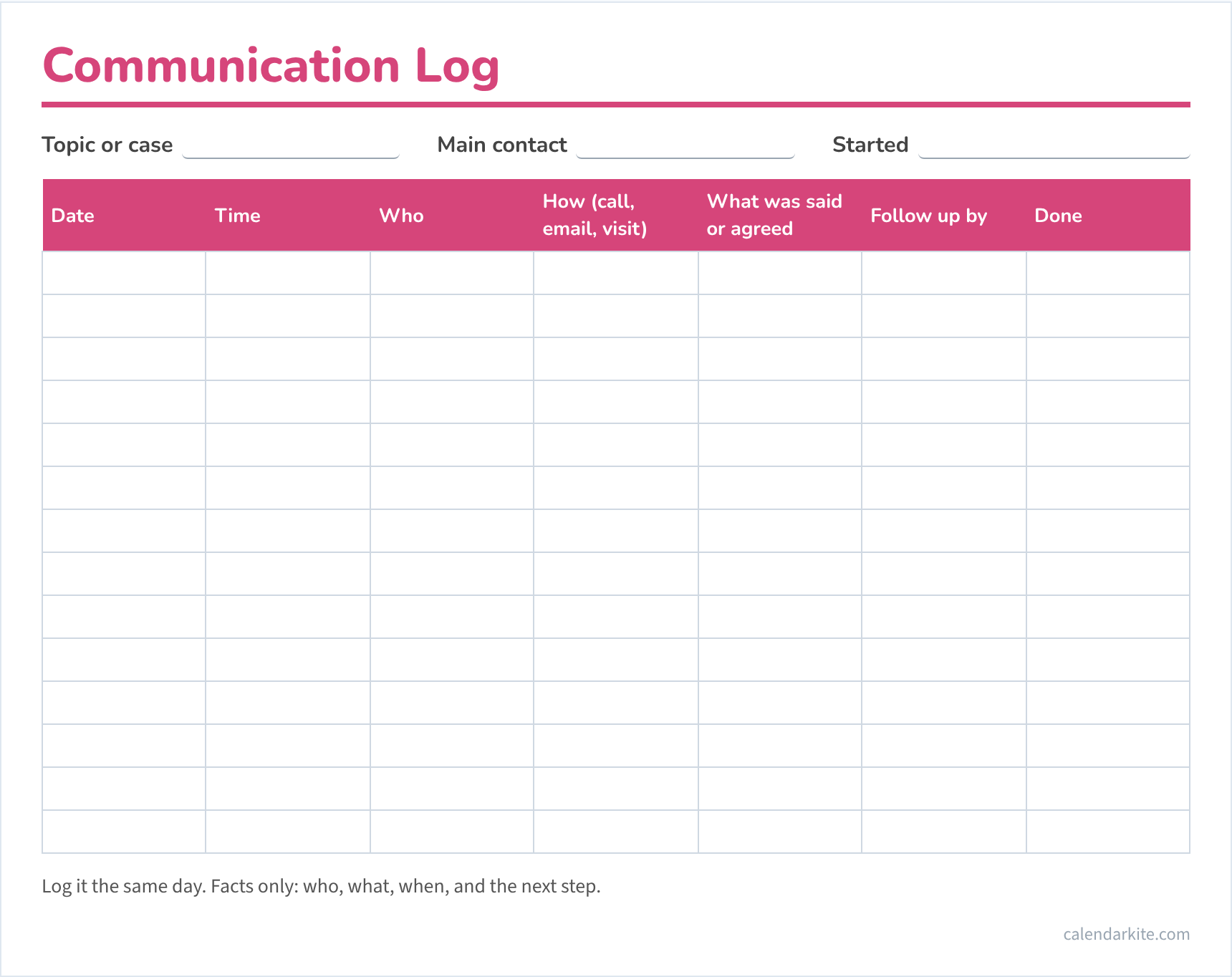
A soft pink log that works well for a parent keeping track of messages with teachers, pediatricians and coaches. I keep a planner on my kitchen counter, and I'd park a log like this right beside it so follow-ups don't get lost.
Sage Green Communication Log Template
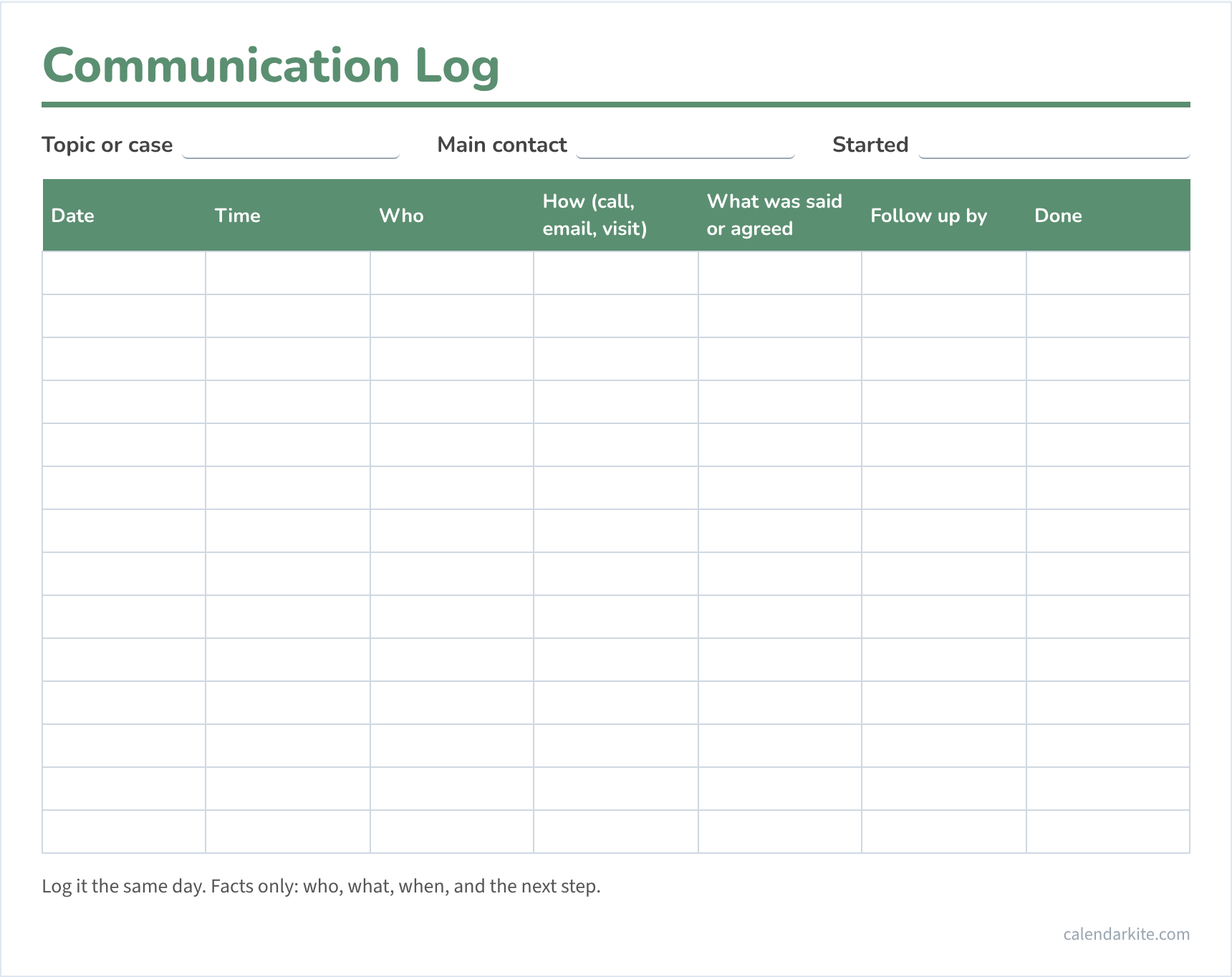
The calm sage green suits freelancers and home-based business owners tracking client emails and calls. Use it to record who you contacted, what was agreed and the next step, which is the column people most often leave blank.
Lavender Communication Log Printable
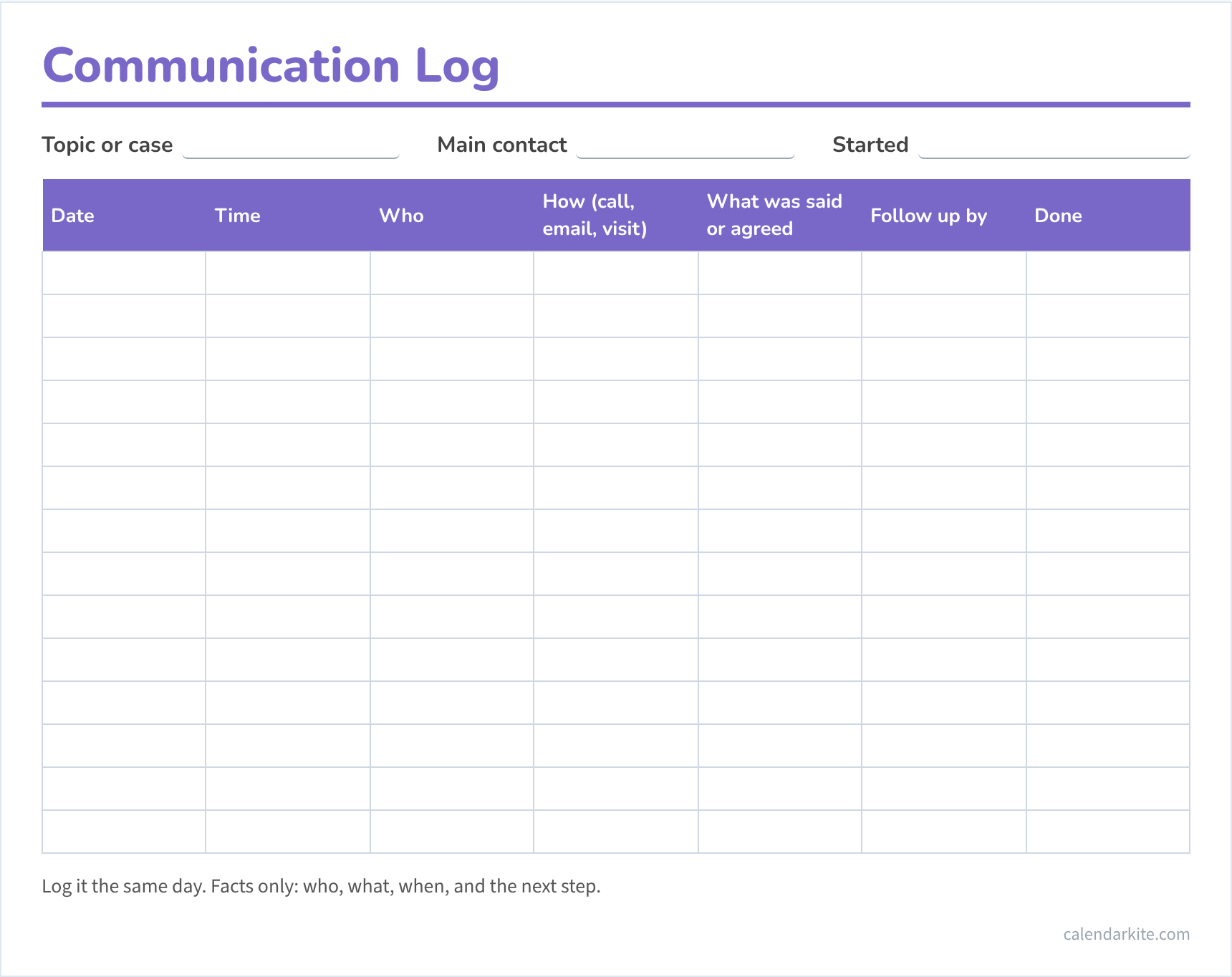
Lavender gives this log a gentle look that suits tutors, coaches or anyone handling parent and caregiver messages. Try it for a weekly record of calls and texts; on my home inkjet the pale purple prints cleanly on both Letter and A4.
Cute Communication Log
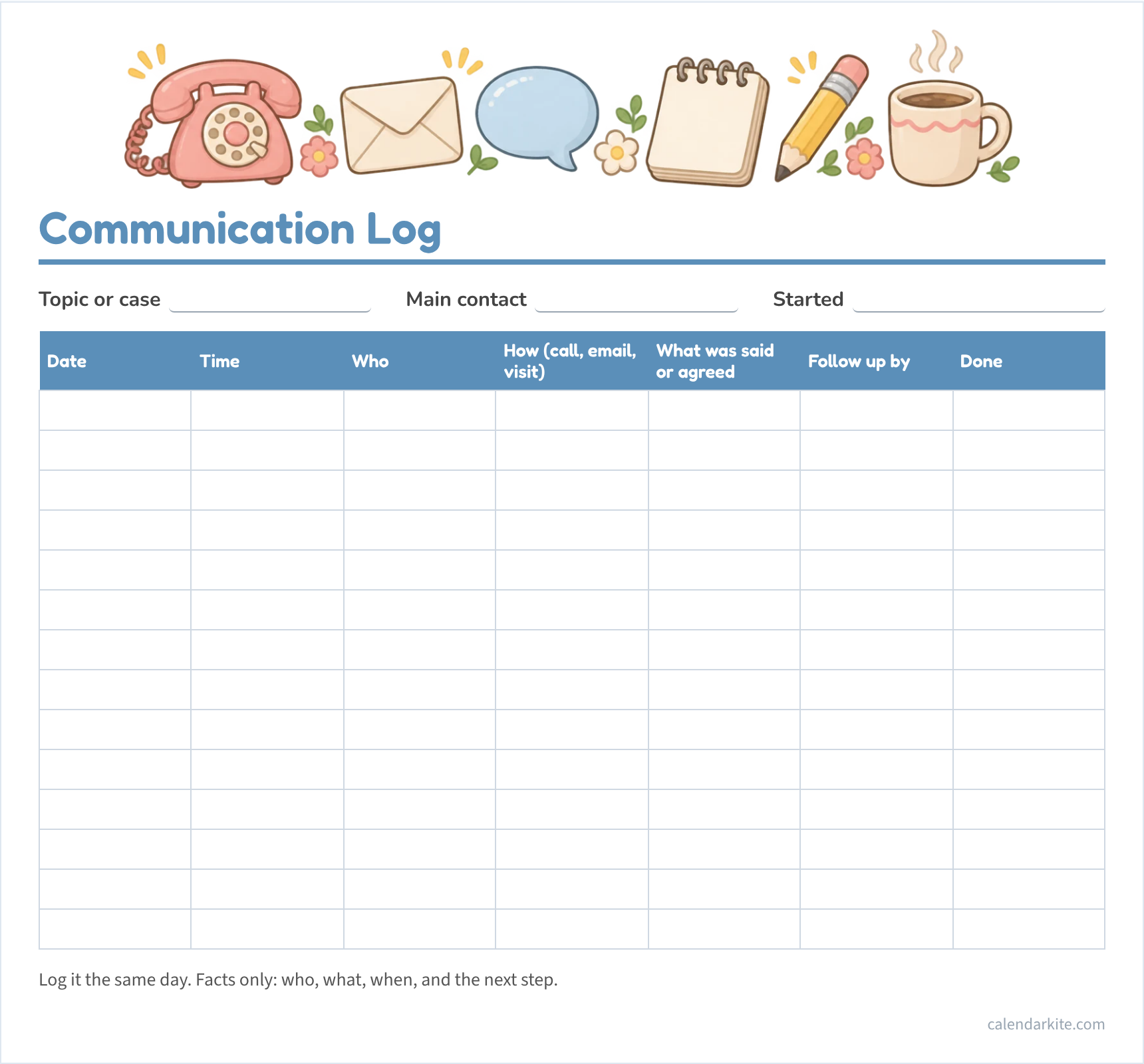
The pastel blue and little hand-drawn illustrations make this a friendly pick for a classroom or daycare teacher logging parent contacts. Keep it in a folder by the door so you can jot down each call or note in seconds.
Colorful Communication Log Printable
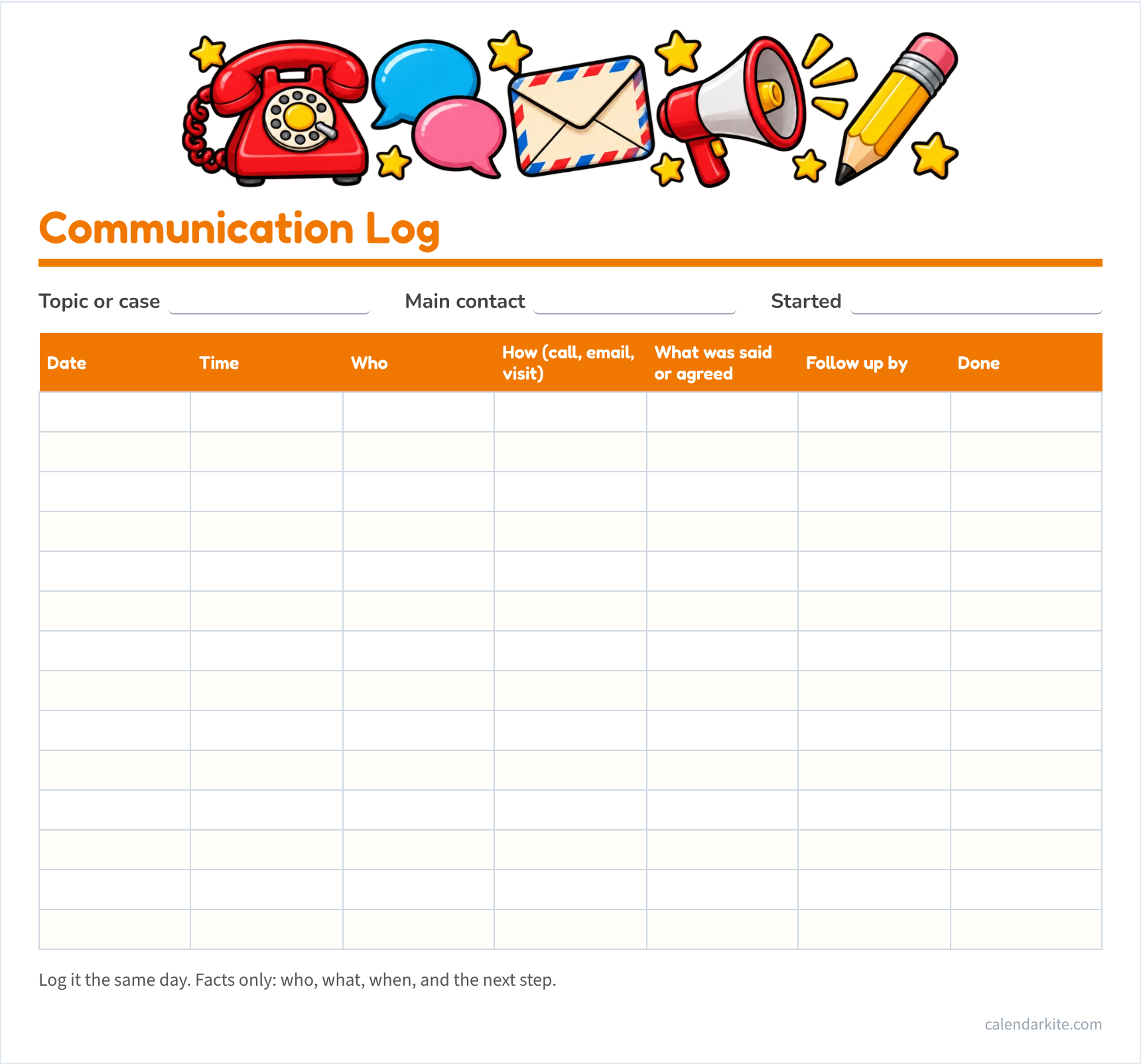
Bright and playful, this log suits a busy family or youth club tracking messages with coaches, schools and carpool parents. I made the notes column wider than you'd expect, because tiny boxes push people to cram details into the margins.
Simple Minimalist Communication Log
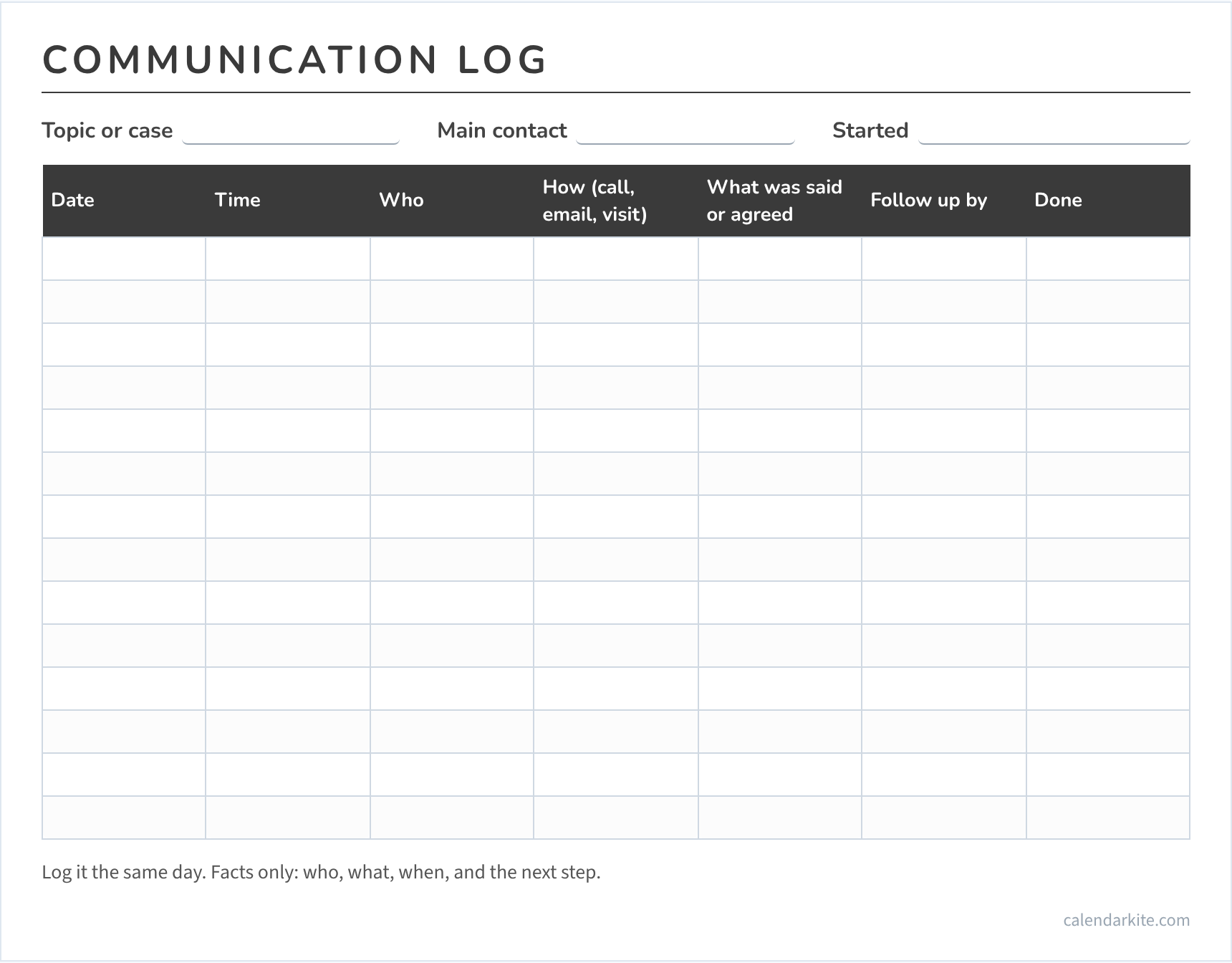
Thin gray lines and a light uppercase heading keep this log quiet and easy to scan. It's ideal for a desk where you note each call, the caller and the follow-up date, and with no color it stays readable on any printer.
Aesthetic Communication Log
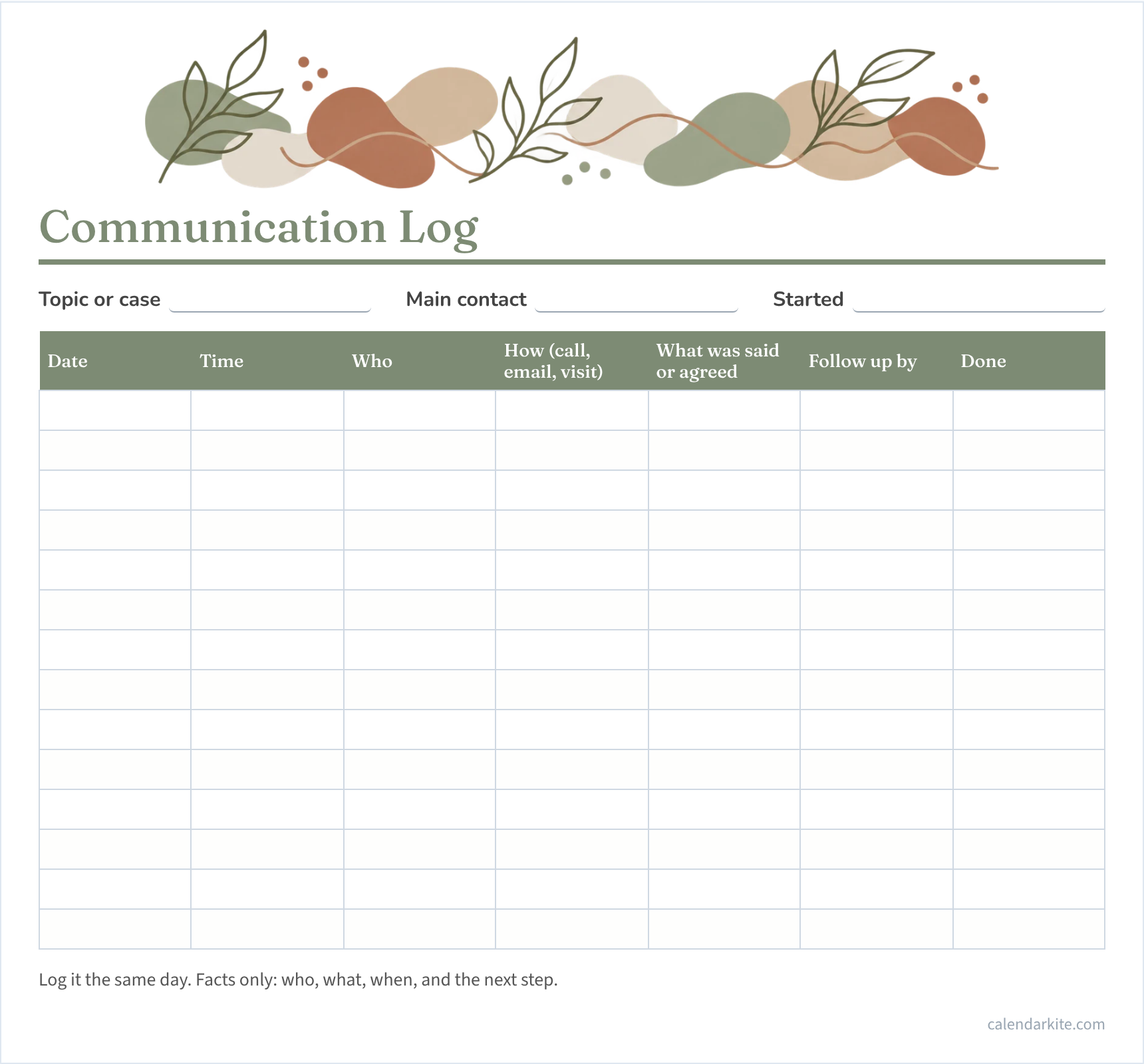
Muted sand, sage and terracotta with soft line-art leaves make this a lovely fit for a home office or planner binder. Use it to log vendor emails, school messages or contractor calls together in one tidy place.
Vintage Communication Log Printable
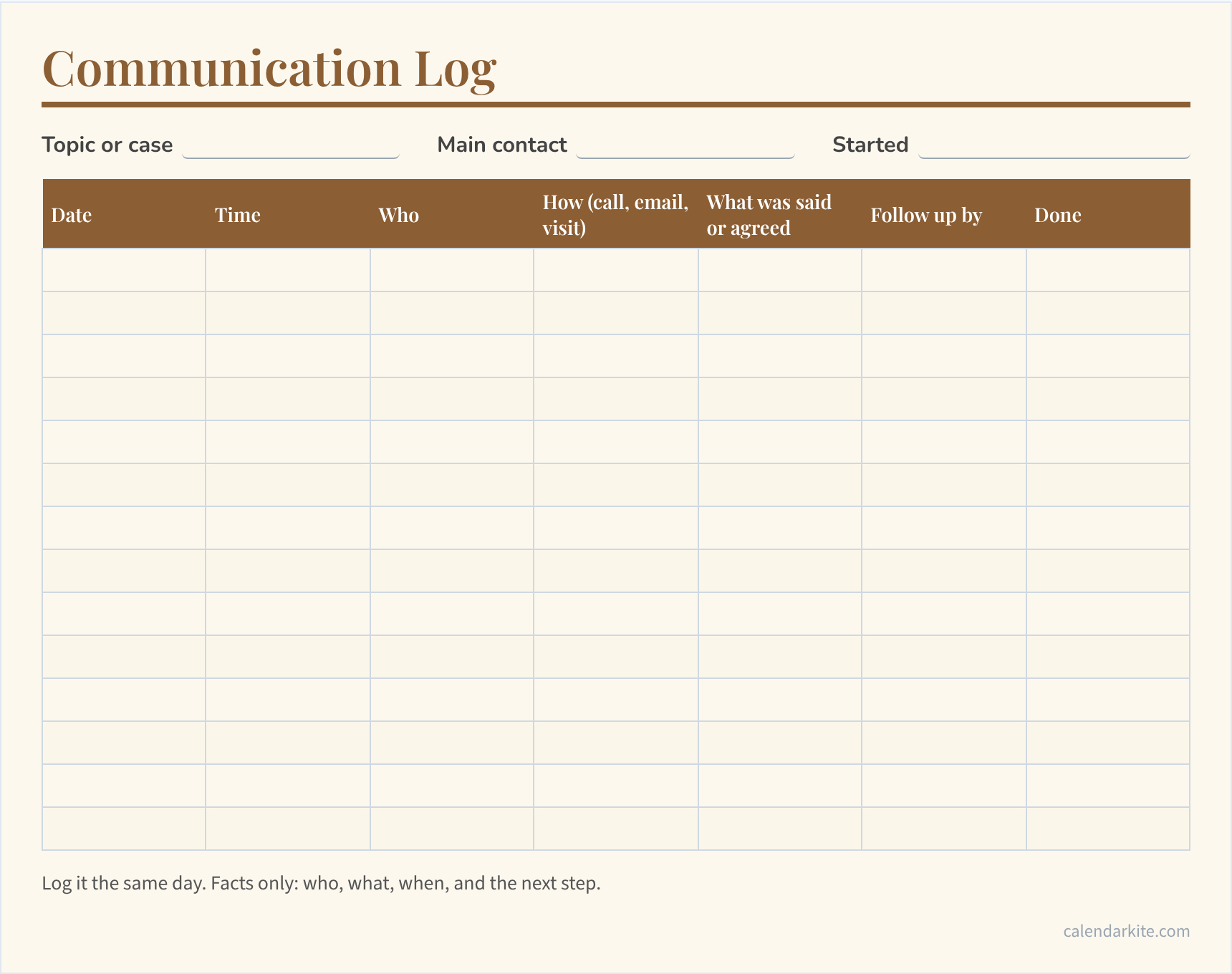
Cream paper and brown serif headings give this log an old-fashioned correspondence feel, good for letter-writers, landlords or club secretaries. I keep a paper calendar on the fridge, and I like a vintage log filed with it for anything that needs a paper trail.
Professional Communication Log Template
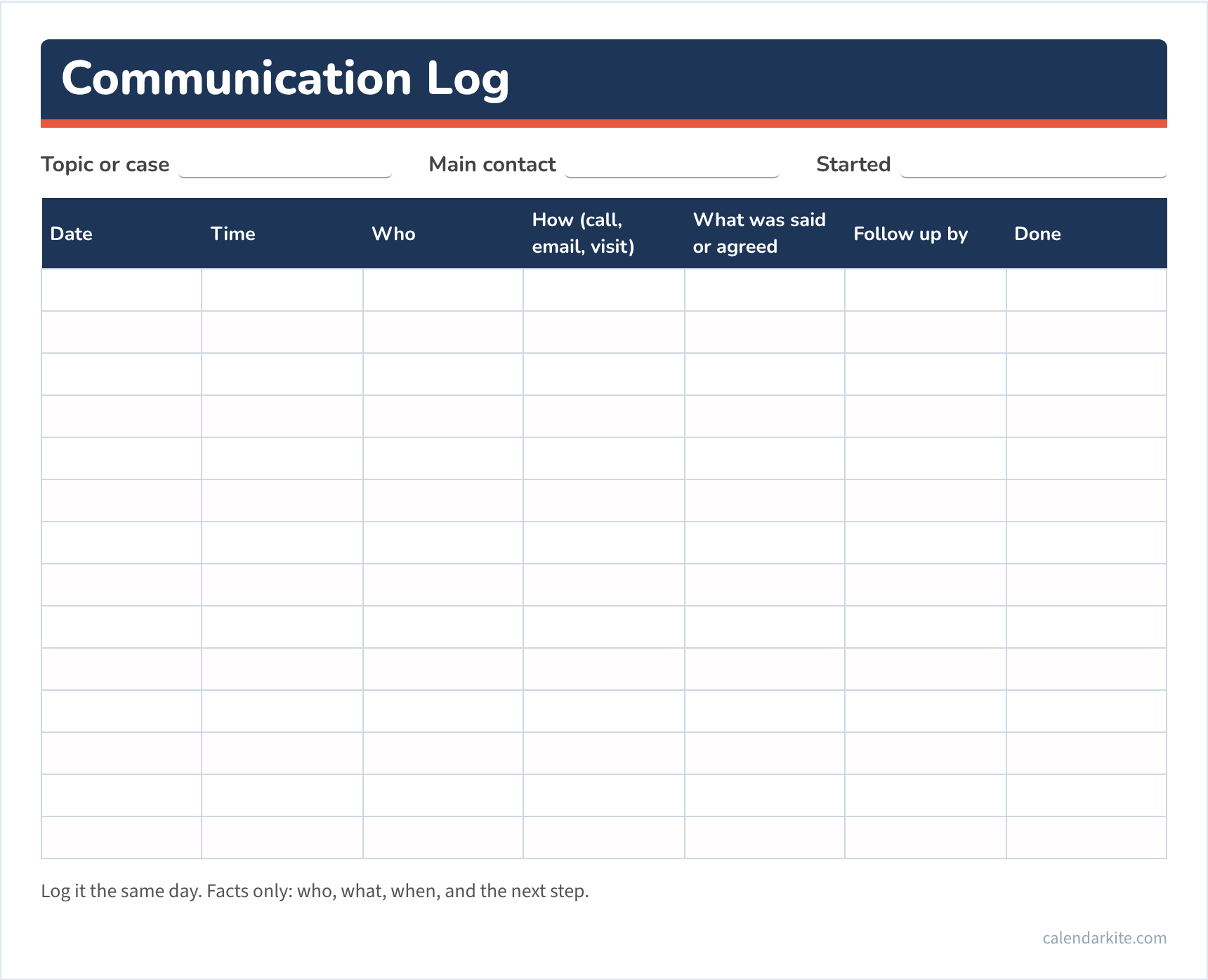
The navy header band and coral accent give this a polished look for managers, HR or customer service teams. Date, contact, method and outcome each get their own column, which is what I'd always want when reviewing a conversation later.
You can type straight into the sheet on this page, and it saves in your browser, then print it. There is also a blank PDF if you would rather write by hand. Everything below explains how to fill it in well, who gets the most out of it, and how to adapt it for school, work, caregiving and disputes.
What a communication log does
The point of a communication log is simple: when someone says “I never heard that” or “we did not agree to that”, you can look at a dated note instead of relying on memory. Most of us remember the gist of a conversation and lose the details within days. Names, dates, reference numbers and who promised to do what are exactly the details that matter later.
A log also does a second job that people overlook. It shows you the pattern. After five entries you can see that the same department has been “looking into it” for three weeks, or that a teacher has replied quickly every time you wrote by email and never when you phoned. That pattern tells you what to try next.
In my ten years of office administration, the people who stayed calm in a disagreement were never the loudest ones. They were the ones who could say “I called on the 12th at 2:15 and spoke with Dana, who said the part would ship by the 20th.” A log gives you that sentence.
What is on the printable sheet
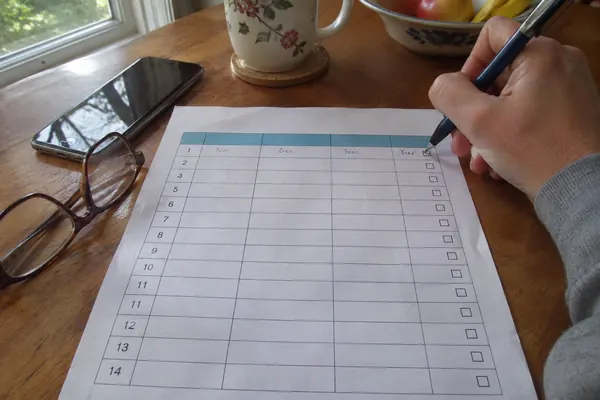
The sheet starts with three header fields: topic or case, main contact, and the date you started the log. These matter more than they look. Once you have two or three logs in a folder, the header is what lets you find the right one in seconds.
Below that is a table with seven columns: Date, Time, Who, How, What was said or agreed, Follow up by, and Done. There are 14 rows, which fits on one US Letter page with room to write in normal handwriting. Every cell in the on-page version is editable, so you can type, tick, and change wording before you print.
Most free logs I have seen stop at “notes”. When I built this one I added the Follow up by and Done columns because a log that only records the past leaves you doing the hard part, remembering the future, in your head. Those two columns are the reason I would use this sheet over a plain notes page.
How to fill in the log
Fill in one row per contact, not one row per topic. If you phone the school twice in a day, that is two rows. If an email chain has six replies, log the first message and any reply that changes something, and attach the thread to the page.
- Write the date and time as soon as the contact happens. Use the same format every time, so the log sorts itself visually.
- In “Who”, put a full name and a role or department, such as “Dana R., billing”. First names alone are hard to trace months later.
- In “How”, write call, voicemail, email, text, letter, portal or visit. Add “in” or “out” if you like (I use a small arrow), so you can see who started the conversation.
- In “What was said or agreed”, write two lines at most: the key facts, any reference or ticket number, and who committed to what.
- In “Follow up by”, put the date something should happen, or the date you will check back. Tick “Done” when it is settled.
Keep the handwriting small and the sentences short. If you need more room, write “see attached” and staple a note to the sheet.
Try this: Think of a conversation from this week that still needs action. Log it now as your first row, with a real follow up date. Then set a reminder on your phone or a sticky note for that date.
A filled-in example
Here is how two rows might look for someone sorting out a disputed charge with a utility company.
- 3/4, 10:20 AM, Marcus T., billing, call (out), “Disputed $86 late fee. Ref 44017. He will review and call back within 5 working days.” Follow up by 3/11.
- 3/11, 9:05 AM, billing line, call (out), “No callback. Spoke to Priya, who confirmed the fee was removed and a credit will show on the April bill. Asked for email confirmation.” Follow up by 3/14.
Notice what is in there: a name, a reference number, a promise, and a date. There are no adjectives. Nobody “rudely” said anything, and the log does not guess at motives. You can read those two rows a year from now and know exactly what happened.
The second row also shows the log doing its job. Because the first row had a follow up date, the missed callback was caught on day seven instead of day twenty.
Who a communication log suits
The honest answer is anyone who talks to the same organization more than twice about the same thing. That covers a lot of ordinary life. A parent working with a school, a tenant waiting on repairs, a freelancer chasing an invoice, a manager keeping notes on a vendor, or a family member coordinating care all end up in the same spot.
It suits people who prefer paper in particular. A printed log on a clipboard by the phone costs nothing to open and has no login. At home, I keep a planner on the kitchen counter and a paper calendar on the fridge, and a log sheet sits in a folder next to the planner whenever a call is open. If I am on hold, I can write while I wait.
It also suits teams. A shared log in a binder or a shared folder lets a colleague pick up a customer’s issue without asking you to repeat the whole story.
Parents and school communication
School communication is probably the most common use. If your child has extra support, such as an IEP or a 504 plan, a dated record of every email, meeting and phone call helps you remember what was asked, what the school said, and when. Teachers and school staff also keep logs of parent contact, so the record on your side keeps the picture even.
Use the “Topic or case” field for the issue, such as “reading support, Grade 3”, and start a new sheet for each one. Log the quick hallway chats too, even if only a line. They often contain the verbal promises that never make it into an email.
After a phone call, I suggest sending a short email that confirms what you understood: “Thanks for talking today. As I understand it, you will send the evaluation by the 15th.” Log that email as its own row. It turns a spoken promise into a written one, and it lets the other person correct you right away if you misheard.
Work, clients, landlords and customer service
At work, a communication log is useful for client projects, vendor delays, hiring conversations and anything where you may be asked “when did we tell them that?” In an office, I kept simple logs for supply orders and facilities requests. Most of the arguments I saw were not about bad faith. They were about two people recalling the same call differently.
Landlord and tenant issues are a good fit too. Log each repair request, who you reached, and the promised date. If something drags on, the dates and the pattern tell their own story without you needing to say much.
For job hunting, a communication log works well alongside a job application tracker. The tracker holds the list of applications and statuses, and the log holds the detail of each recruiter call, interview and thank-you email.
Caregivers, healthcare and insurance calls
Calls with insurers, clinics and billing offices are the ones where people most often wish they had written something down. Representatives change from call to call, reference numbers matter, and you may be told three different things by three different people.
If you are coordinating care for a parent or child, log each call with the person’s name, the department, the reference number and what they said would happen next. Put the claim or account number in the “Topic or case” field so you never have to hunt for it. For the medicines side of caregiving, a separate medication log keeps doses and times apart from the conversations, which keeps both records cleaner.
Keep health details modest on the sheet, especially if it will sit on a counter or desk. A claim number and a first name are usually enough to jog your memory, and the sensitive details can stay in the file.
What to write and what to leave out
Write facts: who, what, when, and the next step. “Said the refund would post within 7 business days” is a fact. “Seemed annoyed and unhelpful” is an impression, and it weakens the record if someone else reads it later.
The mistake I see most often is vagueness. An entry like “talked to the school about it” has no date, no name and no outcome, so it cannot help anyone. The second most common is waiting. If you write the log on Friday for the entire week, you will have lost the times, the exact wording and probably one of the conversations.
A quick checklist for each row:
- A date and time
- A name and a role
- The channel, and whether you or they started it
- One or two facts, with any reference number
- A next step and a date, or a note that the matter is closed
Leave out guesses, opinions about character, and anything you would not be comfortable having read aloud. A log should read as calm and fair, even if the situation is not.
Habits that keep the log accurate
The best log is the one you actually fill in, so make it easy. Keep the sheet and a pen where the calls happen: by the home phone, on the desk, or clipped inside your planner. If your calls come on a mobile, open the on-page version in your browser and keep it as a bookmark.
Write during the call if you can. If you cannot, write within a few minutes, while the conversation is still fresh. Even one line with the time and name is better than a perfect entry you never get around to.
I test-print every sheet on my home inkjet, and the first version of this one had a “Notes” column that was far too narrow. People ended up writing sideways in the margin. I widened the “What was said or agreed” column and shortened Date and Time so that a real sentence fits on each row. If you are making your own version, give the summary column the most room.
Try this: Put a pen on a string or a pen holder next to your log, and write down the next call before you end it. Say the name and reference number out loud once as you write them, to confirm you got them right.
Using the follow up column
The “Follow up by” column is what makes this a working tool. When someone says “I will get back to you next week”, pick a real date, such as the following Wednesday, and write it down. If nothing arrives by then, you already know your next move: call back, reference the earlier conversation, and log it.
At the start of each week, scan the column for dates that are due or past due. It takes under a minute. Anything that needs action can go on your printable to do list, and anything that must happen on a particular day can go on your weekly calendar.
Tick “Done” only when the matter is truly settled, not when you have sent your message. A row with a follow up date and no tick is a reminder. A row with a tick is a closed loop. That small difference stops a lot of balls from being dropped.
Keeping emails, letters and screenshots with the log
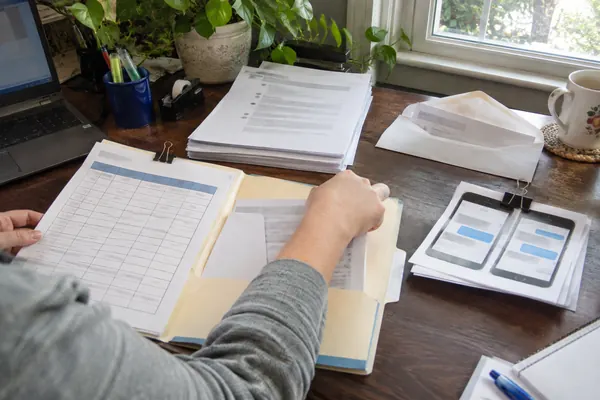
The log is the index. The originals are the evidence. Keep the actual emails, letters, texts and screenshots together with the log, either printed and filed behind it or saved in a folder with the same name as your “Topic or case” field.
For paper, a simple folder works: log on top, newest paper at the front, and everything stapled or clipped in date order. For digital copies, use a consistent file name such as “2027-03-04 billing call confirmation email”. Sorted by name, the files line up with your log rows.
If you receive a letter, write the date it arrived as well as the date printed on it. Those can differ by several days, and sometimes that gap is the whole point.
Variations that work
One log per case is my default. A single sheet for a single issue, such as “kitchen repair” or “claim 88231”, is easy to hand to someone else and easy to close. When the sheet fills up, start a second page and write “page 2” in the header.
A second option is one log per person. A teacher, case manager or account manager who you deal with over a long period can have their own page, which helps you see the whole relationship in one place. A third option is a daily log, where each row is a call and the sheet is for one day. That works for people who answer many calls, such as a front desk or a small business owner.
You can also pair the log with a calendar. For long disputes I mark each promised date on a monthly planner page so I see deadlines when I look at the month, and the details stay on the log. If you like keeping related sheets together, the trackers and logs page has more that sit well in the same folder.
Privacy, recording and good etiquette
A communication log can contain names, account numbers and private details, so treat it like any other personal document. Keep it in a folder rather than loose on a counter, and shred old sheets you no longer need once any retention period has passed.
Be careful with recording calls. Rules differ by state and country, and some places require everyone on the call to agree. Writing notes straight after a call avoids the question entirely, and it is often more useful anyway, because a two minute summary is faster to read than a twenty minute recording.
It is perfectly reasonable to tell the other person you are taking notes. “I am writing this down so I get it right” is polite and clear, and it tends to make people more precise about dates and commitments. This is general guidance, not legal advice, so if the matter is serious, ask a professional what to keep and for how long.
Printing tips
Print on US Letter or A4 at 100 percent, with “actual size” selected rather than “fit to page”, so the rows stay a comfortable height. If your printer cuts the edges, check the margins setting before you change the scaling. I print each sheet on my home inkjet on both US Letter and A4 before it goes live, and it fits on one page both ways.
If you are filling in by hand, use a pen rather than a pencil. Pencil smudges and can be accused of being altered, and ink makes the log look more trustworthy. For corrections, cross out with a single line and add the date, rather than scribbling over.
Slightly heavier paper helps if the sheet will be handled a lot, and a three hole punch lets it live in a binder. Print two or three blank copies at a time, so a new case never starts with a missing page.
When to start a new sheet and when to close the log
Start a new sheet when the topic changes, when the sheet is full, or when a new person takes over a case. Write the old sheet’s closing note on its last row: “Resolved 6/2, credit applied” or “Escalated to supervisor, new log started”.
Close a log only once everything is ticked and you have the final confirmation in writing. Then date the closing row, put the sheet in your folder, and note the date you may shred it if you have a retention period in mind.
If you find yourself returning to an organization often, keep the old log. The history saves time the next time you call, because you can say what was tried and what worked.
Common questions
What should a communication log include?
At a minimum: the date, the time, who you spoke with, how you reached them, and a short factual summary of what was said or agreed. A follow up date and a done box turn the log from a record into a working tool.
How long should I keep a communication log?
Keep it for as long as the matter is open, and for a good while after it closes. For school, insurance, landlord or billing disputes, many people hold on to the log and its emails for a few years. If the issue involves legal or tax rules, check the retention guidance that applies to you.
Is a communication log legal evidence?
A log made at the time of each contact is a useful, organized record, and it helps you give accurate dates and details when someone asks. Whether it counts as evidence depends on the situation and where you live, so ask a lawyer or advocate if the stakes are high.
Can I log phone calls without recording them?
Yes. Writing a note straight after the call is the simplest method, and it needs no one's consent. Recording rules vary by state and country, so check them before you record anything.
What is the difference between a communication log and a call log?
A call log only tracks phone calls. A communication log covers every channel in one place: calls, voicemails, emails, texts, letters, portal messages and in-person conversations.
Should I fill in the log by hand or on the page?
Either works. Typing into the sheet on this page saves in your browser and prints neatly, while a printed copy on a clipboard is quicker for calls where you are away from a screen. Many people do both.
 Reading Log: Free Printable You Can Fill In and Print
 College Assignment Tracker: Free Printable Sheet
 Habit Tracker Printable (Free Monthly Sheet)
 Goal Tracker: Free Printable Sheet You Can Fill In and Print
 Job Application Tracker: Free Printable Sheet
 Workout Log Template (Free Printable Fitness Log)