
Job Application Tracker: Free Printable Sheet

A job application tracker is a single page where you log every role you apply for: the date, the company, the job, who you contacted, where the application stands and when to follow up. This free printable sheet does that in one table, with 16 rows on a US Letter page. You can type into it right here, print it, or download a blank PDF and write on it with a pen.
| Applied | Company | Role and where found | Resume | Contact | Status | Follow up by |
|---|---|---|---|---|---|---|
Status: A applied, F followed up, PS phone screen, I interview, O offer, R rejected, N no reply after 3 weeks
Free for personal, classroom and office use. Your entries are included in the print, PDF and PNG. Prints on US Letter and fits A4.
Black and White Job Application Tracker Printable
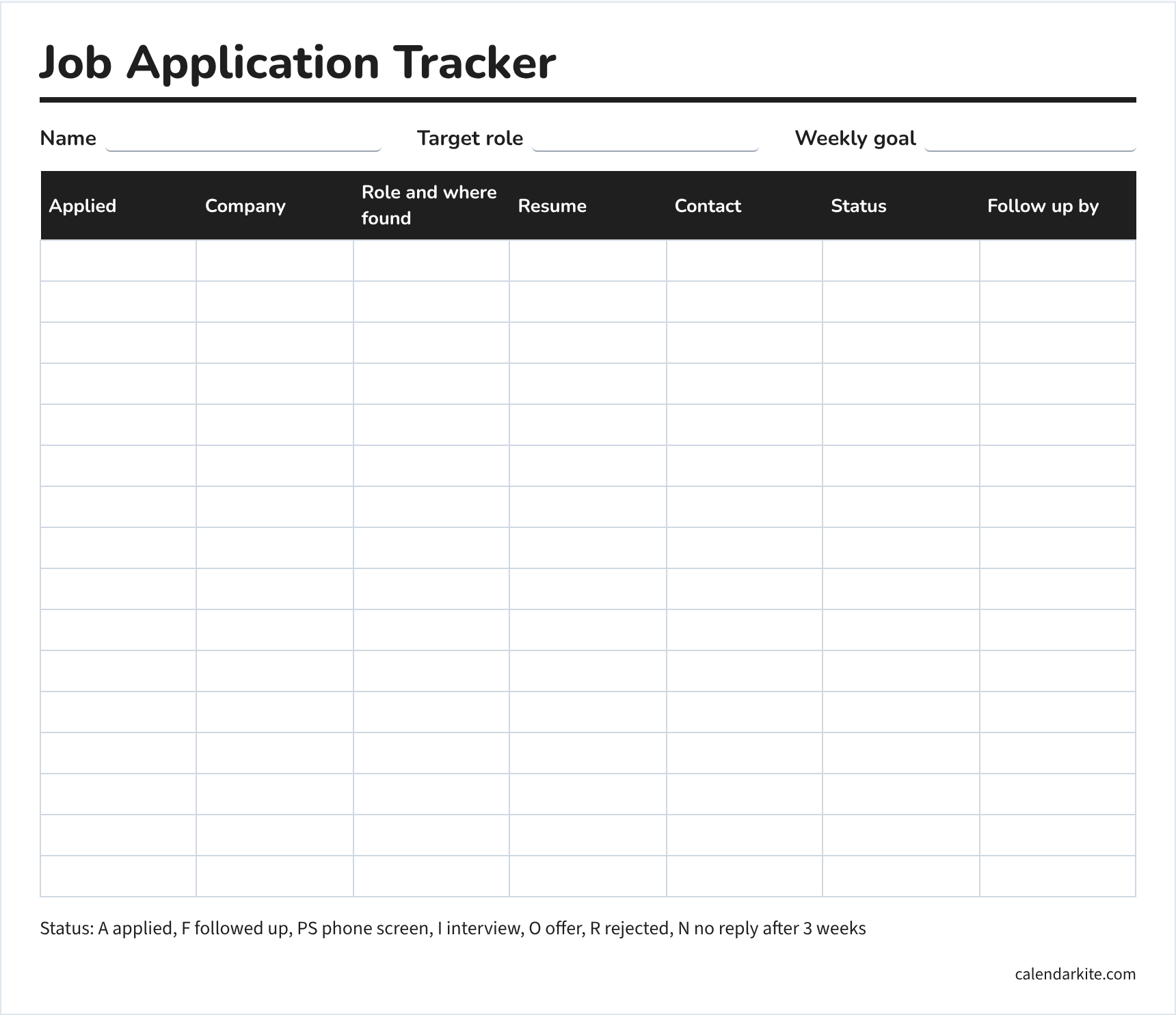
This is my pick if you print often and want to save ink. I test-print every sheet on my home inkjet, and the plain black lines stay readable even in draft mode.
Pink Job Application Tracker
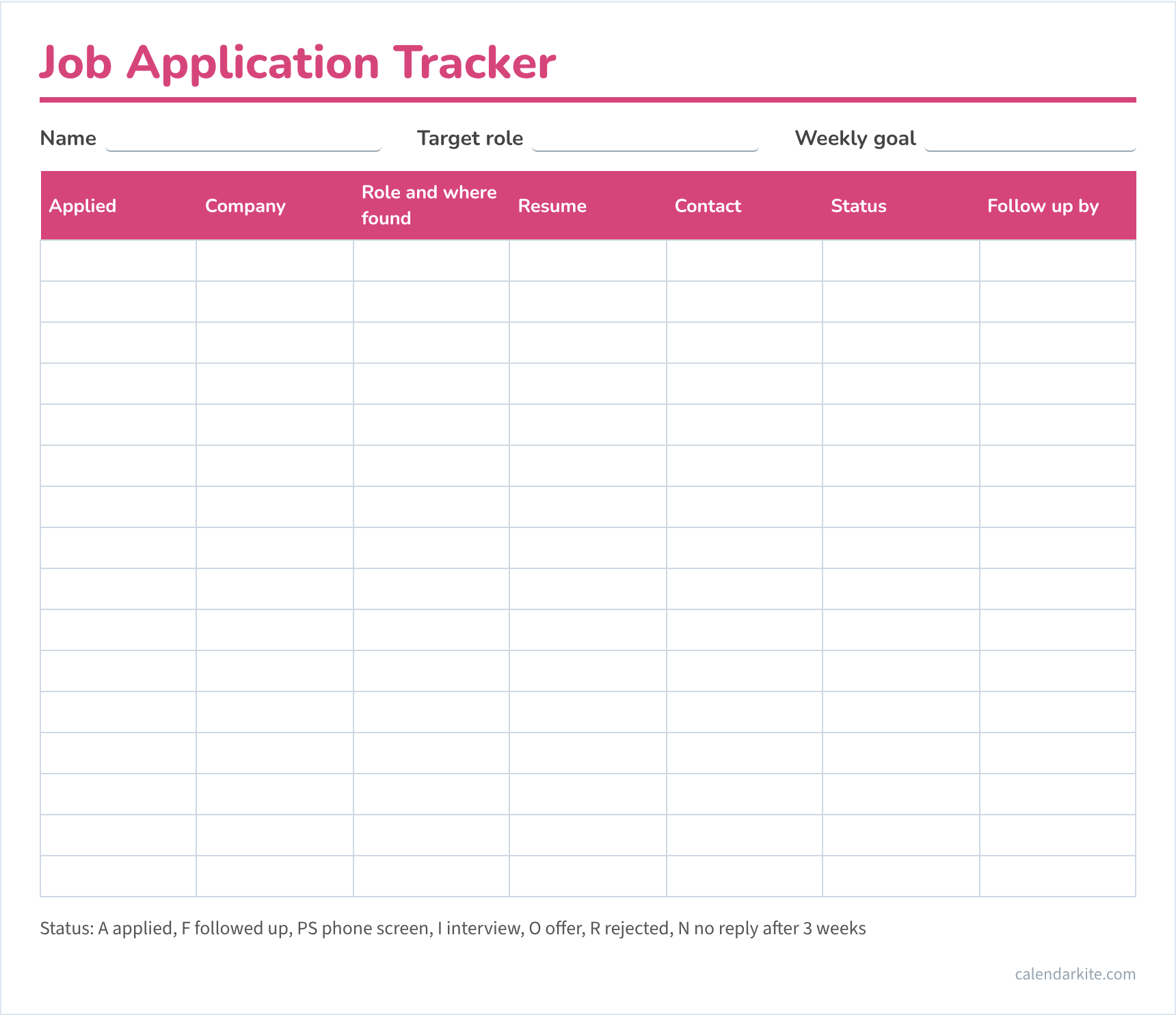
A soft pink look suits anyone who wants a job hunt to feel a little less grim on the desk. Use it to log each company, date applied and follow-up date in one glance.
Sage Green Job Application Tracker
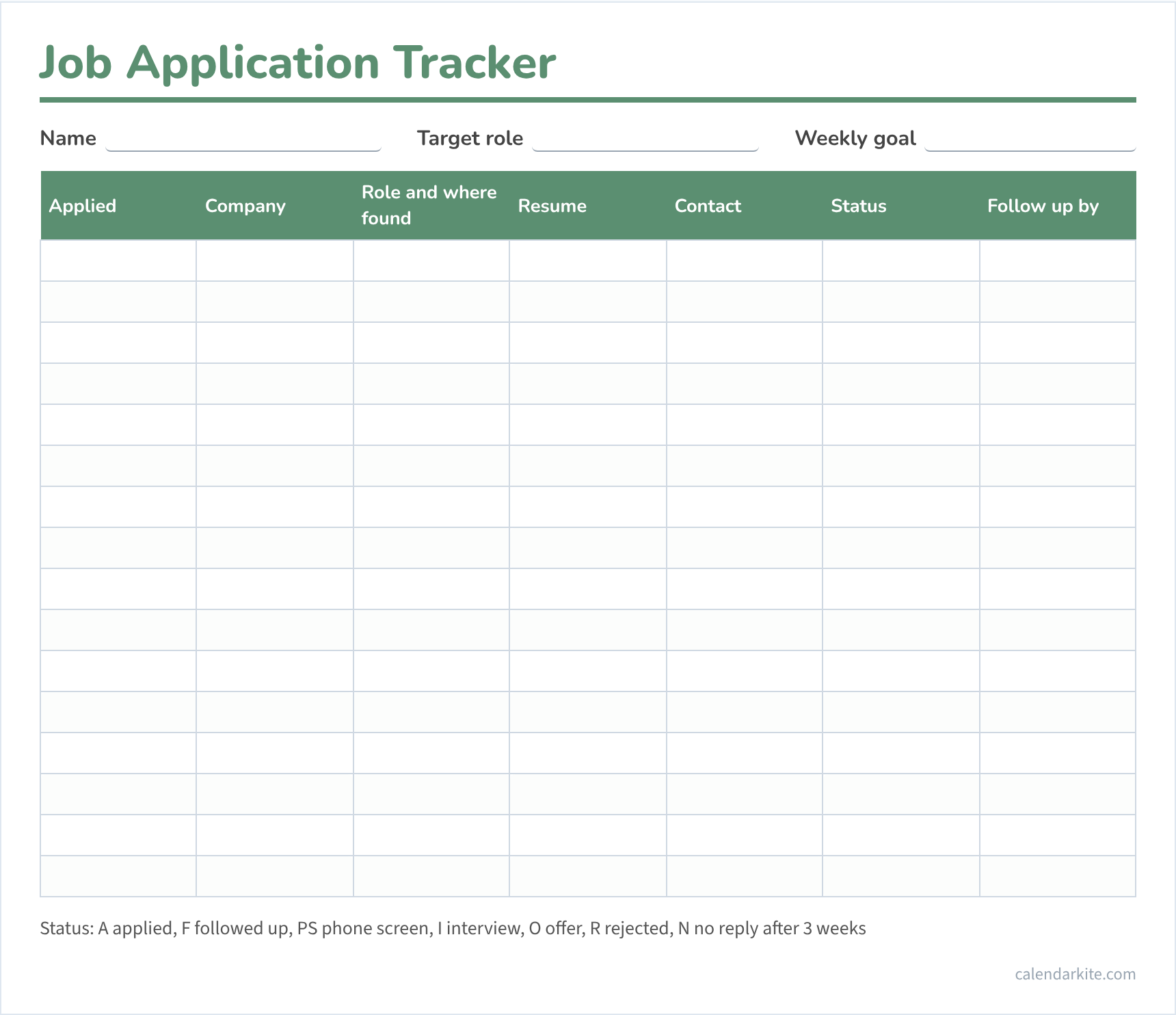
I like this calm green for long searches where you're sending several applications a week. In my office years I saw people lose track of follow-ups, so use the status column to mark each one as sent, interviewed or waiting.
Cute Job Application Tracker
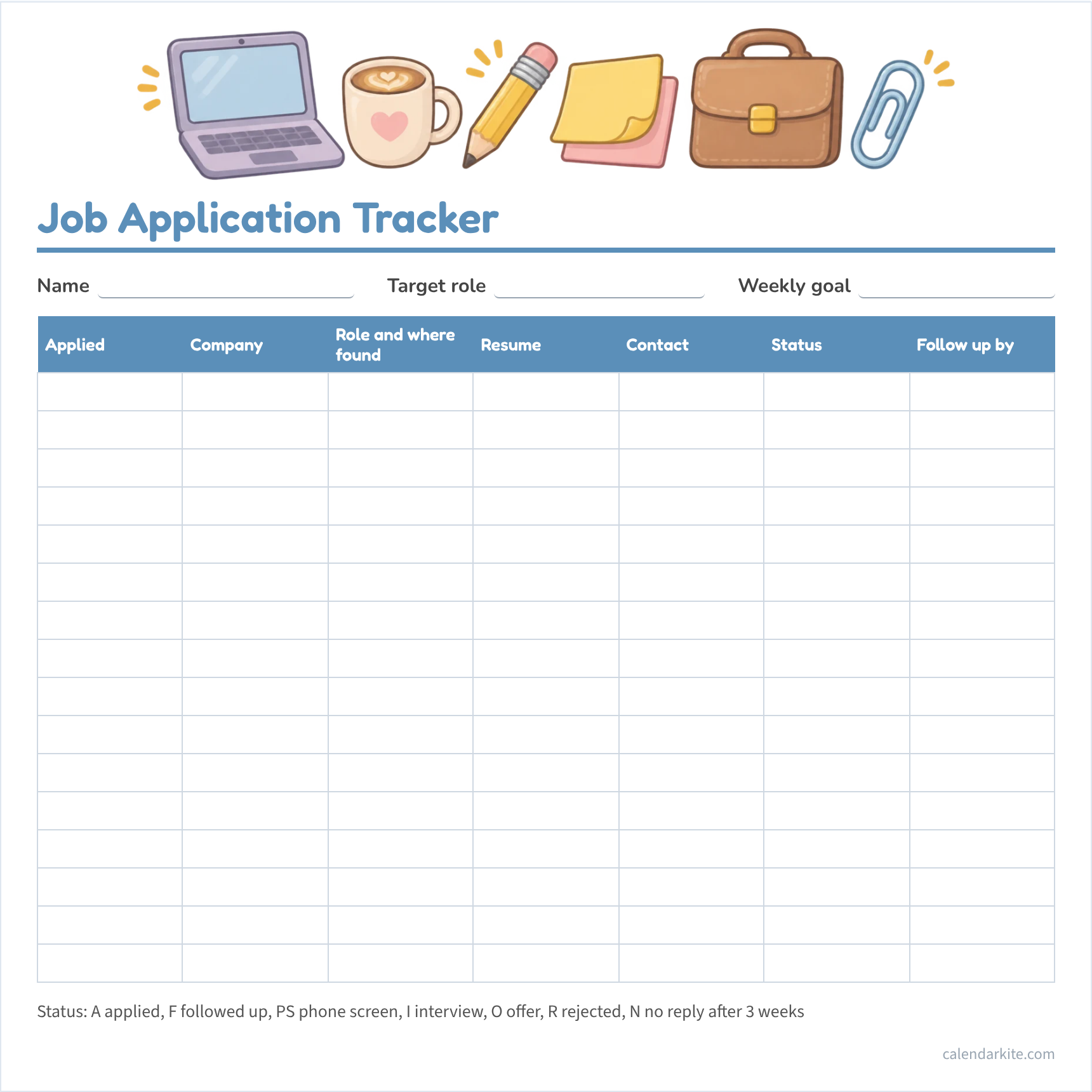
The pastel blue and little illustrations at the top suit anyone who wants a friendlier way to track a stressful search. Keep it on a clipboard and note the role, contact person and next step for each application.
Floral Job Application Tracker
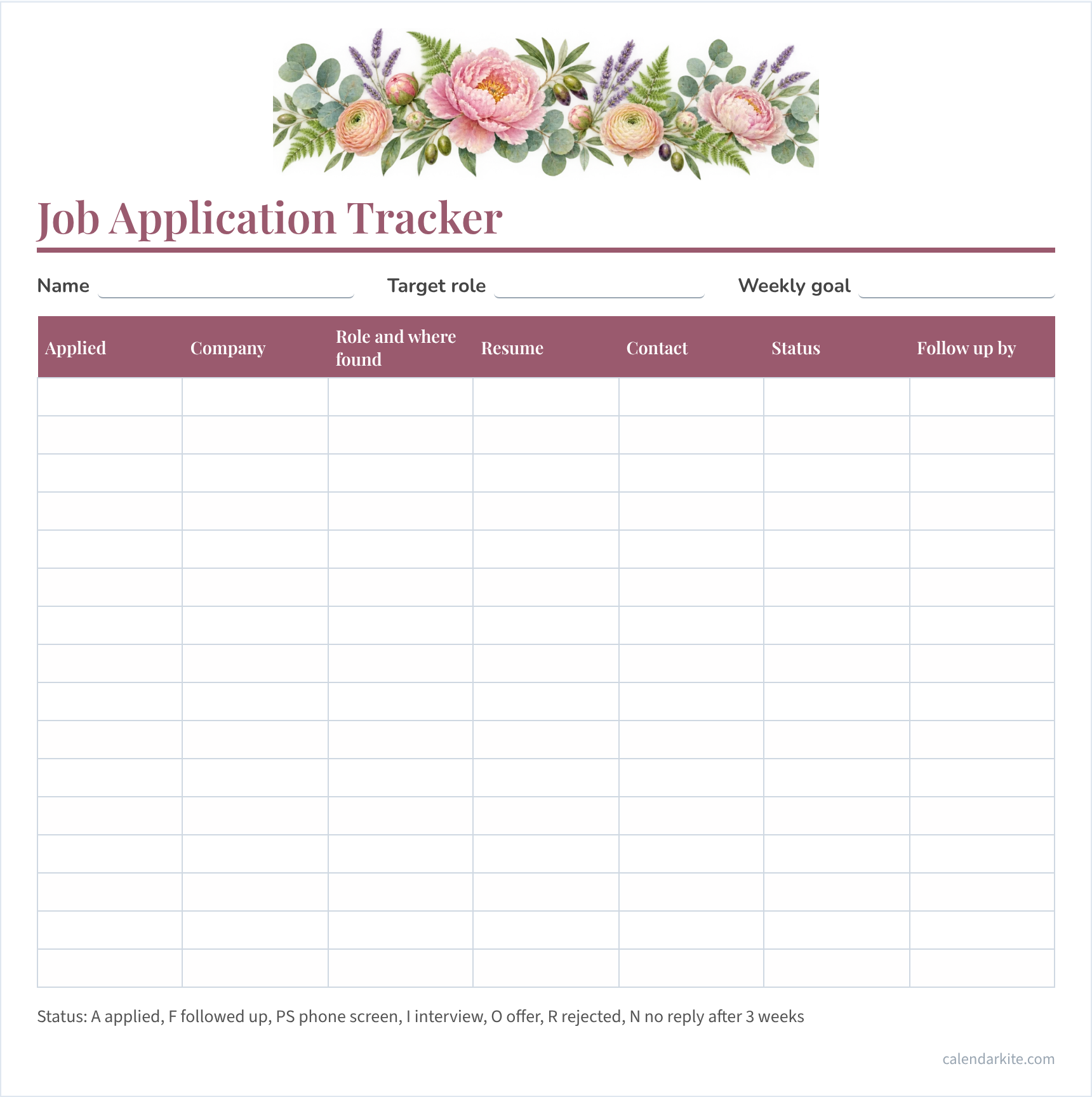
The watercolor flowers and serif headings give this one an elegant feel that suits creative and professional roles alike. I'd tuck it in a binder next to your resume copies and cover letter drafts.
Colorful Job Application Tracker
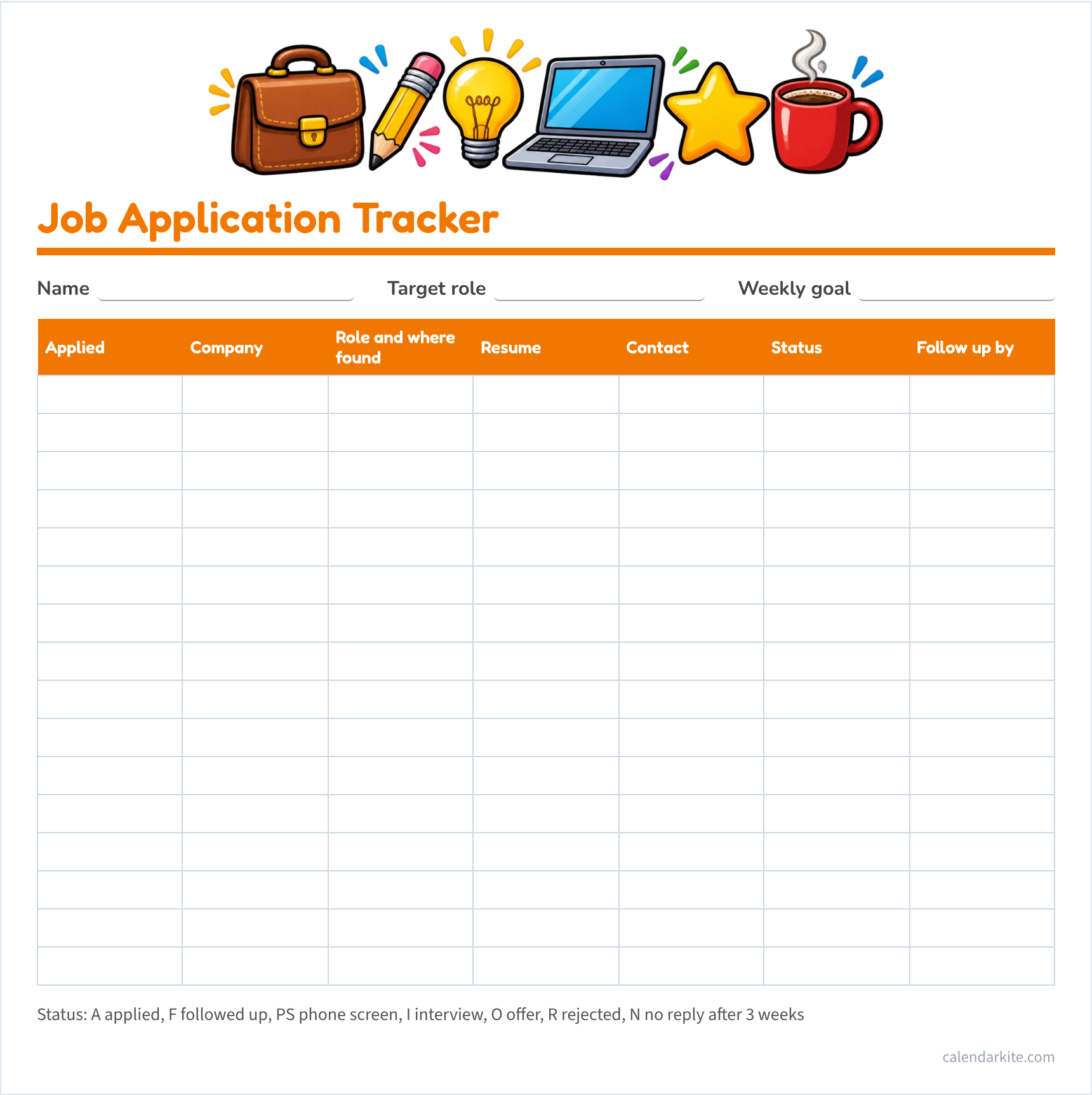
Bright orange and yellow with bold cartoon touches make this one good for anyone who needs a mood boost during a long search. At home I keep my planner on the kitchen counter, and a bright sheet is hard to lose under the mail.
Simple Job Application Tracker
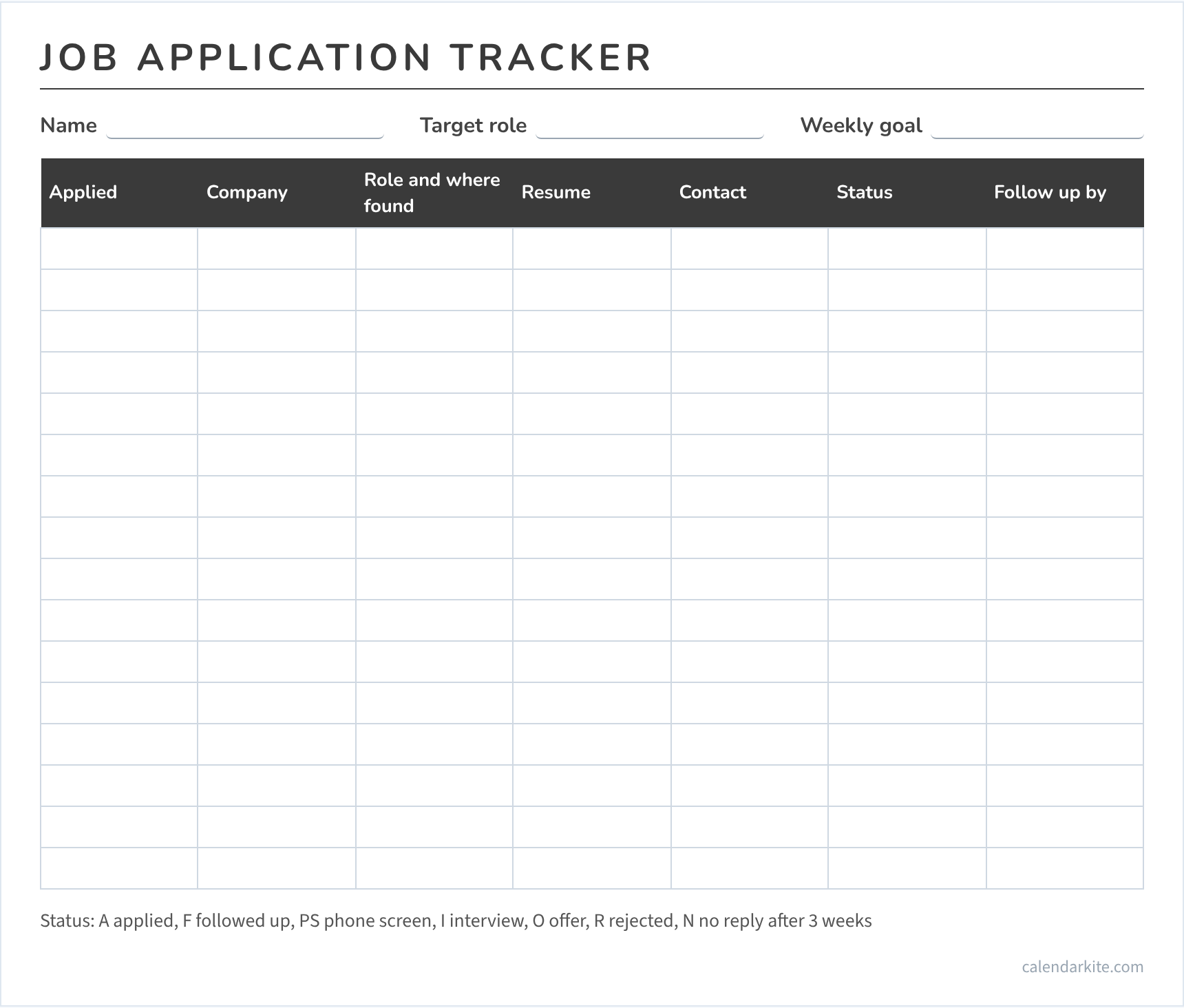
Thin gray lines and a light uppercase heading keep this one clean for anyone who prefers a no-fuss page. I kept the decoration minimal so there's more room to write company names and notes by hand.
Aesthetic Job Application Tracker
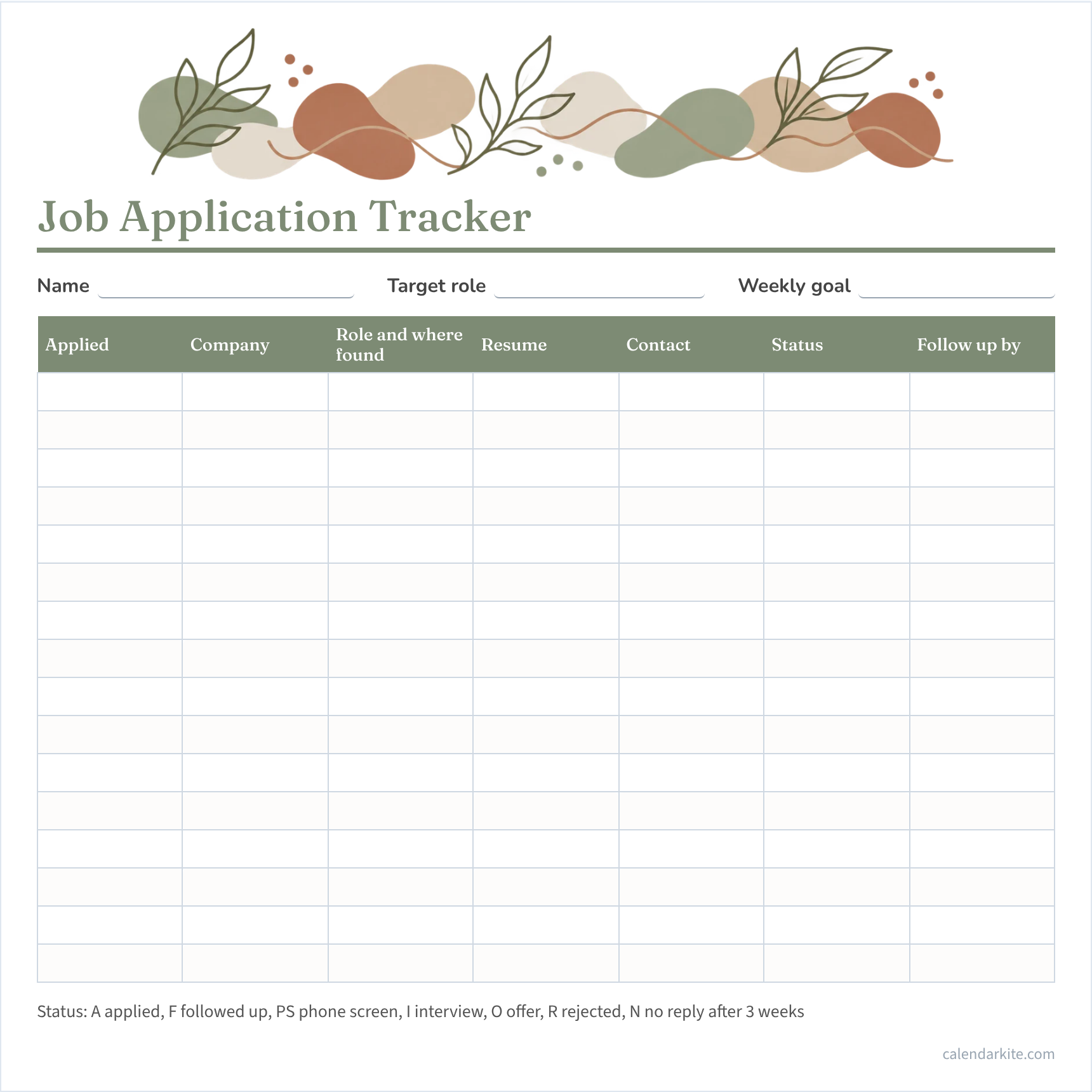
Muted sage, sand and terracotta with soft line-art leaves suit anyone who wants a desk-worthy page. It works well pinned above a workspace so your open applications and deadlines stay in view.
Vintage Job Application Tracker
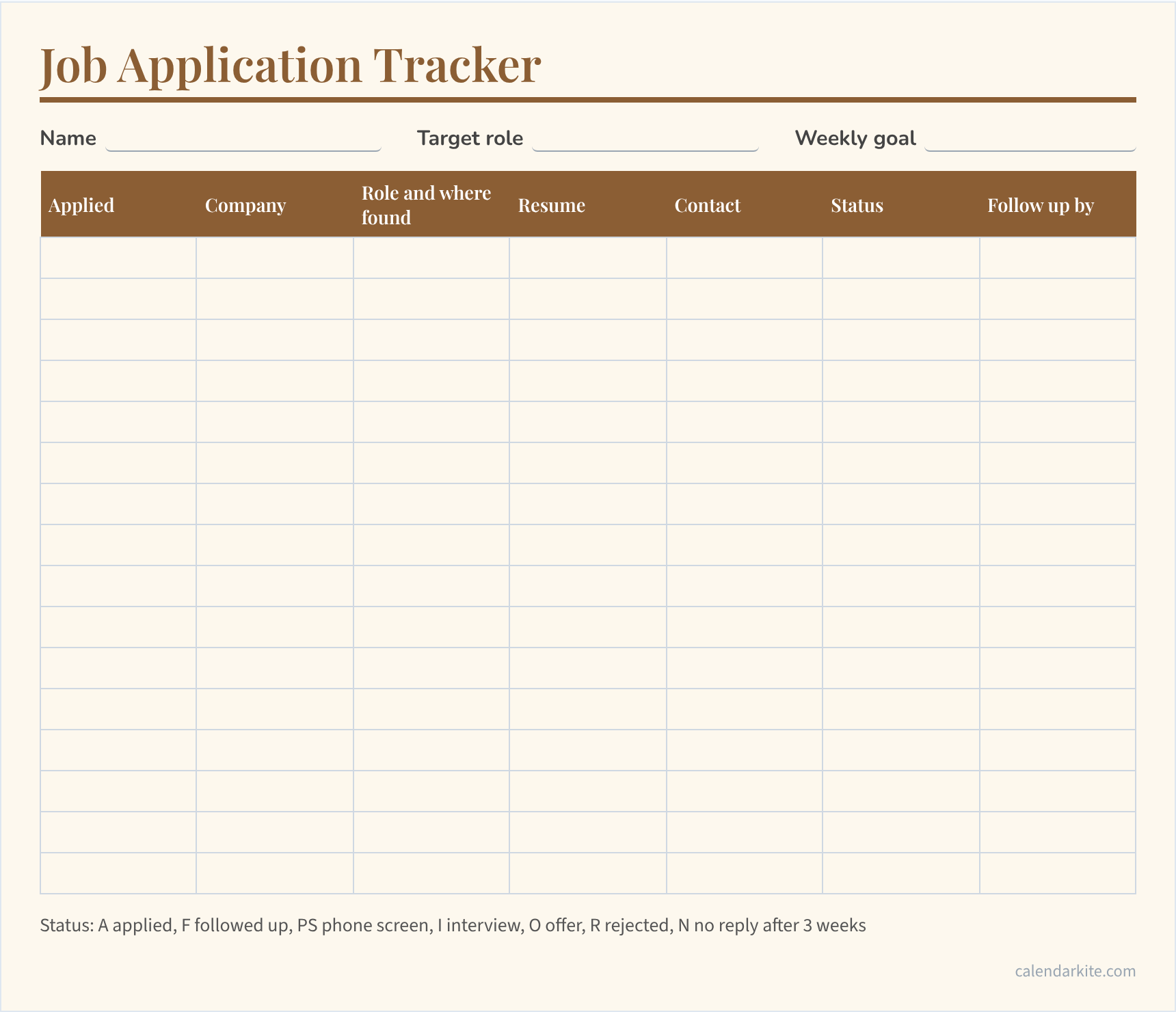
Cream paper and brown serif headings give this a classic, ledger-style look that suits anyone who likes a traditional record. I print it on US Letter and A4 and check that the margins don't clip on either.
Modern Job Application Tracker
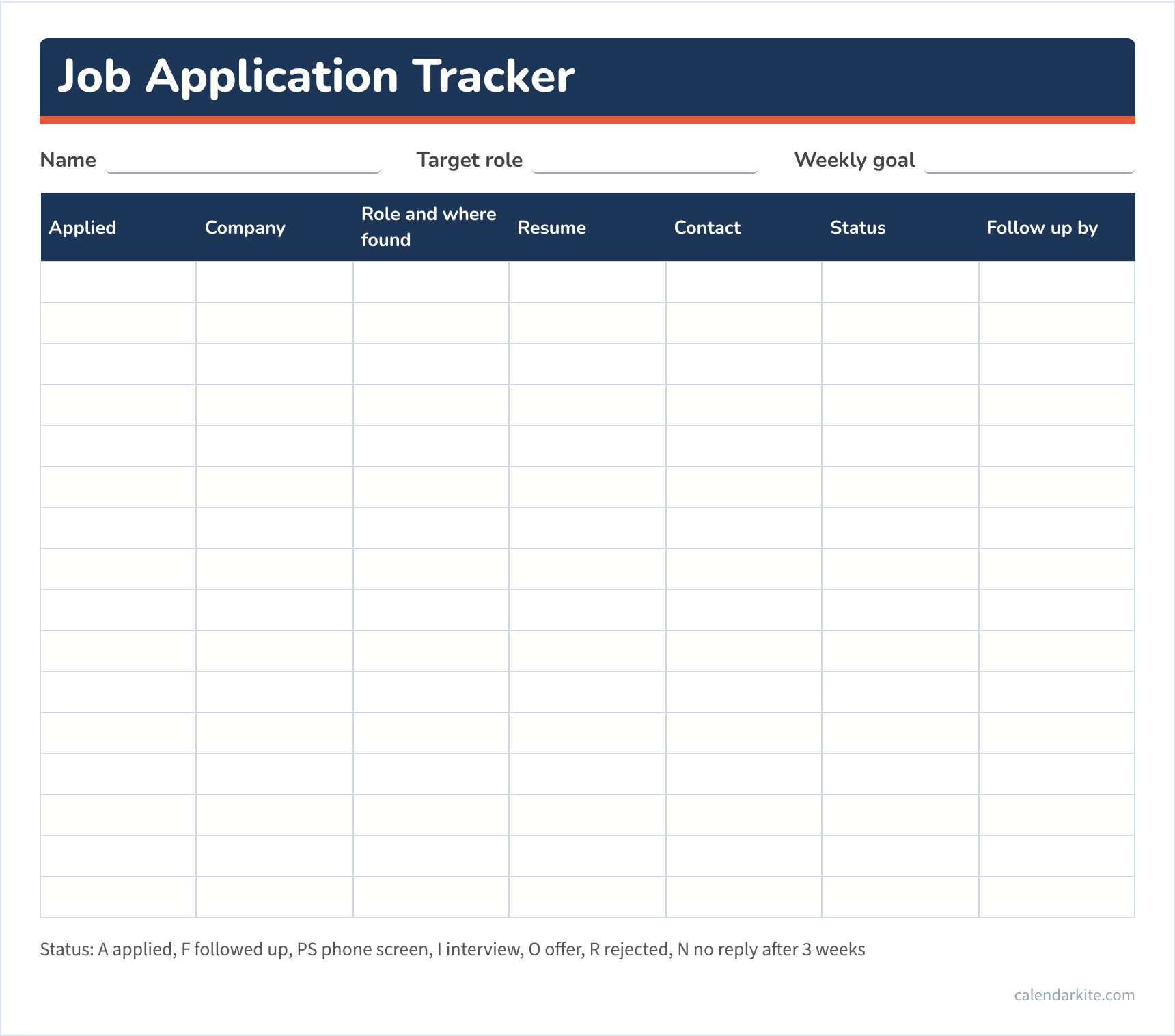
The navy header band and coral accent look sharp for anyone treating the search like a project. I learned in the office that dated follow-ups win out over memory, so fill in the date every time you apply.
A tracker earns its place the first time a recruiter phones and you can answer “Which role was that, again?” without panicking. After about ten applications, memory stops being reliable. I spent roughly ten years in office administration keeping schedules, supply lists and staff rotas readable, and the lesson was always the same: a list you can scan in five seconds gets used, and a clever one gets abandoned.
What a job application tracker does
A tracker answers three questions at a glance. What have I sent, and when? What is waiting on me? What is waiting on them? Everything else is decoration. If your sheet can answer those three questions for every application, it is doing its job, and you can ignore the rest of the templates floating around with thirty columns.
It also protects you from small, avoidable mistakes. Applying twice to the same company with two different resumes looks careless. Forgetting the name of the hiring manager before an interview is awkward. Missing the one week when a posting would have been worth a quick follow-up costs you a chance you did not know you had. A page of rows catches all of that.
The last job is quieter: it shows you effort. A job search can feel shapeless, with days of work that leave nothing behind. A filled-in sheet is proof that you are moving, and on a slow week that matters more than it sounds.
What is on this printable sheet
I kept the layout to seven columns because every extra column slows down the moment you log an application, and that is the moment people quit. Here is what each one holds:
- Applied: the date you submitted.
- Company and Role and where found: the employer, the job title as posted, and the source (a job board, the company site, a referral).
- Resume: a short label for the version you sent, such as “A” or “Ops”.
- Contact: a recruiter, hiring manager or referral name, or an email address.
- Status: a one or two letter code, explained in the footer.
- Follow up by: the date you will next act on this application.
There are three header fields at the top: your name, the role you are targeting and a weekly goal (say, five applications). The rows are tall enough for handwriting. When I test-printed the early versions on my home inkjet, my own writing kept running into the lines, so I made the rows taller and cut the column count instead of cramming. The sheet prints on US Letter and A4 without trimming.
How to fill in each column
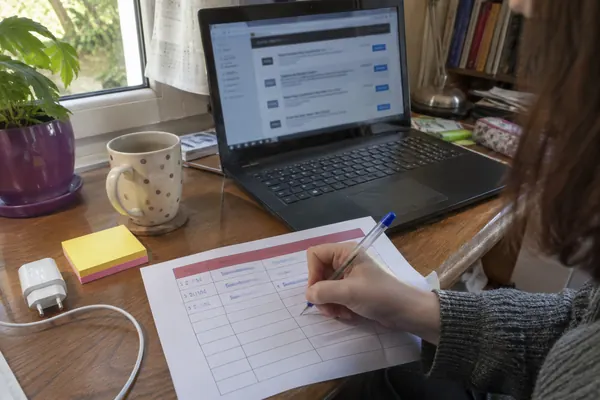
Fill in the row the moment you submit, not at the end of the day. Write the date, company and role first, then the source. If you applied through a recruiter or a friend, say so in the source space, because a referral and a cold application behave very differently and you will want to know which is which later.
Use the Resume column even if you only have one resume now. Most people start tailoring after a few weeks, and by then it is too late to remember which version went where. A single letter is plenty. Put the same letter on the file name of the resume you sent, so you can find it again before an interview.
For Contact, write whatever you have: a name from the posting, a recruiter’s email, “applied through portal, no contact”. Blank is fine, but “no contact” tells you at a glance that a follow-up needs a different approach, such as finding someone on the team to write to. Finally, set Follow up by before you close the pen. A date written down is a task. A vague intention is not.
Try this: Take your last five applications, even if you are guessing from email confirmations, and fill in five rows now. Use the confirmation emails for dates and the sent folder for resumes. It takes about ten minutes and shows you immediately what you would have lost track of.
Status codes that stay readable
A status column fails when it fills with long phrases like “waiting to hear from the manager about next steps”. Codes keep it short and scannable. The footer of the sheet gives the set I use, and I keep it to seven because more than that and you stop remembering which is which:
- A: applied, nothing back yet.
- F: you followed up.
- PS: phone or recruiter screen booked or done.
- I: interview stage (add a number if there are rounds, such as I2).
- O: offer received.
- R: rejected.
- N: no reply after three weeks, treated as closed unless they contact you.
Update the code in pencil or a different colour of pen so the history stays visible. When a row ends, either way, cross out the status and write the final one. I would not erase, because a row that shows A, then F, then R tells you something about timing.
The N code is deliberate. Many employers never send a rejection, and an application sitting at “A” for two months makes the page feel full of loose ends. Calling it closed after three weeks lets you move on without pretending to know what happened. If they do write back, you can reopen it.
Who this tracker suits
It suits anyone applying to more than a handful of roles at the same time, which is most people sooner than they expect. Students and new graduates sending out many applications to similar entry-level roles will find the resume and source columns useful. If you are doing the same with coursework deadlines, the college assignment tracker uses the same logic and sits well beside it.
It also works for people changing careers, who tend to run several kinds of search at once and need to see which version of their story is getting replies. And it suits those who are employed and searching quietly, because a paper sheet in a drawer leaves no trail on a work computer or shared account.
If you simply dislike spreadsheets, this is for you. I keep a paper calendar on the fridge and a planner on the kitchen counter, and I know plenty of people who think better when they can see and touch the page. The only people this sheet will frustrate are those applying to dozens of roles a day through automated tools. For that volume, a spreadsheet really is the better home.
Following up without guessing
The follow-up column is the most valuable one on the page, and it is the one people most often leave blank. A sensible default is to follow up once, one to two weeks after you applied, unless the posting names a timeline. If it says “we will contact shortlisted candidates by the end of the month”, wait until the end of the month and write that date down.
Keep the message short. Mention the exact role, say you remain interested, and ask whether there is anything further you can send. One polite follow-up is professional. Three in a week is not. If you reach out and get no answer, write F in the status column, set a second date two weeks out if you want to try again, and then let it go.
After an interview, the timeline changes. Send a thank-you within a day, ask when they expect to decide, and put that date in the follow-up column. If you want a place to note who said what, a communication log gives you space for calls and emails, and it is handy once a few of your applications are at the interview stage.
A ten minute weekly review
A tracker only teaches you something if you look at it. Pick one time each week, such as Friday after lunch or Sunday evening, and go down the page with a pen. I do my own weekly planning at the kitchen counter, and a review like this fits in the same slot. It takes about ten minutes.
- Count how many applications you sent this week against the goal in the header.
- Find every row whose follow-up date has passed and act on it, or close it.
- Look at the Resume and source columns and note where your replies came from.
- Set next week’s goal and block time for it.
Step three is where a paper tracker quietly becomes useful. After twenty or so rows you will often see a pattern: referrals replying more than job boards, or one resume version getting more screens. You do not need statistics. Two or three rows of the same kind getting replies is enough to change how you spend your next week.
Try this: Block three one-hour slots on your weekly calendar for applying, and write the weekly goal in the sheet header. Treat those hours like appointments, and tick them off after each session.
Tracking resume versions and sources
Tailoring your resume without tracking it wastes the effort. If you rewrite your summary for an operations role and a different one for a customer service role, you need to know which went where. The letter in the Resume column is enough. Save each version with the matching letter in its file name and keep them in one folder.
Source matters for the same reason. Where you found a role (a job board, the company’s own site, a friend, a recruiter message) changes how long it takes to hear back and what a follow-up should look like. Write it plainly, even as an abbreviation. Some people add a star for roles they found through a person, so they can find referrals quickly when scanning the page.
Do not let this tip into obsession. You are not running a lab, and a handful of applications will not prove anything. But over a few weeks the notes give you a rough picture, and rough is enough to decide whether to spend the next Saturday on cold applications or on messaging former colleagues.
What to keep outside the tracker
The sheet is an index, not an archive. Postings are often taken down once a role is filled, so save a copy of the job description for anything you apply to seriously. A PDF saved from the browser is fine. You will want the exact wording when an interview is booked, and the page might be gone by then.
Make one folder per application on your computer, named with the company and date, and put the job description, the resume and cover letter you sent, and any emails you want to keep inside. The row on your sheet is the pointer to it. A paper page on its own cannot hold all of that, and it does not need to.
Keep passwords and personal identity numbers off the tracker. It lives on a desk or a fridge door, and anyone passing can read it. Use a password manager for portal logins. Some regions also ask people claiming unemployment benefits to record work-search activity, and a dated list of employers, contacts and methods covers much of that. Check what your own state or agency requires, because some insist on their own form.
Tracking interviews and offers
When a row reaches the interview stage, the line on the sheet is no longer enough. Use the Contact column for the interviewer’s name, add the date beside the status (I 12/4), and write any prep tasks on a separate page or in your to-do list. After the interview, jot the questions you were asked while they are fresh. They tend to repeat from one employer to the next.
If an offer arrives, you will want to compare it fairly. Salary, commute, hours, benefits and growth rarely line up neatly. A pros and cons chart puts two offers side by side, so the decision rests on what you wrote down rather than on whichever conversation was most recent.
Even after you accept, keep the sheet. Mark the winning row O, mark the others as withdrawn or closed, and file the page. If the job does not work out, or you are searching again in a few years, you will have a record of what you tried, who you spoke to and which employers you liked.
Variations to try
The base sheet suits most people, but small changes help in particular situations. If you apply in bursts, use one sheet per week and write the week at the top. If your search is slow and targeted, a single sheet might last a month. You can also keep one sheet for “saved” roles you intend to apply to, separate from those you have sent, so the main page stays honest.
A few other options:
- Two sheets by role type, if you are searching in two fields at once.
- A recruiter sheet, listing agencies, contacts and which roles they have sent you.
- A goal strip, where you tick off a weekly target on a goal tracker so the numbers show up elsewhere.
- A digital copy, typed on this page and saved in your browser, with a paper print for the desk.
If you want a wider set of logs to pair with it, the trackers and logs page lists everything I have built in that style. For a search that runs for months, a monthly overview helps, and any monthly calendar from the site works for marking interview dates and deadlines.
Printing tips
Print at 100 percent, with page scaling switched off, so the rows stay the size I designed them. I test-print each sheet on US Letter and A4 on my home inkjet, and the table fits both. Black and white is fine, because there is no colour coding to lose. Draft mode saves ink and is still readable.
A few habits make it last:
- Print two or three copies at once so a new sheet is ready when one fills up.
- Use a pen for the first six columns and pencil for the status, so you can update it without scribbling out.
- Clip sheets on a clipboard or in a folder, with the newest on top.
- Punch holes if you plan to keep the history in a binder.
If you want to type before printing, enter your details on this page. It saves in your browser, so on the same device you can add rows over several days and print when you are ready. Clearing your browser data will remove it, so print a copy when it matters.
Try this: Print the sheet today and put it where you apply from: next to the laptop, on the fridge, on a clipboard by the desk. If you have to hunt for it, you will log from memory later, and that is when rows go missing.
When replies are slow
Every job search has a stretch where nothing comes back, and a page of A’s can look bleak. This is when the tracker is most useful, and when I would change how I read it. Look at what you controlled: how many you sent, how many follow-ups you completed, whether your resume matches the roles. Those are the things you can change. Replies mostly are not.
If you are three weeks in with many applications and no screens, look at the pattern on the sheet. Are you applying to roles that match your experience? Are you mostly using one source? Is one resume version performing better? Make one change, record it with a new resume letter, and watch the next ten rows.
Also remember that a thin week is not a failed week. Put a small win in the footer or on the page margin: a message sent to a former colleague, a mock interview, a resume update. A tracker that records only outcomes is discouraging. One that records effort keeps you going.
Common questions
What should a job application tracker include?
At minimum: the date you applied, the company, the role, where you found it, which resume you sent, a contact name, the current status and a follow-up date. A notes space is useful, but the follow-up date is the column that keeps applications from going cold.
How often should I follow up on a job application?
A common rule is to follow up once, about one to two weeks after applying, unless the posting gives a timeline. If you have had an interview, send a thank-you note within a day and ask when you can expect to hear back, then use that date as your next follow-up.
How many applications should I track on one sheet?
This sheet holds 16 applications on one US Letter page. Most people fill a sheet in one to three weeks, then start a new one and clip the old page behind it so the full history stays together.
Is a paper job tracker better than a spreadsheet?
Neither is better in general. Paper is faster to glance at, works away from a screen and suits people who find spreadsheets tedious. A spreadsheet is easier to sort and search. Many people keep paper for daily use and nothing else.
Should I keep rejected applications on the tracker?
Yes. Cross them out with the R status rather than erasing them. You will want to know if you already applied to a company, which resume you used, and whether a new opening there is worth a second try.
Can I fill the tracker in on screen before printing?
Yes. You can type into every field on this page, and it saves in your browser, so you can come back and add to it. Print it when you want a paper copy, or download the blank PDF to write on by hand.
 Reading Log: Free Printable You Can Fill In and Print
 College Assignment Tracker: Free Printable Sheet
 Habit Tracker Printable (Free Monthly Sheet)
 Goal Tracker: Free Printable Sheet You Can Fill In and Print
 Workout Log Template (Free Printable Fitness Log)
 Reading Log for Kids (Free Printable)