
Reading Log: Free Printable You Can Fill In and Print

A reading log is a simple record of what you have read: one row per book, with the title, author, dates, pages, a rating and a short note. The free printable above gives you 18 rows on one US Letter page, and you can type straight into it, tick and edit it on screen, then print it when you are ready.
| Started | Title and author | Format | Pages | Finished | Rating | Notes |
|---|---|---|---|---|---|---|
Format: P print, E ebook, A audio. Rating out of 5. Count audiobooks by listed pages.
Free for personal, classroom and office use. Your entries are included in the print, PDF and PNG. Prints on US Letter and fits A4.
Black and White Reading Log Printable
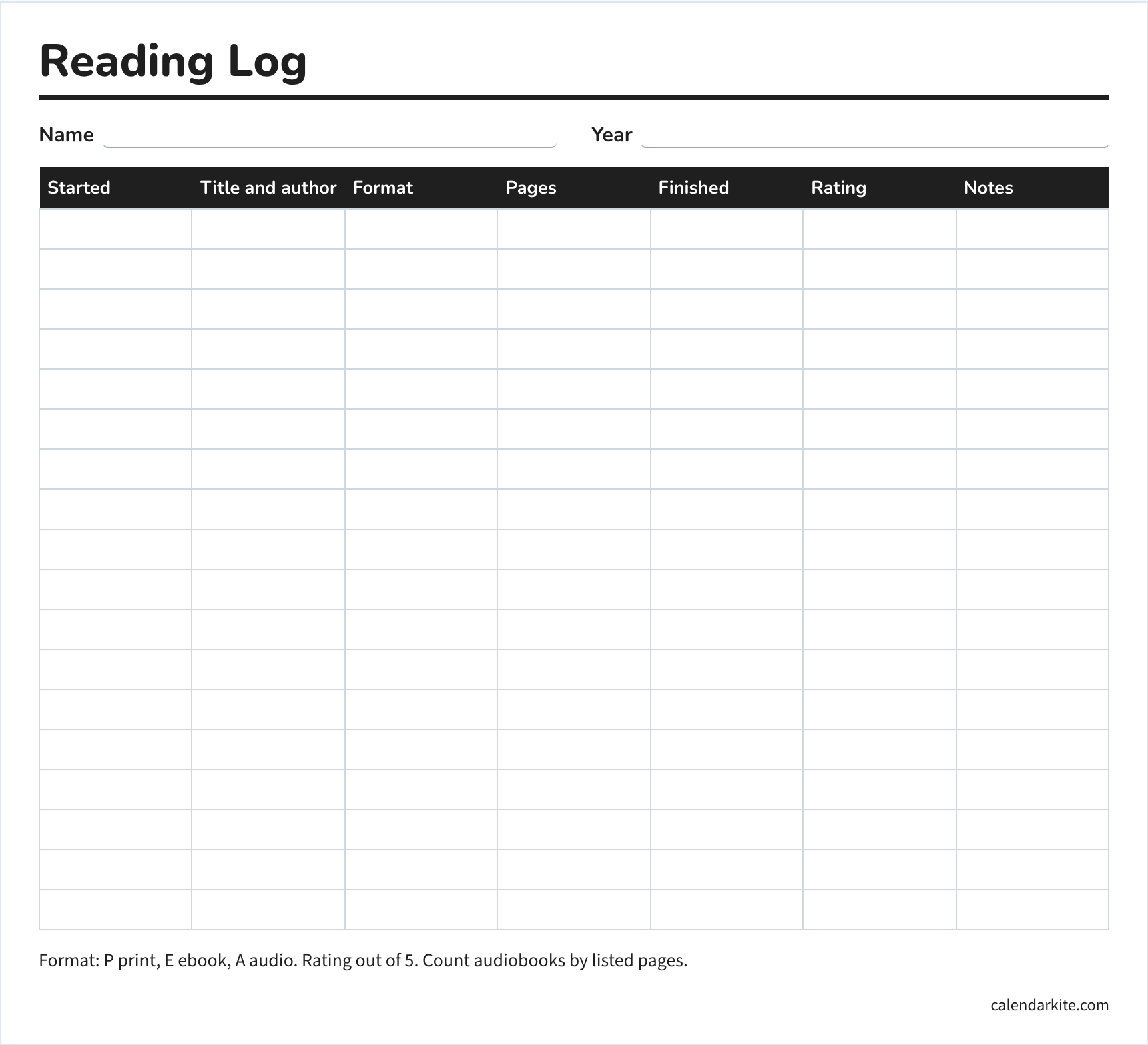
I made this one for anyone who prints often and wants to go easy on ink, like a school reading minutes sheet or a book club tracker. Plain black lines and no filled areas mean it prints quickly and stays readable.
Pink Reading Log
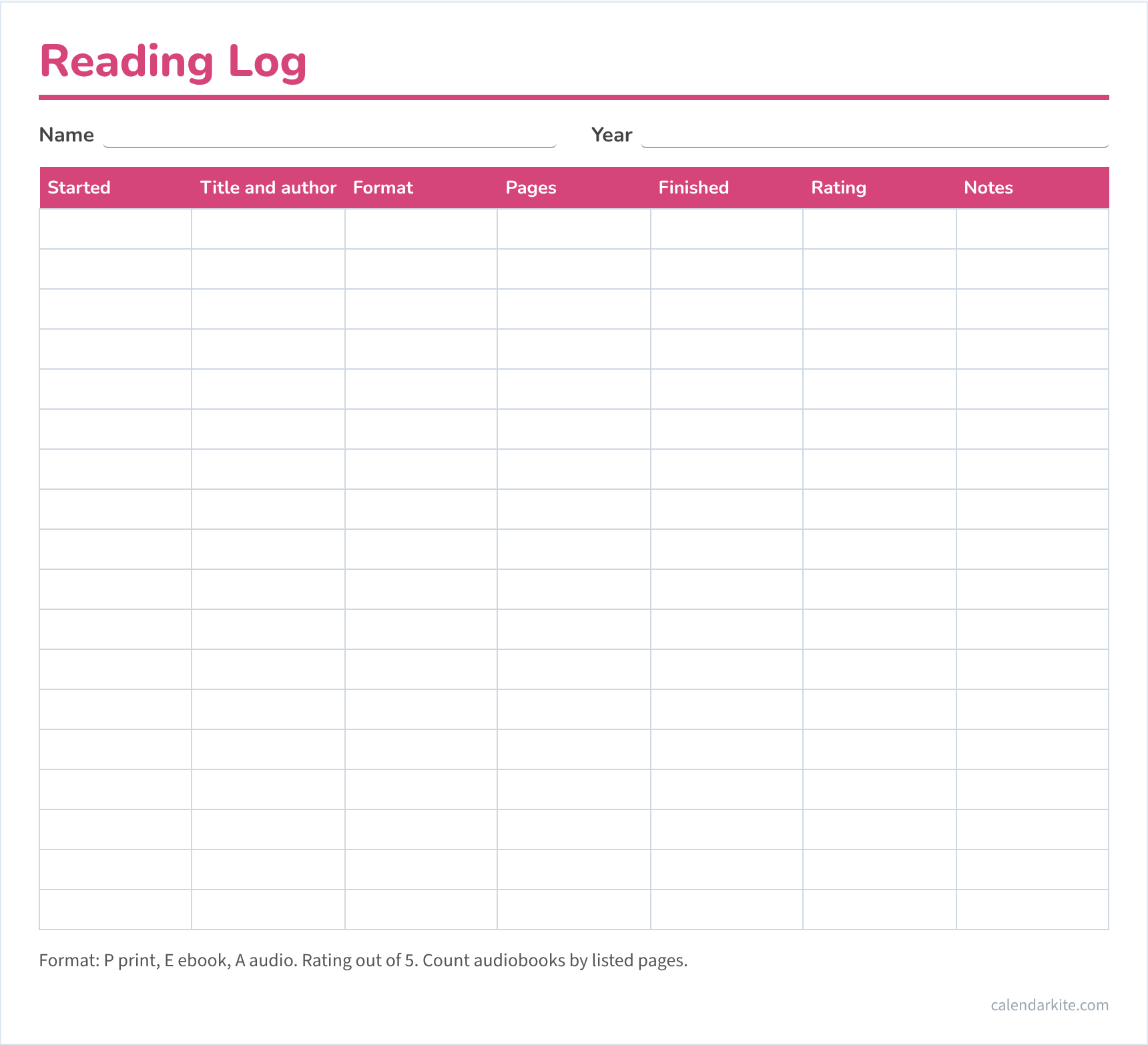
This soft pink version suits a young reader who likes a log that feels like their own, or a teen tracking summer reading. I'd tape it inside a bedroom cupboard door so the nightly entry becomes a habit rather than a chore.
Sage Green Reading Log Printable
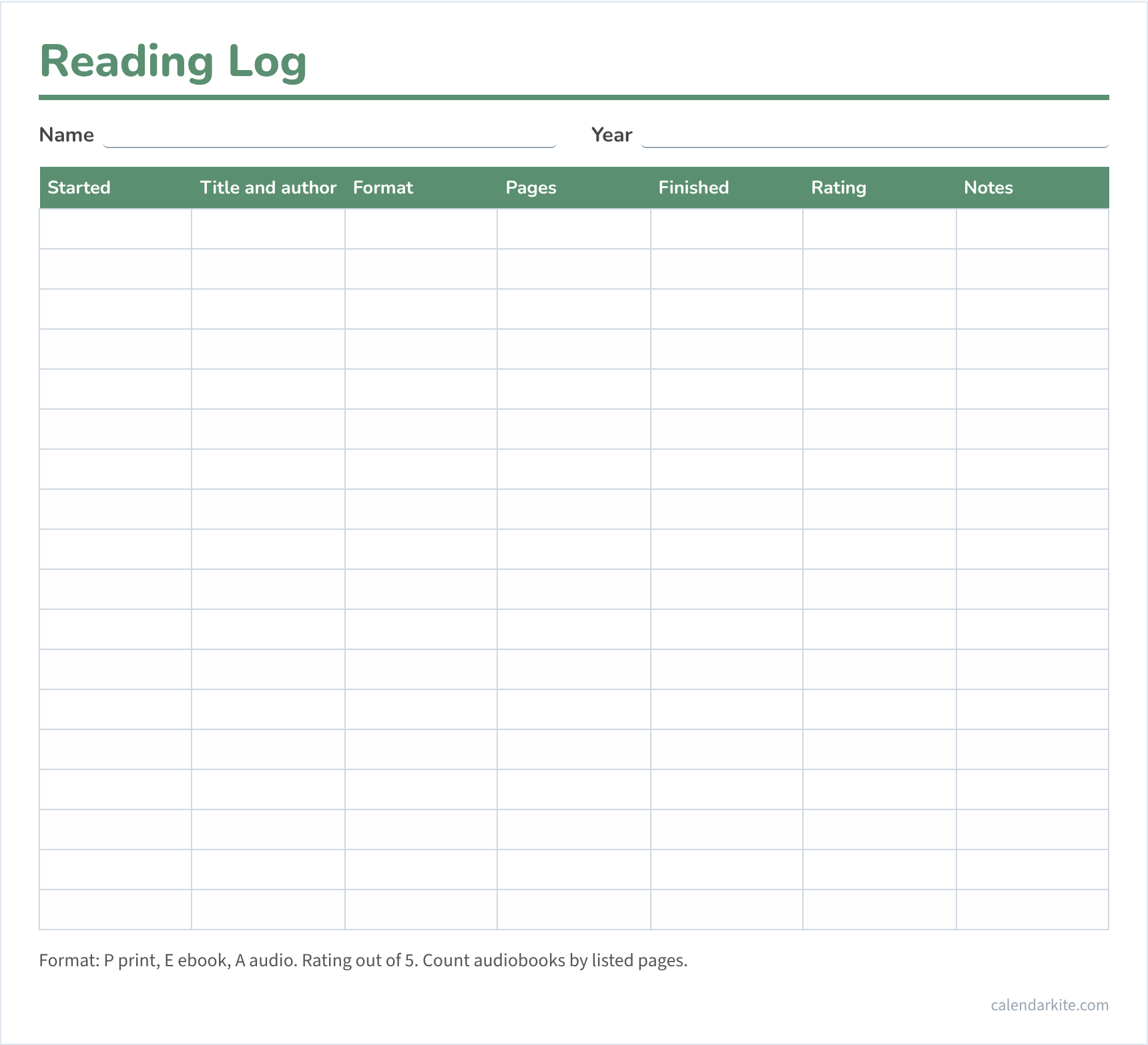
The calm sage green works well for adults who want a reading log that sits quietly beside a planner. I keep a planner on my kitchen counter, and a log in this color beside it is easier to remember to fill in.
Lavender Reading Log
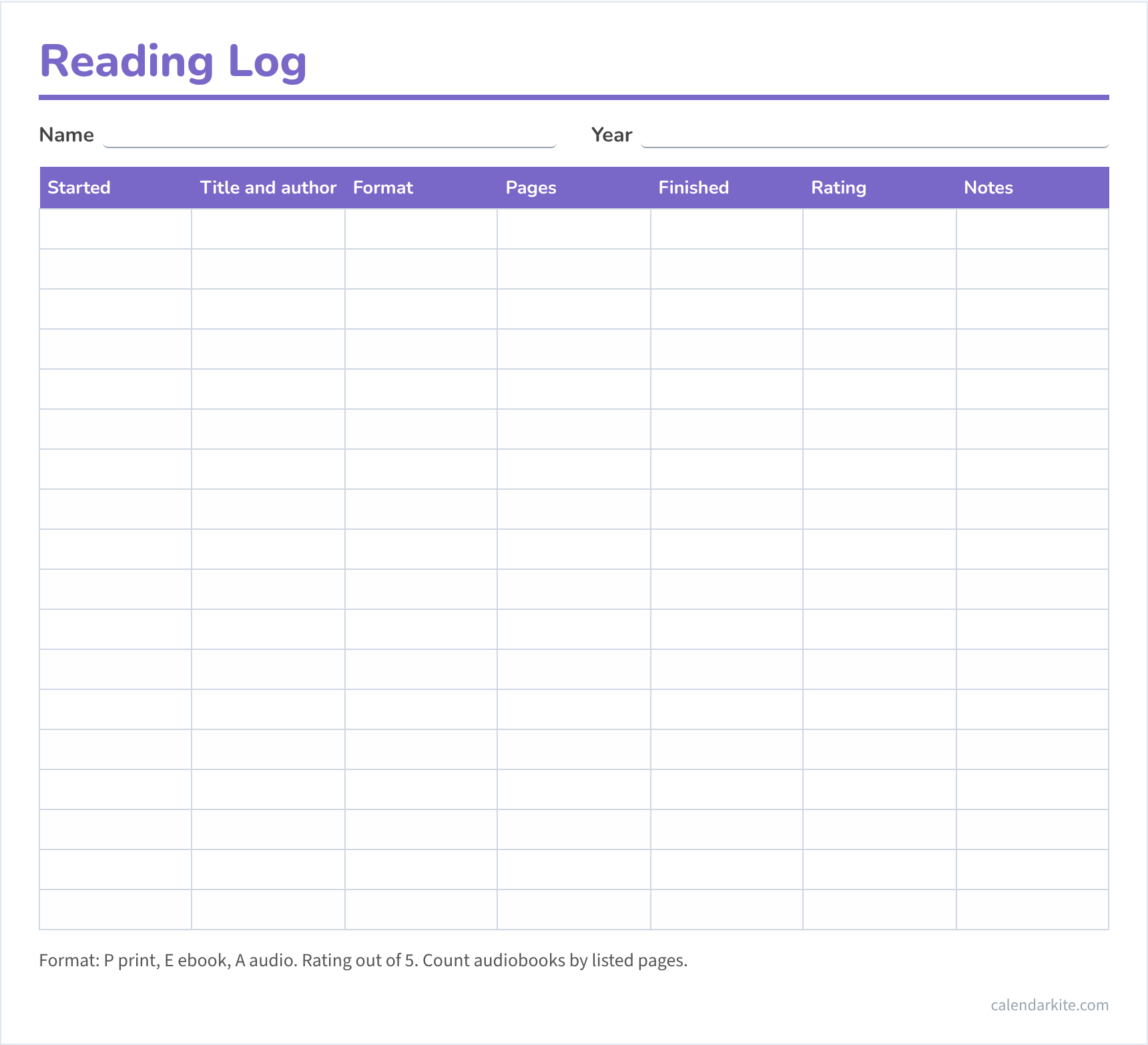
Lavender is my pick for a bedtime reading log, since the muted purple feels relaxed rather than loud. Print it for a nightly chapter habit, a 20-minute reading goal, or a personal list of books you finished this year.
Cute Reading Log Printable
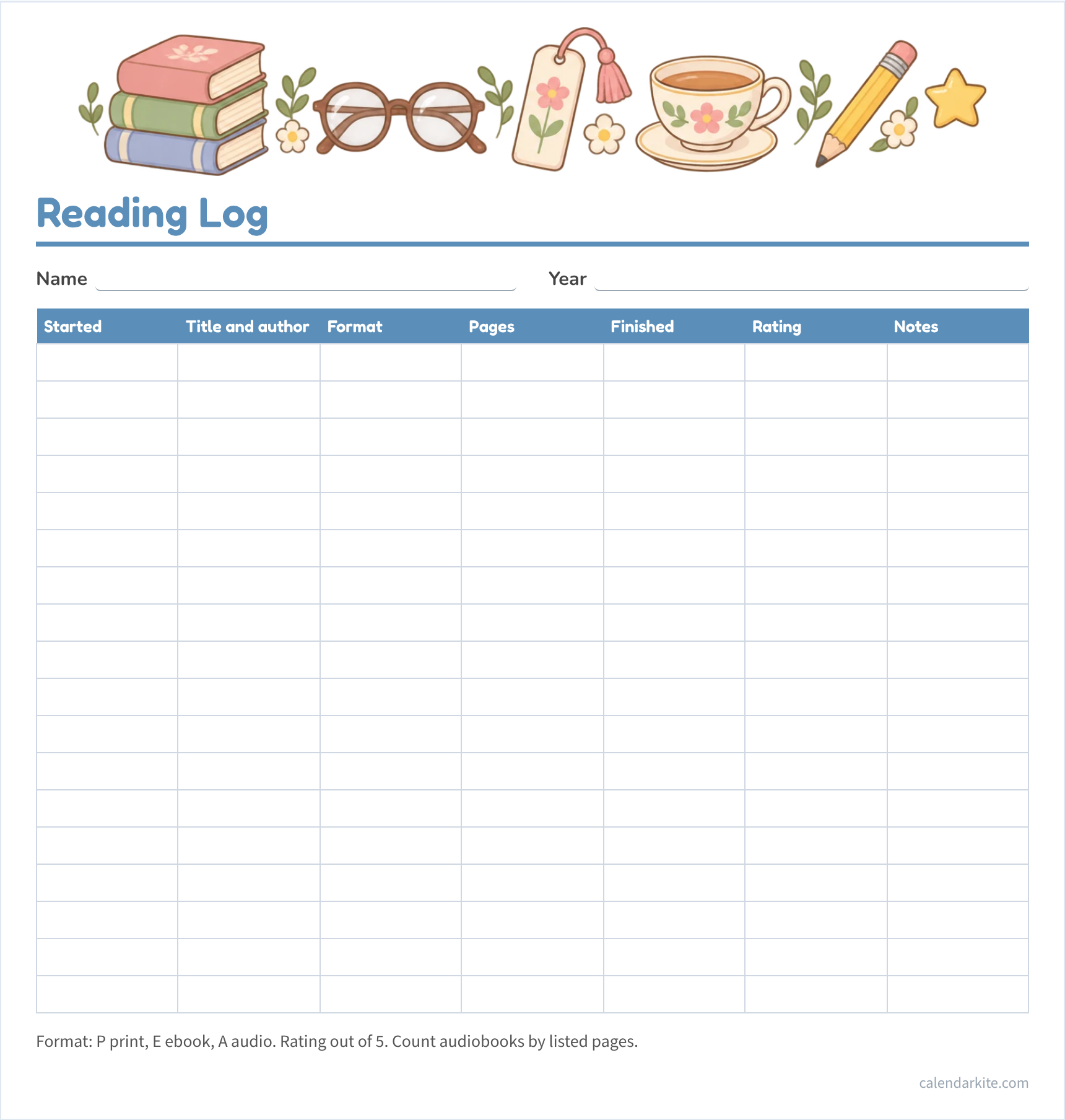
This pastel blue version with little hand-drawn illustrations at the top suits early readers and classroom reading challenges. In the office I learned that a page people enjoy looking at is the one they actually use.
Floral Reading Log Printable
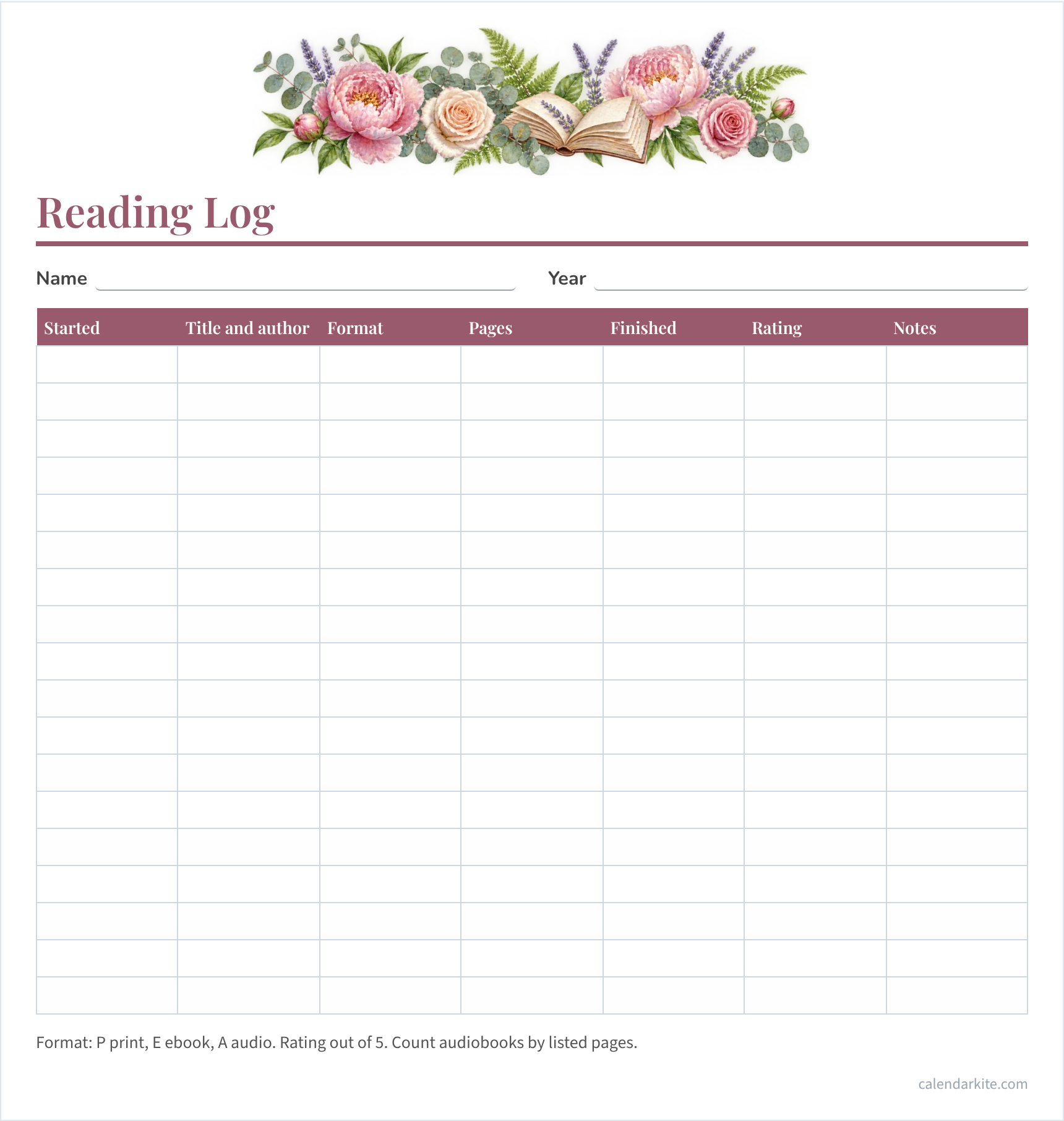
The watercolor flowers and mauve serif headings make this the log I'd choose for a book club or a gift to a fellow bookworm. I widened the title and notes rows so handwriting fits comfortably after testing on US Letter and A4.
Colorful Reading Log Printable
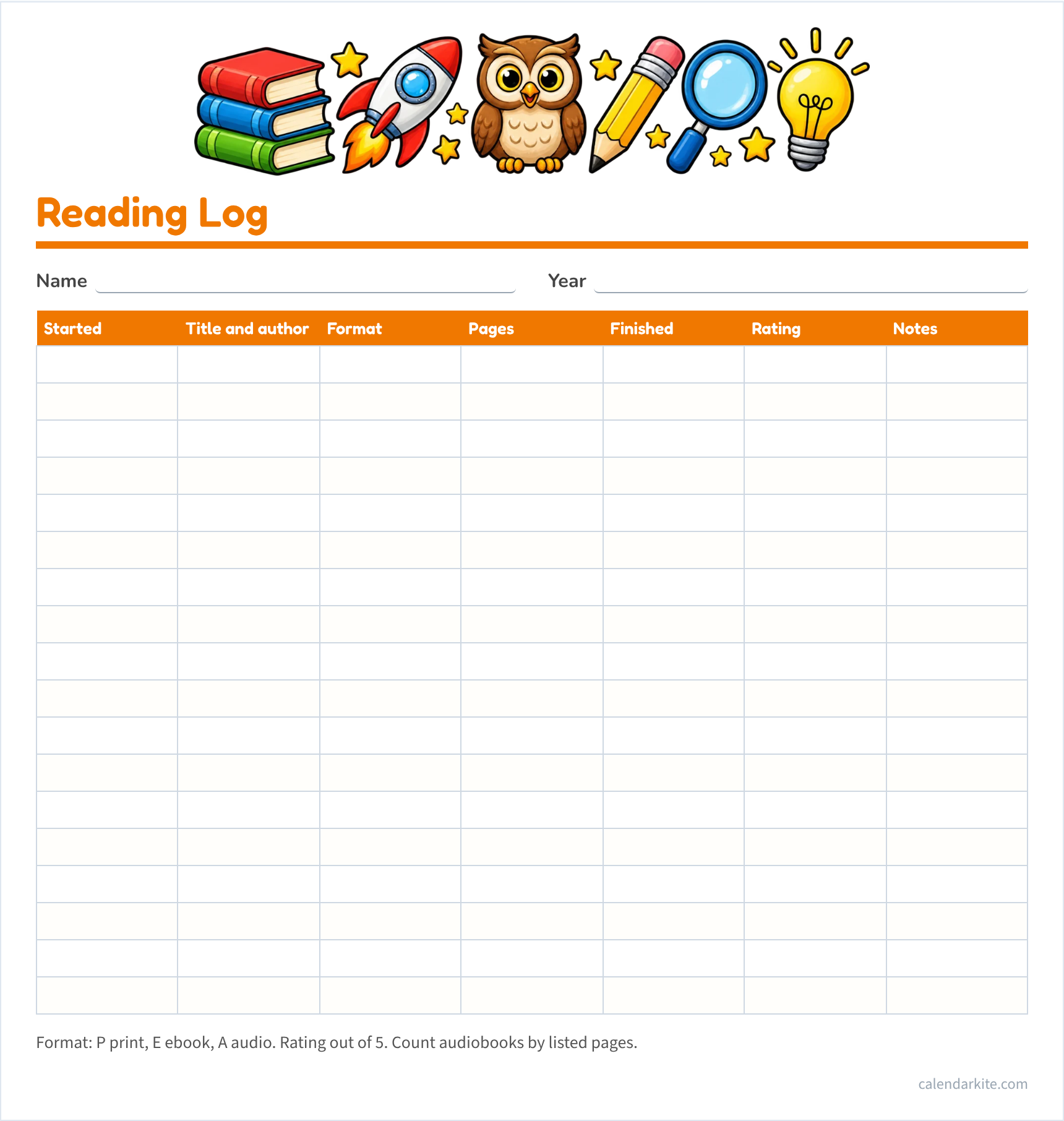
Bright orange and yellow with bold cartoon illustrations make reading minutes feel like a game for school-age kids. My own two kids ignore anything dull, so I like a log they'll want to check on the fridge.
Simple Minimalist Reading Log
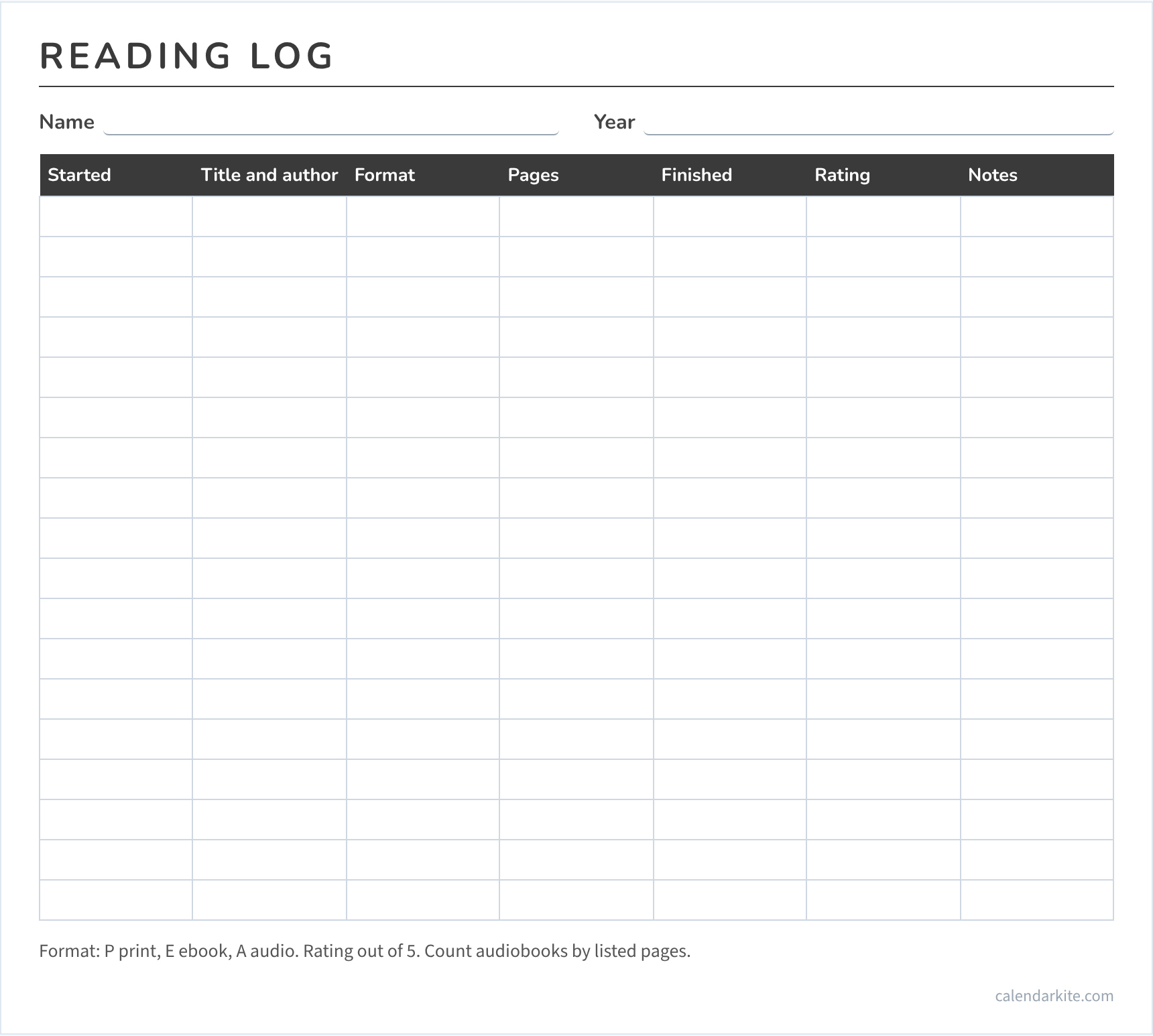
Thin gray lines and a light uppercase heading keep this version quiet, so it suits adults logging novels or anyone who wants a plain page for a binder. A common mistake I see is cramming too many columns, so I kept only the essentials.
Aesthetic Reading Log Printable
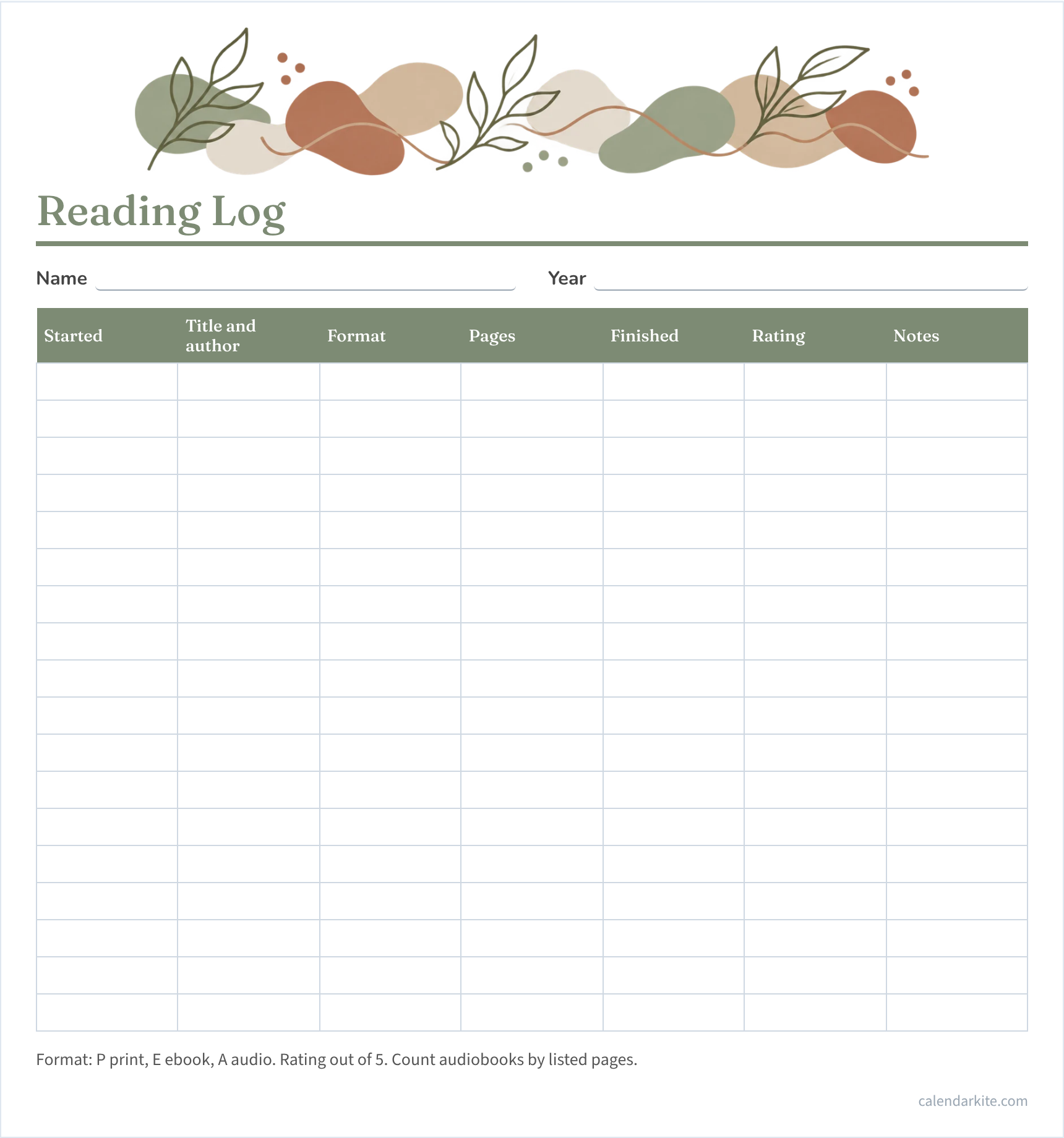
Muted sage, sand and terracotta with soft line-art leaves give this a calm, shelf-worthy look for anyone who photographs their reading journal. The neutral palette sits nicely beside a planner, with room for title, author and rating.
Vintage Reading Log Printable
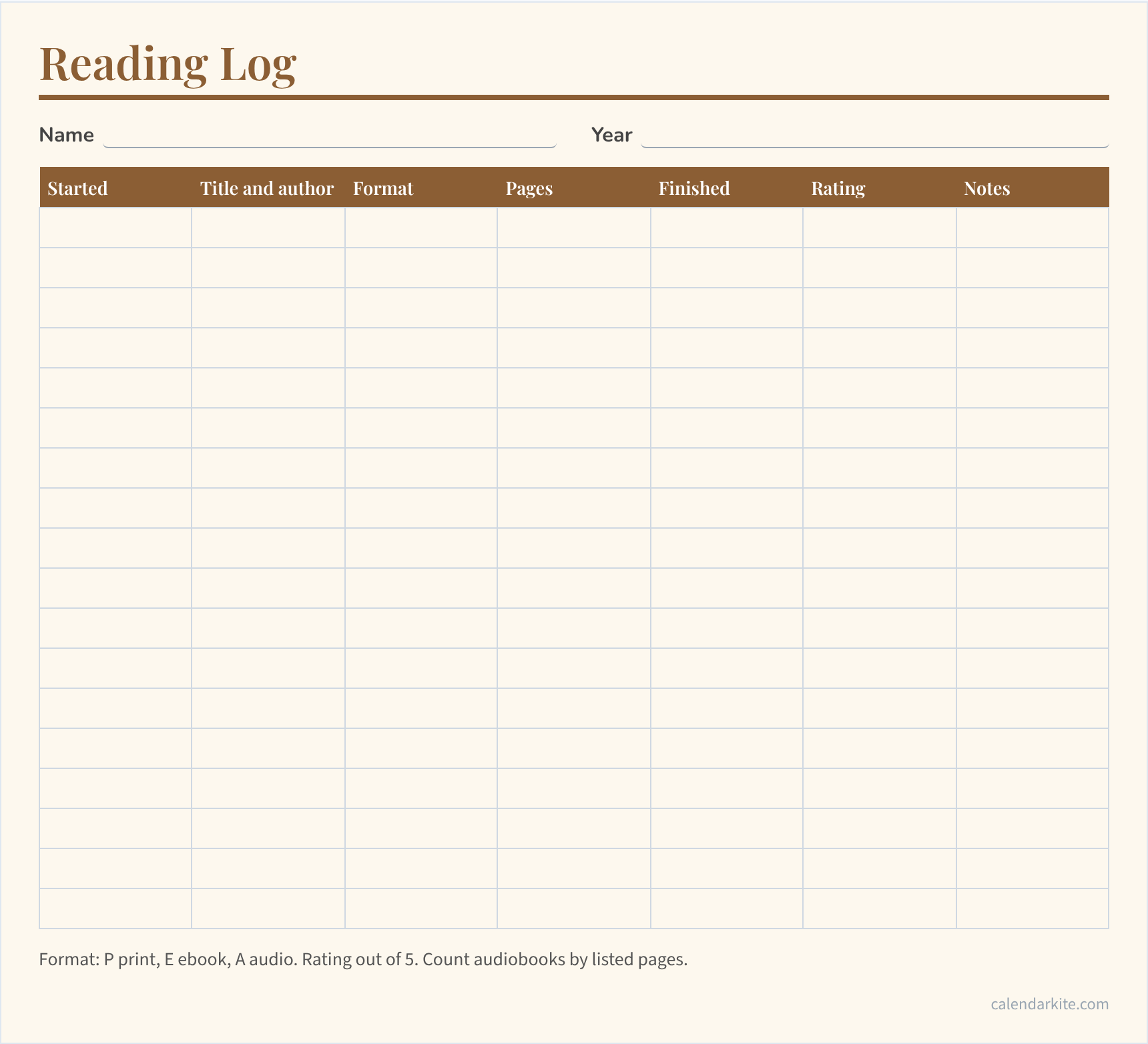
Cream paper tones and brown serif headings suit a classic bookworm, a used-bookshop haul list, or a gift for a grandparent. After years of keeping office lists readable, I'd say this warm contrast is easy on tired eyes.
I keep a paper calendar on the fridge and a planner on the kitchen counter, so I like my records where I can see them. A reading log works the same way: if it lives on a shelf, it stays empty, and if it sits next to your book, it gets filled in. This page explains what each column is for, how to fill it in, and how to adjust it for adults, kids, book clubs and reading challenges.
What goes on this reading log
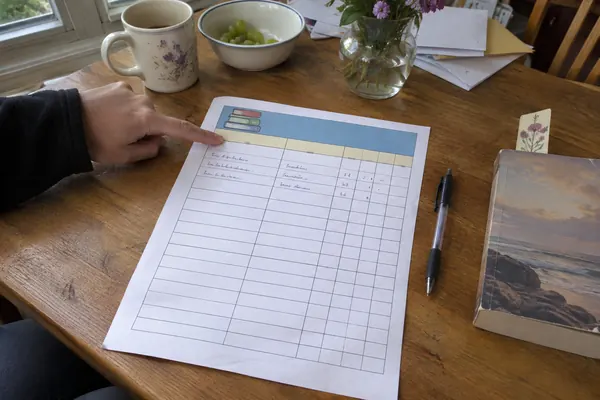
The sheet has seven columns, chosen so one row captures a whole book without feeling like paperwork. Started and Finished record your dates. Title and author share one wide column, because you rarely need to sort by author on paper and one wide cell is easier to write in. Format records whether you read it in print, as an ebook or as an audiobook. Pages gives a rough size. Rating and Notes hold your verdict.
At the top there are two fill-in fields, Name and Year. Year matters more than it seems. When you stack a few sheets in a binder, a dated sheet tells you at a glance which one is current, and it makes the year-end review much easier.
Most of the logs I have seen online either stop at title and author or ask for so much (plot summary, characters, themes) that the sheet gets abandoned by February. I tried to land in between. Every column here takes a few seconds, and the Notes column gives you room for the one thing you will actually want later.
How to fill in the reading log, row by row
Fill in the Started date and the Title and author when you open the book, not when you finish it. That small habit gives you a record of books you began and put down, and it stops the sheet from turning into a chore you do in a batch at the end of the month. If you are reading two or three books at once, give each its own row.
Then work along the row like this:
- Started: the date you read the first page, in whatever format you use, such as 3/14.
- Title and author: write the title first, then the author. Abbreviate long titles if you must.
- Format: P for print, E for ebook, A for audiobook.
- Pages: the page count from the back cover or the store listing.
- Finished: the date you closed it for the last time. Leave it blank if you stopped.
- Rating: a score out of 5, written the moment you finish.
- Notes: one line, covered in more detail below.
On this page, every cell is editable, so you can type your entries, correct a typo, and the sheet saves in your browser. If you prefer a pen, download the blank PDF and fill it in by hand. Both give you the same layout.
Which columns to keep and which to skip
A column you never fill in is worse than no column at all, because it makes every row look unfinished. In the office I spent ten years making schedules and supply lists readable, and the lesson was always the same: cut the field people skip. If you never care about page counts, ignore that column, or use it for something else, such as the genre or who lent you the book.
If you want to repurpose a column, do it before you start, so the whole sheet stays consistent. A column that means “pages” in January and “genre” in March is hard to read back. Pick the meaning, then stick with it.
Some people like to add more: publication year, where the book came from, whether it was a reread. These are all worth tracking if they answer a question you actually have. A person trying to read more books by women or more translated fiction, for example, might want a tiny tick next to each such title. You can do that in the Notes column without changing the layout.
Try this: Open the sheet and fill in only the Started date, Title and author for the book on your nightstand right now. It takes under a minute, and you will have a log that is already in use.
A reading log for adults
Adult reading is messy in the best way. You might be partway through a novel, listening to a nonfiction audiobook on the commute, and rereading a favorite on holiday. A good adult reading log copes with all of that without asking you to justify it. That is why this sheet has a Format column and a Notes column rather than a summary box.
Adults also tend to keep a log for different reasons than kids. Some want a yearly count to hit a goal. Some want to remember what they thought of a book so they can recommend it properly. Some want to stop buying a book they already own, which is more common than anyone admits. A running list of titles solves all three. If you want a pure list with a different layout, the book tracker template is a good companion.
I would suggest keeping the log somewhere you pass every day. Mine sits near the planner on the kitchen counter, and I add the row while the kettle is on. Adding a book takes less effort than looking up the book in an app, and that is the whole point of paper here.
Using a reading log for kids and school
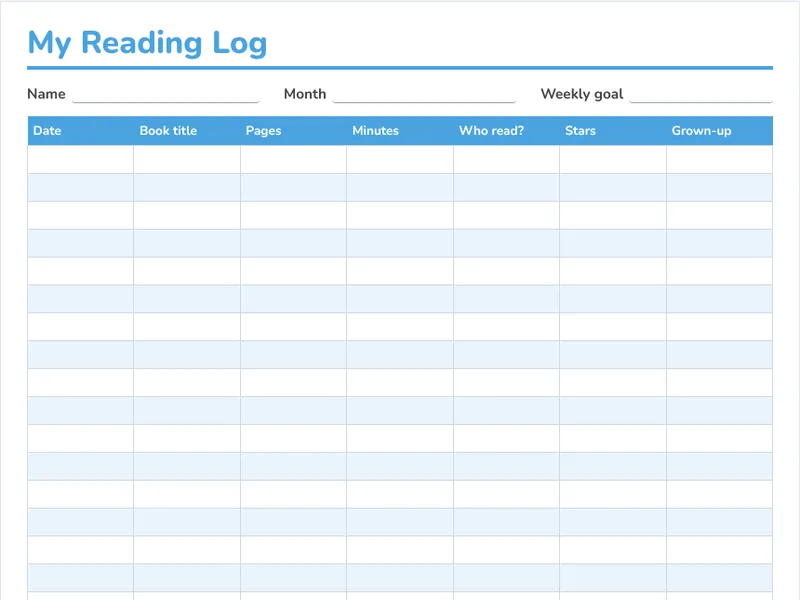
School reading logs usually ask for a date, a title, minutes read and a parent initial. This sheet is made for adult-style records, so for homework I would use the reading log for kids, which has the minutes and signature layout teachers expect. If your child’s school just wants a record of books, this sheet works fine: write the title, tick the finish date and ask them to add a star rating.
For younger children, the log is really for the grown-up. A parent or older sibling fills it in, and the child enjoys watching the rows fill up. For older children, handing over the pen is a small motivator. In my house, my kids like to be the ones to write the rating, and they take it very seriously. A stern 2 out of 5 for a book I thought was lovely tells me more about them than any reading test.
If the log is homework, keep it where the book bag lives, not in the bag itself. Logs stuffed in bags get crumpled and lost, and then the signature scramble happens on Sunday night. A clipboard by the door, or the fridge, saves a lot of tears. If your child also has assignments to track, the homework tracker can sit alongside it.
Counting audiobooks, ebooks and library loans
The most common question I get about reading logs is whether audiobooks count. They count. You took in the whole book, and that is what the log is for. Mark an A in the Format column and move on. The only real problem is the Pages column, because an audiobook has no pages.
My fix is to write the page count of the print edition, which the library catalog or bookshop listing shows in a few seconds. It keeps your totals comparable. If you would rather not, leave Pages blank for audiobooks, or write the length in hours instead, and add “hrs” so you remember what the number means.
Library loans are worth noting too. If you write “library” in the Notes column, you will remember where you got the book when you want to read it again or recommend it. And if a hold arrives and you have to return a book half-read, give it a row anyway, leave Finished blank and add “return, borrow again” in Notes. That row is a to-do list in disguise.
Pages or minutes?
Some logs track pages, some track minutes, and some track both. Which you choose depends on what the log is for. If your aim is to finish more books, pages are useful, because they tell you how big each book was. If your aim is to build a reading habit, minutes are more forgiving, because a slow, dense book still counts for the time you gave it.
This sheet keeps a Pages column per book, not per session. That keeps it to one row per title and avoids the problem of a log with 40 entries for a single novel. If you want to track daily reading time instead, pair the log with a habit tracker printable, where you can shade a box for each day you read for at least 15 or 20 minutes.
A two-sheet system is the one I would recommend if you are trying to read more. The reading log tells you what you read, and the tracker tells you how often. Together they show the pattern: it is common to find that the weeks you read nightly are the weeks you finish books.
How to write a useful note
The Notes column is the one that makes a log worth keeping. A rating tells you how much you liked a book. A note tells you why. The trick is to keep it to one line, written straight after finishing, while the book is fresh. If you wait, you will write nothing.
Good notes are specific and short. Think of a favorite character, a line that stayed with you, the one thing you would tell a friend, or a verdict such as “slow start, worth it”. Notes about who to give the book to are especially handy at holiday time.
- “Great ending, read when you have a free weekend.”
- “Too long. Skim the middle.”
- “Lent to Sam, 5/2.”
- “Reread in winter.”
That last kind, the lending note, has saved me more than once. I use the Notes column for who borrowed what, and it has stopped a few paperbacks from wandering off for good.
Try this: Look at the last book you finished and write one line about it in the Notes column. If you cannot think of a line, you have just learned that you should write it sooner next time.
Setting a yearly reading goal
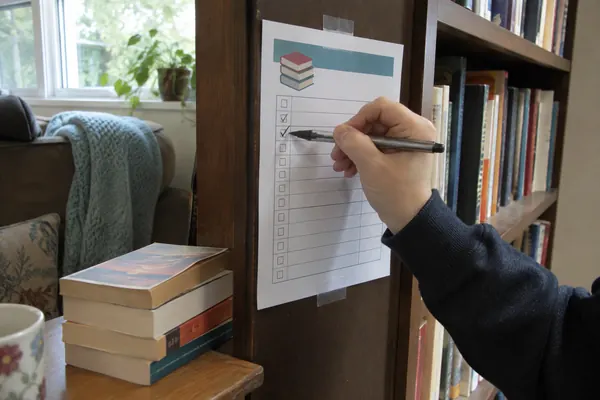
A reading log makes a goal real, because the rows add up. Start by choosing a number. If you read a few books a year now, twelve is an ambitious but friendly target: one a month. If you already read a lot, pick a number you would be proud of, not one that makes reading feel like work.
Then do the sum. Twelve books a year is one book every four to five weeks, and a standard novel of about 300 pages is roughly ten pages a day. The sheet has 18 rows, so one page can hold a year of a normal pace, and a second page covers the keen readers. Put the goal at the top of the sheet in the Year field, for example “2027: 12 books”, so you see it each time you add a row.
If you write down yearly goals more generally, the 2027 goals template is a nice place to keep the reading target next to other plans. I find a goal written in one place and tracked in another works better than either alone.
Reading logs for book clubs, series and unfinished books
If you belong to a book club, the log doubles as your meeting prep. Mark the club pick with “BC” in the Notes column and jot one question you want to raise. By the time you arrive, you have your discussion point ready, and you do not have to scroll through your phone to find your own thoughts.
For series, give each book its own row, and write the series number in the Notes column, such as “Book 2”. That makes it easy to see what you have read and what comes next when a new instalment is released. Writing the series name in with the title also stops you buying volume three twice.
Do not be shy about logging books you quit. A did-not-finish row with a rating of 1 or 2 and a note such as “stopped at page 80” is some of the most useful information in the log. It helps you spot the kinds of books that are not for you, and it gives you permission to move on without guilt. Just leave Finished blank.
Making the habit stick
Most reading logs fail for the same boring reason: they live far from the book. Put the sheet where you read. A clipboard on the coffee table, a binder next to the bed, or the front of your planner all work. Keep a pen with it, because a missing pen is a surprisingly common reason a row stays empty.
Tie the entry to something you already do. I add a row when I start a book and finish one, and those two moments are the only ones that matter. There is no daily upkeep. If you want a stronger nudge, set a small weekly check-in, such as Sunday evening, when you look over the sheet and pencil any missing notes. A weekly planner for 2027 is a good home for that small reminder.
Do not worry about gaps. A log with a three-week hole in it is still a log. The point is to record what happened, not to prove perfect discipline. When a busy month leaves the sheet bare, just keep going at the next empty row.
Summer reading and homeschool use
Summer reading programs are an easy place to use a log, because they come with a clear start and end. Print a sheet in late May, write the goal in the Year field, and fill it in until the end of August. A summer calendar pinned beside it lets kids mark library days, and the two sheets together give the whole season a visual shape.
For homeschool families, the log doubles as proof of reading for portfolios and end-of-year reviews. Requirements differ from place to place, so check what your own state or oversight body asks for. A dated list of titles with pages and notes is a record most reviewers are happy to see, and it takes the pressure off trying to remember in June what was read in September. If you need a wider plan for the school year, the homeschool planner printable pairs well with it.
For read-aloud time, have the child note the title and give the rating, and you write the pages. It turns a bedtime habit into a small keepsake that is lovely to look back on.
Printing tips
The sheet is designed to fit one US Letter page, and it prints cleanly on A4 as well. I test-print every printable on my home inkjet on both sizes, and this is one I fiddled with: I made the rows tall enough for real handwriting, because 18 rows with a tiny line height looks neat on screen and is hopeless with a pen. In your print dialog, choose Actual Size or 100 percent. “Fit to page” can shrink the margins and shift the layout.
Print in black and white to save ink, as the sheet is made to read well in grayscale. If you plan to use it all year, use a slightly heavier paper, such as 24 lb or a light cardstock, so it survives being handled. Three-hole punching the left edge makes it easy to keep in a binder, and double-sided printing works if you print the same sheet on both sides.
Print the blank PDF if you would prefer to write by hand from the start, or fill in the sheet on screen first and print it with your entries already in place. If you fill it in on a phone and print from another device, remember that your entries are saved in the browser you used, so print from that same browser.
Try this: Print two copies: one filled in with the books you have read so far this year, and one blank. Put the blank copy in the front of your book bag or nightstand drawer so a new sheet is ready when this one fills up.
Ideas and variations
Once you have the basic sheet working, small tweaks keep it interesting. Colour a dot beside each row by genre, using a highlighter for fiction, nonfiction and so on, and you will see your reading balance at a glance. Add a star next to the books you would reread. Circle the ones you would hand to a friend.
Some readers like a challenge layered on top: a book from each continent, a book published the year you were born, a book with a one-word title. Tick them in the Notes column as you go. You do not need a separate sheet for this, only a short list written in the margin.
Another useful idea is a “to read” list. Keep it on the back of the sheet or on a separate page, and when you start a book, cross it off and give it a row on the front. That way the log and the wish list stay connected. For broader lists of this kind, the checklist page has a clean format you can adapt, and the trackers and logs section has other records you might want alongside it.
A short year-end review
When the year ends, take ten minutes to read down the sheet. Count the finished rows, see your highest-rated book, and notice what you read the most of. It is a small ritual, and it tells you more about yourself than you might expect. Write three lines at the bottom or on the back: your favorite, your biggest surprise, and what you want to read next year.
Then start a fresh sheet. Date it at the top, set a new goal, and put the old sheet in your binder or a folder. A few years of these pages become a personal reading history that no app can quite match, because you wrote it yourself, in your own hand, with your own opinions in the margin.
Common questions
What should a reading log include?
At minimum: the title, the author, and the dates you started and finished. A rating and a one-line note are worth adding because they are what you will want in a year. Only keep columns you will really fill in.
How do I log audiobooks and ebooks?
Use the Format column (P, E or A) and write the page count of the print edition in the Pages column. That keeps audiobooks comparable to paper books, and the library or store listing usually shows the number.
How many books should I aim to read in a year?
There is no right number. Pick a goal that fits your life, such as one book a month, then divide it across the year so you can see if you are on pace. Twelve finished books is a solid year for many busy adults.
Should I log pages or minutes?
Pages suit a book you can see progress in, and minutes suit a habit you want to protect. For school logs, follow what the teacher asks for. For yourself, choose whichever you will actually write down.
Can I use this reading log for my child's homework?
Yes, if the teacher accepts a plain format. Many school logs ask for a date, title, minutes and a parent initial, so check first. Our reading log for kids has a layout built for that.
Does the reading log save my entries?
Yes. What you type is saved in your own browser on that device, so you can come back and keep adding books. Print it whenever you like, or download the blank PDF to write on by hand.
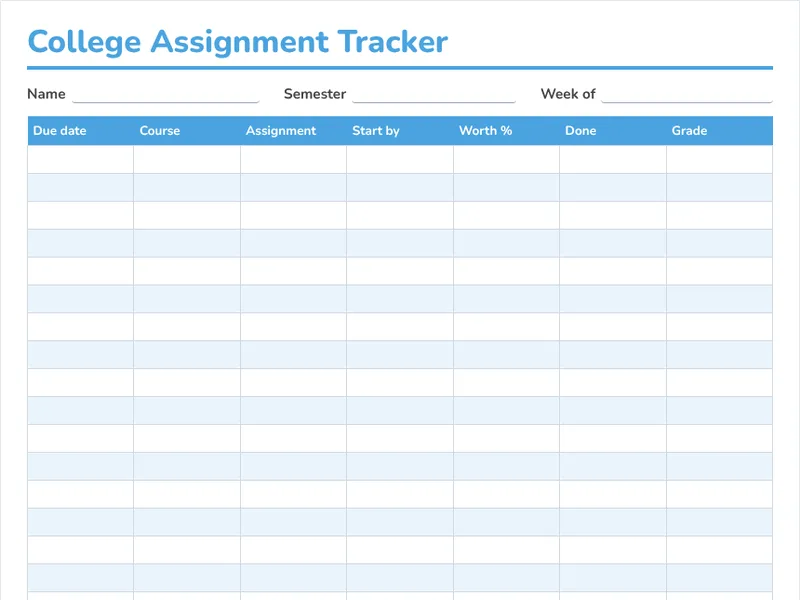 College Assignment Tracker: Free Printable Sheet
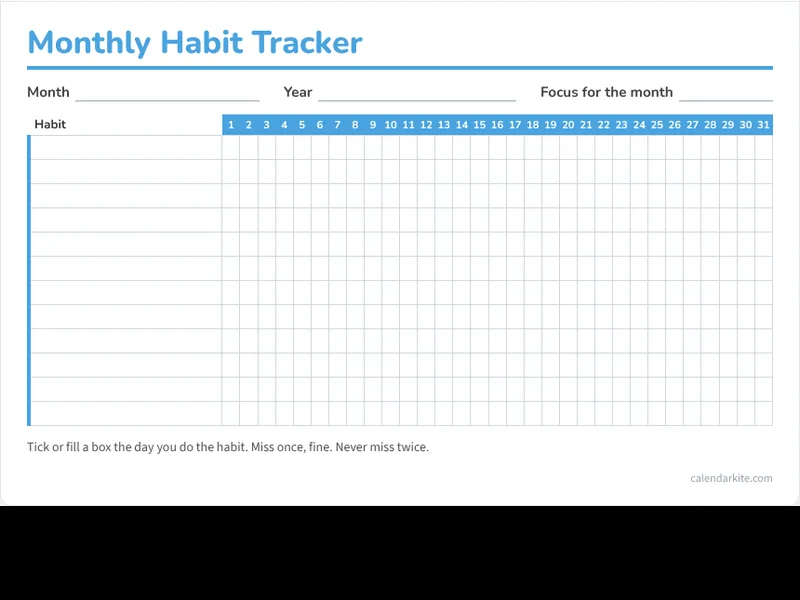 Habit Tracker Printable (Free Monthly Sheet)
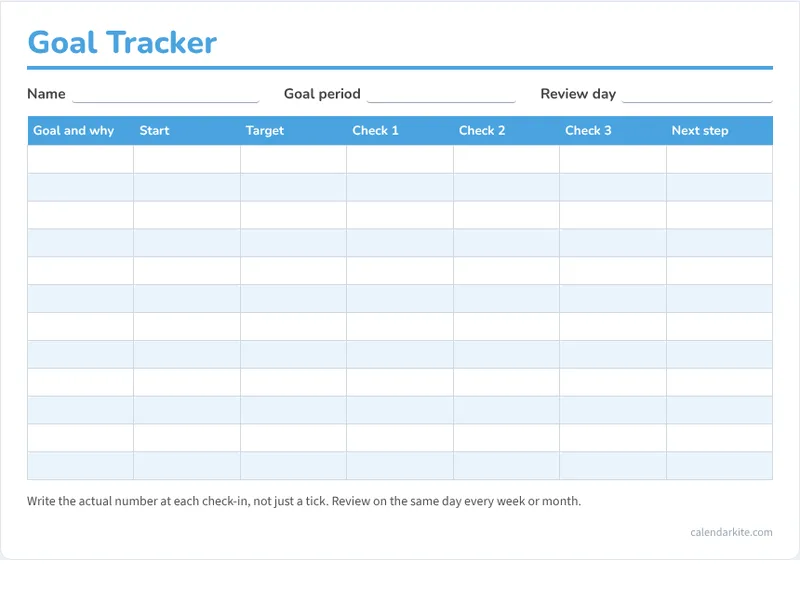 Goal Tracker: Free Printable Sheet You Can Fill In and Print
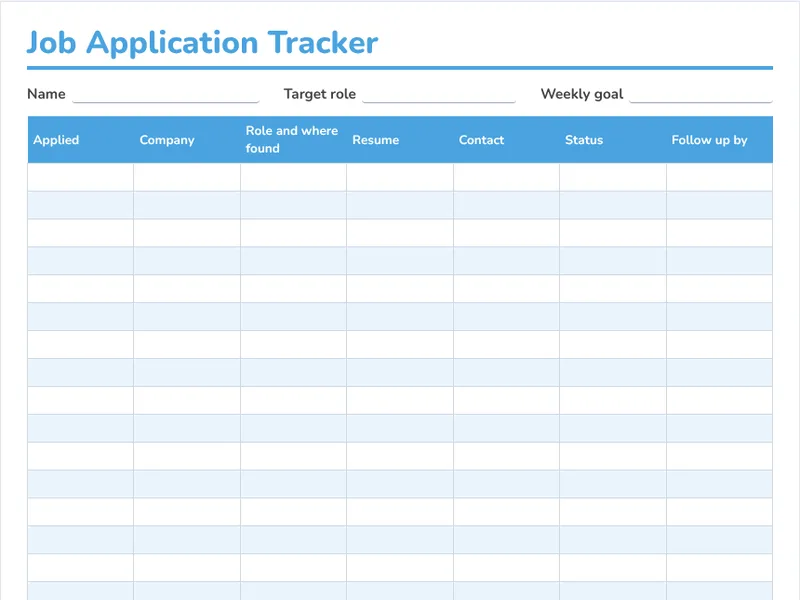 Job Application Tracker: Free Printable Sheet
 Workout Log Template (Free Printable Fitness Log)
 Reading Log for Kids (Free Printable)