
Personal Finance Tracker: Free Printable Monthly Sheet

A personal finance tracker is a single record of the money that came in, the money that went out and what you have left, kept month by month so you can see patterns. The free printable above does that on one US Letter page. It has boxes for income, fixed bills, everyday spending, savings and debt, a small net worth snapshot, month totals and a few lines for notes. You can type straight into it on this page, and your entries are saved in your browser until you print.
Money in (net, after tax)
Fixed bills (tick when paid)
- Rent or mortgage
- Utilities
- Phone and internet
- Insurance
- Car payment
- Subscriptions
- Minimum debt payments
- Childcare
Everyday spending
- Groceries
- Gas and transit
- Eating out
- Household
- Health
- Kids
- Fun
- Gifts
- Other
Savings and debt
- Emergency fund
- Retirement
- Sinking funds
- Extra debt payment
- Other goal
Net worth snapshot
- Cash and savings
- Investments
- Home and car value
- Total assets
- Total debts
- Net worth
Month totals
- Total in
- Total out
- Left over
- Savings rate %
Wins, surprises and next month's fixes
Fill it in on the same day each month. Round to whole dollars. Keep one sheet per month.
Free for personal, classroom and office use. Your entries are included in the print, PDF and PNG. Prints on US Letter and fits A4.
Black and White Personal Finance Tracker Printable
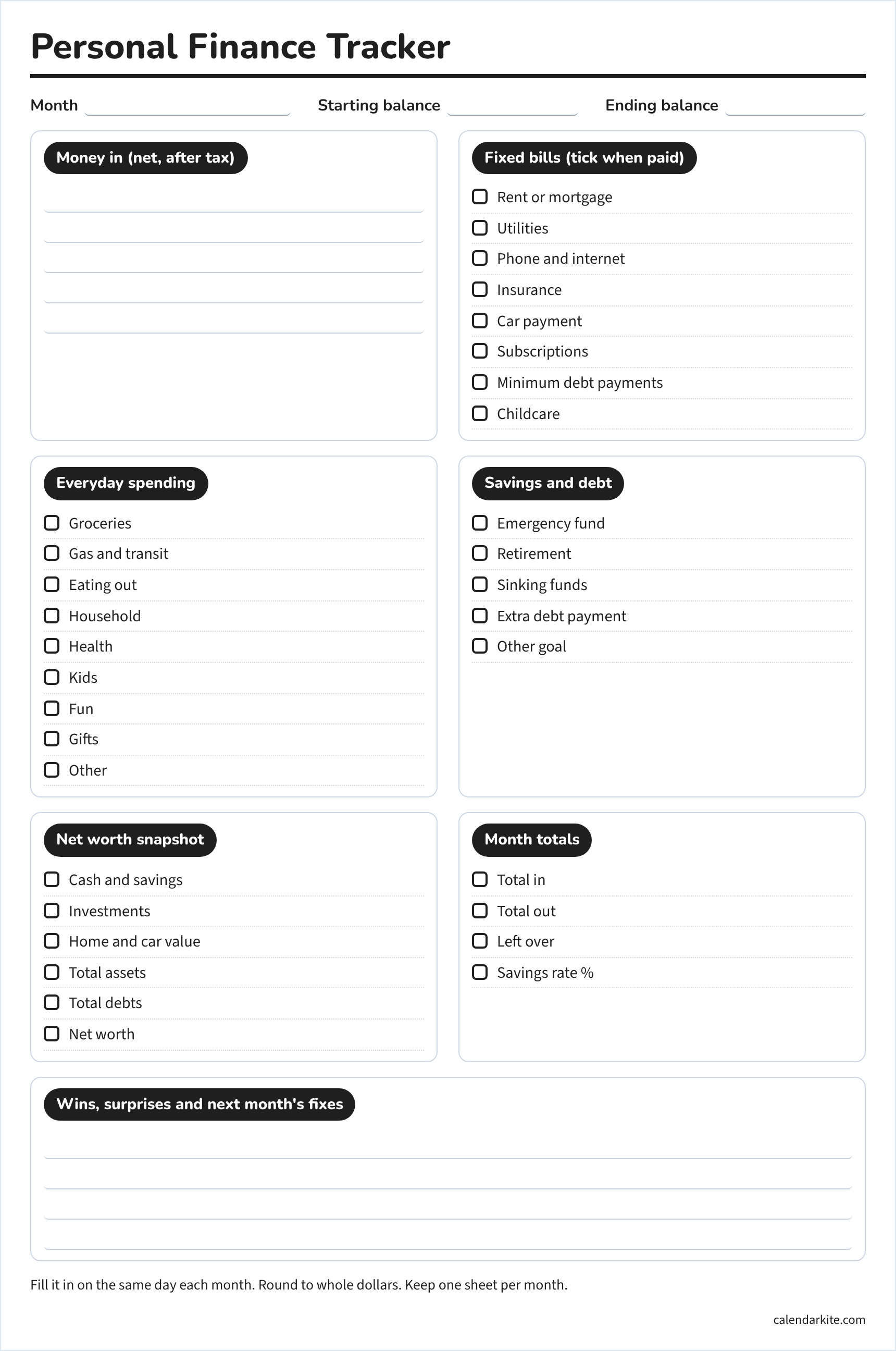
I made this plain version for anyone printing a lot of pages, since it uses almost no ink. I test-print it on my home inkjet, and I like it for a monthly income and spending log tucked in a binder.
Pink Personal Finance Tracker
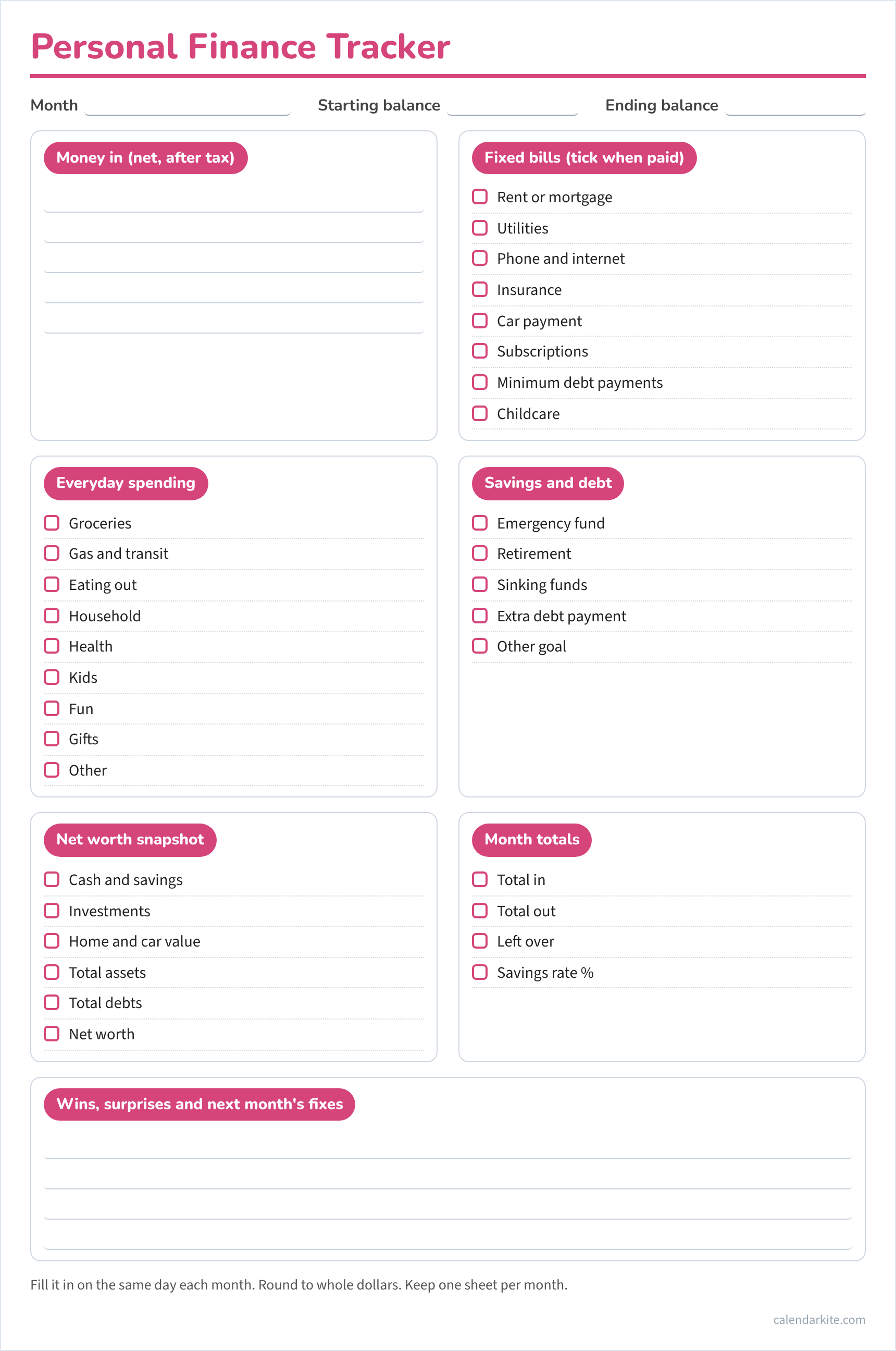
This soft pink layout suits you if you want budgeting to feel less like a chore. Use it to track weekly spending on groceries and fun money between paydays.
Sage Green Personal Finance Tracker
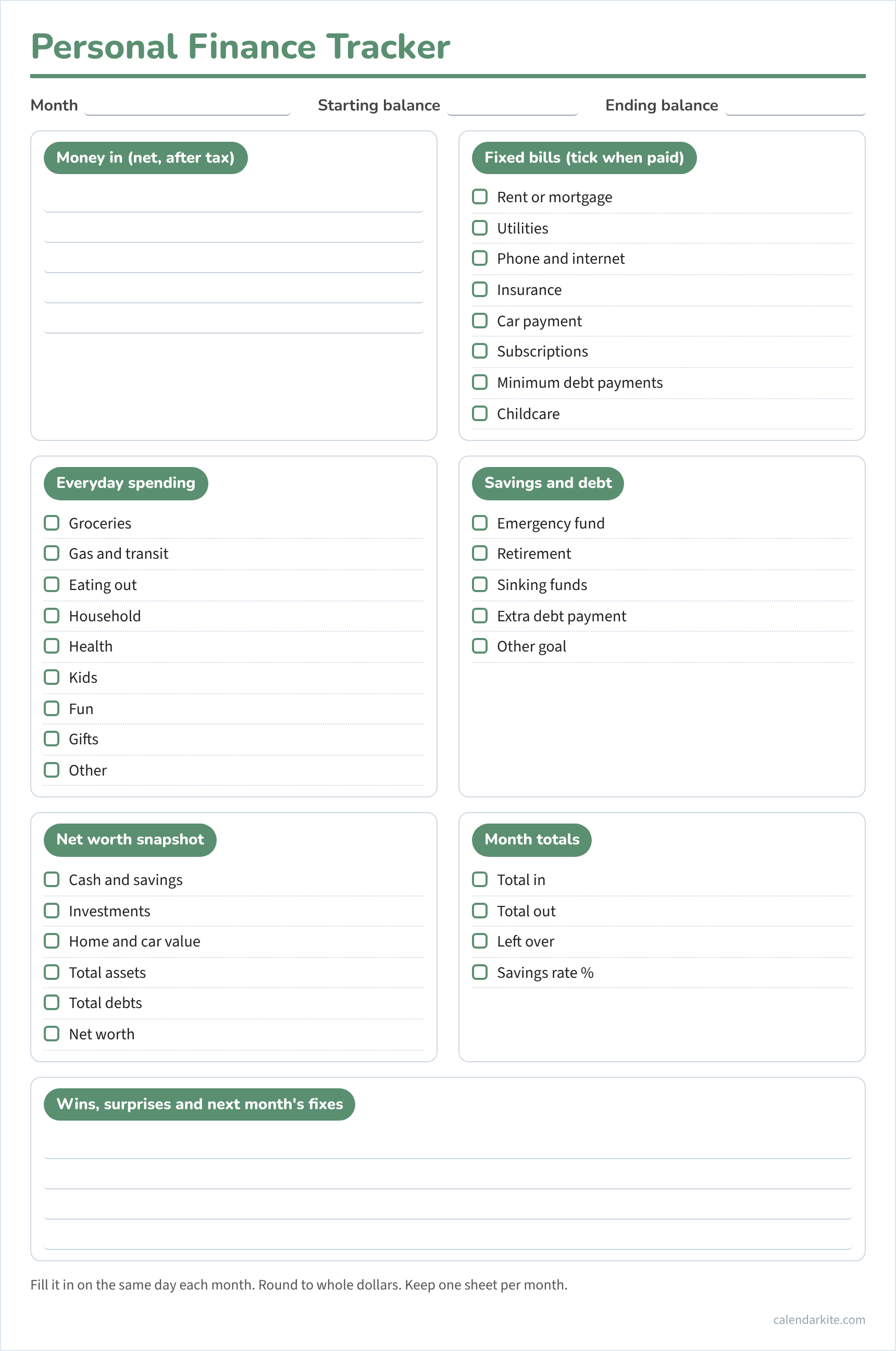
The calm green tones work well for a debt payoff or savings tracker you'll look at often. In my office years I learned that a page people can read at a glance is the one they actually keep using.
Lavender Personal Finance Tracker
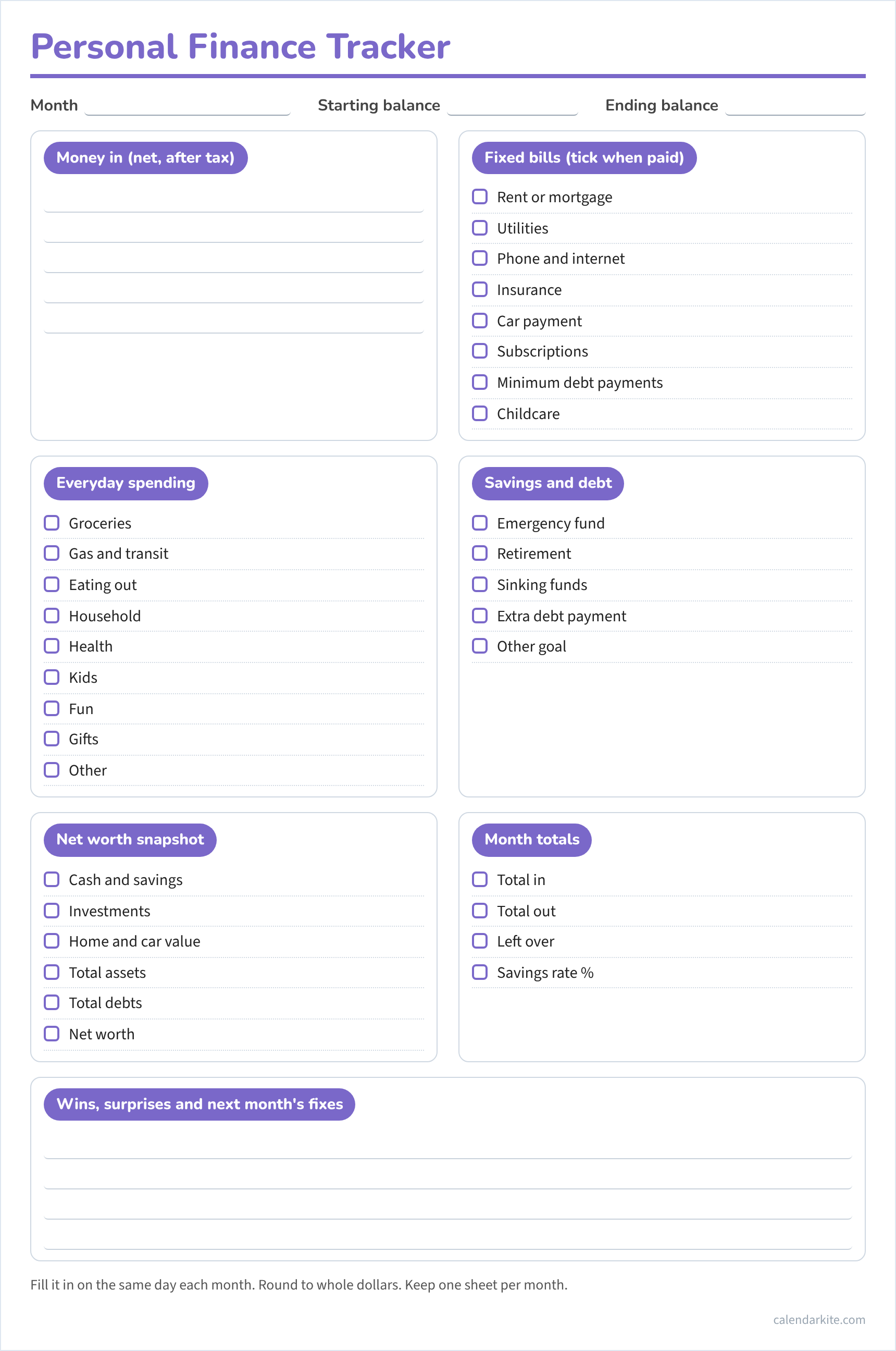
I like this lavender design for bill due dates and subscription tracking, where you need to see what leaves your account each month. It prints with clear contrast on US Letter and A4, which I always check before posting.
Cute Personal Finance Tracker
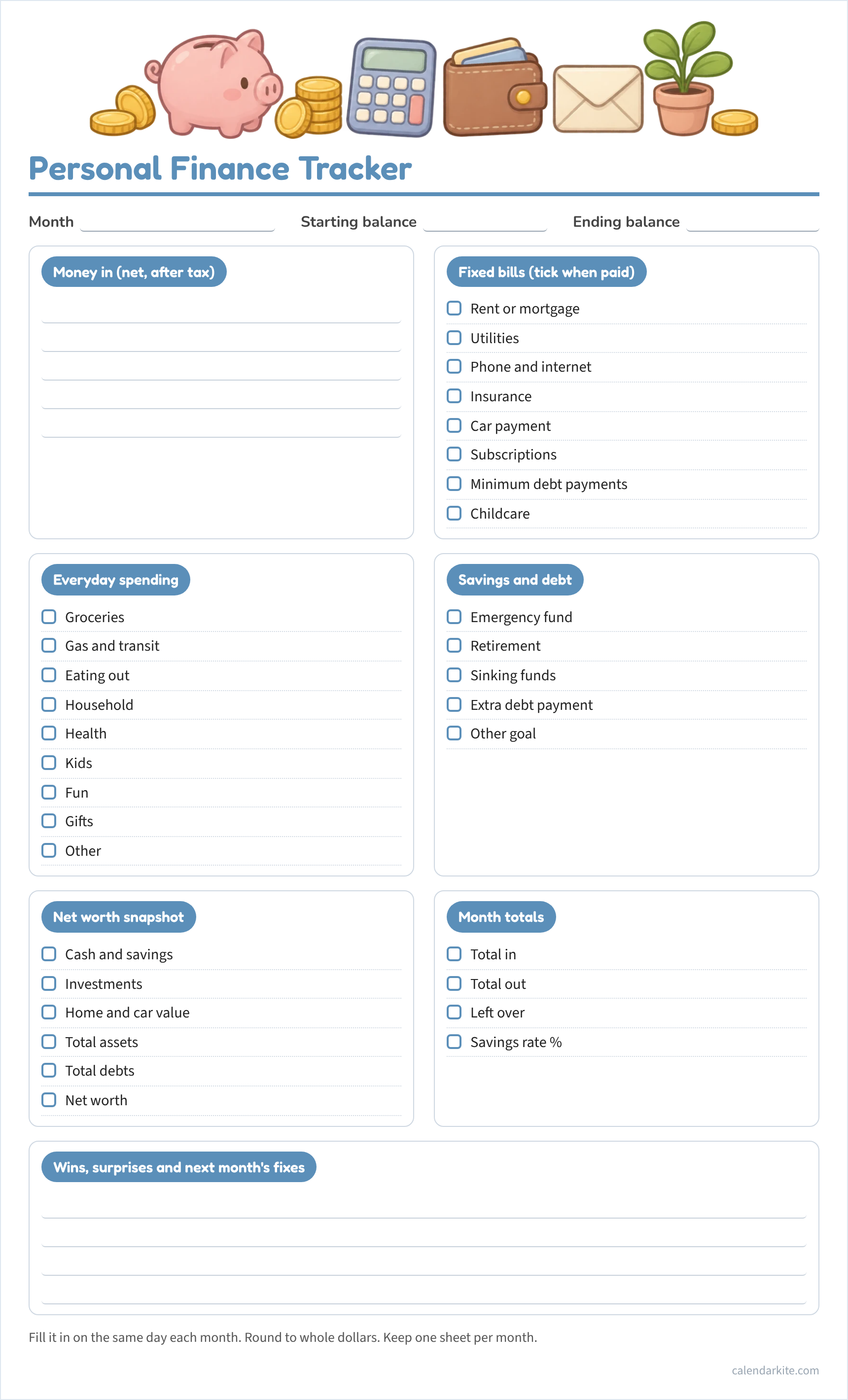
This pastel blue version suits you if a friendly page helps you stay consistent with money habits. Try it as a savings goal tracker for a trip or a new couch, with space to tick off each deposit.
Floral Personal Finance Tracker Printable
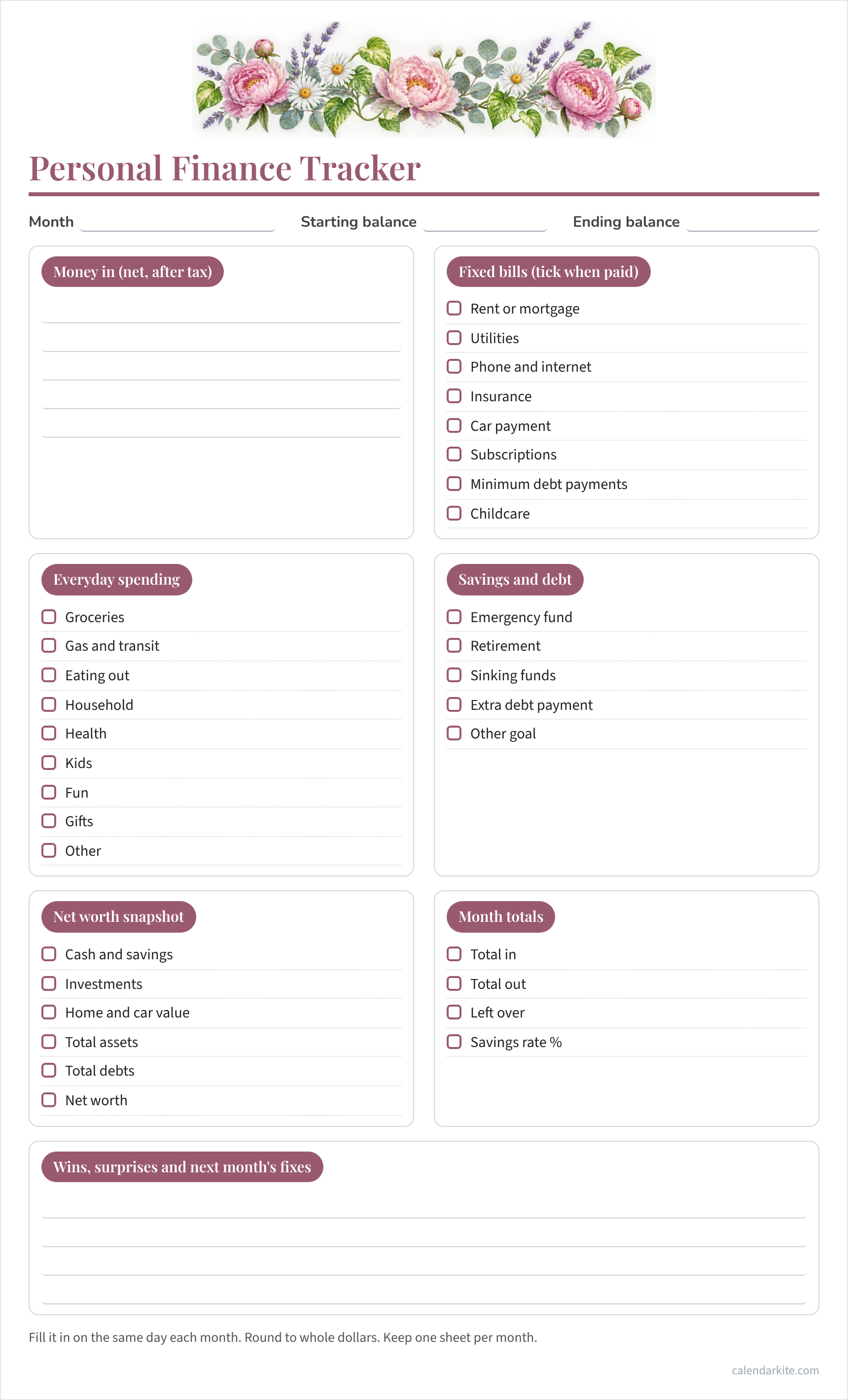
I picked the watercolor flowers and mauve headings for people who want a budget page that feels pretty enough to leave on the desk. It works nicely as a monthly budget overview you review every Sunday.
Colorful Personal Finance Tracker
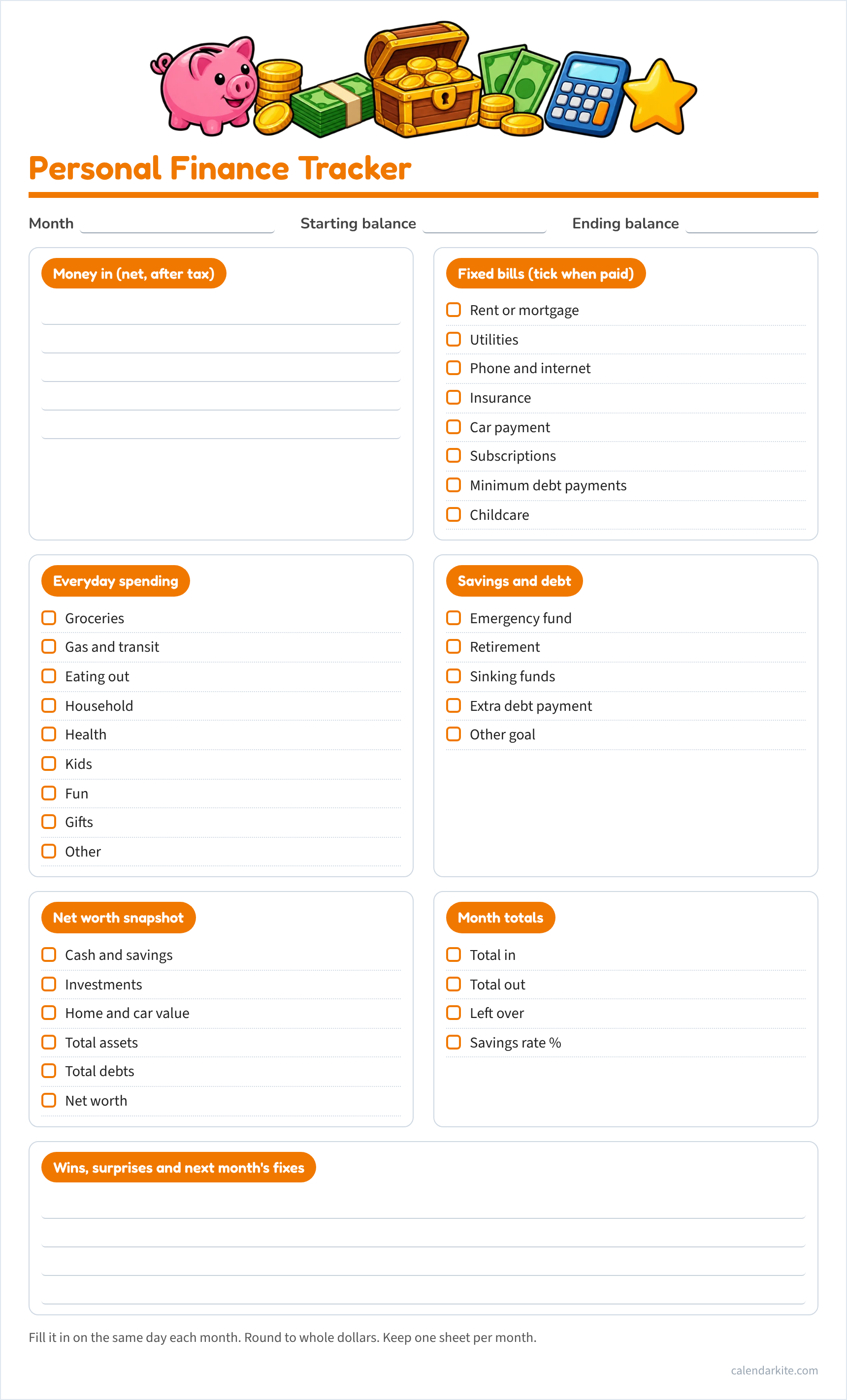
Bright and playful, this is the colorful option for anyone who finds money pages dull. It suits a household spending log, and I'd pin it on the fridge next to my paper calendar so everyone sees it.
Simple Minimalist Personal Finance Tracker
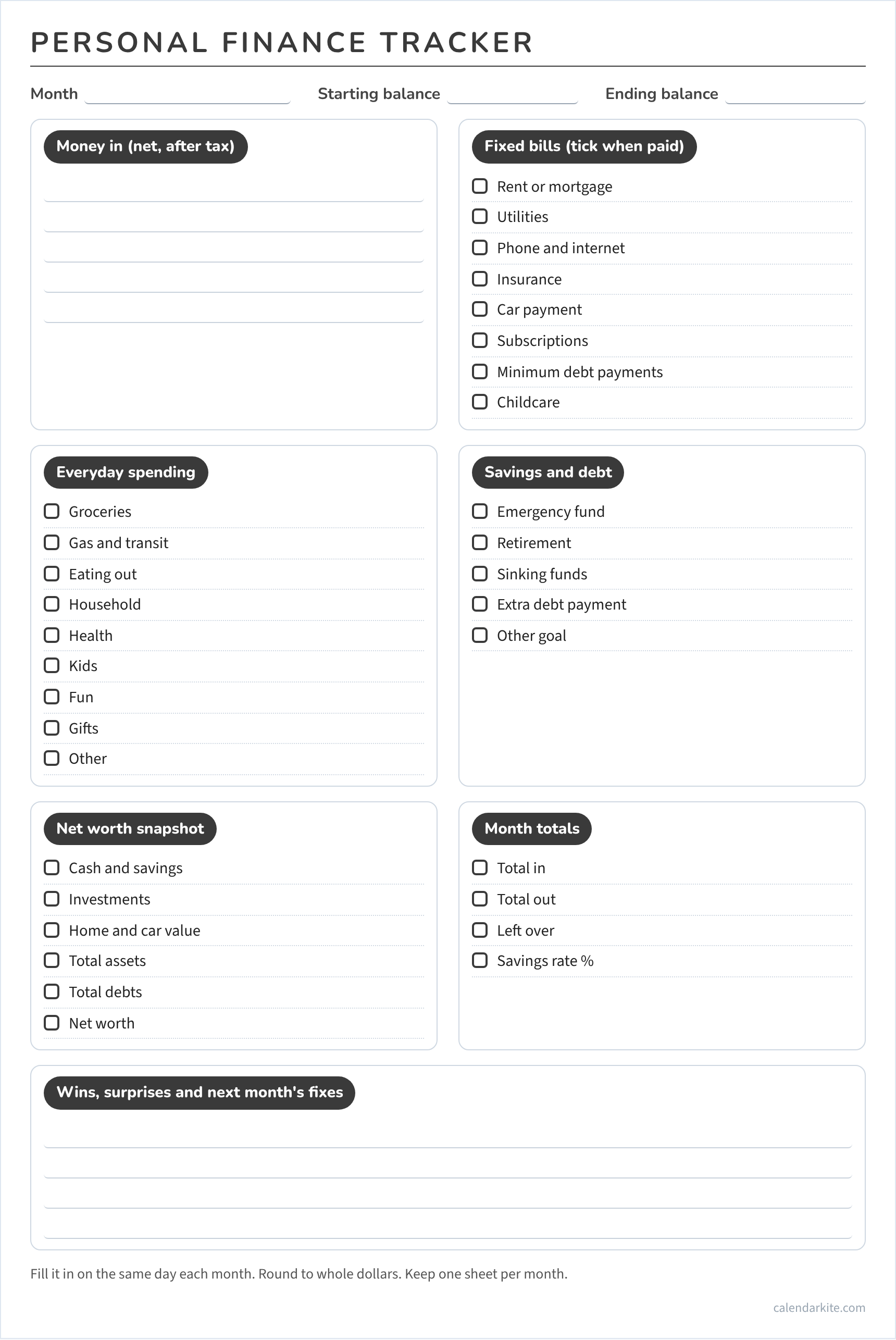
Thin gray lines and no color make this the best pick for a clean net worth or monthly expense sheet. A mistake I see often is cramming too many columns in, so I kept the spacing generous here.
Aesthetic Personal Finance Tracker
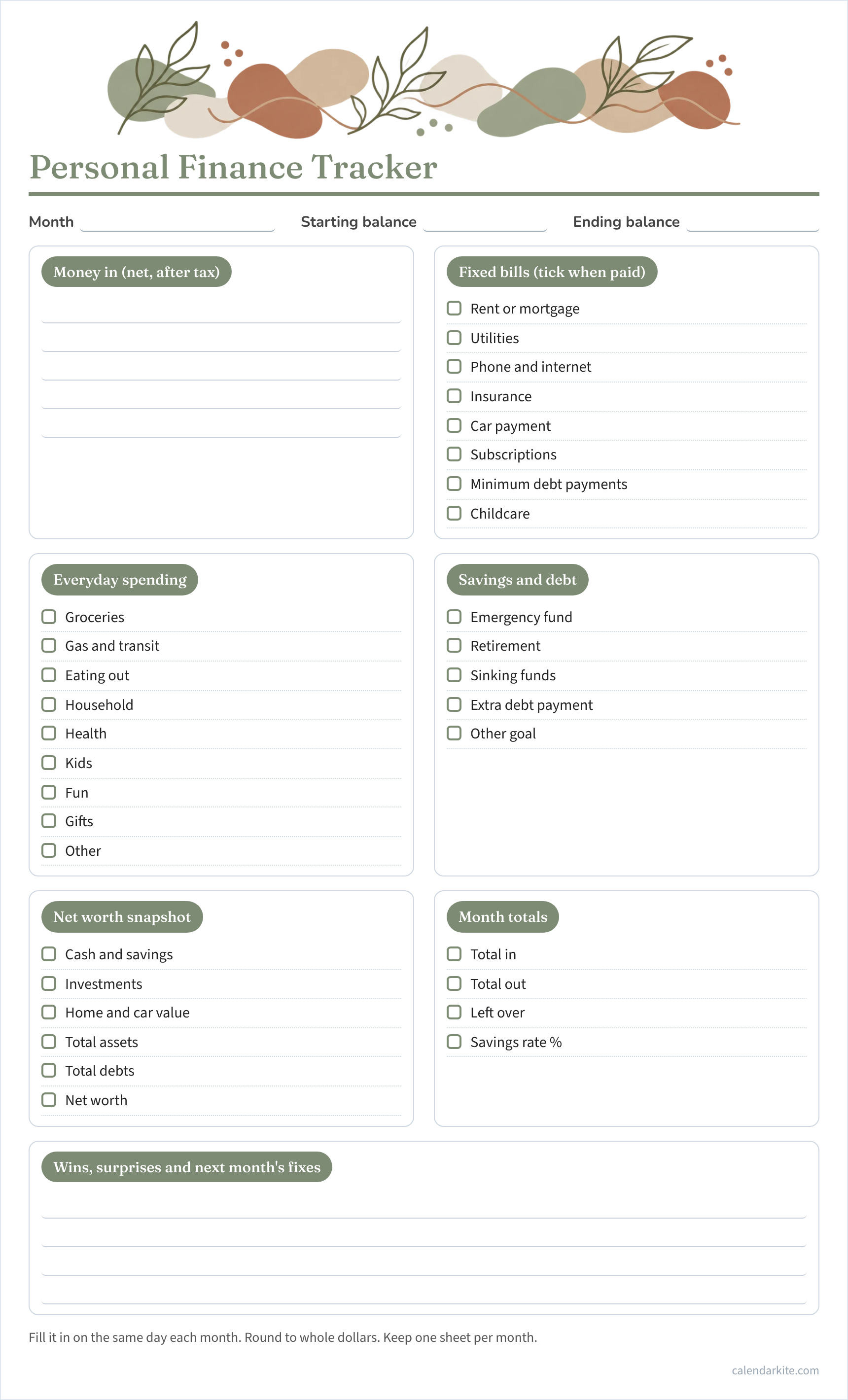
The muted sage, sand and terracotta palette suits you if you keep a planner and want your budget to match it. I use it as a weekly check-in sheet alongside my planner on the kitchen counter.
Bold Modern Personal Finance Tracker
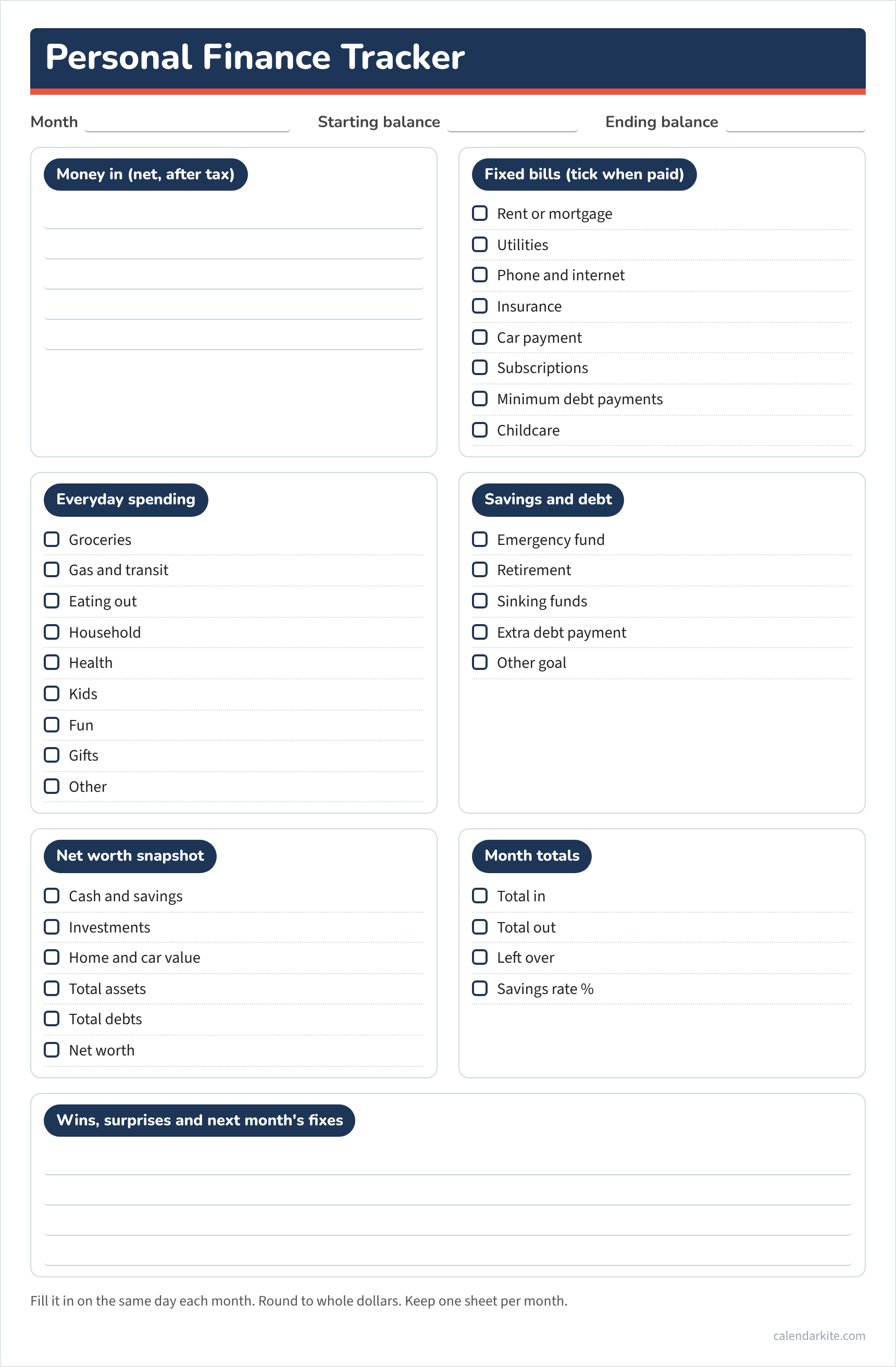
The navy header band and coral accent give you a clear, modern look for a business-like budget summary. It's a good fit for tracking income against fixed expenses so you can spot the month's shortfall quickly.
I built it to be the sheet I wished I had in my office years ago: everything readable at a glance, nothing hidden on page four of a twelve-page packet. I spent about ten years in office administration keeping schedules, supply lists and rotas readable, and the same rule applies to money. If the sheet is clumsy, people stop using it by the second month.
What a personal finance tracker does that a budget does not
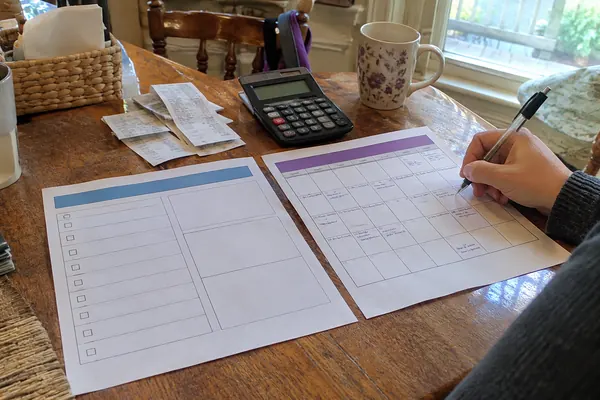
A budget is a plan. A tracker is a record. Most people have tried a budget at some point and abandoned it, usually because the plan was never compared with what really happened. The tracker is the comparison. At the end of the month you write down real numbers, and the gap between plan and reality tells you what to change.
That gap is where the useful information lives. You might believe you spend about $300 a month on food away from home, then find it was $470. You are not being judged by a sheet of paper. You are simply seeing, for the first time, what your habits cost.
A good tracker also keeps the big picture in view. Income and spending tell you about this month. Savings, debt payments and net worth tell you about the direction you are moving over the year. That is why this sheet puts all of them on one page rather than splitting them into separate worksheets you will lose.
What is on the sheet
The sheet is laid out as seven boxes under a short header. The header has three fill-in fields: the month, your starting balance and your ending balance. Those two balances are the quickest honesty check there is. If the ending balance is lower than the starting one, you spent more than you earned, whatever the rest of the page says.
The boxes run in a natural order. Money in comes first, then Fixed bills with tick boxes, then Everyday spending with common categories already named. Savings and debt follows, then a Net worth snapshot, then Month totals, and finally a wide notes box for wins, surprises and next month’s fixes.
Every label on the page can be edited, so if “Kids” does not apply to you, type over it with “Pets” or “Gym”. The tick boxes can be marked on screen. I test-print each printable on my home inkjet on both US Letter and A4, and I made the lines in the spending box a little taller than I first had them because handwritten numbers with a cheap pen need the room.
How to fill in the tracker, step by step
You can fill it in as the month goes on or all at once at the end. I prefer the end of the month, with the bank statement open, because it takes about twenty minutes and I am not fussing over receipts every day. If you are new to tracking, work through it in this order:
- Write the month and your starting balance (the total across your checking and spending accounts on the first day).
- List each paycheck or other income in the Money in box, using the amount that actually reached your account.
- Tick off fixed bills as they are paid, and write the amount beside each.
- Add up your everyday spending by category from your statements, and write one number per line.
- Record what you moved to savings and what you paid toward debt.
- Fill in the totals, then the ending balance, then one or two lines of notes.
Round to whole dollars. Cents make the page harder to read and add nothing to the decision you are trying to make.
Try this: Before you fill in anything, write your ending balance guess for the month at the bottom of the notes box. At the end of the month, compare it with the real figure. The size of the miss tells you how closely you are watching your money.
Money in: use the net number
The first box is for income, and the number to enter is your net pay, the amount after taxes, benefits and retirement withholdings come out. This is the figure that actually lands in your account and the only one you can spend. A budgeting guide from NerdWallet makes the same point: net income is what comes to you after taxes, benefits and retirement withholdings.
List each source on its own line: paycheck one, paycheck two, a side job, a refund, child support, a gift. Separate lines help later, because you will spot which sources are steady and which are occasional. If you want a longer record of every payment across the year, the income tracker is a good companion.
One tip from my office years: when pay dates fall three times in a month (it happens with biweekly pay), write that on the sheet. The extra paycheck is not a raise in your monthly budget. I treat it as a bonus for savings or debt and note it so I do not accidentally build my spending around it.
Fixed bills and the tick boxes

The second box lists the bills that arrive on a schedule: rent or mortgage, utilities, phone and internet, insurance, car payment, subscriptions, minimum debt payments and childcare. Each has a tick box. Tick it the day the bill is paid and write the amount next to it. By the middle of the month you can see at a glance what is paid and what is still coming.
I added tick boxes because in an office, the lists that worked were the ones people could mark off in two seconds. A bill list with no check mark leaves you wondering whether you paid the water bill or just meant to. If you want a dedicated page with due dates and confirmation numbers for every bill, use the bill tracker printable alongside this sheet.
Your fixed bills should add up to the biggest single number on the page. If they eat more than about half of your net income, that is useful to know. It does not mean something is wrong with you. It means there is less room to flex, and the changes that matter most will be on this list rather than in the coffee budget.
Everyday spending without too many categories
The spending box is where most trackers become tiring. The temptation is to create twenty categories and log every purchase. I do not recommend it. A tracker you abandon in week three tells you nothing.
The sheet starts with nine lines: groceries, gas and transit, eating out, household, health, kids, fun, gifts and other. That is enough to see where the money goes. If one line is consistently larger than you expected, split it into two the following month. Eating out is a common one to split into lunches at work and weekend meals.
Gather the numbers from your bank or card statement at the end of the month rather than logging each purchase. Scan down the statement, put a letter beside each transaction (G for groceries, F for fun) and add up each letter. It is quick, and it works for card users and cash users alike. If you want a closer look at one week, the weekly budget planner gives you day-level space.
Try this: Choose the one spending line that surprised you most this month. Write its name in the notes box, then write one specific change for next month, such as “two takeout meals instead of five.”
Savings and debt: check your split
The fourth box is for money you deliberately set aside: an emergency fund, retirement, sinking funds (small pots for things like car repairs or holiday gifts), extra debt payments and one custom goal. Record these as spending that you chose, not as what happened to be left over. People who save only what remains at the end of the month often find that nothing remains.
A common benchmark is the 50/30/20 split. It divides net income into 50% for needs, including minimum debt payments, 30% for wants, and 20% for savings and extra debt paydown. Treat it as a rough yardstick, not a rule. In an expensive city, needs can reasonably take 60 percent. The point is to see your own split in numbers and decide on purpose.
Once you have your savings figure, work out your savings rate in the Month totals box: savings and extra debt payments divided by net income, times 100. A steady 8 percent beats a heroic 25 percent that you drop after two months. If you are saving toward something specific, the savings tracker shows the progress, and the debt payoff tracker does the same for balances you are paying down.
The net worth snapshot
Net worth sounds like something for wealthy people, but it is just a scorecard. Net worth is total assets minus total liabilities. The snapshot box on the sheet has lines for cash and savings, investments, home and car value, total assets, total debts and the final net worth figure.
Do not worry about precision. Use account balances for cash and investments, a rough current value for your home and car, and the balances you owe on mortgages, loans and cards. What matters is consistency: use the same process each month so your trend line stays meaningful. If you value your car at one price in March and another in April, the change in net worth means nothing.
I kept this box small on purpose. Net worth moves slowly, and a big box invites daily fiddling. Some people update it quarterly instead of monthly, which is fine. Pick a rhythm and keep to it. When you flip through twelve sheets at year end, a rising net worth is the most motivating thing on the page, even if the climb is slow.
Month totals and the monthly check-in
The Month totals box has four lines: total in, total out, left over and savings rate. Total out should include everything: bills, spending, savings and debt. Left over is total in minus total out. If it is negative, you covered the gap from savings or a card, and the notes box is where you write down how.
Then comes the part that makes the tracker worth doing, a short check-in. Reviewing monthly or quarterly is standard advice, and NerdWallet suggests you review your budget monthly or quarterly and adjust as needed. I do mine on a fixed day, with the sheet and my planner on the kitchen counter. It takes about ten minutes once the numbers are in.
Use the notes box for three things: one win, one surprise and one fix. The win keeps you going. The surprise is where learning happens. The fix is a single concrete change for next month, not a list of resolutions. If you want to put the check-in on the calendar, mark it on the monthly planner so it does not slide.
Who this tracker suits
This sheet is built for individuals and couples who want a clear monthly picture without an app. It suits people starting out, because the categories are already named and you do not have to design a system first. It also suits people who have tried apps and got tired of notifications, or who simply think better with a pen.
It works well for students and young adults juggling a first apartment, for parents watching school, activity and grocery costs, and for people paying down debt who want to see progress in black and white. It is also a calm option for anyone who finds bank-linked apps stressful or who prefers not to share account logins with a third party.
It is less suited to running a business. If you are self-employed, you can track your personal draw on this sheet, but business expenses, tax set-asides and mileage deserve their own records. Keep the two separate so your personal numbers stay clean.
Irregular income and yearly costs
If your pay changes from month to month, the tracker still works, but you need a rule. Base your fixed bills on your lowest typical month, and treat anything above that as extra for savings or debt. Write the actual amount received in the Money in box each time so you can see the range across the year.
Yearly costs are the other reason budgets fall apart. Car registration, annual subscriptions, holiday gifts and insurance premiums feel like surprises, but they are predictable. NerdWallet’s advice is to add up those yearly costs, divide by 12 and track that amount as a monthly expense. On this sheet, put that monthly amount on a “Sinking funds” line in the Savings and debt box, and move the money into a separate savings pot.
I do this with a short list on the fridge next to my paper calendar: the five or six bills that come once or twice a year, with the month each is due. Seeing them on the calendar means they are no longer a surprise. If you want to mark them on a full-year view, the 2027 calendar has room for it.
Variations for different households
The single sheet is a starting point. Here are ways I have seen people adapt it to different setups:
- Couples with shared bills: each person fills in their own sheet for personal spending, and one shared sheet covers rent, utilities and groceries. Total them together at the check-in.
- Cash envelope users: change the spending lines to envelope names, and write the cash you put in at the start of the month beside each one.
- Weekly trackers: print four copies each month and fill in only the spending box, then combine into the monthly sheet at the end.
- Yearly overview: after twelve months, copy each month’s totals onto one page, with a column per month and rows for income, spending, saving and net worth.
- Debt focus: replace the “Fun” and “Gifts” lines with extra debt payments for a few months, so the sheet shows where every freed-up dollar went.
If you want to spend nothing for a stretch, pair the tracker with a no-spend calendar and use the notes box to record how it felt. For planning the whole year ahead rather than reviewing the month just gone, the 2027 budget planner is the better tool.
Paper, spreadsheet or app?
There is no single winner. Apps connect to your accounts and sort transactions automatically, which saves time but can make money feel abstract. Spreadsheets are flexible and good with formulas, but they take setup and a regular opening of the laptop. Paper is slow and manual, and that is its strength: writing a number by hand makes you look at it.
I keep a paper calendar on the fridge and a planner on the counter, so a paper tracker fits how my household already works. Everything is where I can see it, and the kids can ask what a number means. If you like automation, you can still use the sheet as a monthly summary: let an app do the categorizing, then copy the totals here for your check-in.
The most important question is not which is best but which you will actually open next month. A basic sheet used for twelve months will teach you more than a perfect system abandoned in February.
Printing, filing and privacy tips
Print on standard US Letter paper at 100 percent scale, and choose “actual size” rather than “fit to page” so margins stay put. On A4, the layout also prints cleanly. Black and white is fine. If you are filling it in by hand, a pencil is useful for the first few months while you work out your categories.
Fill in the fields on this page first if you like typing, then print. Your entries are saved in your browser, so you can come back and add to them during the month. If you prefer a blank sheet, use the PDF download and write everything by hand.
For filing, a simple folder or a thin binder with twelve sheets is enough. Put the newest month on top and punch holes if you use a binder. Because the sheet uses categories and balances rather than account numbers, it holds no logins or passwords. Still, keep finished sheets somewhere private at home, and shred them when you no longer need them. The IRS and many tax advisers suggest keeping tax records for several years, but a tracker sheet is a personal tool, not a tax document, so check your own needs.
Common mistakes to avoid
The first is starting too big. People set up twenty categories, track for a week and quit. Use the nine on the sheet for three months before changing anything. The second is skipping the starting balance. Without it, you cannot tell whether your numbers add up, and mistakes hide.
The third is mixing net and gross income. Stick to take-home pay every time. The fourth is guilt. I have watched people fill in a tracker and then feel too ashamed to look at it again. The sheet is information, nothing more. A high eating-out number is a fact you can act on, not a verdict.
The fifth is not setting a check-in date. A tracker without a review is just record-keeping. Choose one date each month, write it on your calendar, and treat it like any appointment. As one net worth guide puts it, choose one monthly date and put it on your calendar now. Even ten minutes on that day is enough to keep the habit going.
Try this: Open your calendar now and mark the last Sunday of each month for the next six months as “money check-in.” Print six copies of this sheet and clip them together so the next one is always ready.
If you are looking for more tools to go with this one, the trackers and logs page has the rest of the set.
Common questions
What should a personal finance tracker include?
At minimum it needs money in, money out and what is left over. A better one also shows fixed bills, spending by category, savings and debt payments, and a net worth figure so you can see progress over time. This sheet covers all of those on one page.
How often should I update a personal finance tracker?
Do a full update once a month on a fixed date, and add a quick two-minute look each week if you can. Weekly glances catch problems early, while the monthly sheet gives you the numbers you need to compare one month with the next.
What is the difference between a budget and a finance tracker?
A budget is a plan for what you intend to do with money. A tracker records what actually happened. Use both together: plan in your budget, then record real numbers on the tracker and compare.
How do I calculate my savings rate?
Divide the amount you saved or put toward debt by your net income for the month, then multiply by 100. If you took home $4,000 and saved $400, your savings rate is 10 percent.
Is a paper finance tracker safe?
It carries no bank logins, so it is safer than linking accounts to an app. Use account types rather than account numbers, and store finished sheets in a folder at home.
Can I use this sheet if my income changes each month?
Yes. Record what actually arrived in the Money in box, and base your bills on your lowest recent month. Anything above that goes straight to savings or debt.
 Reading Log: Free Printable You Can Fill In and Print
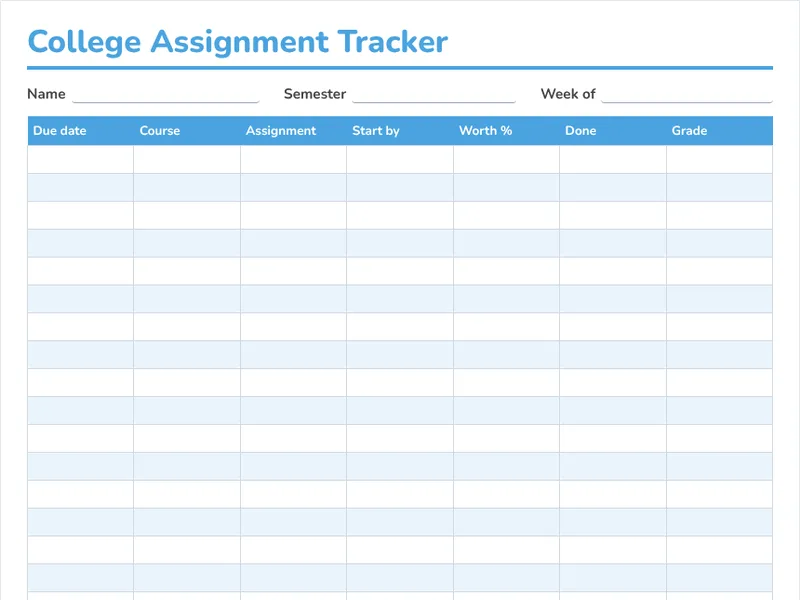 College Assignment Tracker: Free Printable Sheet
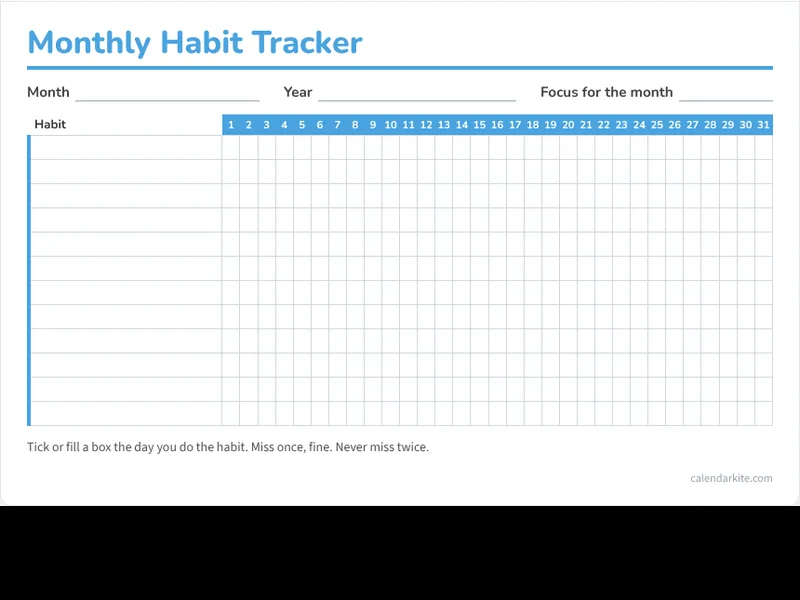 Habit Tracker Printable (Free Monthly Sheet)
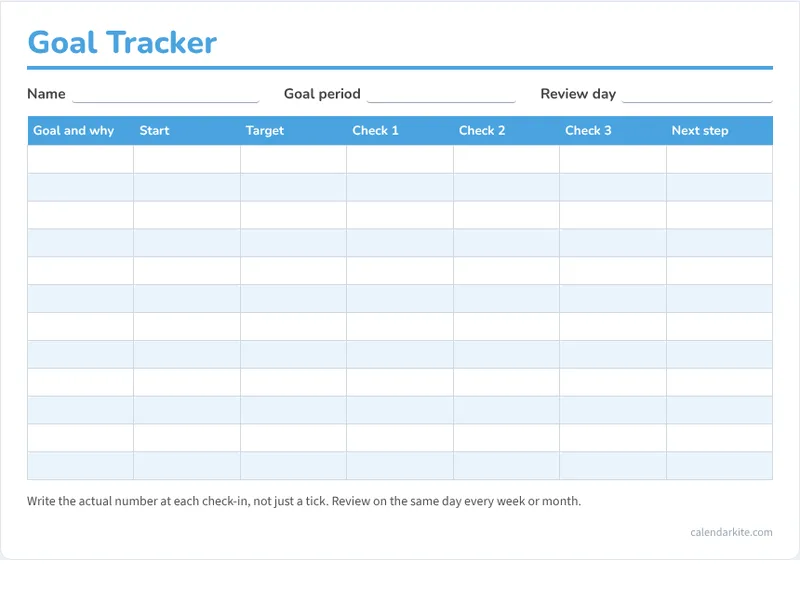 Goal Tracker: Free Printable Sheet You Can Fill In and Print
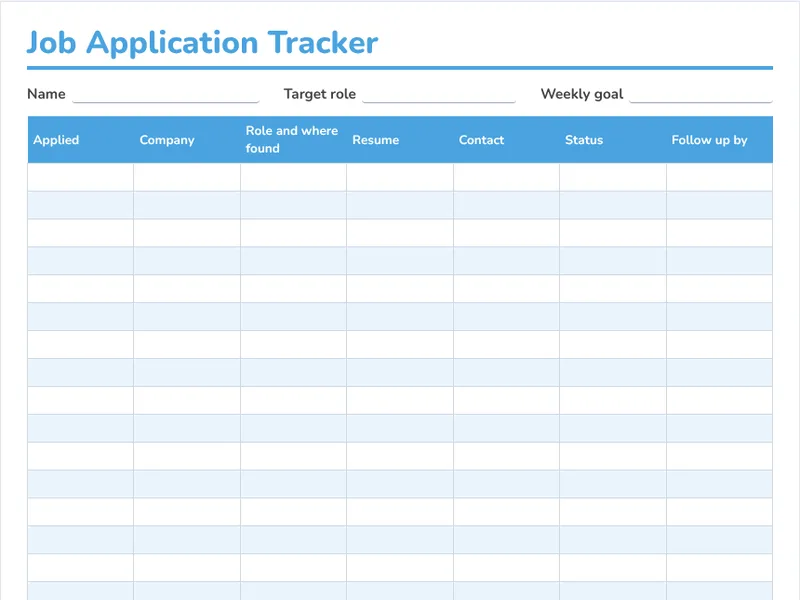 Job Application Tracker: Free Printable Sheet
 Workout Log Template (Free Printable Fitness Log)