
Homeschool Planner Printable

A homeschool planner printable is a page (or a few pages) that lays out your school week by subject and day, so you can see what each child is doing and what you need to prepare. The sheet on this page is a one-page weekly planner: subjects down the side, Monday to Friday across the top, a column for the resource or page numbers, and two bottom rows for attendance and hours. You can type straight into it, tick things off, and print it.
| Subject | Mon | Tue | Wed | Thu | Fri | Resource / pages |
|---|---|---|---|---|---|---|
| Math | ||||||
| Language arts | ||||||
| Reading | ||||||
| Writing | ||||||
| Spelling / vocab | ||||||
| Science | ||||||
| History / geography | ||||||
| Read-aloud | ||||||
| Art or music | ||||||
| PE / outdoors | ||||||
| Foreign language | ||||||
| Life skills | ||||||
| Attendance (tick) | ||||||
| Hours logged |
Plan in pencil. On Friday, cross out what changed and carry it to next week.
Free for personal, classroom and office use. Your entries are included in the print, PDF and PNG. Prints on US Letter and fits A4.
Black and White Homeschool Planner Printable
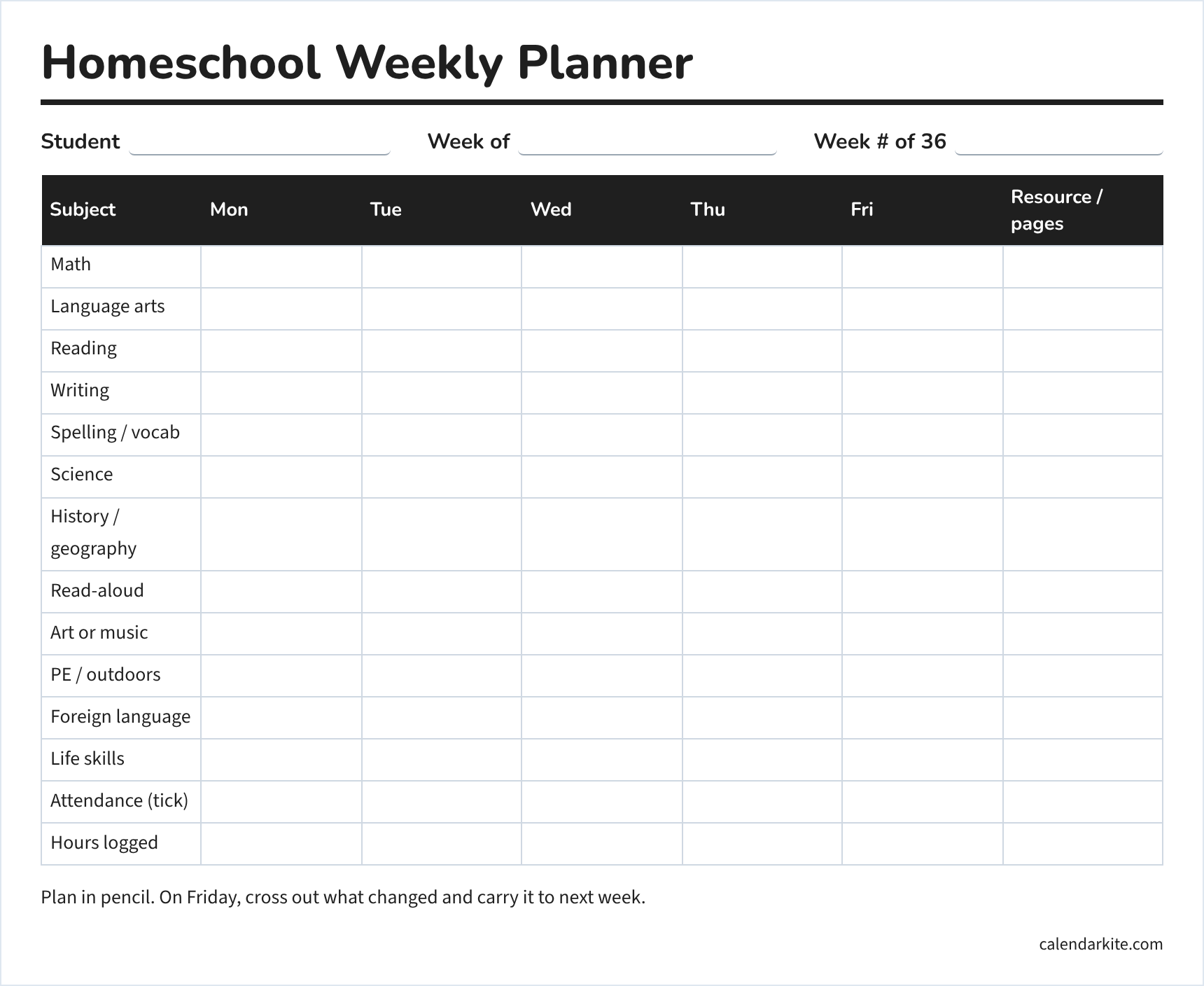
I made this black and white version for parents who print a fresh planner every term and want to save ink. I test-printed it on my home inkjet, and the plain lines stay crisp on both US Letter and A4.
Pink Homeschool Planner Printable
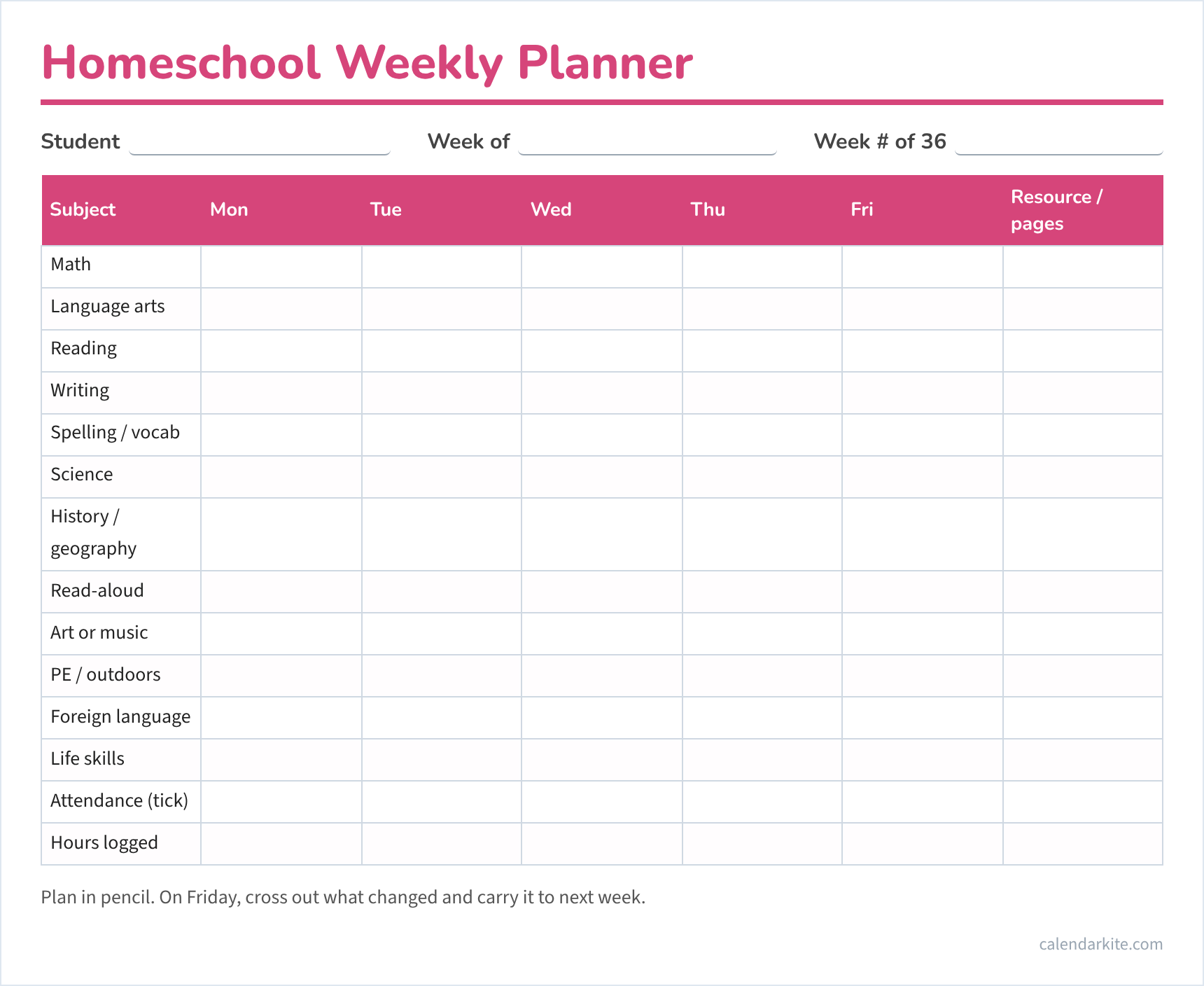
This soft pink design suits parents who like a warm, friendly planner for weekly lesson plans and read-aloud lists. Pick it if you want one page you actually enjoy opening at the start of each homeschool day.
Sage Green Homeschool Planner Printable
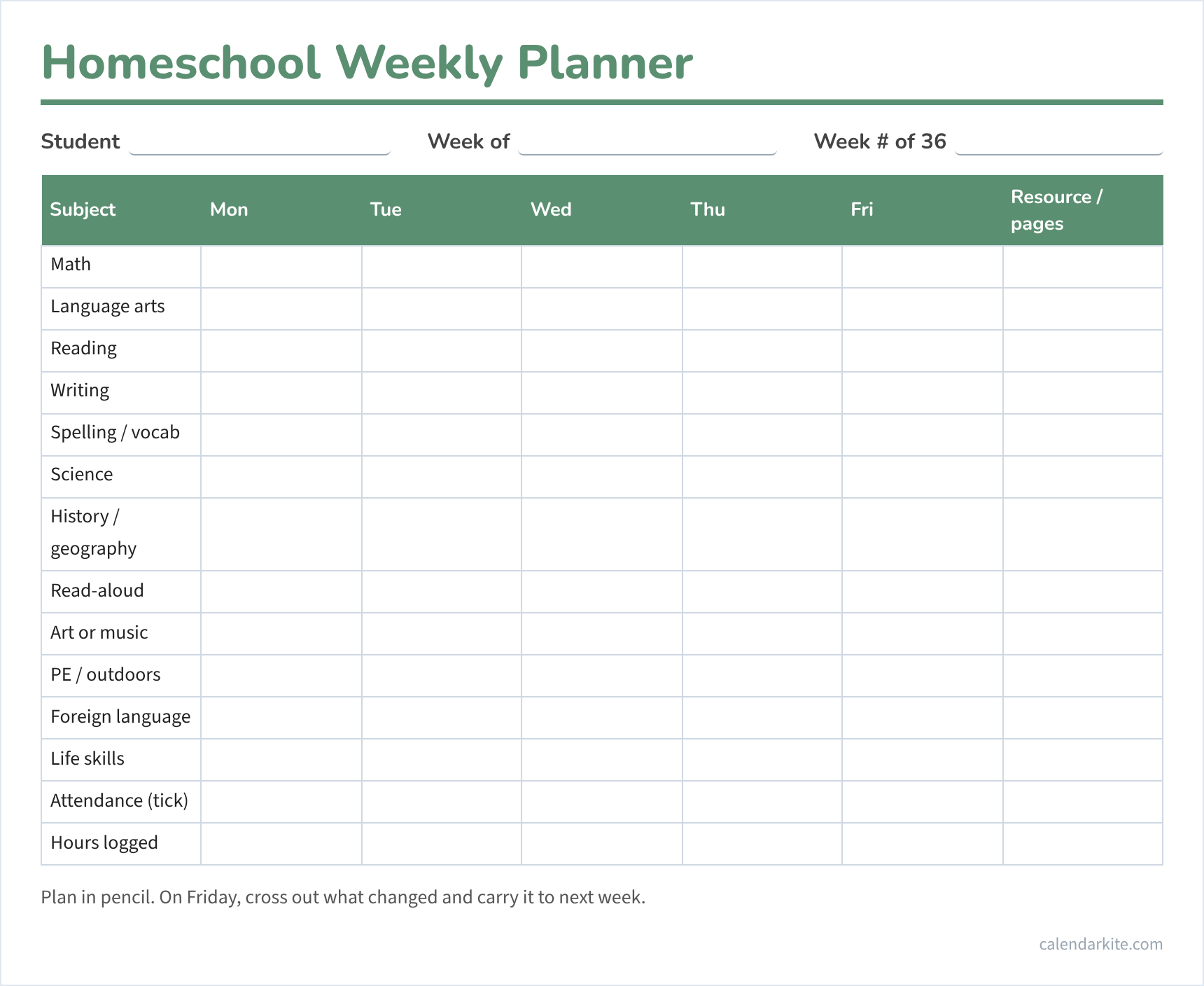
Sage green is calm, so I recommend it for parents juggling several grade levels who need a planner that feels quiet. In my office years I learned that muted colors keep a busy schedule readable, and this one works well for tracking subjects by day.
Lavender Homeschool Planner Printable
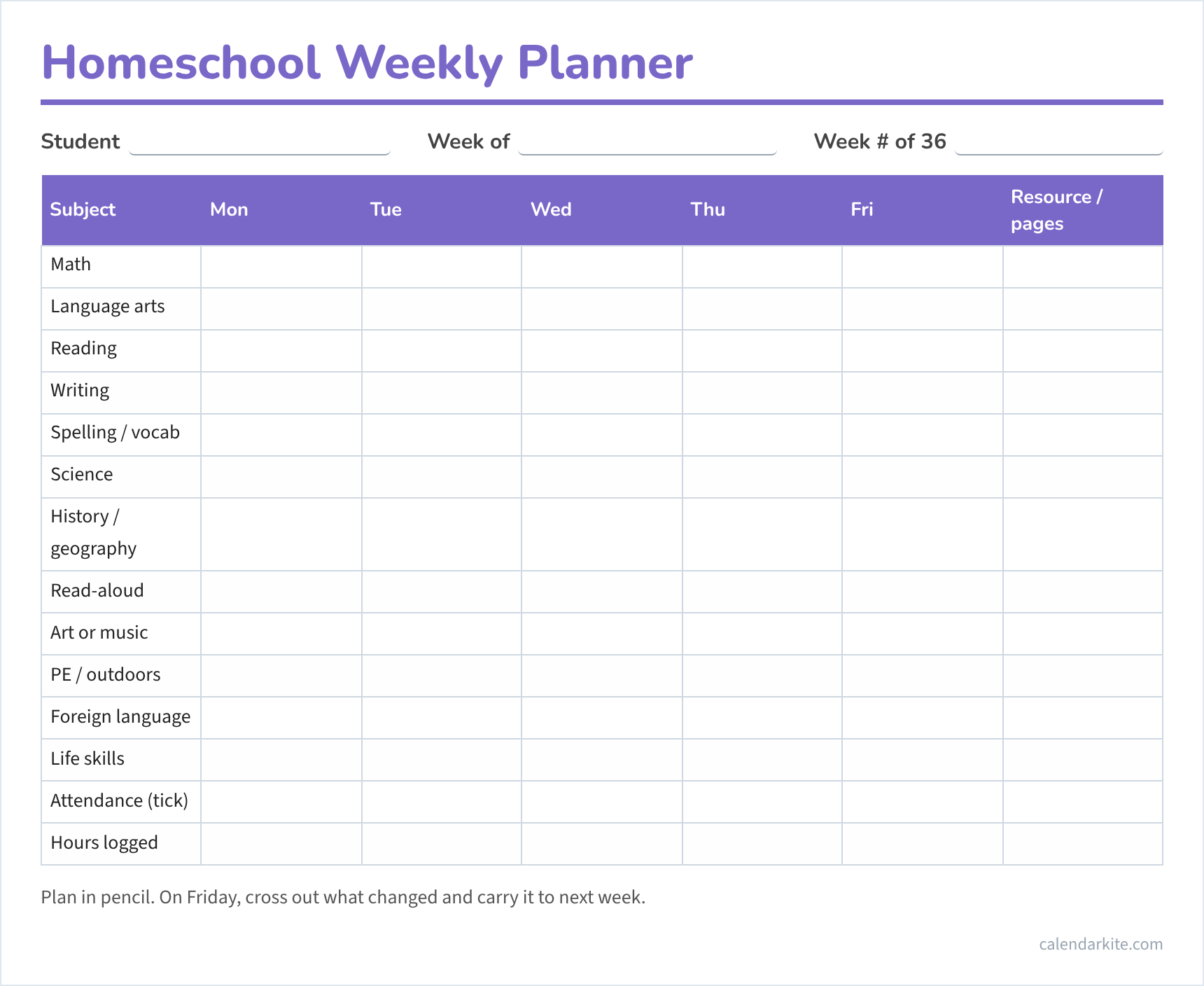
Lavender suits parents who plan in colored pens and like a gentle purple look on the clipboard or binder. I'd use it for a term overview, then print extra copies for weekly planning.
Cute Homeschool Planner Printable
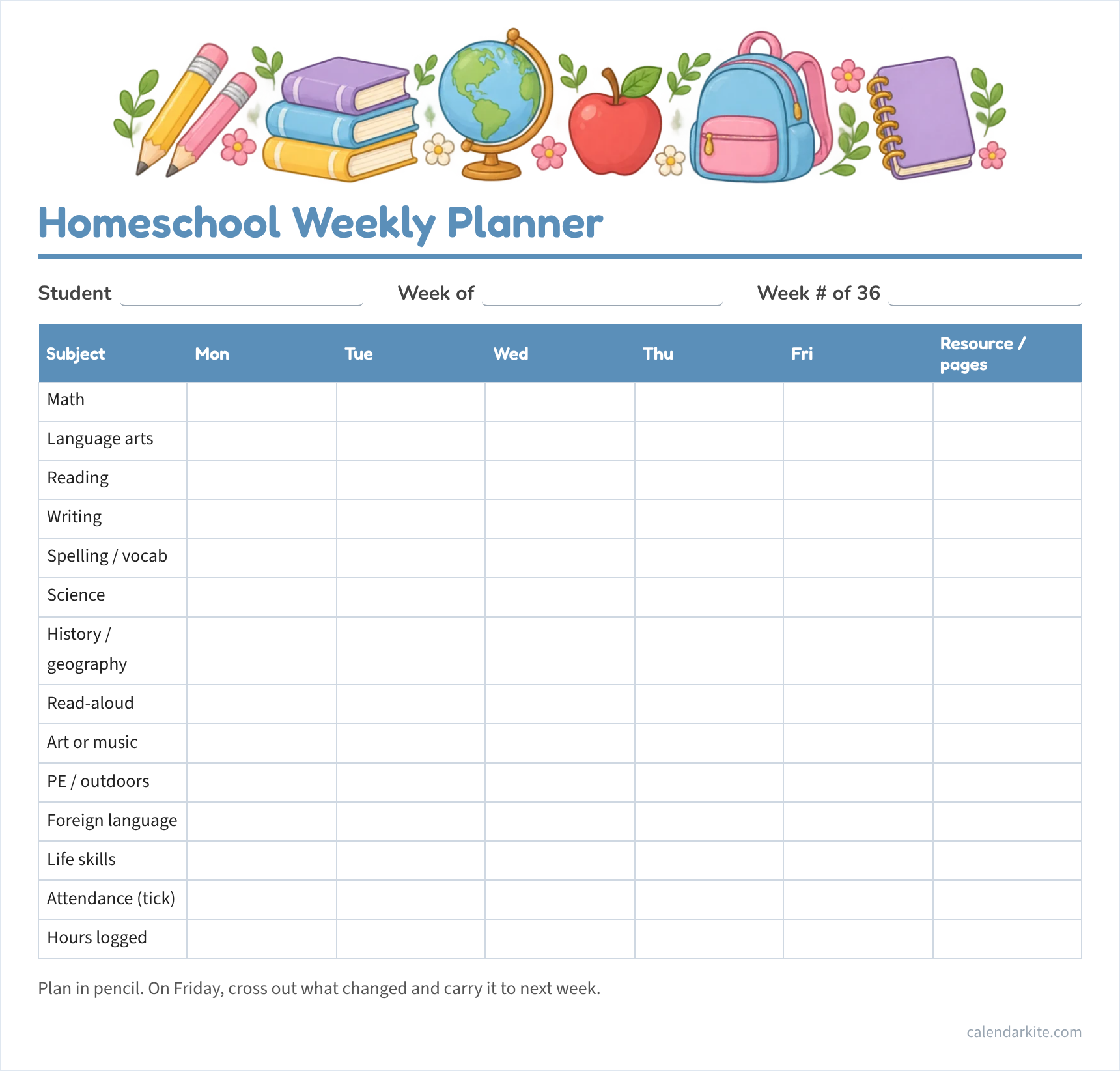
This pastel blue page with little hand-drawn illustrations is great for younger-grade homeschool families who want planning to feel friendly. Tape it inside a binder cover for daily lessons, or hang it where kids can see the day's plan.
Floral Homeschool Planner Printable
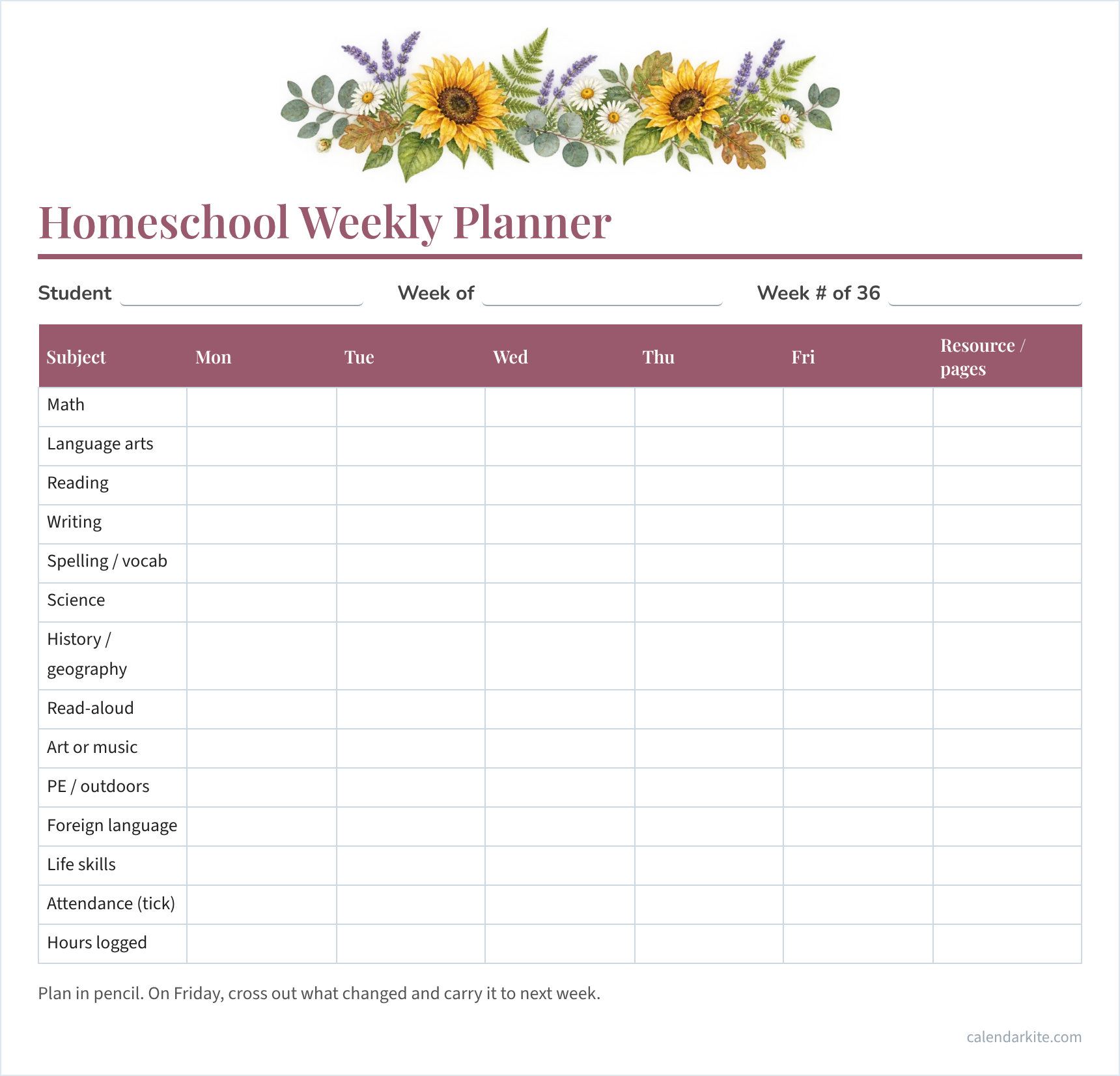
Watercolor flowers and elegant serif headings make this a lovely choice for a parent's own planning binder. I keep my planner on the kitchen counter, and a pretty page like this honestly gets used more often than a plain one.
Colorful Homeschool Planner Printable
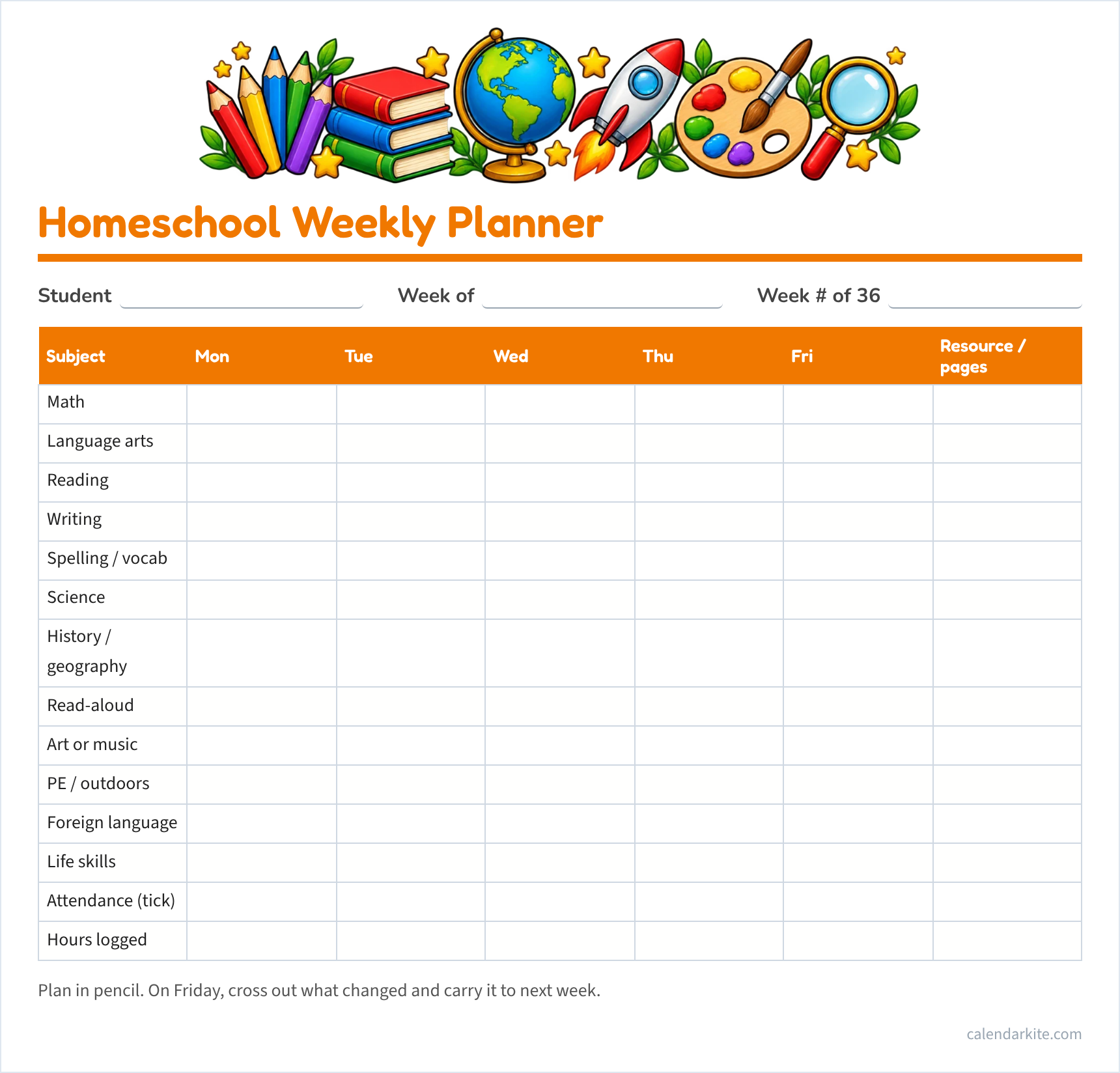
Bright orange and yellow with bold cartoon art gives a playful planner for families who want kids to see the week at a glance. I'd use it as a shared weekly schedule on the fridge, where I keep my own paper calendar.
Simple Minimalist Homeschool Planner Printable
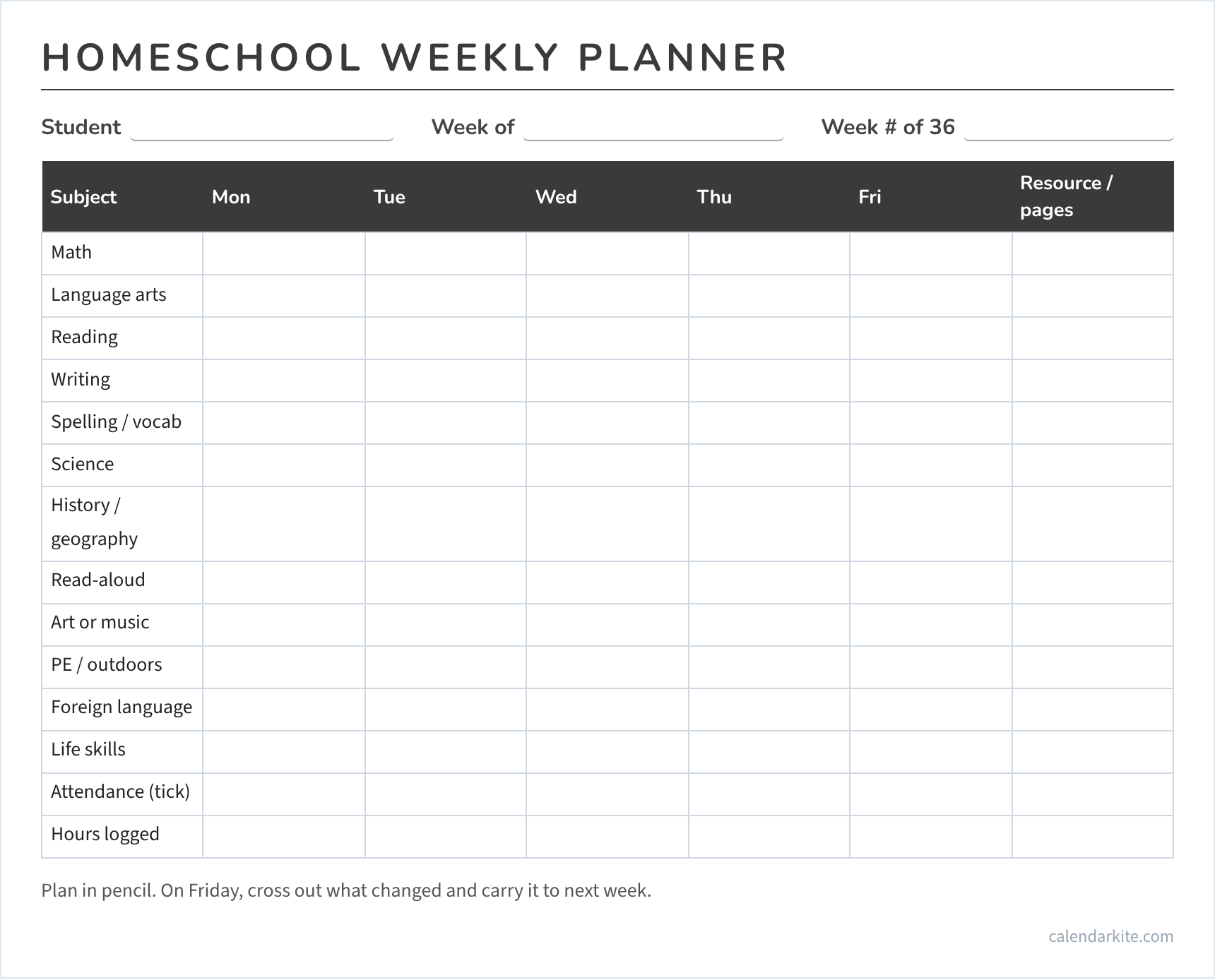
Thin gray lines and a light uppercase heading give a clean, distraction-free layout for parents who plan in pencil. A common mistake I see is cramming too many boxes, so I kept the spacing generous for handwriting.
Aesthetic Homeschool Planner Printable
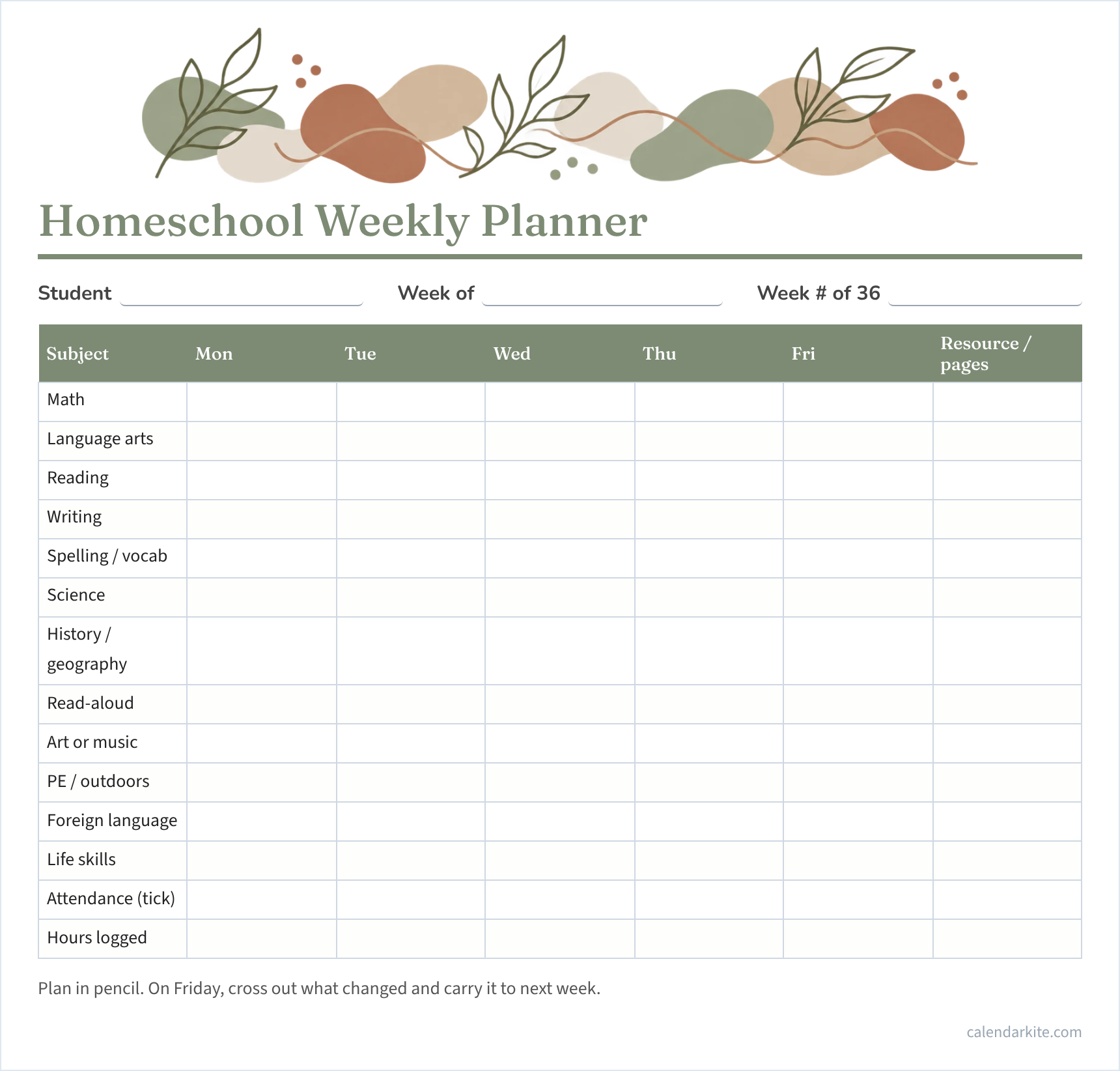
Muted sage, sand and terracotta with soft line-art leaves suit parents who want a planner that looks nice on a shelf or desk. It works well for a term-at-a-glance page paired with weekly lesson sheets.
Modern Homeschool Planner Printable
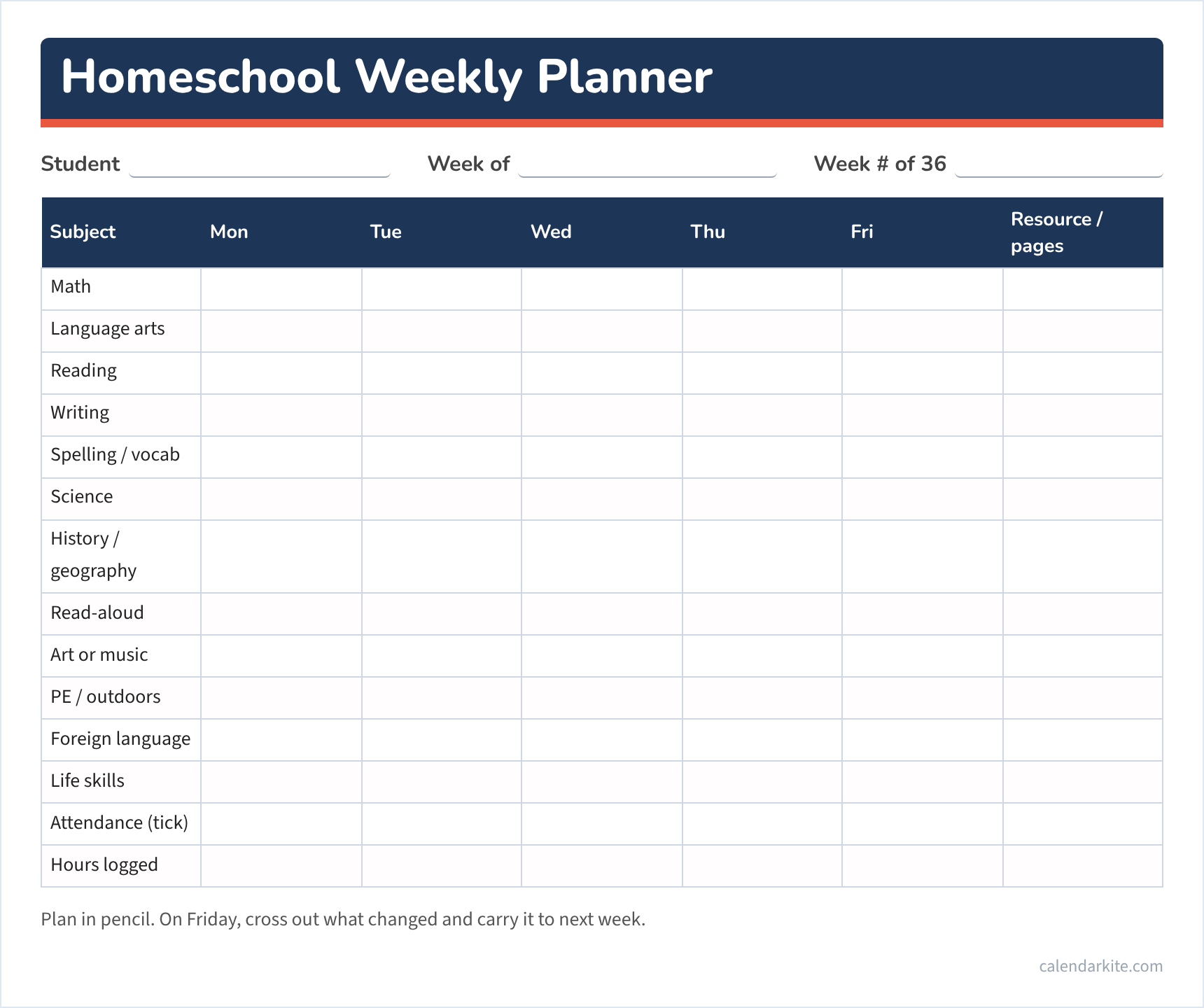
A navy header band with a coral accent makes section titles easy to spot, which helps co-teaching parents or anyone who flips between pages quickly. In the office I learned that strong headers save time, so I'd use this for attendance and subject tracking.
It is free, it fits one US Letter page, and it saves in your browser, so you can fill in a week on screen and print it, or download the blank PDF and write by hand. I built it for the way real homeschool weeks run: planned in pencil, adjusted on Wednesday, and tidied up on Friday.
What this weekly sheet includes
The top of the sheet has three fields: student, week of, and week number out of 36. The week number is small but useful. When you are in week 19 you can see at a glance whether you are halfway through the math book or behind where you meant to be.
Below that is a grid with 14 rows. Twelve are prefilled with common subjects: math, language arts, reading, writing, spelling and vocabulary, science, history and geography, read-aloud, art or music, PE or outdoors, foreign language, and life skills. You can edit any label, so swap in Latin, coding, nature study or a co-op class. The last two rows are for attendance (tick each day) and hours logged.
The final column is Resource / pages. This is the column I added after test-printing an early version with only five day columns. Without it, you end up writing “p. 84-86” inside a Monday box and then have no room to say which book. Splitting the “what” from the “when” keeps each box short and readable.
How to fill it in, step by step
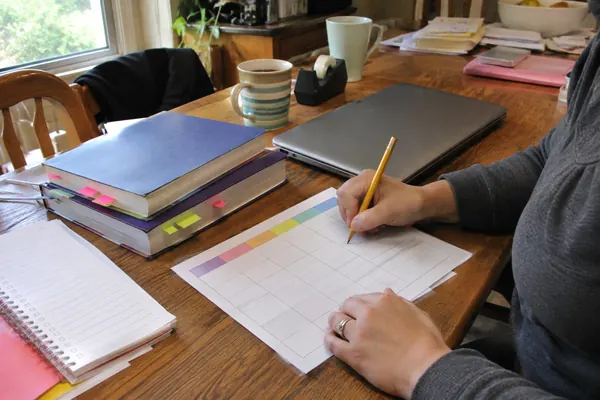
Start with the student name and the date of the Monday. Then work across the sheet in this order. It takes about ten minutes once you have the habit.
- Edit the subject labels so they match this child’s actual week. Delete the ones you do not teach and rename the ones you do.
- In the resource column, write the book, course or website for each subject, plus the unit or chapter you are on.
- Fill in each day with a short note: a lesson number, a page range, or just a tick-box style mark such as “L12”.
- Mark days off, field trips and appointments first, so you do not plan a full day of math on the day of the dentist.
- Tick the attendance row at the end of each school day and add the hours if your state asks for them.
Keep each box to a few characters. If you find yourself writing sentences, move that detail to the resource column or a separate notes page. A planner you can scan in five seconds gets used. One you have to read gets abandoned by February.
Try this: Fill in only Monday and Tuesday for your first week. Notice which subjects you could not fill in because you did not know the next lesson, then fix those gaps before adding the rest.
Setting up your year before week one
Before you plan any single week, decide how long your school year is. Many families work to around 36 weeks, the same as a traditional school year, then spread breaks around it. Others school year-round with shorter, more frequent breaks. The sheet works for either, because you set the week total yourself.
Next, count the lessons left in each curriculum and divide by the number of weeks you have. If a math book has 144 lessons and you have 36 weeks, that is four lessons a week. That single number is the one that fills in most of your Monday to Friday boxes. Do the same for each subject, write the result in the resource column of week one, and you have a pace to follow.
I use the same approach for school and for office schedules: I look at the whole calendar first, mark the fixed dates, and only then fill in the work. A homeschool calendar is a good companion for this step, since it lets you block out holidays, co-op days and breaks across the whole year before you commit to any weekly plan.
Planning in pencil and what to do when you fall behind
Real weeks do not go to plan. A child gets a cold, a project takes over the kitchen table, or a lesson takes twice as long as the book suggested. A planner that punishes you for that will not last, so treat the sheet as a draft you correct, not a promise you broke.
Write in pencil, or in the on-screen version, edit freely. On Friday, look at what did not get done. Anything essential moves to next week’s sheet. Anything optional gets dropped without guilt. If you are consistently carrying the same subject over, the pace is wrong, not the child, and it is time to change the number of lessons per week.
If you fall properly behind in the middle of the year, resist cramming. Extending the school year by a few weeks is usually kinder than doubling up lessons. Redo your lessons-per-week sum with the weeks you actually have left and start again from there.
Who this planner suits
This sheet is built for parents who want a clear, plain weekly view rather than a decorated binder. It works especially well for these situations:
- New homeschoolers who want one page to start with before buying anything bigger
- Families using several different curricula, where the resource column keeps track of which book is which
- Parents of teens who want a weekly view their older child can fill in themselves
- Co-op families who need to see which days are at home and which are not
- Anyone who needs a simple attendance record without extra software
It is less suited to families who prefer a day-by-day schedule with times in it. For that, pair it with an hourly schedule template or a daily checklist, covered further down.
Using it with more than one child
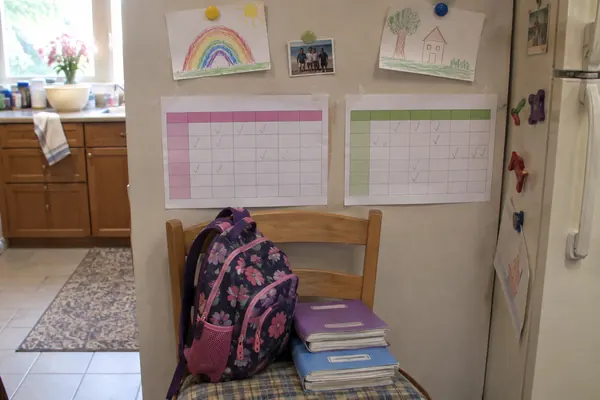
With two or more children, there are two workable setups. The first is one sheet per child. You print a copy for each, fill in the name field, and clip them together in a binder in age order. This is the easiest to maintain because each child’s pace is separate, and an older child can take over their own sheet as they get more independent.
The second is a shared sheet for subjects taught together, such as history, science and read-aloud, with individual sheets for the solo subjects like math and spelling. This saves writing the same thing twice. Use the resource column to note who is covering what, for example “Both: Ch. 7” or “Mia only”.
At home, I keep a paper calendar on the fridge for everyone’s dates and a planner on the kitchen counter for the practical weekly plan. The lesson is the same for school: one place for fixed dates that everyone can see, and one place for the detailed plan that only the person running the week needs.
Try this: Print two copies and fill one with shared subjects only and one with solo subjects only. Use them for a week, then decide which setup feels lighter.
Printing tips for Letter and A4
The sheet is designed for one page, in portrait, with comfortable margins. I test-print every printable on my home inkjet, on both US Letter and A4, and check that nothing gets clipped at the edge. A few small settings make the difference:
- Set scale to 100 percent or “fit to page”, never “shrink oversized pages” combined with a custom scale
- Use plain 20 lb paper for weekly use, or 24 lb if you write in pen and see bleed-through
- Print in black and white or draft mode to save ink, since the sheet has no color fills
- For a binder, print on three-hole-punched paper, or punch after printing, and leave the left margin as is
If your printer cuts off the right-hand column, the usual cause is a “print actual size” setting on a mismatched paper size. Check the paper size in the dialog matches what is in the tray. The most common mistake I see with printables of any kind is printing at the wrong size and then blaming the file.
Homeschool planner online: the fillable version
You can use this page as a homeschool planner online. Every line and field is typeable, boxes can be ticked, and the subject labels are editable. Your entries save in your browser, so if you close the tab and come back on the same device, your week is still there.
That is handy for Sunday evening planning on a laptop, then printing the sheet for the kitchen counter. It also means you can adjust Wednesday’s plan on a phone without hunting for a pen. Because the data stays in your browser, clearing your browser data will clear the sheet too. If a week matters (for a portfolio, say), print it or save it as a PDF when you finish.
If you want a wider set of digital pages beyond the weekly sheet, the free digital planner on this site is a good next stop. For paper fans, the blank PDF download gives you a clean copy to print as many times as you like.
Printable or online: which should you choose?
Neither is better in every case. Paper wins when you want to see the week without opening anything, when you like crossing things out, and when children need to see their own tasks. Online wins when you move between devices, change plans often, or need to copy last week’s plan forward.
Many families do both. They plan on screen, print the week, and let the paper copy be the working document that gets scribbled on. In my office years, the schedules that actually got followed were the ones printed and pinned where people walked past. The digital version was where we edited, and the paper was where we read.
If you tend to forget to open a planner, choose paper. If you tend to lose paper, choose the fillable version. Try each for two weeks and keep whichever one you are still using at the end.
Records to keep alongside your planner
A weekly sheet is a plan, and it can also work as a record, since your ticks and hours show what actually happened. But a few other records are worth keeping, depending on where you live. Requirements vary a lot by state and country, so check your local rules, such as your state education department or a homeschool association, before deciding what you need.
Attendance is the most common one. If you need a year-long view, a separate attendance chart lets you see all the school days on one page. A reading log is the next most useful, and the reading log page works well for tracking books across subjects, not just in language arts. Some families also keep a short list of field trips and outside classes, plus samples of work from each term.
A simple habit helps: on Friday, tick attendance, jot the hours, and file the sheet in a binder behind a term divider. By June you have a full record with no extra work.
Variations that suit different homeschool styles
The sheet is deliberately plain so you can bend it. Here are a few ways families adapt it:
- Four-day week: Cross out the Friday heading and use that column for a co-op day, a project, or catch-up
- Loop scheduling: Replace a few rows with “Loop A” and “Loop B” and write the topic that is next in the loop, instead of a fixed subject
- Block scheduling: Run science for four weeks and then history for four, using the subject rows for the current block only
- Relaxed or interest-led learning: Replace subject labels with themes or projects, and use the day boxes to note what you actually did
- High school: Add course names, mark credits in the resource column, and use the hours row to support a transcript
Whichever you pick, change the labels before printing a batch. A little editing at the start saves a lot of crossing out later.
Pairing the weekly sheet with a daily checklist
Some children need more than a weekly grid. A young child often wants a short list for today, with boxes to tick, and an older child may want a list they can own. A daily checklist template does that job well: you copy Monday’s column from the weekly sheet onto a daily list and let the child tick items as they go.
This gives you a two-level system. The weekly sheet is for you, the planner. The daily list is for them, the doer. I changed the order of the columns on this sheet so that the day columns sit right next to the subject names, which makes copying a day onto a checklist quick and error-free.
If your children are old enough, hand them the weekly sheet on Monday and let them write their own daily plan. Learning to turn a week into days is a skill in itself, and it takes some of the planning load off you.
Try this: On Sunday, ask your child to choose which two subjects they want to do first each day. Write those in on the sheet and see whether mornings go more smoothly.
Common mistakes with homeschool planners
The biggest one is over-planning. A beautiful plan for all 36 weeks with every lesson assigned feels satisfying on day one and impossible by week six. Plan the year in outline, the term in a little more detail, and the weeks one or two at a time.
The second is planning without checking the calendar. If you do not mark holidays, birthdays and appointments first, your pace is wrong before you start. Having the weekly calendar printable or a monthly page next to the planner for fixed dates avoids double-booking learning and life.
The third is making the planner too complicated to maintain. I have seen office systems with five color codes and a legend that nobody read. If it takes more than ten minutes a week to fill in, simplify it. Drop rows, shorten the notes, and keep only what you look at.
Keeping the habit going all year
A planner only works if it becomes routine, so tie it to something you already do. A Sunday evening coffee, a Friday afternoon wrap-up, or the half hour after the kids are in bed all work. Pick one slot, put it in your phone, and treat it as a short meeting with yourself.
A Friday review works especially well. Take five minutes to tick off what was finished, circle anything unfinished, and write down one thing that went well. Then fill in next week’s sheet from that. It stops small slips from becoming a pile, and it gives you a record of progress you can look back on when a month feels like it went nowhere.
When a term ends, file the sheets, reprint a fresh set, and adjust the subject rows for what comes next. The sheet is free and prints in seconds, so there is no reason to hold onto a layout that has stopped fitting your week.
Common questions
What should a homeschool planner include?
At minimum it needs a place for each subject across the school week, space for the resource or page numbers, and a way to record attendance. Many families add a year overview, a reading log and a field trip list, but the weekly sheet is the page you will use most.
Is there a homeschool planner online I can use for free?
Yes. The sheet on this page can be typed into directly, and it saves in your browser so it is there when you come back. Print it when you want a paper copy, or download the blank PDF to write on by hand.
How far ahead should I plan my homeschool lessons?
Sketch the whole year at a high level, then fill in detailed weekly plans one or two weeks ahead. Planning every day of the year in advance usually has to be redone the first time a week goes sideways.
How many weeks should a homeschool year have?
Many families plan around 36 weeks, which is why the sheet has a week number field with 36 as the total. Your state may set required days or hours, so check your local rules and adjust the total to match your own calendar.
Can I use one sheet for several children?
You can, but most families do better with one sheet per child, or one shared sheet for subjects taught together plus a separate sheet for each child's solo work. Print as many copies as you need and clip them in a binder.
Will it print on A4 paper?
Yes. Choose fit to page or scale to fit in the print dialog and it prints cleanly on A4 as well as US Letter. I test-print on both sizes at home.
More free planners
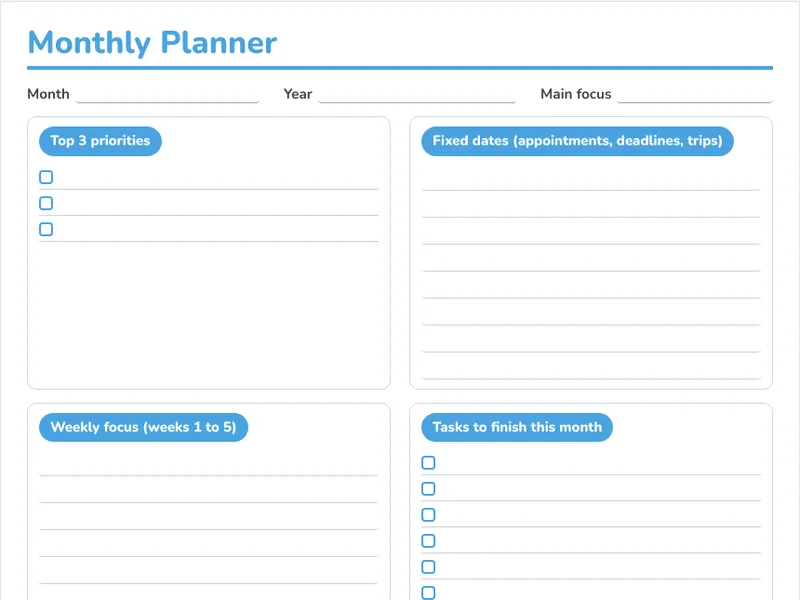 Monthly Planner: Free Printable One-Page Sheet
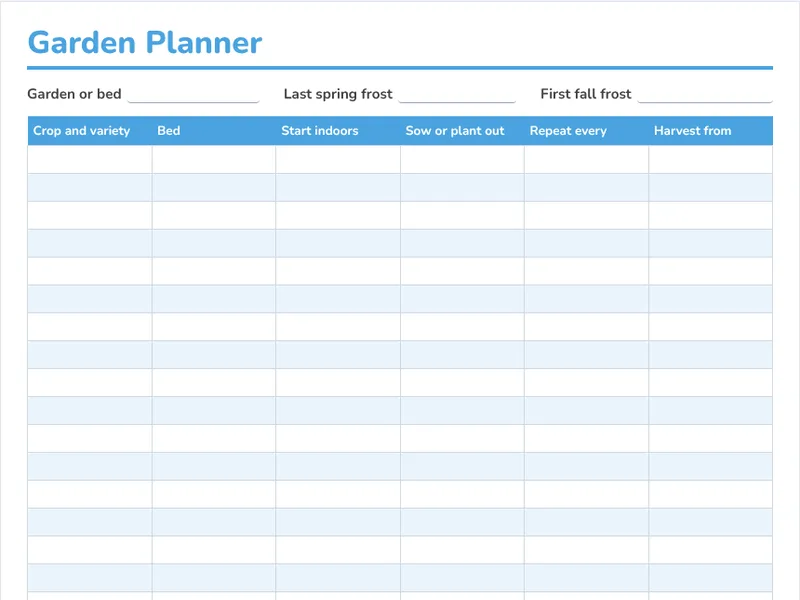 Garden Planner: Free Printable Planting Sheet
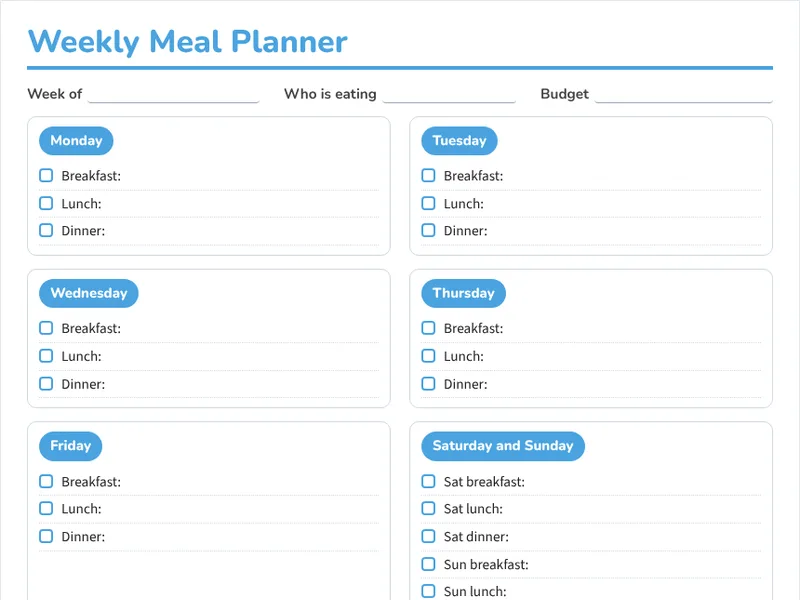 Printable Weekly Meal Planner
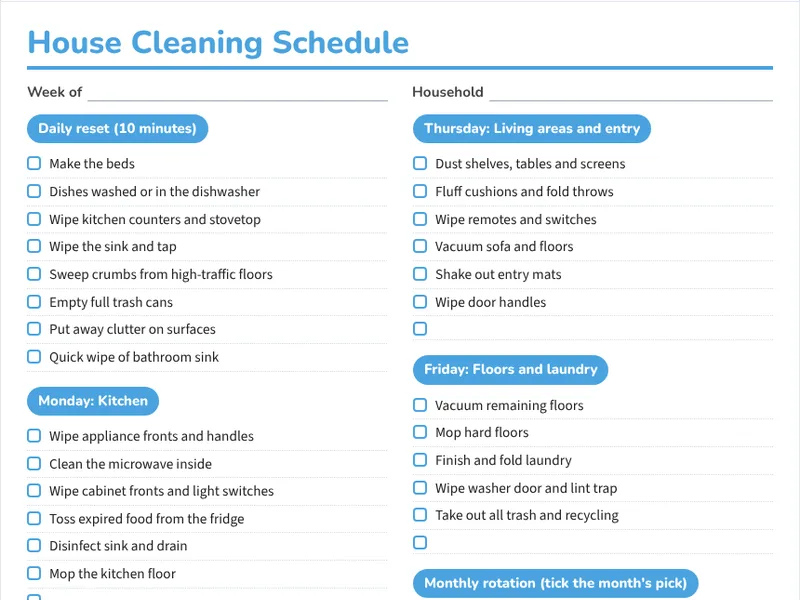 House Cleaning Schedule: Free Printable for Daily, Weekly and Monthly Jobs
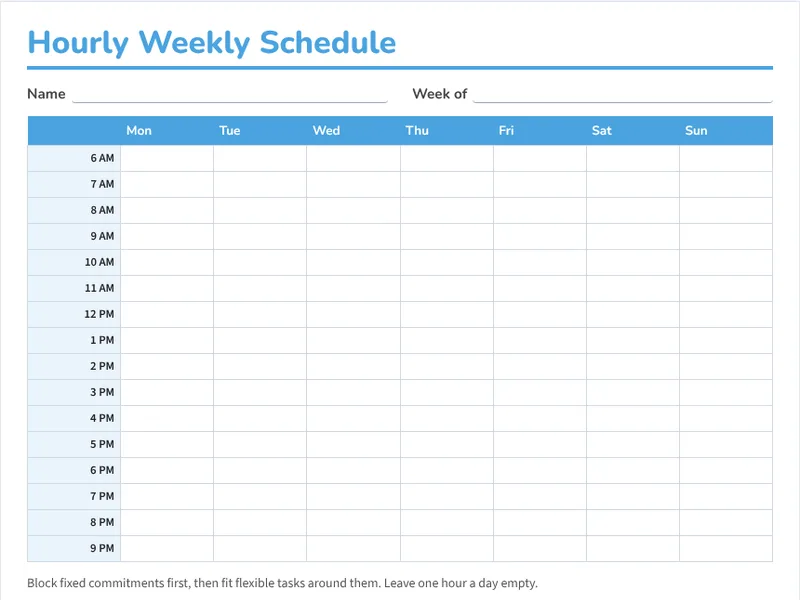 Hourly Schedule Template: Free Printable Weekly Planner
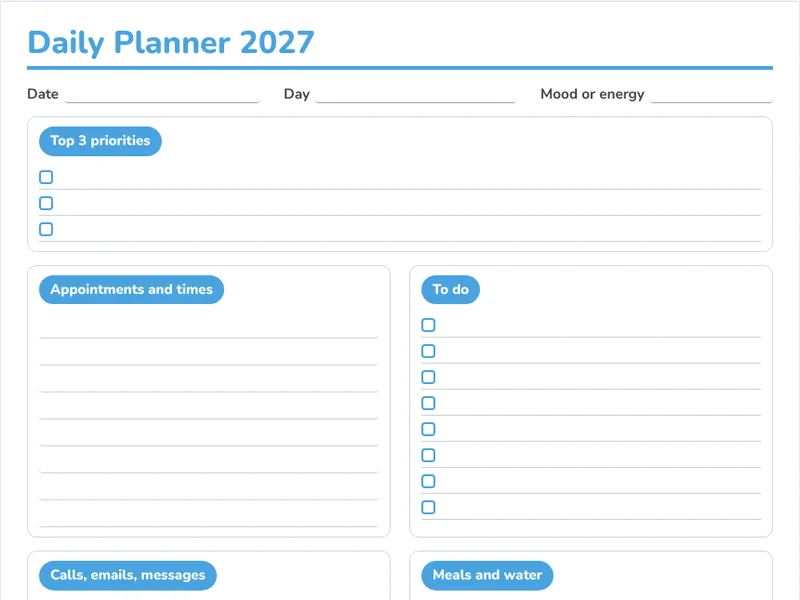 Daily Planner 2027: Free Printable Page for Every Day