
Productivity Planner: Free Printable Daily Page

A productivity planner is a page that connects what you want to get done with when you will actually do it. The best ones are simple: a few priorities, some time blocks, a short task list and a place to put distractions. The free printable on this page does exactly that on one US Letter sheet. Type straight into it, tick the boxes, and it saves in your browser. Then print it, or grab the blank PDF if you prefer a pen.
Top 3 priorities
Time blocks
Other tasks (max 8)
Appointments and deadlines
Follow-ups and waiting on
Parking lot
Today's wins
First step tomorrow
Pick three. Block time for them first. Everything else fits around them.
Free for personal, classroom and office use. Your entries are included in the print, PDF and PNG. Prints on US Letter and fits A4.
Black and White Productivity Planner Printable
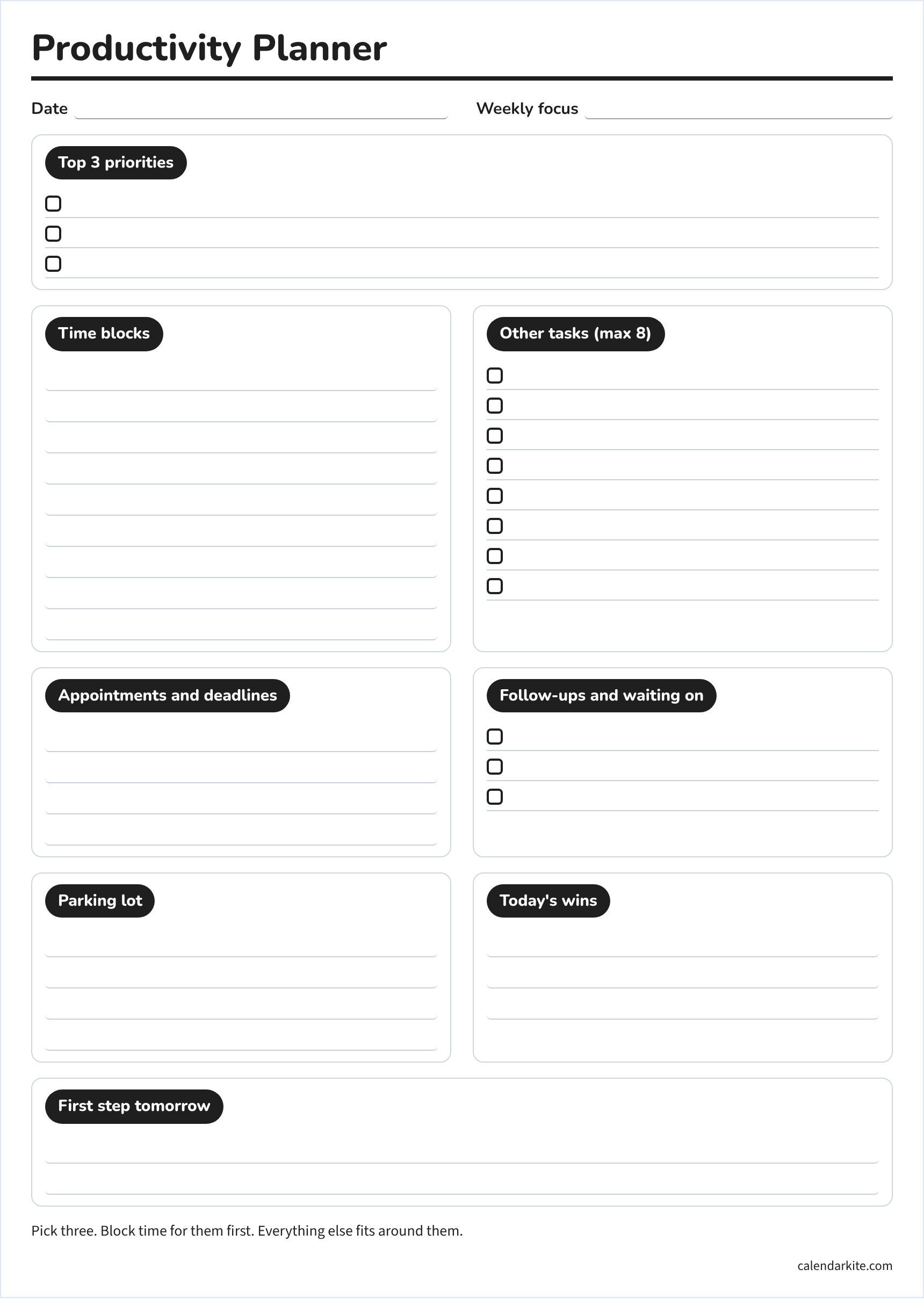
This is the one I print most often, since plain black lines go easy on my home inkjet. It suits anyone who wants a daily to-do and priorities page they can run off in bulk for work or study.
Pink Productivity Planner
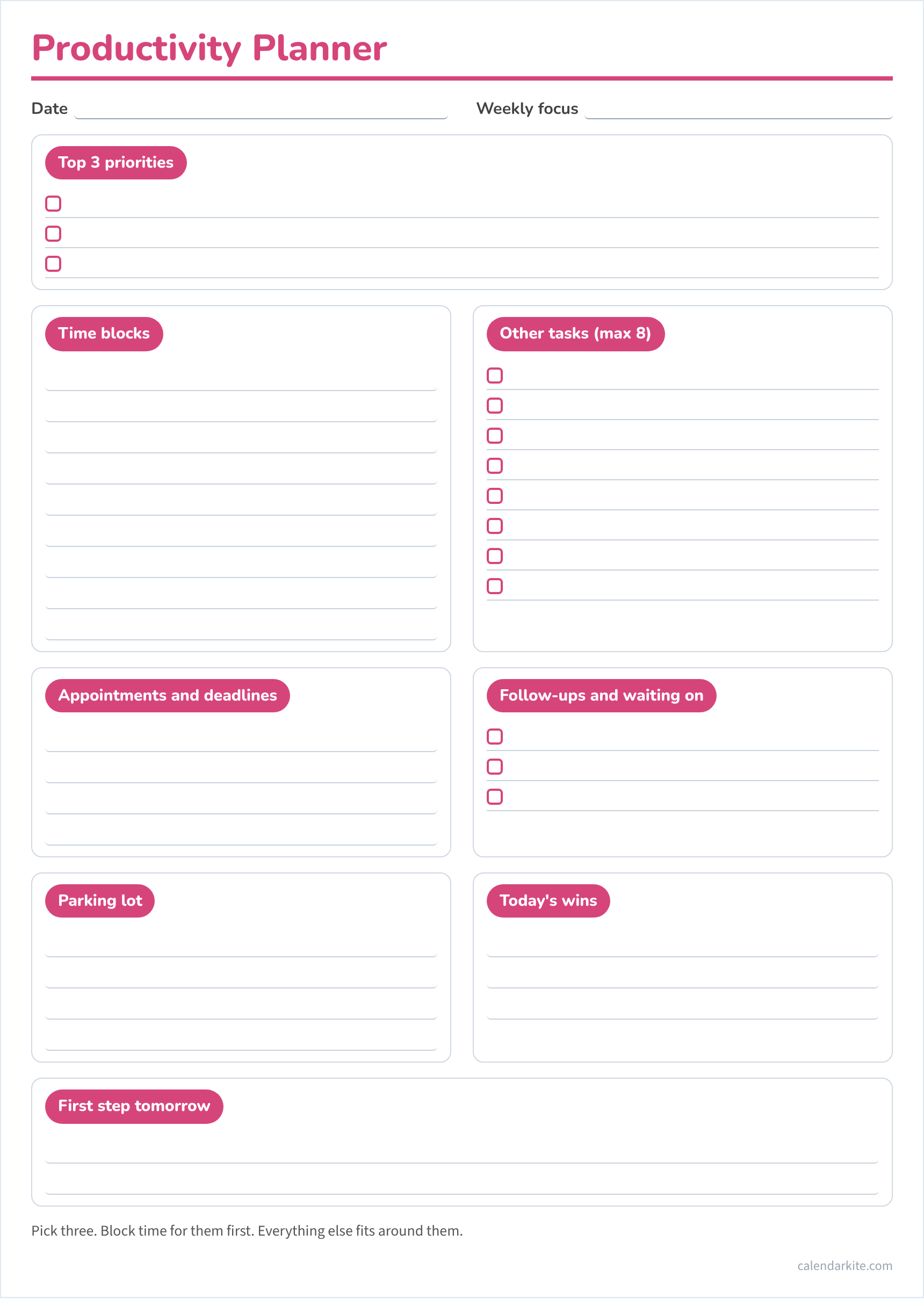
A soft pink look suits anyone who wants their daily planning to feel friendly rather than corporate. Use it for a morning top-three list, a time-blocked schedule and a short end-of-day review.
Sage Green Productivity Planner
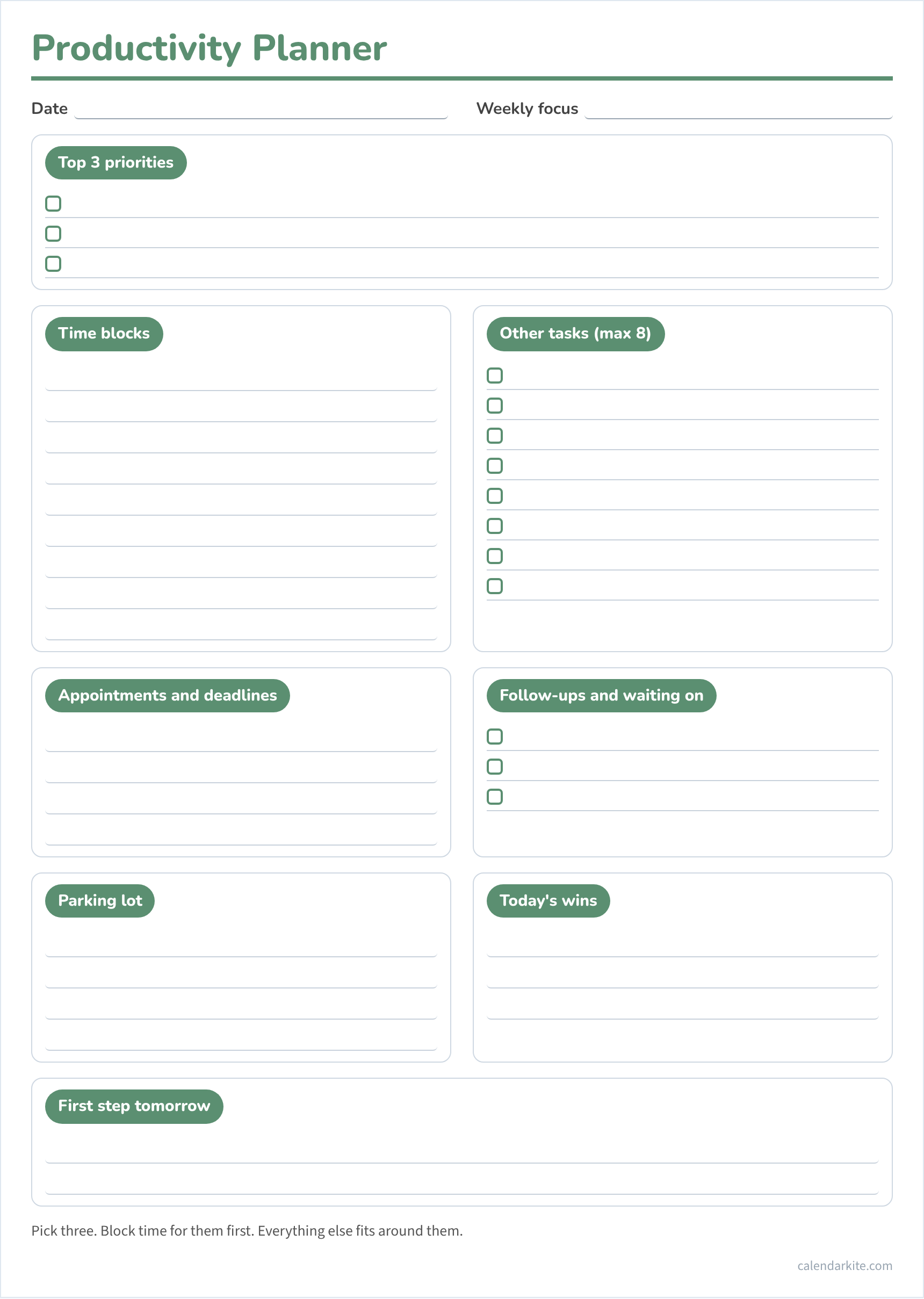
Sage green is calm enough to keep on my kitchen counter next to my planner without feeling busy. It suits home-based work, where you balance project tasks with household errands on one page.
Lavender Productivity Planner
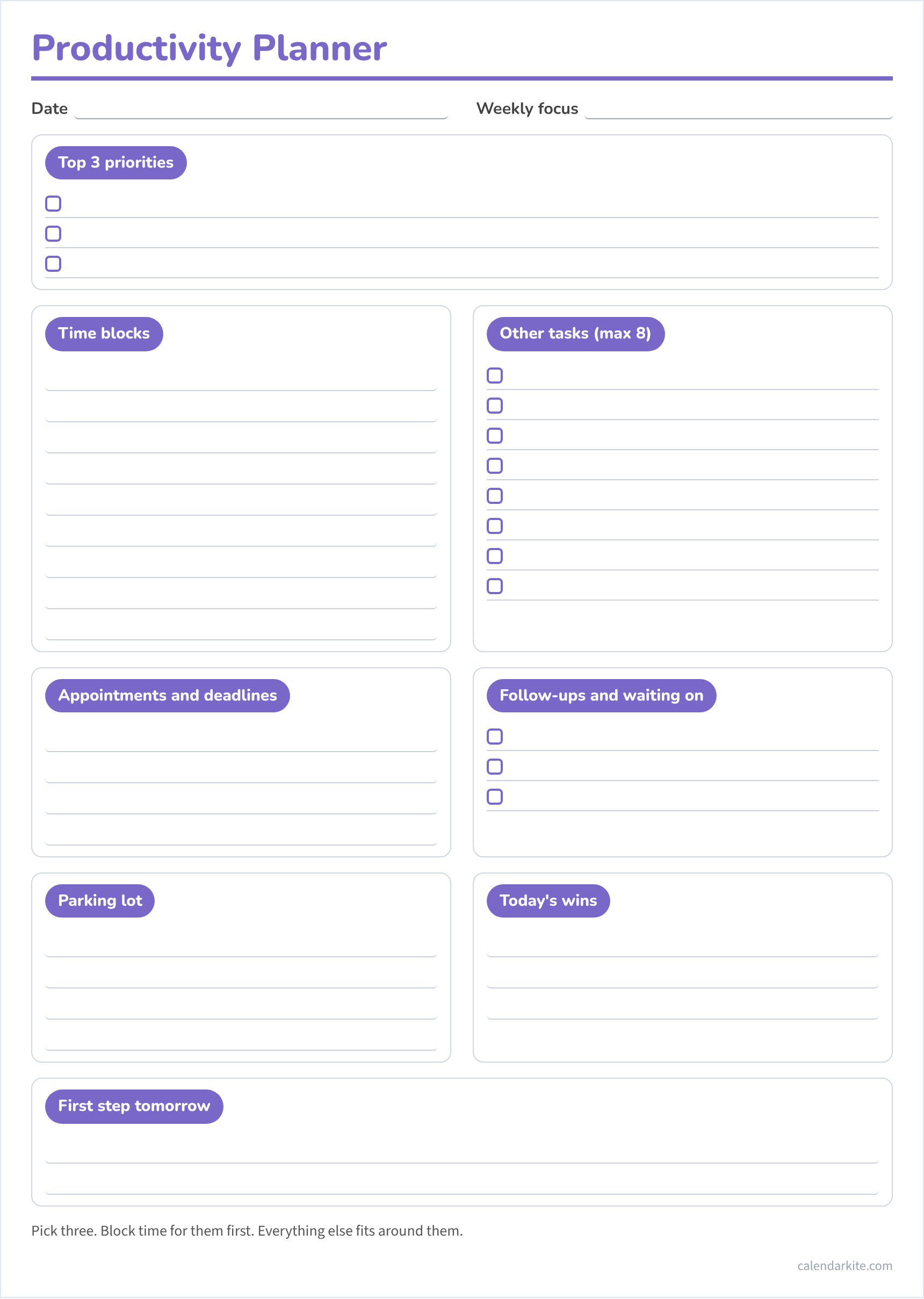
Lavender gives a gentle, focused feel that works well for study sessions and deep-work blocks. Print it for a student or freelancer who wants goals, tasks and a quick reflection space in one purple-toned layout.
Cute Productivity Planner
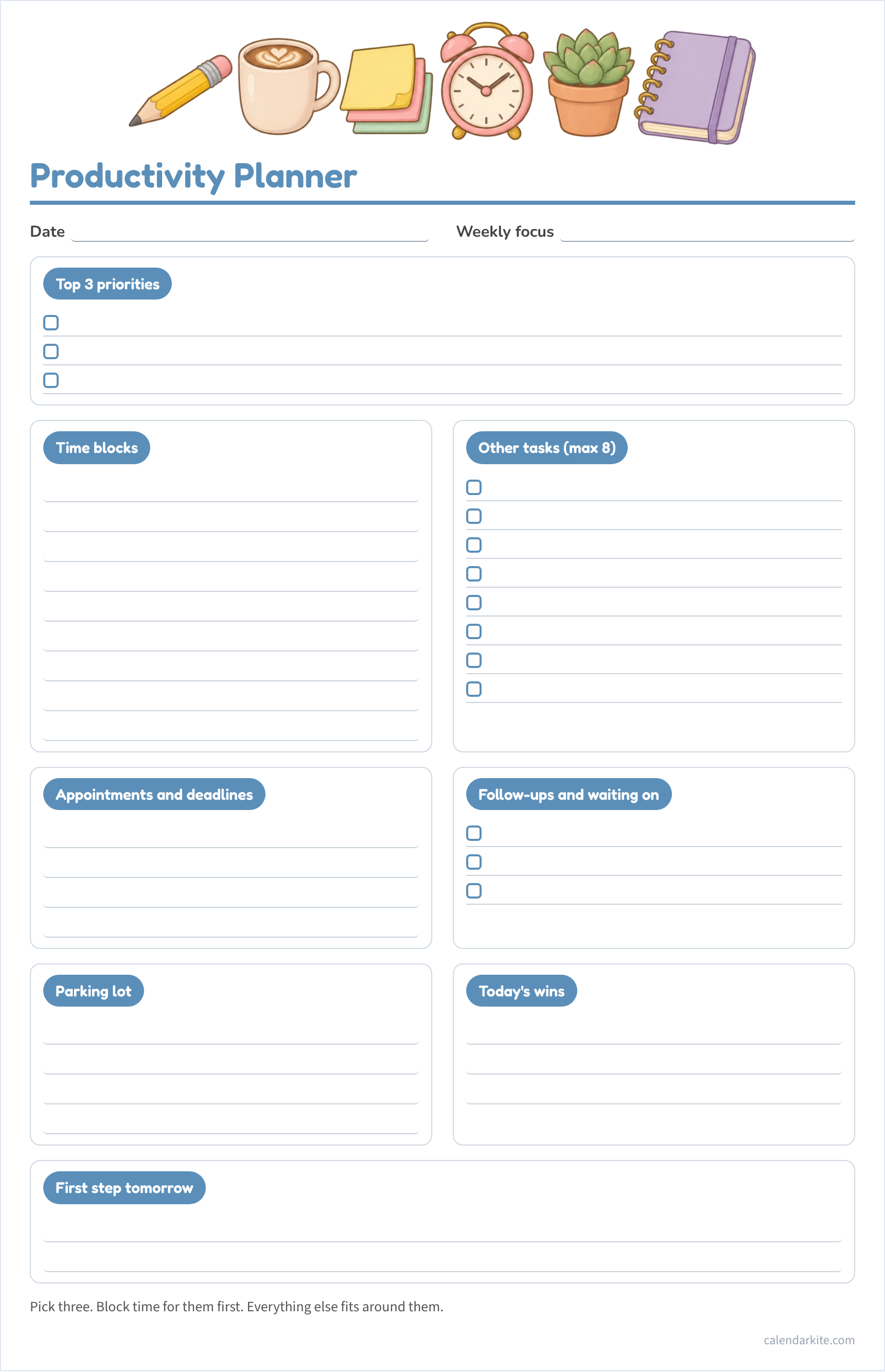
Little hand-drawn doodles at the top make this the friendliest option when a to-do list feels heavy. It suits anyone who needs a lighter nudge to tackle daily tasks, like a weekly errands run or homework.
Floral Productivity Planner
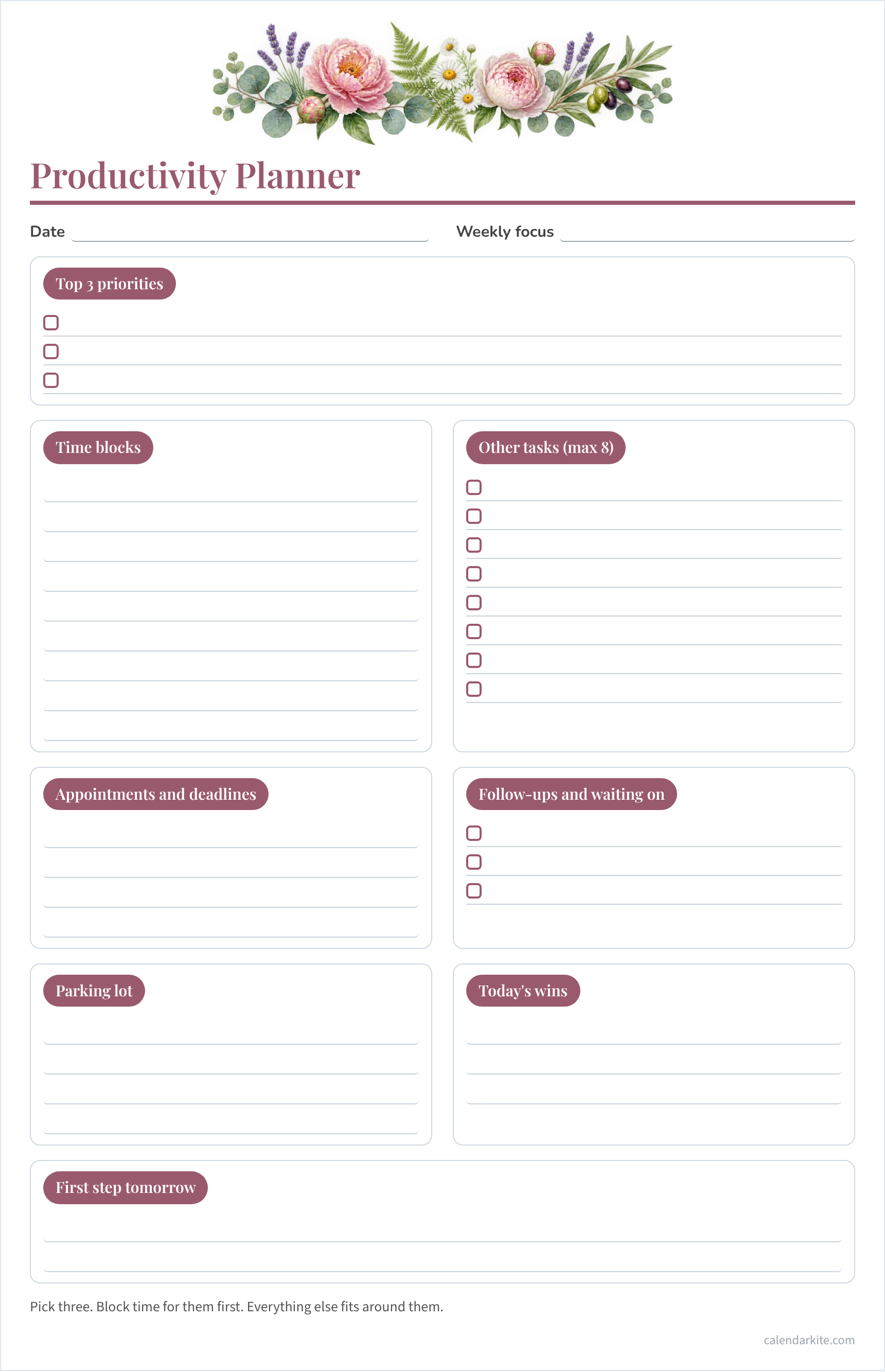
Watercolor flowers and elegant serif headings make this one feel like a proper desk planner. It suits anyone planning a workweek or a side project who likes a softer, mauve-toned page to open each morning.
Simple Minimalist Productivity Planner
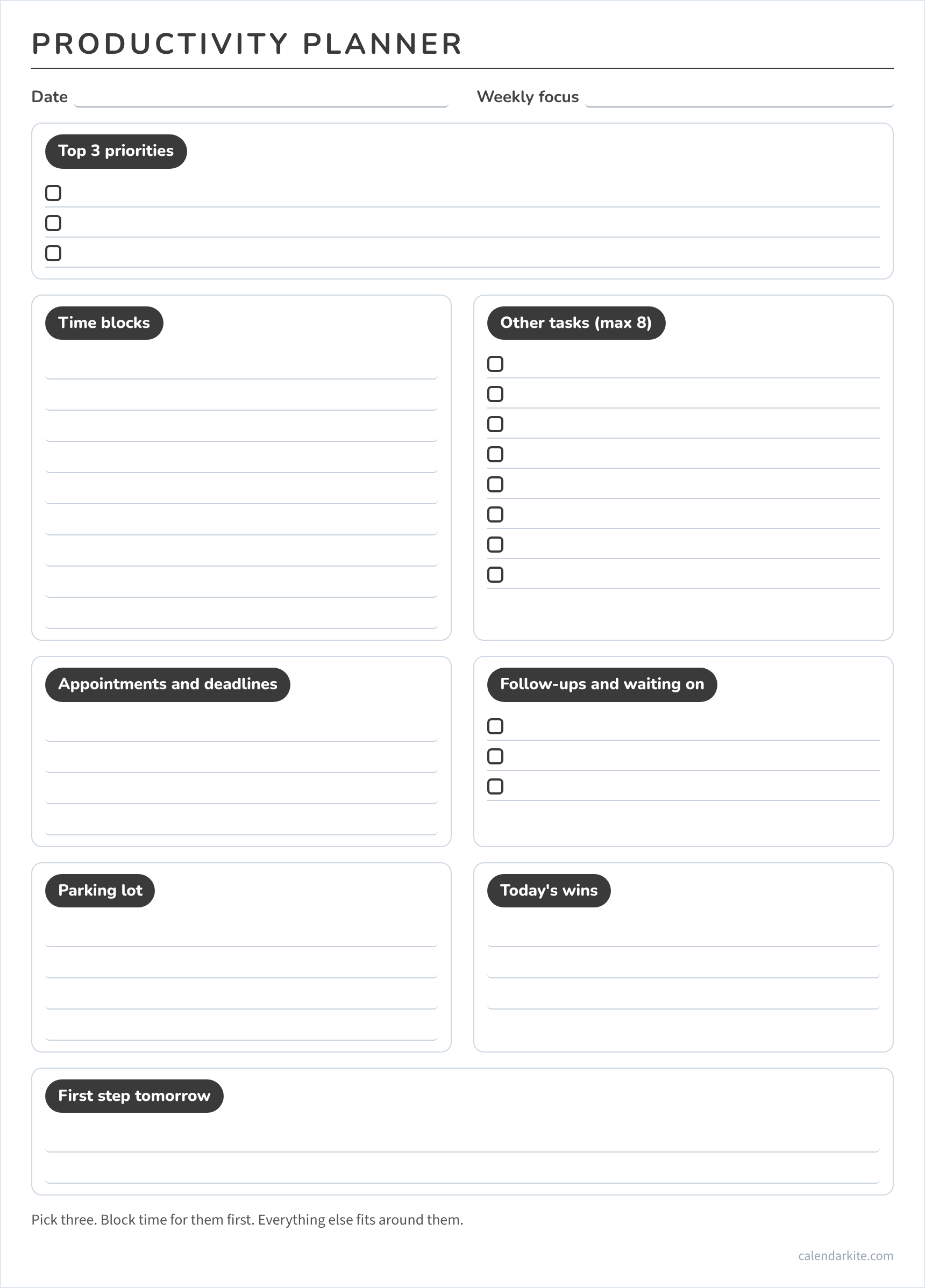
Thin gray lines and a light uppercase heading keep the page quiet. In the office I learned that less clutter gets a list actually used, so this suits anyone who wants to jot priorities without distraction.
Aesthetic Productivity Planner
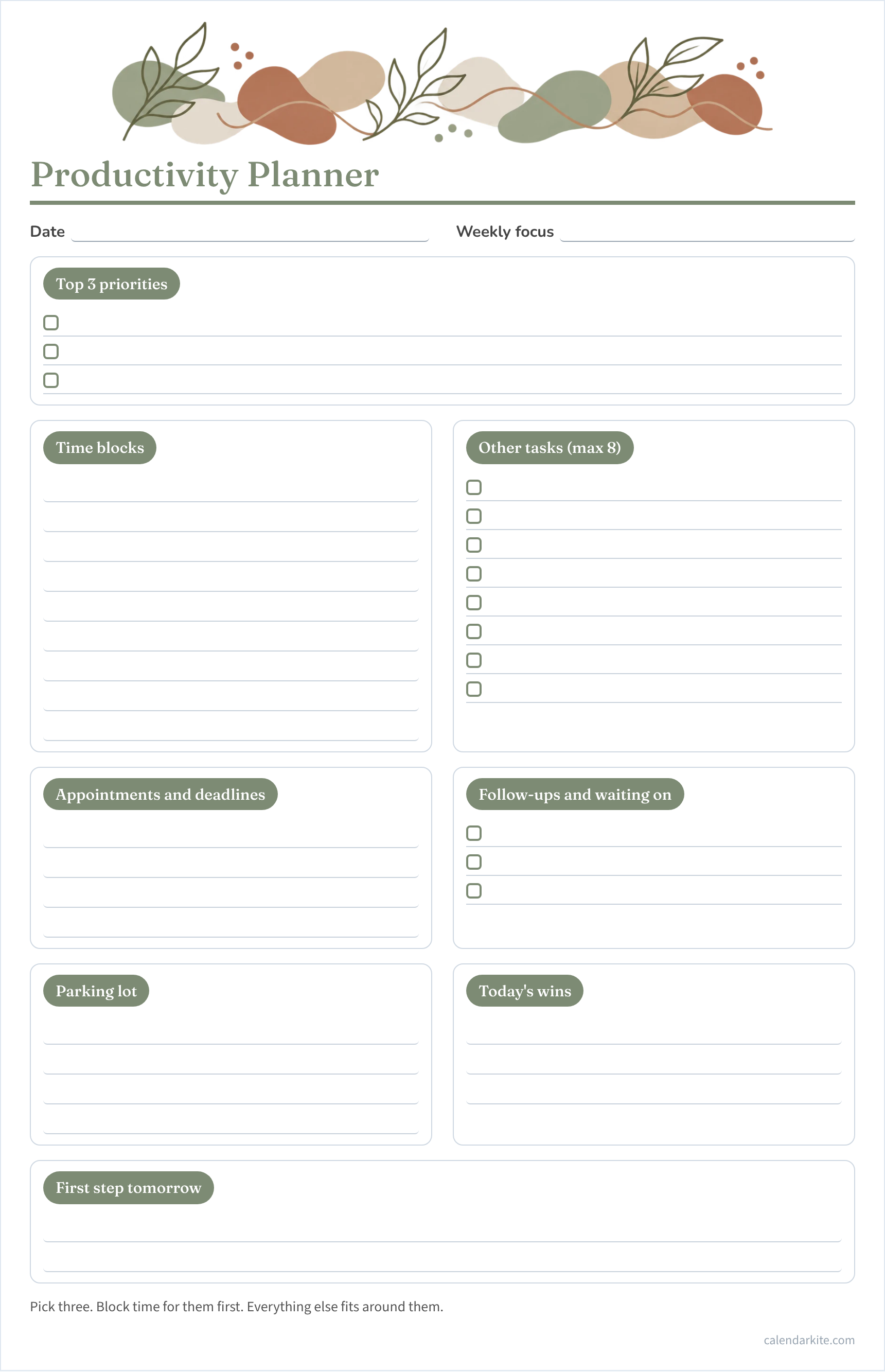
Muted sage, sand and terracotta with soft line-art leaves suit anyone who likes a planner that looks good on a desk or in photos. I test-print on both US Letter and A4, and this spacing holds up well on each.
Vintage Productivity Planner Printable
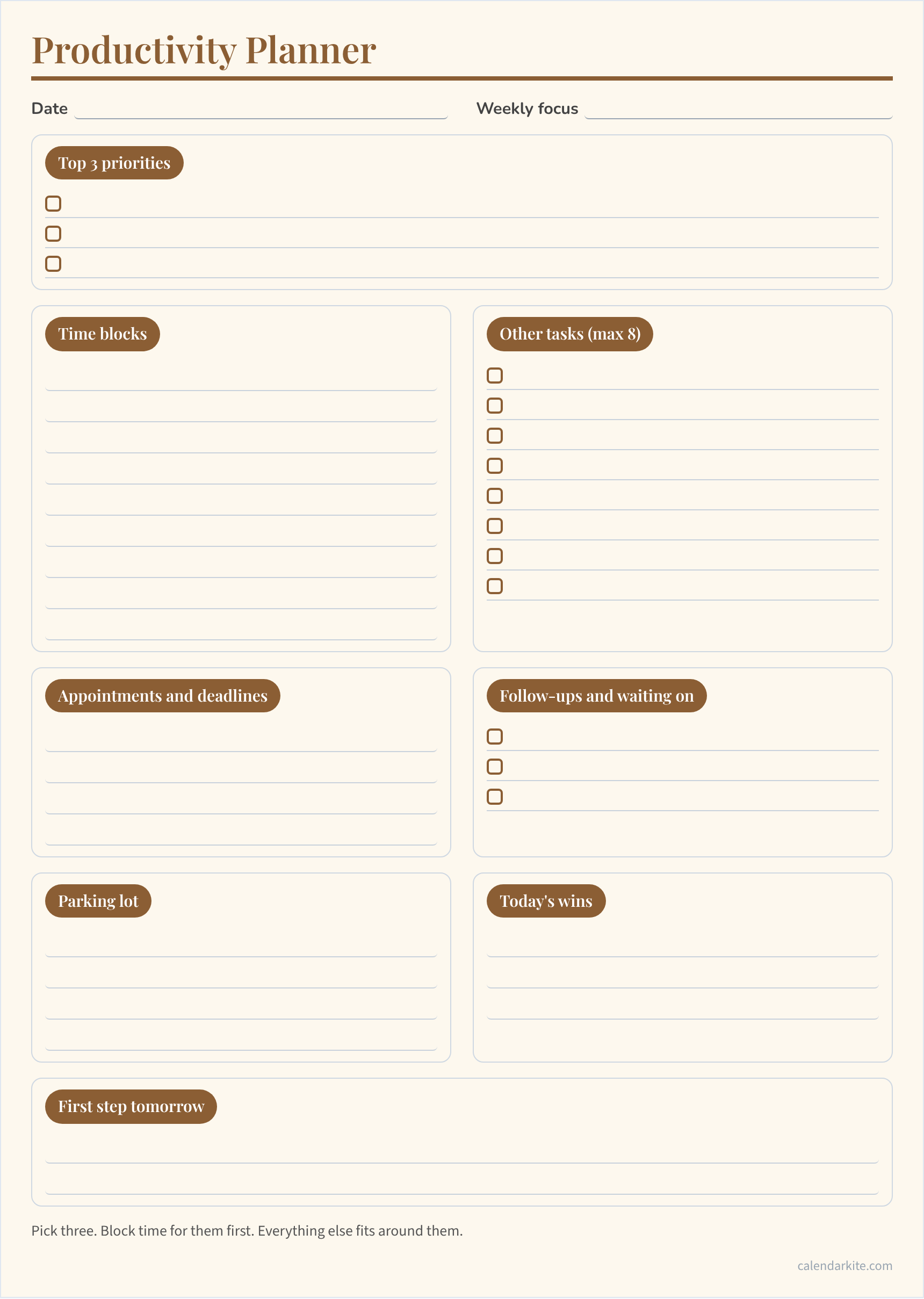
Cream paper tones and brown serif headings give a classic ledger feel. It suits writers, bookkeepers and anyone who likes to plan the day with a pen, listing appointments and tasks on a traditional-looking page.
Bold Modern Productivity Planner
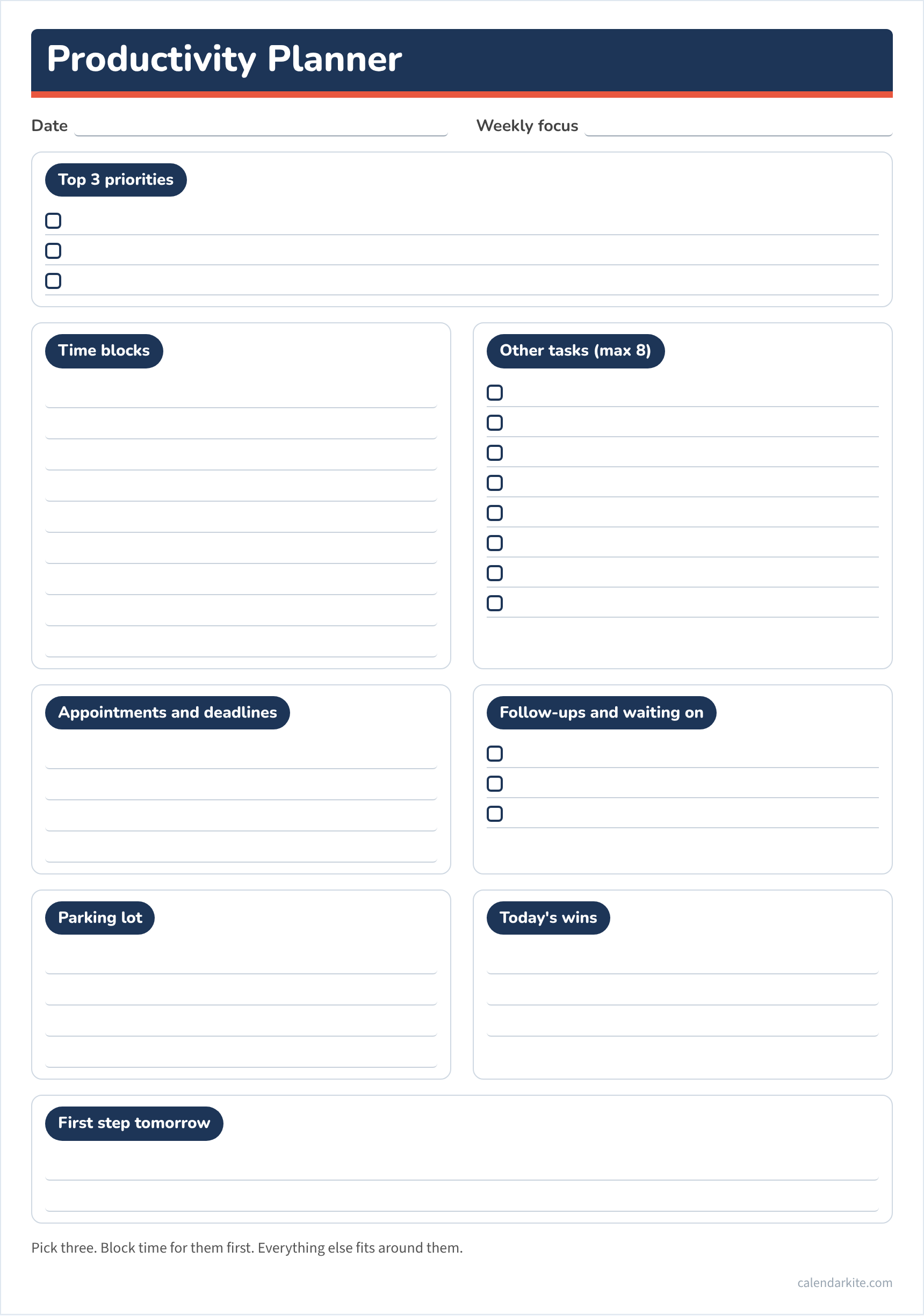
A navy header band with a coral accent makes your top priorities impossible to miss. After years in office administration, I always put the must-do items first, and this layout suits busy professionals who plan the same way.
I’m Lainey Dorsett, and I spent about ten years in office administration keeping schedules, supply lists and staff rotas readable. That taught me that a plan only helps if it fits on the page and survives a Tuesday. This layout is built around that idea, and below I’ll show you how to fill it in, who it suits, and how to adjust it so it keeps working past the first week.
What a productivity planner actually does
A regular planner records what is happening. A productivity planner decides what matters. It has space for the things you must get done, a way to give them a real slot in the day, and a spot for the small stuff so it does not bury the big stuff. That is the whole difference.
Most people do not have a time problem. They have a sorting problem. A to-do list with twenty items treats “renew car registration” and “write the grant proposal” as equals, and the easy tasks win every time. A productivity planner forces a choice before the day starts, which is far cheaper than making that choice at 3 p.m. with the inbox open.
It also gives you evidence. After a few weeks of pages, you can see how many time blocks you really finish, which hours go to meetings, and where the day leaks. That information is more useful than any motivational quote at the top of a template.
How to fill in this productivity planner
The sheet has eight boxes, and you do not need to use all of them every day. Work from top to bottom and the order does the thinking for you. Start with the date and a weekly focus, which is one line naming the outcome that would make this week a good one. Writing it on every daily page keeps your days pointed at the same thing.
Then fill in the boxes in this order:
- Top 3 priorities: the three things that would make today a success.
- Appointments and deadlines: anything fixed that you cannot move.
- Time blocks: slots for your priorities first, then everything else.
- Other tasks: a short list for the smaller jobs.
- Follow-ups and waiting on: things other people owe you.
- Parking lot: ideas and interruptions you will deal with later.
The last two boxes, today’s wins and the first step for tomorrow, are for the end of the day. They take about two minutes and are the part most people skip, which is a shame, because they make tomorrow’s planning almost instant.
Try this: Print one page and fill it in tonight for tomorrow. Write the three priorities and the appointments only. Leave the rest blank until you see how the morning goes.
Choosing your top 3 priorities
The priorities box sits at the top of the page on purpose. It is the first thing you fill in and the first thing you see. Three is the number I recommend because it is small enough to finish on a bad day and large enough to count on a good one. If you list seven priorities, you have simply written a to-do list with a fancier heading.
Make each priority specific. “Work on budget” is a topic, not a task. “Enter October receipts and total the categories” is something you can start and finish. A useful test: could someone else look at your line and know when it is done? If not, rewrite it.
Mix sizes honestly. One priority can be a large piece of work, and the other two can be small but important, like calling the dentist or sending an invoice. What you should avoid is three large priorities, because that is a plan to feel behind by noon. I keep this rule at home too: if I put “deep clean the garage” on my list, nothing else with a big label joins it that day.
Time blocks that survive a real day
Time blocking means giving a task a start and an end, rather than hoping it fits somewhere. In the time blocks box, write the clock time on the left and the task on the right. Place your priorities first, ideally in the hours when you think best. Then add the fixed appointments from the box above, and let the smaller tasks fill the gaps.
Be generous with estimates. Most tasks take longer than we expect, so a job you think needs 30 minutes often deserves 45. Leave a gap between blocks for a bathroom break, a snack or the interruption that always comes. In an office, I learned to leave the first and last half hour of the day loose, because that is where urgent surprises land.
Block lengths that tend to work: 60 to 90 minutes for focused work, 15 to 30 minutes for email and admin, and 5 to 15 minutes for breaks. If you have kids at home like I do, shorter blocks around school drop-off and pick-up are more realistic than a clean four-hour stretch. For a full hour-by-hour layout, the hourly schedule template gives you more rows to play with.
Try this: Tomorrow, block only your first priority. Give it a start time, an end time and a 10-minute cushion after it. See whether you protect it.
The task list and the parking lot
The other tasks box is deliberately limited to eight lines. That is the design, not a space problem. When I tested earlier versions of this layout, a long task list became a second to-do list and the priorities lost their pull. Eight lines force you to leave low-value jobs off the page entirely.
If you have more than eight, ask which ones are really for today. Anything that is not goes on a weekly or monthly list. A printable to-do list works well as a master list you pull from each evening, so your daily page stays short.
The parking lot is for whatever pops into your head while you are working: a gift idea, a question for a colleague, a reminder to check the car tyres. Write it down, then get back to your block. At the end of the day, glance over it and move anything useful to its proper home. It is a small habit that stops a stray thought turning into forty minutes on your phone.
Appointments, deadlines and follow-ups
Fixed commitments belong in their own box so you can see how much of the day is already spoken for. This matters more than people think. If you have three meetings and a school pick-up, your day has fewer free hours than it feels like, and your priorities should shrink to match.
The follow-ups box is a habit I picked up from office work. When you ask someone for something, such as a quote, a signature or a reply, write it down with the date you asked. Otherwise it quietly disappears from your head and you only notice when the deadline arrives. A line like “Quote from plumber, asked Mon” is enough to remind you to nudge on Thursday.
Use the checkbox once the item is closed, not when you send the request. That small distinction keeps the box honest. Anything that has been waiting more than a few days is a candidate for a quick call instead of another email.
The five-minute evening reset
Planning works best when it happens before you need it. I do mine at the kitchen counter after the kids are in bed, with the dog asleep at my feet. I look at tomorrow’s date on the fridge calendar, then fill in a fresh page: appointments first, then priorities, then blocks.
Start with today’s page. Tick what is done, write two or three wins in the wins box (small ones count), and decide what to do with anything unfinished. Be strict here. Move a task forward only if it still deserves a place. Otherwise cross it out or shrink it to a first step.
Finish with the first step box. Write the very first action you will take tomorrow, as physical as you can: “open the spreadsheet and fix column C.” When you sit down in the morning there is nothing to decide, and starting is the hardest part of any task.
Try this: For one week, set a phone alarm for the same time each evening labelled “planner, 5 minutes.” Stop when it is done. Do not use the time to rearrange your whole life.
Who this planner suits
This page suits people who have more to do than one list can sensibly hold, and who want a quick way to decide. That covers a lot of people: freelancers juggling clients, parents managing school and work, remote employees whose days have no natural edges, and students balancing classes and part-time jobs.
It is especially good if you tend to start the day busy and end it unsure what you achieved. The wins box fixes that feeling directly. It is less suited to people whose days are fully scripted by someone else, like a shift worker on a fixed rota. In that case, a weekly view such as a weekly planner for 2027 may serve you better, with this page used only on days you have flexibility.
If you want a plainer one-page day without the priority structure, my daily planner template is the simpler cousin. Both are free and print the same way.
Adding a weekly layer
A daily page is strong at the day and weak at the bigger picture, which is why the sheet has a weekly focus line. Once a week, ideally Sunday evening or Monday morning, spend 15 minutes choosing that focus and listing the big fixed events. It is also a good time to check the month ahead on a monthly planner.
A simple weekly routine looks like this:
- Look at the month and note deadlines in the next two weeks.
- Choose one outcome for the week and write it on your daily pages.
- Decide which days are best for focused work and which are for meetings and errands.
- Copy any recurring commitments, like a Wednesday practice or a Friday report, into the week.
At home I keep the family calendar on the fridge and the planner on the kitchen counter. The fridge shows what everyone is doing. The planner shows what I am doing. Keeping those two jobs separate stopped me cluttering the daily page with other people’s schedules.
Variations to try
You can bend the page to suit how you work. Here are some versions I have seen work well.
The minimal version
Use only the top 3 priorities, time blocks and wins. Ignore the rest. This is the right place to start if the full page feels like a lot, and nobody needs to fill in every box.
The focus-sprint version
If you like the Pomodoro method, use the time blocks box in 25-minute chunks. Write a task beside each, tick it when you finish a round and take a five-minute break. Four rounds, then a longer rest. It suits tasks you keep avoiding, because 25 minutes feels easy to start.
The ADHD-friendly version
Make the priorities even smaller and write each as a first action rather than an outcome. Add alarms to the time blocks and keep the parking lot visible, because it gives wandering ideas somewhere safe to land. Use bright pens for the priorities and leave white space on purpose. Fewer boxes filled in is a perfectly good result.
The student version
Put assignments in the priorities box, class times in appointments and study sessions in time blocks. A college assignment tracker can sit alongside it to hold due dates for the whole term, so your daily page only has to carry today.
Common mistakes and how to fix them
The most common mistake I see is overfilling. People write ten priorities, tick two, and decide planners do not work. The fix is a hard limit: three priorities, eight tasks, and no more. If something does not fit, it was not for today.
The second mistake is planning every minute. A schedule with no gaps breaks the first time someone calls. Leave slack, and treat a block that slips as information, not failure. If a task keeps sliding, it is probably too big, so cut it into a first step.
The third is copying yesterday’s list forward every morning. If a task has moved four days in a row, either do it first thing, shrink it, delegate it or delete it. And the fourth is skipping the review. The wins box feels like a small thing, but looking back over a week of pages is what shows you that you do get things done, which is the best motivation I know.
Printing tips
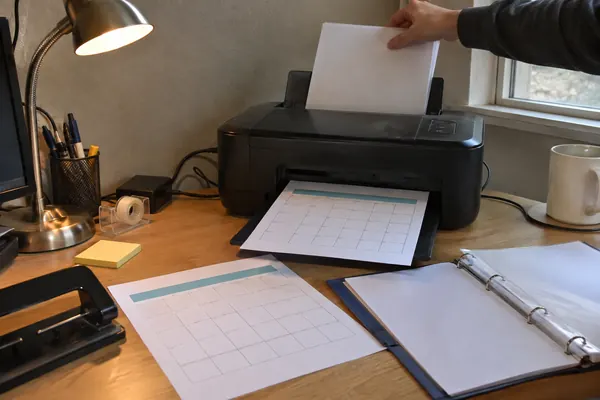
The sheet is laid out for US Letter, and I test-print each of my printables on my home inkjet on both US Letter and A4. If you are in an A4 country, choose “fit to page” in the print dialog and the boxes will scale cleanly. Use “actual size” for Letter. Leave the margins on default, since the page already has room built in.
If you type your entries on screen, check the preview before printing, because long lines of text can run close to the edge of a box. Plain black and white is fine. Ordinary 20 lb printer paper works, but a slightly heavier 24 lb sheet takes gel pens without showing through.
Print a week’s worth at once and keep them on a clipboard, or punch holes and put them in a binder. If you prefer to fill the pages by hand, download the blank PDF, and note that the entries you type online stay in your own browser only. They are not sent anywhere.
Paper or screen: what works better
Paper has a few real advantages for this kind of planning. You can see the whole day at once, there are no notifications, and writing a priority by hand makes you think about it for a second longer. A printed page on your desk is also hard to forget, which an app on a phone often is.
Screens win at reminders, recurring tasks and anything that has to be shared. I use my phone for alarms and my calendar app for school events, and paper for deciding what I will do with the hours. If you want the digital side too, my free digital planner covers it.
The best system is the one you open every day. Try paper for two weeks. If you find you never print, switch to filling it on screen. If you find you never open the screen, switch to the blank PDF and a pen.
Pairing it with goals and habits
A daily page only matters if the days add up to something. If you have a bigger target, like finishing a course or saving for a trip, write it somewhere you can see, and make sure at least one priority a week moves it forward. A goal setting planner helps turn a vague wish into monthly steps you can feed into the weekly focus line.
Habits can ride alongside. If you want to exercise, drink water or read, a habit tracker shows your streak over a month without cluttering the daily page. Put the habit in a time block if it is easily forgotten. A walk that has a slot gets taken far more often than a walk that has an intention.
Keep the system light. Two sheets in your hand, one for the day and one for the habits, is plenty. More pages tend to mean less use.
How long before it feels natural
Give it two weeks. The first few days feel slow because you are learning how long your tasks really take. By the second week you will know your realistic number of blocks, you will choose better priorities, and the planning itself will take about five minutes.
Do not judge it on a single chaotic day. Plans break. A sick child, a flat tyre, an urgent request from a boss: all of these arrive on schedule. What the planner gives you is a quick way to re-decide. Cross out the blocks, pick the one priority that still matters and carry on.
If a week goes by and you have skipped it, just print a fresh page and start again. There is no catching up to do and no streak to protect.
Common questions
What is a productivity planner?
A productivity planner is a planner page that links your tasks to real time in your day. Instead of a plain list, it asks you to choose a few priorities, give them time blocks and keep everything else in a smaller list. It works on paper or on screen.
How do I use a productivity planner every day?
Spend five minutes the evening before or first thing in the morning. Write three priorities, block time for them, add fixed appointments, then fill the task list. At the end of the day, note your wins and the first step for tomorrow.
How many priorities should I put on my daily page?
Three is a good limit for most people. It is small enough to finish and big enough to matter. If you regularly finish all three before lunch, add a fourth. If you rarely finish even one, make the three smaller.
Can I fill in the printable on screen before printing?
Yes. You can type into every line and field, tick boxes and edit items on the page. Your entries save in your browser, so you can come back and finish later. When you are ready, print it or download the blank PDF.
Is a paper productivity planner better than an app?
Neither is better for everyone. Paper is quicker to scan, has no notifications and is harder to ignore on a desk. Apps are better for reminders and recurring tasks. Many people use paper for the day and a phone for alarms.
What should I do with tasks I did not finish?
Look at each one honestly. Move it to tomorrow's priorities only if it still matters, break it into a smaller first step, or cross it off if it no longer deserves your time. Copying the whole list forward every day is the habit to avoid.
More free planners
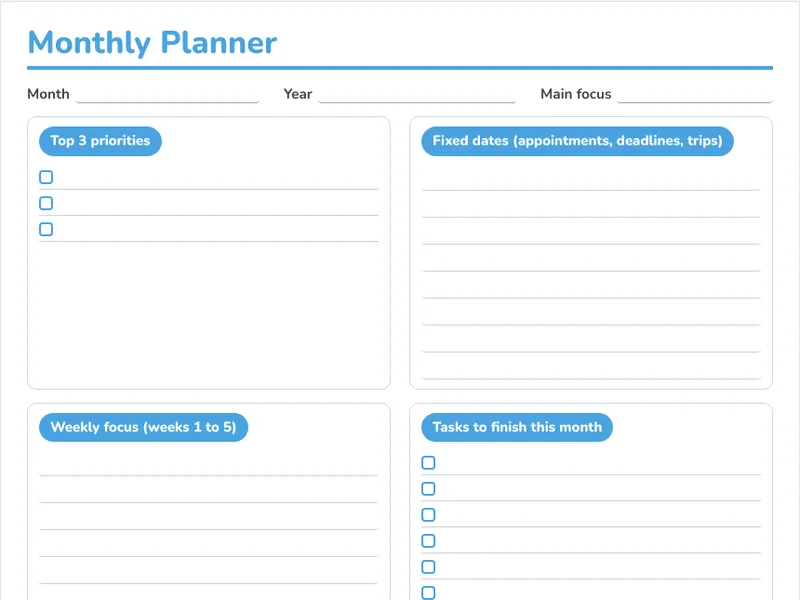 Monthly Planner: Free Printable One-Page Sheet
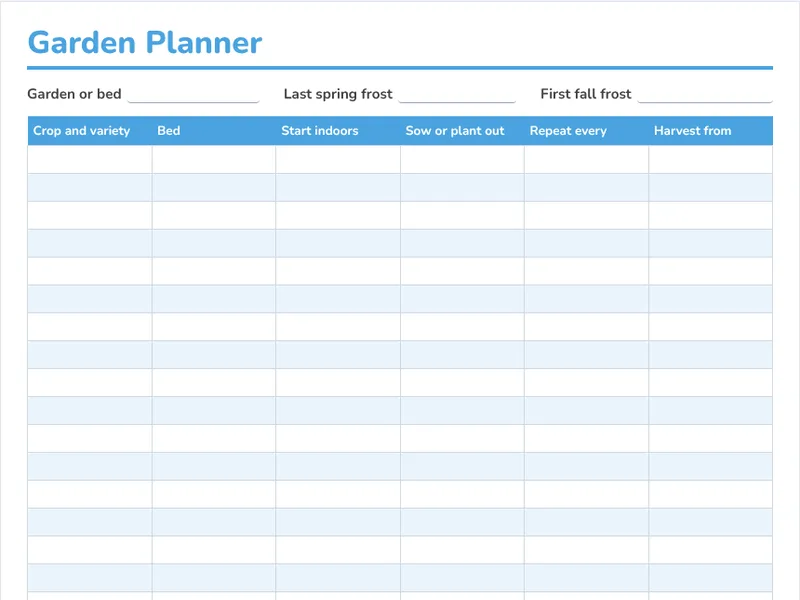 Garden Planner: Free Printable Planting Sheet
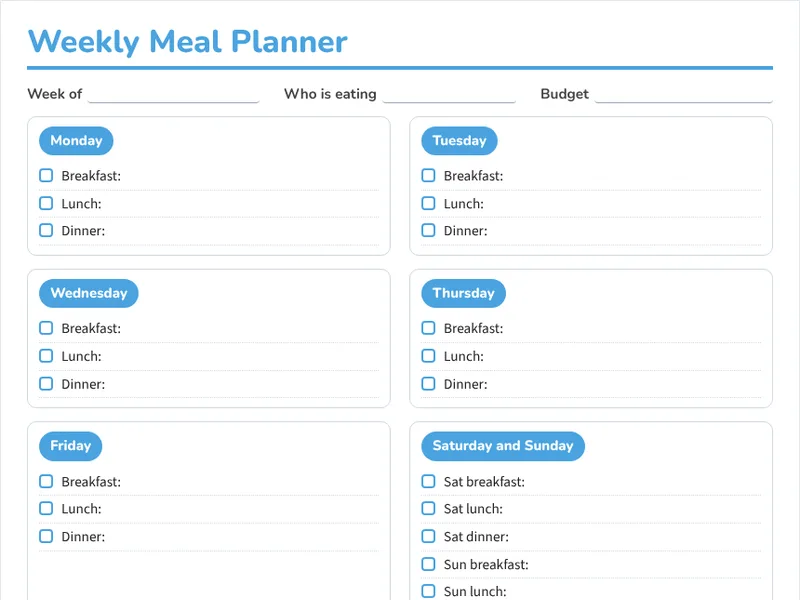 Printable Weekly Meal Planner
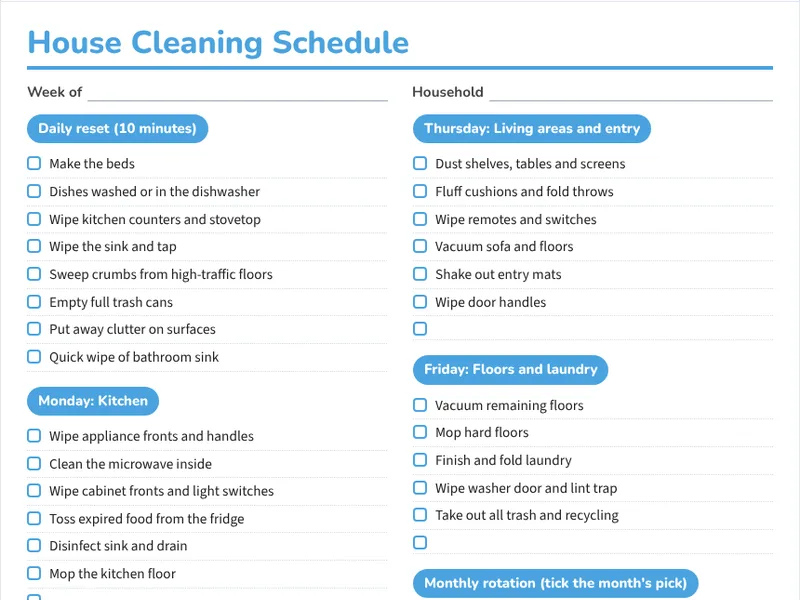 House Cleaning Schedule: Free Printable for Daily, Weekly and Monthly Jobs
 Hourly Schedule Template: Free Printable Weekly Planner
 Daily Planner 2027: Free Printable Page for Every Day