
Book Tracker Template (Free Printable)

A book tracker template is a single sheet where you log every book you read: the title and author, when you started and finished, how you read it, a star rating and a short verdict. The one on this page holds 20 books, fits on one US Letter or A4 page, and works as a quick reading record, a yearly goal sheet or the first page of a reading journal.
| # | Title and author | Format | Started | Finished | Stars | One-line verdict |
|---|---|---|---|---|---|---|
| 1 | ||||||
| 2 | ||||||
| 3 | ||||||
| 4 | ||||||
| 5 | ||||||
| 6 | ||||||
| 7 | ||||||
| 8 | ||||||
| 9 | ||||||
| 10 | ||||||
| 11 | ||||||
| 12 | ||||||
| 13 | ||||||
| 14 | ||||||
| 15 | ||||||
| 16 | ||||||
| 17 | ||||||
| 18 | ||||||
| 19 | ||||||
| 20 |
Format: P print, E ebook, A audio, L library. Stars: 1 to 5. Keep the verdict under ten words.
Free for personal, classroom and office use. Your entries are included in the print, PDF and PNG. Prints on US Letter and fits A4.
Black and White Book Tracker Template
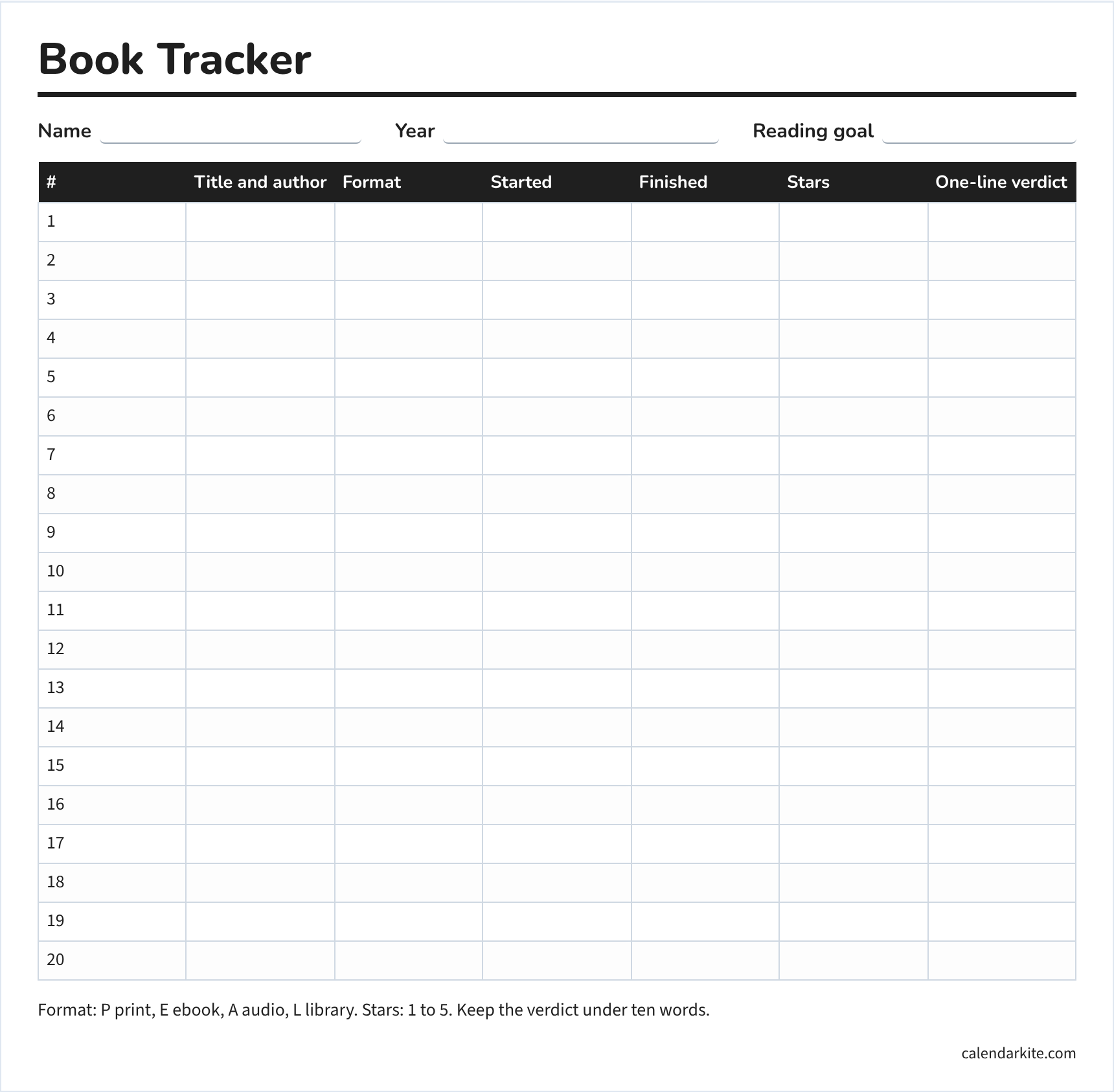
I made this one for anyone who wants a reading log that prints cheaply and clearly, like a student logging assigned titles. When I test-print on my home inkjet, plain black lines stay crisp even in draft mode.
Pink Book Tracker Template
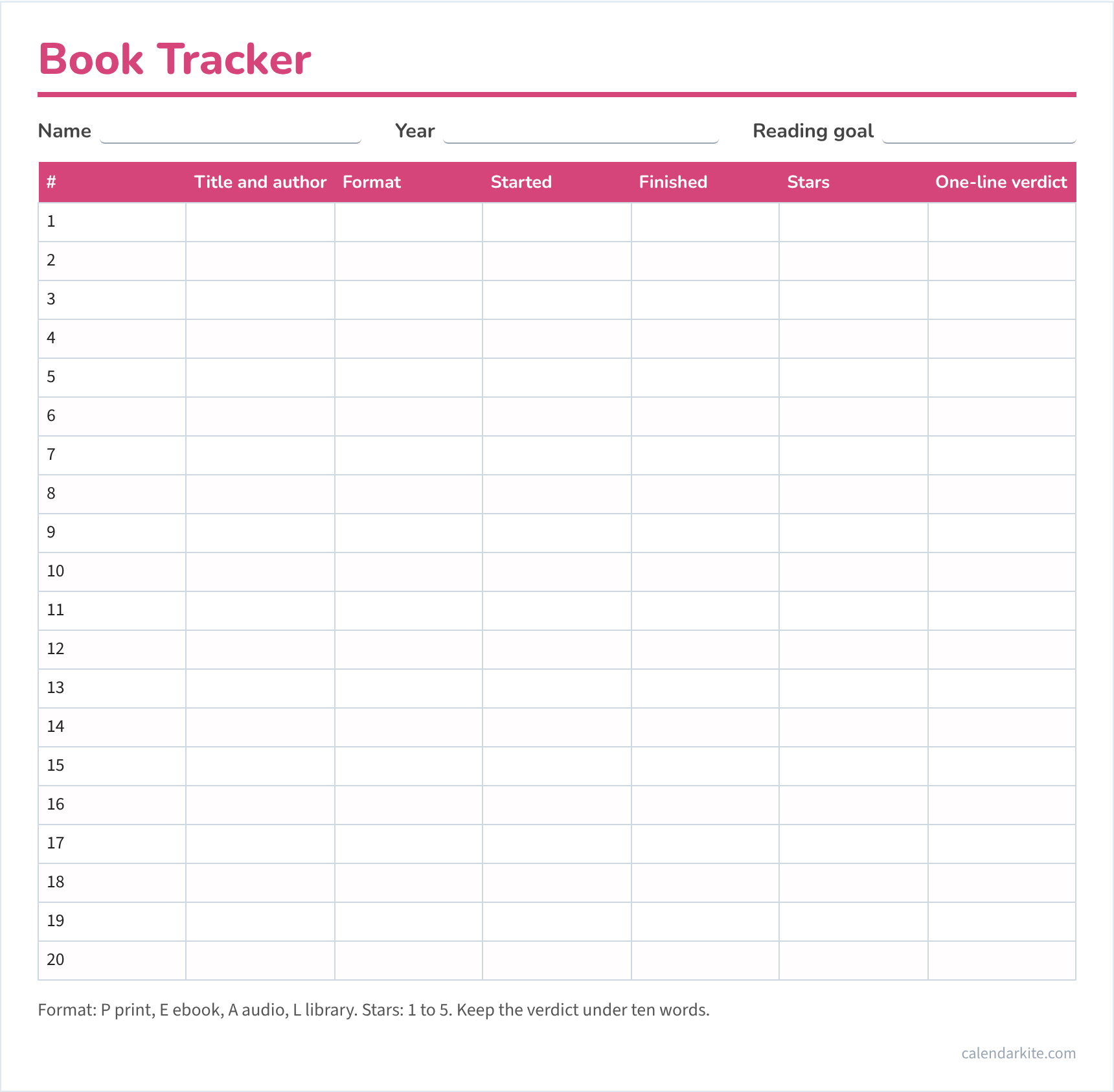
This soft pink version suits casual readers who want a gentle, cheerful way to list the books they finish each month. I keep one in my planner on the kitchen counter, so each finished title gets written down before I forget it.
Sage Green Book Tracker Printable
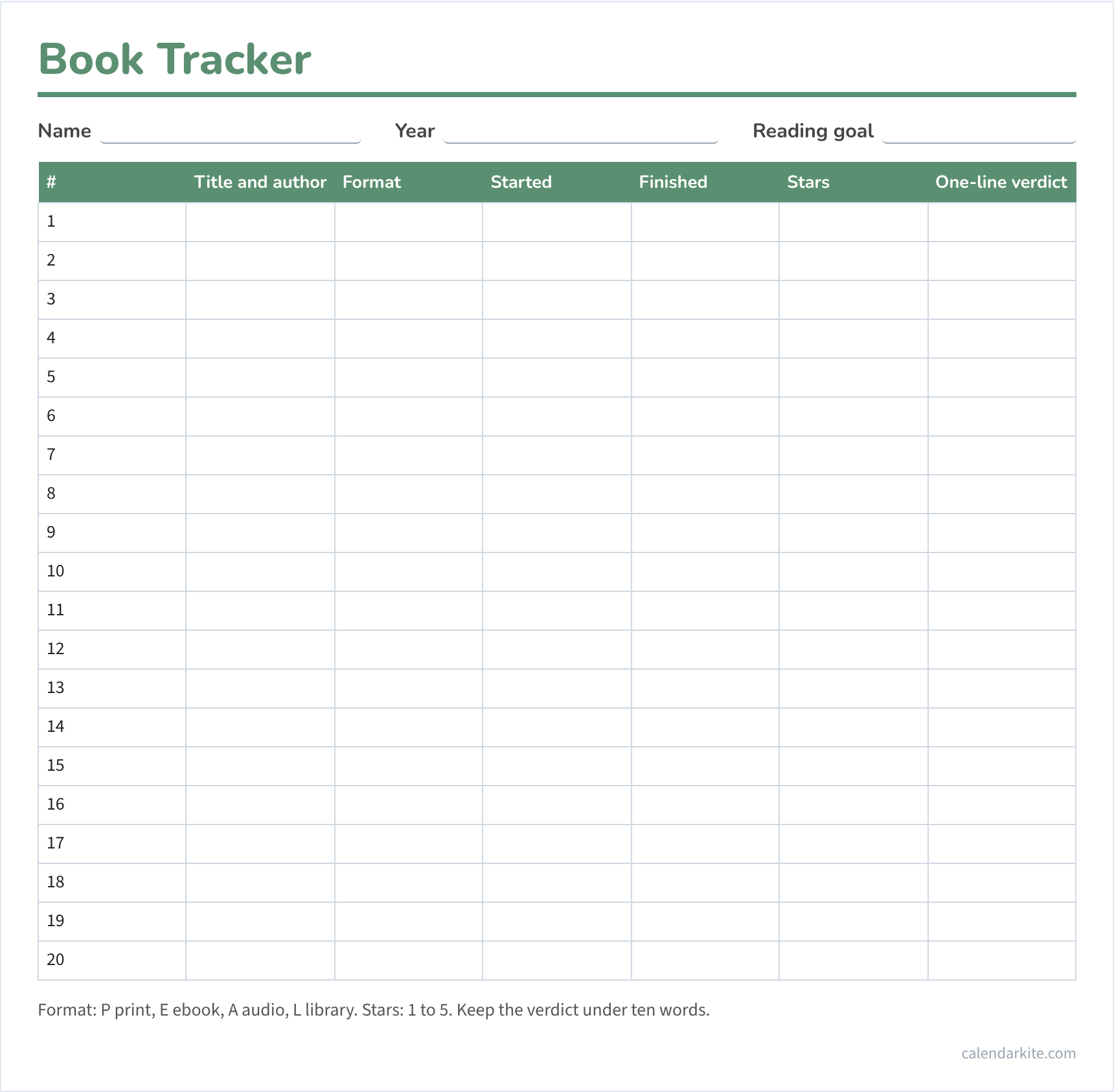
The sage green design works well for readers who like a calm look and want to track a yearly goal, such as fifty books. I widened the title column here because office lists taught me that cramped fields get abandoned fast.
Lavender Book Tracker Template
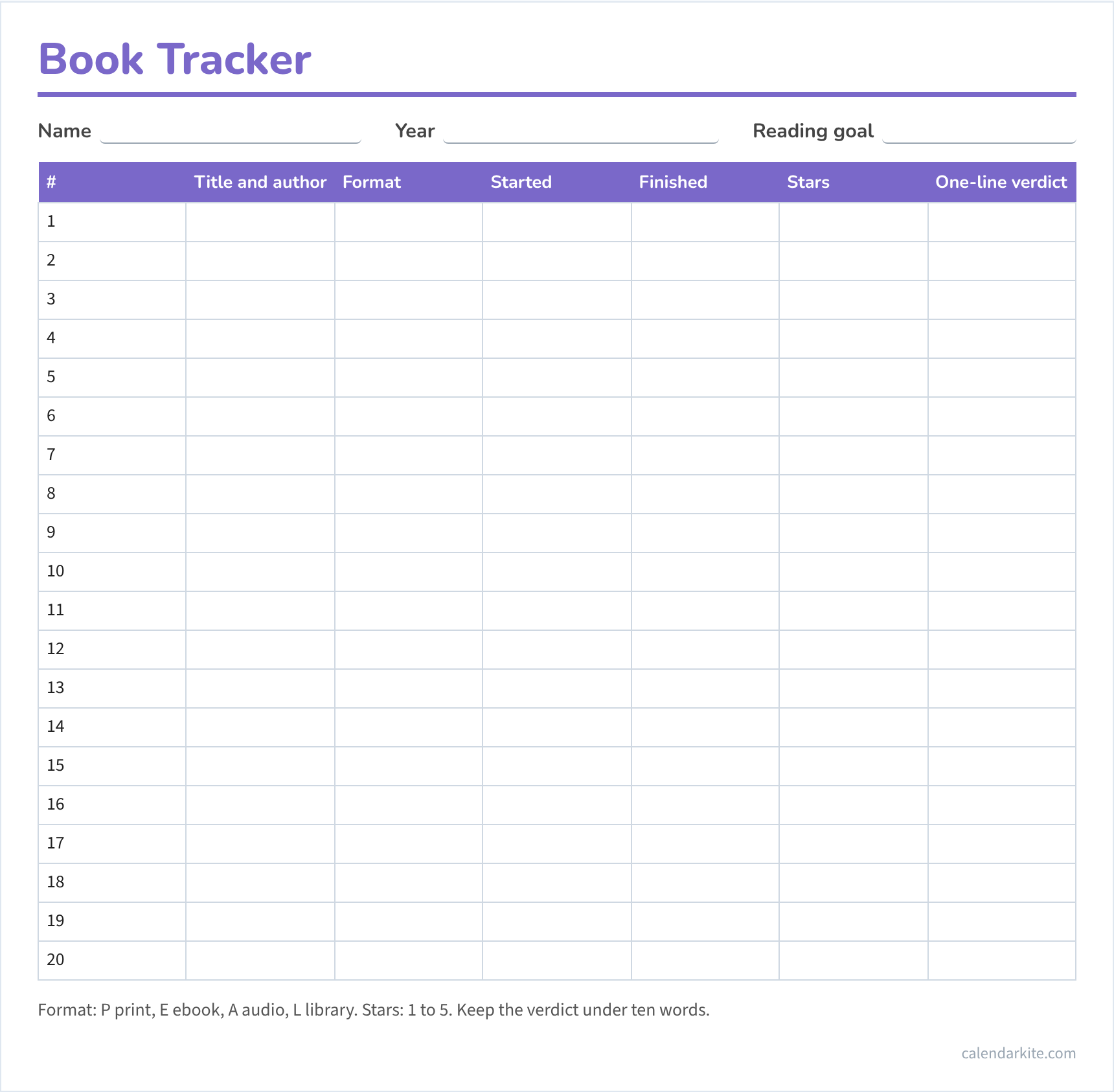
Lavender suits book club members and anyone who wants ratings and notes kept in one tidy spot. I included room for a star rating and a one-line note beside each title.
Cute Book Tracker Template
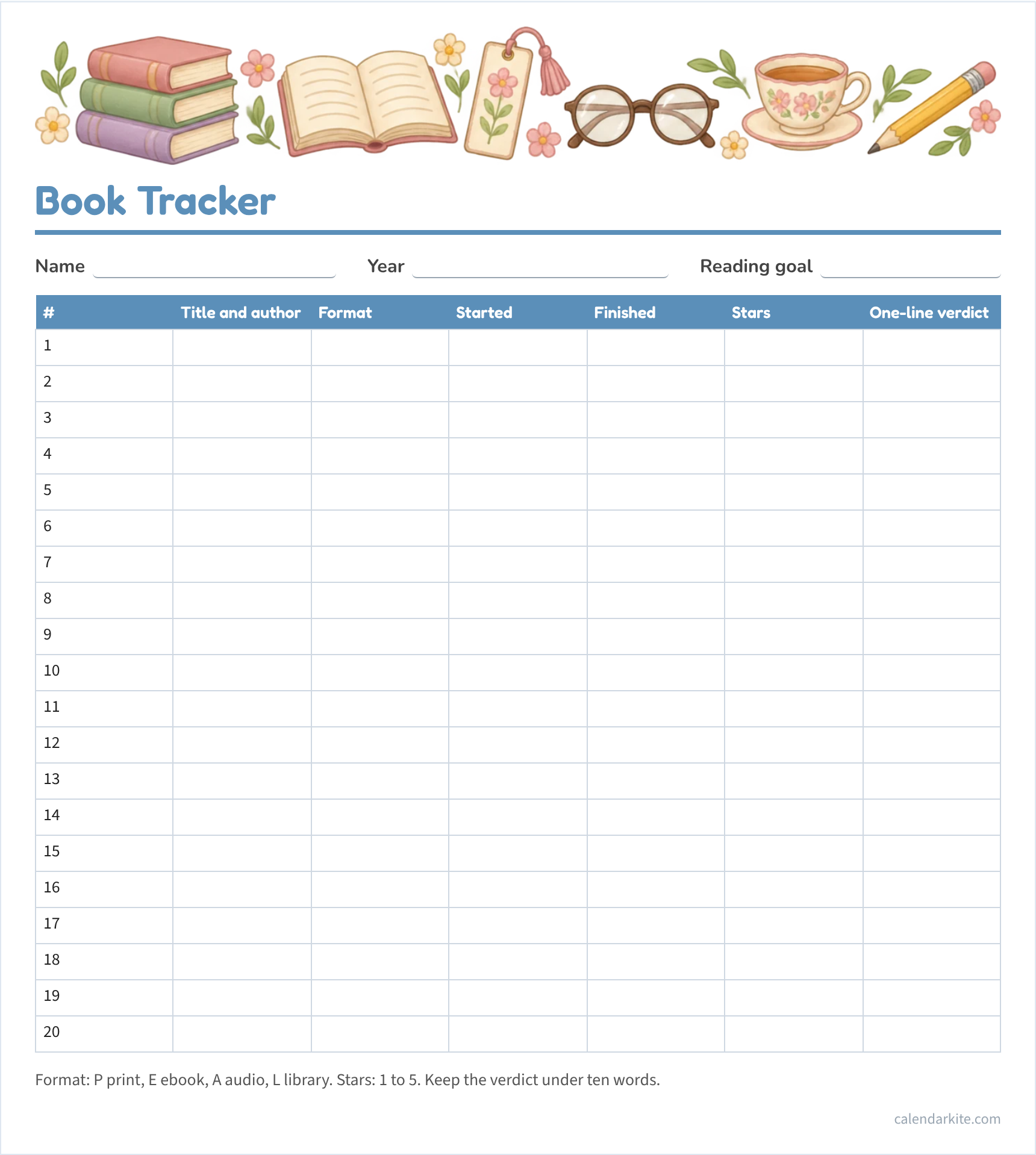
This pastel blue version with little hand-drawn illustrations is perfect for a child's summer reading list or a cheerful classroom corner. My two kids like to color in a finished row, which is why I left the spaces roomy.
Floral Book Tracker Template
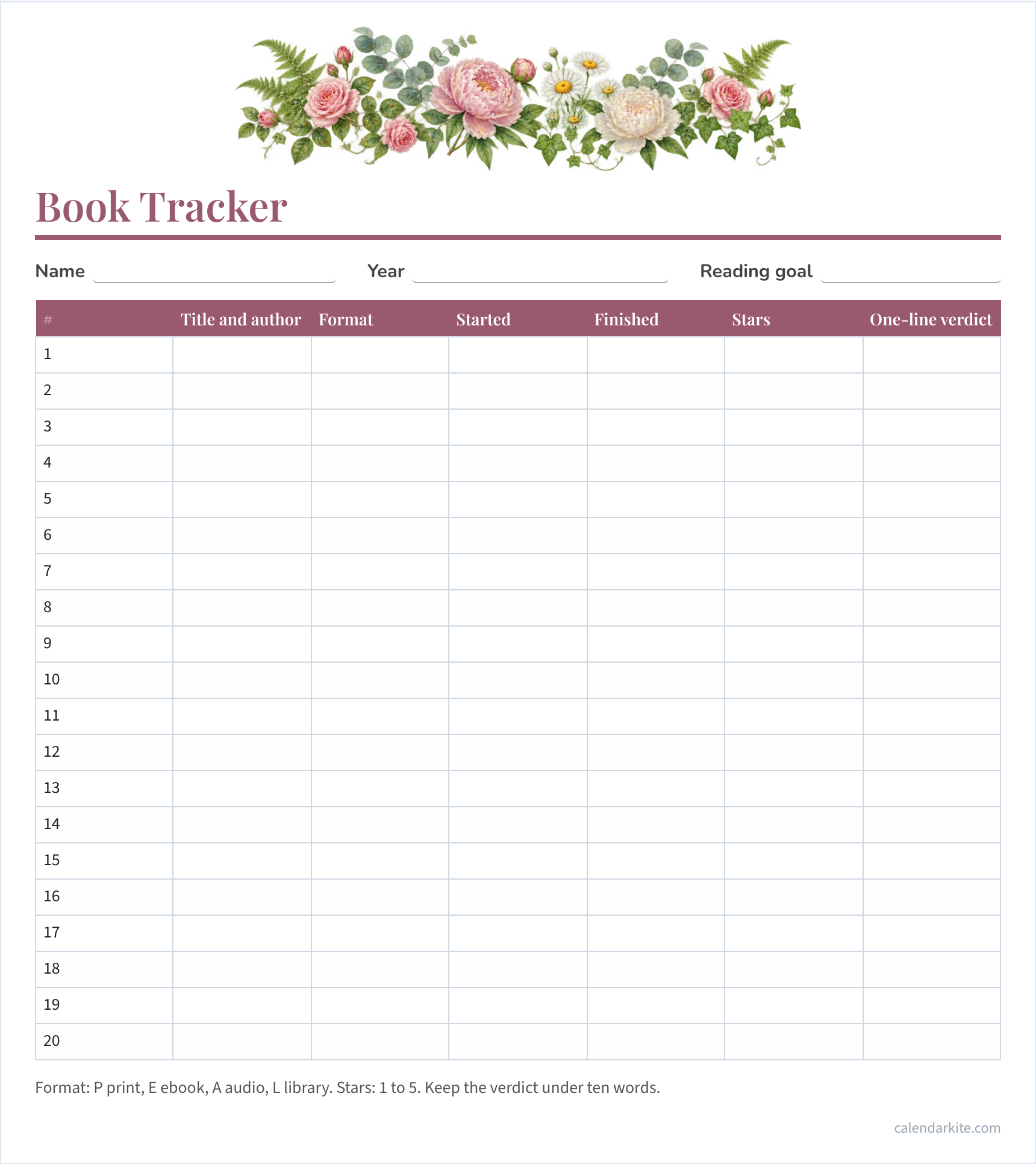
With watercolor flowers and elegant serif headings, this design suits readers who treat a book journal as a keepsake. It works nicely as a gift page tucked into a notebook for a friend or book club.
Fun Colorful Book Tracker Template
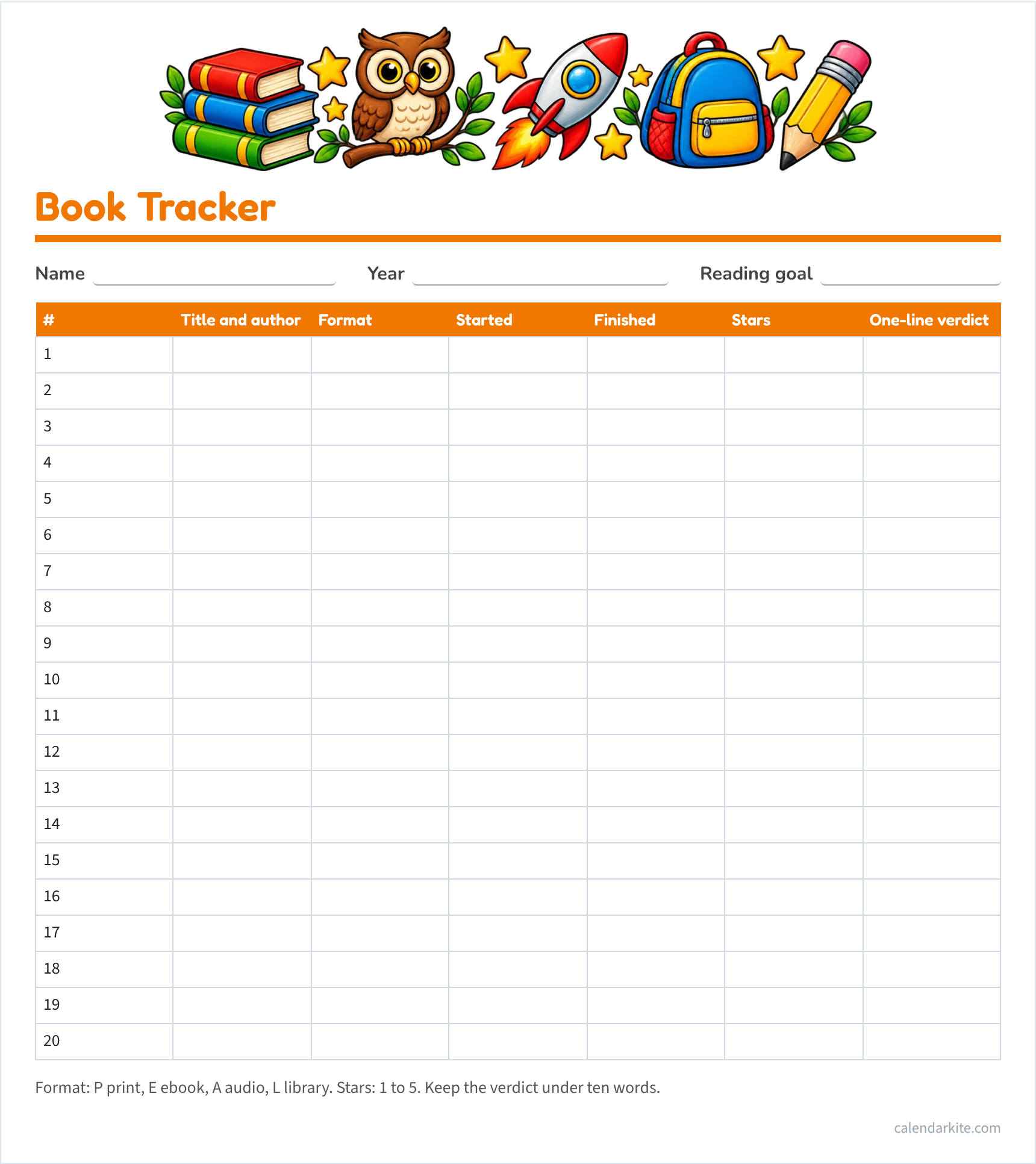
Bright orange and yellow with bold cartoon art makes this a playful pick for young readers working toward a reading-challenge reward. I see people print trackers too small for children's handwriting, so I kept the lines big.
Simple Minimalist Book Tracker Template
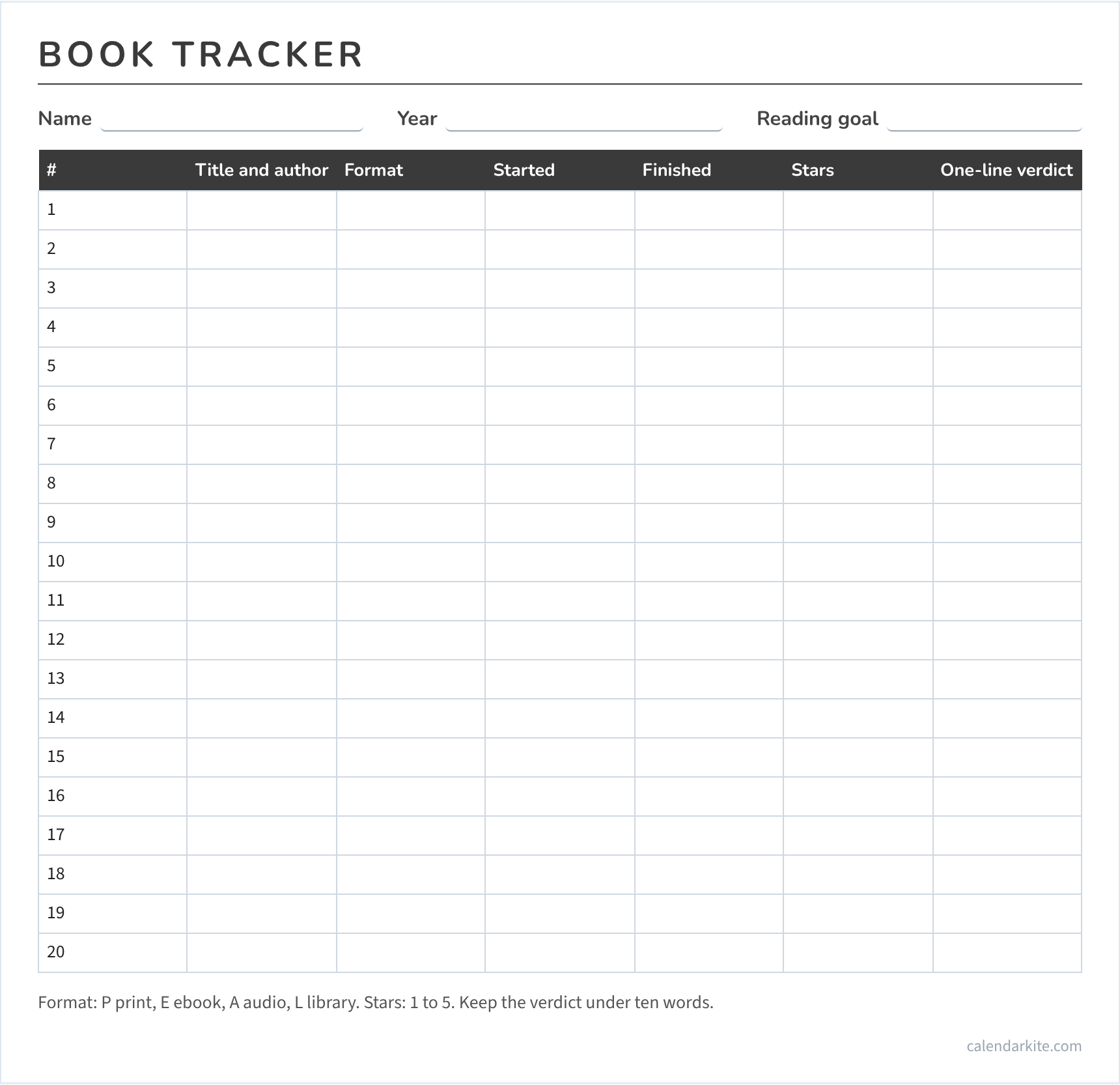
Thin gray lines and a light uppercase heading suit people who want a quiet, no-fuss log beside a bullet journal. I recommend it if colorful trackers distract you, since a plainer page is easier to keep filling in.
Aesthetic Book Tracker Template
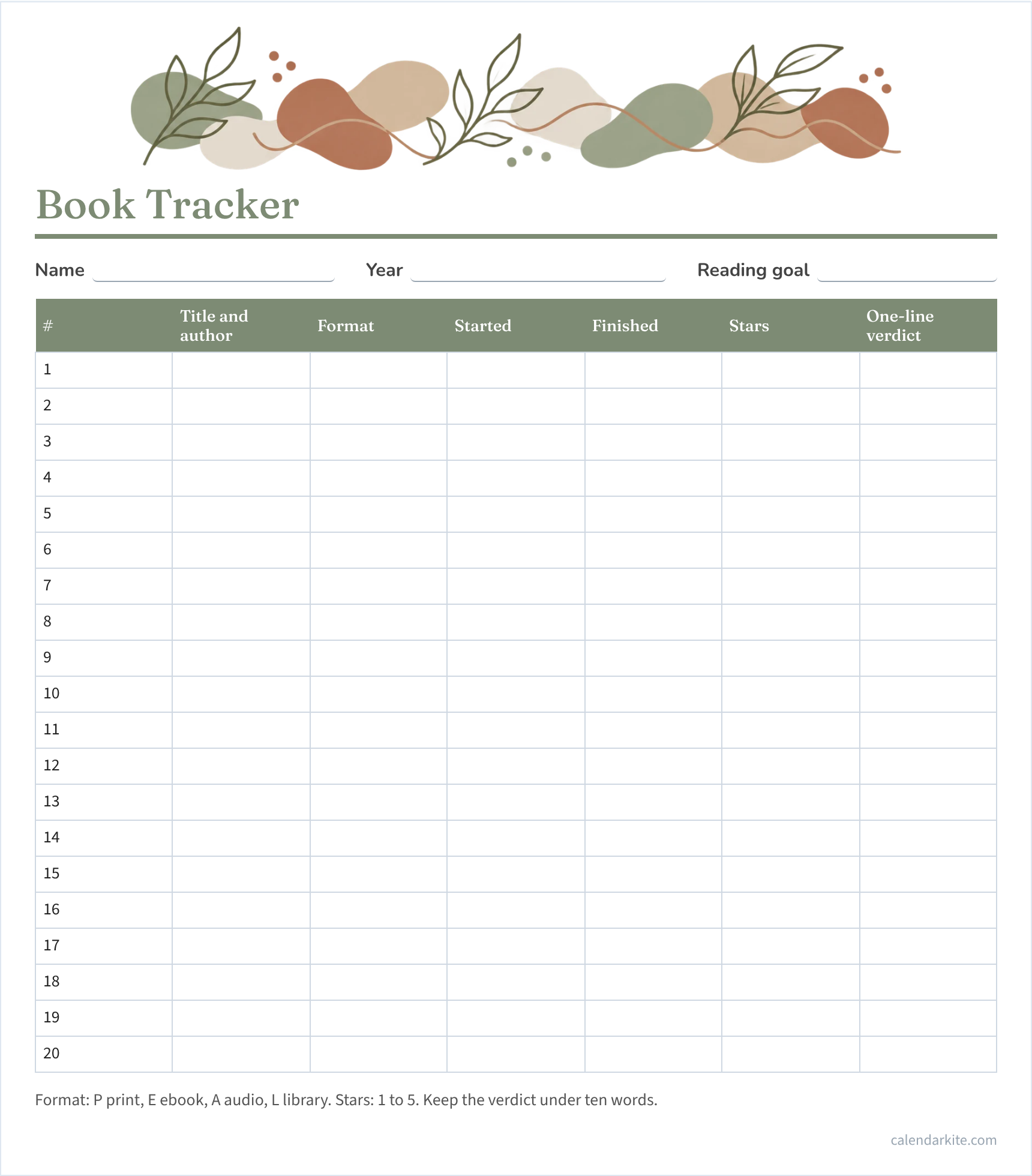
Muted sage, sand and terracotta with soft line-art leaves suit anyone building a calm reading corner or sharing a shelf photo. I'd use it for a yearly list pinned beside a desk, where the neutral tones blend in.
Vintage Book Tracker Template
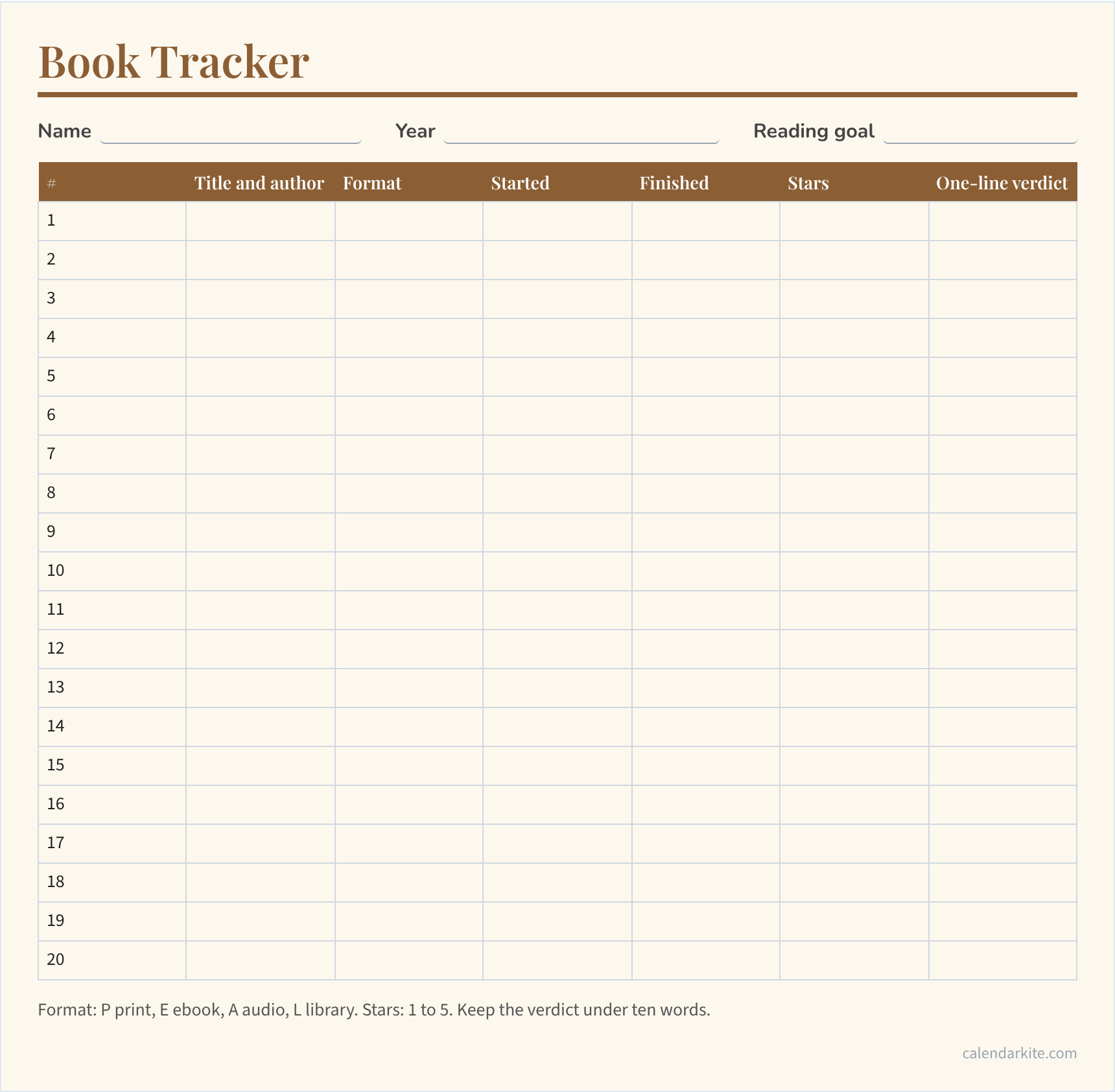
Cream paper and brown serif headings give a classic library feel, ideal for people who love used bookshops and old paperbacks. I'd choose it for a personal list of classics you want to read through.
You can type straight into the sheet above, tick and edit as you go, and it saves in your browser until you print it. There is also a blank PDF if you would rather write everything by hand. Below I explain what each column is for, how to use the sheet without it turning into homework, and a few ways to adapt it.
What this book tracker template includes
The sheet is a table with twenty numbered rows and seven columns: number, title and author, format, started, finished, stars and a one-line verdict. Across the top are three fill-in fields for your name, the year and your reading goal. I kept it to one page on purpose. A tracker that sprawls across four pages never gets filled in.
I made a few choices that differ from the usual “title, author, rating” grid. The title and author share one wide column because that is how you actually think of a book, and it leaves more room for long titles. The format column is a single letter, which takes two seconds to fill in and tells you later whether you are an audiobook person or a library person. The last column is a verdict, not a review. I will explain why below.
Everything is plain black and white with light grid lines, so it prints well on an ordinary home inkjet and does not drain your colour cartridges. When I test-print each sheet I check that the lines are dark enough to write on but not so dark they fight with pen ink.
How to fill it in
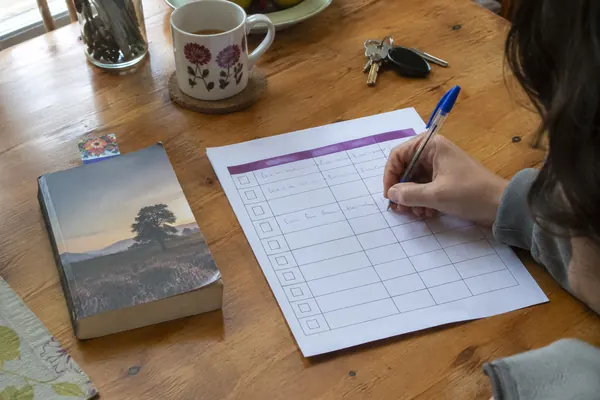
Add a book when you finish it, not when you start it. That is the habit that makes a tracker stick. If you write down every book you begin, the sheet fills with abandoned titles and half-finished intentions, and it starts to feel like a to-do list you are failing.
Work across the row in this order:
- Write the title, then the author on the same line.
- Put one letter in Format: P for print, E for ebook, A for audio, L for library.
- Add the start and finish dates. Day and month is enough, such as 3/11 to 19/11.
- Give it stars from 1 to 5.
- Write a verdict in under ten words, while the book is still fresh.
Try this: Fill in the last three books you read right now, from memory. Notice which column you struggle with. If it is the dates, start writing a start date on the day you open a new book. If it is the verdict, jot it down the moment you close the cover.
What each column is for
The number column gives you a running count, which is the easiest way to check progress against a goal. Glance at the last number you filled in and you know exactly where you stand. It also makes it simple to refer to entries later (“book 14 was the one I loved”).
Started and Finished do more than satisfy curiosity. Looking back over a year, you will see that a book that took six weeks was probably either a slog or a book you read in small bites between other things. Neither is a problem, but the pattern tells you something about what you actually enjoy. Dates also settle arguments with yourself about whether you read that novel this year or last.
Stars and the verdict work as a pair. Stars are quick and comparable. The verdict is what you will really remember. “Slow start, brilliant last third” says more than four stars ever will, and it is the line you will be glad to read when someone asks for a recommendation.
Who it suits
This sheet suits anyone who wants a plain record of what they read without building a whole system around it. That includes adults trying to hit a yearly goal, members of a book club who need to remember what they thought of last month’s pick, students with assigned reading lists, and parents who want an easy way to keep track of what a teenager is reading.
It is also a good fit if you have tried a reading app and found you never open it. A paper sheet on the fridge or inside a planner is hard to ignore. At home I keep a paper calendar on the fridge and a planner on the kitchen counter, and the habit I stick with is always the one I can see while I am making coffee. A tracker tucked away in a drawer rarely survives February.
For younger children, the verdict column can become a drawing or a single word, but a sheet built around minutes and stickers will suit them better. My reading log for kids is set up for that, and the reading log page covers day-by-day sessions if you want to record time and pages as well as finished books.
Setting a yearly reading goal
The Reading goal field at the top is there so the number is the first thing you see. Choose a goal that you could reach in a slightly busy year, not an ideal one. If you read 15 books last year, 20 is a good stretch. Fifty is a different habit entirely, and setting it usually leads to picking short books to keep the count up, which is rarely what you wanted.
Twenty rows means one sheet equals a goal of 20, which makes the arithmetic easy. If your goal is 40, print two. If it is 12, one book a month, you can draw a line under row 12 and treat the rest as a bonus. A small book goal sits nicely next to your other aims for the year, and my 2027 goals template is a good place to put it alongside everything else.
Try this: Write your goal in the field at the top, then pencil a small mark beside rows 5, 10 and 15 as checkpoints. When you reach each one, check the date in Finished. It shows you straight away whether you are ahead or behind.
Rating books without overthinking it
Stars are only useful if you use them consistently. Decide what each number means before you start, and write it somewhere you will see it. Mine is simple: 5 means I would press it into someone’s hands, 4 means I would recommend it, 3 means fine and forgettable, 2 means I finished it out of stubbornness, and 1 means I wish I had not.
Resist the urge to hold back on five stars. A rating system where nothing ever scores above three tells you nothing. If you loved it, say so. Equally, do not mark down a book because it was not what you were in the mood for. The verdict column is the place for that nuance: “Good, wrong season” is a perfectly honest entry.
If stars feel like too much, use a check for books you liked and a dash for ones you did not. A rough record you keep is worth more than a precise one you abandon.
Tracking unfinished books, rereads and library loans
Some books do not get finished, and the tracker should have room for that. Write the title anyway, leave the finish date blank, and note in the verdict where you stopped or why. “Stopped p. 80, too bleak right now” saves you from picking it up again in six months and wondering why it felt familiar.
For rereads, add a new row rather than editing the old one. Your opinion of a book changes, and seeing two ratings for the same title across two years is surprisingly satisfying. A small “(re)” after the title keeps your count honest if you are counting only new books.
Library books are the easiest to lose track of. Putting L in the Format column does two jobs: it reminds you the book is borrowed, and it lets you see later how much of your reading was free. If you borrow often, write the due date in the verdict column while you are reading, then replace it with your actual verdict when you return it.
Turning the tracker into a book tracker journal
A book tracker journal is simply this sheet plus a place to say more. You do not need a fancy notebook. Print the tracker, put it at the front of a binder or a plain notebook, and add a page behind it for any book you want to remember in more detail.
The tracker page is the index and the journal pages are the contents. Use the row number as a cross-reference, so “Book 7” in your notebook matches row 7 on the sheet. For each book you want to write about, three short prompts work well: what it was about in one sentence, a line or passage you would not want to lose, and what you would say to a friend considering it.
I came to this layout from the office. In ten years of keeping schedules and supply lists readable, I learned that the best systems have one short index page and everything else hangs off it. A reading journal works the same way. If the index is easy to scan, the rest of the pages stay useful instead of turning into a pile of notes you never reread.
Tracking a book in progress
The tracker records finished books, but many readers like to see what they are reading now. A simple approach is to write the title in the next free row as soon as you start, add only the start date, and use a pencil. When you finish, fill in the rest and go over it in pen.
If you want pages and progress as well, keep a bookmark note. Write the page you stopped on and the total pages on a slip of paper and tuck it in the book. Many people find a visible total helps on a long novel, where the middle hundred pages can feel endless. The tracker sheet is then the tidy record, and the bookmark is the working note.
For people who read several books at once, which is common with an audiobook for commuting and a paperback by the bed, give each a row and use the Format column to tell them apart.
Variations worth trying
The table layout is the most practical, but there are a few ways to adapt a tracker to how you like to read. These are the ones I see readers settle on most often.
- Visual tracker: a grid of small book shapes or circles, one coloured in for each finished book. It is quick and looks good on a wall, but it holds no detail.
- Challenge sheet: a numbered list from 1 to 12, 25 or 50 that you cross off. It works best alongside this sheet, not in place of it.
- Series tracker: one row per instalment, with the series name in the title column, so you never buy book two twice.
- To-be-read list: use the same table, leave Started and Finished blank, and fill them in as books move off the pile.
- Genre tally: add a small tick box on the back for each genre you want to cover, to spot gaps in your reading.
If you like a habit-style approach, a monthly grid for ticking off reading days pairs well with the tracker. The habit tracker printable and the goal tracker are both good companions, and the trackers and logs page has the rest of the set.
Paper, spreadsheet or app
Each of the three has a place. A spreadsheet is good for sorting and counting: you can filter by genre or author in seconds. An app is good for scanning barcodes and seeing what friends are reading. Paper is good for being seen, for slowing down, and for not requiring you to log in to anything.
I prefer paper because the verdict column is more honest in handwriting. A line scribbled in the margin feels like a note to myself, while a typed review feels like something to be graded. If you do want both, use paper for the first draft and type up the year-end list into a spreadsheet in January. It takes about ten minutes for twenty books.
The on-page version of this sheet gives you a middle route: type in your entries as you finish books, since it saves in your browser, and print the sheet when you want a paper copy. Just remember that browser saving is tied to the device you used, so print or save a copy before clearing your browser data.
Printing tips
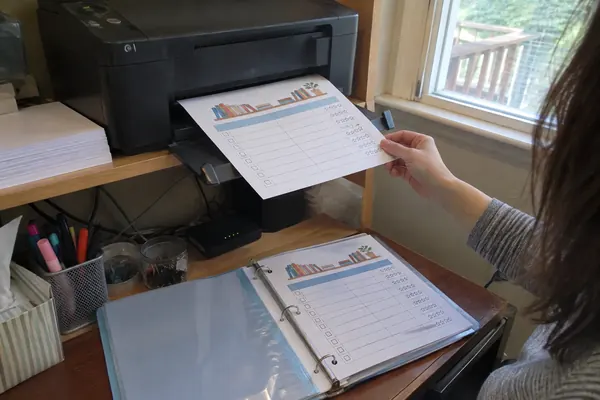
Print at 100 percent (Actual size) on US Letter or A4, not “fit to page”, which can shrink the grid and make the rows too tight to write in. I test-print every sheet on my own home inkjet in both paper sizes, and the margins here are set so nothing is cut off on either.
Standard 20 lb copy paper is fine for pen and pencil. If you use fountain pens or felt-tip markers, a heavier 24 lb paper stops ink showing through, which matters if you want to print on both sides. If the sheet is going into a binder, print on three-hole punched paper or punch the left edge after printing. The left margin has space for that.
For a sheet that will last the whole year, print on slightly heavier paper and slip it into a sheet protector with a dry-erase pen for pencil-style entries, then copy to pen at the end of each month. It is overkill for most people, but handy for a shared household or a classroom.
Mistakes that make a tracker fail
The most common mistake I see is building something too detailed. A tracker with twelve columns looks impressive in week one and gets abandoned by week three. If a column does not help you decide what to read next or remember what you read, remove it.
The second is waiting. People mean to add a book later and then do not, and by the time they sit down, they cannot remember the dates. Keep the sheet where you finish books: on the nightstand, in your bag, in the planner you use every day. If you finish books on your commute, keep it in your bag.
The third is treating the sheet as a scoreboard. The point is a record you enjoy flipping through, not a number to beat. If you are rushing through short books to reach your count, change the goal, not the book.
Using the sheet across a whole year
At the start of the year, print one sheet, write the year and your goal, and put it somewhere visible. A January start is natural, and a quick look at the January 2027 calendar can help you plan a reading target for the month. When the sheet is full, print a second and carry on, numbering from 21.
At the end of the year, take ten minutes to look back. Count your five-star books, check which format you used most, and find the longest gap between finishes. Then pick one change for next year, such as more library books or one older classic per quarter. Keep the old sheet: a stack of yearly trackers becomes a lovely personal record, and flipping through it is more fun than I expected.
Try this: At year end, circle your three favourite books on the sheet and write one sentence under each saying who you would give it to. Tuck the page into a card or keep it as your shortlist for gifts.
Questions readers ask about book trackers
Readers often ask whether to track page counts. You can, but I would only do it if page count is part of your goal. If it is not, the extra column slows you down, and you can always look up a page count later. Another common question is whether to write full reviews. A short verdict is usually enough, and if you want more, use a separate journal page.
Others ask how to track a book club. Use the same sheet and add the club’s name in the verdict column for the months you read a pick. That way you can see at a glance which books you chose and which were chosen for you.
Finally, if you are building a wider planning routine, the printable planner pairs well with a tracker, so your reading goals sit alongside the rest of your week.
Common questions
What should a book tracker template include?
At minimum: title, author, and the date you finished. Adding format, start date, a star rating and a short verdict makes the list far more useful a year later, and it still fits on one page.
How many books should I track per page?
Twenty rows per sheet is a comfortable size for handwriting. Most readers finish 12 to 40 books a year, so one or two sheets cover the whole year.
What is the difference between a book tracker and a reading log?
A book tracker records finished books over weeks or months. A reading log usually records each sitting, such as minutes or pages read that day. Many people use both: the log for habit, the tracker for the record.
Should I track books I did not finish?
Yes. Write the title, tick a star rating of 1 or leave it blank, and note where you stopped in the verdict column. It stops you picking the same book up again by accident.
Can I fill in the book tracker on my phone and then print it?
Yes. You can type into every field on the page and it saves in your browser, so you can add a book as soon as you finish it. Print the sheet whenever you want a paper copy.
Does the template work for audiobooks and library books?
It does. The Format column takes a single letter for print, ebook, audio or library, so you can see at a glance how you read over the year.
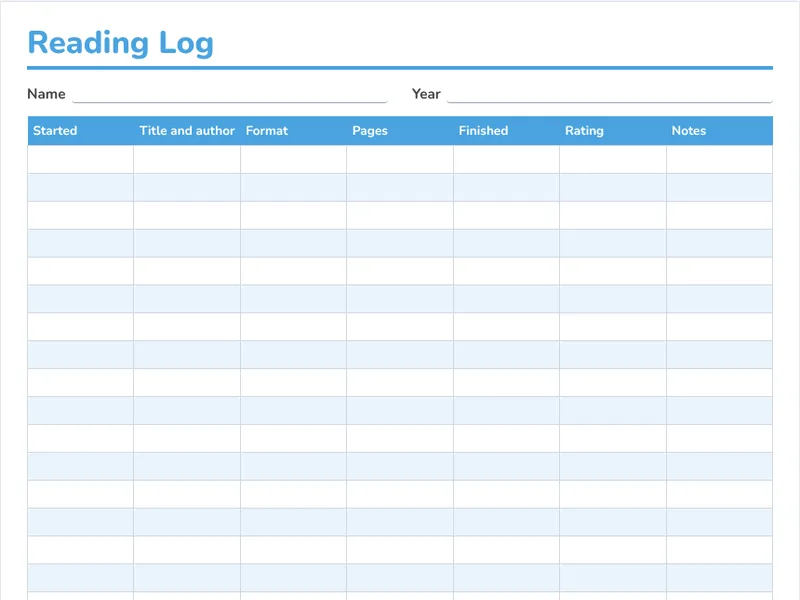 Reading Log: Free Printable You Can Fill In and Print
 College Assignment Tracker: Free Printable Sheet
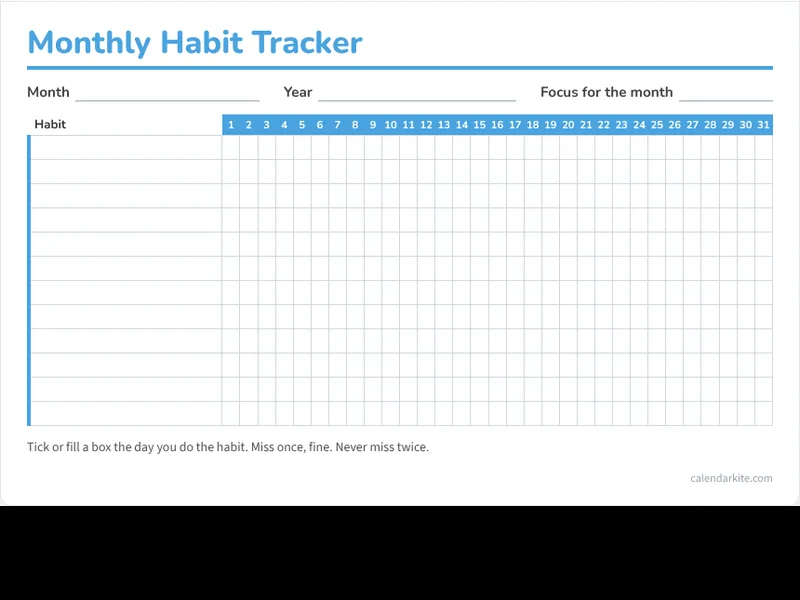 Habit Tracker Printable (Free Monthly Sheet)
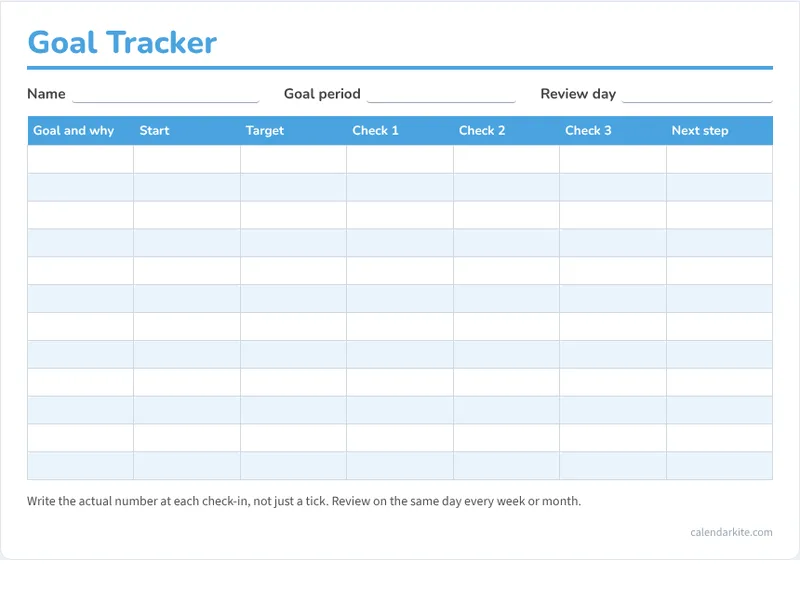 Goal Tracker: Free Printable Sheet You Can Fill In and Print
 Job Application Tracker: Free Printable Sheet
 Workout Log Template (Free Printable Fitness Log)