
Homework Tracker (Free Printable Weekly Sheet)

A homework tracker is one page where a student writes down every assignment, when it is due, how long it should take and whether it is finished. The printable above does exactly that, with a Subject, Assignment, Due, Est. min, Status and Adult initials column, and room for 18 assignments across a week. Type straight into the sheet on this page, tick and edit as you go, then print it. It saves in your browser, and there is a blank PDF if you would rather write by hand.
| Subject | Assignment | Due | Est. min | Status | Adult initials |
|---|---|---|---|---|---|
Status key: N not started, W working on it, D done, T turned in. Add the date it was assigned in the Assignment box if you like.
Free for personal, classroom and office use. Your entries are included in the print, PDF and PNG. Prints on US Letter and fits A4.
Black and White Homework Tracker Printable
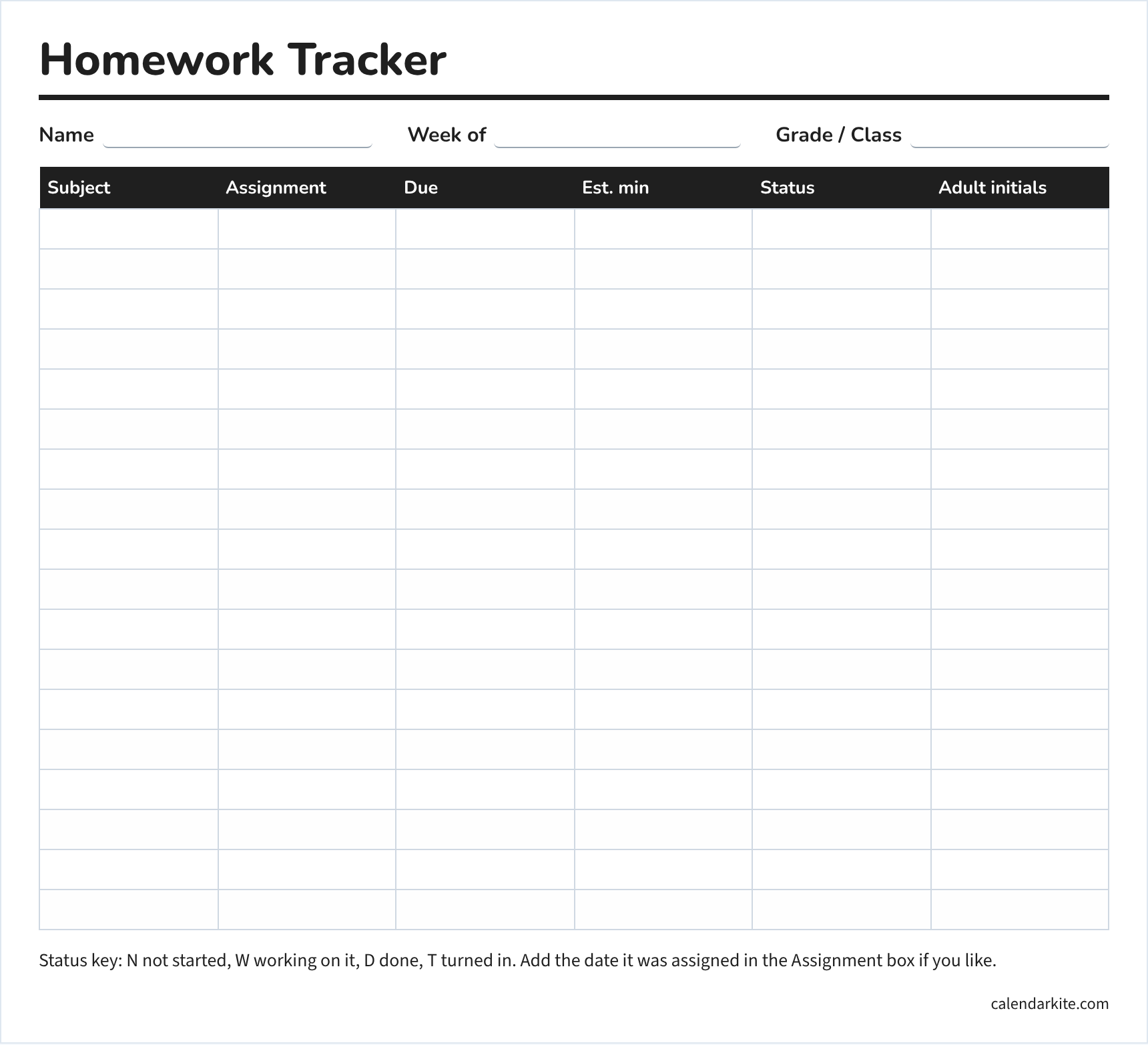
This is the one I print most, since plain black lines go easy on my home inkjet and photocopy cleanly for a whole class or a sibling. It suits middle schoolers who just want to log assignments and due dates each night.
Pink Homework Tracker
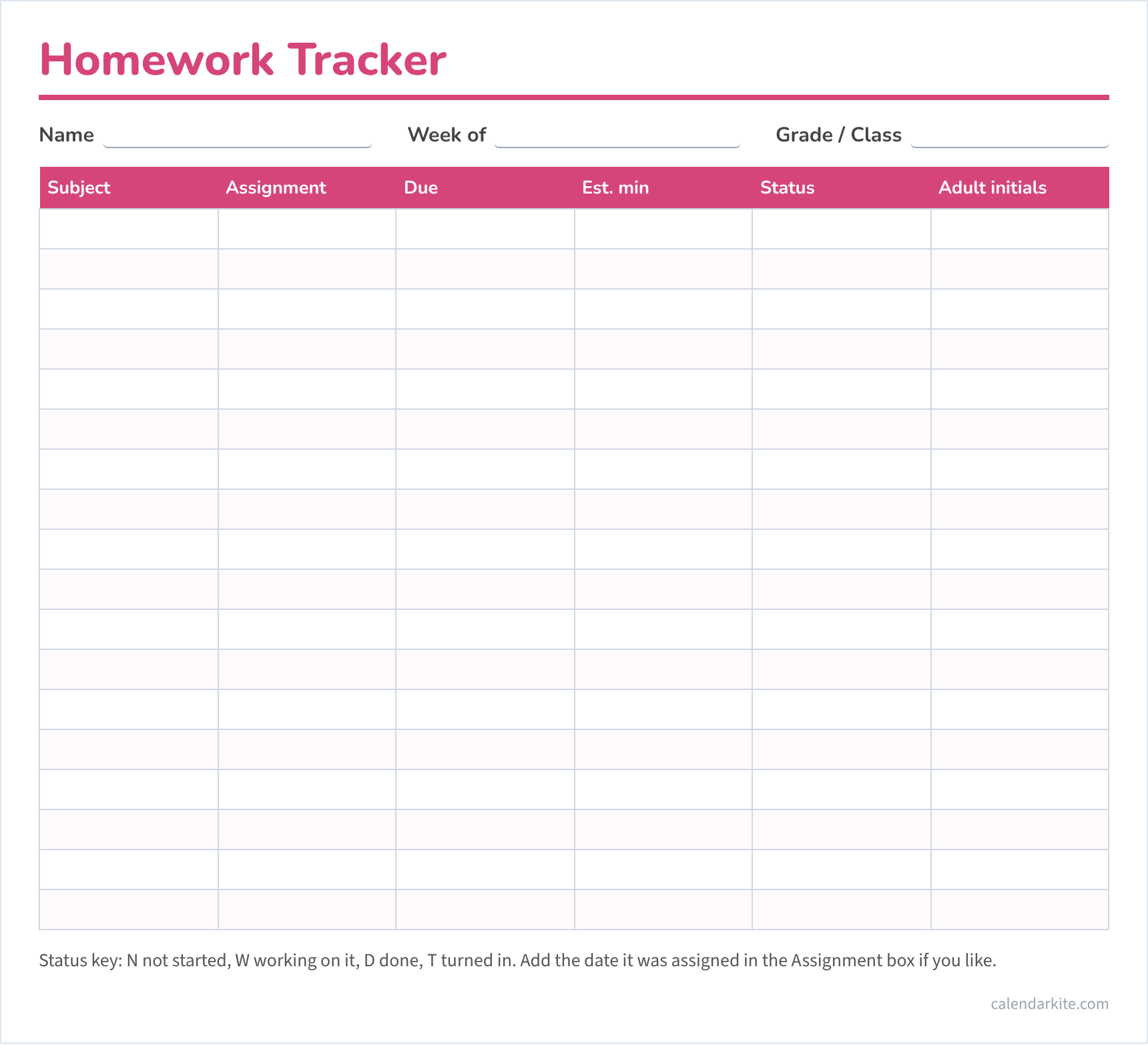
The soft pink version suits students who like a gentle, friendly look on the desk. I'd use it to track one week of assignments by subject, then tick each off before dinner so nothing slides to Sunday night.
Sage Green Homework Tracker
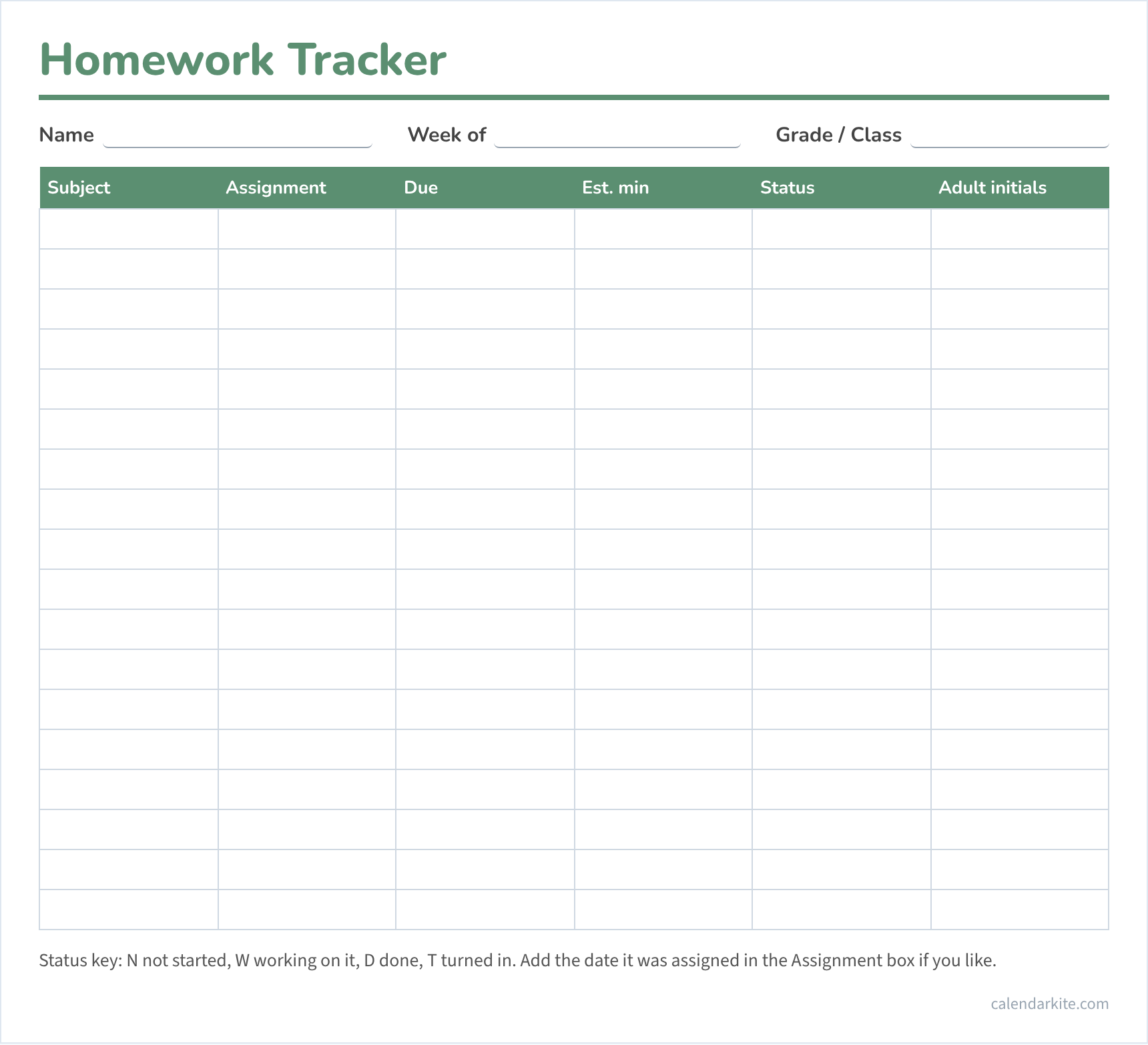
Sage green is calm and easy on the eyes, which makes it a good pick for older students tracking long-term projects alongside daily work. In my office years I learned that muted colors keep a busy sheet readable, so I kept the lines light.
Lavender Homework Tracker
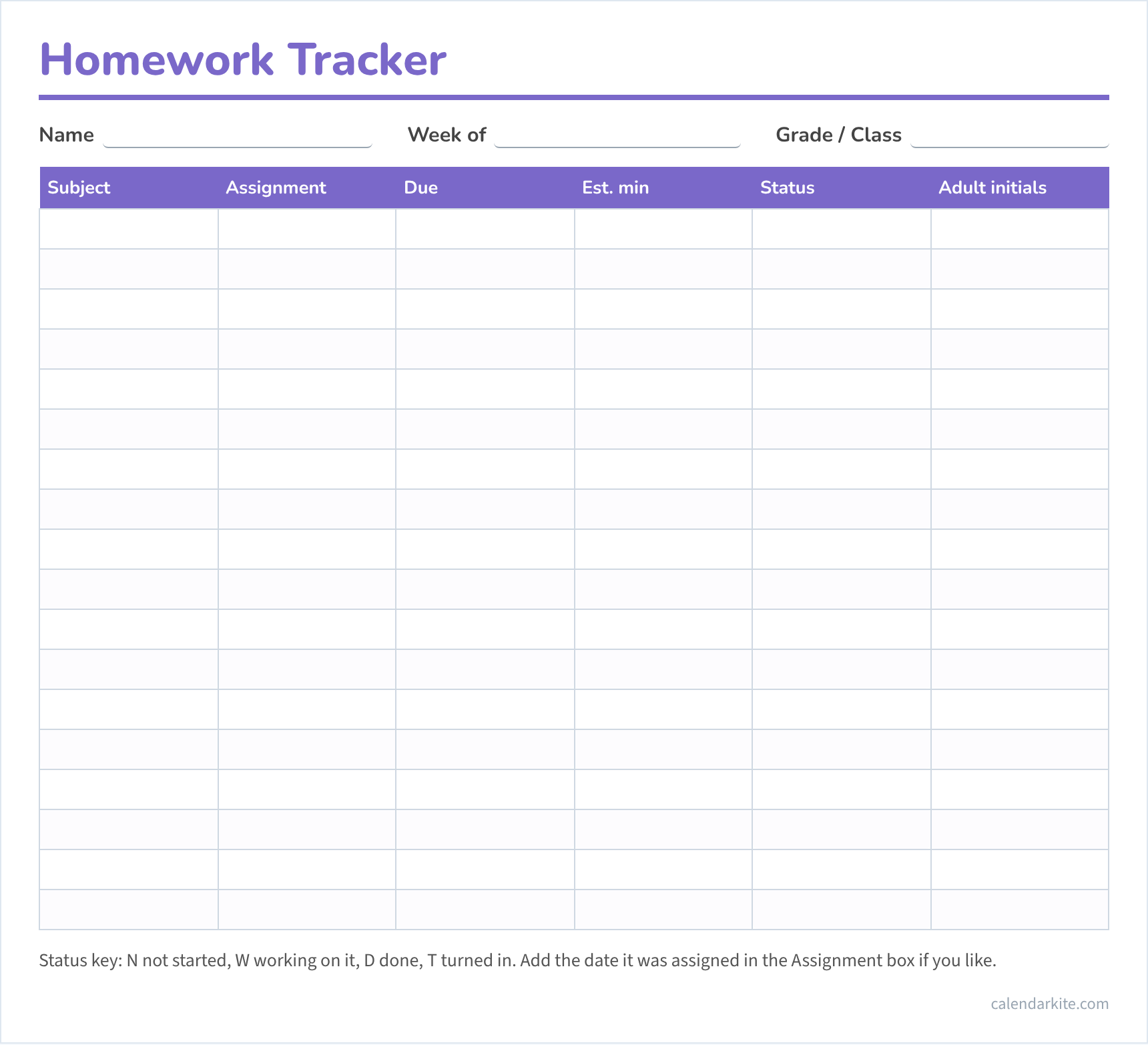
Lavender works well for a teen's binder or a bedroom desk where you want something a little calmer than bright colors. Try it for listing each class's assignments and ticking them off once they are handed in.
Cute Homework Tracker
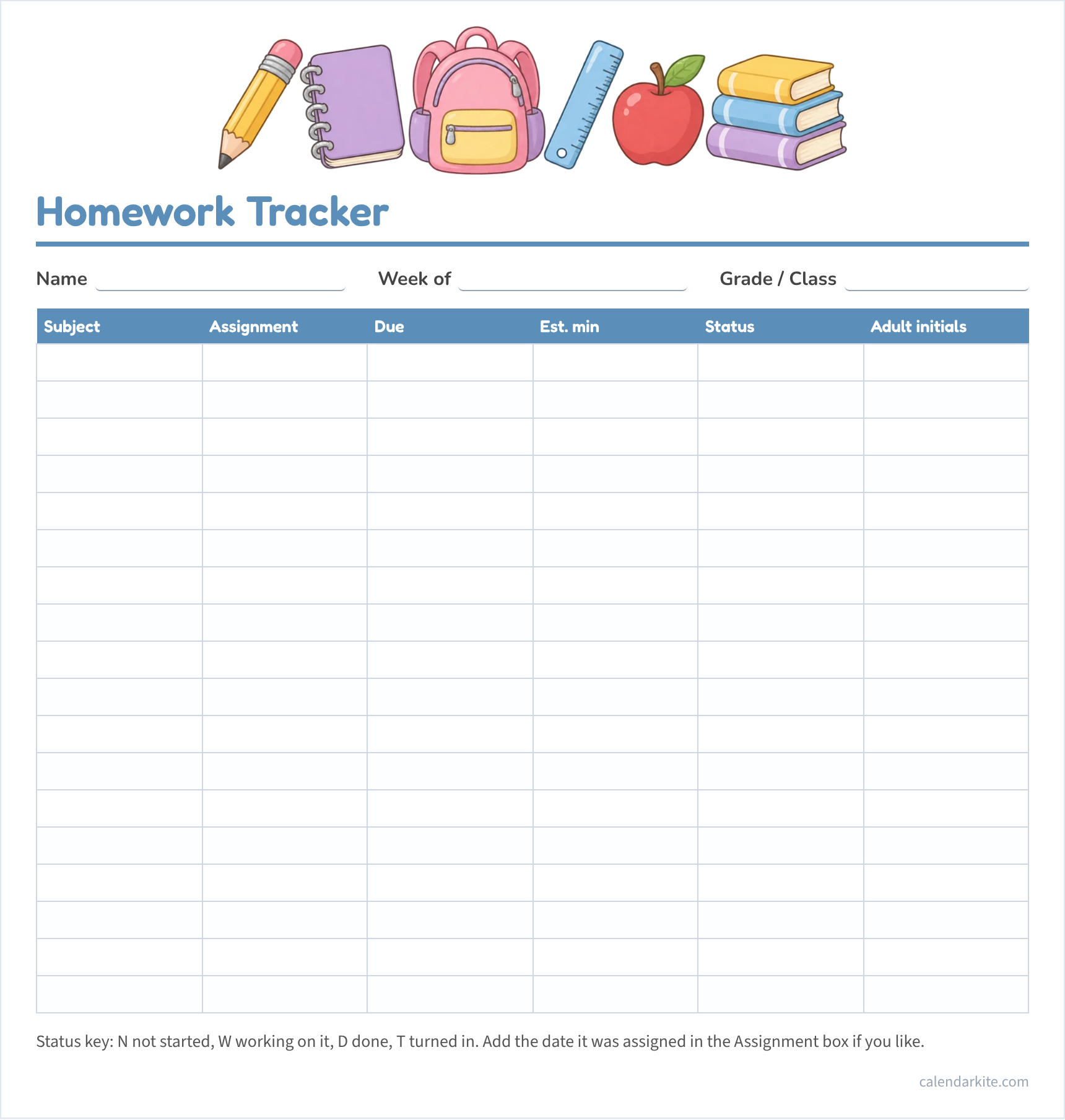
The pastel blue sheet with hand-drawn illustrations suits younger students who need a reason to sit down and fill it in. I keep one on the kitchen counter for my own kids, and a quick check-in after school works better than a nightly reminder.
Floral Homework Tracker Printable
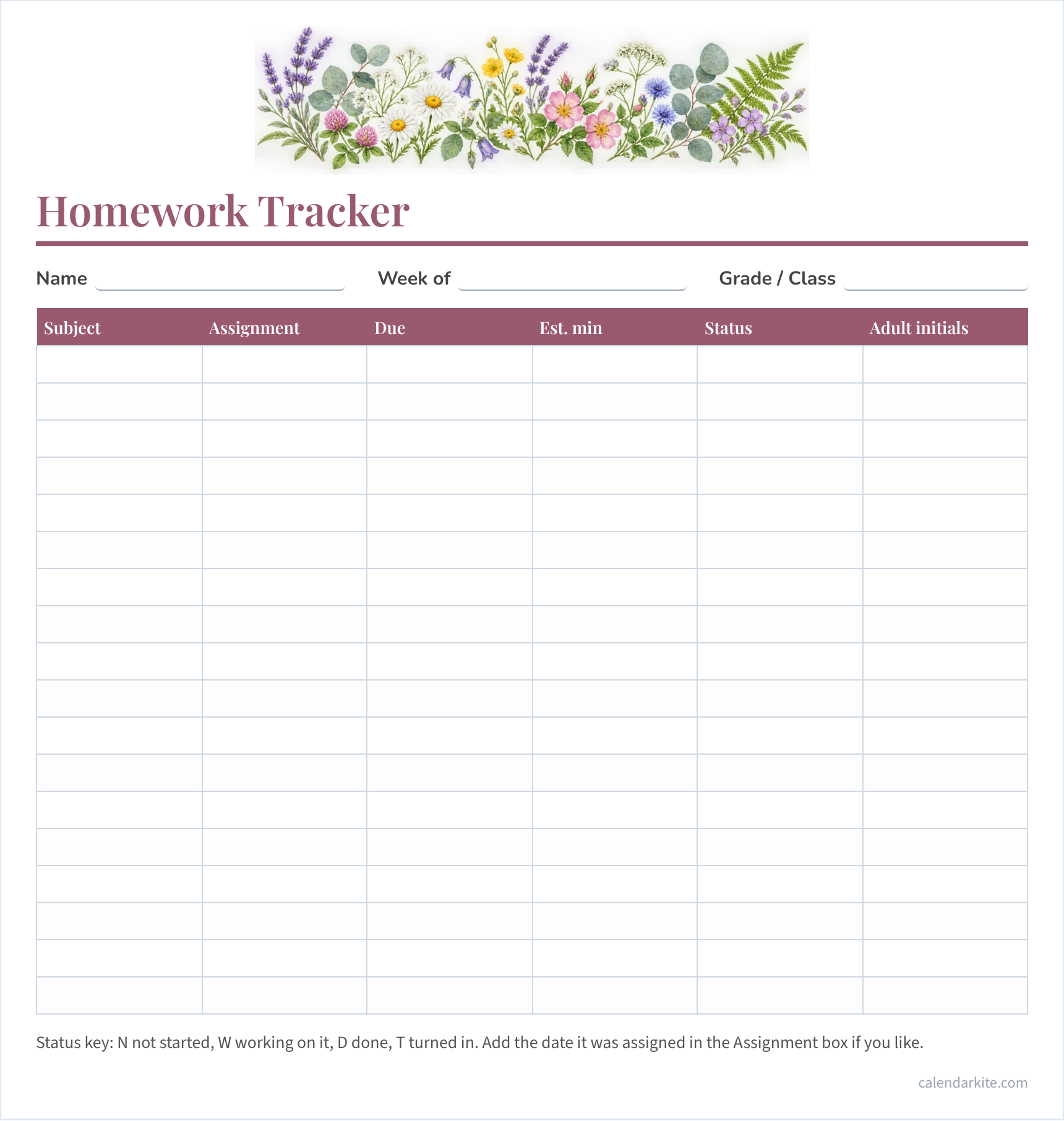
Watercolor flowers and an elegant serif heading make this a lovely choice for a high school or college student who wants a planner-style feel. It looks nice clipped in a binder, and I test-printed it on US Letter and A4.
Fun Homework Tracker for Kids
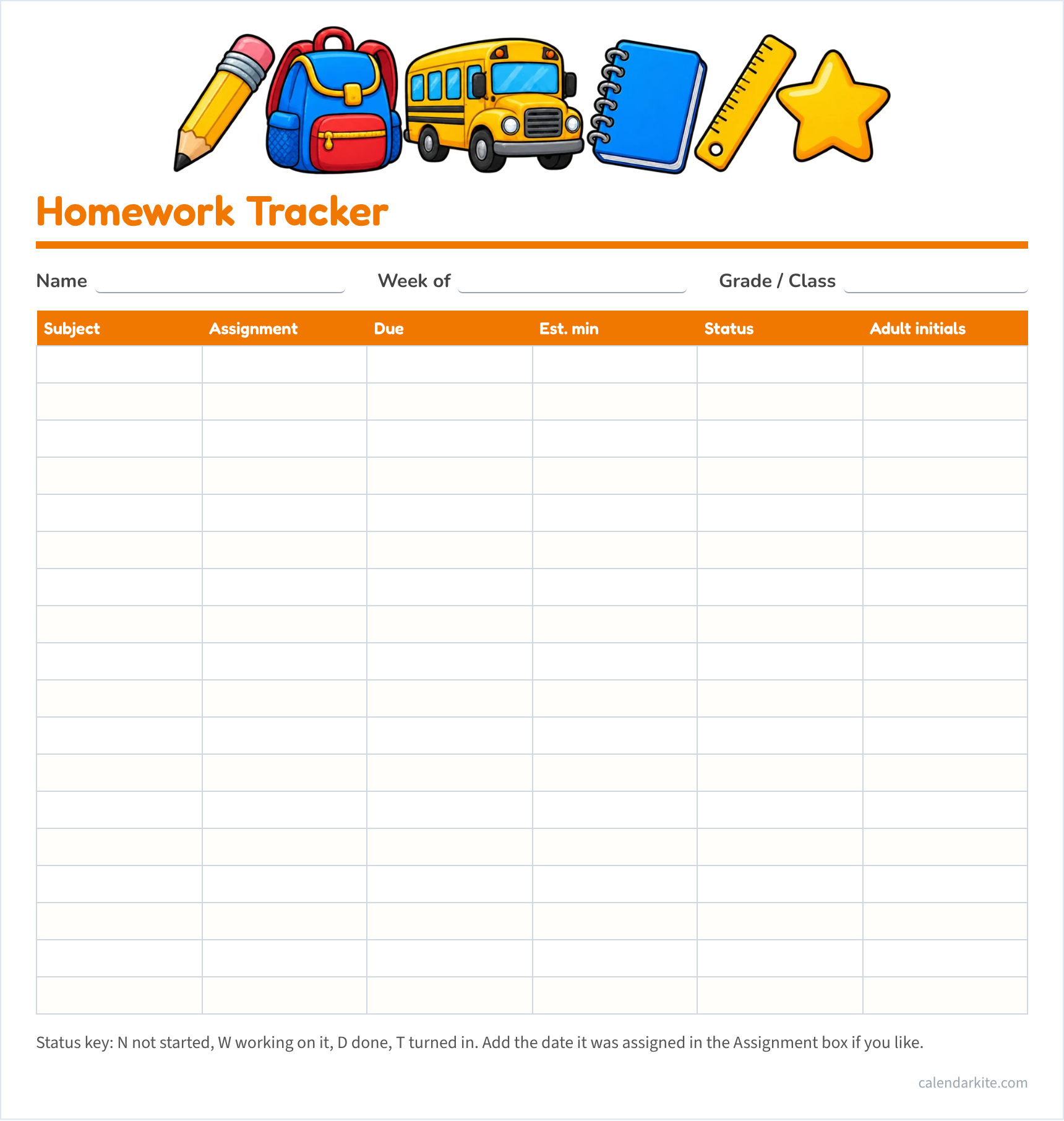
Bright orange and yellow with bold cartoon pictures makes homework feel less like a chore for elementary-age kids. I'd hang it next to the fridge calendar, which is where my kids actually look, and let them tick off each night's work.
Simple Minimalist Homework Tracker
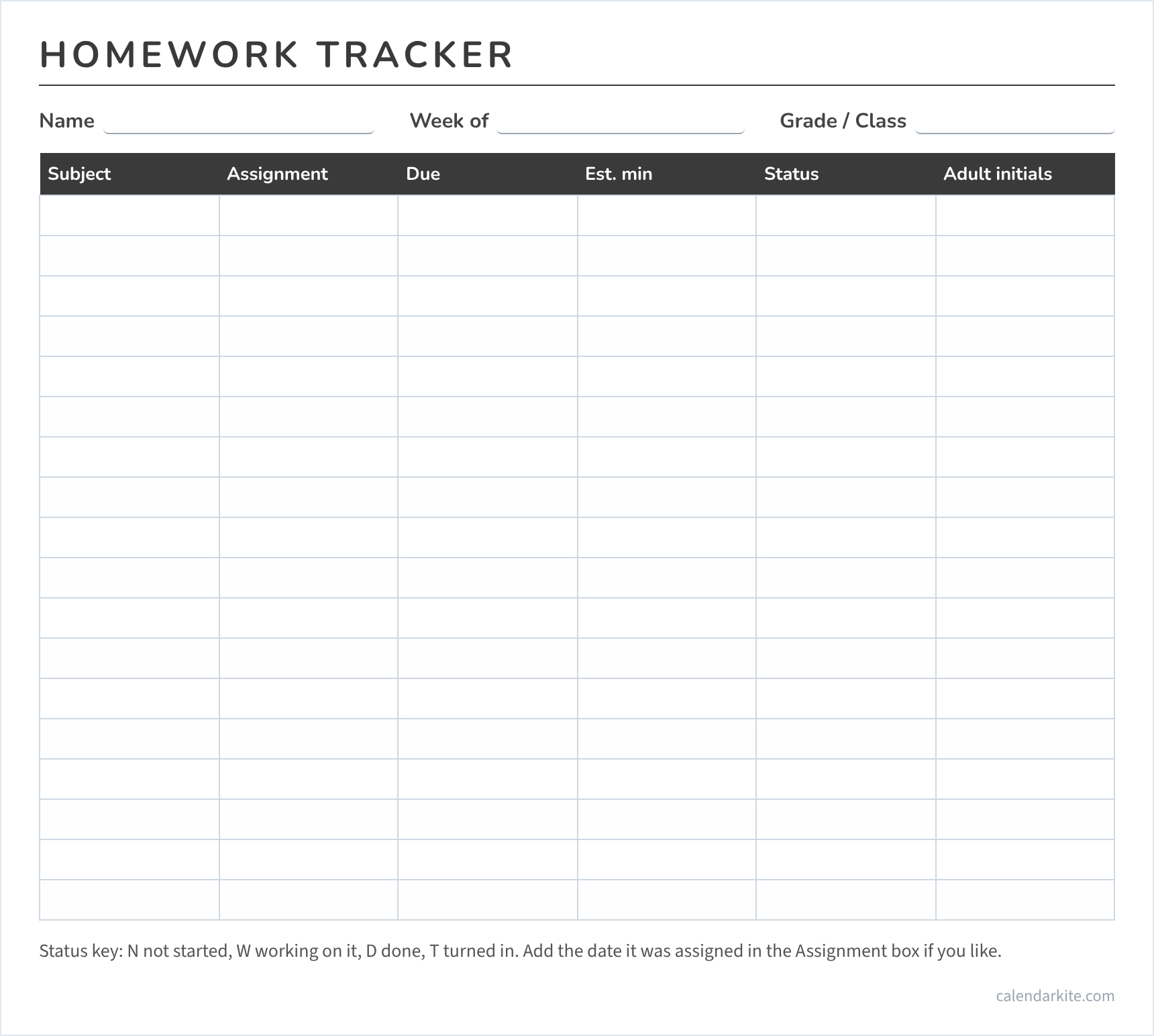
Thin gray lines and a light uppercase heading keep this version quiet, so it suits anyone who prefers a clean, no-color page for a desk or planner insert. I kept the spacing open because cramped sheets are the mistake I see most often.
Aesthetic Homework Tracker
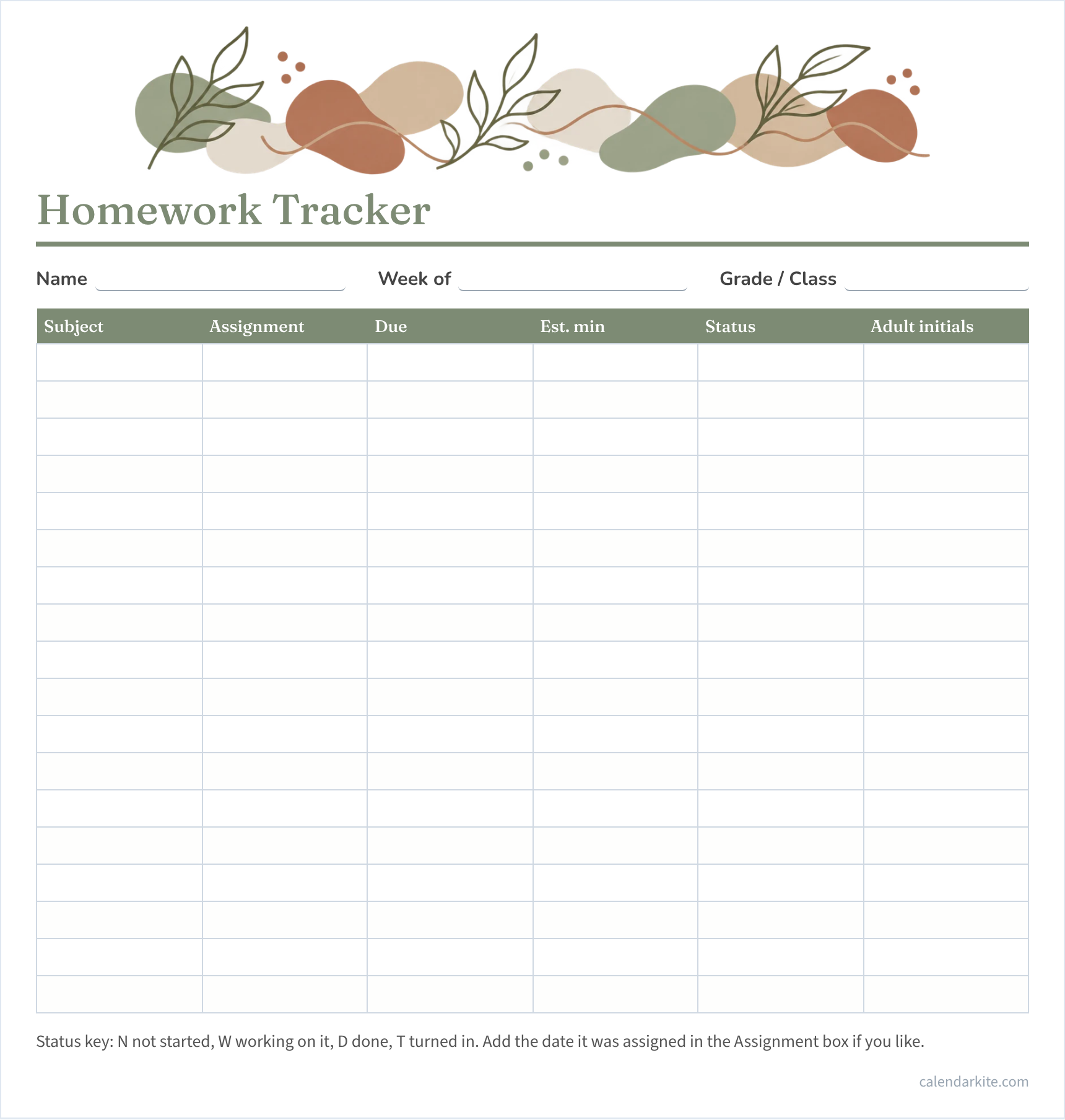
Muted sage, sand and terracotta with soft line-art leaves suit students who like a calm, styled desk setup. It pairs well with a weekly planner, and I'd use it to list each night's assignments by due date.
Modern Bold Homework Tracker
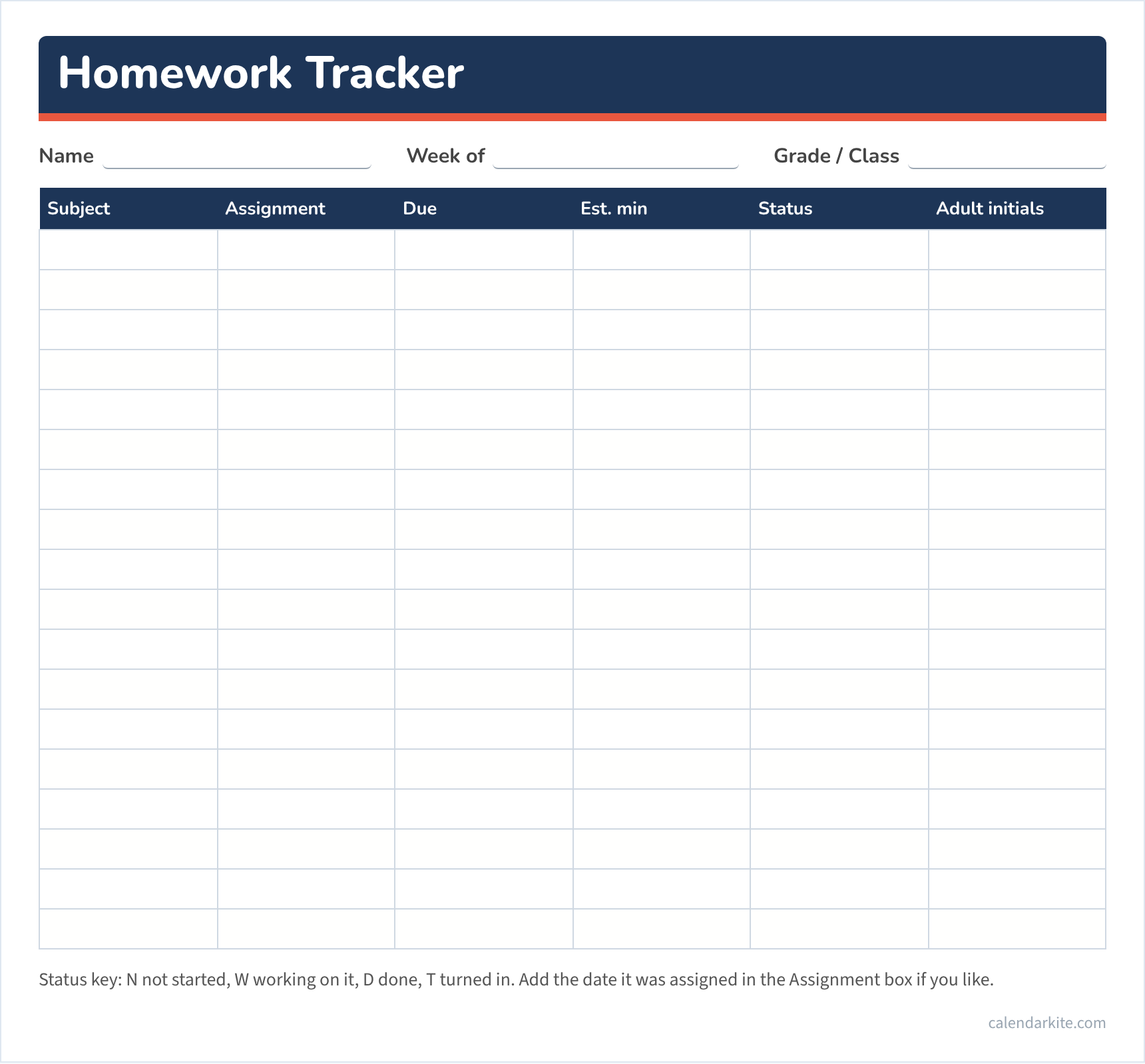
The navy header band with a coral accent gives a modern, no-nonsense look that suits high schoolers juggling several classes. I like it for checking against the real due dates each Sunday, the same weekly review I used with office schedules.
I spent about ten years in office administration, where my job was keeping schedules, supply lists and staff rotas readable at a glance. A good homework tracker follows the same rules: one page, nothing hidden, and a clear signal for what is done and what is not. At home I test-print every sheet on my own inkjet, on US Letter and A4, so I know it works with ordinary paper and a pencil.
What a homework tracker does that a planner does not
A student planner tries to hold everything: classes, activities, birthdays and homework. That is fine, but homework tends to get lost inside it. A dedicated homework tracker pulls out only the work that has to be handed in, so it never competes with soccer practice or a dentist appointment for space.
The most useful thing a tracker gives you is a view of the week ahead. When an assignment is due Friday and you can see it on Monday, you can spread it out. When it lives only in a student’s head, it turns into a Thursday night problem.
The sheet above is deliberately a weekly page rather than a daily one. Homework rarely arrives and finishes on the same day, so a week gives long projects somewhere to sit while short ones come and go.
How to fill in your homework tracker
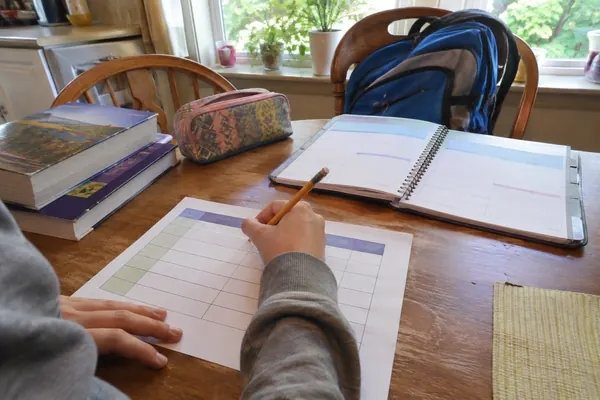
Fill it in at the moment homework is given, or as close to it as you can. For students, that means writing the entry in class or while unpacking the backpack. The longer the gap, the more details vanish.
- Write your name, the week’s start date and your grade or class at the top.
- Add each assignment on its own row, starting with the subject.
- Write enough in the Assignment box that you could do it without checking anywhere else, for example “Math, page 84, problems 1 to 20” rather than “math sheet”.
- Add the due date, then an honest guess at the minutes it will take.
- Update the Status column as you work, and ask an adult to initial finished work if you use that column.
You can do all of this on screen first. Every line and box on the page is editable, and tapping the status cells saves your changes in the browser, so a parent can set up the week on a laptop on Sunday and print it for the desk.
Try this: At the start of the week, fill in only the Subject and Due columns from the class syllabus or the teacher’s posted schedule. Add the details as each assignment is given. You will see the shape of the week before the work arrives.
What each column is for
Subject keeps the list scannable. If you sort by subject mentally, you can see that science has three things due while art has none. Some families colour-code by subject with highlighter, which works well on the printed sheet.
Assignment is the detail. This is where most trackers go wrong: a vague entry like “worksheet” sends a student back to the backpack at 8 pm. I widened this column when I adjusted the layout, because I kept running out of room for page numbers, and a cramped box gets abbreviated into something unreadable.
Due is the date it must be handed in, not the date you plan to do it. If the teacher says “next class”, write the actual day. Est. min is a rough time estimate, which I cover in its own section below. The last two columns, Status and Adult initials, close the loop.
Using the Status column
The Status column is the one students tend to like least and benefit from most. I use four letters because they are quick to write and clear: N for not started, W for working on it, D for done, and T for turned in. The distinction between D and T matters more than you would think.
Plenty of homework is finished and never handed in. It stays in a folder, or on a laptop, or in the wrong binder. Marking D when the work is complete and T only when it has actually left your hands catches that gap. A row that sits at D for more than a day is a signal to check the bag.
You can swap the letters for ticks, circles or colours if a younger child prefers that. What matters is that there are at least three stages, not just done and not done. A half-finished assignment that looks the same as an untouched one is a common reason homework feels overwhelming.
Who this homework tracker suits
The sheet is built for students in roughly third grade through high school, and for homeschool families who want a clean record of assigned work. It also suits anyone who has several teachers or subjects setting work on different days, which is where memory fails first.
Different ages use it differently, and it is worth matching the style to the child rather than expecting the same routine from everyone. A young child needs an adult to hold the pencil for the first few weeks. A teenager needs to be trusted with it, and to be left to make small mistakes with a low penalty.
Parents who homeschool can use it alongside a broader planning page such as the homeschool planner printable, keeping this sheet for the assigned work and the planner for lessons and field trips. College students will want something with room for longer projects, and the college assignment tracker is a better fit for semester-length work.
Setting it up for younger children
For elementary students, I suggest an adult writes the first row of each day with the child watching, then the child writes the next. Over two or three weeks, the adult stops writing. Keep entries short: “Spelling list” and “Read 15 minutes” are enough, and you can skip the time estimate until the child is comfortable with the rest.
Young children also do better with a visible, physical place for the sheet. Taping it to the desk or clipping it to a clipboard beside the homework spot works better than a folder. I keep a paper calendar on the fridge and a planner on the kitchen counter for my own family, and the same principle applies: the page lives where the action is.
If reading is part of the nightly routine, a separate reading log for kids saves you from filling a row with “read for 20 minutes” every night, and gives the child a different kind of progress to see.
Middle school and high school
Older students juggle more teachers, more projects and more tests, and the tracker has to carry that. Use the Assignment column for tests and quizzes as well as homework, writing “Test: Ch. 4 vocab” with the test date in the Due column. That turns the sheet into a rough study planner without adding anything to it.
Long projects deserve more than one row. Break a ten-day project into steps, such as outline, draft, final copy and slides, and give each its own due date. Students who write only the final deadline tend to start the night before. Students who write three smaller dates tend to start three times earlier.
Teenagers resist things that feel like surveillance. Let the student own the sheet and make the Adult initials column optional, perhaps a weekly signature at the bottom rather than daily. It is easier to keep a tracker going than to restart one after an argument.
Try this: Pick one big assignment this week and split it into three rows with three different due dates. Write the final deadline in the last row only, and treat the earlier ones as real.
Helping a student who struggles to get started
Some students understand the work perfectly well but cannot make themselves begin. For them, the tracker can reduce the size of the first step. Rather than “Science project”, write “Find three sources for science project” and give it twenty minutes. A row that can be finished in one sitting is much easier to start than a vague, enormous one.
The time estimate helps here too. Many students think homework is either quick or endless. Writing “15” next to a task makes it feel finite, and writing the actual time next to it afterwards (in the margin or in the Status box) teaches realistic planning. I would not use time as a competition, only as information.
If your child has a diagnosis or support plan, talk to their teacher about whether the school already uses a particular format, and use this sheet to match it. A tracker works best when home and school are using the same language for the same things.
Parents: checking in without nagging
The Adult initials column is there so that a quick check takes ten seconds. Pick a time that is the same every day, for instance after dinner, and look at the Status column rather than the assignments themselves. If the statuses say D or T, initial and move on. If they say N, that is the conversation starter.
Resist the urge to correct the content or rewrite the entries. The point is for the student to keep the record, and an adult who takes over the sheet teaches the student that someone else is responsible for it. Ask questions instead: “What is due first?” or “What looks biggest?”
A weekly review is more valuable than a daily one for older children. Ten minutes on Friday or Sunday, looking at what was handed in and what is coming, is usually enough. If you share your own week on a weekly calendar, you can put the tracker’s big due dates onto it so the whole household sees them.
Using the tracker in a classroom
Teachers can use the sheet in two ways. One is as a student-facing page: print one per student per week, have them fill it in during the last few minutes of class, and send it home for initials. The other is as a personal reference, with one sheet for each student who needs closer follow-up.
For the first approach, the Est. min column is surprisingly useful. When students record how long they think the work will take and how long it did take, a teacher can spot patterns, such as an assignment that is consistently taking twice as long as intended. That is information you cannot get from a grade book.
For whole-class record keeping, a grid with student names down the side and assignments across the top will serve you better than this sheet. If you want to track attendance in that same style, the attendance chart uses a similar layout.
Printing tips
Print on US Letter or A4 at 100% scale, and choose “actual size” rather than “fit to page” in your print dialog. The sheet is built to fit one page on both sizes, and scaling can shrink the writing rows. Portrait orientation is the default.
If you print weekly, print four at a time and keep them in a folder. Single-sided is easier than double-sided because students can see the whole sheet at once, and you avoid an old week showing through. A plain pencil and an eraser are enough. If you like colour, use a highlighter for the Due column.
The blank PDF is useful if you prefer to write all of it by hand. The on-page version is better for repeating assignments: type “Spelling test” once, edit the date, and print a week that already has the regular items on it. Use the printer’s black-and-white setting to save ink, because the sheet does not need colour to work.
Variations you can make
Beyond the weekly layout above, a few simple changes cover most needs. For a daily version, use only the rows for one day and cross out the Due column, writing the day at the top. For a monthly overview, take the large deadlines and put them on a monthly page such as the printable monthly calendar, so a test three weeks away is not invisible.
You can also give each subject its own sheet for a student who has a lot of work in one class, like a heavy reading load. Or use a single sheet for the whole family with different initials, if siblings do homework at the same table.
- Add a “Materials needed” word in the Assignment box when you need a poster board or library book.
- Use the Est. min column as a “points” column if a teacher grades by weight.
- Cross out the Adult initials heading and write “Parent or Teacher” if both sign.
- Draw a star next to the one assignment that must be done first each day.
Keeping the sheet where it will be used
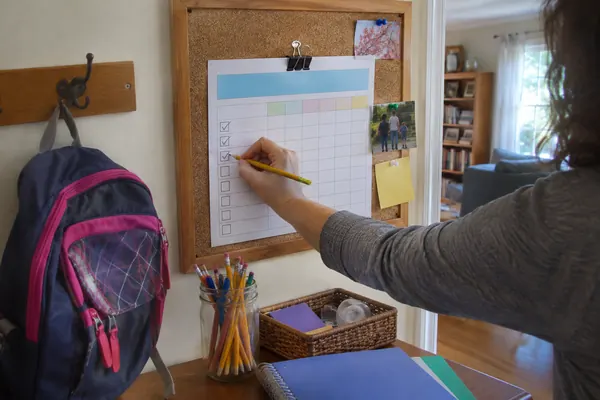
Where the tracker lives matters more than how it looks. A page that sits at the bottom of a backpack tends to get crumpled, lost or forgotten. One that sits on the desk, on a clipboard or on the fridge gets looked at.
At my house, the homework sheet goes on a clipboard on the kitchen table, because that is where most of the work happens. If your student works in a bedroom or library, keep the sheet there, and bring a photo of it on a phone if it needs to travel. For students who go between two homes, print two copies and agree who updates which.
If the sheet is in a binder, put it in the front pocket where it is the first thing opened. Do not tuck it behind dividers. The cost of finding it should be as close to zero as you can make it.
Mistakes that make trackers fail
The most common mistake I see is filling it in too late. If the entries are written from memory at the end of the day, they are incomplete, and the student quickly learns that the tracker is not reliable. Write it down when it is assigned.
The second is trying to track everything. A sheet that includes every tiny task, every chore and every worksheet soon feels like a job in itself. Keep it for work that is due on a date. Daily routines like brushing teeth or packing a bag belong on something else, such as a morning routine chart or a weekly chore chart.
The third is not finishing the loop. A tracker is useful only if the Status column is updated. If it is not, the student sees a list of old tasks and stops looking. Spend a minute at the end of homework time updating every status, and a minute at the start of the next day checking it.
When to change or retire the system
Review the tracker after about three weeks. Ask whether the student is writing things down, whether they are using the time estimates, and whether anything is still being missed. If two of those are not happening, simplify: remove a column in your own copy, or use a plain checklist for a while.
Some students outgrow a printed page and want a digital one, which is fine. The habits the tracker builds, writing things down immediately, splitting large tasks and checking status, transfer to any format. If you would like a broader set of options, the trackers collection has other logs and sheets that follow the same layout style.
At the end of a term, keep a few completed sheets. They are a surprisingly honest record of how the workload changed, and a handy conversation piece for when you plan the next term. Then start fresh with a new blank copy.
Try this: At the end of this week, circle the one assignment that took longer than you estimated. Write the real time beside it and use that as your guide next week.
A simple weekly routine to start with
If you want a ready-made routine, this one works for most families. On Sunday evening, print a fresh sheet and add any known due dates and tests for the week. Each school day, add new assignments as soon as they are given. Each evening, spend five minutes updating Status and initialing finished work.
On Friday, look at the sheet together. Anything not marked T gets a plan for the weekend, and anything due next week goes on a fresh sheet. Throw away the finished one or file it, so the new week starts with space.
It takes about ten minutes a week once it is a habit, and it prevents most of the late-night scrambling that makes homework feel worse than it is. Start with the sheet above, change what does not suit your household, and keep what does.
Common questions
What is a homework tracker?
A homework tracker is a single page where a student lists each assignment with its subject, due date and progress. It replaces scattered notes and memory with one place to look. The sheet above adds a time estimate and an adult check column.
How often should I print a new homework tracker?
Once a week works best for most families. A fresh sheet on Sunday or Monday keeps the list short and the finished work out of sight. Elementary students with only a few assignments can use one sheet for two weeks.
Should students write in pen or pencil?
Pencil is easier because due dates change and assignments get dropped or extended. Use pen only for the final Done or Turned in mark if you want it to feel permanent. You can also type into the sheet on this page before printing and edit it any time.
What age is a homework tracker useful for?
Most children can start around second or third grade with an adult filling in the first few lines. By middle school the student should write the entries themselves. High school and college students usually want a tracker that also shows tests and projects.
How is a homework tracker different from a homework checklist?
A checklist is a short list of things to do tonight. A tracker also records due dates, estimated time and status across several days, so you can see what is coming. Many families use both: the tracker for the week and a checklist for the evening.
Can teachers use this homework tracker?
Yes. A teacher can fill in one copy per student, or print it blank for students to complete themselves and initial at home. The initials column works well for a quick weekly signature from a parent or guardian.
 Reading Log: Free Printable You Can Fill In and Print
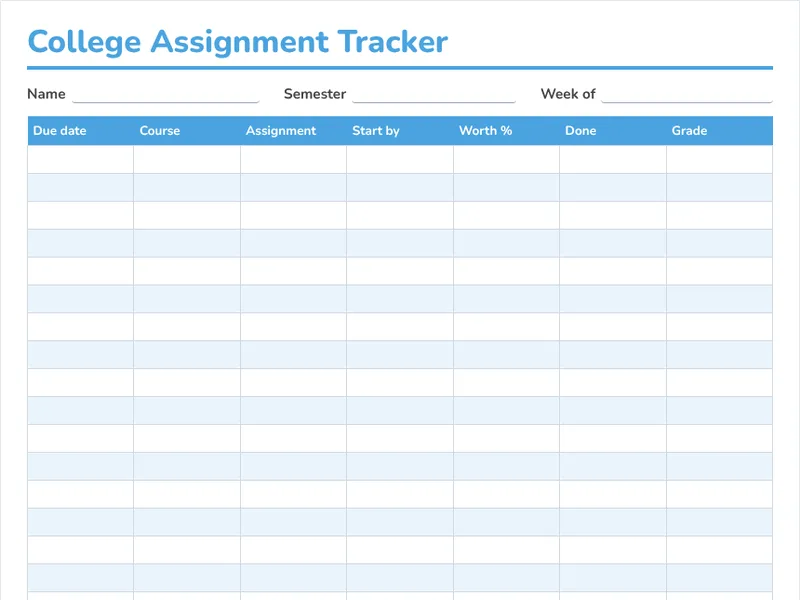 College Assignment Tracker: Free Printable Sheet
 Habit Tracker Printable (Free Monthly Sheet)
 Goal Tracker: Free Printable Sheet You Can Fill In and Print
 Job Application Tracker: Free Printable Sheet
 Workout Log Template (Free Printable Fitness Log)